AI video generation has entered a new era with the introduction of Kling O1 as one of the main engines in the arena.
Built on the MVL (Multimodal Visual Language) architecture, Kling O1 blends language, images, references, motion, and video editing tools into a single, unified creative system. This means creators can now generate, edit, extend, and restyle video shots inside one model without stitching between tools, multi-step pipelines, and guesswork.
This guide explains how to use Kling O1 on Higgsfield to unlock its full potential, how the Video and Edit modes work, and how creators can unlock this unified multimodal video model.

Synopsis: What Makes Kling O1 Special?
1. MVL architecture as the foundation of context-aware generation
MVL blends the understanding of:
language
images
motion
video
spatial layout into a single reasoning space.
2. True multimodal composability
With Kling O1 you can mix:
text + image
text + video
video + image
video + text + multiple images
Kling O1 Mode #1: Video Generation
Create fully generated scenes and motion from images, text, and reference frames.
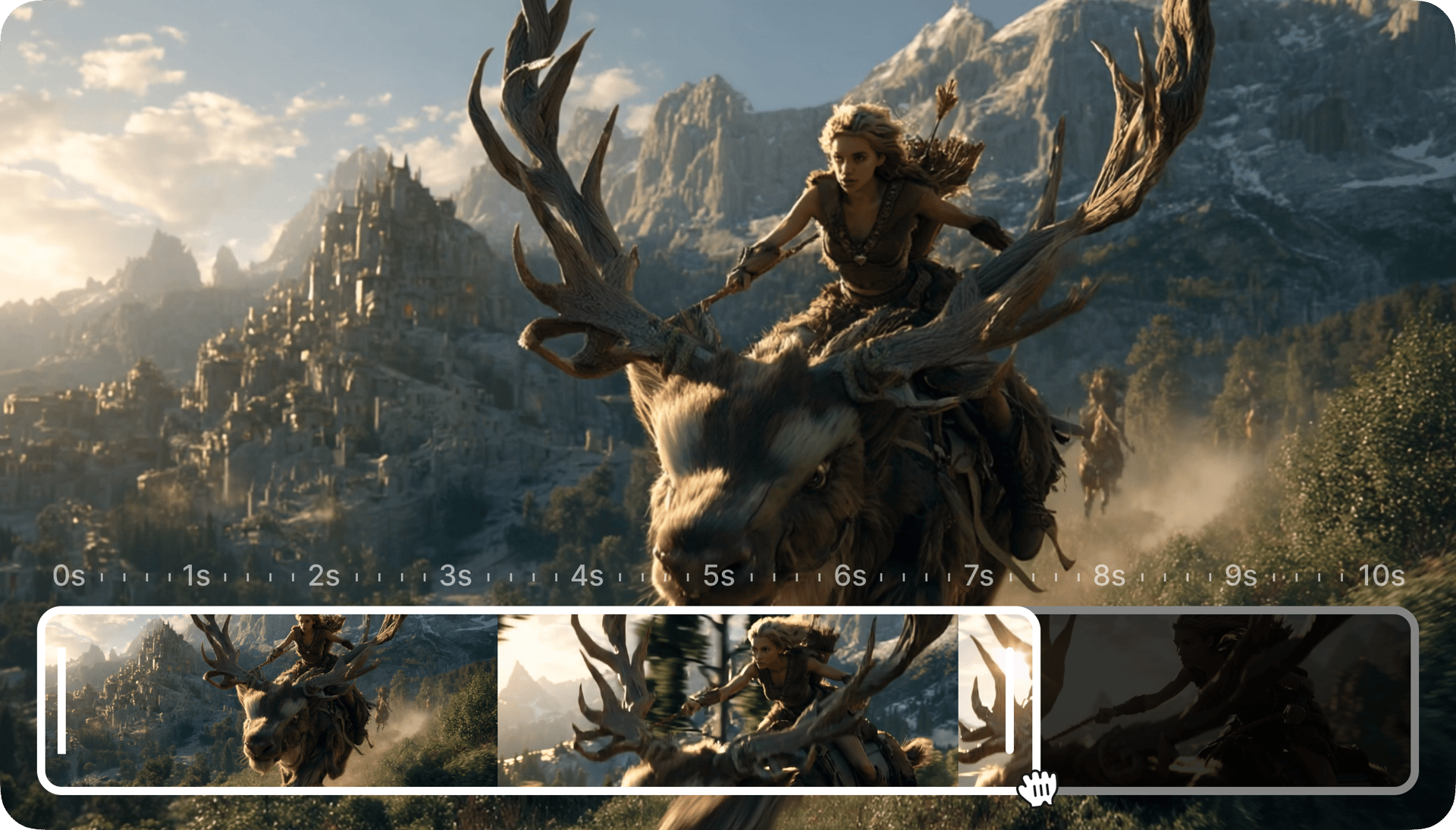
Kling O1 offers one of the most flexible image-to-video systems available today. The goal is simple: Turn references + ideas into cinematic shots with stable characters, consistent environments, and controlled motion.
What Video Mode Supports?
Text Prompts Guide motion, mood, lighting, style, camera behavior, or narrative details.
Image-to-Video Upload a single image → get a 5, 10 second cinematic clip.
Up to 7 Image References Use multiple character photos, outfits, props, or environmental angles. Kling O1 merges them into a cohesive scene.
Start & End Frame Control Upload a beginning frame + an ending frame. Kling O1 handles the movement between them, producing natural transitions and extremely stable identity.
5 or 10 Second Output Just long enough for storytelling, ad clips, previews, and UGC intros.

Supported Input Combinations
Image + Prompt
Start/End Frames + Prompt
Multiple Images (up to 7) + Prompt
Creators can:
build dynamic product shots
animate characters from photos
turn outfits into model videos
previsualize scenes for film
generate fashion walk cycles
build narrative moments with stable identity
produce dynamic TikTok or YouTube Shorts intros
generate cinematic establishing shots
Kling O1 Mode#2: Advanced Video Editing
Modify real footage using text + image + motion reference.
Kling O1's Edit mode is where the “unified engine” becomes especially powerful. Instead of manually rotoscoping, masking, or tracking objects frame by frame, creators simply describe what they want changed - or show the model a reference - and Kling O1 handles everything inside a single pass.
What Edit Mode Supports?
Camera Motion Transfer
Upload a reference video → Kling O1 extracts the motion path and applies it to a new scene.
Background Changes
Experiment with Color Grades
Change Lights
Up to 4 Image References Perfect for character identity, outfit changes, props, or environment matching.
3–10 Second Input Video Range Ideal for UGC, ads, film shots, and prototypes.
Supported Input Combinations
Video + Prompt
Image + Prompt
Video + Image + Prompt
Video + Multiple Image References + Style Shift
Practical Use Cases
Replace clothing or outfits with fashion references
Remove or replace background elements
Transfer motion from one clip to another
Edit product videos with AI-driven retouching
Match lighting across multiple shots
Turn live-action videos into stylized animation
Convert standard clips into cinematic footage
Build multi-shot continuity for world-building
All through a single model and a short instruction.
How to Use Kling O1 on Higgsfield: Step-by-Step Guide
VIDEO MODE pipeline:
1. Go to Create Video
Choose Kling O1 from the model list.
2. Upload Your Input
You can upload:
one image
multiple images (up to 7)
Start Frame & End Frame
3. Write Your Prompt
4. Select Clip Duration
5. Click Generate
You receive a cinematic, coherent, stable video from your inputs.
EDIT MODE pipeline:
1. Choose Edit Mode
2. Upload Source Video
This is the footage you want to modify.
3. Add Optional Image References (up to 4)
These can be:
identity references
outfit references
lighting references
props
style inspiration
4. (Optional) Add a Motion Reference
Kling O1 extracts:
camera movement
pacing
shot rhythm
angle transitions
5. Add Your Prompt
6. Generate Video
Kling O1 builds a new, fully coherent shot.
Why Kling O1 Is a Breakthrough for Creators
1. Story Consistency
Characters, clothing, props, angles - all remain stable across shots.
2. Real Camera Language
Dolly, handheld, pan, jib-like movement.
3. Perfect for Previs & Production
Directors can now plan:
blocking
camera movement
lighting
tone
shot lists
4. Unlimited Iteration
Because Higgsfield offers unlimited usage of Kling O1, creators can actually iterate until they reach a perfect result.
Conclusion
Kling O1 is the most creator-friendly video model available today: stable, multimodal, expressive, and designed around real filmmaking logic. Whether you're generating a video from a single image, transferring camera motion, editing an existing scene, or building a full narrative sequence from references, Kling O1 gives you a level of control that simply didn’t exist before.
Kling O1 understands text like a director, understands images like a cinematographer, and understands video like an editor. For creators on Higgsfield, it unlocks an entirely new level of storytelling power.
Unlock the Power of Kling O1 on Higgsfield
Instantly generate stable videos, transfer camera motion, and edit complex shots in a single pass.