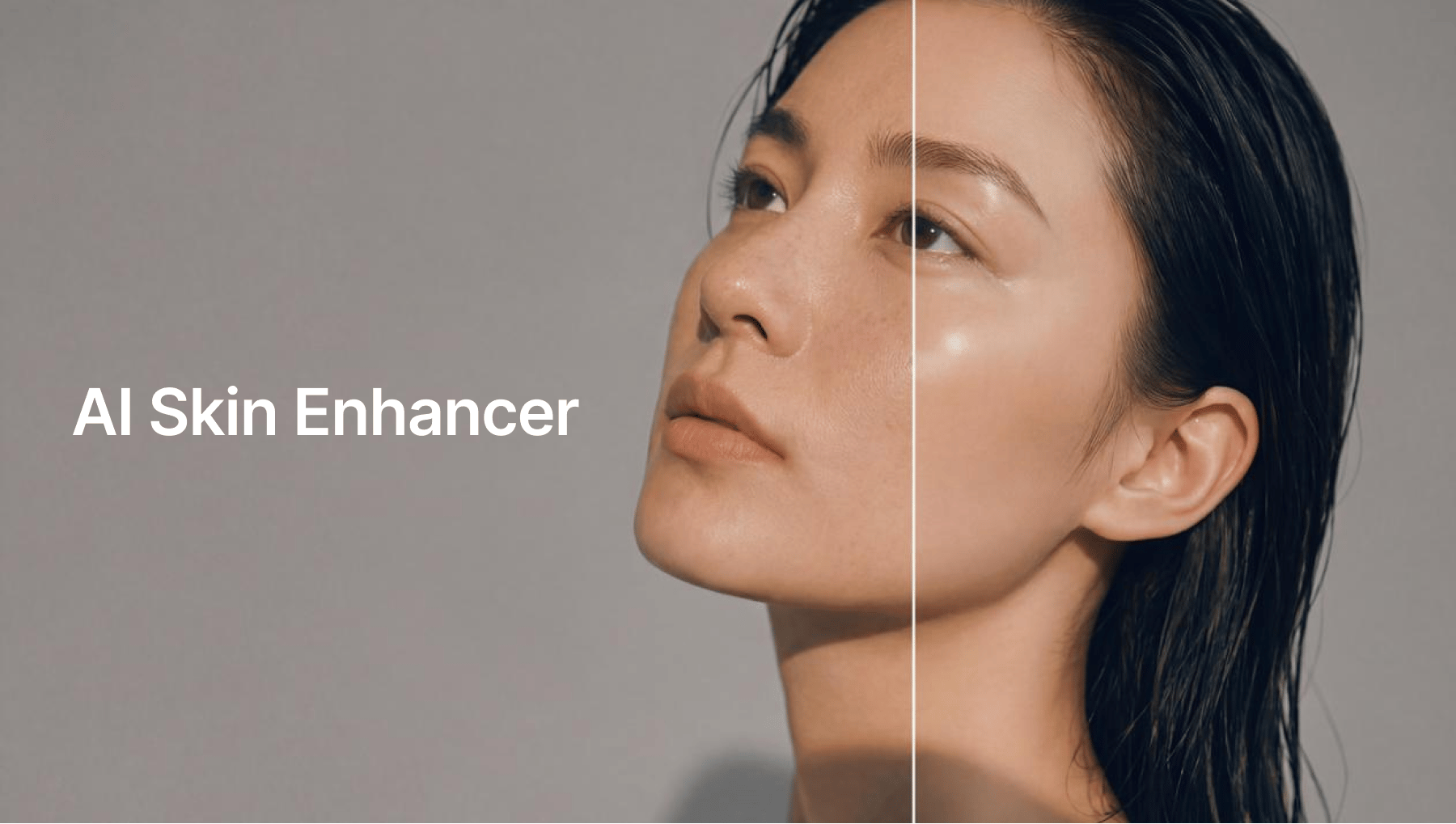
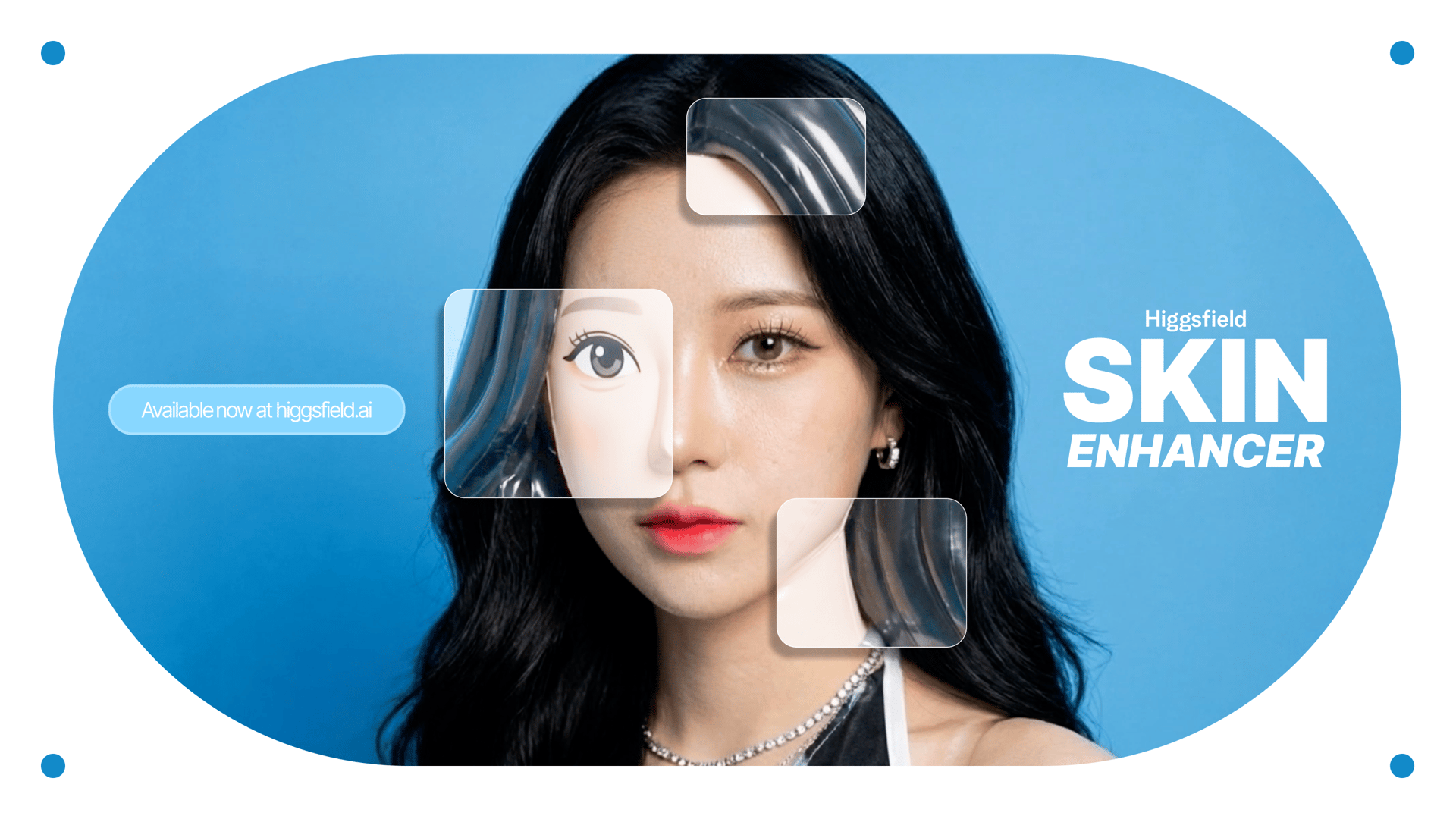
Higgsfield uses next-generation AI Skin Enhancer technology to restore clarity, rebuild facial detail, and smooth skin naturally while maintaining realistic texture. Whether you're looking to fix a noisy selfie, restore a portrait, prepare professional-level profile photos, or enhance social media content, the Higgsfield Skin Enhancer offers a fast, intuitive, and incredibly powerful workflow.
This guide explains exactly how the technology works and includes a full step-by-step walkthrough for the entire process.
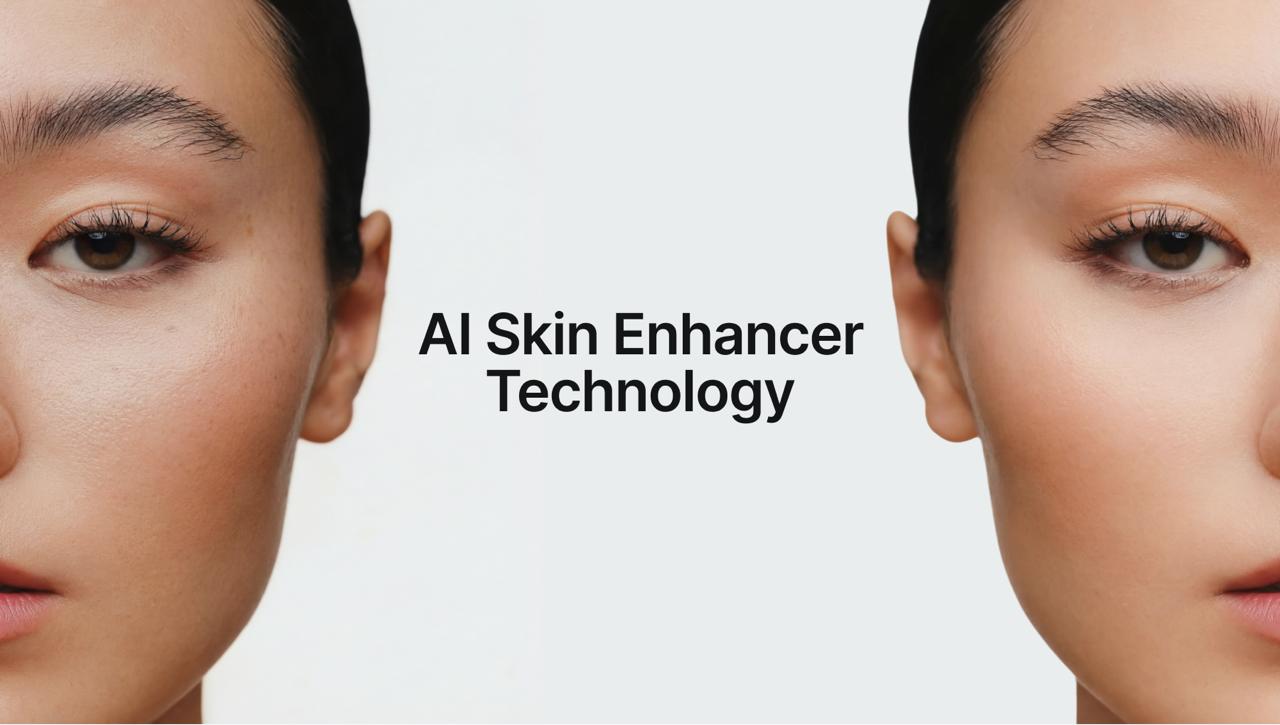
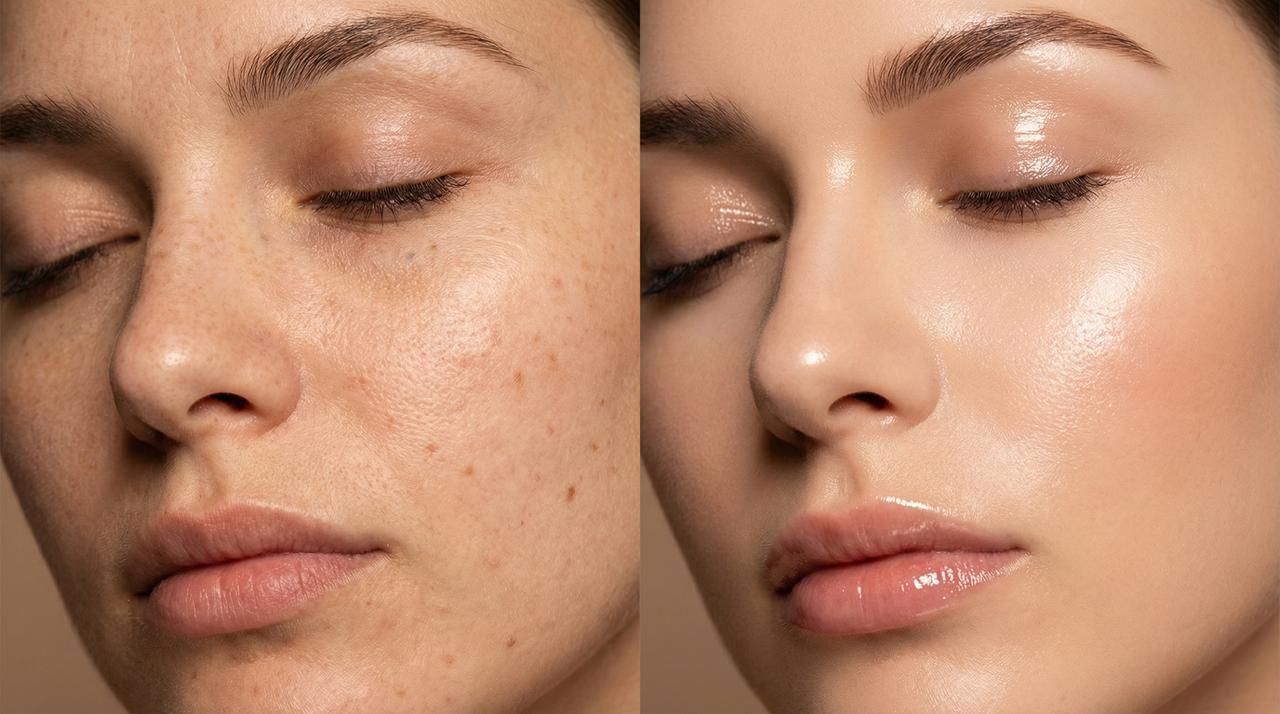
Why Higgsfield’s Skin Enhancer Is Different from Traditional Filters
Most editing apps rely on blur-based smoothing. This approach removes texture, wipes out detail, and often makes faces look artificial. The Higgsfield model, however, uses a deep semantic engine designed for:
ai face detail restoration
skin texture reconstruction
lighting correction
tone balancing
noise removal with texture preservation
Instead of hiding flaws, the system rebuilds the missing information, resulting in realistic AI retouching that still looks like you.
This new generation of AI behaves like a digital portrait artist trained on millions of examples.
What the Higgsfield AI Skin Enhancer Can Fix
Blurry or pixelated faces
It reconstructs missing geometry and restores clarity.
Low-light noise and grain
Noise disappears, but pores and fine texture remain intact.
Harsh shadows and uneven tone
The complexion is balanced while preserving natural definition.
Over-compressed social media photos
Instagram and WhatsApp compression artifacts vanish.
Old or low-resolution images
Perfect for family photos, scanned prints, and archival portraits.
Skin discoloration, redness, or blotchy texture
Subtle, precise correction.
Eye, brow, and feature sharpening
Key details are polished without over-editing.
Overall, the output always feels like a real photograph - professional, clean, and naturally enhanced.

Step-by-Step Guide: How to Use Higgsfield Skin Enhancer
Step 1 - Open Higgsfield and Select “Edit”
Go to Higgsfield.ai and navigate to the tools. Choose Skin Enhancer from the "Edit" options.
Step 2 - Upload Your Photo (Face Should Be Visible)
For best results:
Use a clear portrait where the face is not obstructed
Low-light images are fine - the AI will correct them
You can upload selfies, professional portraits, scanned photos, or screenshots
The enhancer accepts all major formats and instantly analyzes the image.
Step 3 - Choose Enhancement Strength
Higgsfield allows you to control the intensity:
• Soft Skin
Perfect for natural looks - preserves texture.
• Realistic Skin
Balances smoothing, detail restoration, and color correction.
• Imperfect Skin
Best for skin enhancement.
The model intelligently applies AI face detail restoration while ensuring the skin never appears over-filtered.
Step 4 - Apply Skin Enhancer Filters (Optional)
Filters adjust:
skin softness
texture definition
lighting correction
color balance
eye clarity
highlight/shadow detail
Unlike typical beauty filters, Higgsfield’s adjustments remain subtle and professional.
Step 5 - Let the AI Process the Image
Higgsfield processes enhancements through:
Face geometry mapping
Texture reconstruction
Noise and artifact removal
Skin tone harmonization
Detail sharpening without distortion
This takes just seconds and produces studio-quality results - the type of clarity achieved in professional portrait studios.
Step 6 - Compare Before/After
The comparison slider reveals:
sharper eyes
smoother yet realistic skin
corrected color and lighting
restored definition
cleaner tones
improved clarity
Expert Tips for Best Results
Follow these tips to get the most out of the Higgsfield AI Enhancer:
1. Use a mid-shot or close-up portrait
Full-body images may reduce detail accuracy.
2. Keep lighting straightforward
Even poor lighting is fine - but avoid extremely dark shadows.
3. Avoid heavy makeup filters before enhancement
Raw input gives cleaner output.
So, Why AI Skin Retouch is Leading in 2025?
Unrivaled Speed and Efficiency
Authentic Realism
Consistency and Accuracy
Practical Use Cases
• Creators & influencers
Perfect for polished but natural images.
• Photographers
Reduces retouching time significantly.
• E-commerce sellers
Great for product and model shots.
• Professionals
Ideal for LinkedIn, resumes, corporate profiles.
• Families & archivists
Fix old photos or enhance childhood images.
• Anyone improving low-quality selfies
Removes noise and restores clarity effortlessly.
The Future of Portrait Editing Is Already Here
The HiggsfieldAI Skin Enhancer represents the new standard in ai skin smoothing, ai face enhancer technology, and realistic ai retouching with its ability to rebuild detail, perfect skin tone, remove artifacts, and enhance portraits naturally, it has become an essential tool for anyone looking to improve image quality.
In a world where visual communication dominates, having access to powerful ai skin retouching tools is no longer a luxury - it’s a necessity.
Higgsfield gives creators, professionals, and casual users alike the ability to produce studio-grade portraits in seconds, making it one of the most valuable ai photo editing 2025 solutions available today.
Instantly Retouch with Ease
Restore clarity, enhance skin naturally, and elevate your portraits instantly with the most advanced AI skin retouching tool of 2025 - available now on Higgsfield.