
Grok Imagine, xAI’s video generation capability, now represented on Higgsfield, offers a clear example of how generative video is becoming more expressive, controllable, and production-ready.
Let's understand where Grok Imagine shines the most.
Based on hands-on usage and observed results, its strengths cluster around voice, emotion, physical realism, and camera behavior. These areas define its most compelling use cases.
1. Voiceover and Prompt-Adherent Narration
One of the most immediately impressive aspects of Grok Imagine is voice generation.
The system produces voices that sound natural, paced, and emotionally aligned with the scene. More importantly, it demonstrates strong prompt adherence - the spoken content closely follows the written script, preserving emphasis and structure. Voiceover does not sound flat.
This makes Grok Imagine effective for:
Explainer videos
Short narrative content
Branded storytelling
Educational and informational clips
For creators who want to generate complete videos without recording voiceovers or syncing audio manually, this capability removes a major production bottleneck.
2. Facial Expressions That Capture Emotion
Let's talk about emotionless facial expressions in AI video generation. This historically been one of the weakest points: even when motion looked acceptable, faces often felt stiff or disconnected from the scene. Sort of a "uncanny valley" effect.
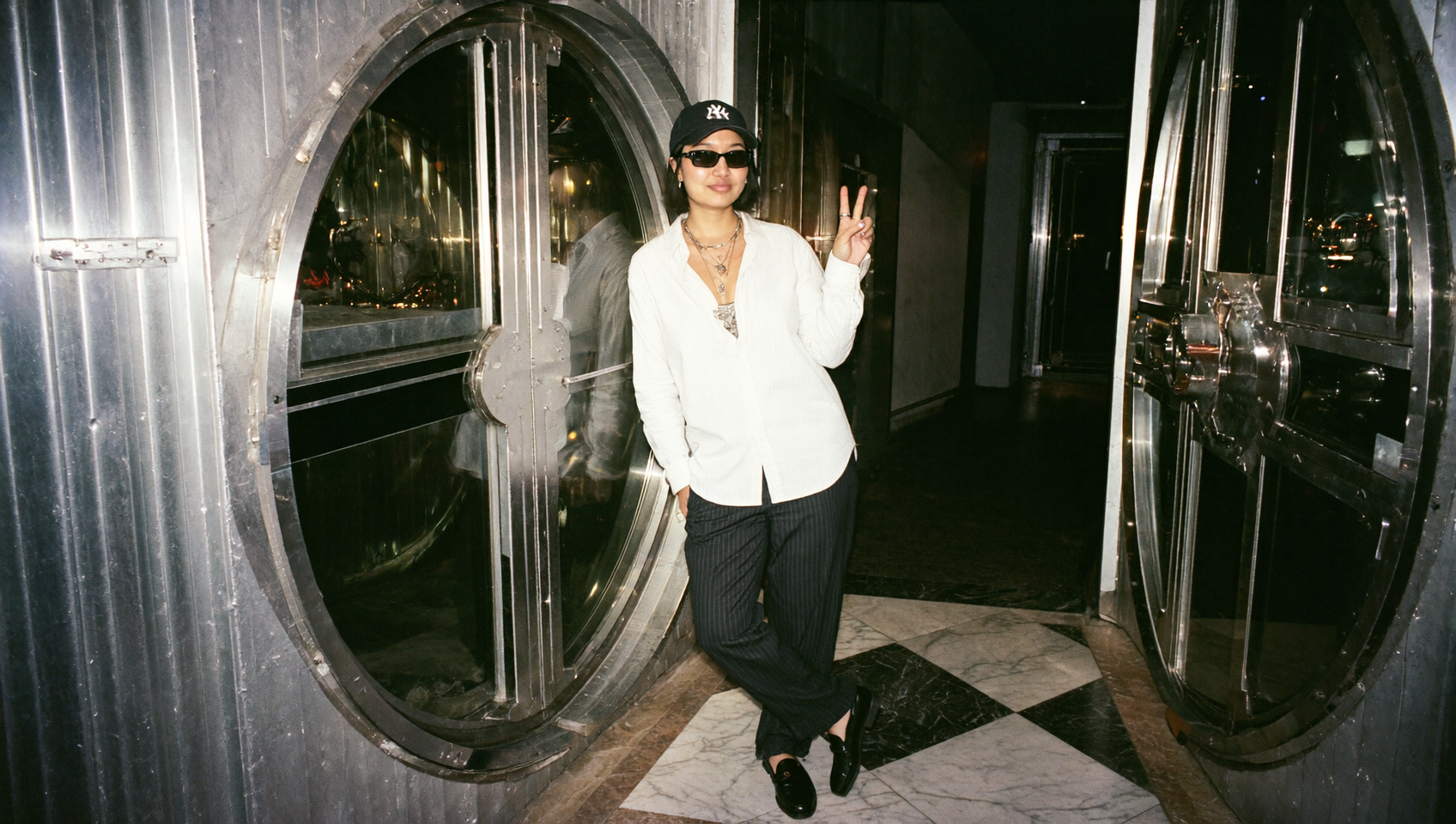
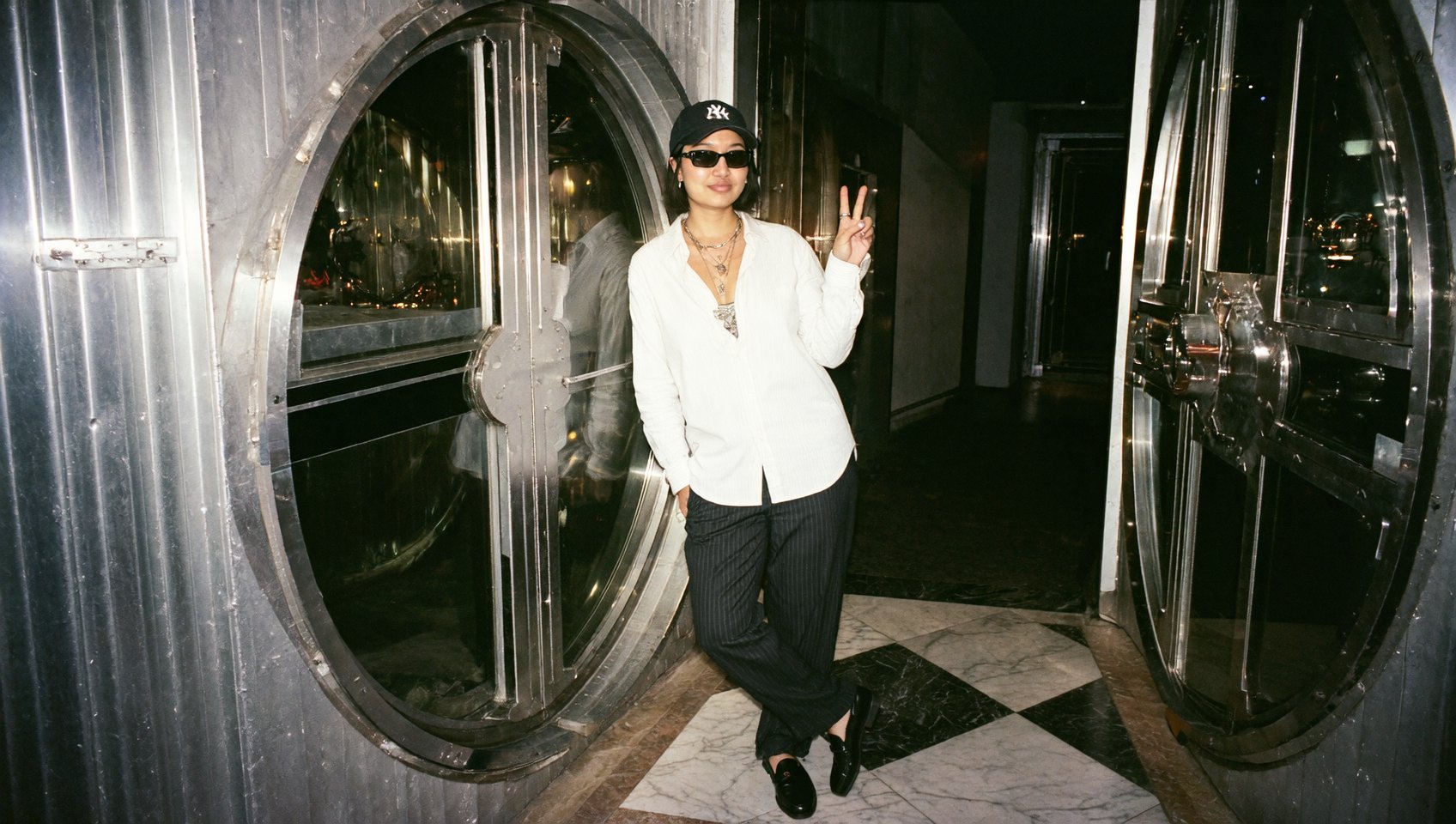
Grok Imagine shows noticeable progress here. Characters display facial expressions that track emotional context - subtle shifts in focus, surprise, calm, or tension are visible without feeling exaggerated or uncanny.
This is well-suited for:
Character-driven storytelling
Reaction shots
Emotional beats in short narratives
Expressive visual metaphors
3. Physical Interactions
Grok Imagine handles physical interactions effectively: objects fall with weight, collisions feel grounded, and movement follows intuitive physical rules. Even intentionally absurd scenarios - for example, animals slipping or falling - retain a sense of believable motion rather than chaotic randomness.
This strength makes it effective for:
Dynamic storytelling
Action-oriented scenes
Conceptual or surreal visuals that still need grounding
The key is not perfect simulation, but visual plausibility, which Grok Imagine delivers.
4. Camera Movement
Camera behavior plays a major role in whether a video feels cinematic or synthetic. Grok Imagine performs well here by generating camera movement that feels motivated rather than arbitrary.
Common patterns include:
Smooth pans and tilts
Slow zooms for emphasis
Tracking shots that follow action
Stable framing without jitter
Camera movement tends to support the narrative rather than distract from it. This makes Grok Imagine especially useful for storytelling, product visuals, and scenes where mood and composition matter.
5. Strong Camera Framing and “Grip”
Beyond movement, Grok Imagine demonstrates good camera framing discipline. Shots generally hold focus on the subject, avoid awkward crops, and maintain visual balance.
This matters most when generating multi-shot sequences, where consistency in framing helps the video feel cohesive. Even without explicit shot lists, outputs often align with basic cinematography principles, reducing the need for heavy post-editing.
Short Narrative and Story-Driven Clips
When voice, expression, physics, and camera work come together, Grok Imagine becomes particularly effective for short narrative videos.
Examples include:
Concept scenes
Micro-stories
Stylized social clips
Visual explainers
These formats benefit from emotional continuity and visual flow rather than extreme detail or long-form structure, aligning well with Grok Imagine’s strengths.
Fit Content Types List
Grok Imagine is best suited for:
Short to medium-length videos
Voice-driven storytelling
Emotionally expressive scenes
Visually dynamic concepts
Social and marketing content
Understanding this scope helps teams use it where it adds the most value.
Best Use of Grok Inside Higgsfield
Step-by-step Workflow
On Higgsfield, Grok Imagine works with:
Text prompts
Images and reference visuals
Generated videos can then be adapted into multiple aspect ratios:
Vertical for short-form social
Horizontal for web and presentations
Square for feeds and ads
1. Open Higgsfield and select Video Generation from the dashboard
2. Choose Grok as the video model
3. Enter a text prompt and upload a reference image
4. Click Generate and preview the result
Conclusion: What This Signals for AI Video Adoption
Grok Imagine performs best where voice, emotion, physical realism, and camera behavior matter most. These strengths make it especially well-suited for short storytelling, explainers, branded content, and social video, where delivery and visual coherence take priority.
For creators, this translates to faster production of videos that sound natural, feel emotionally resonant, and look visually intentional. Within the Higgsfield ecosystem, Grok Imagine serves as a powerful engine for the repeatable parts of a creative workflow. By mastering these core elements of video synthesis, it provides a practical, high-impact tool for real-world production today.
Explore Grok Imagine's Best Capabilities
Generate expressive video, refine it through motion and layout, and adapt it across formats - all in one place.