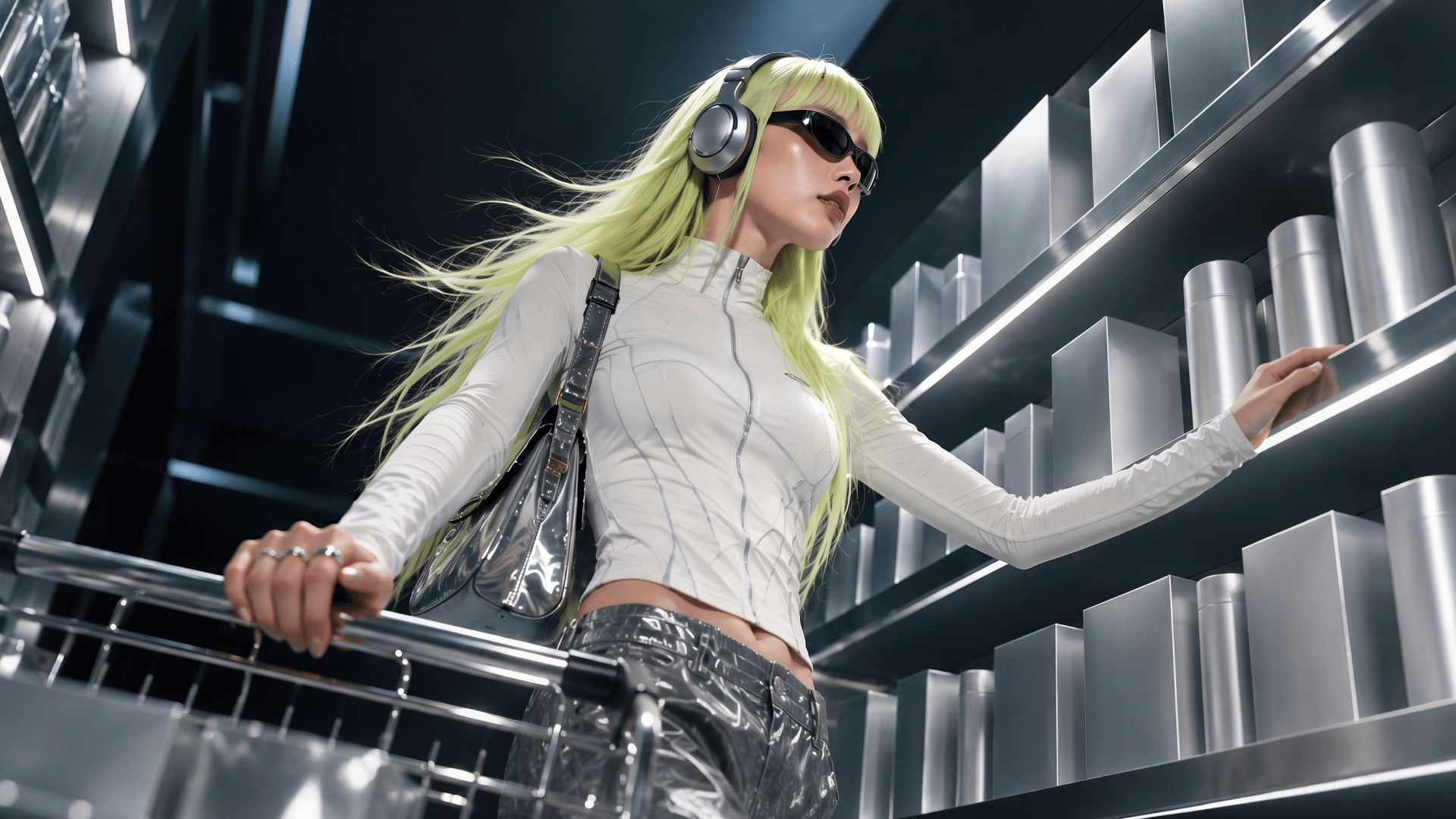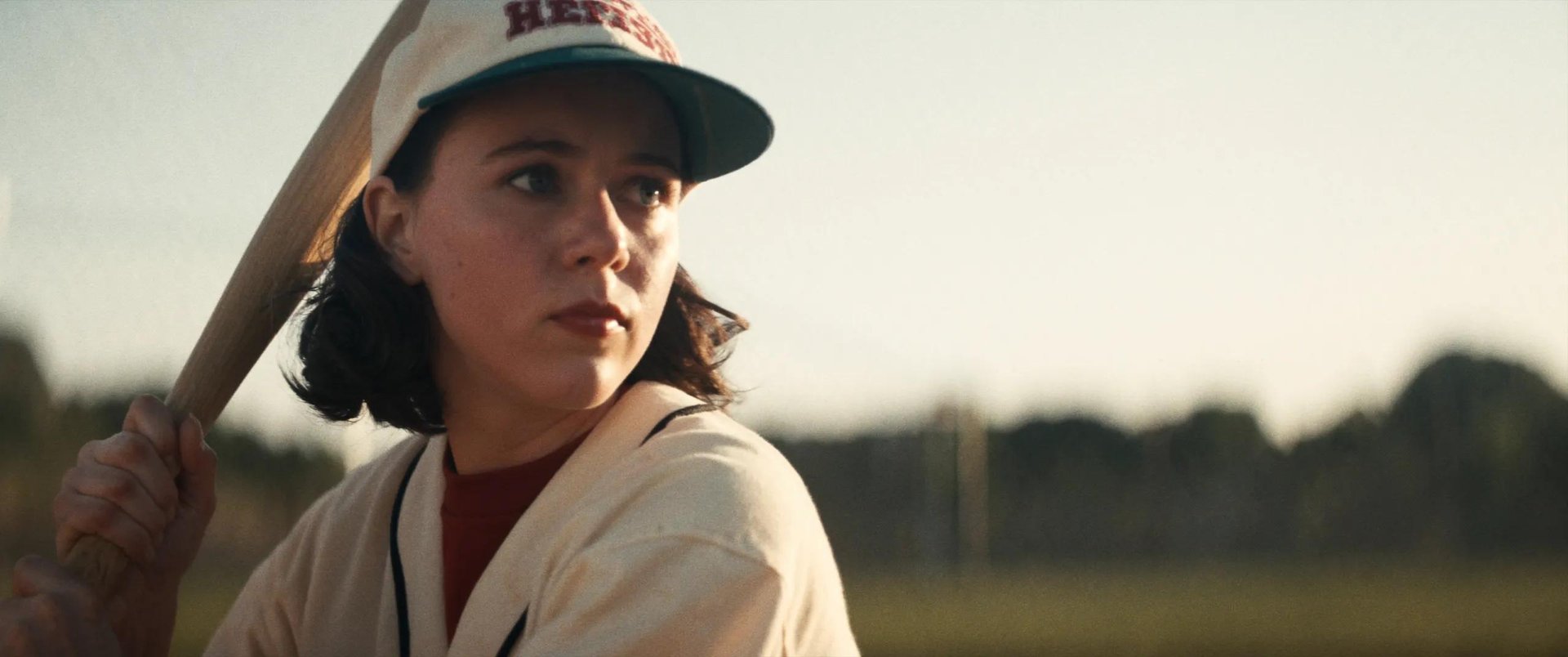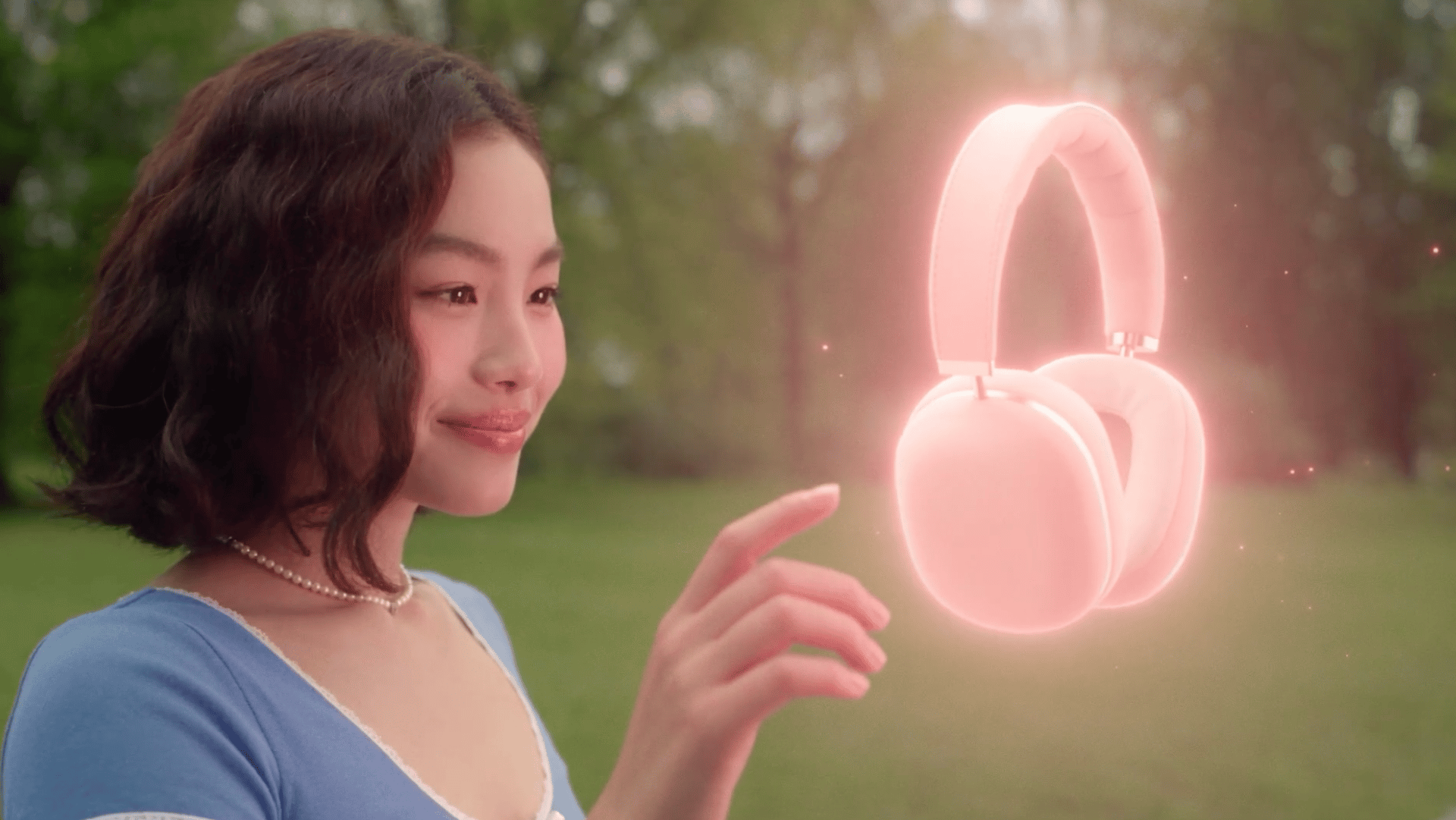
Most Seedance 2.5 prompts only ever get run once, so there's no real way to know if they'd hold up a second time. This is a library of 10 strong prompt categories: drama, action, commercial, horror, and more. Each category was tested across multiple generations to see which prompt structures held up consistently. This guide explains what Seedance 2.5 can do, how to structure a prompt for it, and what we learned from the tests.
What Is Seedance 2.5
Seedance 2.5 is ByteDance’s video generation model for clips up to 30 seconds, with native audio, up to 50 multimodal references and region editing. The model generates natively up to 1080p.
Up to 50 reference images can go into a single generation too, locking a face, an outfit, a location, or a color palette in place before a single frame renders. And if one detail still comes out wrong, region edit fixes just that spot without forcing a full re-render of the clip.
Spec | Detail |
|---|---|
Native resolution | Up to 1080p |
Max clip length | Up to 30 seconds |
Aspect ratio | Any ratio from vertical 9:16 to widescreen 21:9 |
Audio | Ambience, foley, and score generated in the same pass as the video |
Character consistency | Holds identity, wardrobe, and lighting across shots from a single reference |
How to Write a Strong Prompt for Seedance 2.5
A prompt works best as one continuous block of text, broken into labeled sections. Skip a section and the output tends to fail in a specific, predictable way.
GLOBAL STYLE comes first: genre, color grade, film stock or digital look, aspect ratio, shutter behavior, and anything that shouldn't appear. Everything after this section needs to match it.
SCENE is a one-line logline, what's happening, where, in what mood. Save the detail for later sections.
CHARACTERS describes every person in the shot: face, hair, build, wardrobe. If a reference image already covers this, just note which reference is which character.
LOCATION covers the space and its props, separate from the people in it. A vague location is the most common reason a multi-shot sequence starts drifting between cuts.
FIRST FRAME AND BLOCKING pins down exact starting positions, who's where, facing which direction, right as the clip begins. This gives the model something fixed before any motion starts.
The shot-by-shot breakdown comes next, each one labeled "Shot 1", "Shot 2", and so on, with the shot type and action in a sentence or two, ending in "Hard cut" wherever a cut belongs. Pacing gets built here, not in a separate field.
OPTICS and CAMERA describe the lens and camera movement for each shot: focal length, camera height, handheld or dolly or crane.
PHYSICS covers how fabric, smoke, hair, and liquid should move, anything that would look off moving like a solid object.
LIGHTING goes further than GLOBAL STYLE on the light source: where it's motivated from, its direction, how it falls on faces or surfaces.
AUDIO comes last: ambient noise, specific sound effects, and what shouldn't be there, usually "No music, no discernible dialogue" unless the scene needs otherwise.
Most working Seedance 2.5 prompts follow the same shape: one visual rule at the top, one sound rule at the bottom, and everything in between broken into shots.
10 Prompts in Practice
We tested each category a few times each to see if the same setup keeps working, or if it only looks good the first try. Below, for every category: the model, the settings we used, the actual prompt, and the video it produced.
Dramatic Exterior: Human Subject, Available Light
Settings: Genre: Drama. Lighting: Golden hour, single motivated source. Emotional control: Grief held beneath composure. Camera: Anamorphic large-format, mixed wide and close coverage.
Why this combination: Drama holds shots longer than most genres, so the two-person scene has time to play out. Golden hour keeps the light the same across every segment without describing the sun's position in each one. The wide shots in Segments 1 and 5 hold the ocean and the couple together in one frame. The closer lenses in Segments 2 and 3 stay on each face for the two lines, with the background soft and out of the way.
Prompt used: