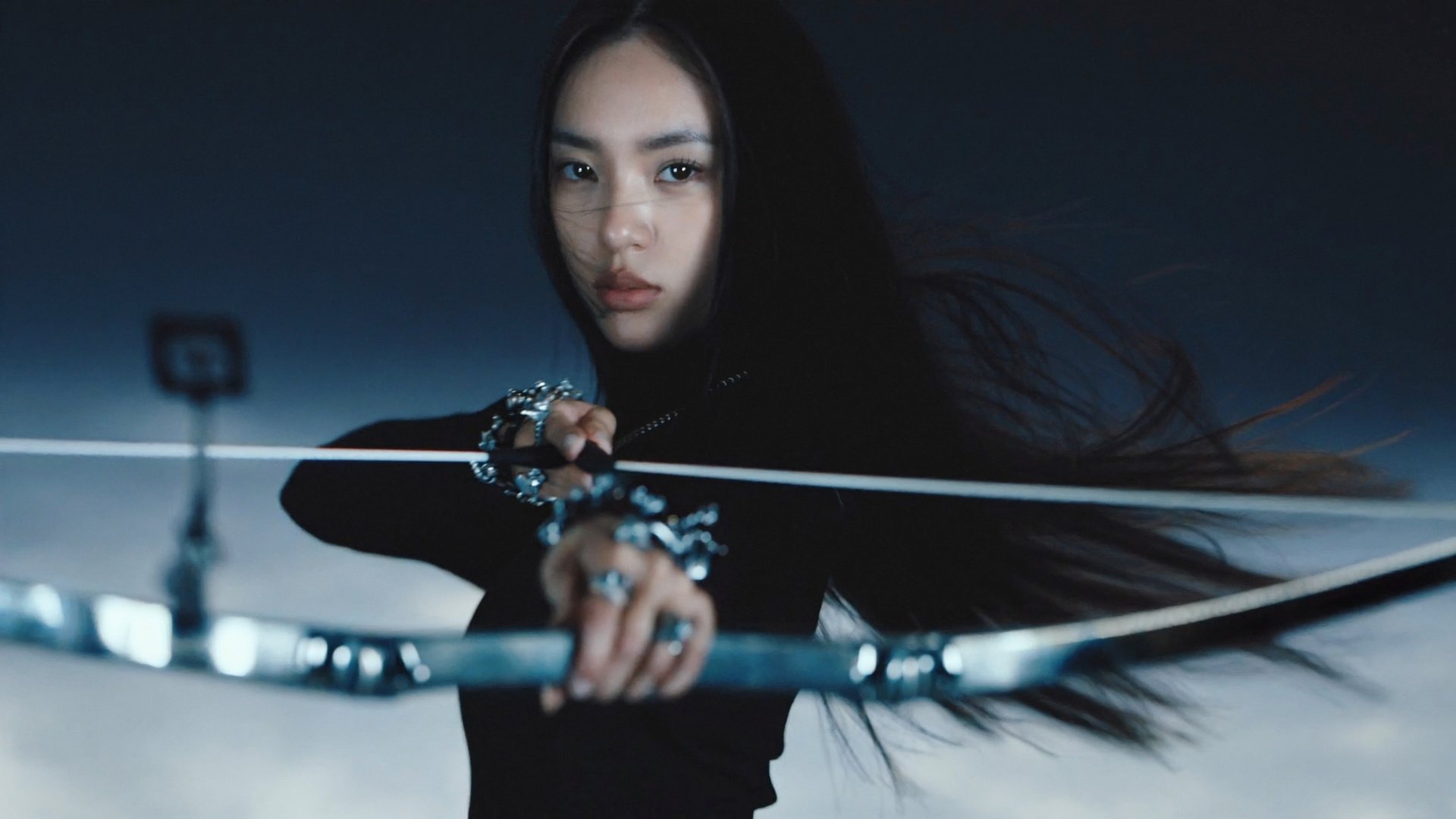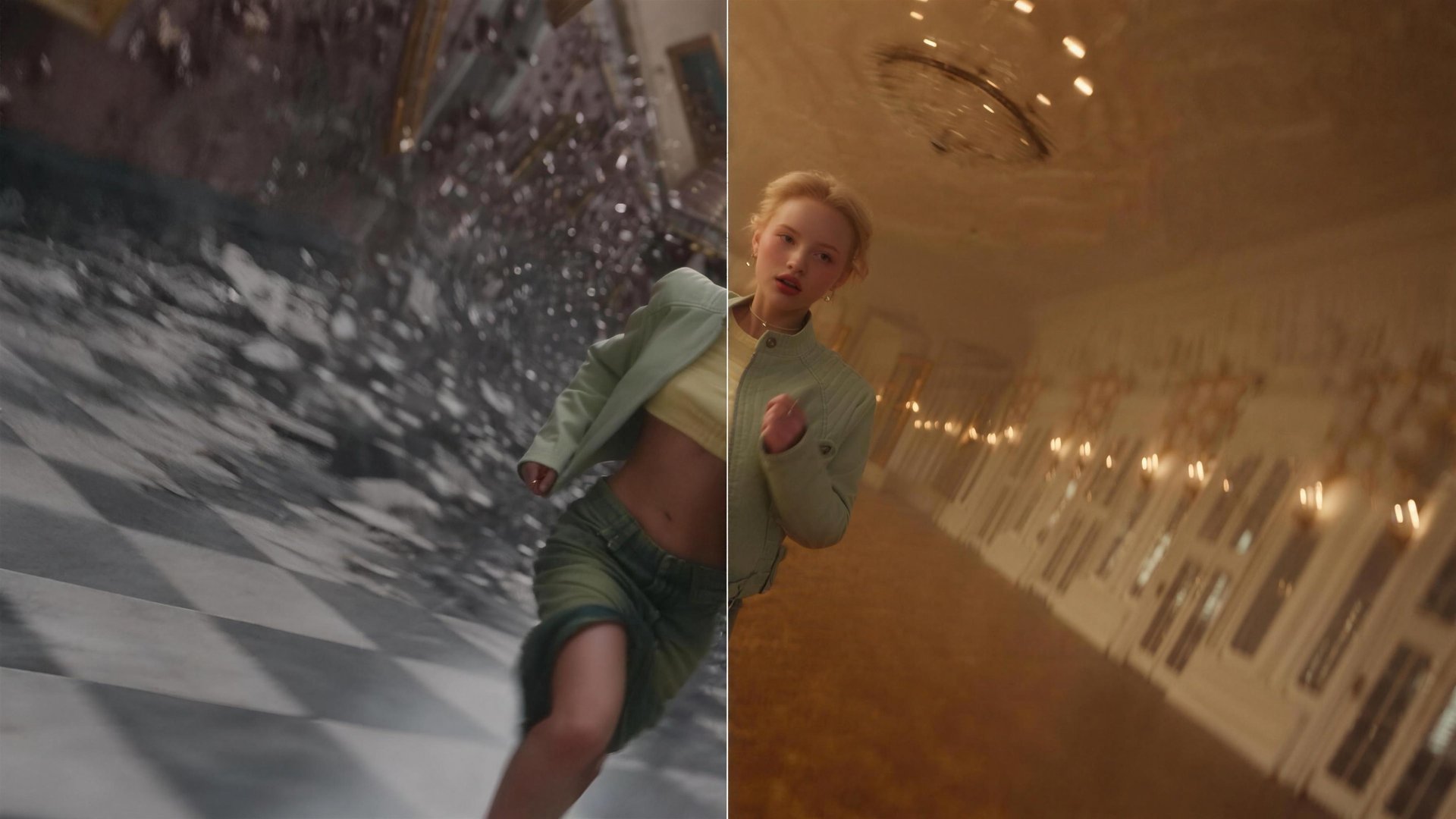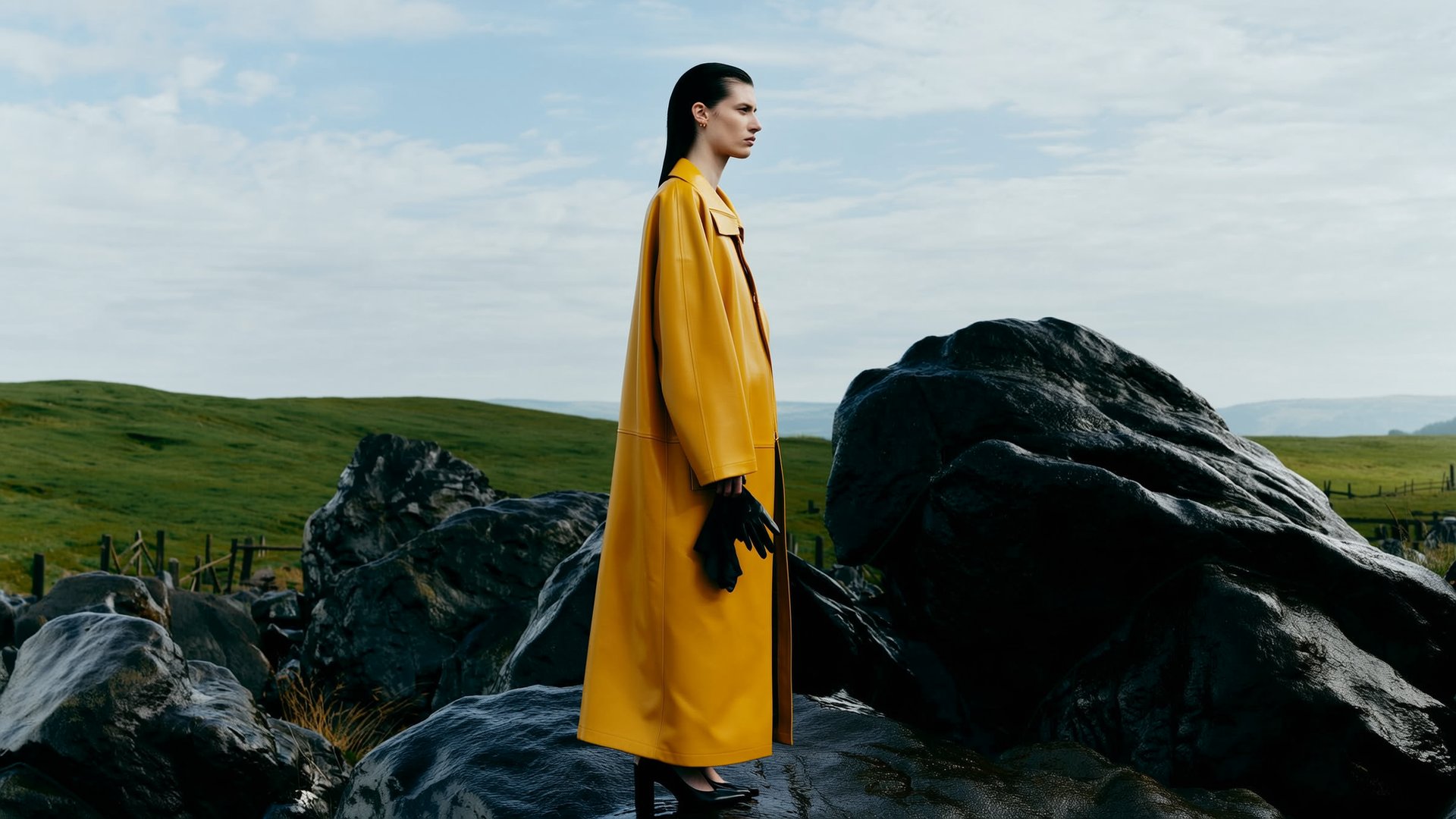
Two AI characters are more likely to blend when their identities are not anchored separately. Giving each character its own reference sheet, named in the prompt, helps keep the two identities distinct. In Higgsfield, generate each sheet in Soul 2.0 and attach both as references in Cinema Studio 4.0. For recurring characters, Soul ID and Elements carry them across projects.
Why two characters blend in one AI video scene
Most character workflows are built around one identity at a time. When a scene adds a second person, the model usually gets one of three weak inputs: a text description of both people, one image with both faces in it, or a reference for only one of them. In each case the two identities share one anchor, and their features can mix.
- Blending. Both characters drift toward one average face.
- Swapping. Hair, outfits or props move from one character to the other between shots.
- Duplication. A multi-view reference sheet gets copied literally, and the same character appears twice.
- Scale drift. A child and a teenager end up the same height, or trade heights between shots.
- Shot-to-shot drift. The first shot looks right, and by the third shot the cast looks slightly different.
Four ways to keep two characters apart on Higgsfield
A reliable way to reduce blending is to give each character its own reference, fixed before you generate the scene. On Higgsfield there are four routes to a two-character scene, and the choice depends on where you start: an existing performance, a finished clip, a scene of your own, or characters that need to return.
Route | Use it when | Tools | What you need |
|---|---|---|---|
Motion transfer | You already have a two-person performance and want new characters to perform it | Genjutsu | A 4 to 30 second video you own or have rights to, character images |
Objects swap | The clip works, but one character needs to be replaced | Genjutsu | The clip and reference images of the new character |
Cinema Studio 4.0 with separate references | You are creating your own two-person scene | Soul 2.0, Cinema Studio 4.0 | One character sheet per character, props, locations, scene prompts |
Soul ID and Elements | The same characters need to return across generations and projects | Soul, Elements, Cinema Studio 4.0 or Seedance 2.5 | A trained Soul ID per character, saved as Elements |
This guide follows the third route end to end, then shows how to move the same cast to Soul ID and Elements when the characters need to come back, and covers the two Genjutsu routes as alternatives.
How Higgsfield handles two characters in one scene
A two-person scene touches several stages of production: building each character, building props and locations, generating the shots, and sometimes reworking footage you already have. Higgsfield is an AI-native creative suite, so these stages run in one place. Character sheets made in Soul 2.0 go straight into Cinema Studio 4.0 as references, and finished clips are available in Genjutsu for motion and character changes.
Cinema Studio 4.0 is how Higgsfield handles cinematography: it takes up to 50 references per generation and generates multi-shot clips up to 30 seconds with native audio. Genjutsu is how Higgsfield handles reworking existing footage: it keeps the motion of a clip and changes who or what is in it.
The example: a 60-second short with two siblings
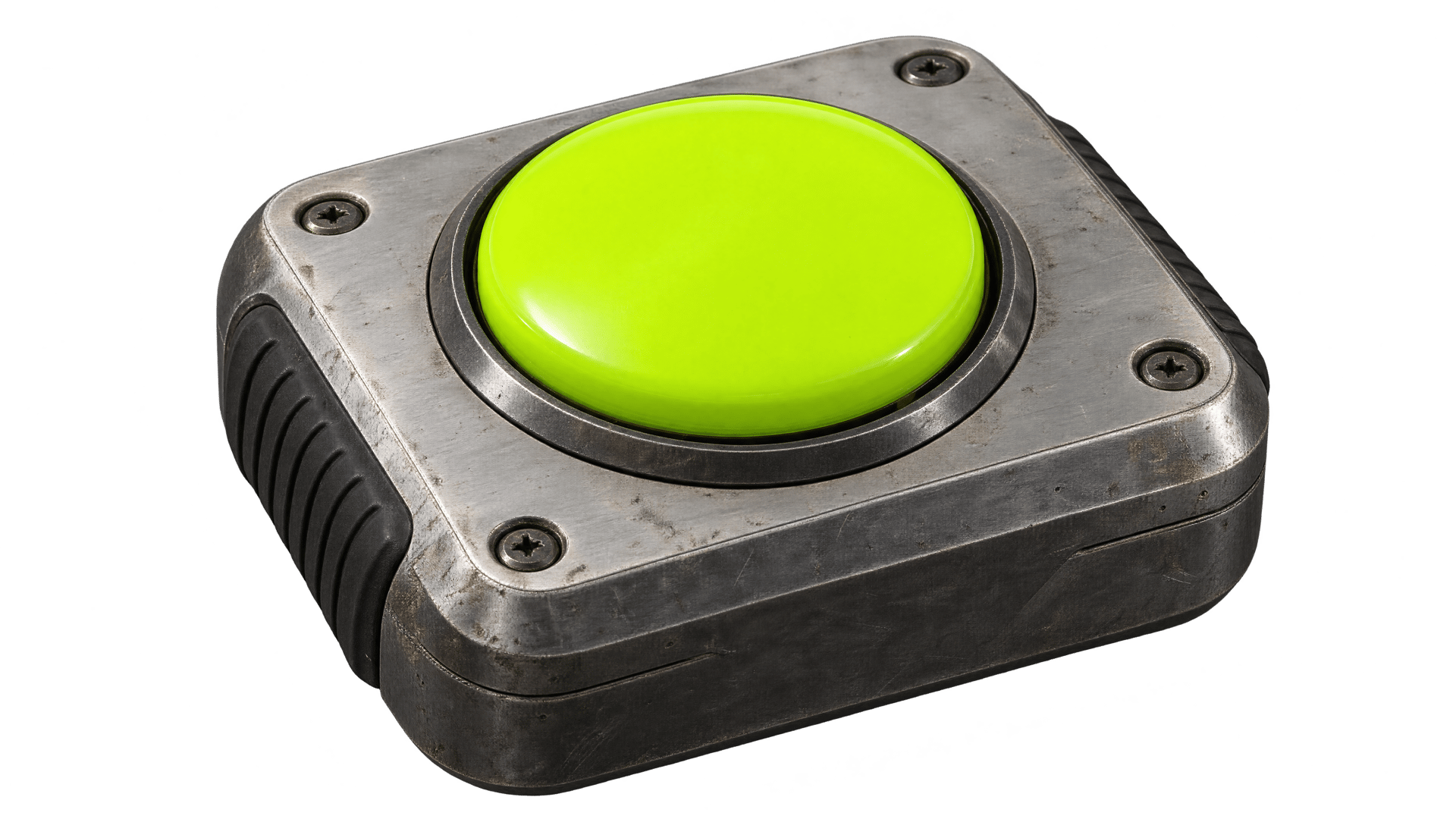
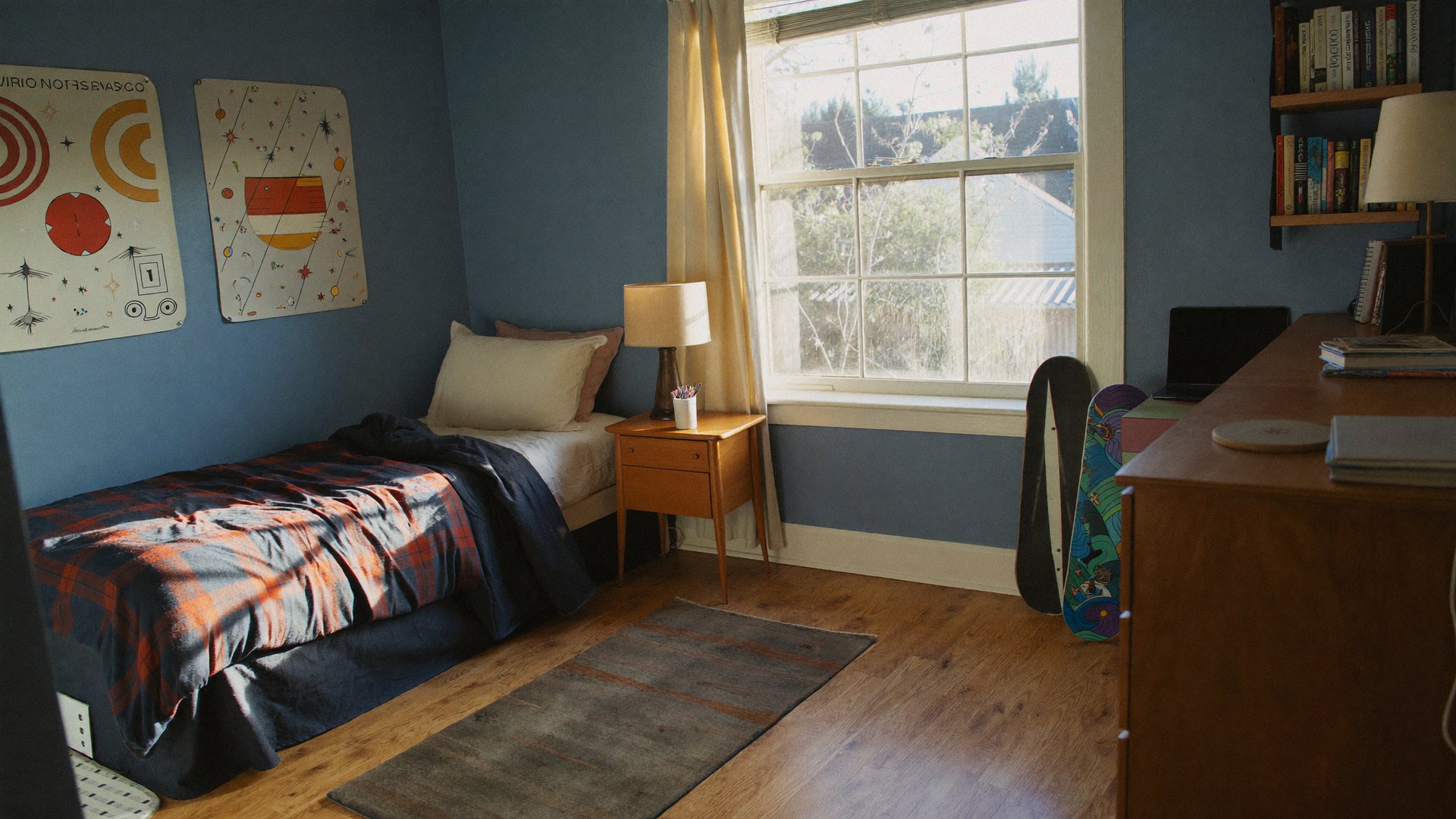
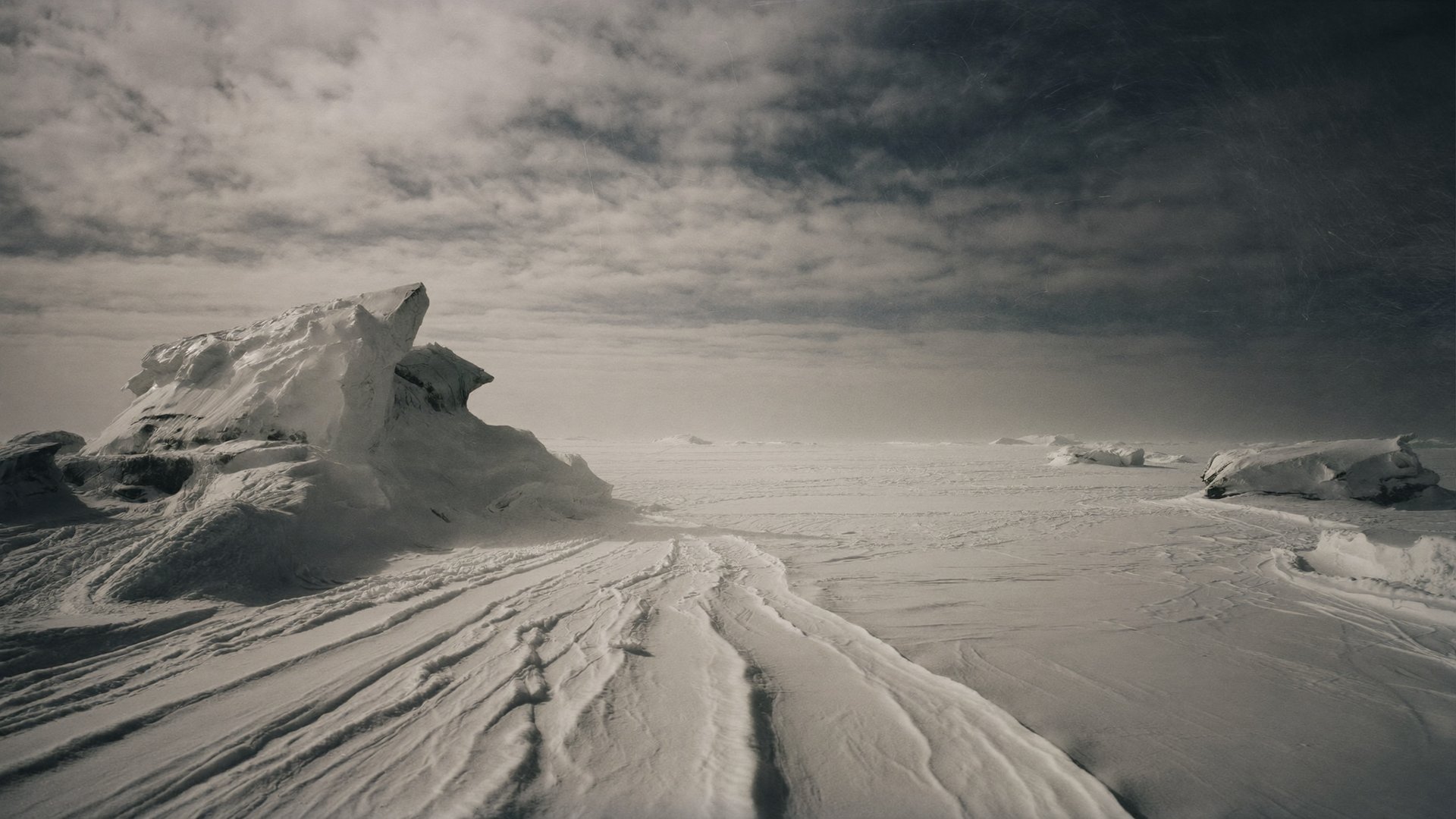
The workflow below follows one project: a 60-second short film about Jerry, 15, and his sister Lucy, 8. They find their father's old toys, press the button on a strange remote and jump from their bedroom to a jungle, a volcano and the North Pole before landing back home.
Scene | Length | Location | References in the shot |
|---|---|---|---|
1. Bedroom | 18 s | Bedroom | Jerry, Lucy, remote, toy box, bedroom |
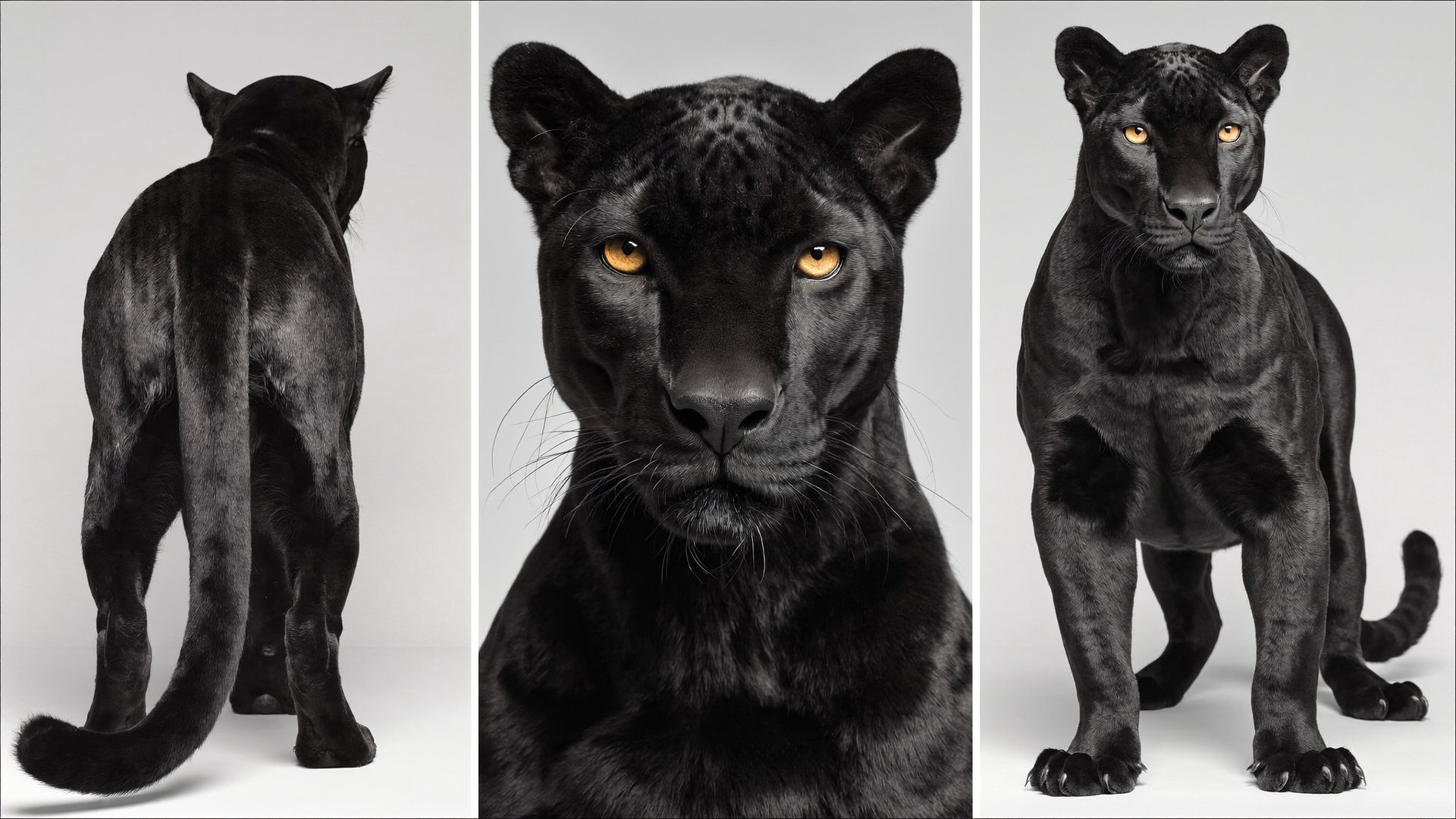
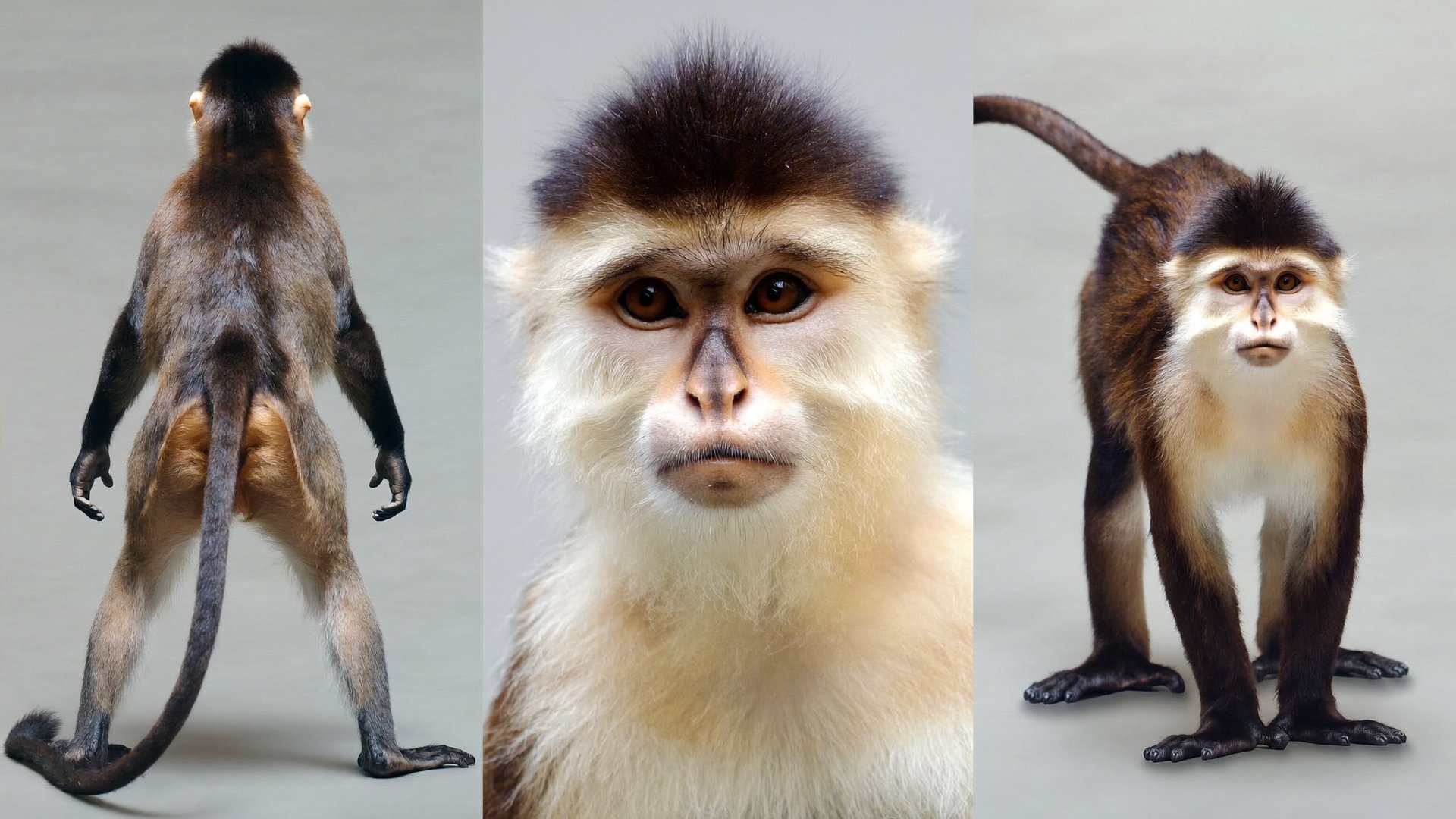
2. Jungle | 10 s | Jungle clearing | Jerry, Lucy, remote, panther, monkeys, jungle |
3. Volcano | 10 s | Volcanic crater | Jerry, Lucy, remote, crater |
4. Arctic | 14 s | North Pole sea ice | Jerry, Lucy, remote, ice |
5. Back home | 8 s | Bedroom | Jerry, Lucy, remote, toy box, bedroom |
The siblings are deliberately similar: both have copper-red hair and freckles. Age, height and wardrobe colors keep them apart on screen, which makes this project a useful stress test for blending.
Step 1: Create a character sheet for each character
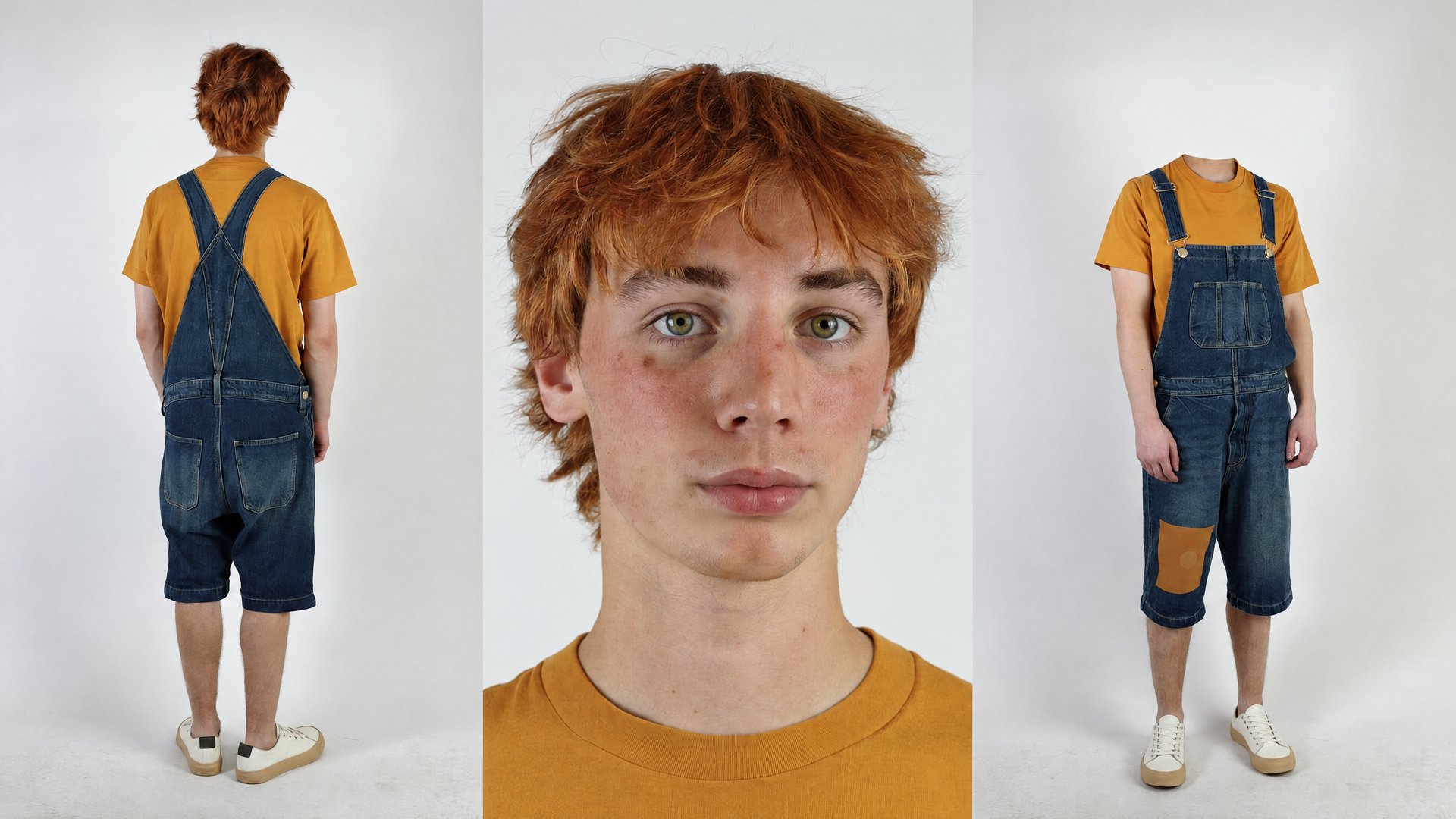
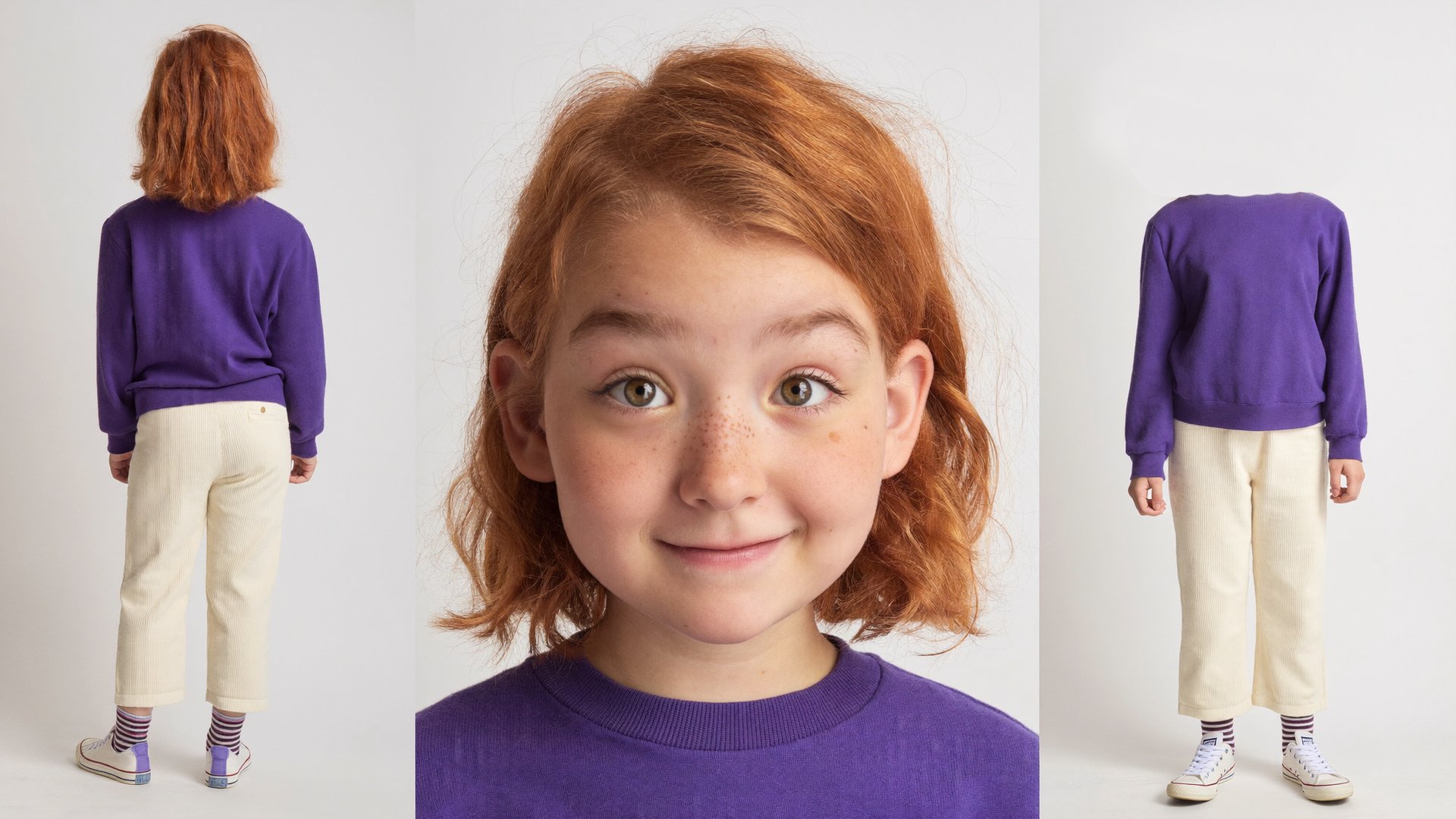
Each character gets one sheet, generated in Soul 2.0 at 16:9. Both sheets use the same three-panel layout:
- Left panel: full-body rear view, head and shoes in frame.
- Center panel: large frontal face close-up with the full hair silhouette.
- Right panel: full-body front view, head and shoes in frame.
- Same outfit in every panel, described down to colors and details, on a clean background with soft even light.
The prompts spell out what separates the two characters: age markers, build, height and wardrobe palettes that do not overlap (mustard and denim for Jerry, purple and cream for Lucy).
Jerry character sheet