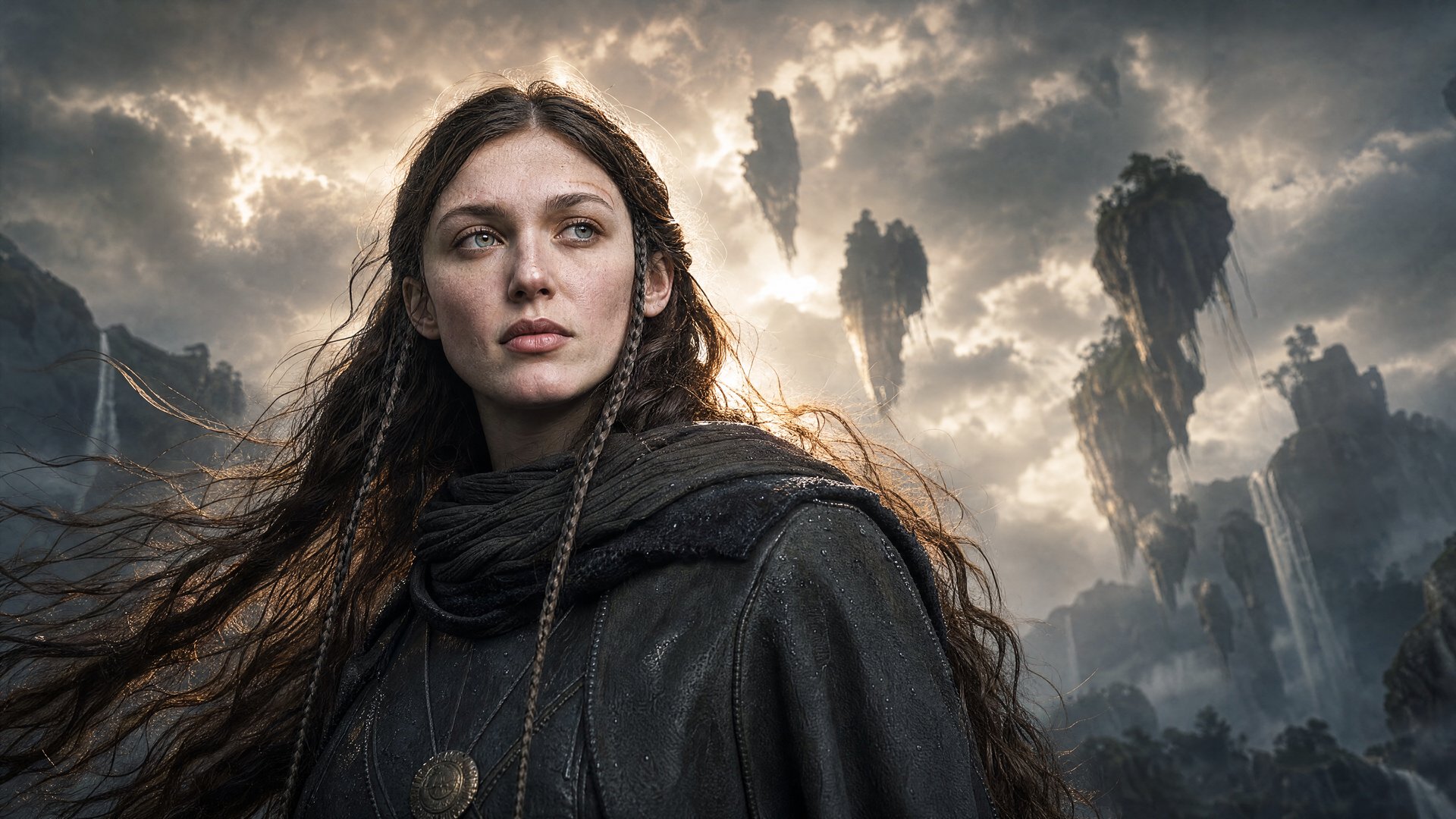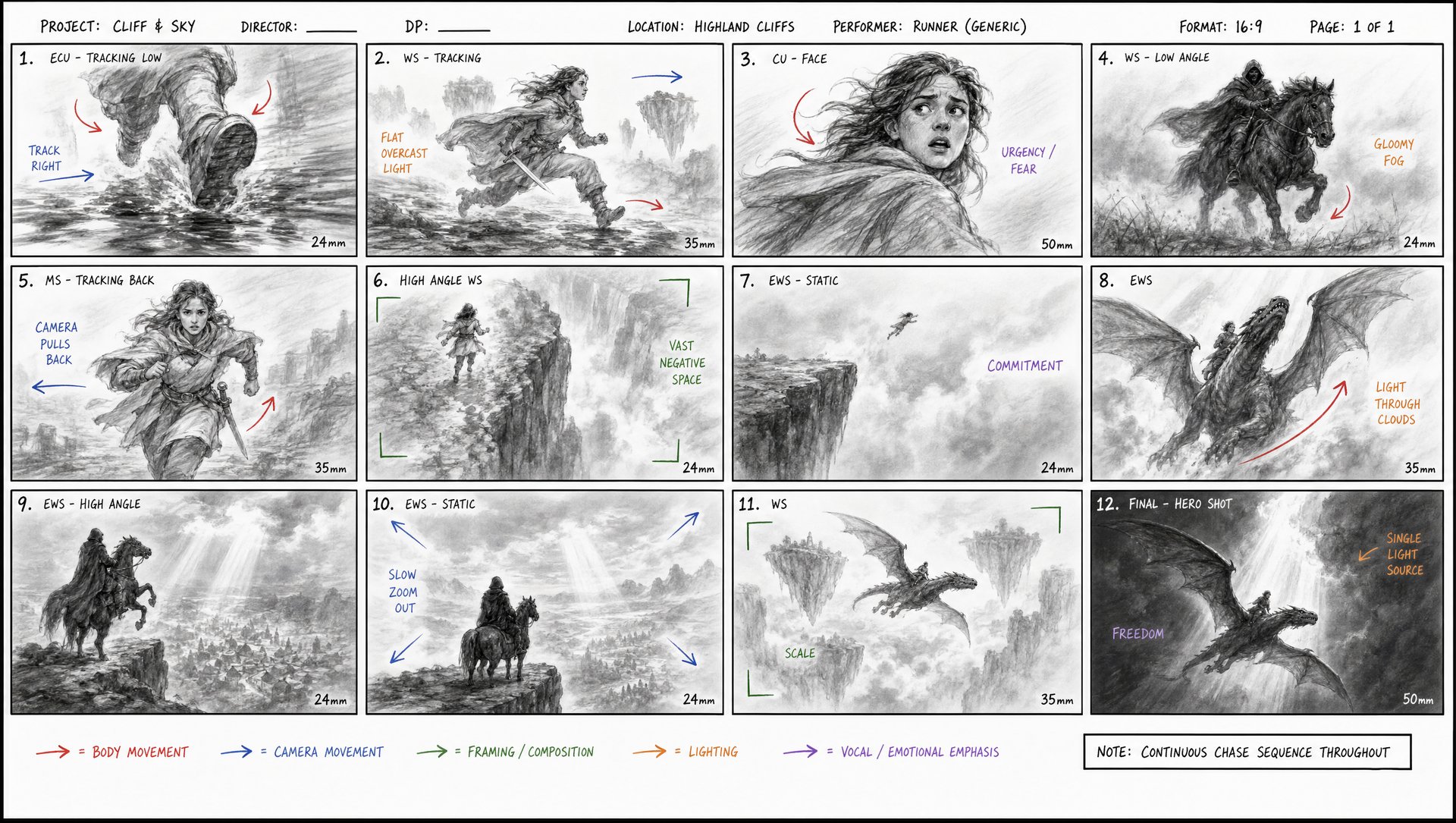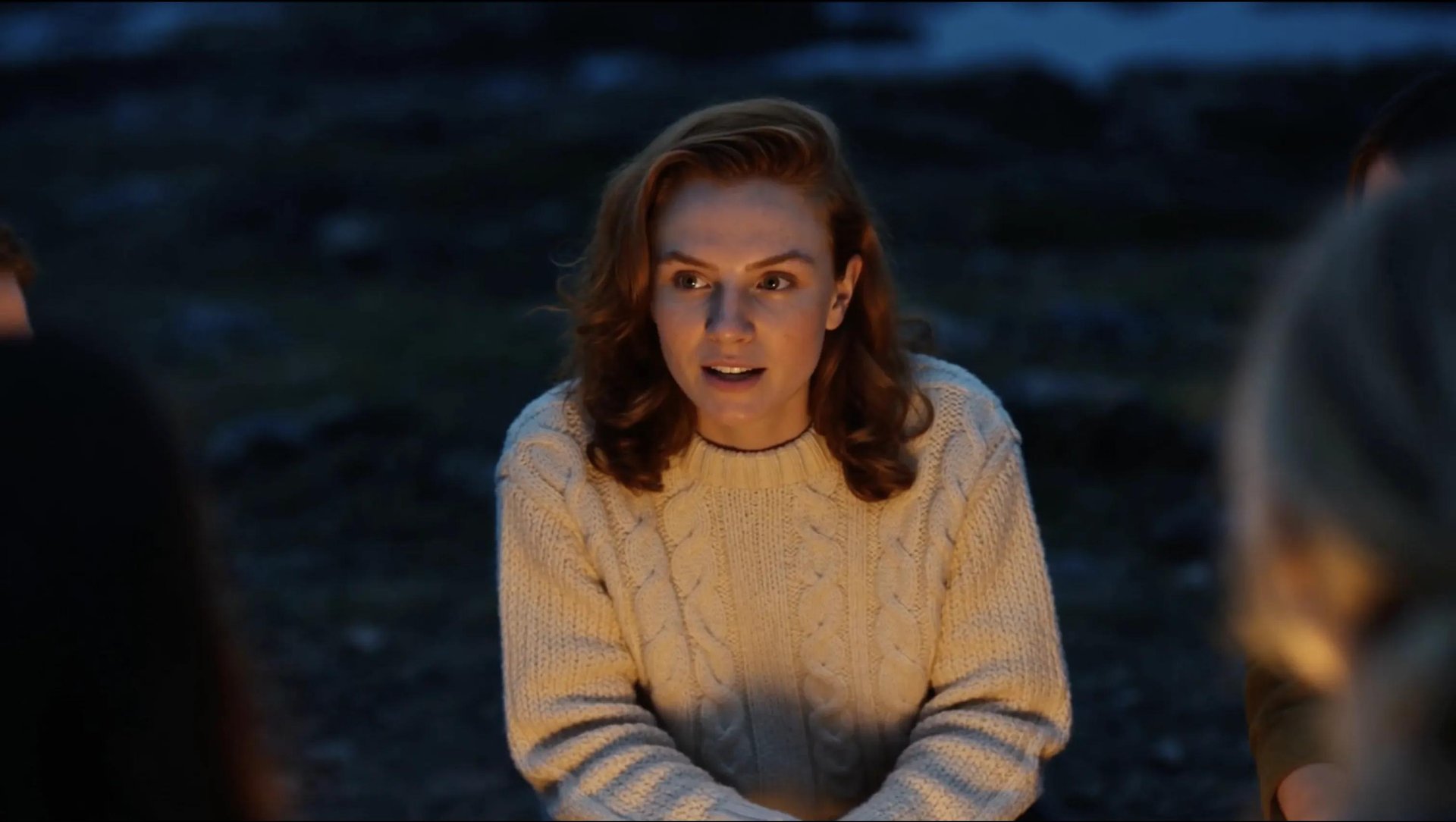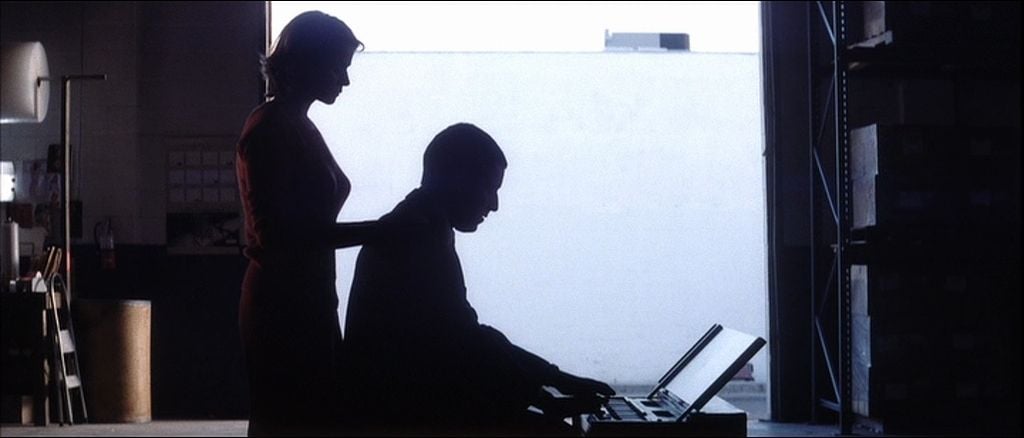
To turn a script into an AI storyboard, break it into scenes and pull out the visual beats worth showing. Set a shot size and camera move for each one. Then generate a reference frame for every beat, keeping the same characters and locations consistent throughout the sequence. Higgsfield Popcorn handles the storyboard stage in one place, turning a scene description and references into a coherent sequence of frames. Once the board is locked, those frames can move into Cinema Studio 4.0 for video generation.
Why a Storyboard Matters Before You Generate Video
The most common mistake in AI video isn't a bad prompt. It's skipping the storyboard: you end up with a folder of clips that don't cut together into one video.
A storyboard earns its place for three reasons:
- It locks in the intent of a scene before a single frame gets generated, so the shot serves the story.
- It keeps characters and locations consistent, the same face and the same location across every cut.
- It sets the pacing of the whole sequence, how long a beat holds, when a cut lands, before that pacing gets baked into finished footage.
The storyboard stage is also the cheapest place in the whole process to be wrong. Changing a storyboard frame takes far less time and fewer credits than regenerating a finished high-quality video clip.
How to Make a Storyboard From Script on Higgsfield
Popcorn is Higgsfield's AI storyboard generator, and what separates it from a standard image model is how it handles a sequence. Generating storyboard frames one at a time can make consistency harder to maintain, especially across longer sequences. Popcorn is built around the sequence itself, generating multiple connected frames while carrying the character, lighting, and spatial logic across the board.
A few specifics worth knowing before you start:
- Up to 4 image references per generation, a character portrait, a location shot, a prop, combined into one coherent scene.
- Up to 8 frames per generation.
- Two modes: Auto, where one prompt and a frame count let the model distribute the story arc across the panels itself, and Manual, where each frame gets directed individually.
- Access it through Create → Image → Popcorn.
For more on how Popcorn fits into a broader AI storyboarding pipeline, also see AI storyboarding on Higgsfield.
Full Workflow: Step-by-Step Guide
Step 1: Break the script into boardable sequences. A two-person dialogue scene might need a few panels to establish geography and reactions, while an action sequence may need a frame for each major beat. If the sequence needs more than eight frames, split it into multiple generations.
Step 2: Build the shot list. For every visual beat, define the shot size, camera angle, camera movement, and purpose of the shot before generating frames. A simple shot list might look like this:
Scene | Shot | Shot Size | Camera Movement | Reference | Notes |
|---|---|---|---|---|---|
1. The Discovery | 1A | Wide shot | Slow push-in | Location reference: abandoned train station; character reference: Maya | Maya enters the empty station at dusk. Establish the space, cool blue lighting, and her cautious mood. |
1. The Discovery | 1B | Medium close-up | Static | Character reference: Maya; wardrobe reference: red coat | Maya notices a sealed envelope on the bench. Keep her face and coat consistent with Shot 1A. |
1. The Discovery | 1C | Insert close-up | Slow tilt down | Prop reference: sealed envelope | Her hand reaches for the envelope. Use warm light on the prop to draw attention to it. |
Step 3: Gather reference images. A clean, well-lit portrait for any character whose face needs to hold across the sequence, plus a location or prop reference if the scene calls for one. Up to 4 references combine into a single generation, the character from one image, the setting from another, the wardrobe from a third.