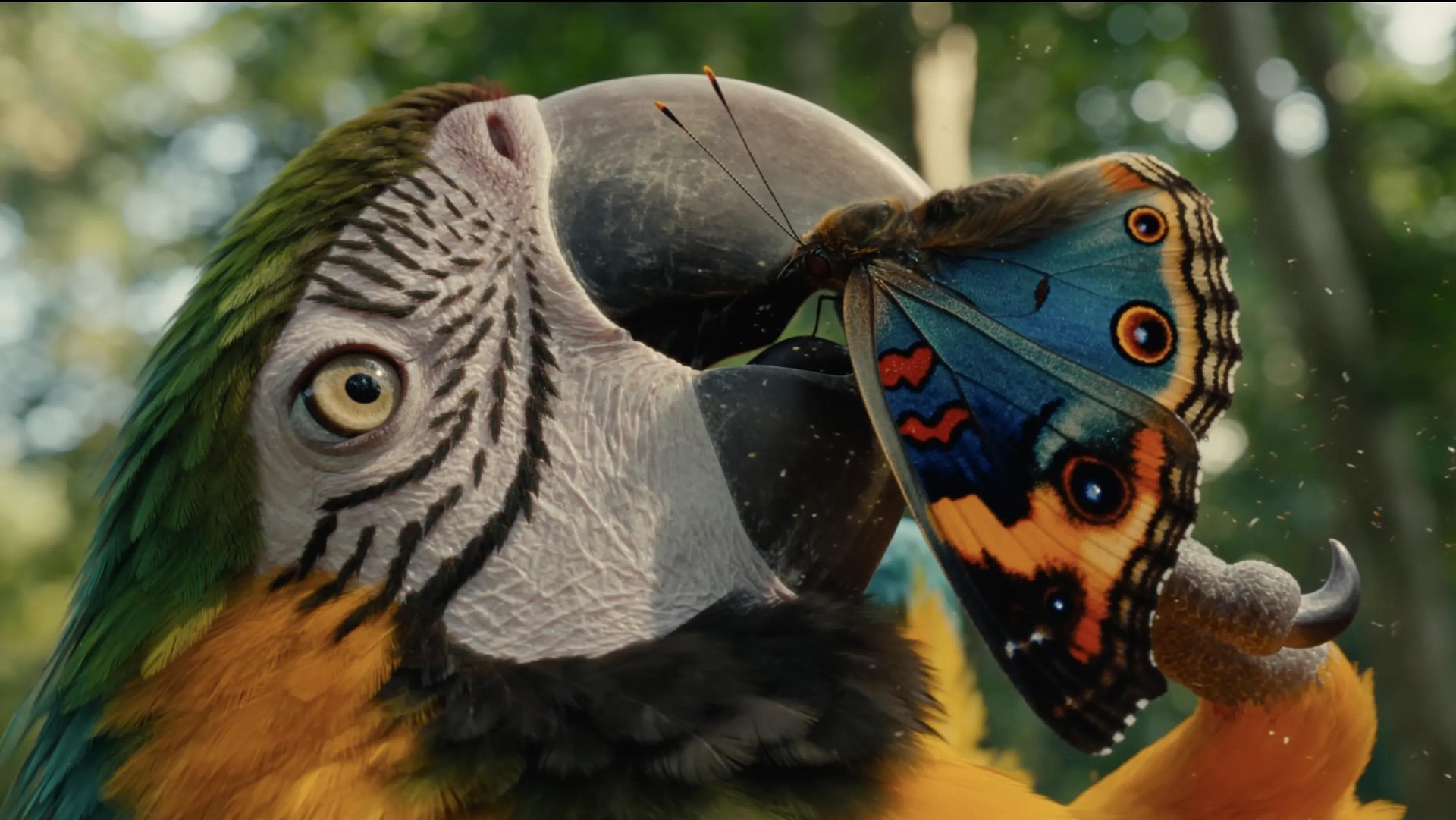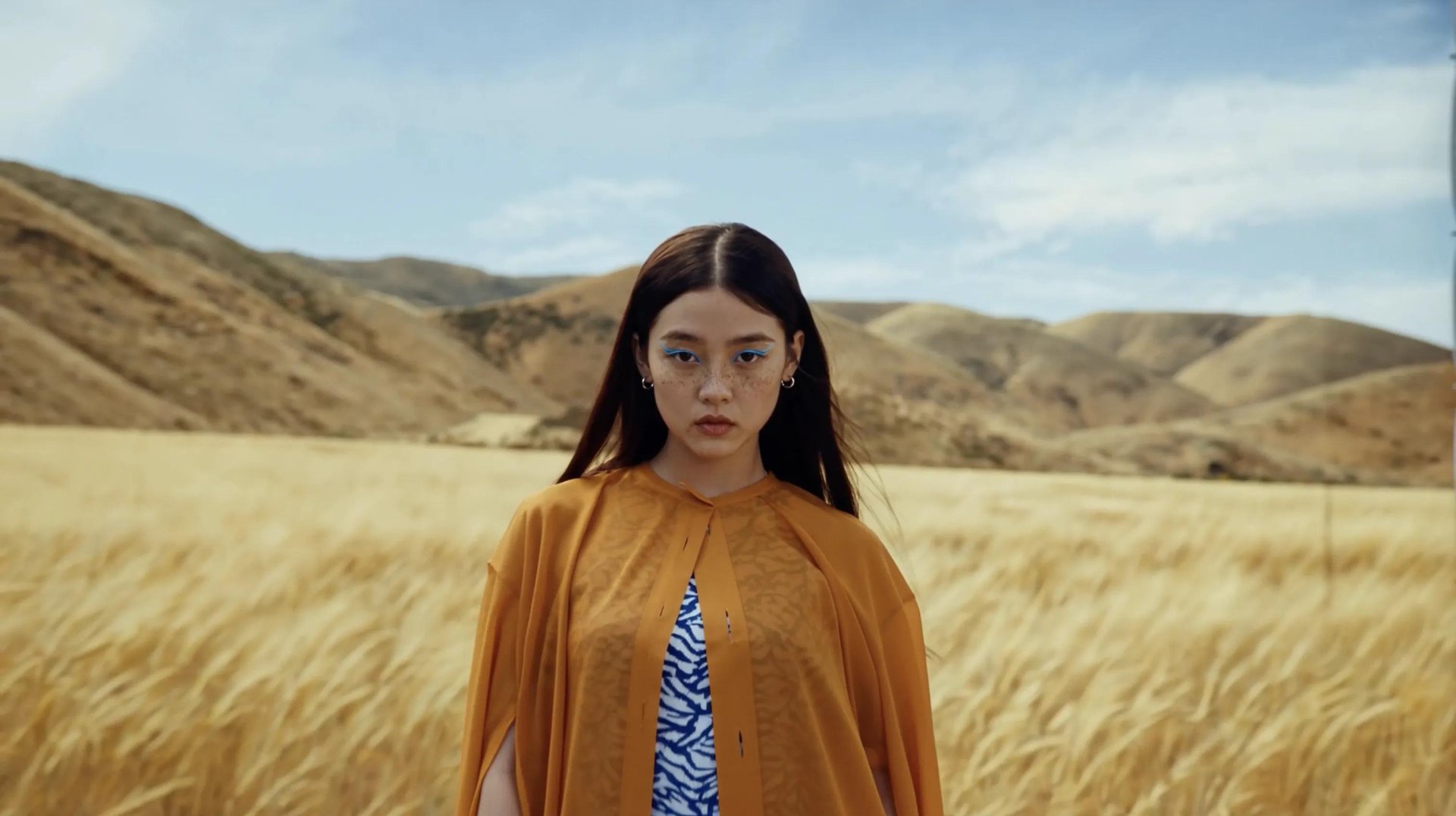
Most design systems fall apart the same way: a hero image comes from a stock library, a product shot comes from the client, a background gets generated somewhere else entirely, and none of them share a lighting logic or a color temperature. Higgsfield now runs directly inside Figma to close that gap. Generate an on-brand visual, match the lighting on a stock photo to the rest of your file, or build a consistent angle set from one product shot, all from a panel on your canvas, without exporting anything or switching to a browser tab.
Inside the Plugin
The Higgsfield plugin for Figma installs from the Figma Community and shows up in both regular Figma design files and FigJam. Seven tools live inside one panel, and five of them exist specifically to bring outside images into line with whatever visual system you're already building.
Tool | What it solves for design work |
|---|---|
Generate AI Image | Produce an on-brand visual that matches your existing palette and mood instead of hunting a stock library for something close enough |
Generate AI Video | Add motion to a static composition, a looping background or a hero animation, without leaving the file to source it |
Remove Background | Isolate a subject from a stock photo or client-supplied image so it drops cleanly into a component or a masked frame |
Relight | Push a mismatched stock photo toward the lighting direction and warmth already established elsewhere in the file |
Color Grading | Lock a shared color mood, warm, teal-and-orange, muted film, across every image in a set, regardless of where each one originally came from |
Expand | Turn a tightly cropped asset into a full-bleed background or reshape it for a different aspect ratio without a reshoot |
Angles | Build a front, side, and three-quarter view of the same product from a single photo, for a catalog page that needs a consistent set |
Generate AI Image and Generate AI Video create new assets. The other five take an image you already have on the canvas and pull it toward the same visual register as everything around it, which is the part that actually matters when a file mixes stock photography, client assets, and prior AI generations.