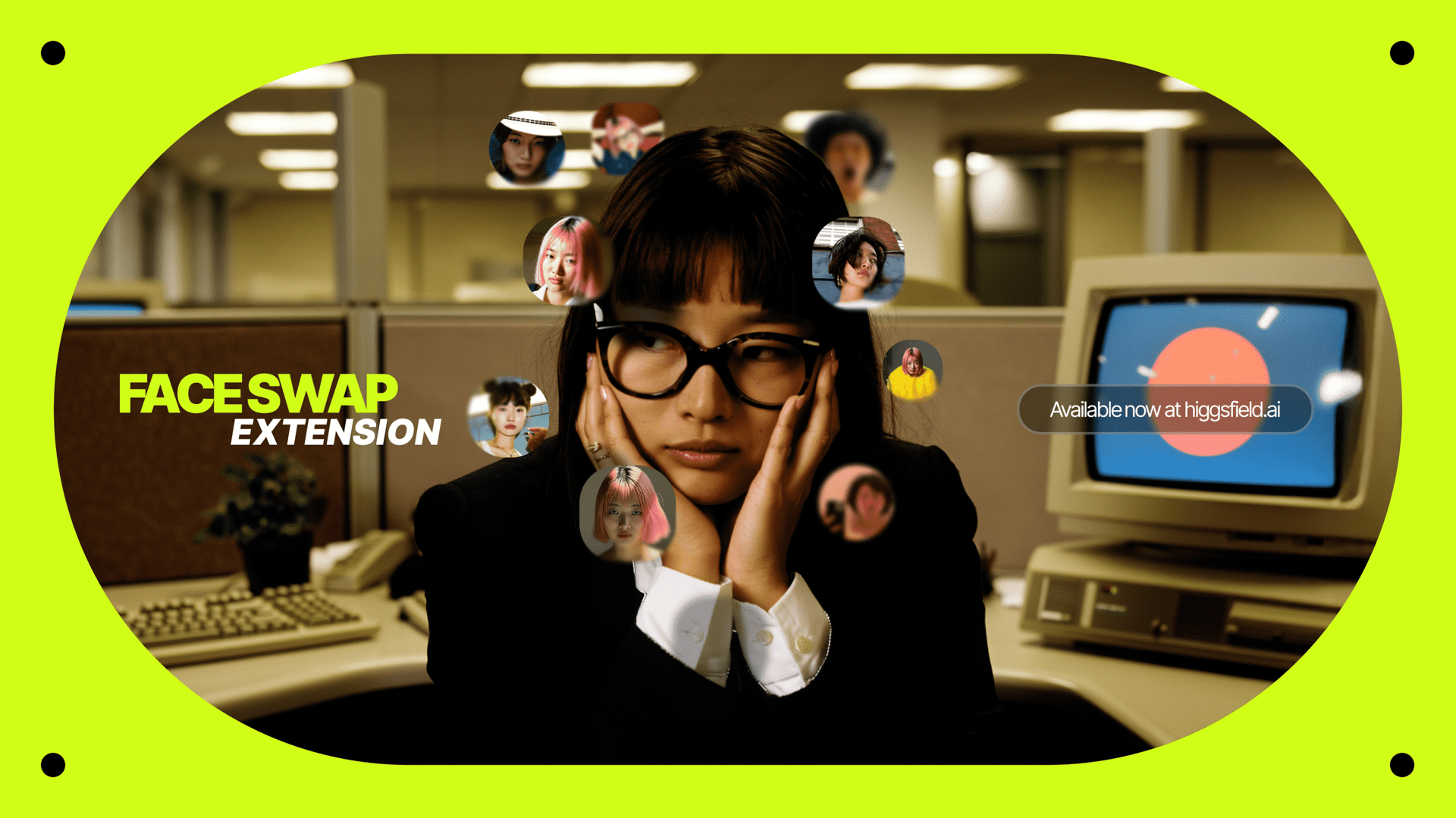
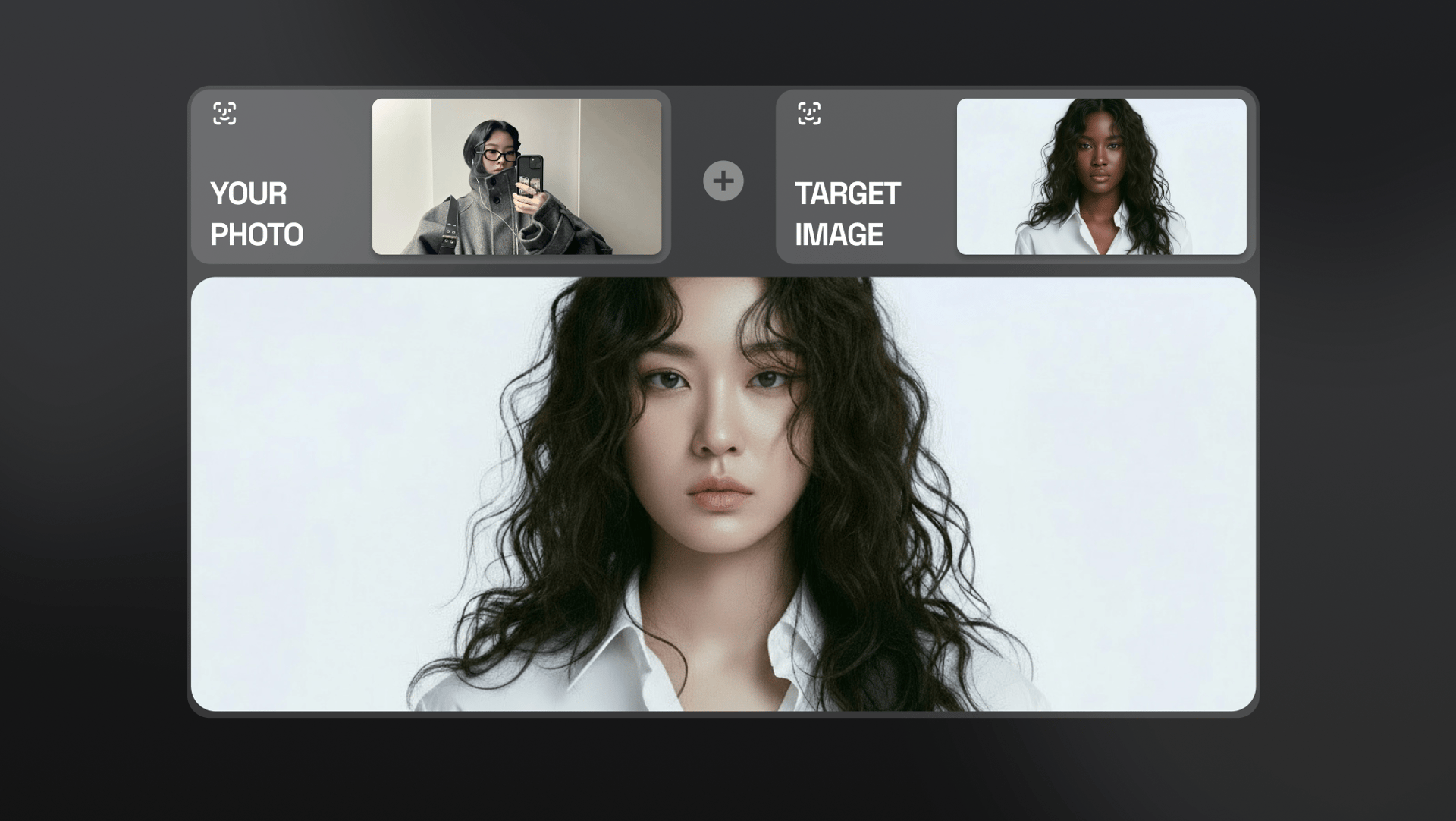
The new Higgsfield Face Swap Browser Extension is a complete reimagining of the tool that transforms the entire internet into your personal creative canvas. The concept is simple, just as you suggested: see a photo online? Put your face in it.
This makes it a powerful tool for rapid ideation, high-speed content creation, and visualizing a face in any setting imaginable.
What Makes This Extension a True Game-Changer?
Instant, One-Click Swapping:
The core function is its seamless, single-click operation.
You no longer need to download an image, upload it to the platform, perform the swap, and then re-download it.
Right-click on almost any image you find online and perform the swap instantly.
Your Personal Reference Face:
The extension securely connects to your Higgsfield account, allowing you to upload and store your preferred reference face directly within its settings.
Your "face" is always ready, enabling true one-click swaps without needing to upload a new reference photo every single time.
Context-Aware Realism:
The engine analyzes the source image's key attributes -the lighting direction, color temperature, and even the film grain - to intelligently blend your reference face into the scene as if it were originally there.
A Direct Bridge to Your Creative Studio:
The Face Swap Browser Extension acts as the ultimate creative bridge.
Once an image is swapped, you can download it instantly or save it directly to your Higgsfield creative library.
Watch the quick tutorial:
How to Install and Use the Face Swap Extension: A Step-by-Step Guide
We've designed the process to be as intuitive and frictionless as possible, getting you from installation to creation in under a minute.
Step 1: Install the Extension First, you will need to add the extension to your browser from the official [Chrome Web Store / Firefox Add-ons / etc.] page. A single click on "Add to Browser" will have it installed and ready to go.
Step 2: Log In and Set Your Reference Face After installation, click the new Higgsfield icon in your browser's toolbar. You will be prompted to log in to your account. Once logged in, go to the extension's settings and upload your primary reference face - this is the photo the tool will use for all your one-click swaps.
Step 3: Browse the Web and Find Your Canvas When you find a photo you want to use as your base, simply right-click on the image to open the context menu.
Step 4: Activate the Swap with a Single Click From the right-click menu, you will now see a new option: "Face Swap with Higgsfield." Click this, and the extension will instantly capture the image and begin the AI swap process using your stored reference face.
Step 5: Review, Download, or Send to Higgsfield In just a few moments, the extension will display the finished, high-fidelity swap. From here, you have immediate options: download the new image directly to your computer for sharing, or click "Save to Library" to send the new asset straight to your Higgsfield creative studio, ready for your next big project.
Conclusion: The Glow-Up You Asked For
The new Higgsfield Face Swap Browser Extension is the "glow-up" we've all been waiting for, finally closing the gap between online inspiration and immediate creation. It transforms the internet from a passive gallery into an active, endless canvas. By integrating this powerful one-click swap capability directly with the rest of the Higgsfield creative suite, we’re delivering on our promise to build the fastest, most seamless workflow for creators. We're incredibly proud of this new tool and cannot wait to see what you create when ANYTHING is your new starting point.