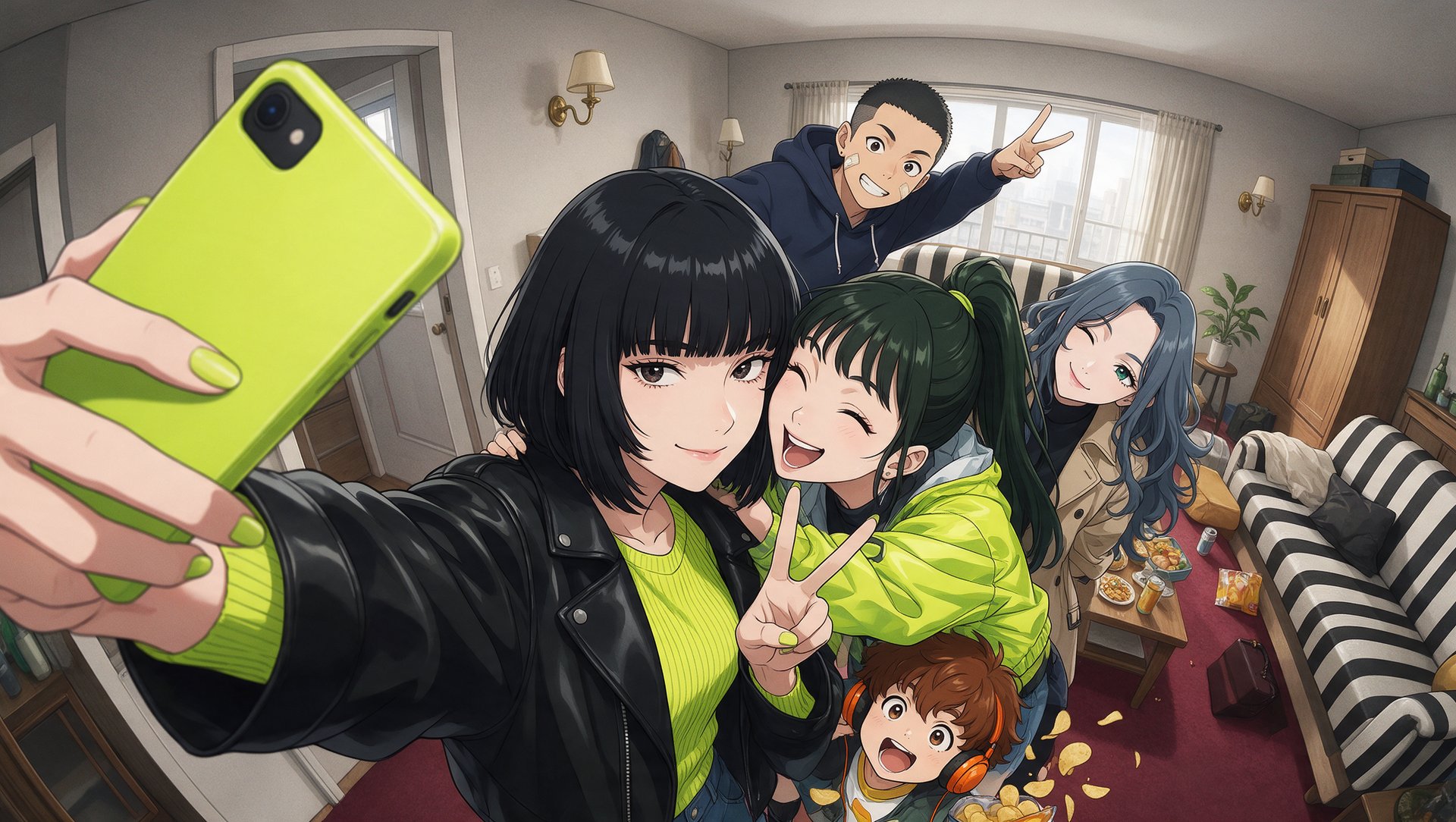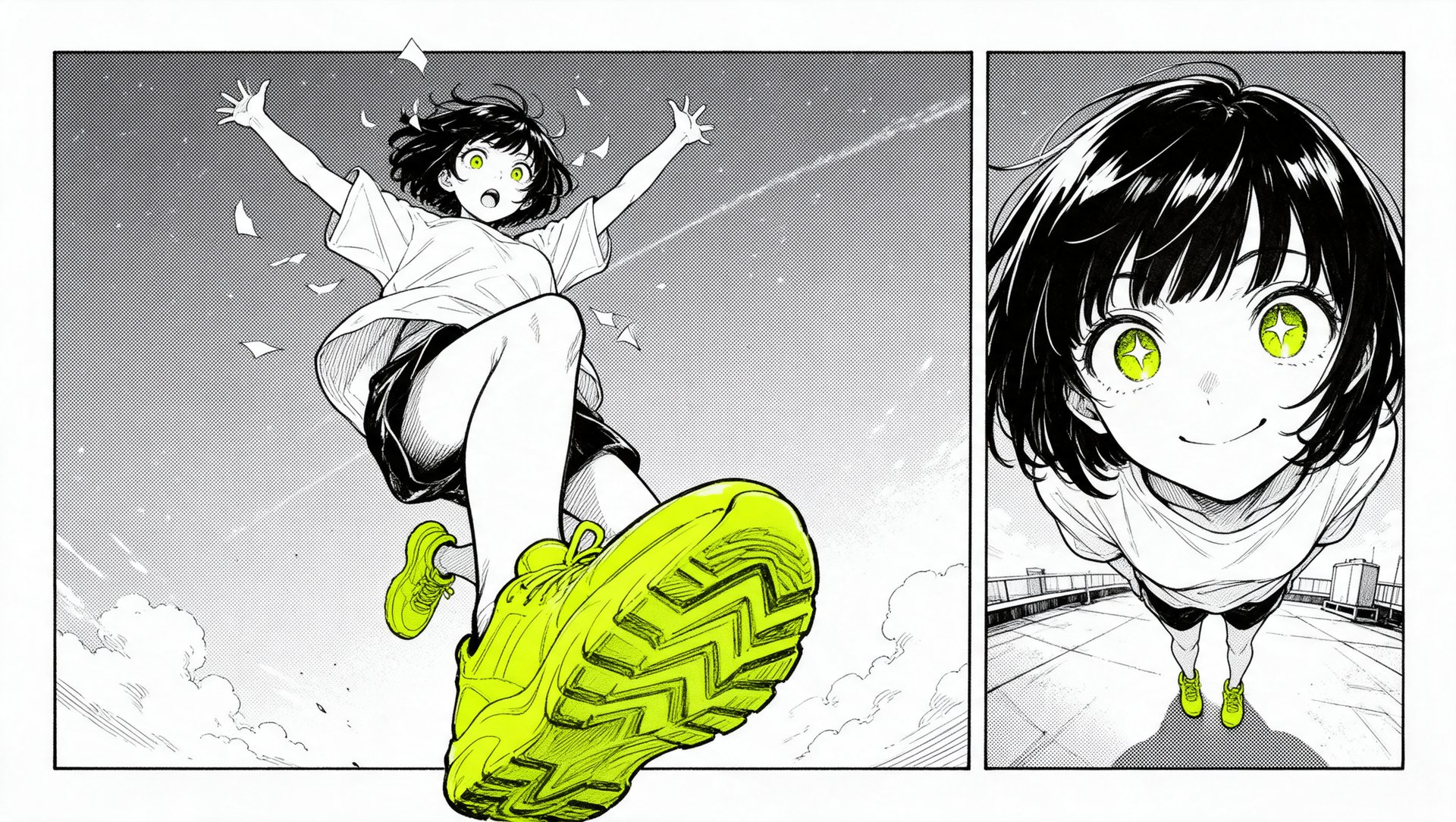
Higgsfield introduces Mangaka, a tool that turns ideas and scripts into manga, comics, and webtoons. It develops the story, creates characters, and illustrates chapters. The workflow supports creative control, page editing, and options for exporting or publishing projects. This guide covers how Mangaka works, its settings and editing tools, pricing, and how to turn an idea into a finished manga.
What Is Mangaka?
Mangaka is an agentic tool for making manga, comics, and webtoons. A story starts as a short description or as a finished script, and the agent develops the plot, creates the cast, and draws the chapters one after another. Higgsfield is the generative platform for creative production, with 35+ models and tools, and Mangaka is one of its studios. The plan can be changed, a character's look can be refined, a panel or page can be edited, and generation can be paused at any point.
The tool suits several kinds of projects:
- Manga and comics from a script: upload a PDF or DOCX file of up to 25 MB and get illustrated chapters.
- Stories from a short idea: a line of text is enough for the agent to write the plan.
- Vertical webtoons: 9:16 pages for social media and webtoon platforms.
- Stories with friends in the lead roles: add characters from photos, with names and short descriptions.
- Recreate: adapt an existing manga with your own heroes and a new title.