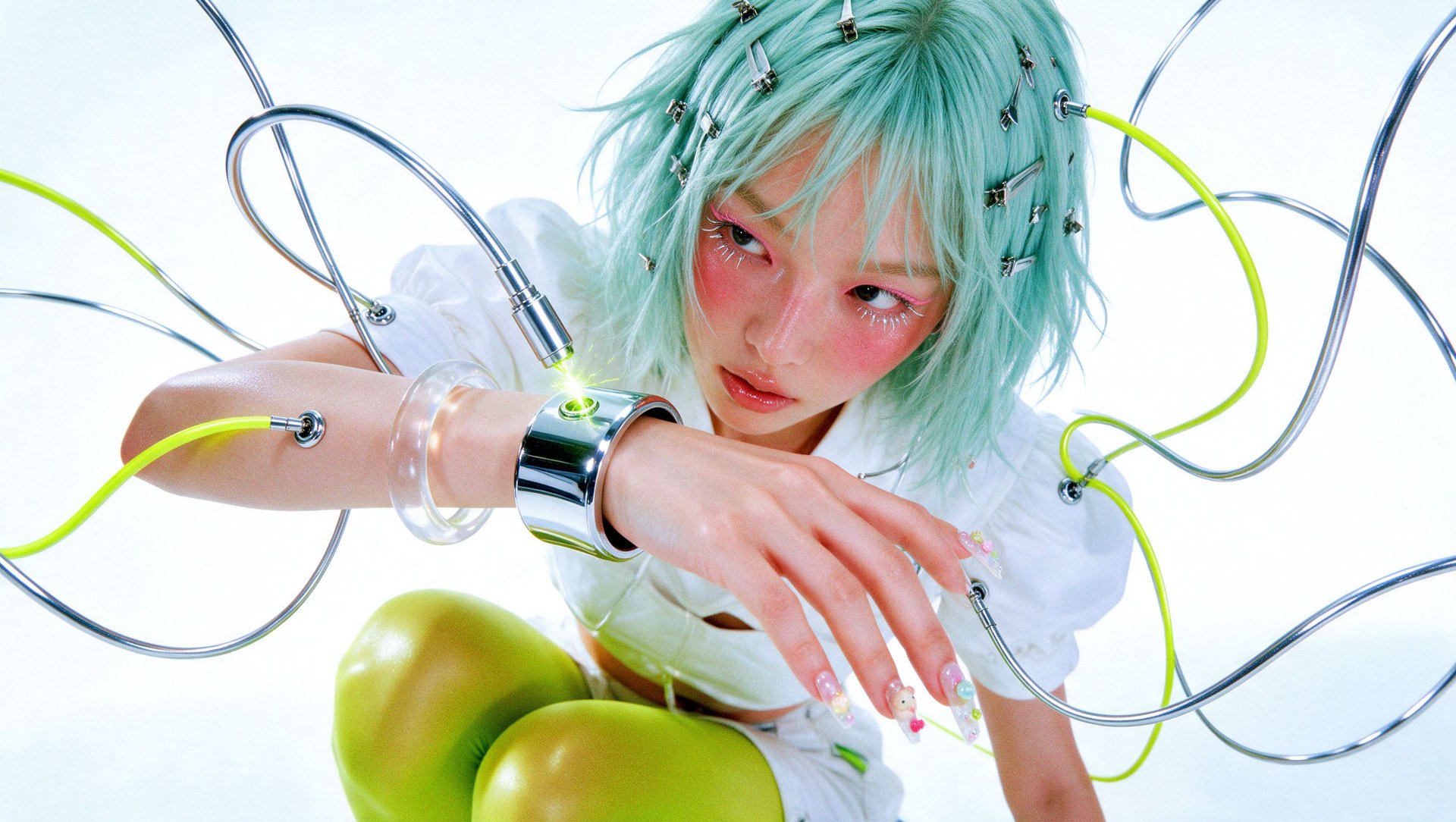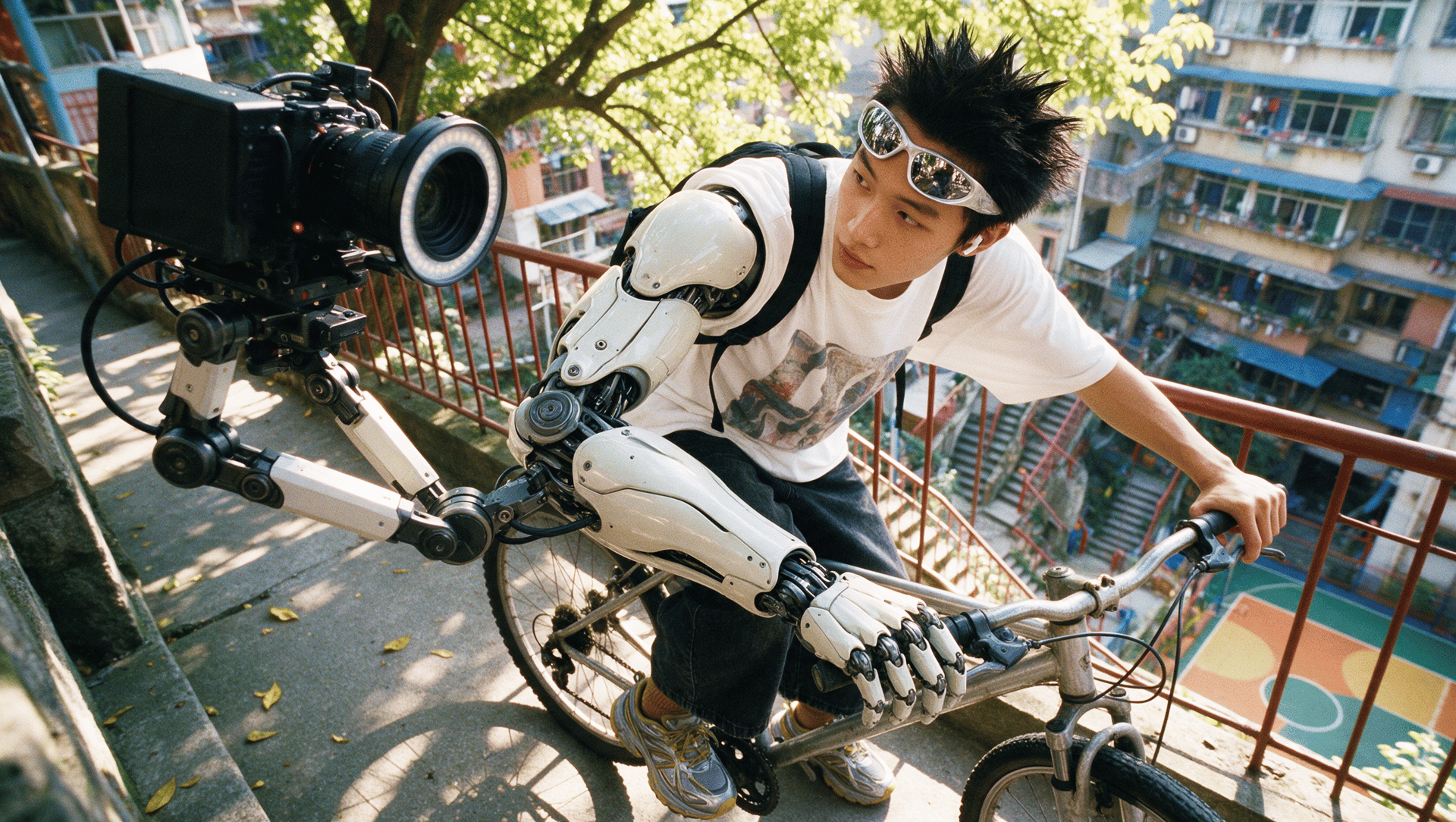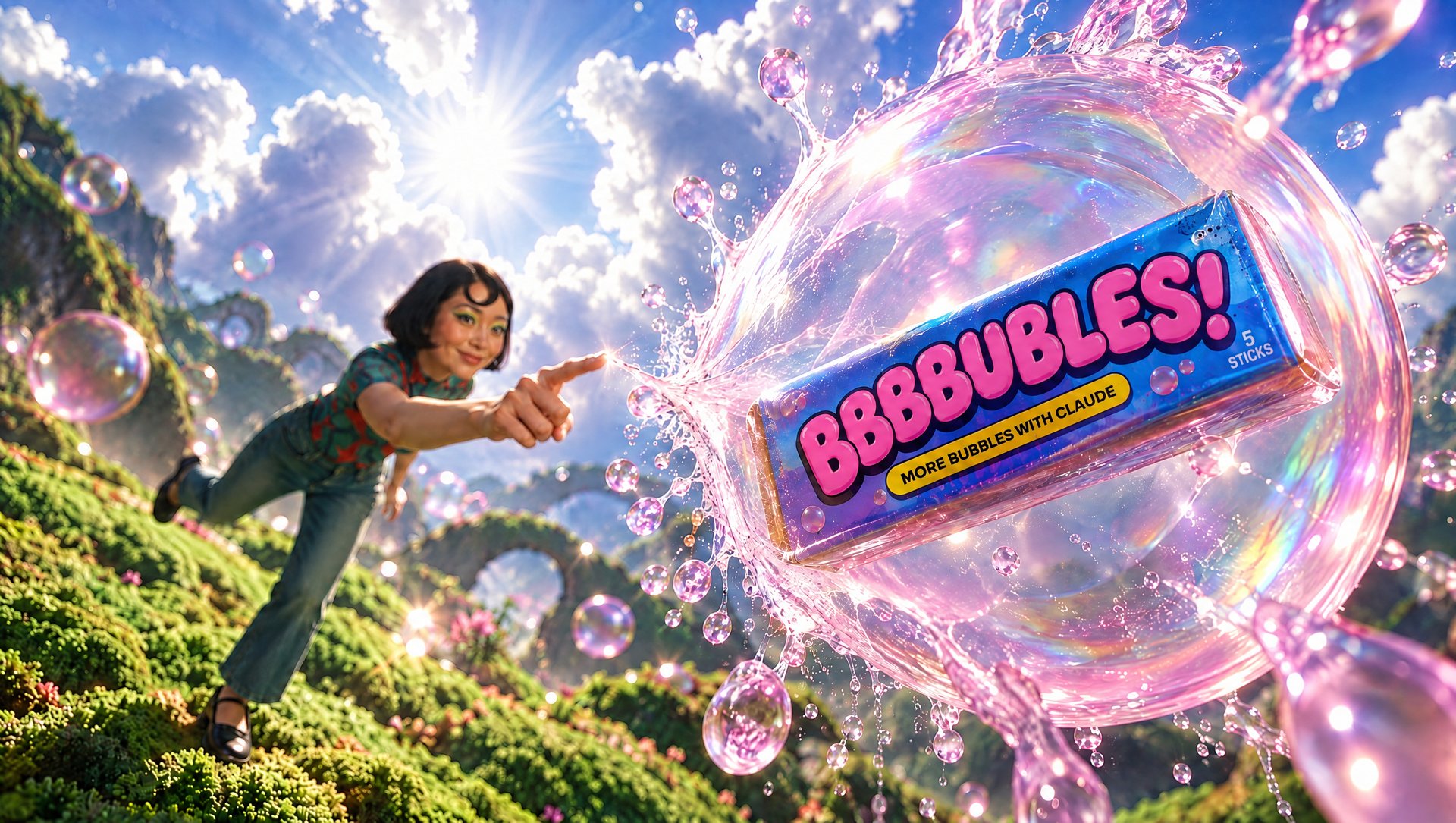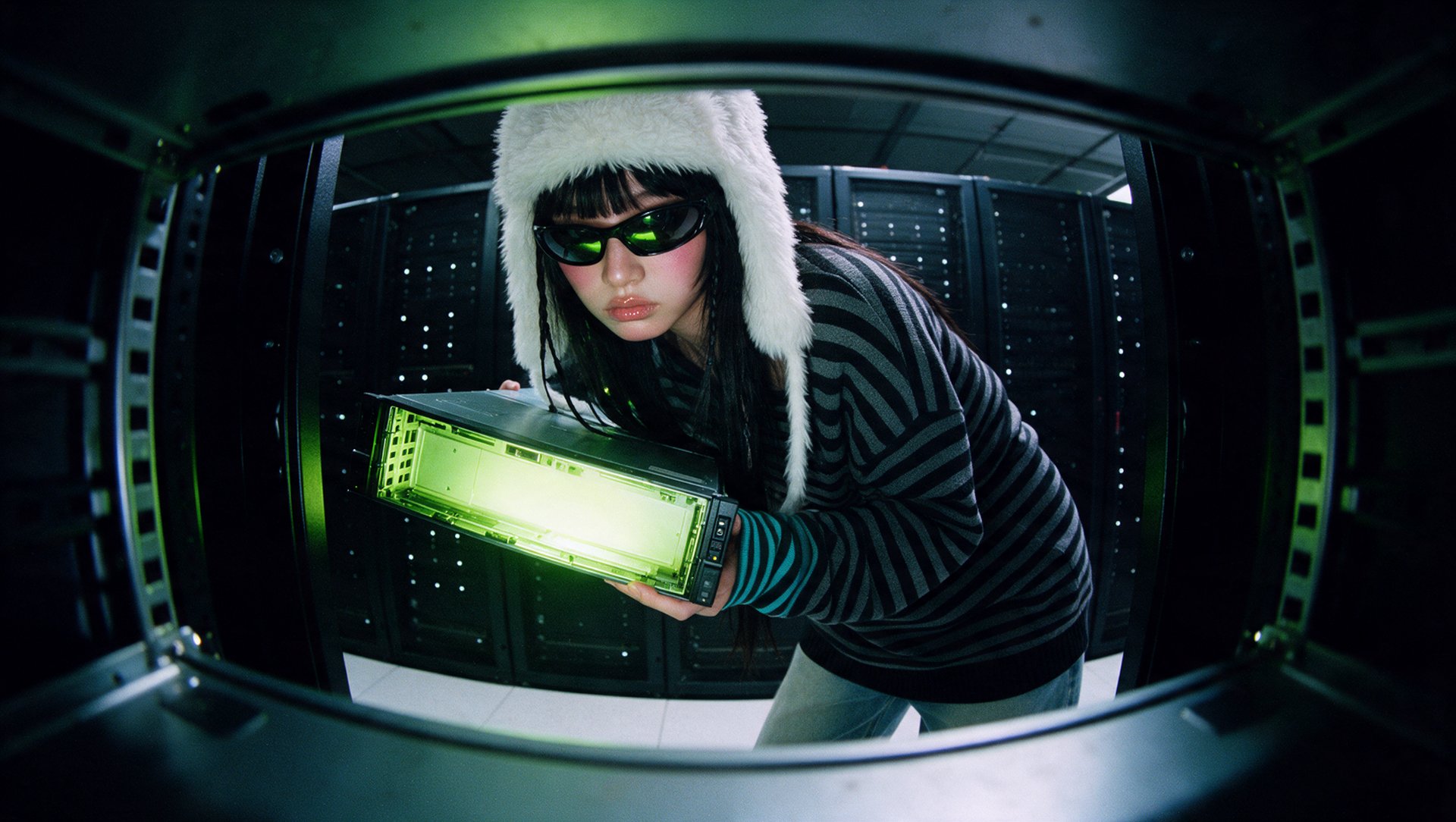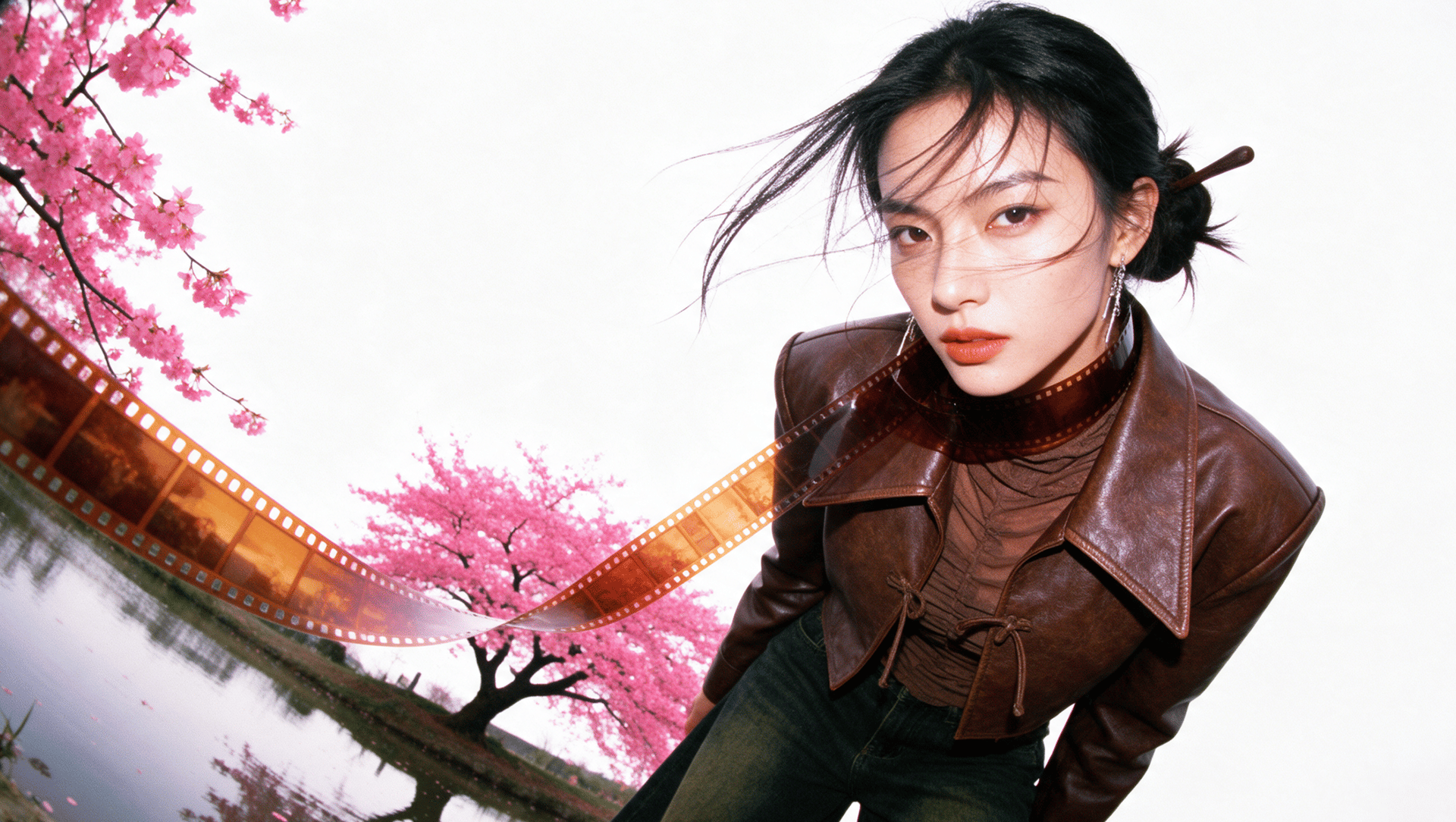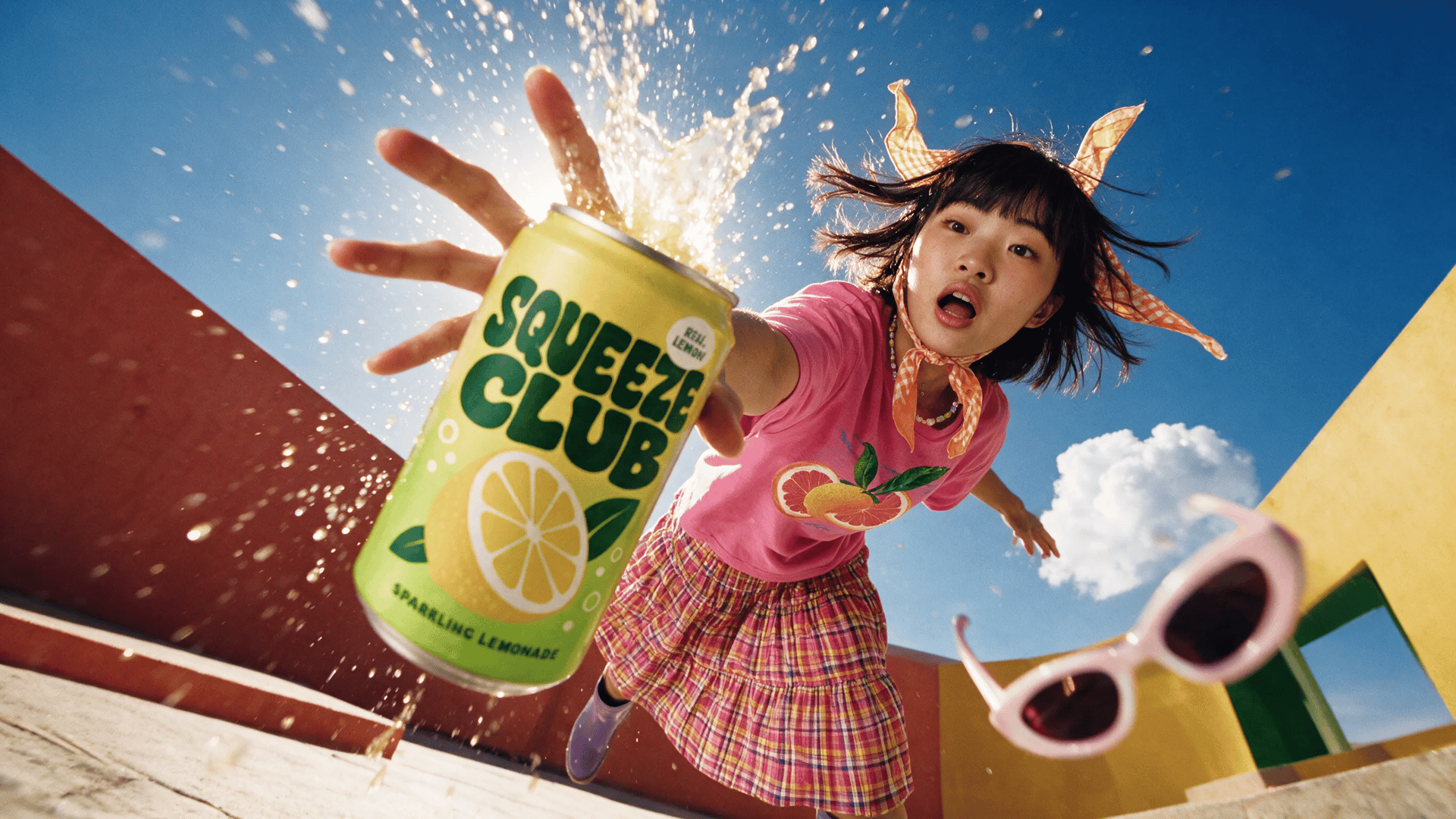
Higgsfield Ads Studio now makes micro drama ads: video ads that tell a story, with characters, a conflict and your product at the turning point. Describe the ad or paste a script, pick a style, your product and an avatar, and an agent in the chat makes the video. The same story catalog also works in Claude and ChatGPT through the /microdrama-ads command in Higgsfield MCP.
What Are Micro Drama Ads?
Micro drama ads are a new feature in Higgsfield Ads Studio that turns a product into part of a short story. There’s a main character, something goes wrong, and the product helps turn things around.
- An agent in the chat: describe the ad or paste a script, and the agent makes the video, then new versions on request.
- Styles and stories: eight video styles, including live-action Micro drama, Claymation story and Crochet story, plus 44 ready-made story cards you can recreate.
- Your product and cast: a product from your brand kit and an avatar who stays the same person across all your ads.
- Length: no set limit on film length.
- Availability: Ads Studio on the web, plus Claude and ChatGPT through Higgsfield MCP with
/microdrama-ads.
Ads Studio describes its main style, Micro drama, as “a live-action mini drama shot like a film.” A rival often adds to the trouble before the product enters the story and helps resolve it. Catalog stories come in a vertical 9:16 format.
Which Styles Are Available in Micro Drama Ads?
Ads Studio has eight video styles at launch. The Styles window also lists Meta ads, which makes static images. Micro drama and Cinematic story are the two photoreal styles, and Micro drama has the most story cards. The other six are animated or stylized, and four of them are told by their hero.
Style | Look | How the story is told | Story cards |
|---|---|---|---|
Micro drama | Live action, shot like a film | Characters act out a mini drama | 18 |
Cartoon story | 3D cartoon | The hero tells it in voiceover over the scenes | 7 |
Cinematic story | Cinematic scenes | The hero tells their story over the scenes | 3 |
Claymation story | Stop-motion clay | The hero tells the tale | 4 |
Talking object | Your product as a living character | The product comes alive and talks | 3 |
Inside the body | Cells and organs | The story plays out inside the body | 3 |
Doll story | A doll world | The hero tells the tale | 3 |
Crochet story | A knitted world | The hero tells the tale | 3 |
Styles and story cards checked on November 6, 2026.
What Do Micro Drama Ads Look Like?
Each story card in Ads Studio is a story template with a finished example ad. Recreate makes a similar ad with your product. Each of the five cards below shows a different style.
Public Failure: Micro Drama
Public failure is a Micro drama card: a live-action story about a hero who fails in public because of the problem your product solves. Later, a rival tries to sabotage the hero, and your product is what beats the sabotage.
Bear Proof: Cartoon Story
Bear proof is a Cartoon story card: a 3D cartoon told by its hero in voiceover. An absurd problem takes over the narrator’s life until they quietly end it with your product.
Frizzilla: Talking Object
Frizzilla is a Talking object card, where your product comes alive and talks. A rival shames the hero over a flaw, and your product, a vain talking character, fixes it twice until the flaw lands on the rival.
Inside Confession: Inside the Body
Inside confession is an Inside the body card, where cells and organs tell the story from inside. The heroine confesses an embarrassing problem from inside her body, and your product clears it.
Shrink the Creature: Claymation Story
Shrink the creature is a Claymation story card: a stop-motion tale told by its hero. The problem becomes a clay creature with a face and grows from cute to unbearable until your product shrinks it.
How to Create a Micro Drama Ad in Ads Studio
On the web, you describe the ad in a chat and an agent makes it. You set up your brand once, write the brief, pick a style, product and avatar, and the agent generates the video and new versions on request.
Step 1: Set up your brand. In Tools → Brands, press Set up brand, paste your website URL and press Create my brand. Ads Studio fills in the brand kit and products from the site. If you have no website, press Create brand kit manually.
Step 2: Describe the ad. Write your idea or paste a script, then choose a Style, a Product and an Avatar: ready-made, from AI Influencer or new. REF adds a reference.
Step 3: Choose how the agent works. Pick a model in the model menu next to Allow. Then open Allow and choose Generate without asking (the default) or Ask before generating.
Step 4: Get the video and new versions. The video appears in the campaign grid and in All media. Ask in the same chat for new versions of the ad.
Step 5: Keep campaigns in projects. Under Projects, press + to create a project with a separate chat for each product or campaign.
For a ready idea, open a card under Trending right now and press Recreate to make a similar ad with your product and cast.
How to Run Micro Drama Ads From Claude or ChatGPT
In Claude or ChatGPT, type /microdrama-ads with no other words to open the story cards from Trending right now, or add your own story after the command. The assistant writes the script, generates the references and clips, and joins them into one film on your Higgsfield account.
Criteria | Ads Studio on the web | Claude and ChatGPT (/microdrama-ads) |
|---|---|---|
Who makes the film | The Ads Studio agent | Your assistant, with Higgsfield MCP |
Approval | Generate without asking (default) or Ask before generating | Ask me before paid steps, or Run hands-off |
Product and cast | A product from Products and an avatar from Avatars | A product from Ads Studio and Marketing Studio avatars |
Shape | Story cards are vertical 9:16 | 9:16 by default, or 16:9, 1:1, 4:3, 3:4 or 21:9 on request |
Resolution | No resolution setting in the composer | 480p, 720p or 1080p |
Credits | Each generation, plus each agent request unless the model is Auto (free) | Only the generations. The chat runs on your assistant. |
To connect, add Higgsfield as a custom connector in Claude with the URL, or add the Higgsfield plugin in ChatGPT. A full setup guide is in How to Generate AI Videos in Claude With the Higgsfield MCP Connector.
How Much Do Micro Drama Ads Cost?
Micro drama ads cost 3 credits per second of film at 480p, 7 at 720p and 16 at 1080p. Character and location images, voiceover and music add a small amount on top. In Ads Studio on the web, each generation uses credits, and so does each request to the agent unless the model is set to Auto, which is free. By default, the agent starts generations without asking. To approve each one first, switch to Ask before generating. Most failed generations return their credits automatically. Completed generations are charged as usual.
Resolution | Credits per second | Credits per minute | Approx. cost per minute |
|---|---|---|---|
480p | 3 | 180 | $8.82 |
720p | 7 | 420 | $20.58 |
1080p | 16 | 960 | $47.04 |
Approximate costs use $49 for 1,000 credits (≈ $0.049 per credit). Pricing checked on November 6, 2026. Prices and plan details may change.
In Claude and ChatGPT, Higgsfield credits go only to the generations, and the plan shows an estimated total before any paid step..
Who Are Micro Drama Ads For?
Micro drama ads fit teams that want a video ad with a story but no filming or casting.
- An online store making a video ad from its website: paste the site, pick a product, choose Micro drama.
- A brand running a series of ads with the same face, using one avatar across all of them.
- A marketer making ad creatives for Meta, TikTok and Instagram.
- Anyone repeating a trending format with their own product through Recreate.
Higgsfield Ads Studio launched in October 2026 for static ads, and with micro drama ads it now makes video ads that tell a story too. You start from a story card, an idea or a script, and the agent makes the video on the web, or your assistant makes it in Claude and ChatGPT. Ads Studio is part of Higgsfield, a generative platform for creative production, with 35+ frontier models for generating images and turning them into video scenes.
- Choose Micro drama for a live-action story ad.
- Choose an animated style (Cartoon story, Claymation story, Crochet story) for an animated ad told by its hero.