
Higgsfield Faceless Studio
AI Faceless Video Generator: From Idea to Episode
How it works
How to Make Faceless Videos with AI
You bring the idea. Higgsfield's AI faceless video generator handles the production in one workspace, so you can focus on the storytelling and channel growth.
Choose Your Topic or Upload a Script 1Choose Your Topic or Upload a Script
Describe your channel and choose a suggested topic, or upload your own script. You can also add a YouTube video link as a reference. Set your episode length, format, and animation mode.
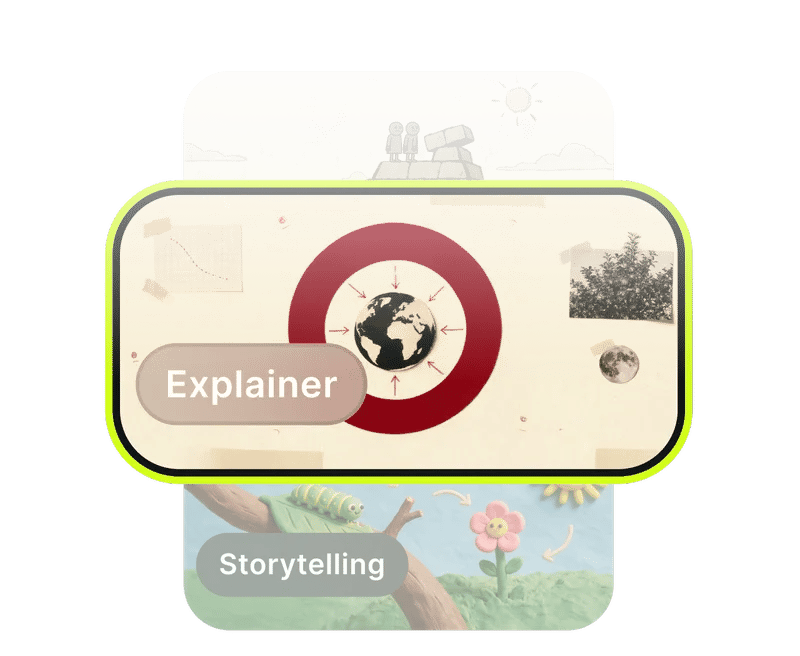
Pick Your Visual Style 2Pick Your Visual Style
Choose from 12 visual styles, including Stickman Cartoon, Paper Diorama, and Studio 3D. Your selection becomes part of your faceless YouTube channel’s visual identity.
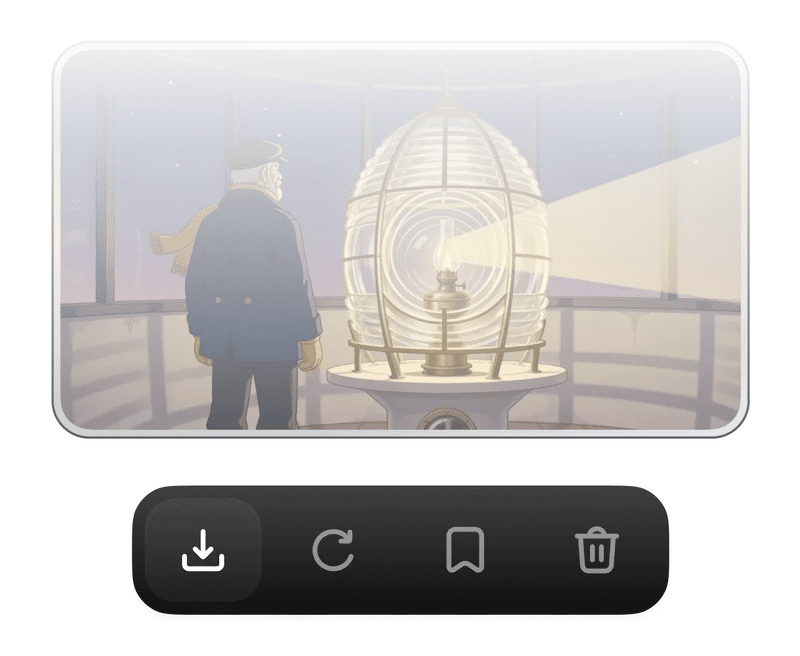
Choose a Narrator and Generate 3Choose a Narrator and Generate
Preview narrator voices, choose the one that fits your story, and check the credit cost before generating. Review the finished episode, make edits if needed, and download your video.
Pick your lane
Choose a Visual Style for Your Faceless Videos
Set the mood with editorial motion graphics, hand-drawn scenes, paper dioramas, or colorful 3D. Choose Fully Animated for continuous motion, or Frame by Frame for a story built scene by scene. Explore the previews to find a look that suits you as a faceless video creator, whether you’re explaining a concept or retelling a myth. Your saved style gives future episodes a shared visual direction.

Stickman Cartoon

Fairy Tale & Myth

Paper Diorama

Hand Drawn

Mannequin
Inside the studio
Explore More Features That Bring Your Ideas to Life
Find Your Next Episode Idea
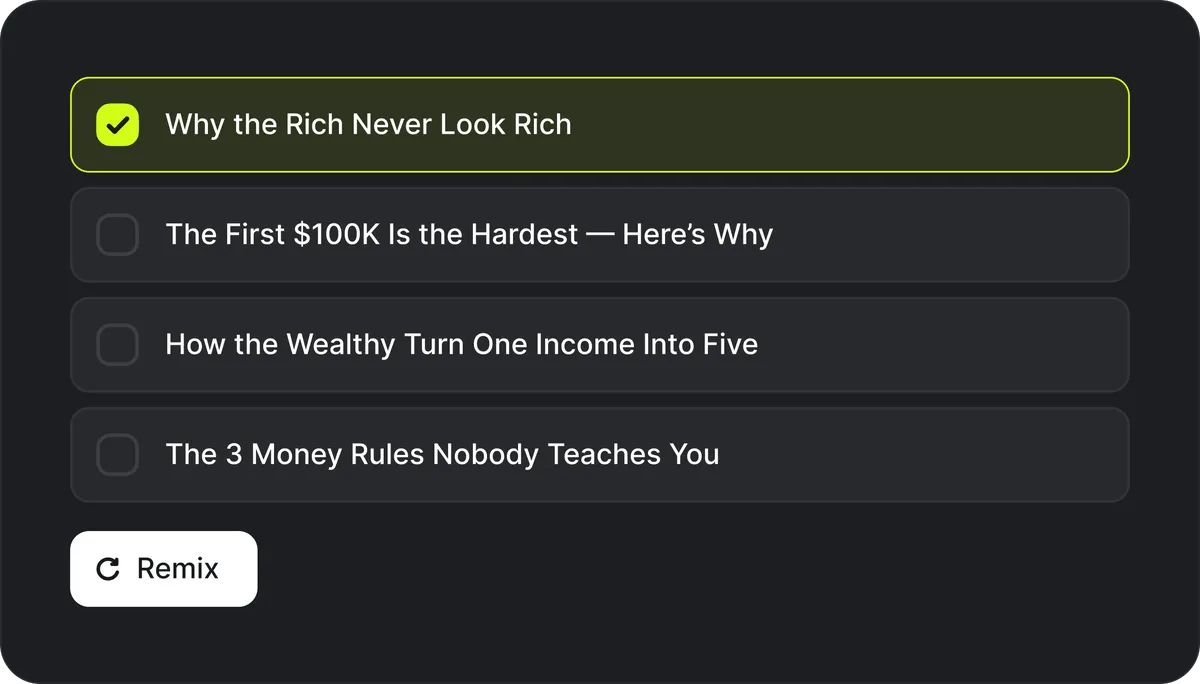
Find Your Next Episode Idea
Give Your Stories a Recognizable Voice
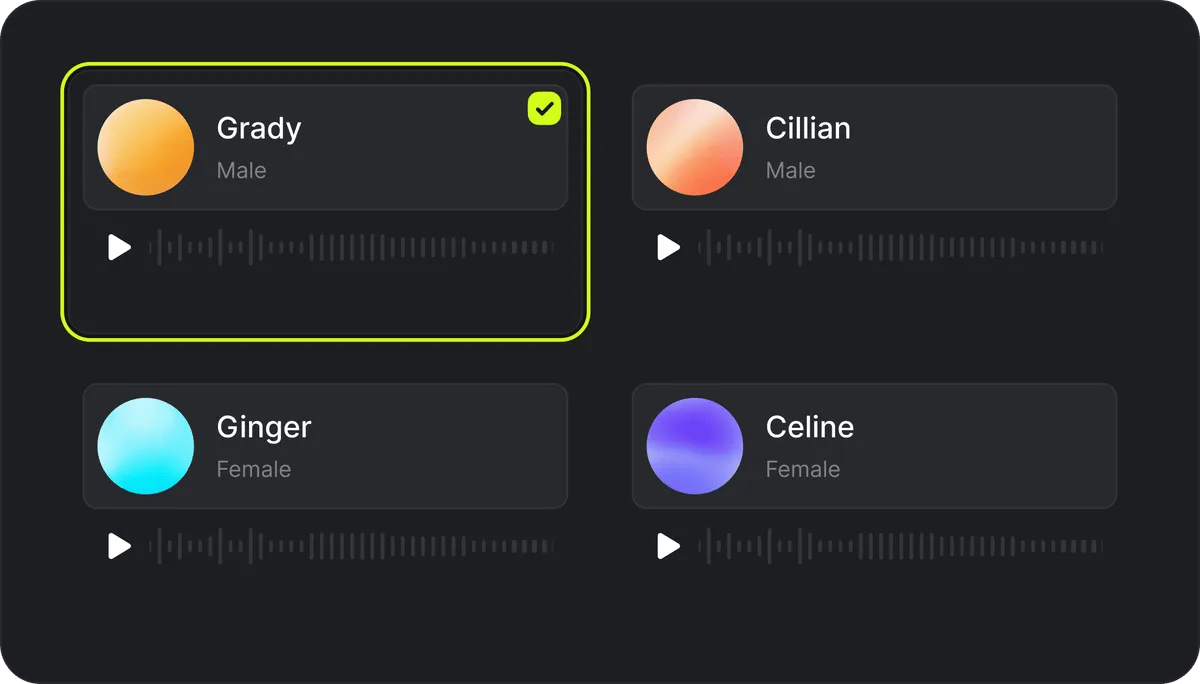
Give Your Stories a Recognizable Voice
Get a Complete Episode in One Flow
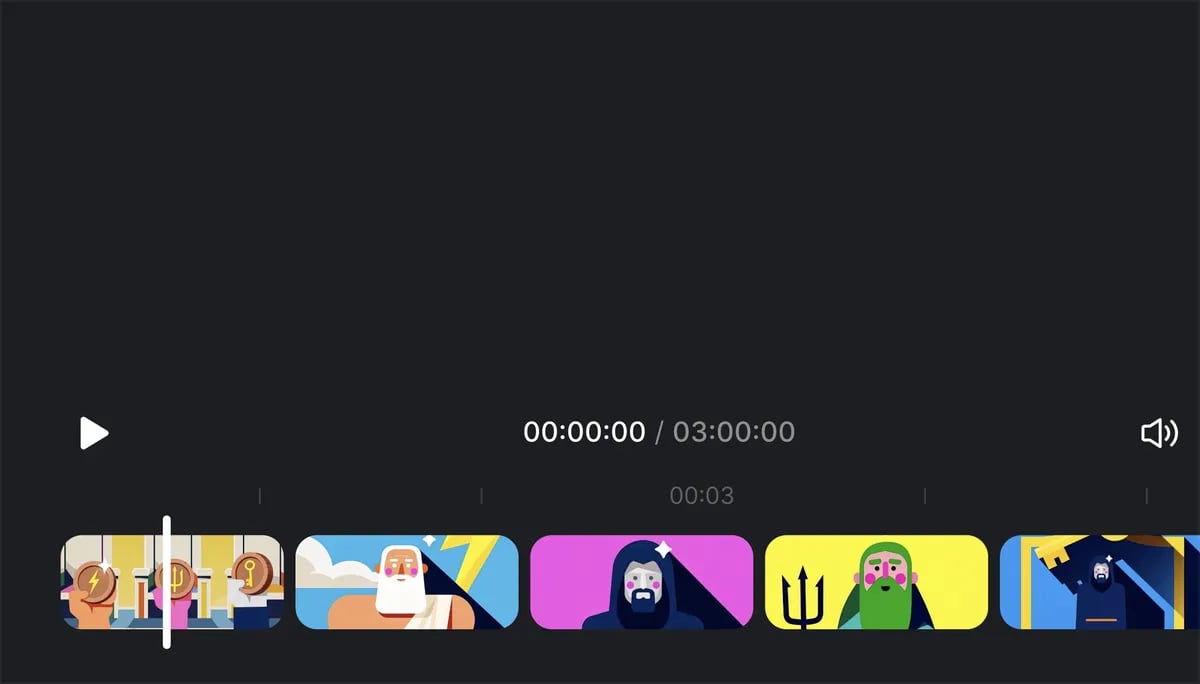
Get a Complete Episode in One Flow
Refine Your Video with a Prompt
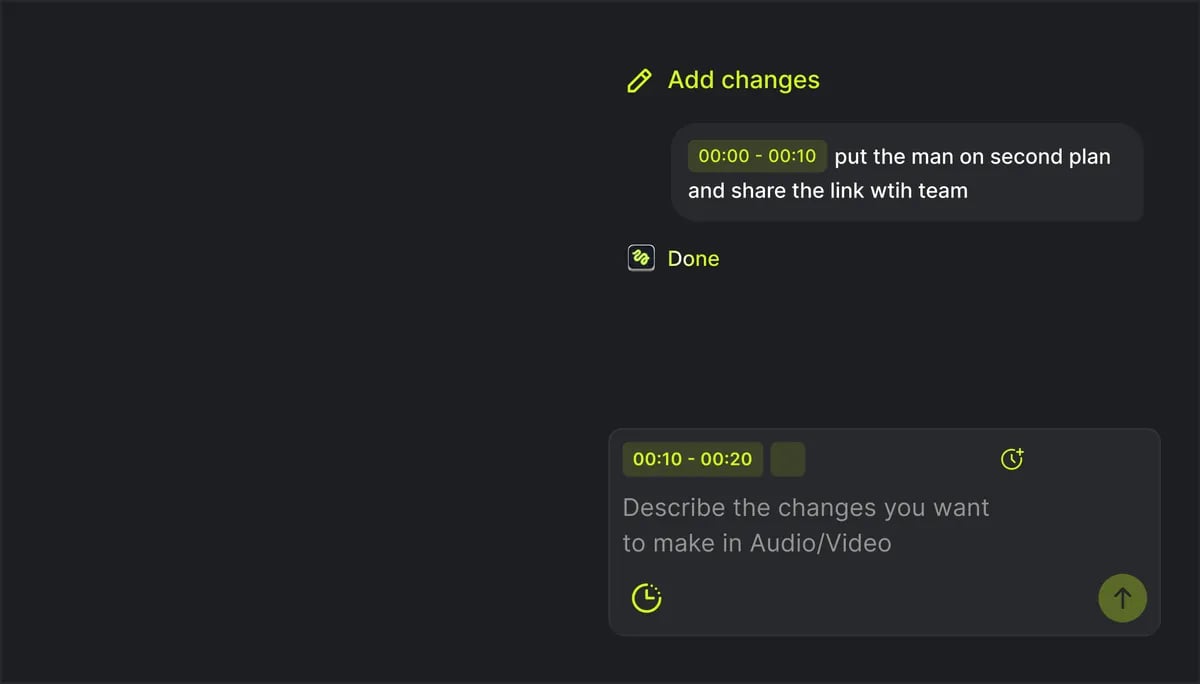
Refine Your Video with a Prompt
Discover What’s Trending
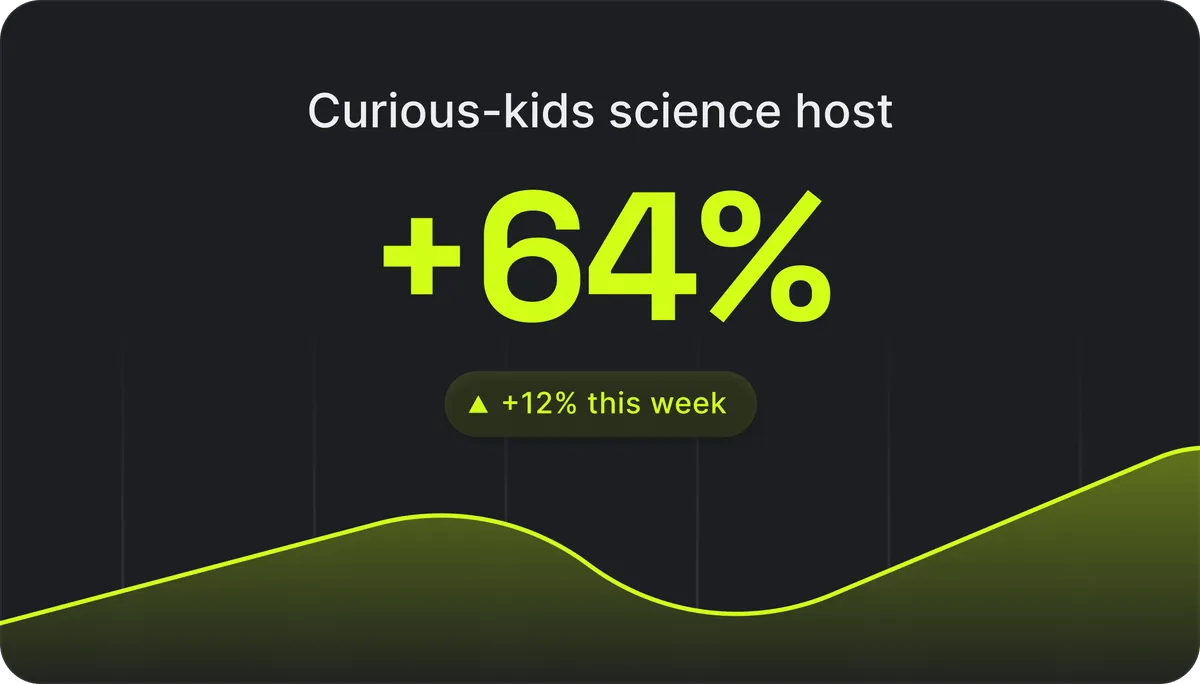
Discover What’s Trending
Fine-tuning
Tune it to taste
Upload your script.
Fully animated
Frame by Frame
Animated or frames.
Bring a reference.
Ready to use
Find a Faceless Video You Love. Make Your Own.
Explore faceless videos made with Higgsfield across different topics and visual styles. Find an idea you like, then create your own version with a new topic or script.

Community over 40 MILLION USERS
Join a global creative network where people generate AI images, share ideas, and inspire each other every day.



Trusted by 40M+ users worldwide
Pick your plan
Get access to more generations and priority access to new features
Frequently Asked Questions
We’ve answered the most frequently asked questions
What is Faceless Studio?
Higgsfield Faceless Studio is a faceless AI video generator that combines scenes, narration, music, and captions in one workspace. Create videos without appearing on camera, and save your visual style and narrator for future episodes.
How do I make faceless videos with Higgsfield?
Describe your channel and choose an episode topic, or upload your script. Select a visual style, narrator, and episode settings, then generate. Review the result, refine any moments that need attention, and download your video.
Do I need to show my face or record anything?
No. A camera or microphone is not required. Faceless Studio generates the visuals and narration, so you can tell stories without filming yourself or recording a voiceover.
Can I create faceless Reels, Shorts, and TikTok videos?
Yes. Choose vertical output for YouTube Shorts, TikTok, and Instagram Reels, or horizontal output for standard faceless YouTube videos. Download your finished video, then upload it to your chosen platform.
How many credits does a generation cost?
Faceless Studio uses credits based on your episode length. You can create videos from 30 seconds to 5 minutes, and the total credit cost is shown on the Generate button before you confirm.
How long can a Faceless Studio video be?
Faceless Studio creates episodes from 30 seconds to 5 minutes long. Choose 16:9 for standard YouTube videos or 9:16 for Shorts, Reels, and TikTok. You can set the duration and format for each episode.
Can I monetize faceless AI videos on YouTube?
Yes, AI-assisted faceless videos can be eligible for YouTube monetization, but using AI does not guarantee approval. Your channel must meet YouTube's monetization requirements, including its rules on original, authentic, and non-repetitive faceless content.
Do I need editing experience?
No. Start with an idea, choose your settings, and let the studio assemble the video. To refine the result, select timeline segments and describe the audio or visual changes you want in plain language.
Can I start a faceless YouTube channel with Faceless Studio?
Yes. Choose a niche you can build a series around, such as history, science explainers, or original stories, and plan a posting rhythm you can maintain. Faceless Studio helps you develop episode ideas and combines generated scenes, narration, music, and captions, with your chosen style and narrator saved for future episodes.
What are some faceless channel ideas?
Try science explainers, historical events, mythology, children’s learning, or original storytelling. Start with a focused theme, such as everyday inventions or ancient legends, that gives viewers a clear reason to return for another episode.
Can I use my own script?
Yes. Upload a prepared script during episode setup to build a video around your own story, explanation, or research.