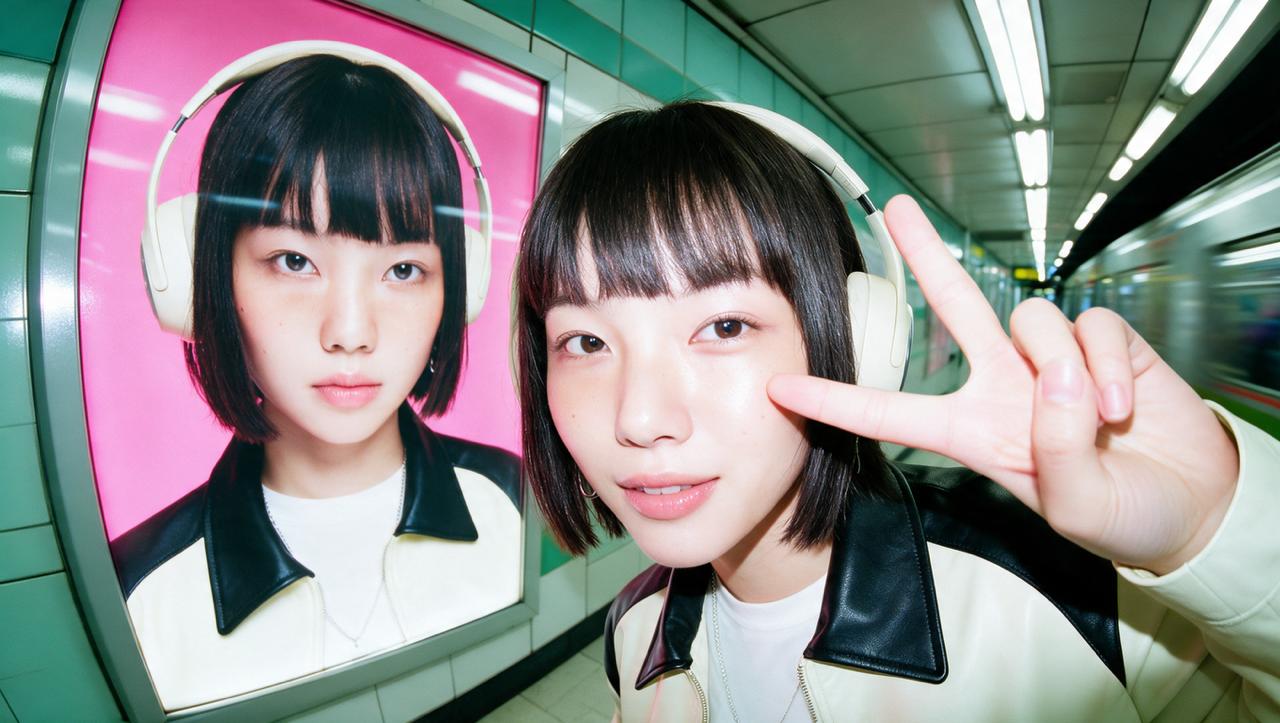
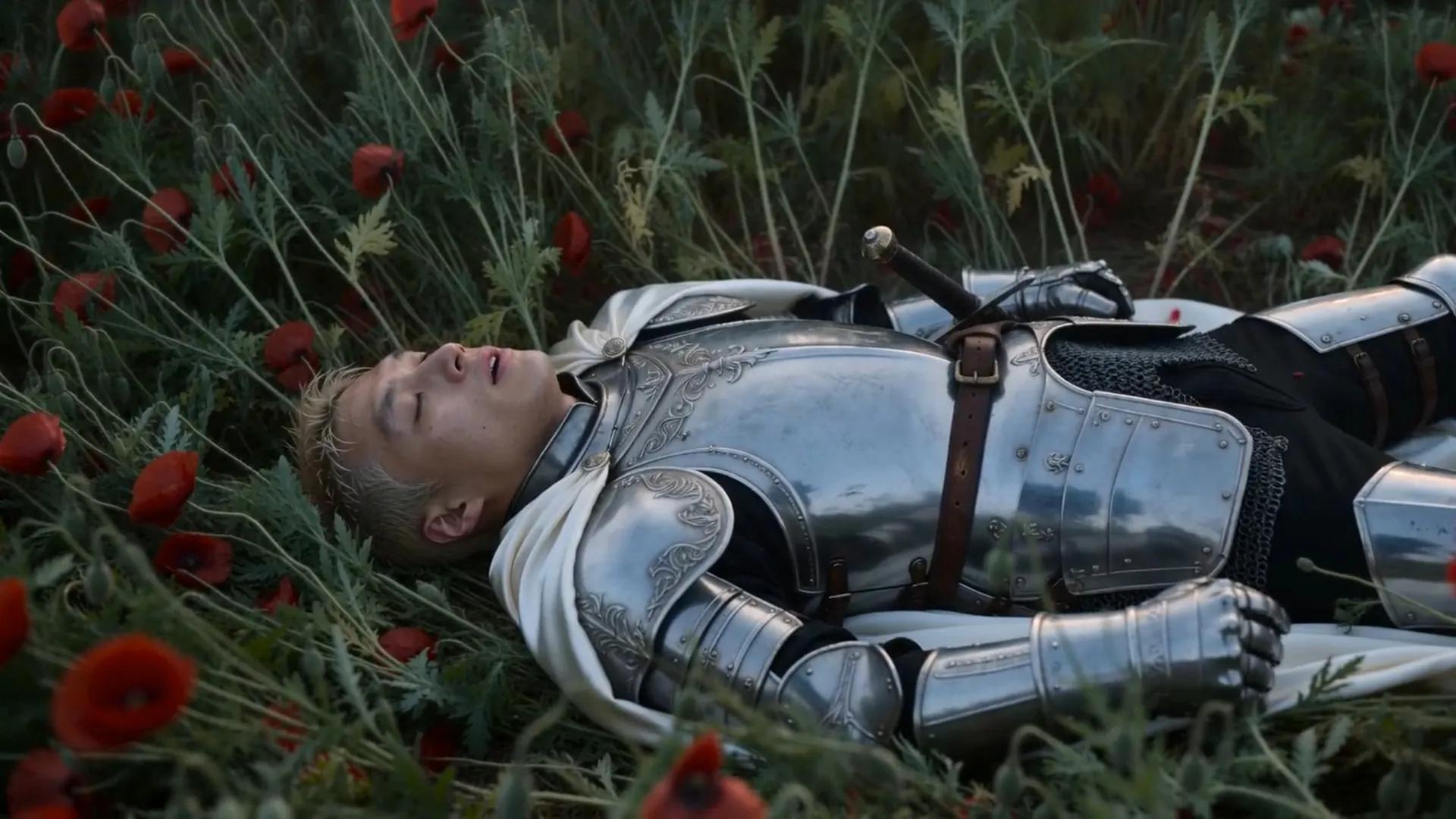
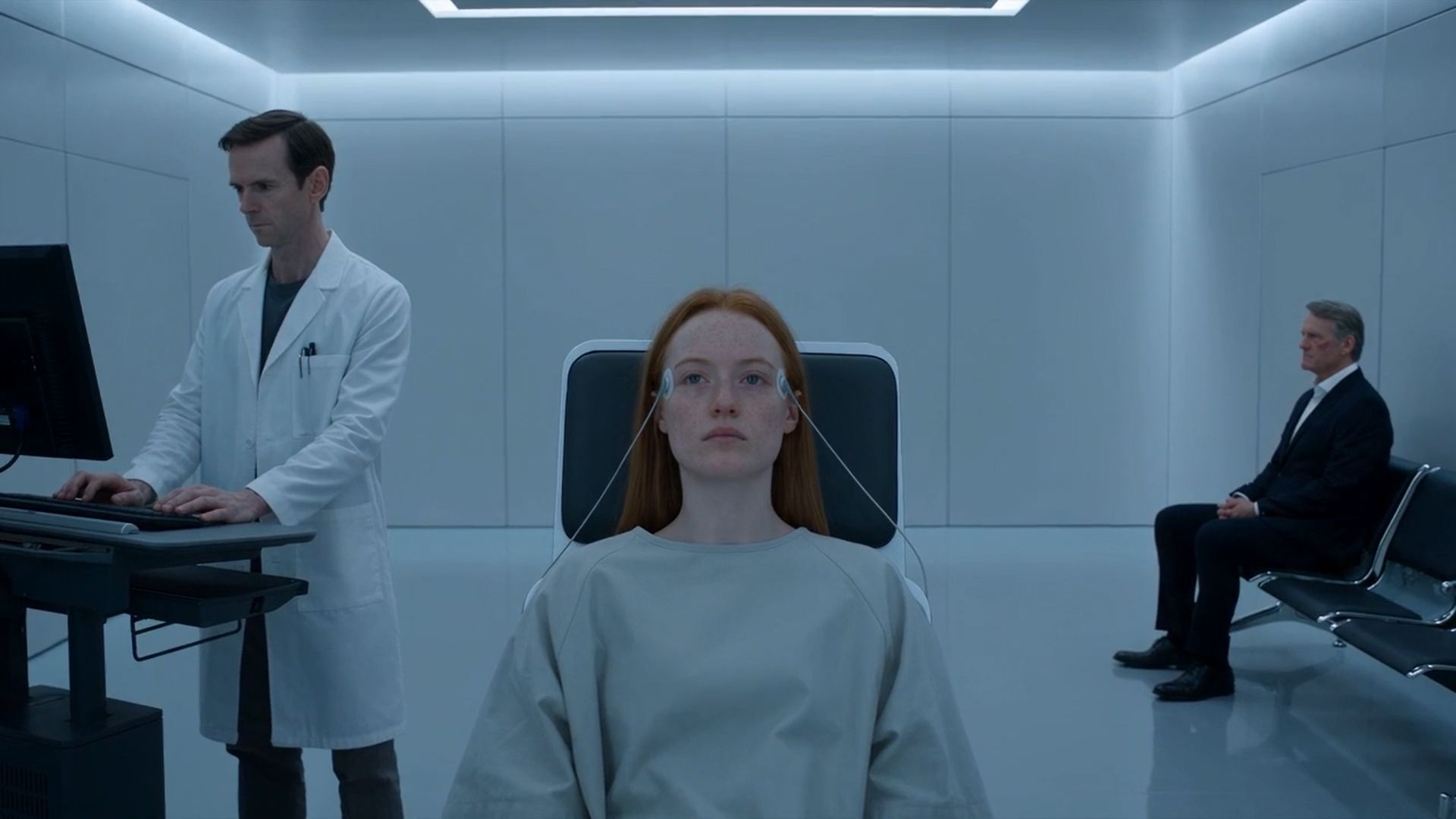
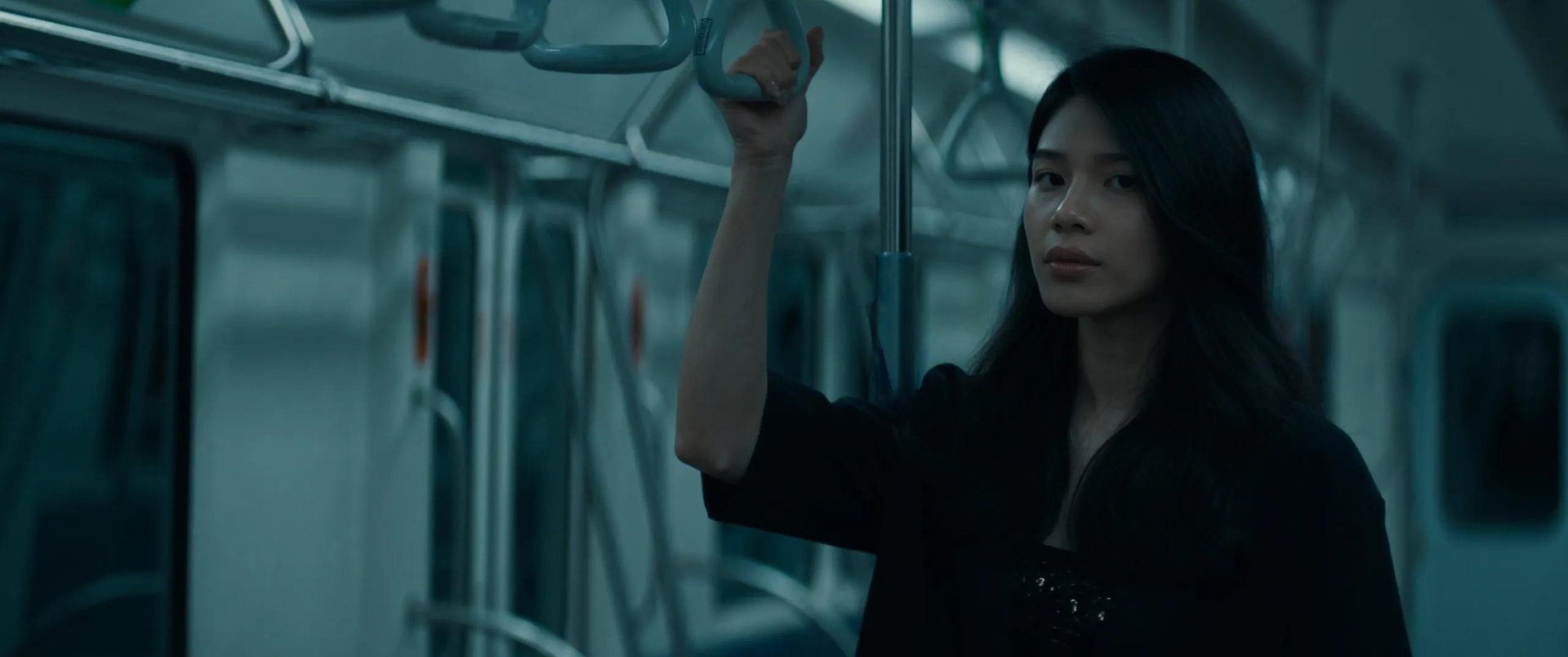
Turn any image into a moving video without a shoot. AI Image to Video Generator animates photos, portraits, art, and product shots from a single image or prompt. Add camera motion, direct the action, and export up to 4K. Try free.
Partnering with global industry leaders to power your creativity output
Created by community
MOTION
Happy multi-generational family — grandparents, parents and three kids — laughing and hugging close behind an orange sofa, in a bright modern living room with plants and colorful ceramics, soft daylight, vertical 4:5, photorealistic candid family lifestyle.
MOTION
Happy multi-generational family — grandparents, parents and three kids — laughing and hugging close behind an orange sofa, in a bright modern living room with plants and colorful ceramics, soft daylight, vertical 4:5, photorealistic candid family lifestyle.
LOOP
Two original muscular fighters mid-combat on a neon graffiti back-alley stage — a hulking wrestler in red-and-black gear vs a barefoot martial artist kicking — with smoke and spark effects and a stylized health-bar HUD, vertical 4:5, photorealistic AAA fighting-game aesthetic.
LOOP
Two original muscular fighters mid-combat on a neon graffiti back-alley stage — a hulking wrestler in red-and-black gear vs a barefoot martial artist kicking — with smoke and spark effects and a stylized health-bar HUD, vertical 4:5, photorealistic AAA fighting-game aesthetic.
ANIMATE
Pearlux prompt – A 12-second vertical iPhone selfie beauty-review video where a modern young creator, styled like a Vermeer portrait and lit by a single Dutch Golden Age window light, casually presents and applies Pearlux Brightening Eye Cream against a deep painterly dark background, blending authentic TikTok UGC energy with Old Master aesthetics.
ANIMATE
Pearlux prompt – A 12-second vertical iPhone selfie beauty-review video where a modern young creator, styled like a Vermeer portrait and lit by a single Dutch Golden Age window light, casually presents and applies Pearlux Brightening Eye Cream against a deep painterly dark background, blending authentic TikTok UGC energy with Old Master aesthetics.
REVEAL
A hand holding a glass bottle of pink "Dream Essence – Strawberry Dream" soda (200 ml, Y2K star-and-heart label) toward the camera, in a dreamy pastel-pink bedroom full of butterfly wall decals, holographic decor, plushies and inflatable furniture, soft natural light, vertical 4:5, photorealistic Y2K coquette aesthetic.
REVEAL
A hand holding a glass bottle of pink "Dream Essence – Strawberry Dream" soda (200 ml, Y2K star-and-heart label) toward the camera, in a dreamy pastel-pink bedroom full of butterfly wall decals, holographic decor, plushies and inflatable furniture, soft natural light, vertical 4:5, photorealistic Y2K coquette aesthetic.
Animate Any Image
AI Image to Video Generator turns a photo, illustration, or plain prompt into finished motion. Drop in one image and it animates the scene, adds camera movement, and lights the frame. Pan it, push in, or bring a still to life, all from one input. Reference images guide the look, so every video matches your vision with no shoot.
Animate Any Image
Animate Any Image after
Animate Any Image
AI Image to Video Generator turns a photo, illustration, or plain prompt into finished motion. Drop in one image and it animates the scene, adds camera movement, and lights the frame. Pan it, push in, or bring a still to life, all from one input. Reference images guide the look, so every video matches your vision with no shoot.
Animate Any Image
Animate Any Image after
Bring Portraits, Art, and Products to Life
AI Image to Video Generator animates portraits, artwork, and product shots while keeping every detail true. Make a face blink and smile, give an illustration gentle motion, or spin a product to show each angle. Describe the camera move and pacing in your prompt, then pick the model and clip length that fit the shot.
AI Image to Video Generator animates portraits, artwork, and product shots while keeping every detail true. Make a face blink and smile, give an illustration gentle motion, or spin a product to show each angle. Describe the camera move and pacing in your prompt, then pick the model and clip length that fit the shot.
AI Image to Video Generator gives your image a real camera, not a guess. Direct a slow push-in, hero close-up, or orbit in the prompt. Add a reference image to guide the look and keep shape and color consistent, so a multi-shot video stays on-brand from open to close.
AI Image to Video Generator gives your image a real camera, not a guess. Direct a slow push-in, hero close-up, or orbit in the prompt. Add a reference image to guide the look and keep shape and color consistent, so a multi-shot video stays on-brand from open to close.
AI Image to Video Generator animates, directs, restyles, upscales, and exports in one workflow. Image to final video, ready to share. No stacked subscriptions. No timeline editing.
Image to Video AI
AI Image to Video Generator animates a single photo into smooth motion. The subject stays sharp. The scene comes alive.
AI Photo Animator
AI Image to Video Generator brings any still photo to life with natural movement. Faces, hair, and water move realistically. One image in, video out.
AI 360 Spin from Image
AI Image to Video Generator turns one product shot into a turning, orbiting view. Every angle on show. Built for listings and showcases.
AI Portrait Animator
AI Image to Video Generator makes portraits blink, smile, and turn. Expressions stay lifelike. Old photos and headshots come alive.
AI Lifestyle Scene from Photo
AI Image to Video Generator drops your subject into any setting in motion. Room, desk, or street. Lighting and perspective match the image.
AI Background Animator
AI Image to Video Generator animates or swaps the backdrop behind your subject. Skies, water, and scenes move.
AI Spokesperson from Image
AI Image to Video Generator turns a portrait into a lifelike presenter. Lips synced, voice natural. Talking head without a camera.
AI Voiceover & Lip Sync
AI Image to Video Generator pairs with Higgsfield Audio and Lipsync Studio. Voiceover in many languages. Lips synced for talking clips.
AI Video Upscaler
AI Image to Video Generator pairs with Higgsfield Upscale. Take your clip up to 4K at 24 to 60 fps.
AI Video Enhancer
AI Image to Video Generator pairs with Upscale presets for AI video, UGC, or old film at 24 to 60 fps. Smooth motion with FPS Boost, remove flicker with Video Deflicker.
AI Object & Clutter Remover
AI Image to Video Generator pairs with Video Edit. Remove unwanted objects from your clip with a text prompt. The background rebuilds underneath.
AI Video Resizer
AI Image to Video Generator pairs with Reframe. Fit a finished clip to 9:16, 1:1, 16:9, and more. One clip for every channel.
How to Turn an Image into Video?
Step 1: Upload Your Image in Higgsfield
Upload Your Image
Drop in a photo, illustration, or product shot, or start from a prompt. It reads the subject, edges, and lighting, then maps motion.
Step 2: Direct the Motion in Higgsfield
Direct the Motion
Pick the camera move, scene, and pacing in the prompt. Refine with a reference image or preset.
Generated result with the Download button highlighted, next to Regenerate, Save and Delete
Export and Share
Download your video, or run it through Higgsfield Upscale for up to 4K. Fit it to any channel with Reframe, add a voiceover in Audio, and try a few variations.
AI Image to Video Generator brings every leading video model into one workspace. Switch models per shot and pick the best result, all under one subscription with new releases added as they launch.
kling logo
Kling 3.0
Use Kling 3.0 to animate a photo into smooth, directed motion with strong prompt following, ideal for products, characters, and scenes.
Why Higgsfield Is the Best AI Image to Video Generator
Higgsfield is the all-in-one AI Image to Video Generator with 15+ top models, real camera control, and a full production pipeline in one subscription. From animating portraits and art to product spins, lifestyle scenes, and brand visuals, it turns a single image or prompt into a polished, share-ready video without a shoot.
Animate Art, Illustrations and Concepts
Animate Art, Illustrations & Concepts
AI Image to Video Generator brings drawings, paintings, and concept art to life for artists, designers, and studios. It covers animated illustrations, motion concept boards, looping art, and stylized reveals while holding every line and color. Higgsfield turns a single artwork into directed motion, no frame-by-frame animation required.
Animate Product and E-commerce Photos
Animate Product & E-commerce Photos
AI Image to Video Generator creates store-ready motion from a product photo for sellers, marketplaces, and DTC brands. It covers 360 spins, hero push-ins, white-background clips, and lifestyle scenes. Higgsfield turns a single image into consistent, on-brand product video without a photoshoot.
Bring Family Photos & Memories to Life
Bring Family Photos & Memories to Life
AI Image to Video Generator animates portraits and old photos for families, archivists, and storytellers. It covers subtle face motion, blinking and smiling, gentle camera moves, and restored memories. Higgsfield turns a single still into a living moment, lifelike and respectful of the original.
Power Brand & Marketing Visuals
Power Brand & Marketing Visuals
AI Image to Video Generator produces scroll-stopping motion from brand stills for marketers, social teams, and creators. It covers Reels, TikToks, Shorts, and animated key visuals. Higgsfield delivers every format platform-native and on-brand, so anyone posts video daily from a single image without an editor.
Loved by Image to Video Creators
Join a global creative network where people generate AI images, share insights, and inspire each other every day.
A
Alexandre
I've been using Higgsfield for my creative work for a while now and, honestly, it's one of the best platforms out there - the tools are powerful and the results speak for themselves. But what made me write this was the support. I had a question about my credits, and Tim handled everything with a transparency and care you rarely see.
S
Spock
Im a new customer of Higgsfield and enjoying it! I'm making some cool videos. I look forward to the advances on the platform! Oh, the support service is excellent!
R
Rha
Higgsfield A.I. has been the best and most exciting tool I've used since I first started editing back in 2008! I still can't believe we live in a time where we can type a sentence; prompt, on one end and get a blockbuster video that comes out on the other end! The site can feel overwhelming at times, but in a good way.
AS
Akun Suliman
I am an Indonesian content creator based on my experience, I feel helped by the presence of this AI Agent higgsfield I say honestly and swear also thank you.. Because AI Agent Higgsfield has helped a lot, especially for creators in the form of our full support to create. In addition to this support, there are many other supports that are very helpful, especially the Higgsfield team
SJ
Shatanu Jachak
What Higgsfield is doing really well is making high-quality AI creation feel smooth, fast, and inspiring. I also appreciate how the company supports its creative community and gives artists the freedom to experiment, grow, and push visual storytelling to the next level.
FM
Freissy Mediaart
The user interface (UI) is highly intuitive and beginner-friendly. Additionally, the cloud rendering speed for generating both images and videos is exceptionally fast, and the AI tools menu is very well-organized. I have completed numerous projects using Higgsfield, and every single one of them turned out perfectly.
LE
Ls estúdios
For a long time, I have seen it as a useful and well-optimized tool, designed to help creators in the best possible way. I like that it constantly introduces updates and interesting features that improve the experience. That is why it has always been a platform that has caught my attention and that I have enjoyed using compared to others.
RR
Rian Rizky Ananta
Honestly one of the best AI creative platforms out there. The credit pricing is surprisingly affordable compared to similar platforms, and what impresses me most is how consistently they keep shipping new features. You can tell the team actually listens and keeps pushing the product forward.
DD
Deyo D
The Most Powerful AI Creative Platform for Creators. What impressed me the most is the level of support around the creator program. The team is helpful, professional, and always there when you need assistance or have questions. It really feels like they care about creators and want to help them grow.
A
Alexandre
I've been using Higgsfield for my creative work for a while now and, honestly, it's one of the best platforms out there - the tools are powerful and the results speak for themselves. But what made me write this was the support. I had a question about my credits, and Tim handled everything with a transparency and care you rarely see.
S
Spock
Im a new customer of Higgsfield and enjoying it! I'm making some cool videos. I look forward to the advances on the platform! Oh, the support service is excellent!
R
Rha
Higgsfield A.I. has been the best and most exciting tool I've used since I first started editing back in 2008! I still can't believe we live in a time where we can type a sentence; prompt, on one end and get a blockbuster video that comes out on the other end! The site can feel overwhelming at times, but in a good way.
AS
Akun Suliman
I am an Indonesian content creator based on my experience, I feel helped by the presence of this AI Agent higgsfield I say honestly and swear also thank you.. Because AI Agent Higgsfield has helped a lot, especially for creators in the form of our full support to create. In addition to this support, there are many other supports that are very helpful, especially the Higgsfield team
SJ
Shatanu Jachak
What Higgsfield is doing really well is making high-quality AI creation feel smooth, fast, and inspiring. I also appreciate how the company supports its creative community and gives artists the freedom to experiment, grow, and push visual storytelling to the next level.
FM
Freissy Mediaart
The user interface (UI) is highly intuitive and beginner-friendly. Additionally, the cloud rendering speed for generating both images and videos is exceptionally fast, and the AI tools menu is very well-organized. I have completed numerous projects using Higgsfield, and every single one of them turned out perfectly.
LE
Ls estúdios
For a long time, I have seen it as a useful and well-optimized tool, designed to help creators in the best possible way. I like that it constantly introduces updates and interesting features that improve the experience. That is why it has always been a platform that has caught my attention and that I have enjoyed using compared to others.
RR
Rian Rizky Ananta
Honestly one of the best AI creative platforms out there. The credit pricing is surprisingly affordable compared to similar platforms, and what impresses me most is how consistently they keep shipping new features. You can tell the team actually listens and keeps pushing the product forward.
DD
Deyo D
The Most Powerful AI Creative Platform for Creators. What impressed me the most is the level of support around the creator program. The team is helpful, professional, and always there when you need assistance or have questions. It really feels like they care about creators and want to help them grow.
A
Alexandre
I've been using Higgsfield for my creative work for a while now and, honestly, it's one of the best platforms out there - the tools are powerful and the results speak for themselves. But what made me write this was the support. I had a question about my credits, and Tim handled everything with a transparency and care you rarely see.
S
Spock
Im a new customer of Higgsfield and enjoying it! I'm making some cool videos. I look forward to the advances on the platform! Oh, the support service is excellent!
R
Rha
Higgsfield A.I. has been the best and most exciting tool I've used since I first started editing back in 2008! I still can't believe we live in a time where we can type a sentence; prompt, on one end and get a blockbuster video that comes out on the other end! The site can feel overwhelming at times, but in a good way.
AS
Akun Suliman
I am an Indonesian content creator based on my experience, I feel helped by the presence of this AI Agent higgsfield I say honestly and swear also thank you.. Because AI Agent Higgsfield has helped a lot, especially for creators in the form of our full support to create. In addition to this support, there are many other supports that are very helpful, especially the Higgsfield team
SJ
Shatanu Jachak
What Higgsfield is doing really well is making high-quality AI creation feel smooth, fast, and inspiring. I also appreciate how the company supports its creative community and gives artists the freedom to experiment, grow, and push visual storytelling to the next level.
FM
Freissy Mediaart
The user interface (UI) is highly intuitive and beginner-friendly. Additionally, the cloud rendering speed for generating both images and videos is exceptionally fast, and the AI tools menu is very well-organized. I have completed numerous projects using Higgsfield, and every single one of them turned out perfectly.
LE
Ls estúdios
For a long time, I have seen it as a useful and well-optimized tool, designed to help creators in the best possible way. I like that it constantly introduces updates and interesting features that improve the experience. That is why it has always been a platform that has caught my attention and that I have enjoyed using compared to others.
RR
Rian Rizky Ananta
Honestly one of the best AI creative platforms out there. The credit pricing is surprisingly affordable compared to similar platforms, and what impresses me most is how consistently they keep shipping new features. You can tell the team actually listens and keeps pushing the product forward.
DD
Deyo D
The Most Powerful AI Creative Platform for Creators. What impressed me the most is the level of support around the creator program. The team is helpful, professional, and always there when you need assistance or have questions. It really feels like they care about creators and want to help them grow.
Got any questions left?
We’ve answered the most frequently asked questions
What is an AI Image to Video Generator?
It is a tool that turns a single image or prompt into a moving video. AI Image to Video Generator animates the subject, adds camera motion, and lights the scene, all without a shoot.
How do I turn an image into a video?
Upload a photo, illustration, or product shot, choose the camera move and pacing, then export. The model maps motion onto your image and renders a finished clip up to 4K.
Can I animate portraits and old photos?
Yes. AI Image to Video Generator makes faces blink, smile, and turn with lifelike, subtle motion, so portraits and old memories come to life naturally.
Will my image stay consistent across the video?
Mostly, yes. The model keeps shape, color, and composition close to your image, and on supported models you can add reference images to keep the look consistent across a multi-shot sequence.
What models can I use?
You get 15+ top models including Kling 3.0, Veo 3.1, Seedance 2.0, Wan 2.7, Minimax, Nano Banana Pro, and Higgsfield Soul, all in one subscription.
What resolution can I export?
Some models, like Seedance 2.0, render up to 4K. You can also run any clip through Higgsfield Upscale for 1080p, 2K, or 4K.
Can I add voiceover and lip sync?
Yes. Generate a voiceover in many languages in Higgsfield Audio, and use Lipsync Studio for lifelike lip sync on spokesperson clips.
What aspect ratios are supported?
Pick the format when you generate, and use Reframe to fit a finished clip to 9:16, 1:1, 16:9, and more for every channel.
Do I need video editing skills?
No. There is no timeline editing. Upload an image, direct the motion, and export, the workflow handles the rest.
Is there a free trial?
Yes. You can try AI Image to Video Generator free and generate your first videos before you subscribe.
Get insights from experts blog
Get the insights you need. Our experts share actionable hacks, break down the hottest topics, and provide essential how-to guides to help you build, optimize, and scale.
:no_upscale())







:no_upscale())
:no_upscale())
:no_upscale())
:no_upscale())
:no_upscale())
:no_upscale())
:no_upscale())

:no_upscale())

:no_upscale())

:no_upscale())
:no_upscale())

:no_upscale())
:no_upscale())

:no_upscale())