
Kling 4.04Kinside Higgsfield

Thirty seconds, ten keyframes, fifteen references

Try it now

Community

Made with Kling 4.0

CHOOSE YOUR STARTING POINT

One idea, three speeds

  • The full model. Thirty seconds, 4K, keyframes and references - for the shots that have to be right

  • Quick drafts in 720p. Check the move and the framing before you spend credits on the full render

  • Still the right pick for 15-second social clips with native audio when you don’t need the new controls

CLOSER LOOK

How the new
controls work

One take,
thirty seconds

Thirty seconds used to mean four clips and three cuts. Now the scene, the character and the camera hold for the whole take

Ten keyframes,
not two

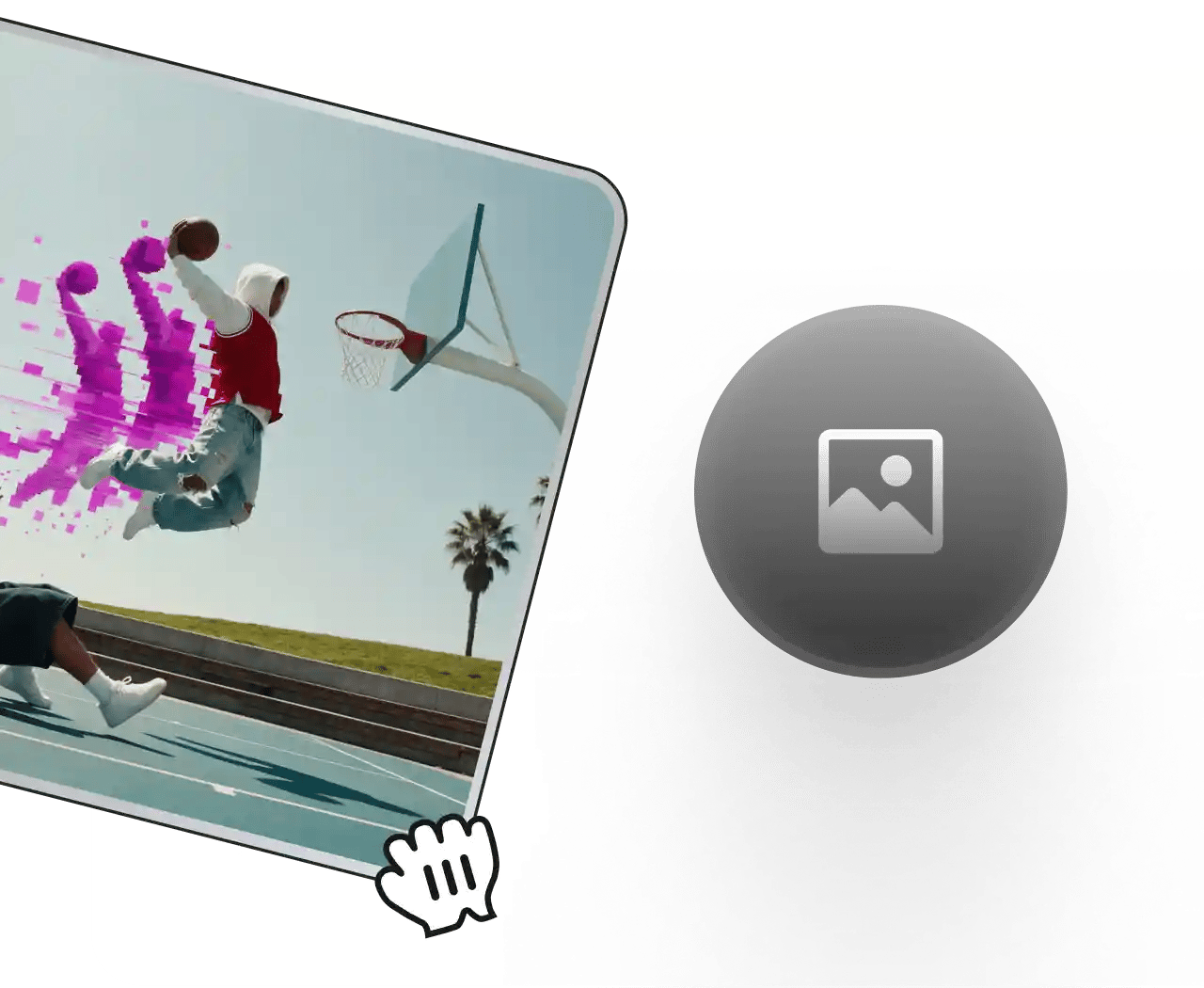
Pin a pose, a product angle or a line of text at any second. The model builds the motion between them

Generate now

Edit the shot,
not the prompt

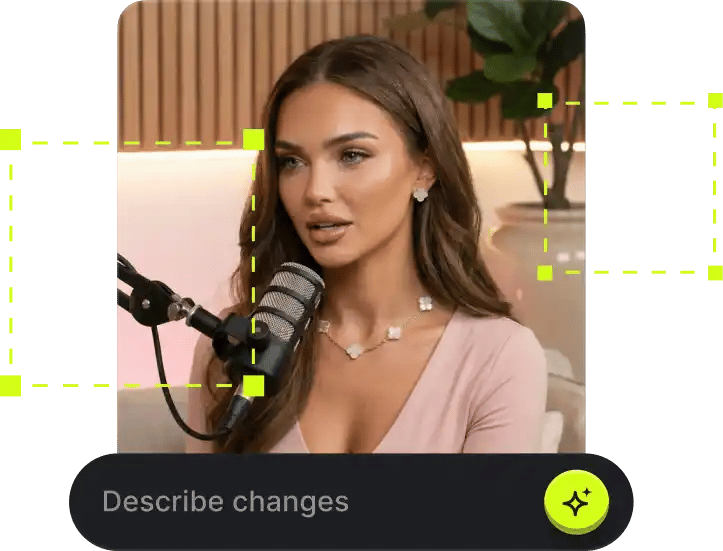
Swap the character, the background or the angle inside a finished clip. Or rebuild a trending video around your product

What’s new

Everything 4.0 adds

  • Up to

    30 seconds

    in a single take, no stitching

  • Up to

    10

    keyframes every beat lands where you put it

  • Up to

    15 references

    in one generation: 10 images, 5 videos, 7 subjects

  • Native

    4K HDR

    10-bit color at 1080p and 4K, 21:9 ultrawide

  • Edit the shot

    swap a face, a set or a camera angle without regenerating

  • Dialogue in

    9+

    languages with stereo audio and tighter lip sync

Shots that
used to break

How to generate

From references to final cut

  1. Input Image Reference

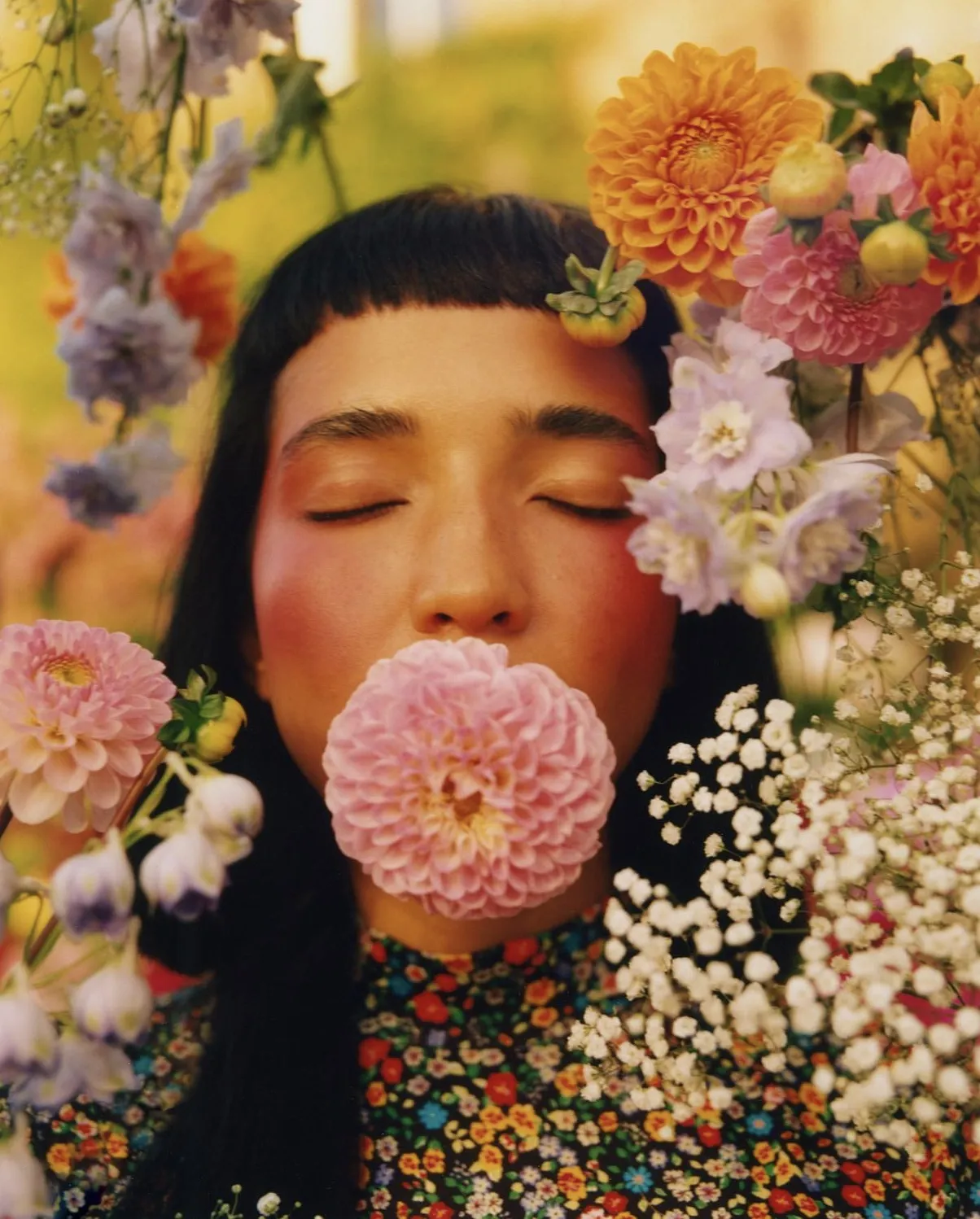
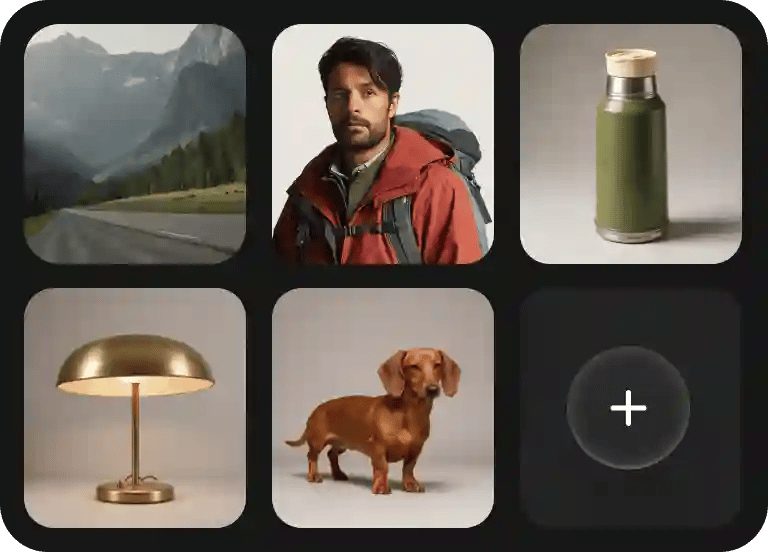
    Upload any reference image or video to guide your vision

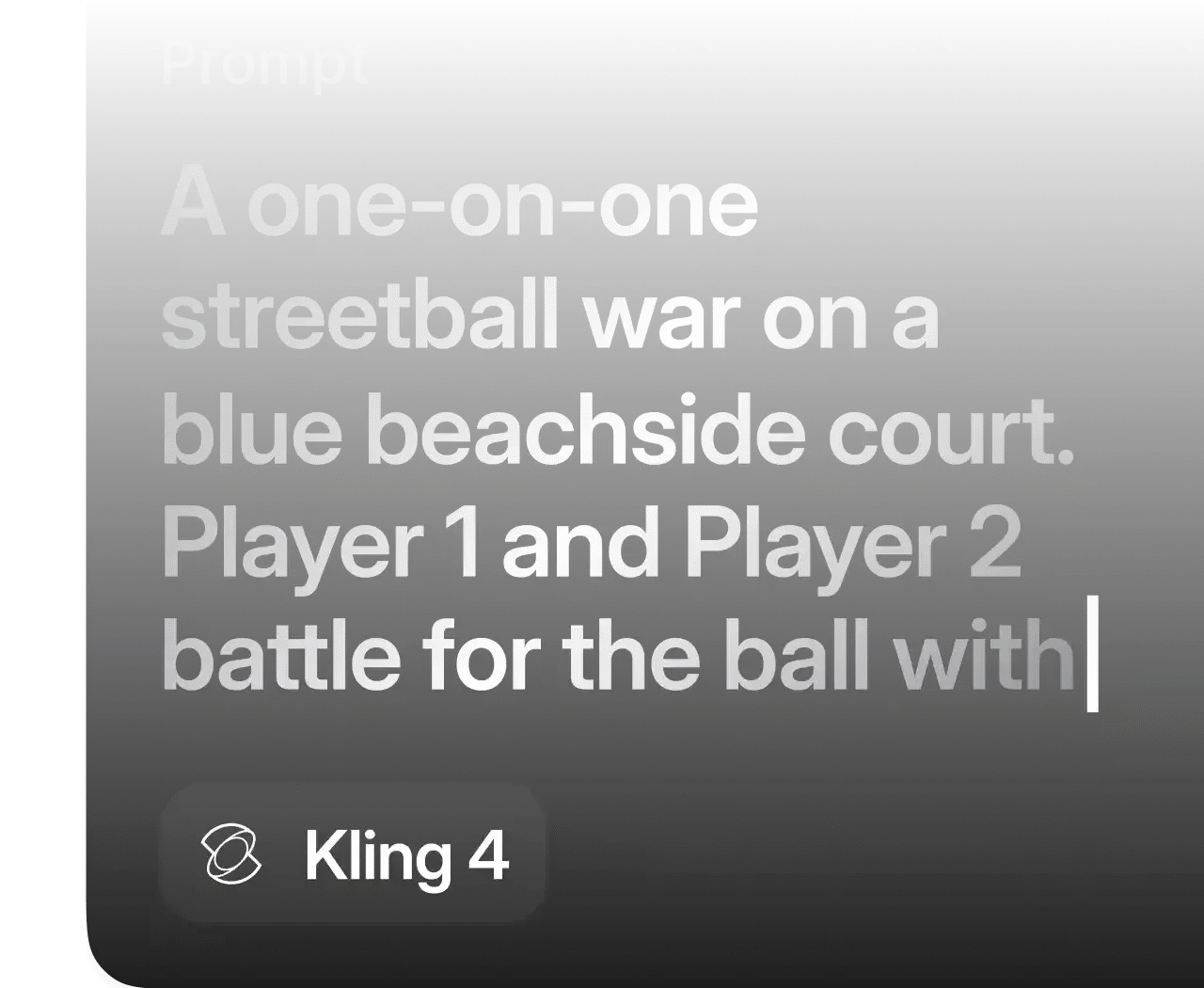
  2. Write the prompt

    Use natural language to describe the desired scenario and sounds

  3. Generate and export

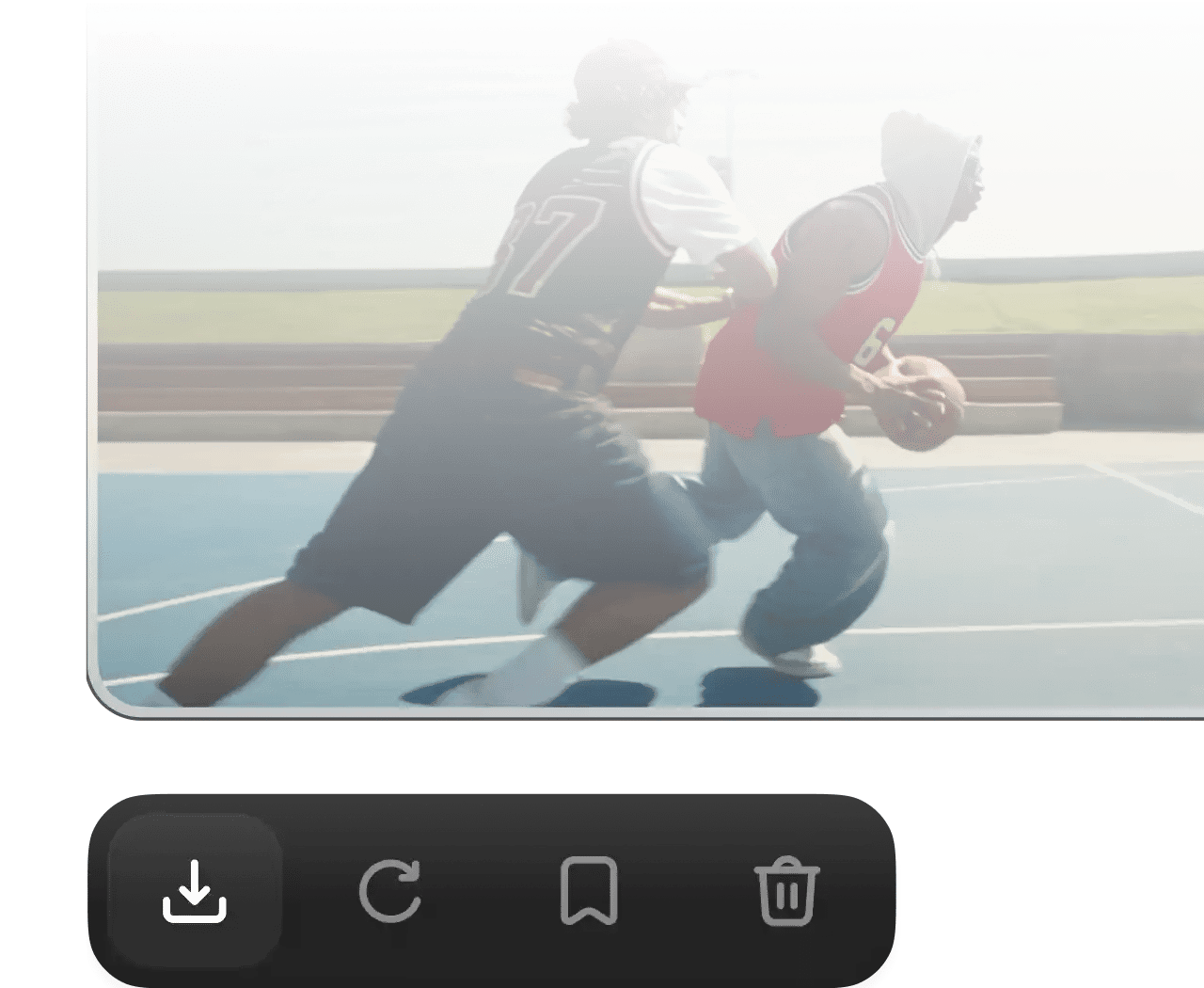
    Click the “Generate” button and receive a high-fidelity video in seconds
From prompt to premiere in one pass

Kling 4.0 is live on Higgsfield. Same workspace, same credits, nothing new to sign up for

Try Kling 4.0

Community over 25 MILLION USERS

Join a global creative network where people generate AI images, share ideas, and inspire each other every day.

I've been using Higgsfield for my creative work for a while now and, honestly, it's one of the best platforms out there - the tools are powerful and the results speak for themselves. But what made me write this was the support. I had a question about my credits, and Tim handled everything with a transparency and care you rarely see.

Im a new customer of Higgsfield and enjoying it! I'm making some cool videos. I look forward to the advances on the platform! Oh, the support service is excellent!

Higgsfield A.I. has been the best and most exciting tool I've used since I first started editing back in 2008! I still can't believe we live in a time where we can type a sentence; prompt, on one end and get a blockbuster video that comes out on the other end! The site can feel overwhelming at times, but in a good way.

I am an Indonesian content creator based on my experience, I feel helped by the presence of this AI Agent higgsfield I say honestly and swear also thank you.. Because AI Agent Higgsfield has helped a lot, especially for creators in the form of our full support to create. In addition to this support, there are many other supports that are very helpful, especially the Higgsfield team

What Higgsfield is doing really well is making high-quality AI creation feel smooth, fast, and inspiring. I also appreciate how the company supports its creative community and gives artists the freedom to experiment, grow, and push visual storytelling to the next level.

The user interface (UI) is highly intuitive and beginner-friendly. Additionally, the cloud rendering speed for generating both images and videos is exceptionally fast, and the AI tools menu is very well-organized. I have completed numerous projects using Higgsfield, and every single one of them turned out perfectly.

For a long time, I have seen it as a useful and well-optimized tool, designed to help creators in the best possible way. I like that it constantly introduces updates and interesting features that improve the experience. That is why it has always been a platform that has caught my attention and that I have enjoyed using compared to others.

Honestly one of the best AI creative platforms out there. The credit pricing is surprisingly affordable compared to similar platforms, and what impresses me most is how consistently they keep shipping new features. You can tell the team actually listens and keeps pushing the product forward.

The Most Powerful AI Creative Platform for Creators. What impressed me the most is the level of support around the creator program. The team is helpful, professional, and always there when you need assistance or have questions. It really feels like they care about creators and want to help them grow.

Trusted by 5.000+ people worldwide

Still have questions?

We’ve answered the most frequently asked questions

What is Kling 4.0?
Kling AI’s latest video model. It generates up to 30 seconds in one pass, follows up to 10 keyframes and takes up to 15 reference assets in a single task.
How is it different from Kling 3.0?
3.0 stops at 15 seconds and only lets you set a start and an end frame. 4.0 doubles the length, adds multi-keyframe control, a 15-asset reference system, stereo audio, 10-bit HDR, 21:9 output and in-place video editing.
What is Kling 4.0 Flash?
A faster, lighter version of the same model, up to 720p and 20 seconds. Use it to test a prompt or a camera move before rendering with the full model.
How long can a video be?
3 to 30 seconds in one generation. Upload an existing clip and you can extend it up to 2 minutes.
Which languages does it speak?
English, Spanish, Portuguese, German, French, Hindi, Japanese, Korean and Chinese, with accents such as US, UK and Indian English. On-screen text works in the same languages.
Does it output 4K and HDR?
Yes: 720p, 1080p and 4K, with 10-bit HDR at 1080p and 4K.