Free AI Text-to-Video Generator for Creative Storytelling
Create moving scenes from written prompts with Higgsfield’s AI text-to-video generator. Describe your subject, action, and visual style, then choose a model to generate your clip.
Partnering with global industry leaders to power your creativity output
Created by community
PROMPT
Vintage 1980s sports film: an American football player in a red jersey and plain white helmet takes the snap, breaks free and sprints downfield, telephoto camera panning alongside with heavy motion blur, dives into the red end zone for a touchdown, then teammates mob him in celebration, packed roaring stadium, grainy retro film look
PROMPT
Vintage 1980s sports film: an American football player in a red jersey and plain white helmet takes the snap, breaks free and sprints downfield, telephoto camera panning alongside with heavy motion blur, dives into the red end zone for a touchdown, then teammates mob him in celebration, packed roaring stadium, grainy retro film look
PROMPT
Slow-motion cinematic shot: American football player dives toward the camera across a rain-soaked field at night, sliding through water with the ball outstretched, stadium floodlights behind him, heavy spray, gritted teeth in a dramatic extreme close-up finish
PROMPT
Slow-motion cinematic shot: American football player dives toward the camera across a rain-soaked field at night, sliding through water with the ball outstretched, stadium floodlights behind him, heavy spray, gritted teeth in a dramatic extreme close-up finish
PROMPT
Smooth side tracking shot: a young man with bleached blond hair in a black hoodie rides a sleek futuristic motorcycle along an elevated highway, dark sci-fi megacity with looping skybridges in the background, overcast moody light, Akira-inspired cinematic style
PROMPT
Smooth side tracking shot: a young man with bleached blond hair in a black hoodie rides a sleek futuristic motorcycle along an elevated highway, dark sci-fi megacity with looping skybridges in the background, overcast moody light, Akira-inspired cinematic style
PROMPT
Cinematic low-angle shot: a chocolate chip cookie descends from a bright blue sky on a colorful parachute and lands in a glass of milk standing above the clouds, slow-motion milk splash, warm golden sunlight, lens flares, glossy CGI commercial style
PROMPT
Cinematic low-angle shot: a chocolate chip cookie descends from a bright blue sky on a colorful parachute and lands in a glass of milk standing above the clouds, slow-motion milk splash, warm golden sunlight, lens flares, glossy CGI commercial style
From Text Prompt to Video: See the Results
Generate Video Clips from Text Prompts
Turn a written idea into a video clip by describing the subject, setting, and action in detail. Bring your scene to life with cinematic lighting, realistic detail, or a bold animated style. Refine your prompt to explore new creative directions.
Generate Any Video from a Text Prompt
Generate Video Clips from Text Prompts
Turn a written idea into a video clip by describing the subject, setting, and action in detail. Bring your scene to life with cinematic lighting, realistic detail, or a bold animated style. Refine your prompt to explore new creative directions.
Generate Any Video from a Text Prompt
Guide Camera Movement and Lighting
Describe how you want the scene filmed: a slow push-in toward the subject, a wide shot, or a camera following the action. Add lighting and mood details to guide the look. Results depend on the selected model and how it interprets your prompt.
Direct the Scene with Plain English
Guide Camera Movement and Lighting
Describe how you want the scene filmed: a slow push-in toward the subject, a wide shot, or a camera following the action. Add lighting and mood details to guide the look. Results depend on the selected model and how it interprets your prompt.
Direct the Scene with Plain English
Build Multi-Scene Stories from a Script
Build connected shots with Kling 4.0 or direct individual scenes in Cinema Studio 4.0. For longer narrated videos, explore Higgsfield Faceless Studio or Content Factory, which offer separate workflows for creating scenes, voiceovers, and finished sequences.
Build Multi-Scene Stories from a Script
Build Multi-Scene Stories from a Script
Build connected shots with Kling 4.0 or direct individual scenes in Cinema Studio 4.0. For longer narrated videos, explore Higgsfield Faceless Studio or Content Factory, which offer separate workflows for creating scenes, voiceovers, and finished sequences.
Build Multi-Scene Stories from a Script
Generate Scenes with Sound
Bring dialogue and atmosphere to your scene with audio-capable models like Veo 3.1. Describe spoken lines, background sounds, or sound effects alongside the action to guide video and audio generation in the same prompt.
Veo 3.1 scene with generated sound
Generate Scenes with Sound
Bring dialogue and atmosphere to your scene with audio-capable models like Veo 3.1. Describe spoken lines, background sounds, or sound effects alongside the action to guide video and audio generation in the same prompt.
Veo 3.1 scene with generated sound
All the Features You Need for Text-to-Video Generation
Shape the action, look, and sound of your next scene with Higgsfield’s AI text-to-video generator. Explore creative controls and model-specific settings for everything from quick visual drafts to multi-shot sequences.
Text-to-Video Generation
Turn a scene description into original footage with models such as Veo 3.1 and Kling 4.0 on Higgsfield. Start with your subject, setting, and action.
AI Cinematic Camera Control
Give your scene a cinematic perspective. Prompt a slow dolly-in, a sweeping pan, or a tracking shot that follows your subject, with results shaped by your chosen model.
AI Style Selector
Explore realistic footage, anime, claymation, or a glossy 3D look. Describe the style in your Higgsfield prompt to guide the scene’s visual treatment.
AI Multi-Shot Generator
Build a sequence from one prompt with Kling 4.0’s automatic multi-shot generation. Describe connected actions and changes in framing to guide the sequence.
AI Character Consistency
Create a character with Higgsfield Soul 2.0, then reuse the image or a trained Soul ID in compatible video workflows to help maintain a recognizable look across scenes.
AI Voiceover & Native Sound
Bring sound into the scene with Kling 4.0, Seedance 2.5, or Veo 3.1. Include dialogue, ambient sounds, and music cues in your prompt to guide audio alongside the visuals.
AI Lip-Sync Generator
Generate dialogue with supported video models, or use Higgsfield Intone and Lipsync Studio for more control over speaking characters and synchronized mouth movements.
Aspect Ratio Settings
Frame your scene for its destination. Kling 4.0 offers widescreen 21:9, landscape 16:9, square 1:1, and portrait 9:16 options on Higgsfield.
AI Translate & Dub
Translate and dub finished videos into 18 supported languages with Higgsfield Audio. The Translate workflow also adapts lip movements to the new speech.
AI Captions & Subtitles
Create narrated videos with subtitles using Higgsfield Faceless Studio. It combines scenes, narration, music, and captions in a separate video creation workflow.
AI Prompt Refinement
Explore another version of your idea with a focused prompt change. Adjust the action, camera movement, or lighting, then regenerate in Higgsfield to compare creative directions.
AI Video Upscaler
Upscale supported clips to 4K with Higgsfield Upscale. Use frame interpolation separately for smoother motion at up to 120 fps, depending on the enhancer.
How to Generate Video from Text Prompts with AI
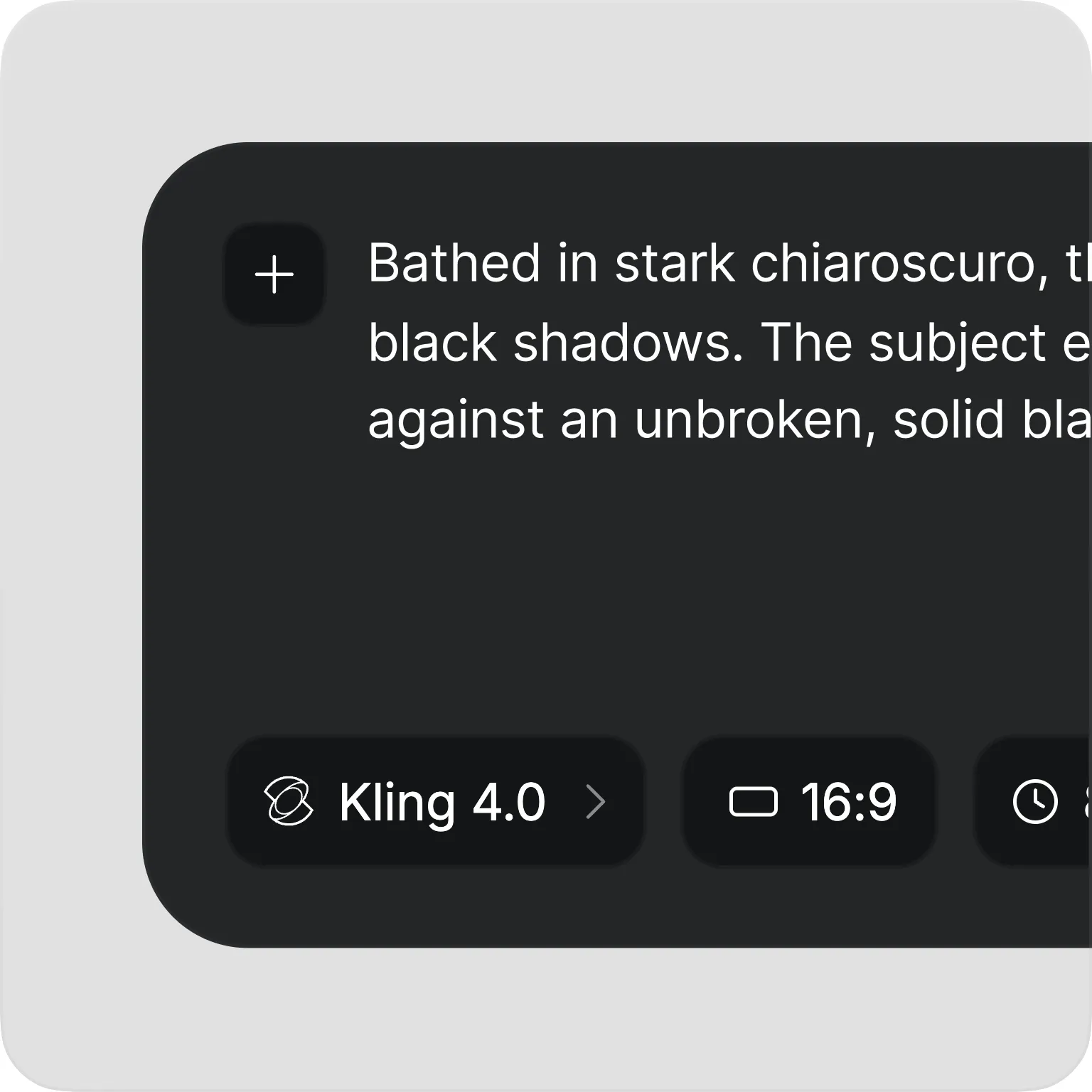
Text prompt field with Kling 4.0 selected
1. Write Your Prompt
Open Video in Higgsfield and select a text-to-video model, such as Kling 4.0 or Seedance 2.5. Describe your subject, setting, and action, then add camera direction and visual style.
Step 2: Direct the Scene in Higgsfield
2. Set Your Options and Generate
Choose your clip’s duration, aspect ratio, and resolution from the model’s available settings. For audio-capable models, include dialogue or sound cues in your prompt. Click Generate to create your video.
Generated result with the Download button highlighted, next to Regenerate, Save and Delete
3. Review and Download
Preview your clip to check the motion, framing, and any generated audio. Refine your prompt and regenerate if needed, then download the best result. For a higher-resolution finish, use Higgsfield Upscale after generation.
Find the right model for your next scene in Higgsfield. Explore longer sequences, cinematic shots, native audio, and different resolution options, all from text prompts.
kling logo
Kling 4.0
Build connected scenes with automatic multi-shot generation, stereo audio, and clips up to 30 seconds. Describe the action and camera direction to guide your sequence.
Give your story time to unfold with clips up to 30 seconds and sound generated alongside the visuals. Create character scenes, product concepts, and connected shots from a written prompt.
Choose Seedance 2.0 when native 4K output matters. Generate clips up to 15 seconds from text, with optional sound and resolution settings for your project.
Explore social clips, ad concepts, and film previews with synchronized sound. Generate scenes up to 30 seconds, with faster processing than standard Wan 3.0.
Explore a visual idea with MiniMax’s prompt-focused H3 variant. Describe the setting, subject, action, and camera direction to create text to AI video scenes at up to 768p.
From supporting footage to unexpected ad concepts, explore ways to put your thoughts in motion with Higgsfield. Describe a scene, develop different versions, and generate clips for your next creative project.
Need a specific shot to support your narration? Describe steam rising from a coffee cup, commuters crossing a rainy street, or sunlight moving through an empty room. Generate supporting footage in Higgsfield with camera direction and atmosphere tailored to your story.
Create Marketing and Ad Videos
Explore Surreal Ad Concepts
Picture a perfume bottle floating through clouds or a chocolate landscape melting in the sun. Turn imaginative descriptions into concept clips with Seedance 2.5 on Higgsfield. Explore different settings, actions, and visual styles to develop a campaign’s creative direction.
Build Cinematic and Story Videos
Preview Scripted Scenes
See how a written scene could play out before developing it further. Use Kling 4.0 on Higgsfield to explore connected shots, camera angles, and dialogue. Generate alternative versions to compare the mood and pacing of a short film, trailer, or narrative concept.
Visualize Concepts and Ideas
Visualize Concepts & Ideas
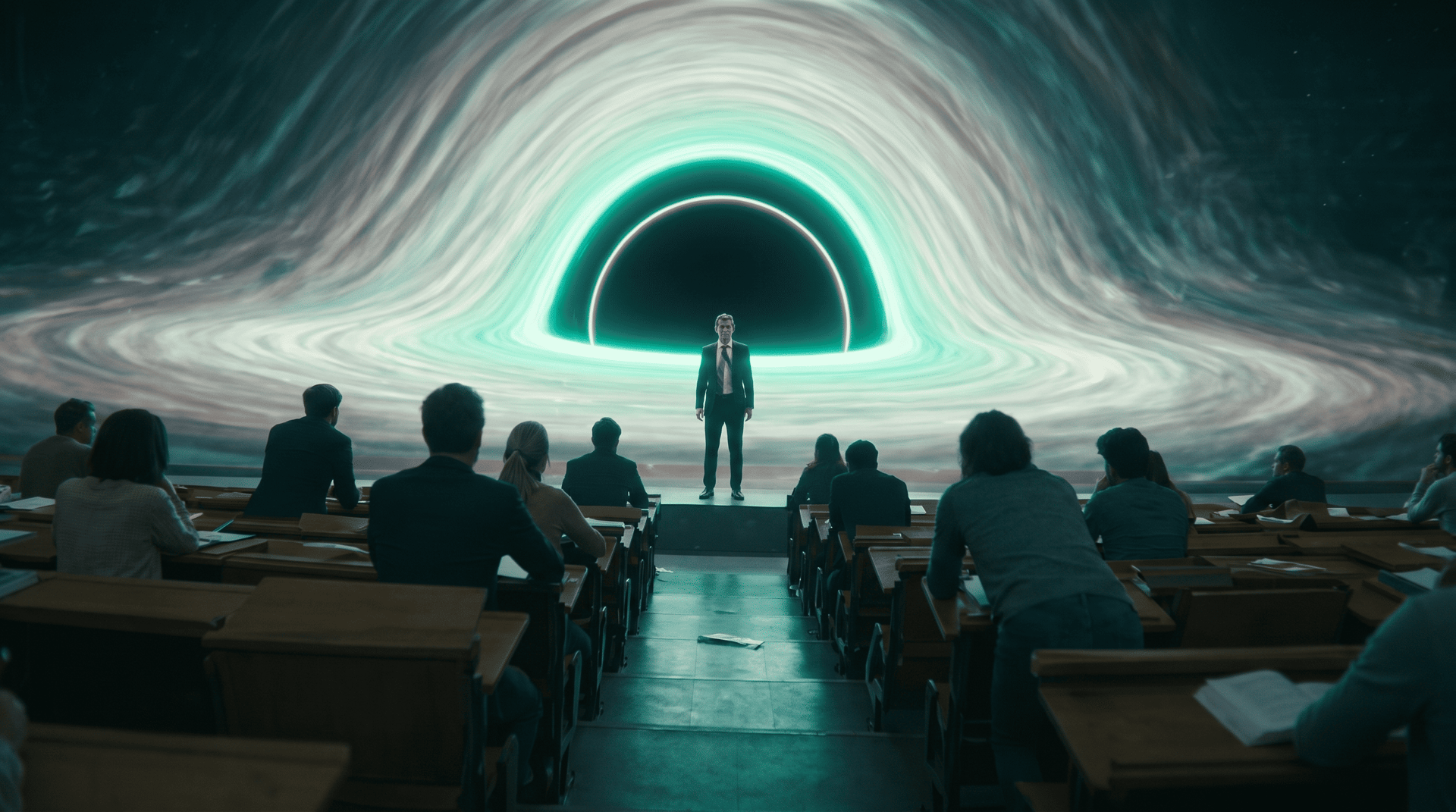
Make your next idea easier to share with Higgsfield’s AI text-to-video generator. Describe a game environment, a fictional world, or an educational concept, then turn it into a moving scene for a pitch, creative discussion, or explainer.
Community over 40 MILLION USERS
Join a global creative network where people generate AI images, share insights, and inspire each other every day.
A
Alexandre
I've been using Higgsfield for my creative work for a while now and, honestly, it's one of the best platforms out there - the tools are powerful and the results speak for themselves. But what made me write this was the support. I had a question about my credits, and Tim handled everything with a transparency and care you rarely see.
S
Spock
Im a new customer of Higgsfield and enjoying it! I'm making some cool videos. I look forward to the advances on the platform! Oh, the support service is excellent!
R
Rha
Higgsfield A.I. has been the best and most exciting tool I've used since I first started editing back in 2008! I still can't believe we live in a time where we can type a sentence; prompt, on one end and get a blockbuster video that comes out on the other end! The site can feel overwhelming at times, but in a good way.
AS
Akun Suliman
I am an Indonesian content creator based on my experience, I feel helped by the presence of this AI Agent higgsfield I say honestly and swear also thank you.. Because AI Agent Higgsfield has helped a lot, especially for creators in the form of our full support to create. In addition to this support, there are many other supports that are very helpful, especially the Higgsfield team
SJ
Shatanu Jachak
What Higgsfield is doing really well is making high-quality AI creation feel smooth, fast, and inspiring. I also appreciate how the company supports its creative community and gives artists the freedom to experiment, grow, and push visual storytelling to the next level.
FM
Freissy Mediaart
The user interface (UI) is highly intuitive and beginner-friendly. Additionally, the cloud rendering speed for generating both images and videos is exceptionally fast, and the AI tools menu is very well-organized. I have completed numerous projects using Higgsfield, and every single one of them turned out perfectly.
LE
Ls estúdios
For a long time, I have seen it as a useful and well-optimized tool, designed to help creators in the best possible way. I like that it constantly introduces updates and interesting features that improve the experience. That is why it has always been a platform that has caught my attention and that I have enjoyed using compared to others.
RR
Rian Rizky Ananta
Honestly one of the best AI creative platforms out there. The credit pricing is surprisingly affordable compared to similar platforms, and what impresses me most is how consistently they keep shipping new features. You can tell the team actually listens and keeps pushing the product forward.
DD
Deyo D
The Most Powerful AI Creative Platform for Creators. What impressed me the most is the level of support around the creator program. The team is helpful, professional, and always there when you need assistance or have questions. It really feels like they care about creators and want to help them grow.
A
Alexandre
I've been using Higgsfield for my creative work for a while now and, honestly, it's one of the best platforms out there - the tools are powerful and the results speak for themselves. But what made me write this was the support. I had a question about my credits, and Tim handled everything with a transparency and care you rarely see.
S
Spock
Im a new customer of Higgsfield and enjoying it! I'm making some cool videos. I look forward to the advances on the platform! Oh, the support service is excellent!
R
Rha
Higgsfield A.I. has been the best and most exciting tool I've used since I first started editing back in 2008! I still can't believe we live in a time where we can type a sentence; prompt, on one end and get a blockbuster video that comes out on the other end! The site can feel overwhelming at times, but in a good way.
AS
Akun Suliman
I am an Indonesian content creator based on my experience, I feel helped by the presence of this AI Agent higgsfield I say honestly and swear also thank you.. Because AI Agent Higgsfield has helped a lot, especially for creators in the form of our full support to create. In addition to this support, there are many other supports that are very helpful, especially the Higgsfield team
SJ
Shatanu Jachak
What Higgsfield is doing really well is making high-quality AI creation feel smooth, fast, and inspiring. I also appreciate how the company supports its creative community and gives artists the freedom to experiment, grow, and push visual storytelling to the next level.
FM
Freissy Mediaart
The user interface (UI) is highly intuitive and beginner-friendly. Additionally, the cloud rendering speed for generating both images and videos is exceptionally fast, and the AI tools menu is very well-organized. I have completed numerous projects using Higgsfield, and every single one of them turned out perfectly.
LE
Ls estúdios
For a long time, I have seen it as a useful and well-optimized tool, designed to help creators in the best possible way. I like that it constantly introduces updates and interesting features that improve the experience. That is why it has always been a platform that has caught my attention and that I have enjoyed using compared to others.
RR
Rian Rizky Ananta
Honestly one of the best AI creative platforms out there. The credit pricing is surprisingly affordable compared to similar platforms, and what impresses me most is how consistently they keep shipping new features. You can tell the team actually listens and keeps pushing the product forward.
DD
Deyo D
The Most Powerful AI Creative Platform for Creators. What impressed me the most is the level of support around the creator program. The team is helpful, professional, and always there when you need assistance or have questions. It really feels like they care about creators and want to help them grow.
A
Alexandre
I've been using Higgsfield for my creative work for a while now and, honestly, it's one of the best platforms out there - the tools are powerful and the results speak for themselves. But what made me write this was the support. I had a question about my credits, and Tim handled everything with a transparency and care you rarely see.
S
Spock
Im a new customer of Higgsfield and enjoying it! I'm making some cool videos. I look forward to the advances on the platform! Oh, the support service is excellent!
R
Rha
Higgsfield A.I. has been the best and most exciting tool I've used since I first started editing back in 2008! I still can't believe we live in a time where we can type a sentence; prompt, on one end and get a blockbuster video that comes out on the other end! The site can feel overwhelming at times, but in a good way.
AS
Akun Suliman
I am an Indonesian content creator based on my experience, I feel helped by the presence of this AI Agent higgsfield I say honestly and swear also thank you.. Because AI Agent Higgsfield has helped a lot, especially for creators in the form of our full support to create. In addition to this support, there are many other supports that are very helpful, especially the Higgsfield team
SJ
Shatanu Jachak
What Higgsfield is doing really well is making high-quality AI creation feel smooth, fast, and inspiring. I also appreciate how the company supports its creative community and gives artists the freedom to experiment, grow, and push visual storytelling to the next level.
FM
Freissy Mediaart
The user interface (UI) is highly intuitive and beginner-friendly. Additionally, the cloud rendering speed for generating both images and videos is exceptionally fast, and the AI tools menu is very well-organized. I have completed numerous projects using Higgsfield, and every single one of them turned out perfectly.
LE
Ls estúdios
For a long time, I have seen it as a useful and well-optimized tool, designed to help creators in the best possible way. I like that it constantly introduces updates and interesting features that improve the experience. That is why it has always been a platform that has caught my attention and that I have enjoyed using compared to others.
RR
Rian Rizky Ananta
Honestly one of the best AI creative platforms out there. The credit pricing is surprisingly affordable compared to similar platforms, and what impresses me most is how consistently they keep shipping new features. You can tell the team actually listens and keeps pushing the product forward.
DD
Deyo D
The Most Powerful AI Creative Platform for Creators. What impressed me the most is the level of support around the creator program. The team is helpful, professional, and always there when you need assistance or have questions. It really feels like they care about creators and want to help them grow.
Frequently Asked Questions
We've answered the most frequently asked questions
What is AI text-to-video generation?
AI text-to-video generation creates video footage from a written description. In Higgsfield, you choose a model and describe the subject, setting, action, and visual style. Audio-capable models can also generate sound alongside the video.
What is the best AI text-to-video generator?
The best choice depends on your project. Higgsfield brings models such as Kling 4.0, Seedance 2.5, and Veo 3.1 into one platform, giving you different options for motion, sound, duration, and creative control. Compare results using the same prompt to find the model that suits your scene.
How does text-to-video AI work?
A generative video model uses your prompt to create a sequence of moving images. Your description guides the scene’s content and appearance, while the selected model determines which settings are available. Results can vary, so refining the prompt and generating another version is part of the creative process.
How do I generate a video from text with Higgsfield?
Write your scene description, select the available duration, aspect ratio, and resolution, then check the generation cost and click Generate. Preview the result, refine your prompt if needed, and download your chosen clip.
Is Higgsfield’s AI text-to-video generator free?
Yes. New users receive 10 free credits at registration, which can be used for eligible video and image generations. The credits required per video depend on your chosen model and settings.
What is the difference between text-to-video and image-to-video AI?
Text-to-video AI generates a clip from a written description without requiring a starting image. Image-to-video AI uses an uploaded image to guide the scene's starting appearance and composition. Higgsfield supports both workflows through compatible video models.
How do I write a good text-to-video prompt?
Describe the subject, action, setting, camera movement, and lighting. For example: “A chef plates pasta in a warmly lit kitchen. The camera slowly moves closer as steam rises from the dish.” For audio-capable models, add dialogue or sound cues. Start with a clear action, then refine individual details between generations.
Can I generate videos with sound or add a voiceover?
Yes. Models such as Kling 4.0 and Seedance 2.5 generate audio alongside the visuals. Include dialogue, ambience, or sound cues in your prompt. To create a separate narration track, use the voiceover tools in Higgsfield Audio.
Can I create videos with captions?
For narrated animated videos with captions, use Higgsfield Faceless Studio. It creates episodes with animation, voiceover, music, and captions from a topic or script. This is a separate workflow from generating an individual text-to-video clip.
Can I keep characters consistent across scenes?
Yes. Create your character in Higgsfield Soul 2.0, then reuse the image as a starting frame or character reference in compatible video models. Pair it with a text prompt for each scene to guide the action. This helps maintain a recognizable look, though details can vary between generations.
Which text-to-video model should I use?
Try Seedance 2.5 for longer character scenes with native sound, Kling 4.0 for multi-shot storytelling, or Veo 3.1 for shorter cinematic clips. Compare the available duration, resolution, and audio settings to choose the right model for your scene.
How long can my generated video be?
Kling 4.0 and Seedance 2.5 support clips up to 30 seconds, while Veo 3.1 offers 4-, 6-, and 8-second options. For longer videos, generate separate clips and assemble them in an editor, or use Faceless Studio for a narrated animated episode.
Can I translate my generated video into another language?
Yes. Use Translate in Higgsfield Audio to translate and re-voice your content in a supported language. Translation is a separate step after video generation. For mouth movements that match the new speech, use the appropriate video-to-video option in Lipsync Studio.
Do I need to download software?
No. You can generate videos with Higgsfield in your web browser.
Get the insights you need. Our experts share actionable hacks, break down the hottest topics, and provide essential how-to guides to help you build, optimize, and scale.