How AI Shapes the Future of the Fashion Industry
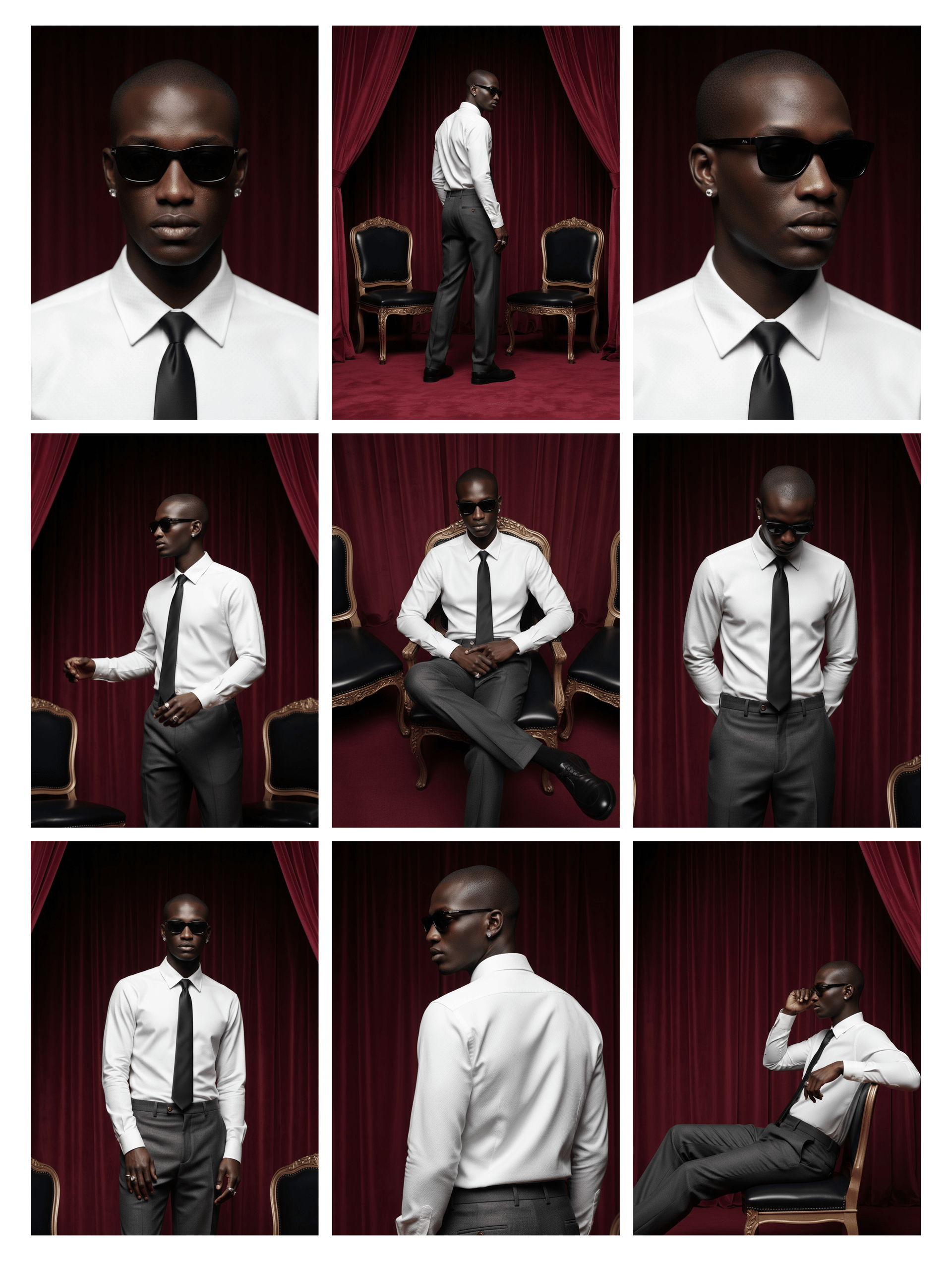
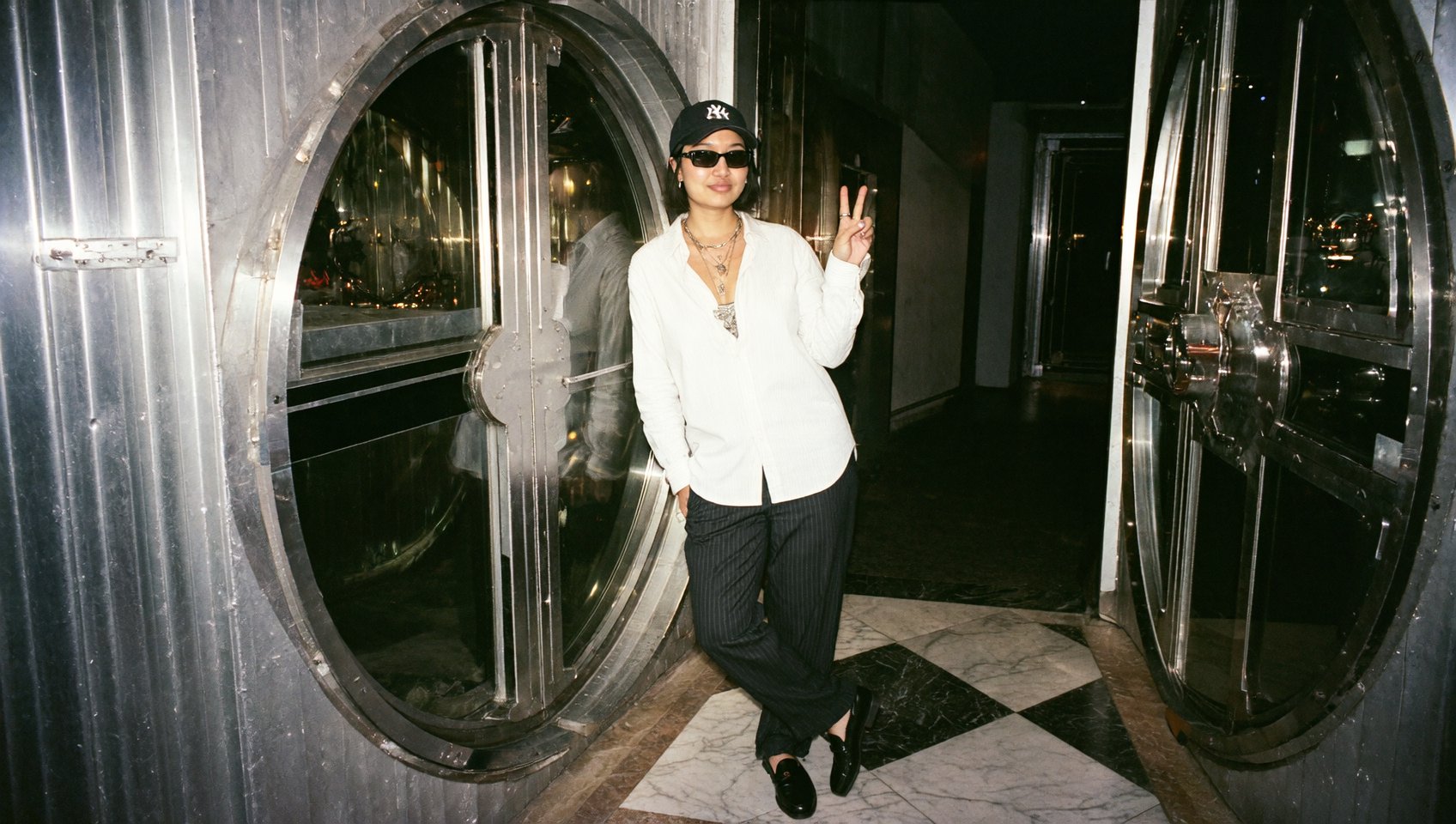
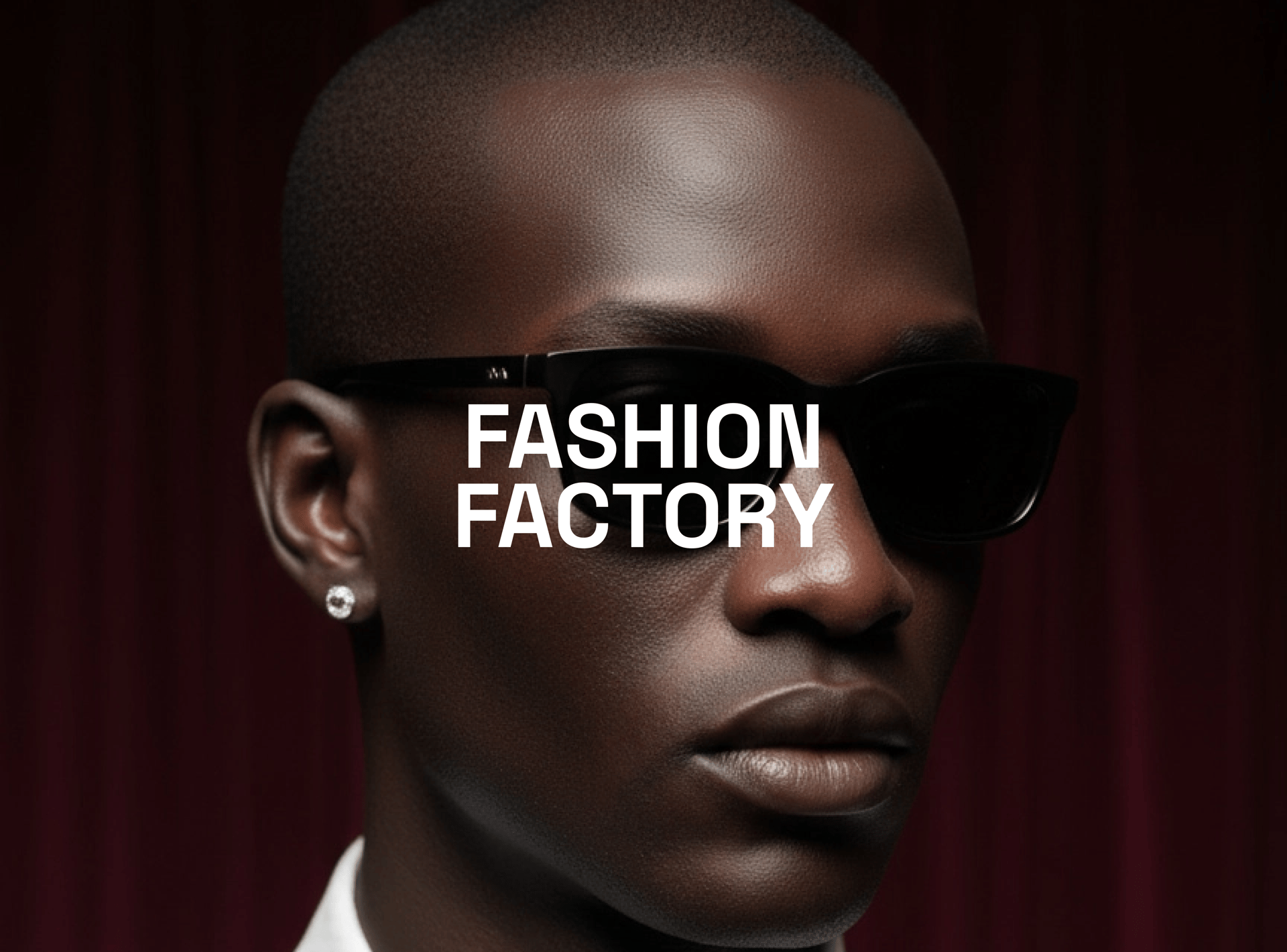
Fashion Factory lets you create full, stylish, photoreal photoshoots with one product image and a few clicks. You’ll get a cohesive set of campaign-ready shots designed for carousels, PDPs, and ads - all inside Higgsfield.
Part 1. Step-by-Step: Build a Fashion Factory Photoshoot
1. Go to: https://higgsfield.ai/image/soul?modal-fashion-factory=true
2. Select a Photoshoot Template (choose 1 of 6)
Each template sets the lighting, framing, and overall vibe of the set.
3. Choose Your Character
Create a new Soul ID character from scratch, or
Select an existing character you’ve already trained
4. Auto First Shots
Your first preview shots generate automatically in ~1 minute.
5. Pick Your Base
Select one base image of the 4 generated that you like most to proceed, or hit Recreate to generate 4 more options.
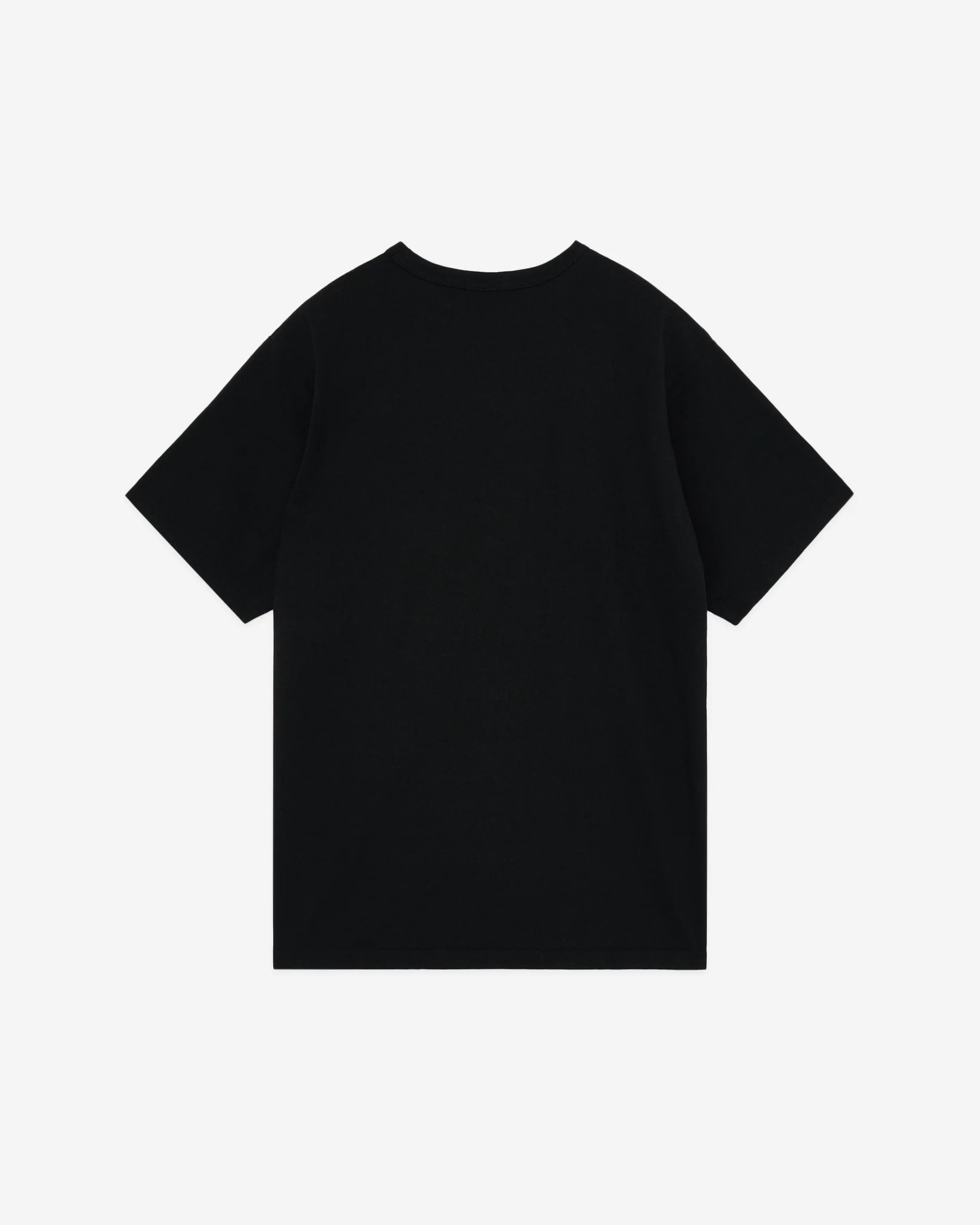
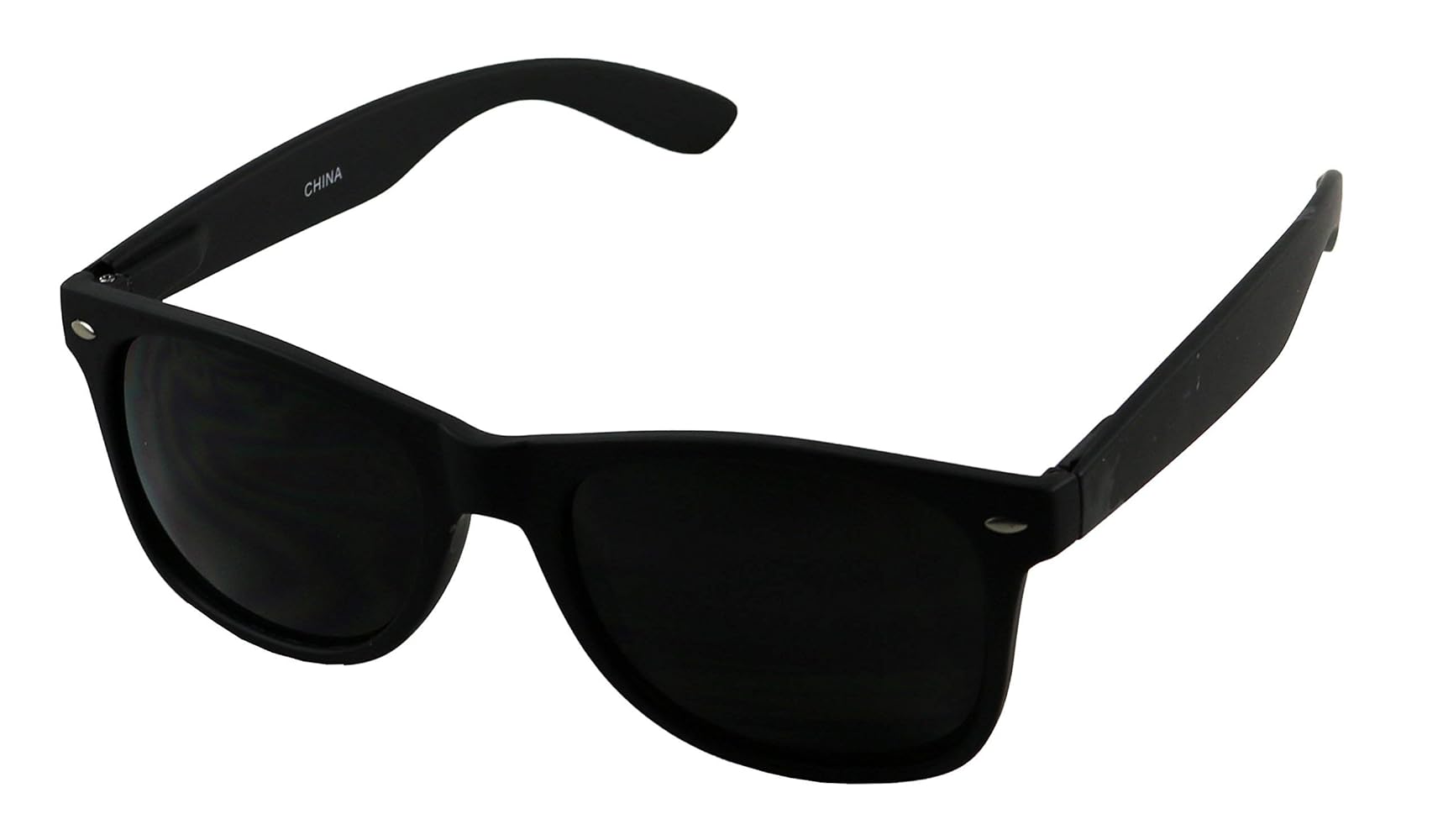
6. Upload Your Product Image
Product image notes:
The product must be clearly visible
Use a high-resolution image
Prefer a clean/transparent background
Do not upload a product being worn by someone; ideally, show it isolated/laid down. If the item is on the body, generation may fail to place it correctly.
Good example: