Higgsfield
  • Explore
  • Image
  • Video
  • Audio
  • SupercomputerNew
  • MCP & CLINew
  • Cinema Studio
  • Marketing Studio
  • Shorts StudioNew
  • ExplainerNew
  • Originals
  • Canvas
  • AI Influencer
  • Apps

THE ULTIMATE AI-POWERED CAMERA CONTROL FOR FILMMAKERS & CREATORS

Higgsfield AI

  • About
  • Trust
  • Careers
  • Contact
  • Pricing
  • Apps
  • Supercomputer
  • Cinema Studio
  • Marketing Studio
  • Higgsfield Canvas
  • Higgsfield Collab
  • Higgsfield MCP
  • Higgsfield Games
  • AI Influencer
  • Community
  • Enterprise
  • Team
  • Copilot
  • Reference Extension
  • Blog
  • Contests
  • Discord

Image

  • AI Image
  • Soul ID Character
  • Draw to Edit
  • Fashion Factory
  • Edit Image
  • Image Upscale
  • Photodump Studio
  • Higgsfield Popcorn
  • Nano Banana
  • Prompt Guide
  • Flux 2
  • Seedream 5
  • GPT Image 2
  • Inpaint
  • Soul 2.0
  • Soul Cinema
  • Soul Cast

Video

  • AI Video
  • Mixed media
  • Sora 2 Introduction
  • Veo 3.1 Introduction
  • Create Video
  • Lipsync Studio
  • Talking Avatar
  • Draw to Video
  • UGC Factory
  • Video Upscale
  • Kling 3.0
  • WAN 2.6
  • Seedance 2.0
  • Grok Imagine 1.5
  • Gemini Omni Flash

Edit

  • Banana Placement
  • Product Placement
  • Edit Image
  • Multi Reference
  • Upscale
  • Sora 2 Upscale
  • About
  • Trust
  • Careers
  • Contact
  • Pricing
  • Apps
  • Supercomputer
  • Cinema Studio
  • Marketing Studio
  • Higgsfield Canvas
  • Higgsfield Collab
  • Higgsfield MCP
  • Higgsfield Games
  • AI Influencer
  • Community
  • Enterprise
  • Team
  • Copilot
  • Reference Extension
  • Blog
  • Contests
  • Discord
  • X / Twitter
  • Youtube
  • Instagram
  • LinkedIn
  • Tiktok

535 Mission St, 14th floor, San Francisco, CA, 94105

  • X / Twitter
  • Youtube
  • Instagram
  • LinkedIn
  • Tiktok

© 2026 Higgsfield AI™. All rights reserved.

  • Press
  • Privacy
  • Terms
  • Cookie Notice
  1. Blog
  2. /
  3. Fresh Release
  4. /
  5. Become The Director of AI-Cinema with #1 Video Model

Become The Director of AI-Cinema with #1 Video Model

Higgsfield

·

Aug 11, 2025

·

6 minutes

Become The Director of AI-Cinema with #1 Video Model

Become the AI-Movie Director with Higgsfield

Unleash Consistency Across Multiple Shots

The Seedance Video Model inside Higgsfield opens up a whole new level of storytelling. You can now create multiple consistent shots in one go, with exclusive presets built specifically for this release.

It shines when handling scene cuts and different camera angles within the same scene, delivering smooth motion and strong prompt following.

Pro Tip: Identity preservation can still be tricky between shots, so use that to your advantage in creative ways.

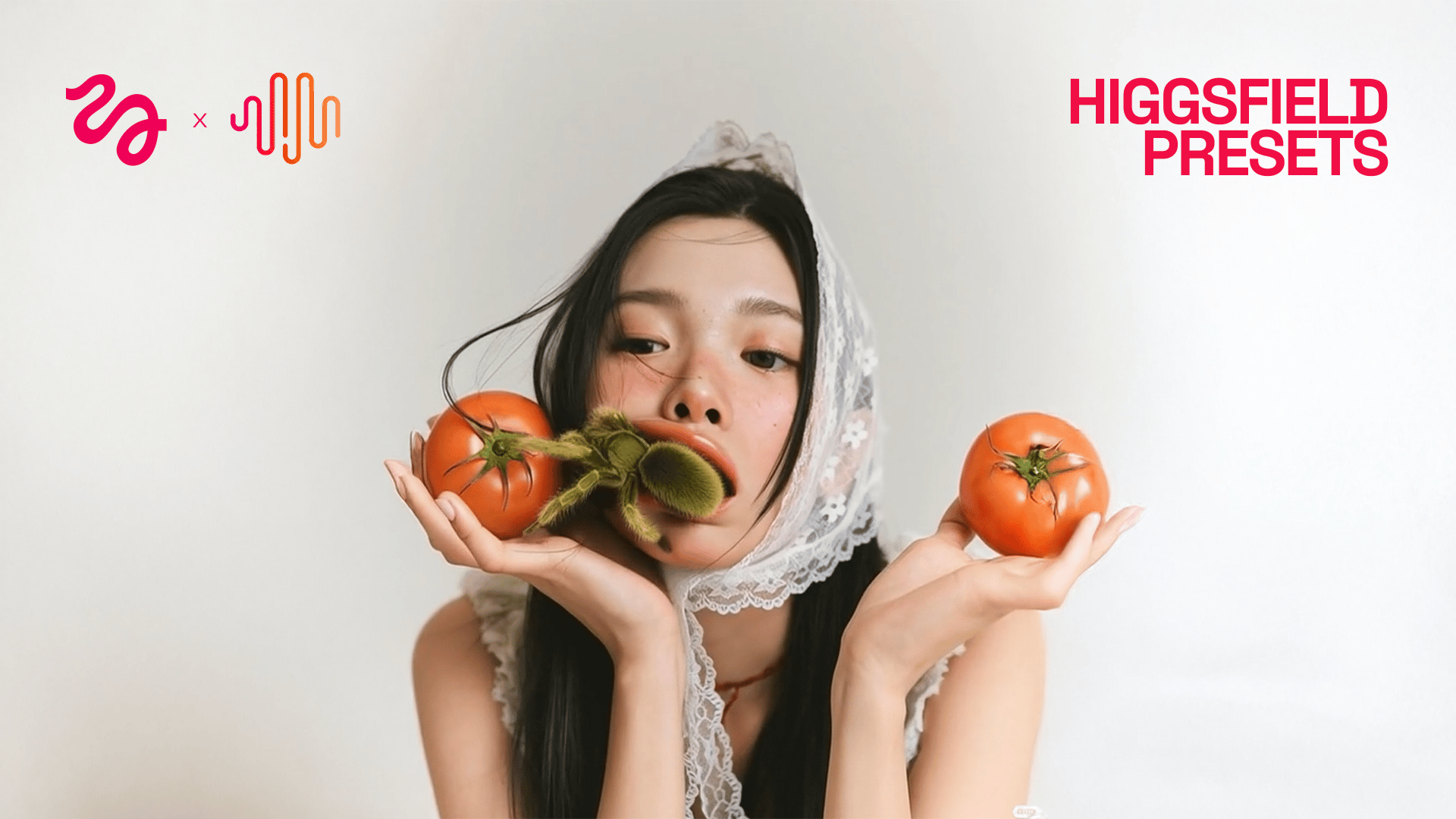
Your browser does not support the video.
Beach Ride

Step-by-Step: How to Nail Your Seedance Videos

0. Go to higgsfield.ai/create/video

1. Upload or Generate Your Starting Image

  • If you’ve selected a preset, you can start directly from your own image or generate one with Higgsfield Soul.

    • Tip: If you are using a preset, make your starting keyframe as similar to the one in the preset as possible for the most consistent shot

2. Choose Your Preset

  • General → For generations with your full control. Prompt enhancer can be turned off with the general preset for advanced prompts.

  • Other Presets → These are used if you want to recreate specific movements and effects from these presets. Prompts are optional.

3. Multi-Shot

  • Unlocks up to 3 consistent shots in one environment.

    • Pro Tip: Include a face in only the first shot for best consistency - faces can drift in subsequent shots.

  • Some of the presets already come with Multi-Shot built in. Prompts here are optional and should only be used if you want to tweak environment details or camera movement.

  • Examples of how you can build different perspectives of the same setting using various prompts in different shots:

    • Close-up character shot

    • Wide-angle for the environment

    • Creative or dynamic action angle

4. Craft Your Prompt

  • Essential Structure:

    • Composition: framing, camera angle, background elements

    • Main Character: description, clothing, action

    • Camera Movement: action sequence, focus

    • Overall Mood: cinematic, documentary, hyperrealistic

5. Duration

  • For multi-shot sequences, 10 seconds is the sweet spot. This gives enough time to showcase all angles smoothly.

6. Resolution

  • Test 480p for speed and iterations.

  • Use 1080p for final delivery when you need crisp, detailed results.


Example Setup

Inputs:

  • Preset: Hero Flight

  • Input Image:

Example Input Image
Example Input Image
  • Prompt: None

  • Multi-Shot: Off

  • Duration: 5s

  • Resolution: 1080p

Output:

Your browser does not support the video.
Example Output Video


Wrapping-Up

Seedance in Higgsfield is your go-to for cinematic multi-angle storytelling. From fashion reels to short films, it lets you create sequences that feel handcrafted - in a fraction of the time.

Now it's your turn. It's the best time in history to unleash the power of AI. Start experimenting, explore different models and settings, and find what brings your content to life.

As always, keep creating! 🧩

🎬 Start here: higgsfield.ai/create/video


Tag us when you post. We love featuring your work 💚

@higgsfield.ai (IG) | @higgsfield_ai (TT) | @higgsfield_ai (X)

Become the Director of AI-Cinema

Try Seedance in Higgsfield today

by Higgsfield

Share article

Discover more

post preview

Higgsfield x GPT-5

post preview

The Prompt Is Dead. Welcome to the Click-to-Video Era: Higgsfield + MiniMax

post preview

How to Turn Your Photo Into a Consistent AI Persona as a Creator