
Free AI Image Generator: Text to Image, Photos & Art
Give your idea a subject, a setting, and a style. Create product photos, campaign visuals, and character concepts with Nano Banana Pro, GPT Image, FLUX, and more. Choose your model, generate, and refine in a single workspace.
Free AI Image Generator: Text to Image, Photos & Art
Give your idea a subject, a setting, and a style. Create product photos, campaign visuals, and character concepts with Nano Banana Pro, GPT Image, FLUX, and more. Choose your model, generate, and refine in a single workspace.
AI Picture Generator: See What You Can Create
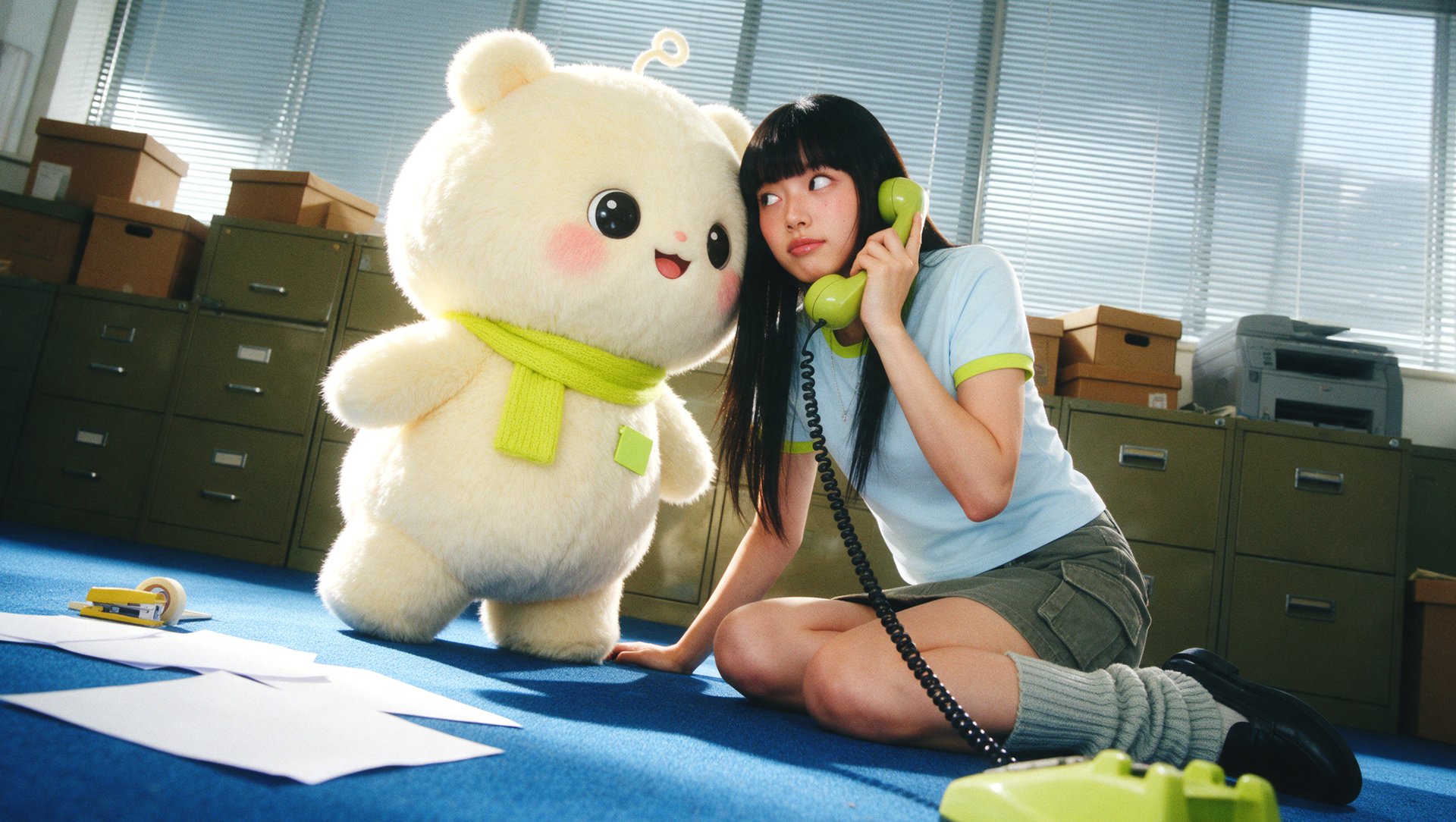
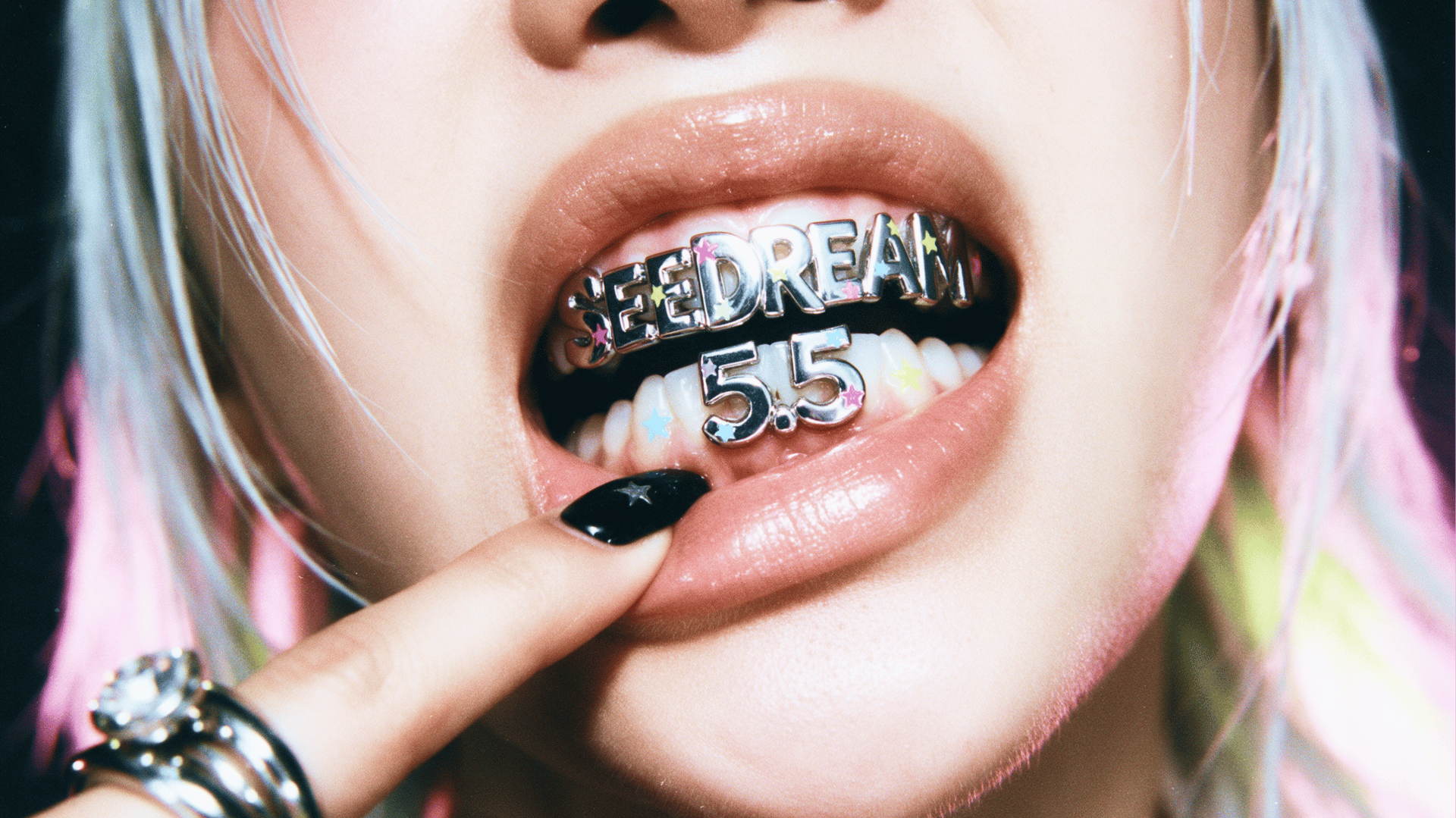
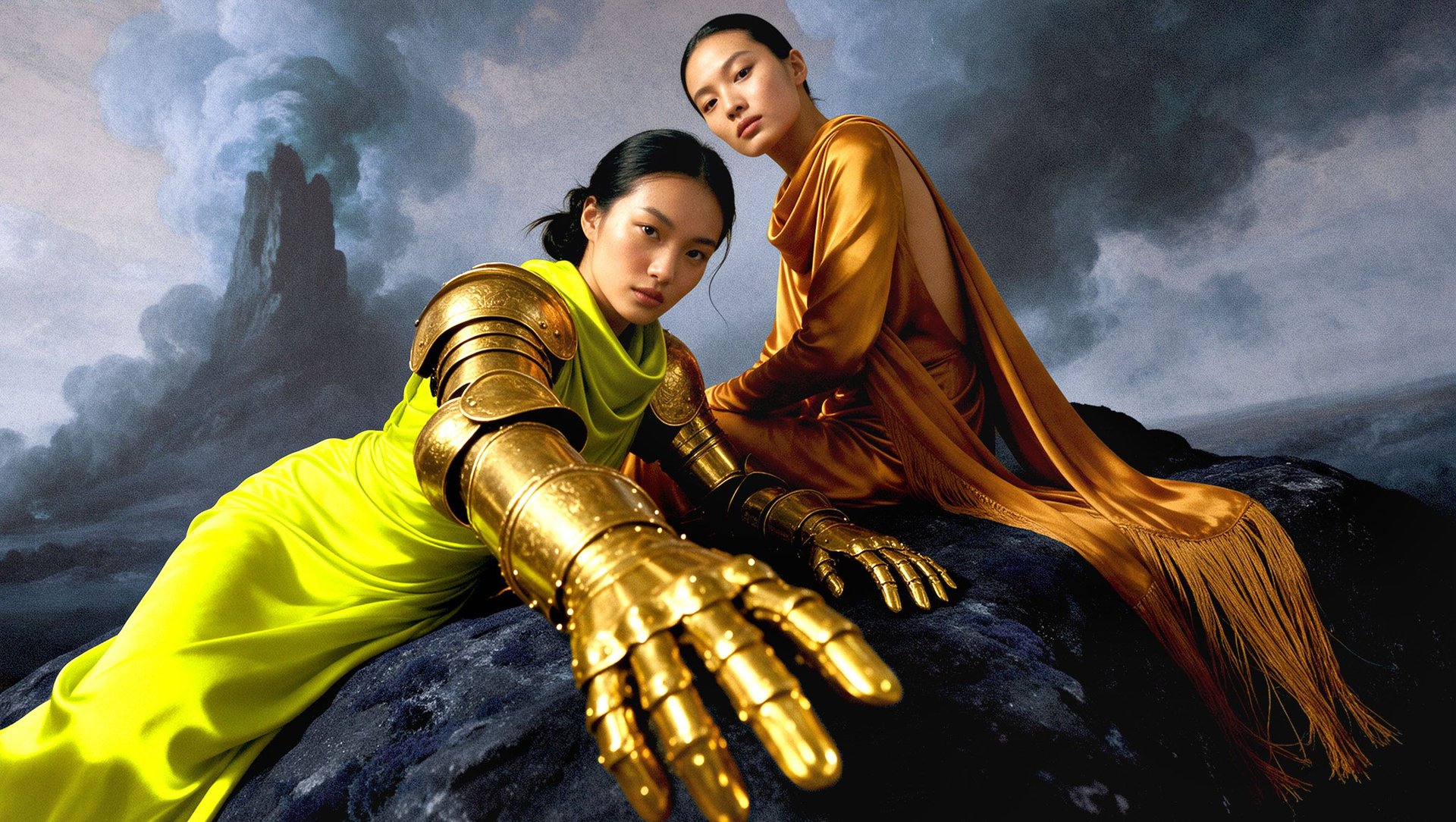
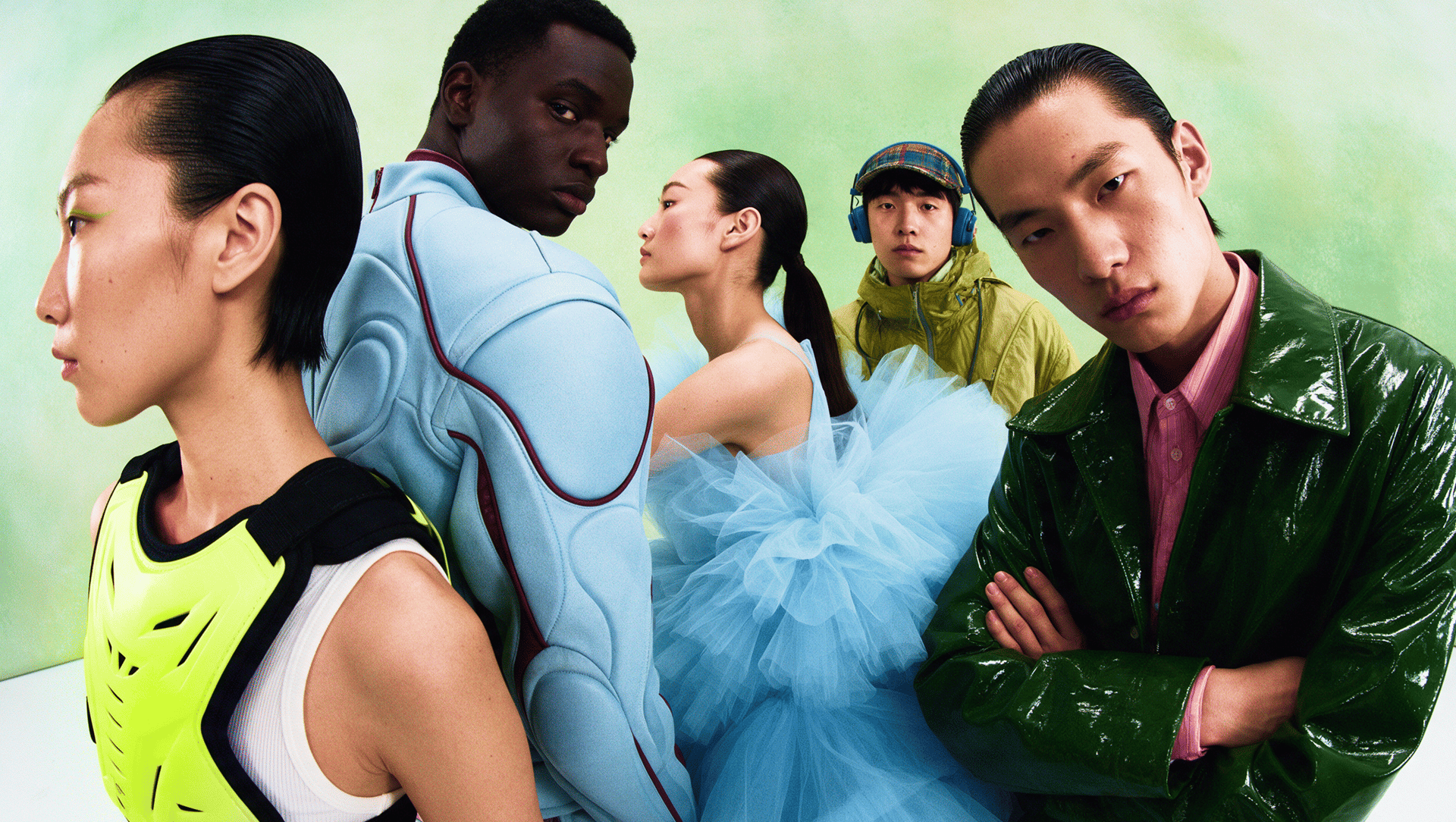
Explore product photos, portraits, character concepts, and posters made with Higgsfield. See the prompts and models behind each result, then try an idea of your own.
How to Generate AI Images with Higgsfield
Turn an idea into your first image in four steps. Higgsfield’s text-to-image generator lets you start with a description, or add a reference to guide the result.
1. Describe Your Image or Add a Reference
Tell the AI what you want to see: the subject, setting, style, and lighting. Have a look in mind? Upload a reference image and describe what to keep or change.
2. Choose a Model and Output Settings
Pick an image model, then select the aspect ratio and resolution available for it. Match the format to your project, whether it’s a vertical post, square product image, or widescreen scene.
3. Generate and Review Your Result
Click Generate to see your idea take shape. Check the composition, text, and smaller details to decide what works and what you want to adjust.
4. Refine or Download
Change your prompt, try another model, or use editing tools to adjust specific details. Once you’re happy with the image, download it for your project.
AI Photo Generator with Tools to Create, Edit and Animate
Get started
Create Images with Readable Text
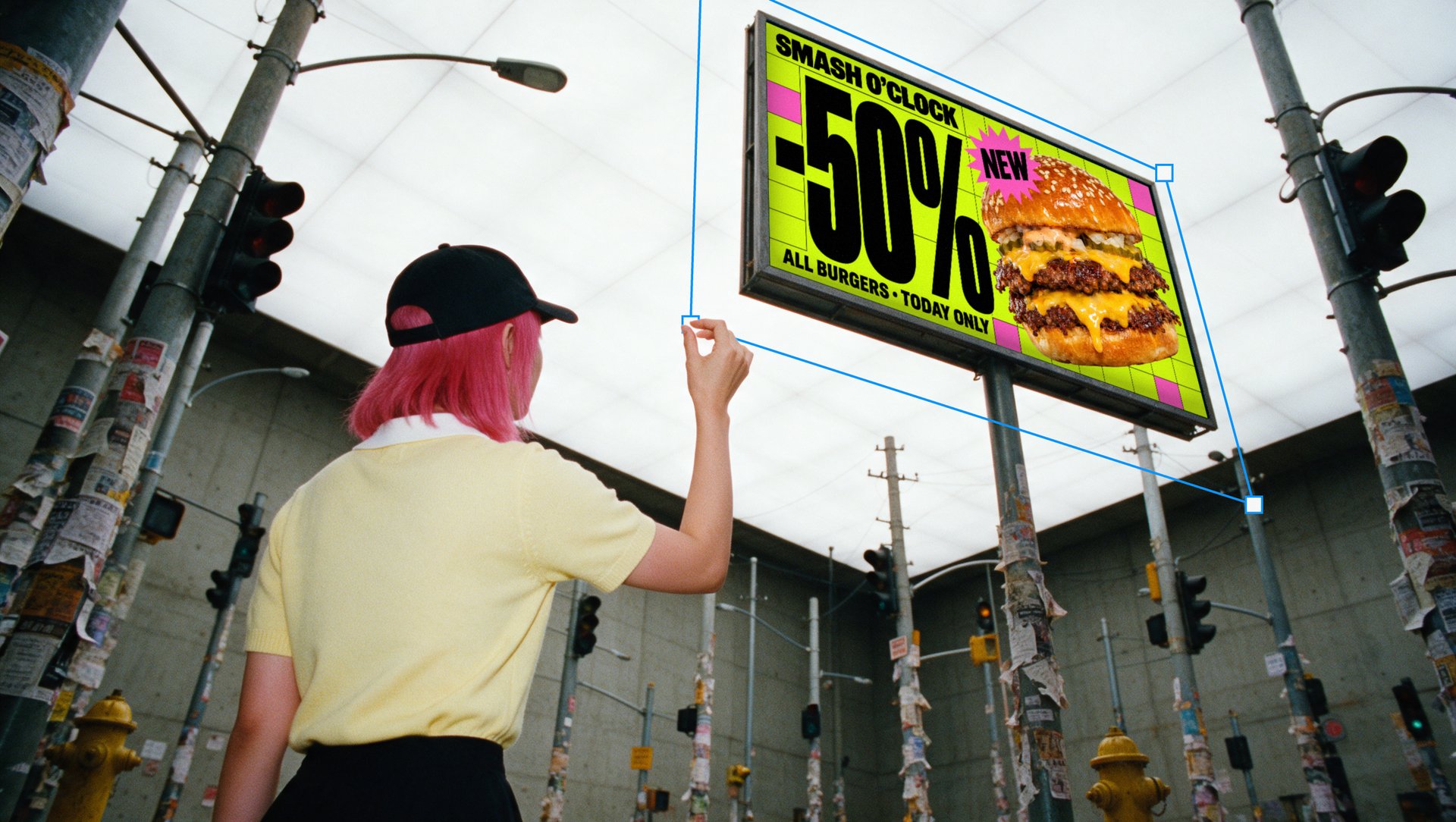
Add headlines, product names, and labels to posters, packaging concepts, and campaign visuals. Use text-capable models such as Nano Banana Pro, then review the wording before publishing.
Create Images with Readable Text
Add headlines, product names, and labels to posters, packaging concepts, and campaign visuals. Use text-capable models such as Nano Banana Pro, then review the wording before publishing.

Explore Different Looks for One Idea
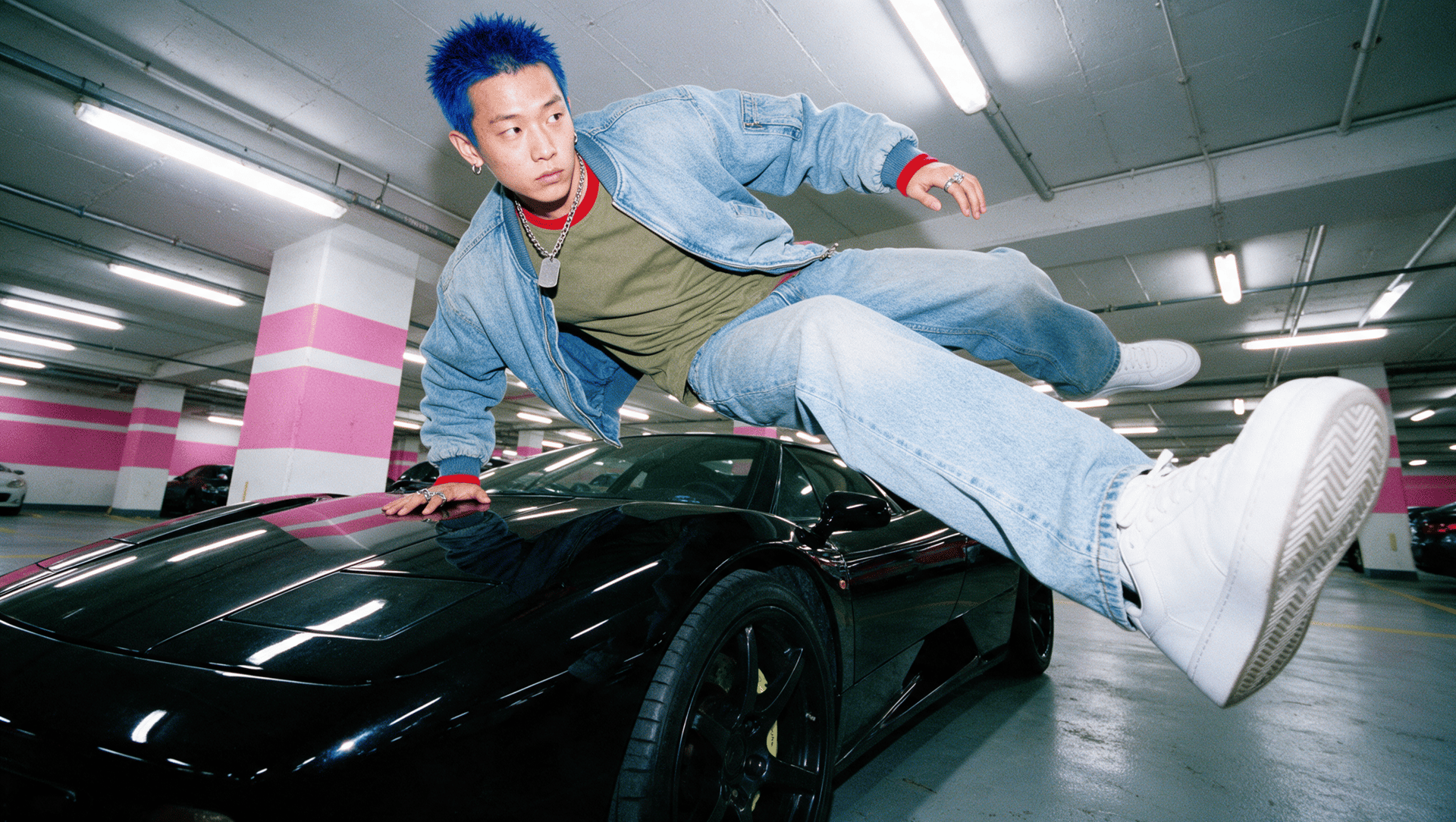
Try different styles, lighting, and settings for the same concept. Generate alternatives, compare the results, and choose the look that works for your project.
Explore Different Looks for One Idea
Try different styles, lighting, and settings for the same concept. Generate alternatives, compare the results, and choose the look that works for your project.

Keep Your Character Recognizable
Train a Soul ID using photos of one person, then create portraits, campaign images, and storyboards with a recognizable face across different outfits and settings in supported Soul models.

Guide Results with Reference Images
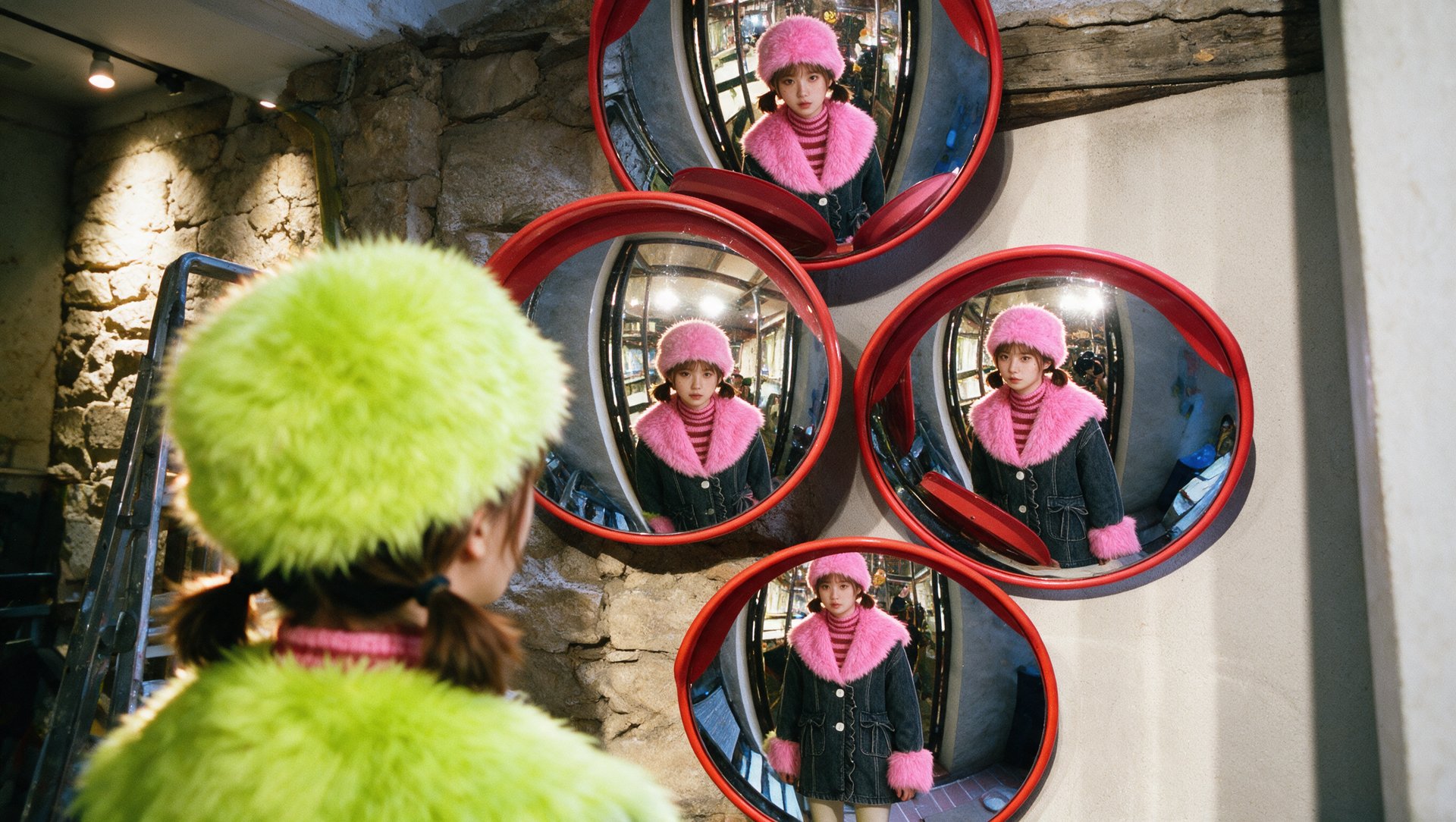
Upload a reference image to guide the subject, style, or composition. Describe what you want to keep or change, then generate new visuals with supported models.
Guide Results with Reference Images
Upload a reference image to guide the subject, style, or composition. Describe what you want to keep or change, then generate new visuals with supported models.

Create High-Resolution AI Photos
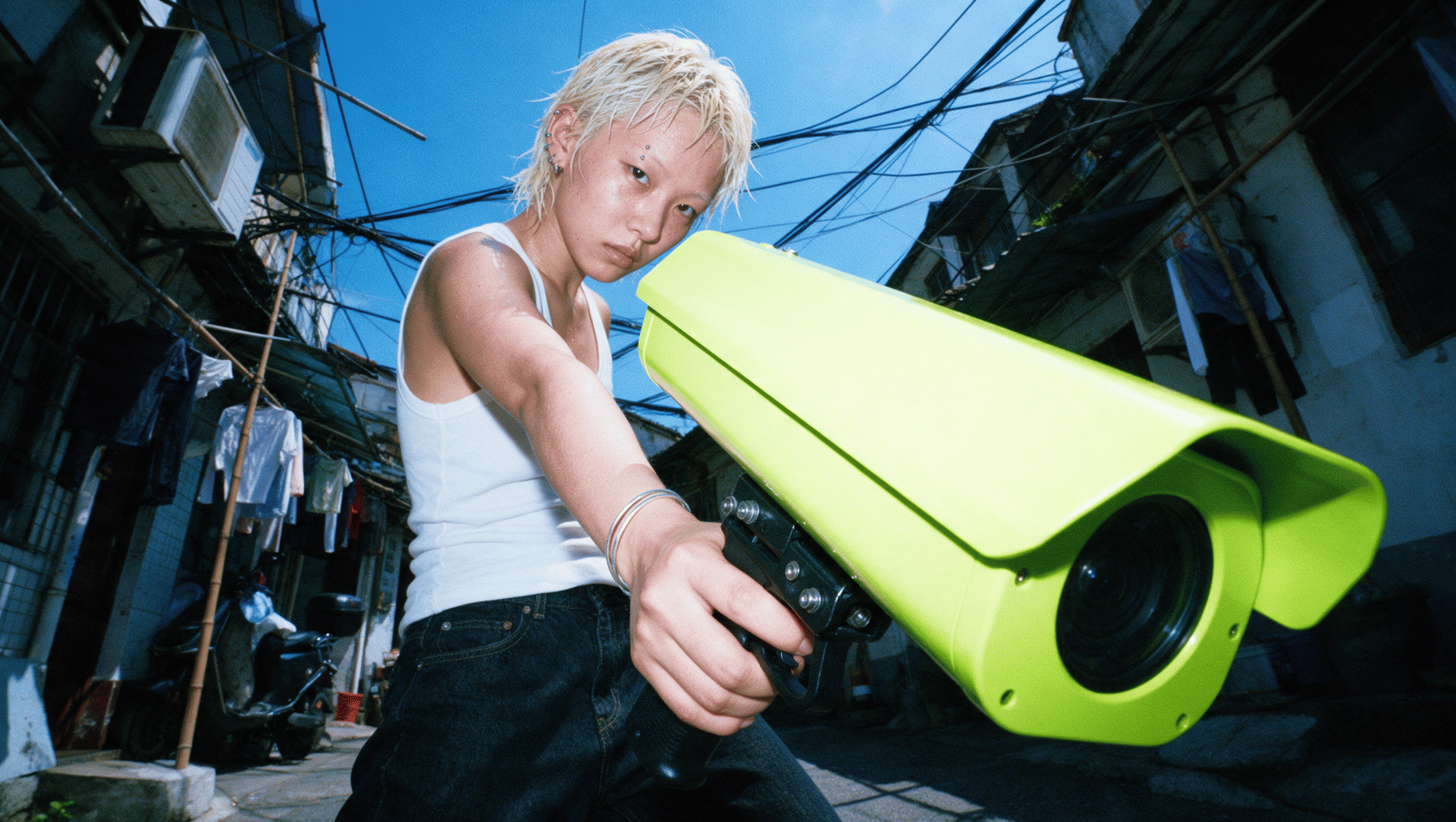
Generate detailed visuals with output options up to 4K, depending on your model and settings. Choose a resolution for your project, with generation and upscaling options available across the platform.
Create High-Resolution AI Photos
Generate detailed visuals with output options up to 4K, depending on your model and settings. Choose a resolution for your project, with generation and upscaling options available across the platform.

Edit the Details That Matter
Brush over an area and describe your change with Nano Banana Pro Inpaint. Replace an object, adjust a background, or update a label without starting the whole image from scratch.
One AI Image Generator. More Models to Explore.
Choose a model for your next product photo, portrait, illustration, or campaign concept. Higgsfield brings multiple text-to-image models into one workspace, so you can explore different results without switching tools.
| AI image model | Try it for | Example task |
|---|---|---|
| Nano Banana Pro | Text-led graphics and reference-guided visuals | Create a poster with a short headline |
| Higgsfield Soul 2.0 | Portraits, fashion, lifestyle, and consistent characters | Generate editorial portraits with a trained Soul ID |
| GPT Image | Detailed prompts and iterative image editing | Build a campaign concept, then refine its composition |
| FLUX | Photographic scenes and detailed compositions | Generate a product photo with specific lighting |
| Seedream | Fashion, lifestyle, and stylized photography | Explore an editorial portrait in different settings |
AI Image Creator to Support All Your Projects
Create product photos, social graphics, campaign concepts, and storyboard pictures with Higgsfield. Explore a use case to see what’s possible, find a prompt, and make it your own.

AI Image to Video: Give Your Picture Its Next Scene
Created an image you want to take further? Use it as the starting frame for a video, then describe the action and camera movement. Explore how your product shot, portrait, or cinematic scene could look in motion.
Animate Your ImageStill have questions?
We’ve answered the most frequently asked questions
What AI image models are available on Higgsfield?
Higgsfield gives you access to 15+ leading models in one workspace, including Nano Banana Pro, GPT Image, Seedream, FLUX, Kling O1, and Higgsfield Soul. You can switch between models instantly and compare outputs to find the best fit for your project.
What is the maximum image resolution I can generate?
You can generate images at up to 4K (4096x4096) resolution natively. No upscaling required. Nano Banana Pro and Seedream both support native 4K output straight from the prompt.
Can Higgsfield generate accurate text inside images?
Yes. Nano Banana Pro is built on a reasoning engine that understands spelling, layout, and typography. It renders legible headlines, labels, and packaging text in multiple languages, a problem most AI image generators still struggle with.
Can I keep the same character consistent across multiple images?
Yes. Soul ID helps maintain a recognizable character across generations, even when changing outfits, settings, or styles. Whether you're building a campaign, a storyboard, or a lookbook, the same person appears in every frame without drift.
Can I turn my AI images into video?
Yes. You can turn AI-generated images into videos using supported models such as Kling and Seedance. Upload your image, describe the movement you want, and adjust the available settings to generate your video.
What aspect ratios and formats are supported?
Higgsfield supports all standard formats, including 1:1, 9:16, 16:9, 3:4, 4:3, and more. You can generate platform-ready visuals for Instagram, TikTok, YouTube, and print from the same workspace.
Can I edit specific parts of a generated image without regenerating the whole thing?
Yes. Nano Banana Pro Inpaint lets you brush over any area and change it. You can swap objects, fix backgrounds, rewrite text, and adjust colors. The edit blends seamlessly with the rest of the image.
Is Higgsfield free to use?
Yes. New users receive 10 free credits as a one-time welcome bonus to try image generation. Paid plans offer additional credits and access to more features.
Can I use Higgsfield with my team?
Yes. Higgsfield’s Team Plan lets your team work in a shared workspace. Credits contributed by each seat are pooled into one shared workspace balance, rather than assigned separately to individual members.
Can I input my exact brand colors?
Yes. Nano Banana Pro lets you input Hex or RGB color codes directly to ensure every generation matches your brand guidelines, including backgrounds, text, and design elements, so everything stays on-brand from the first output.
Explore more AI features
Image EditingNano Banana Pro IntroNano Banana Pro Prompt GuideFLUX 2 IntroGPT Image 2Seedream 5.0Soul IntroSoulClaude AI Image GeneratorAnglesRelightSkin EnhancerStyle SnapPaint AppBreakdown3D RenderJ MagazineJ PosterRenaissanceMeme GeneratorAI Headshot GeneratorExpand ImageImage Background RemoverColor GradingAI Video GeneratorKling 3.0Seedance 2.0Seedance 2.5Wan 2.6Grok ImagineAI Photo EditorAI Art GeneratorAI Design GeneratorAI Logo GeneratorAI Thumbnail GeneratorAI Background GeneratorAI Product PhotographyAI Profile Picture GeneratorAI Portrait GeneratorAI Anime GeneratorAI Cartoon GeneratorAI Animal GeneratorAI Image UpscalerAI Image EnhancerAI Unblur ImageAI Object RemoverAI Hairstyle ChangerAI Clothes ChangerAI Prompt GeneratorAI Avatar GeneratorAI Face SwapAI Voice GeneratorNano Banana 2 Lite