Create Memes in 3 Easy Steps
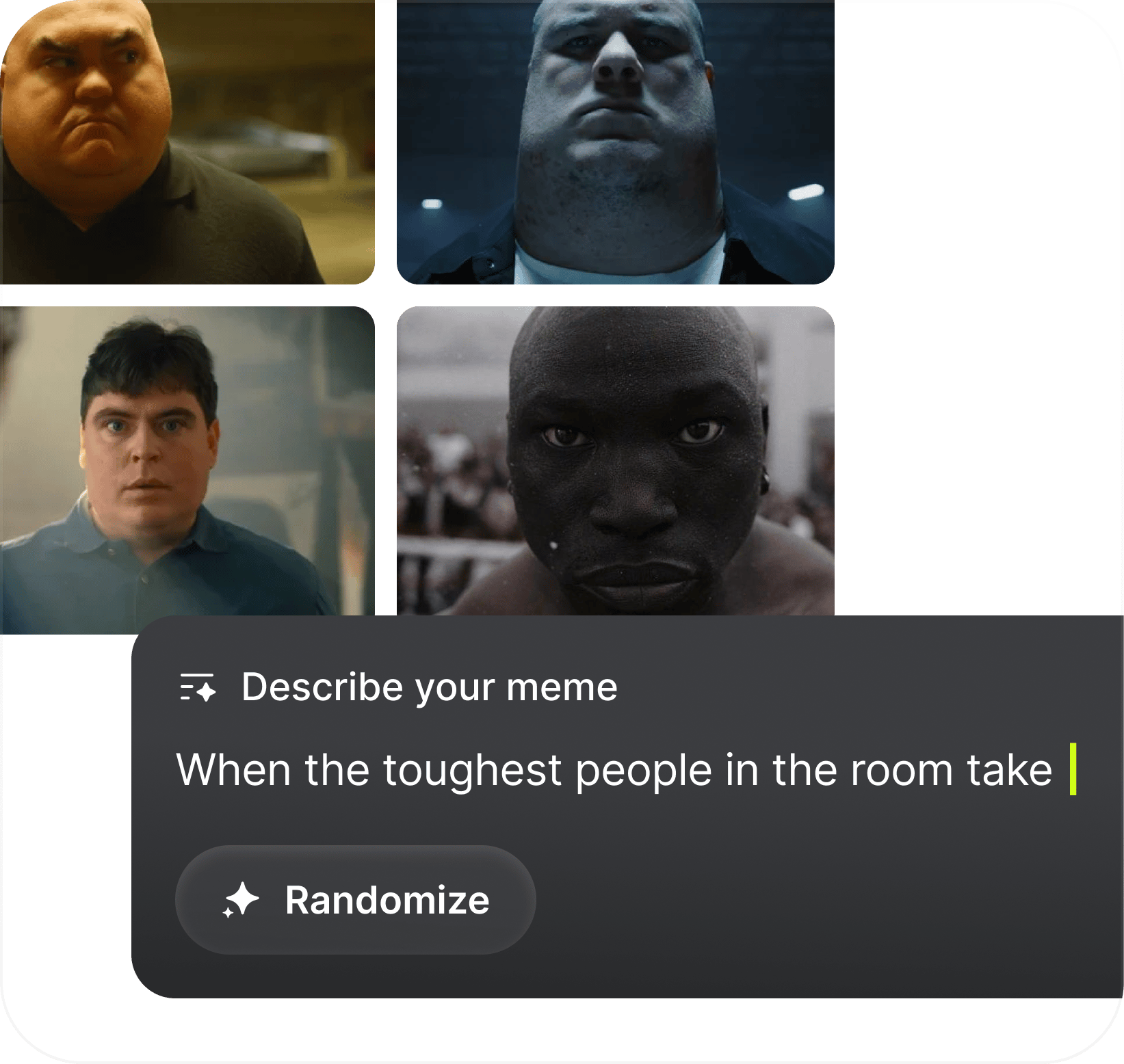
  1. Make your own meme: Start from scratch with a prompt

    Make your own meme

    Start from scratch with a prompt
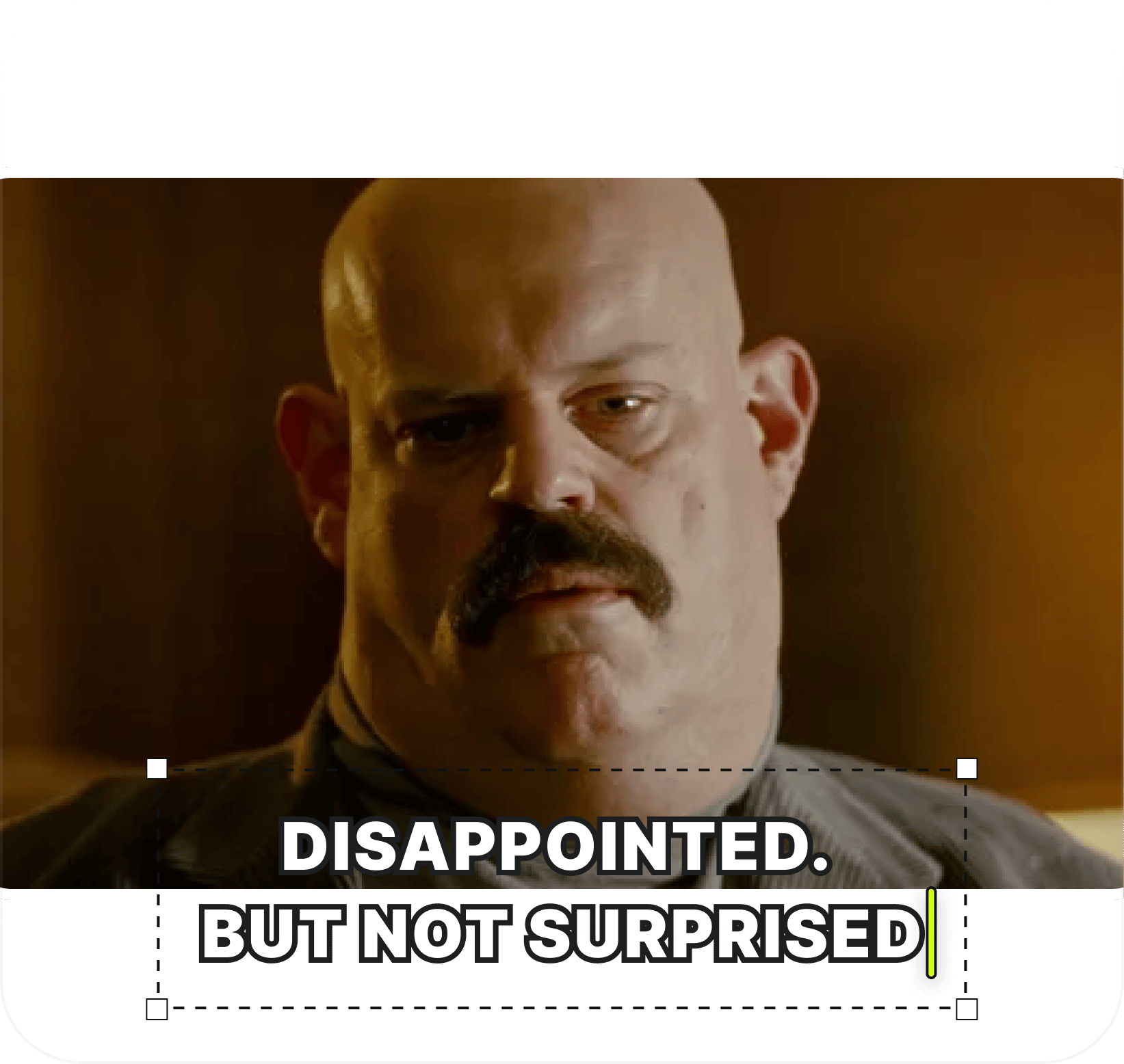
  2. Add your own text: Pick a preset, then write and tweak the caption
    Add your own text

    Pick a preset, then write and tweak the caption

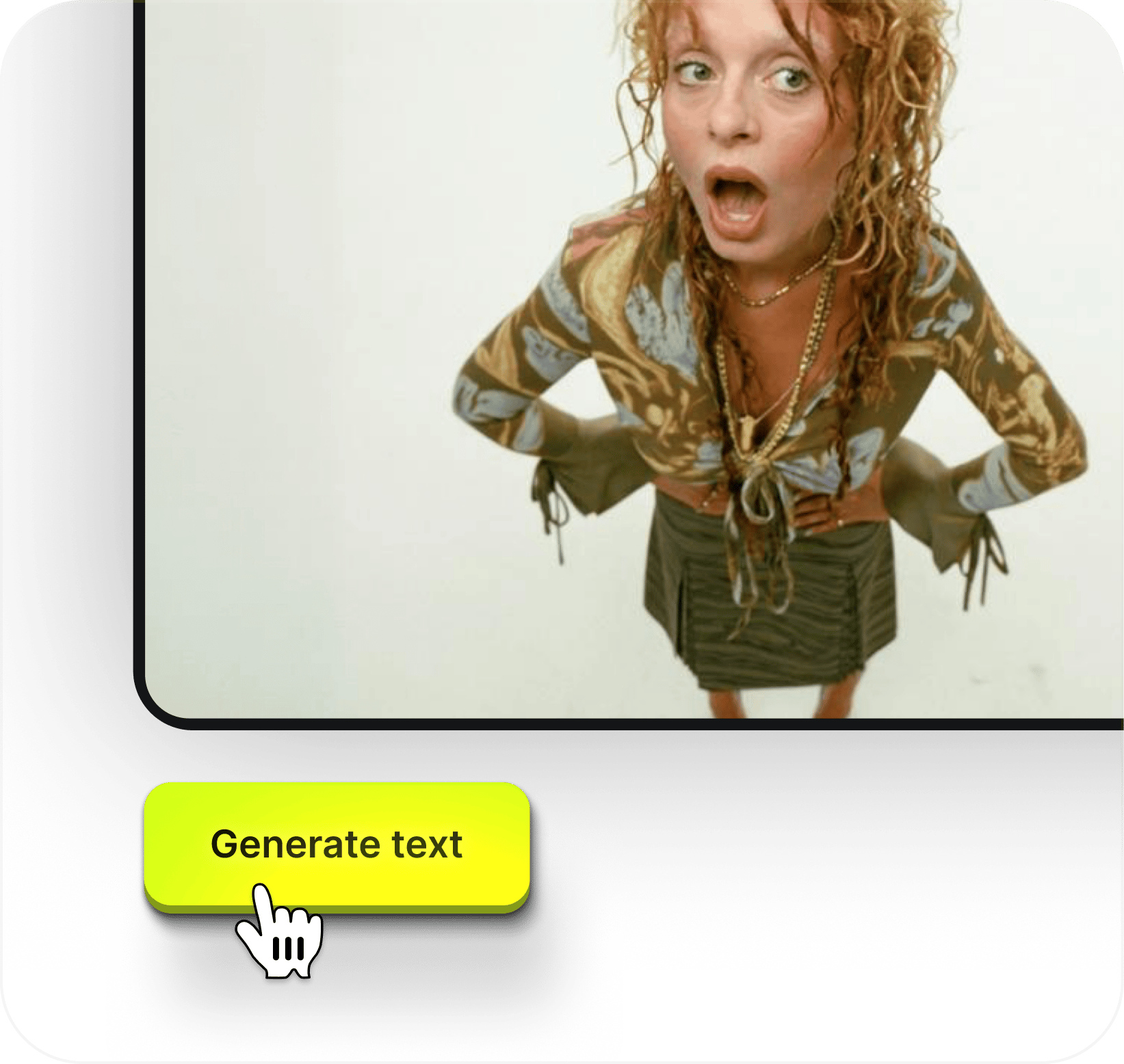
  3. Generate captions: Let AI write the meme text

    Generate captions

    Let AI write the meme text

Core Features

Built for Meme culture

Everything you need to create scroll-stopping memes in seconds - from AI-generated characters to perfectly captioned punchlines

  • AI-Generated Characters

    Choose from a library of ready-made characters or generate one from scratch with a simple prompt. Every face is original and IP-safe - built with Soul Cinema

  • Drag, Drop, Resize

    Place your text anywhere on the image. Move it, scale it, make it fit. Full control over your meme layout with zero design skills required

  • AI-Powered Captions

    Stuck on the punchline? Hit generate and get 5 caption options crafted by AI to match your image. Pick the one that hits, or tweak it to make it yours

  • Download Free

    Every meme you create is yours. Download in high quality for free and post it wherever you want - no watermarks, no restrictions, no sign-up walls

Generate with Higgsfield

TURN ANY IDEA INTO
A VIRAL MEME

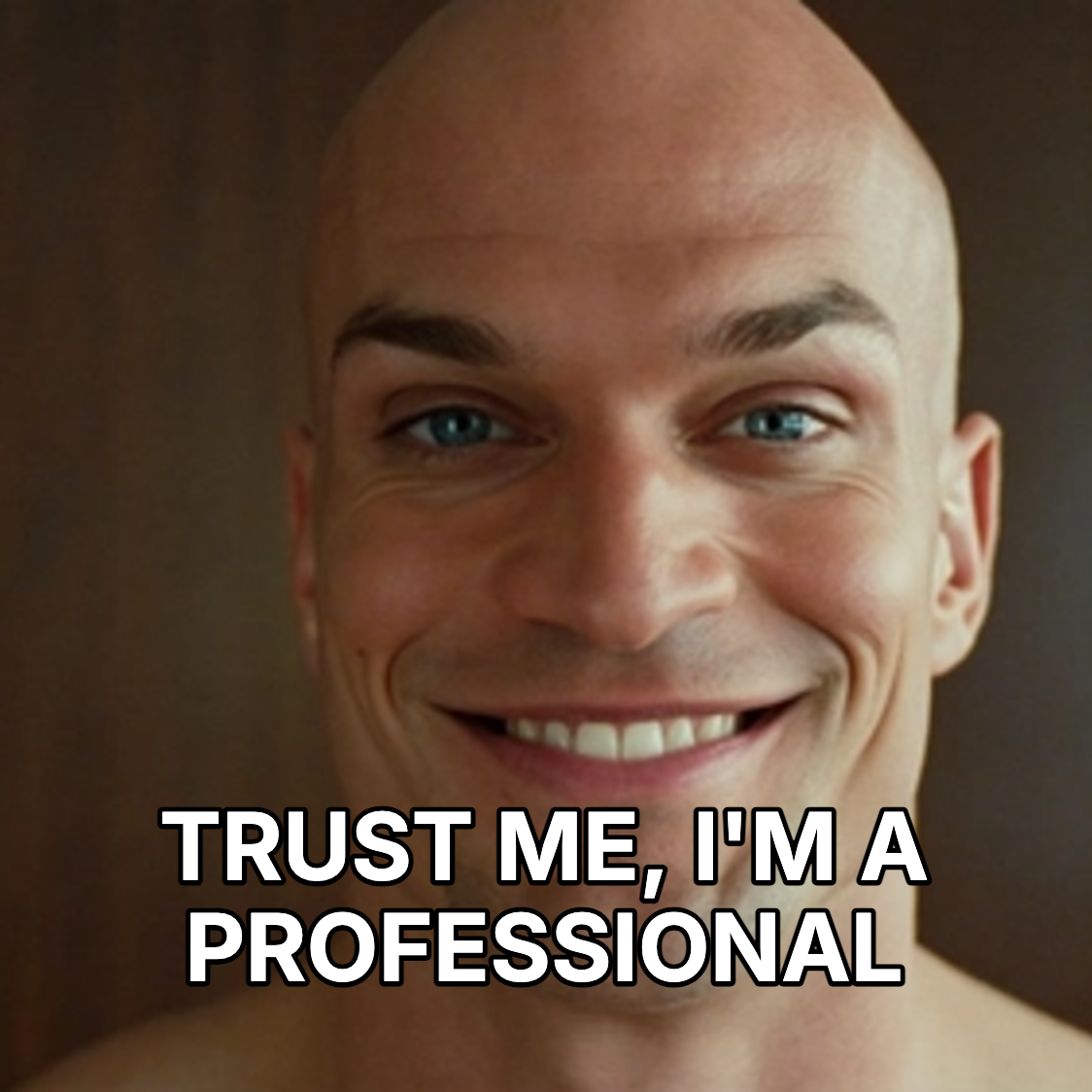
Pick a character, add your punchline, and watch the magic happen. Every meme features fully AI-generated people with cinematic quality
Loading the media file...

Pick your plan

Get access to more generations and priority access to new features

Got any questions left?

We’ve answered the most frequently asked questions

What is the AI Meme Generator?
It's a free tool that lets you create memes using AI-generated characters. Choose from a library of ready-made presets or describe a character from scratch - our AI will generate a unique, photorealistic person for your meme. No stock photos, no real people, no copyright risks.
How does it work?
It takes three steps. First, pick a character preset or type a prompt to generate one. Second, add your caption text - drag it, resize it, place it wherever you want. Third, download your meme for free. You can also hit "Generate text" to let AI suggest five caption options for your image.
Is it really free?
Yes. You can create and download memes at no cost, with no watermarks. Character presets are free to use, and AI text generation is included.
Are the people in the memes real?
No. Every character is fully generated by AI. They don't represent real individuals, which means your memes are IP-safe and cleared for posting anywhere - social media, group chats, brand pages, you name it.
Can I use these memes commercially?
Yes. Since all characters are AI-generated, there are no likeness rights or model release issues. You're free to use your memes for content creation, marketing, social media, or any other purpose.
What is "Generate text"?
It's an AI-powered caption tool. Click the button and the AI analyzes your image, then suggests five different captions with different punchlines. Pick the one you like or edit it to make it your own.
Do I need to sign up?
You can browse presets without an account, but you'll need a free Higgsfield account to generate characters from prompts, use AI text generation, and download your memes.
Can I edit the meme after generating it?
Absolutely. The editor lets you reposition text, resize text boxes, change captions, and switch between different AI-generated variations of your image - all before downloading.

Home

Community

Generate

Library

Profile