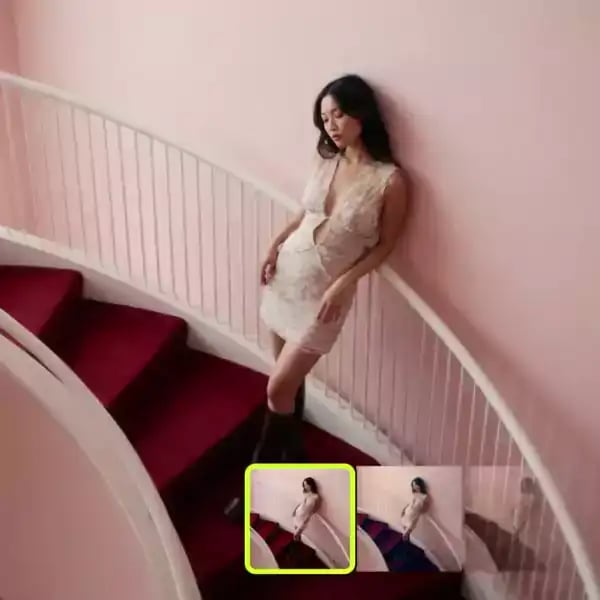
Background Remover
Upload an image and instantly remove the background with clean, pixel-perfect results


REMOVE BACKGROUNDS IN 3 EASY STEPS
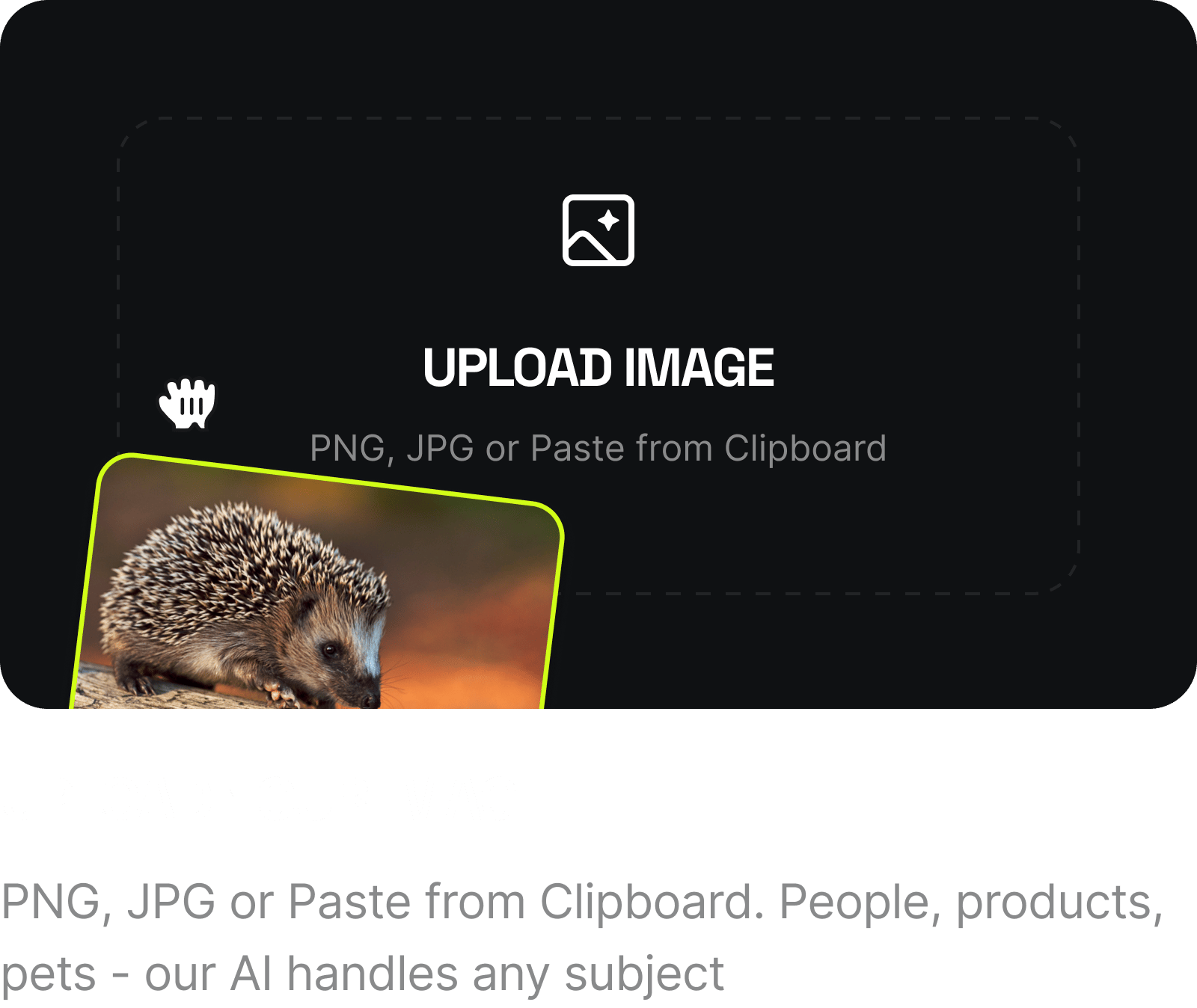
Upload Your Image Upload Your Image
PNG, JPG or Paste from Clipboard. People, products, pets - our AI handles any subject
LET AI DO THE WORK LET AI DO THE WORK
The model detects your subject and separates it from the background automatically
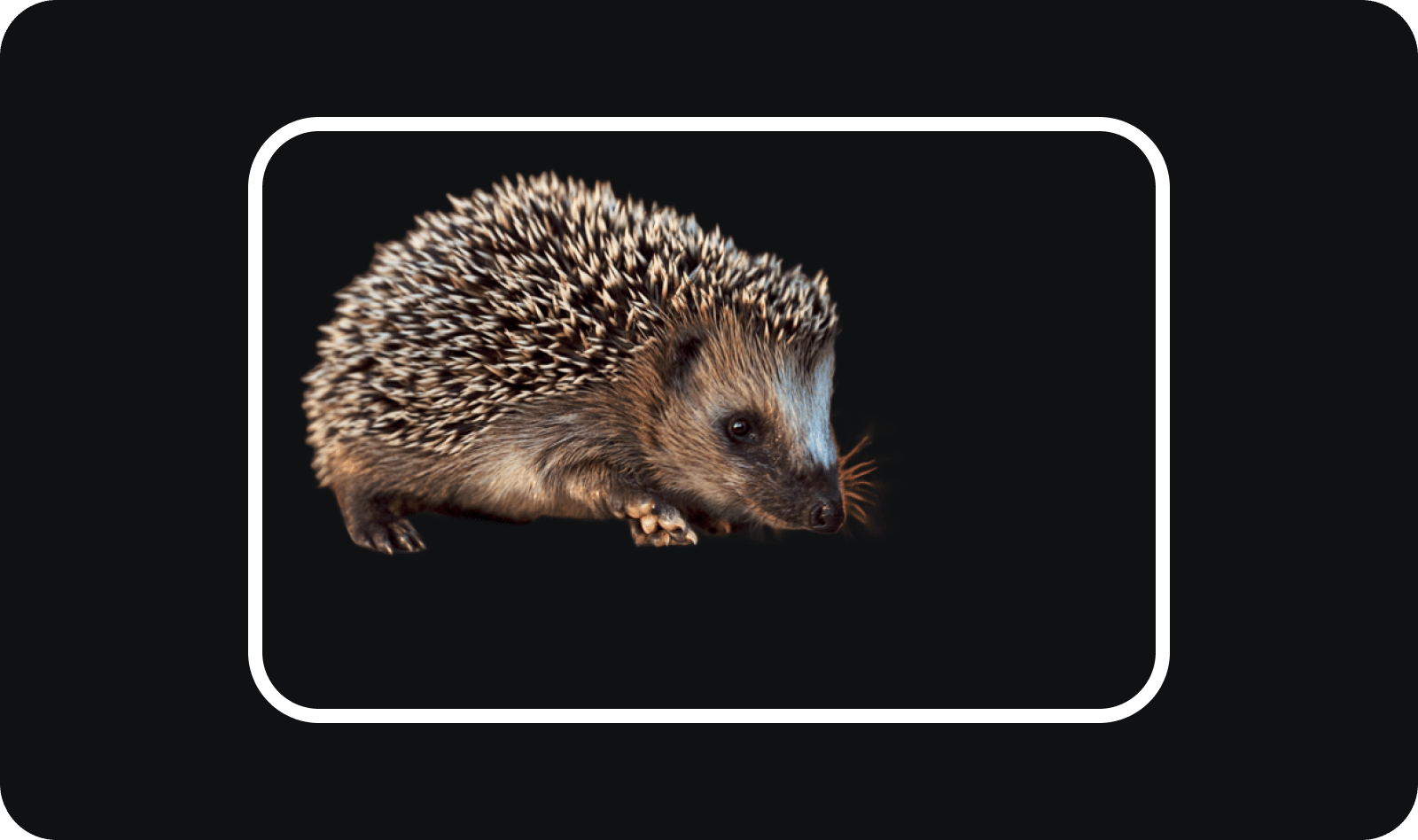
DOWNLOAD YOUR CUTOUT DOWNLOAD YOUR CUTOUT
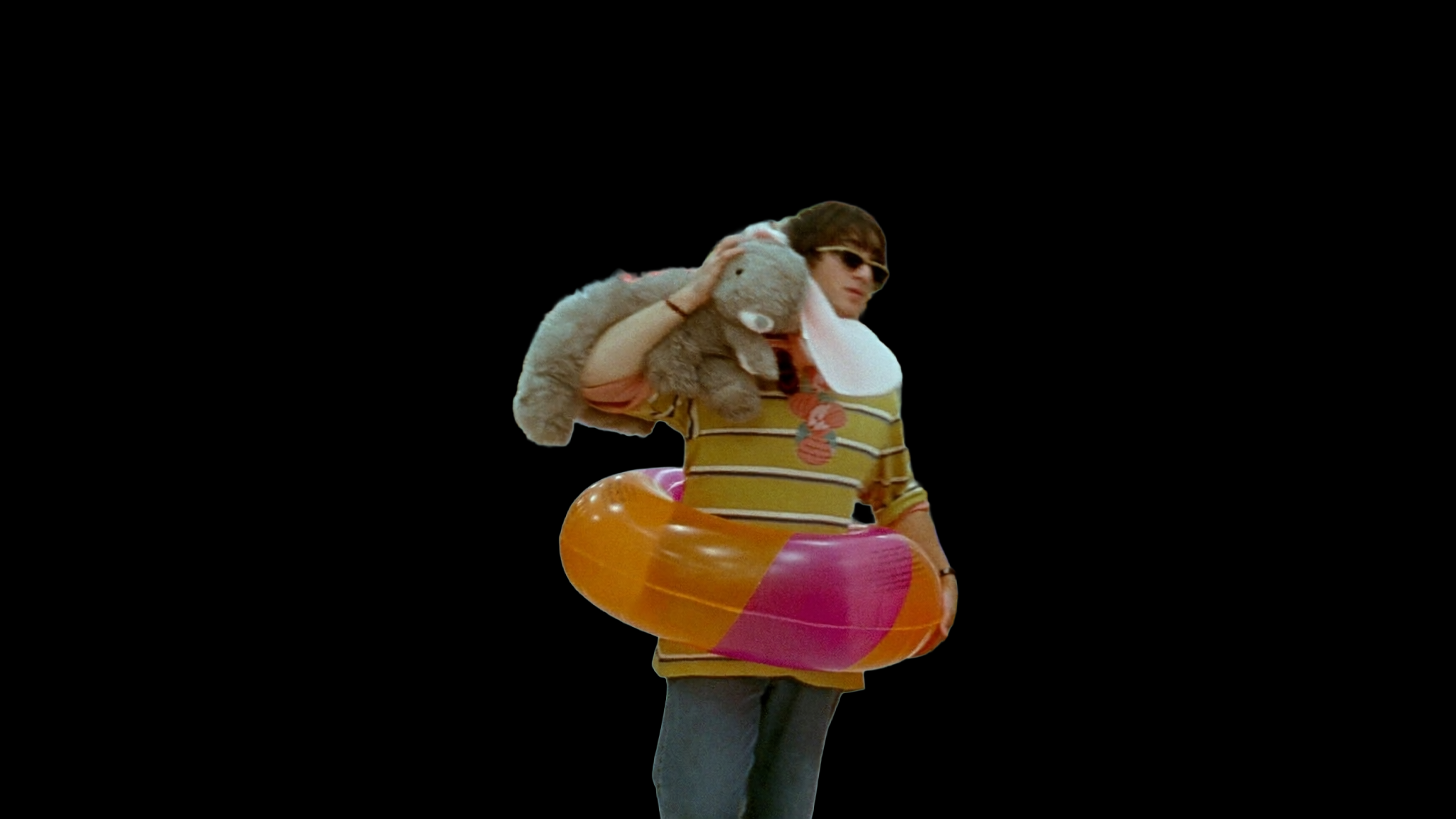
Get a clean PNG with a transparent background - ready for compositing, ads, social posts, or your next Higgsfield creation
.png)
.png)
.png)
.png)
Built for PIXEL-PERFECT CUTOUTS
Everything you need to isolate subjects with speed and precision. AI Background Remover intelligently detects edges, preserves fine details, and delivers clean transparent outputs every time
Edge Detection
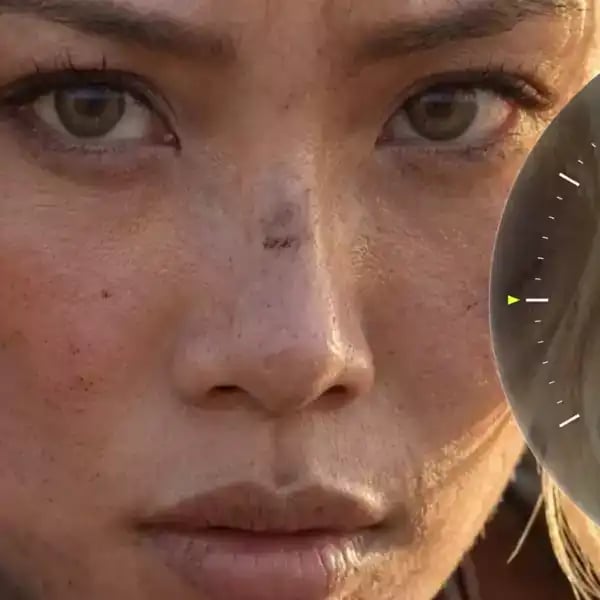
The model traces every strand of hair, every fine edge, and every tricky outline - delivering cutouts that look hand-masked by a pro retoucher
Works on Any Subject
People, products, animals, text, logos - upload anything and the AI identifies what matters. No manual selection or pre-tagging needed
One-Click Processing
No sliders, no settings, no prompts. Upload your image, hit Generate, and the background is gone - clean removal in seconds, not minutes
Pick your plan
Get access to more generations and priority access to new features
Still have questions?
We’ve answered the most frequently asked questions
What is AI Background Remover?
How does AI Background Remover work?
Will my original subject be altered?
What can I use the result for?
What image formats can I upload?
Do I need to write a prompt?
Explore More Apps
Discover more creative tools and effects across Higgsfield