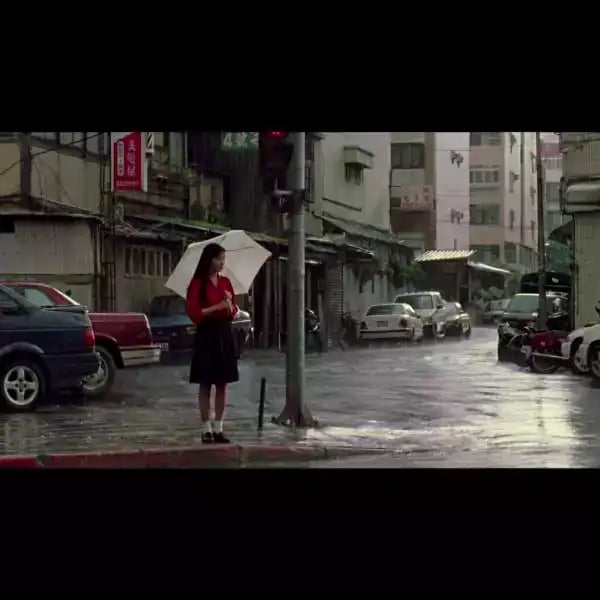
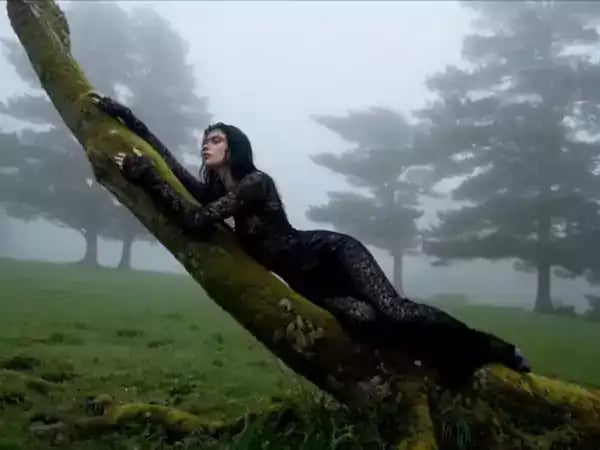
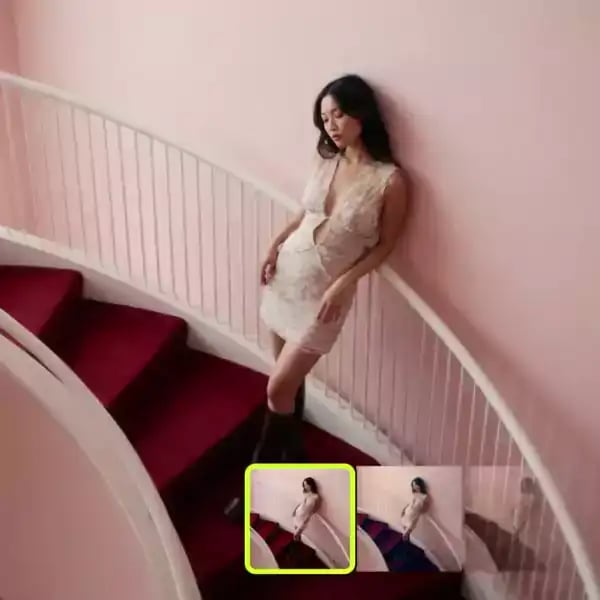
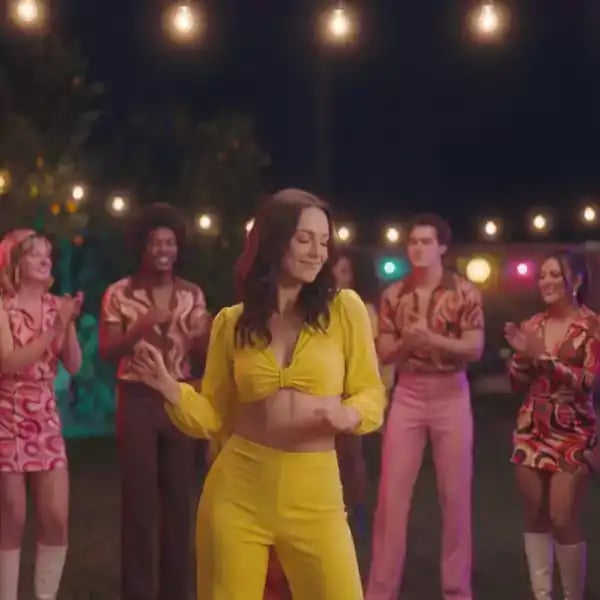
Color grading preview artwork

Color Grading

Upgraded tools, effortless control, and stunning visuals - outline, tweak, done.

COLOR GRADE YOUR IMAGE IN 3 EASY STEPS
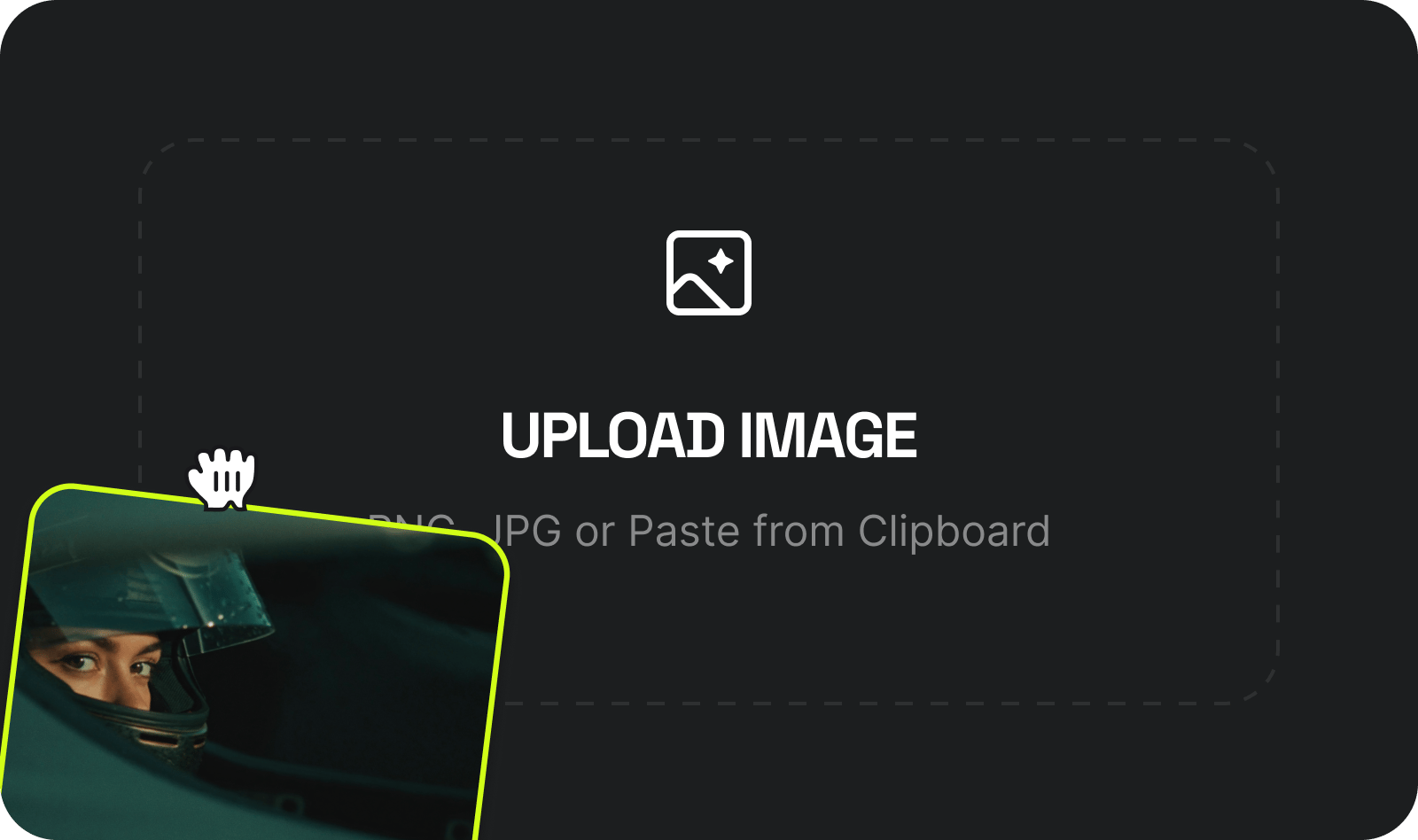
  1. UPLOAD IMAGE: Drop in any image - PNG, JPG. Portraits, landscapes, product shots, AI-generated frames - anything goes
    UPLOAD IMAGE

    Drop in any image - PNG, JPG. Portraits, landscapes, product shots, AI-generated frames - anything goes

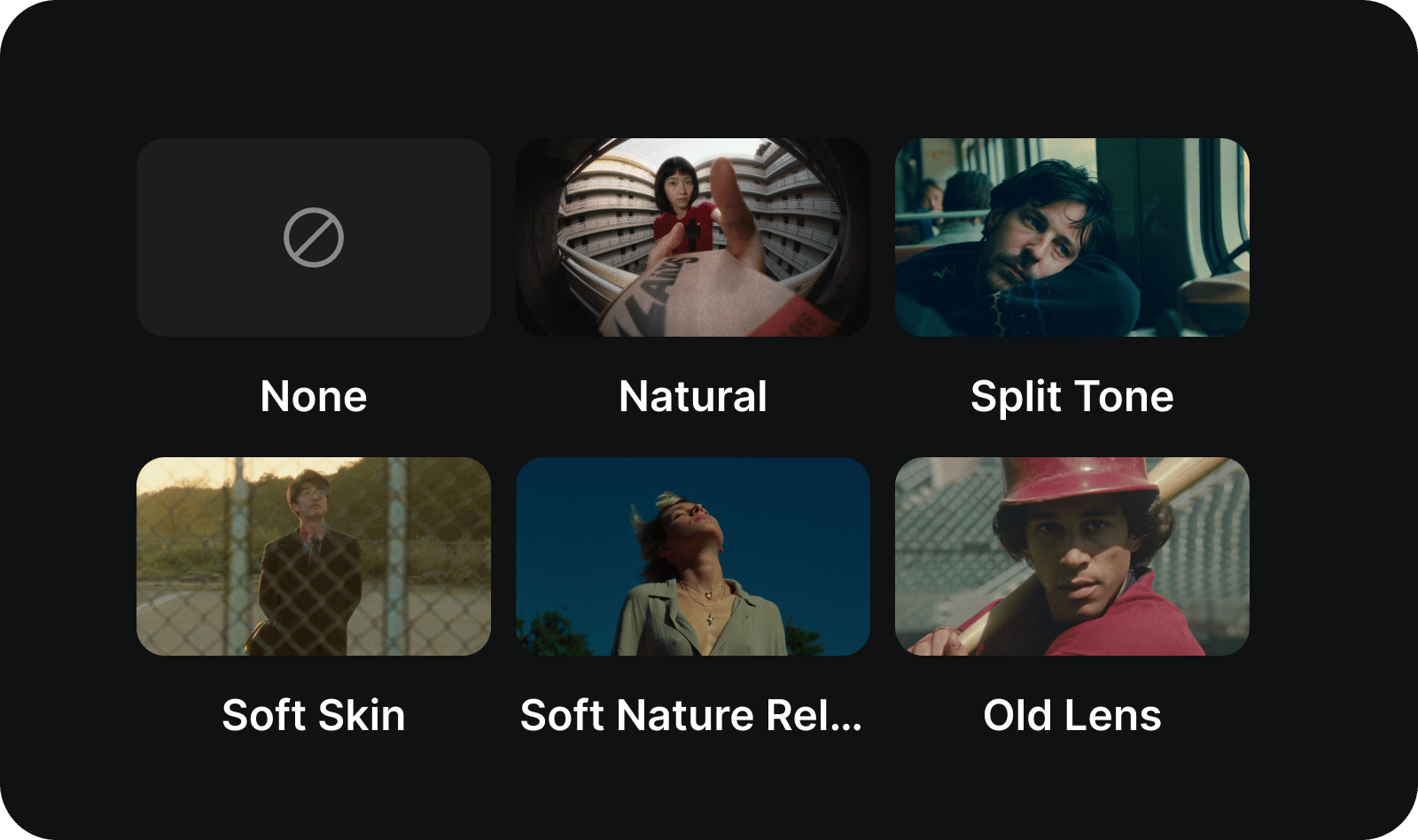
  2. ADJUST YOUR GRADE: Fine-tune temperature, contrast, saturation, highlights, exposure, sharpness, and film grain

    ADJUST YOUR GRADE

    Fine-tune temperature, contrast, saturation, highlights, exposure, sharpness, and film grain
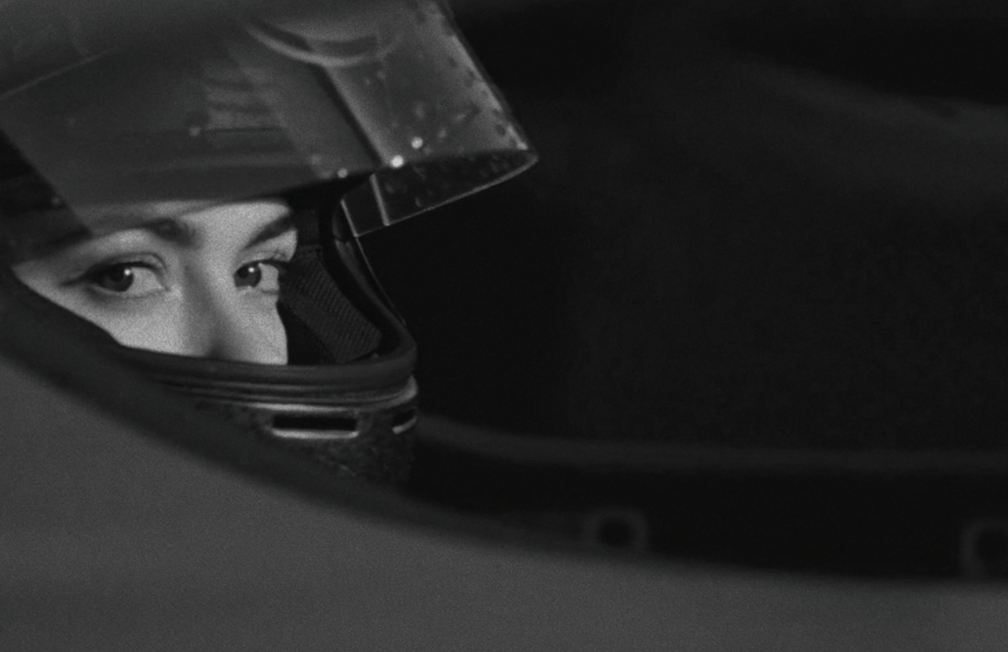
  3. DOWNLOAD YOUR IMAGE: Get your color-graded image in seconds. Polished, cinematic, ready to publish or animate

    DOWNLOAD YOUR IMAGE

    Get your color-graded image in seconds. Polished, cinematic, ready to publish or animate

SEE IT IN ACTION

From raw frames to cinematic finishes - see how Color Grading transforms the mood of any image. Every example was graded with a single preset and fine-tuned in seconds
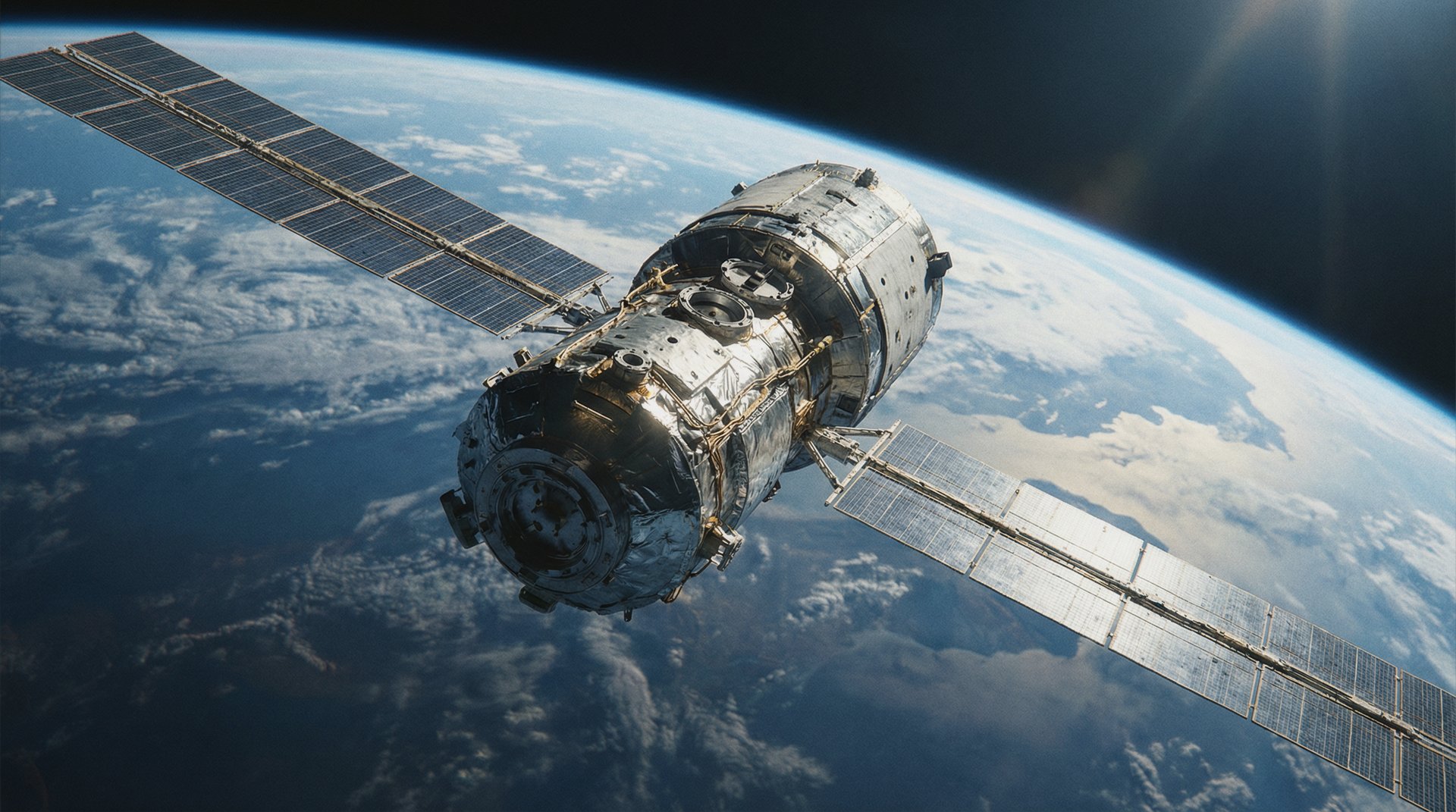

Color grading original preview
Color grading preset Natural

Built for CINEMATIC LOOKS

Everything you need to color grade like a professional colorist. Upload once, adjust instantly - no external editors, no guesswork, no flat images

Full Grading Controls

Adjust color temperature, contrast, saturation, highlights, exposure, sharpness, and film grain - all from a single panel built for precision

Works With Any Image

Portraits, product shots, AI-generated frames, film stills - the grading engine adapts to any source and delivers consistent, professional results

Instant Cinematic Output

Download your graded image ready to publish, animate, or drop straight into your next video, ad campaign, or social post

Got any questions left?

We’ve answered the most frequently asked questions

What is Color Grading?
Color Grading is a standalone Higgsfield tool that gives you professional control over the color, tone, and mood of any image. Adjust temperature, contrast, saturation, highlights, exposure, sharpness, and film grain - all from one panel, no external software needed.
What image formats are supported?
You can upload PNG, JPG, and WebP files. The tool works with any image - photos, AI-generated frames, film stills, product shots, and more.
How is this different from a filter?
Filters apply a fixed, one-size-fits-all effect. Color Grading gives you individual control over each parameter - temperature, contrast, grain, exposure, and more - so you can build a custom cinematic look from scratch or fine-tune a preset to match your vision.
Is Color Grading also available in Cinema Studio?
Yes. Color grading controls are built into Cinema Studio 2.5 as part of the full filmmaking workflow. This standalone app gives you the same professional grading tools in a faster, focused format - upload, grade, download.
Can I use presets or do I have to adjust everything manually?
Both. You can start with a preset to set the overall mood, then fine-tune individual parameters to dial in the exact look you want. Or go fully custom from scratch.
What can I do with my graded image?
Anything - publish it directly to social media, use it as a key frame for video generation, drop it into an ad campaign, or bring it into Cinema Studio for animation. The graded image is yours to use however you want.
Is Color Grading free to use?
Yes, Color Grading is completely free. Upload any image, adjust your grade, and download the result - no credits, no subscriptions, no limits.
Does it work on AI-generated images?
Absolutely. Color Grading works especially well with AI-generated frames - it is the finishing layer that takes raw AI output and gives it a polished, cinematic feel.

Home

Community

Generate

Library

Profile