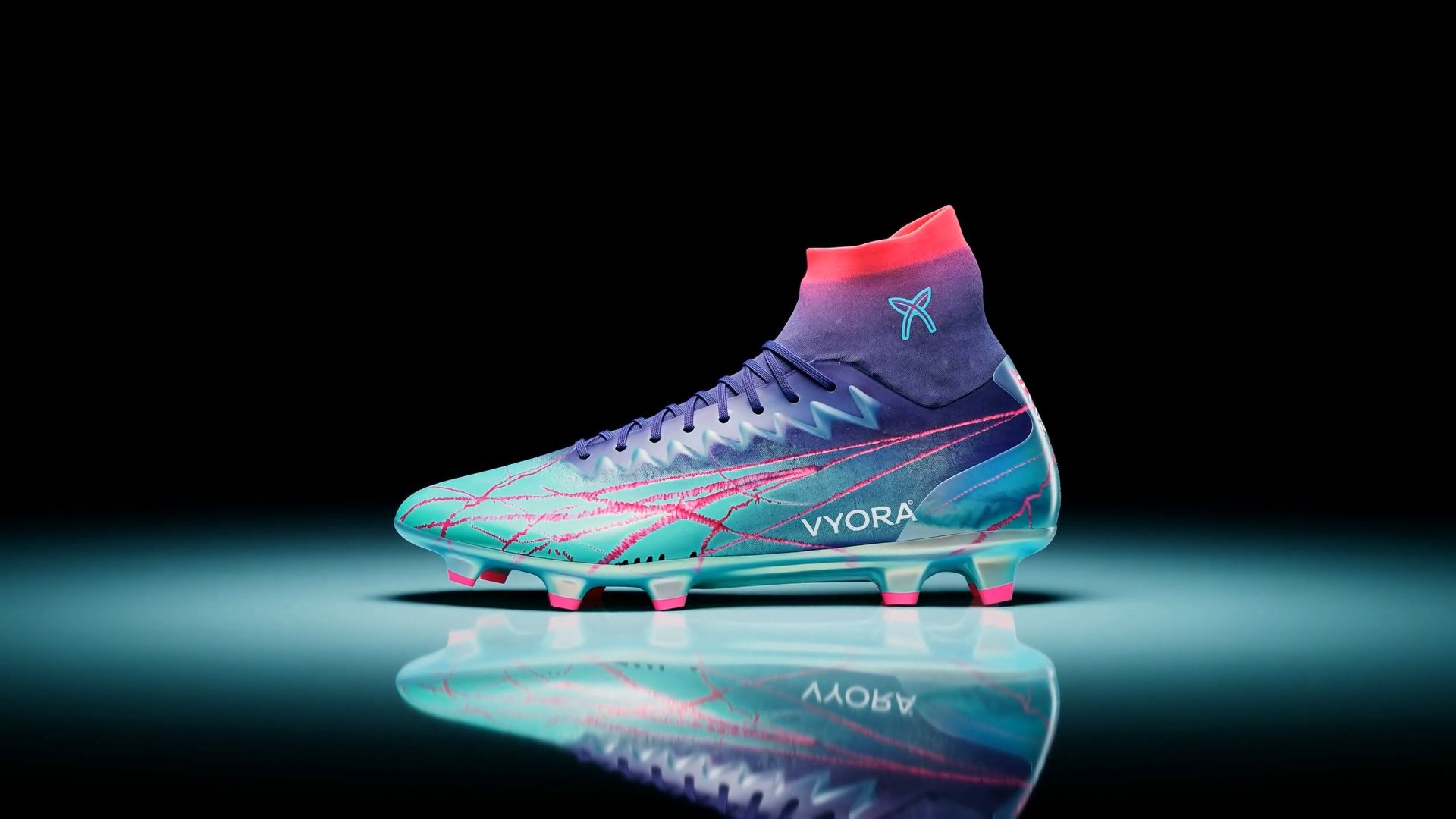
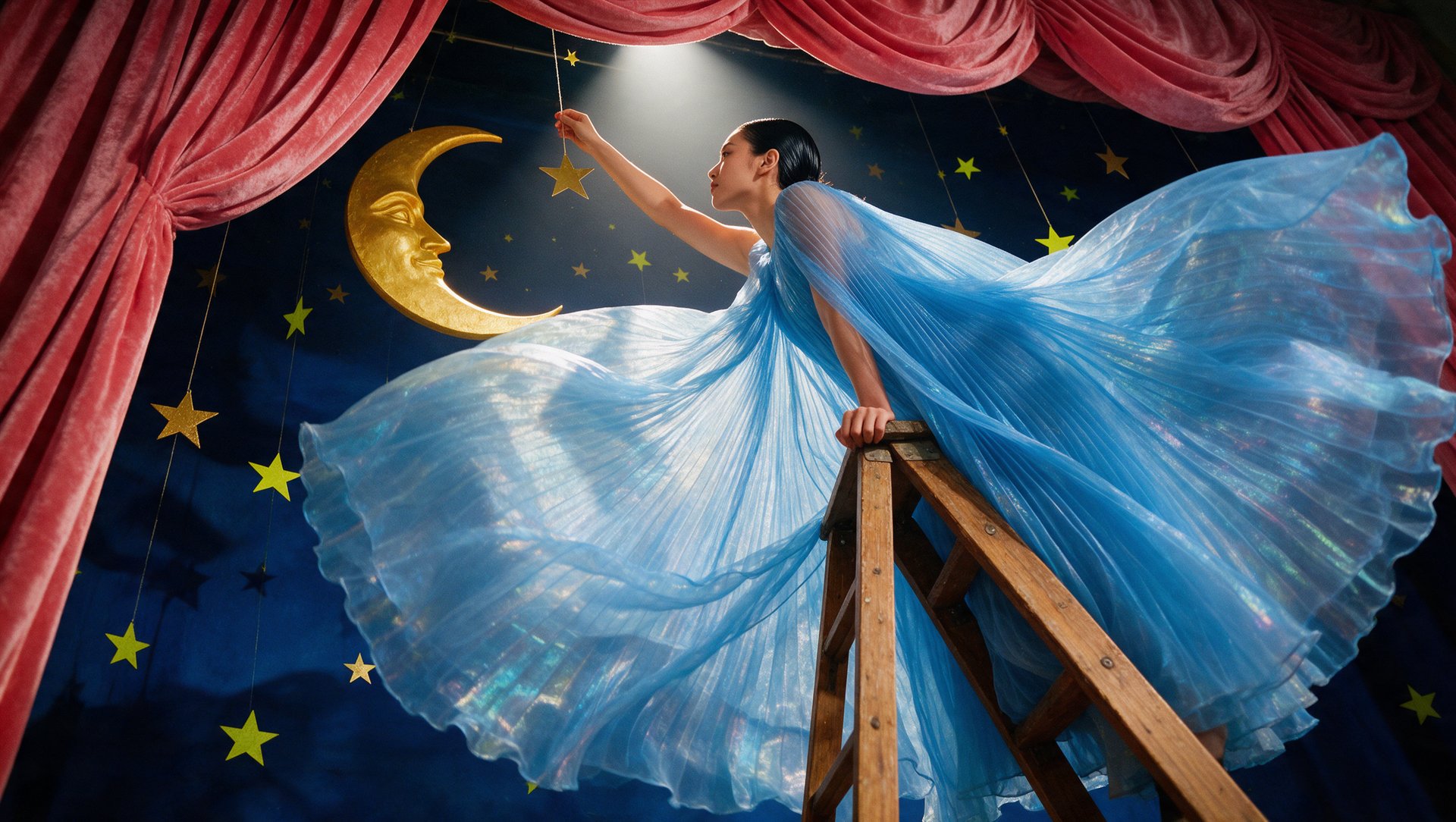
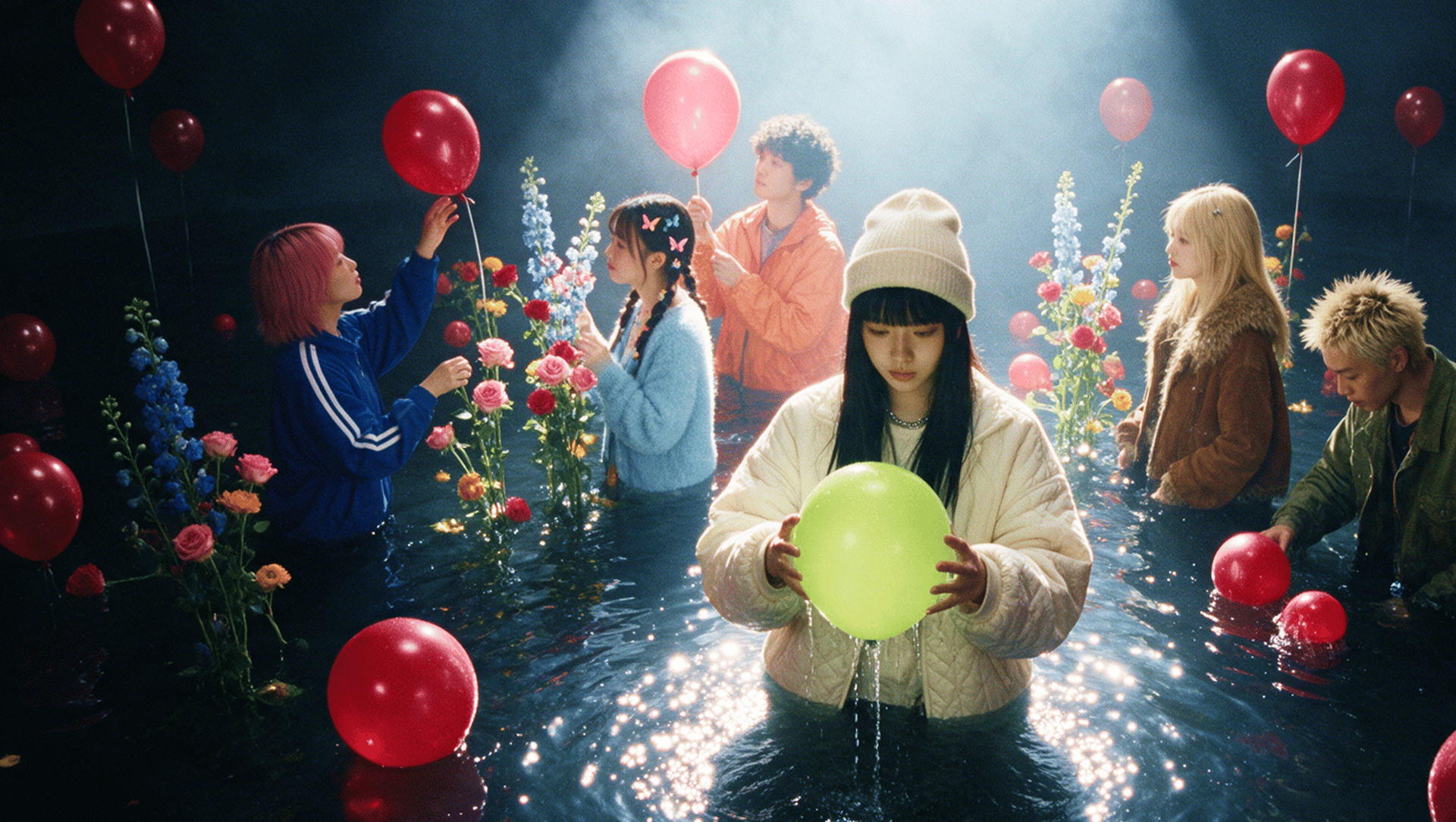
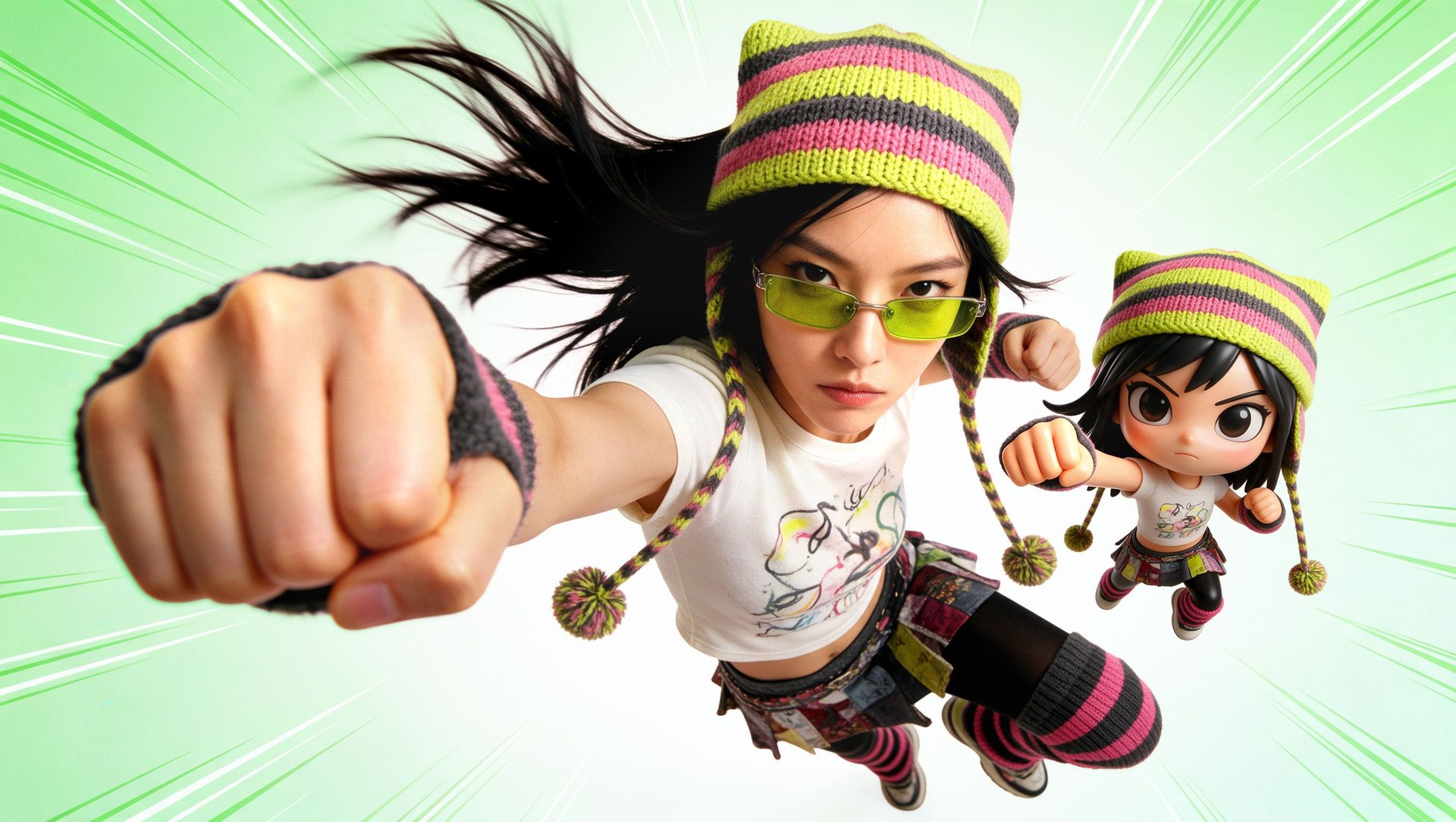
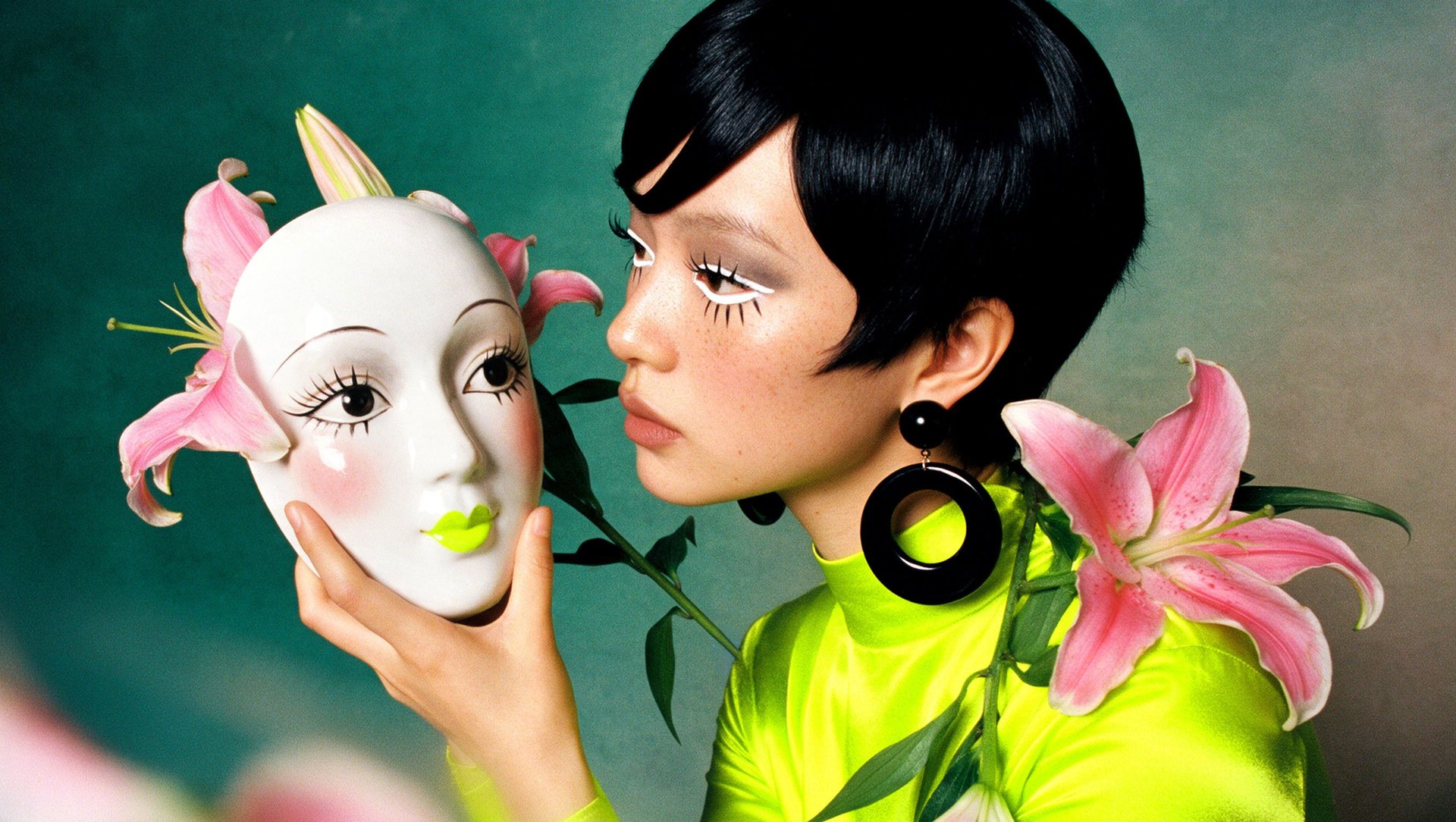
Product Ads. Create product ad concepts from photos and prompts, with generated narration and visual details to review before publishing.
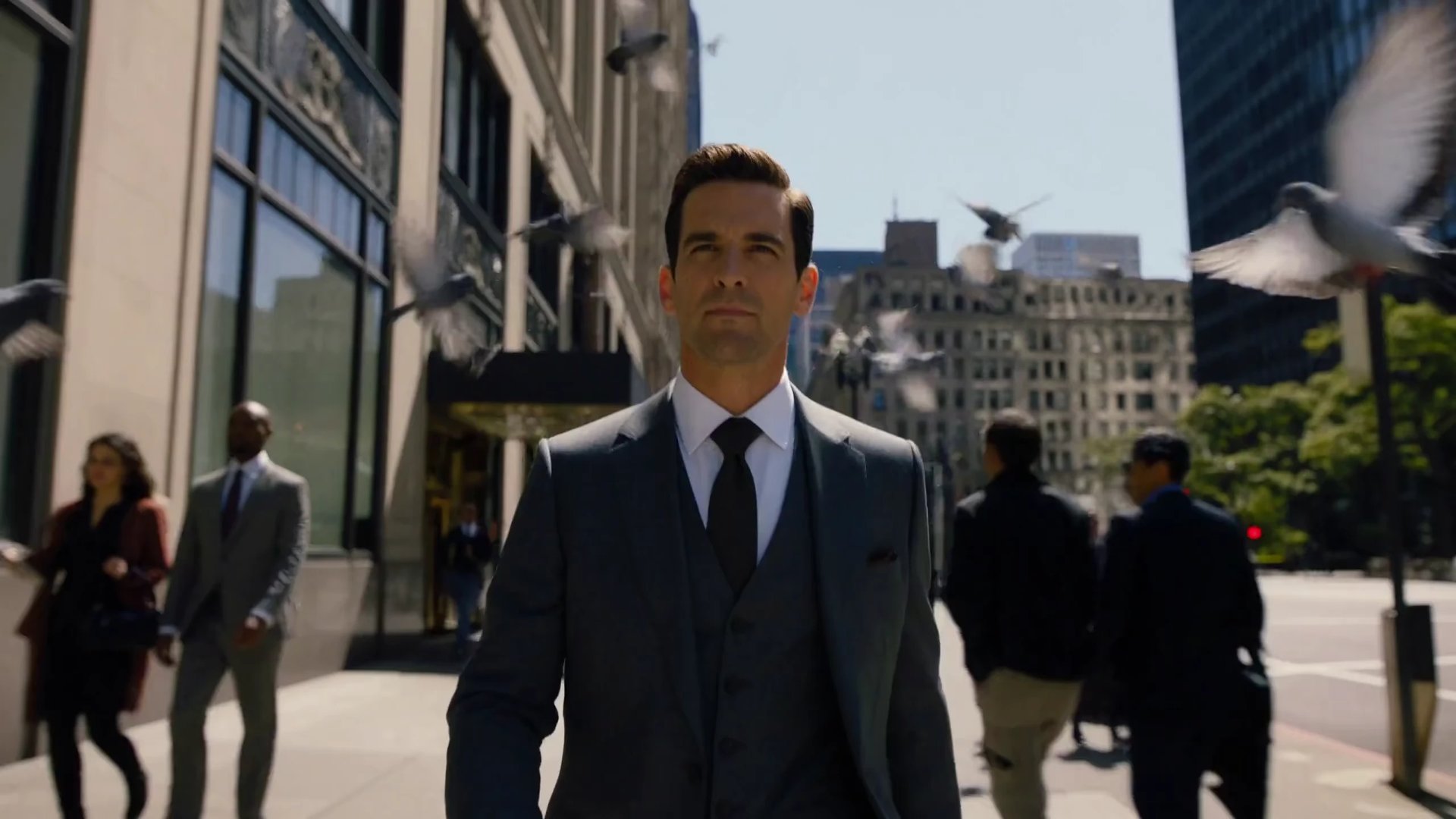
MiniMax H3 AI Video Generator
Generate videos up to 2K with MiniMax H3. Start from a text prompt or add image, video, and audio references, with native stereo sound generated alongside the video.
How to Generate a Video with MiniMax H3
Turn a prompt and your references into a 2K video with native stereo sound in three steps.
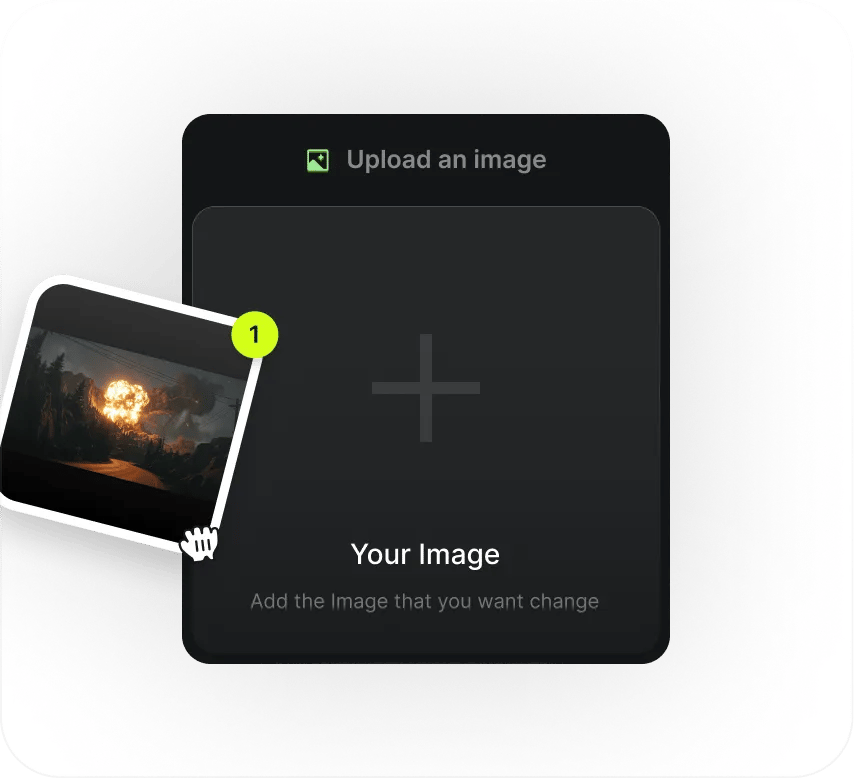
Choose Your Inputs Step 1
Choose Your Inputs
Start with a text prompt or add image, video, and audio references to guide the scene.
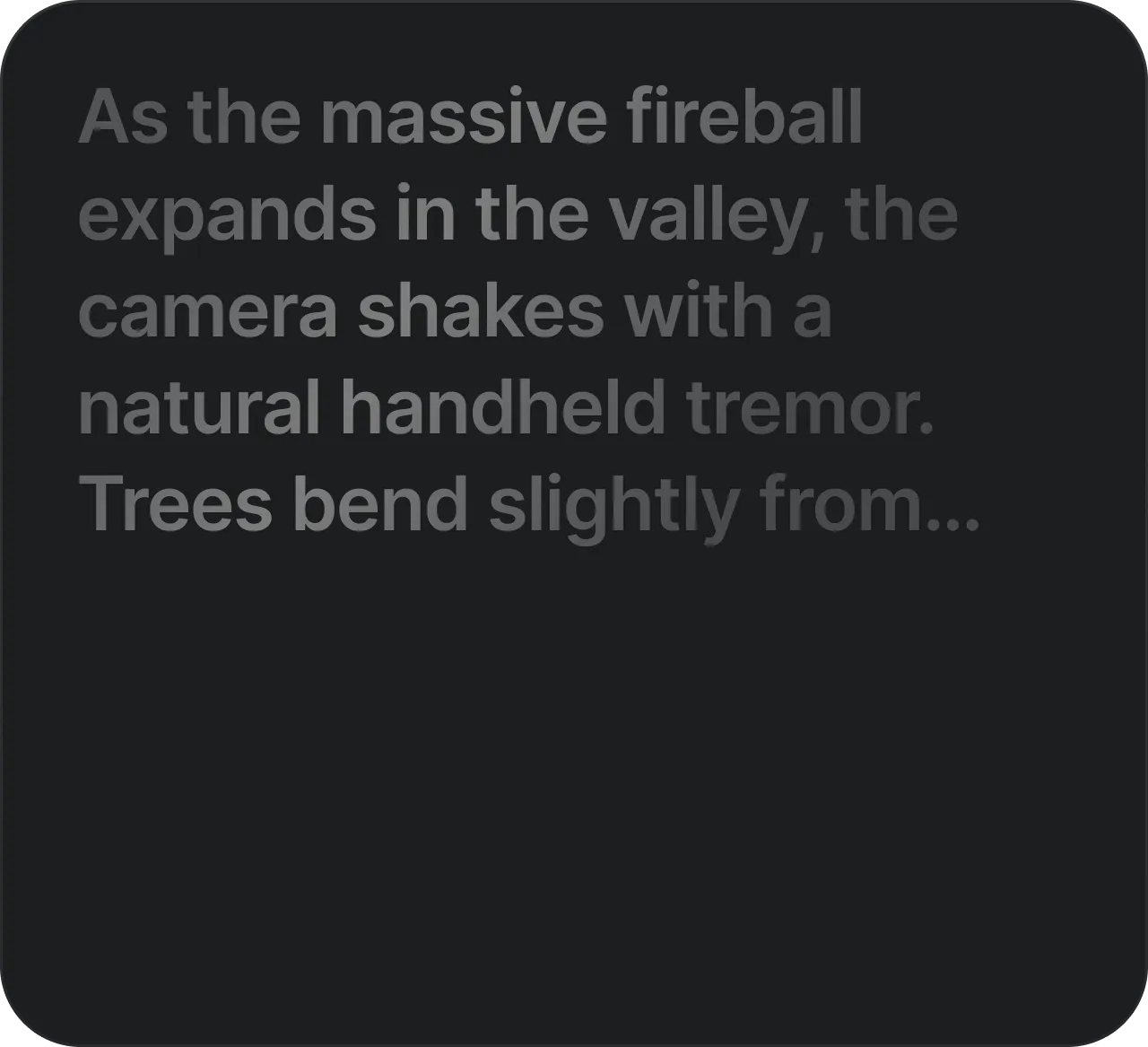
Describe Your Scene Step 2
Describe Your Scene
Describe the action, camera movement, and sound.
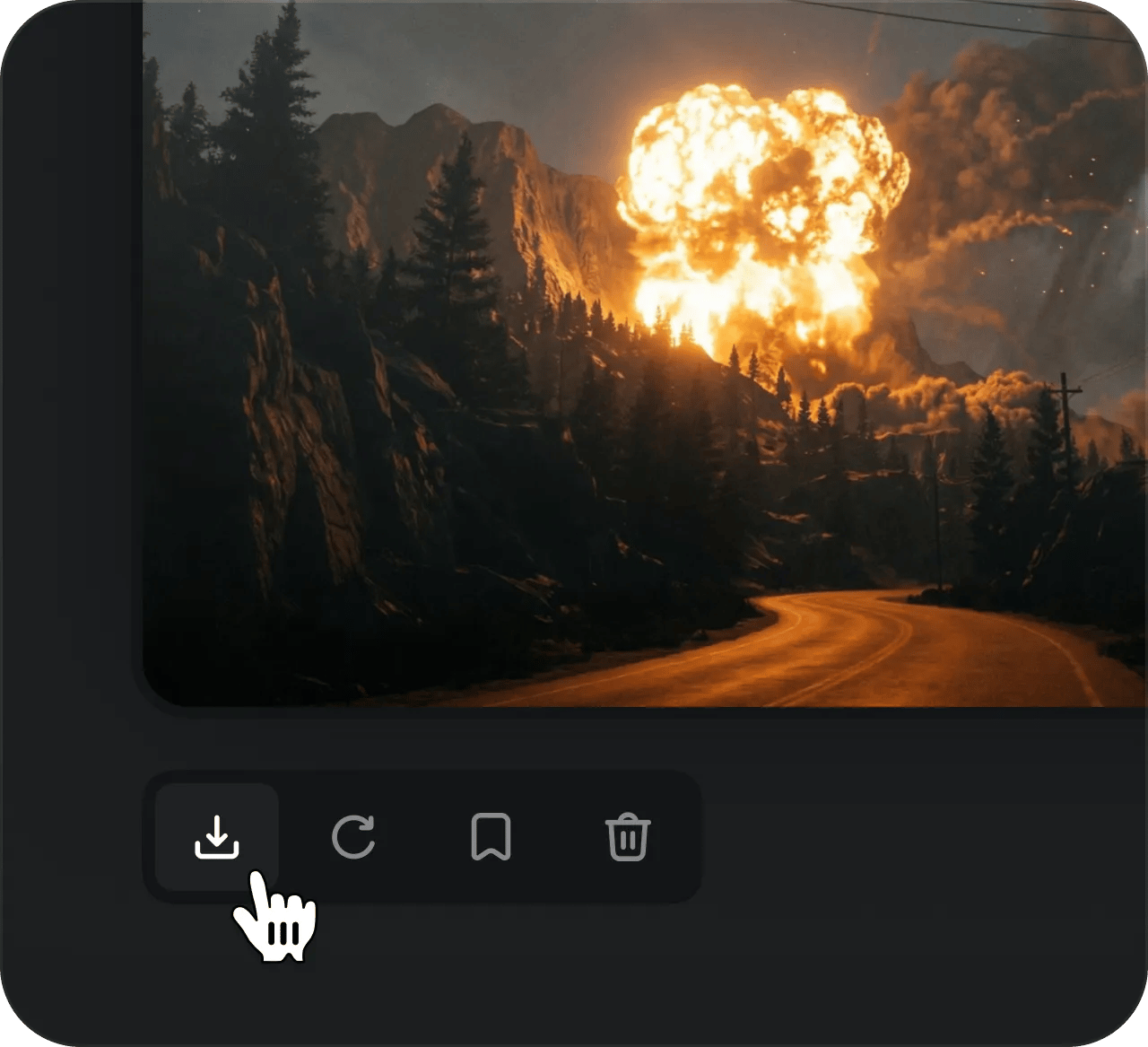
Generate Your Video Step 3
Generate Your Video
Choose your duration and generate one video per run with MiniMax H3. To compare up to four takes in one run, switch to MiniMax H3 Max.
Explore MiniMax H3 Video Features
Combine images, clips, audio, and prompts in one generation. Use MiniMax H3 to create videos with native stereo audio, legible text, and physics-aware motion.
MIXED REFERENCES
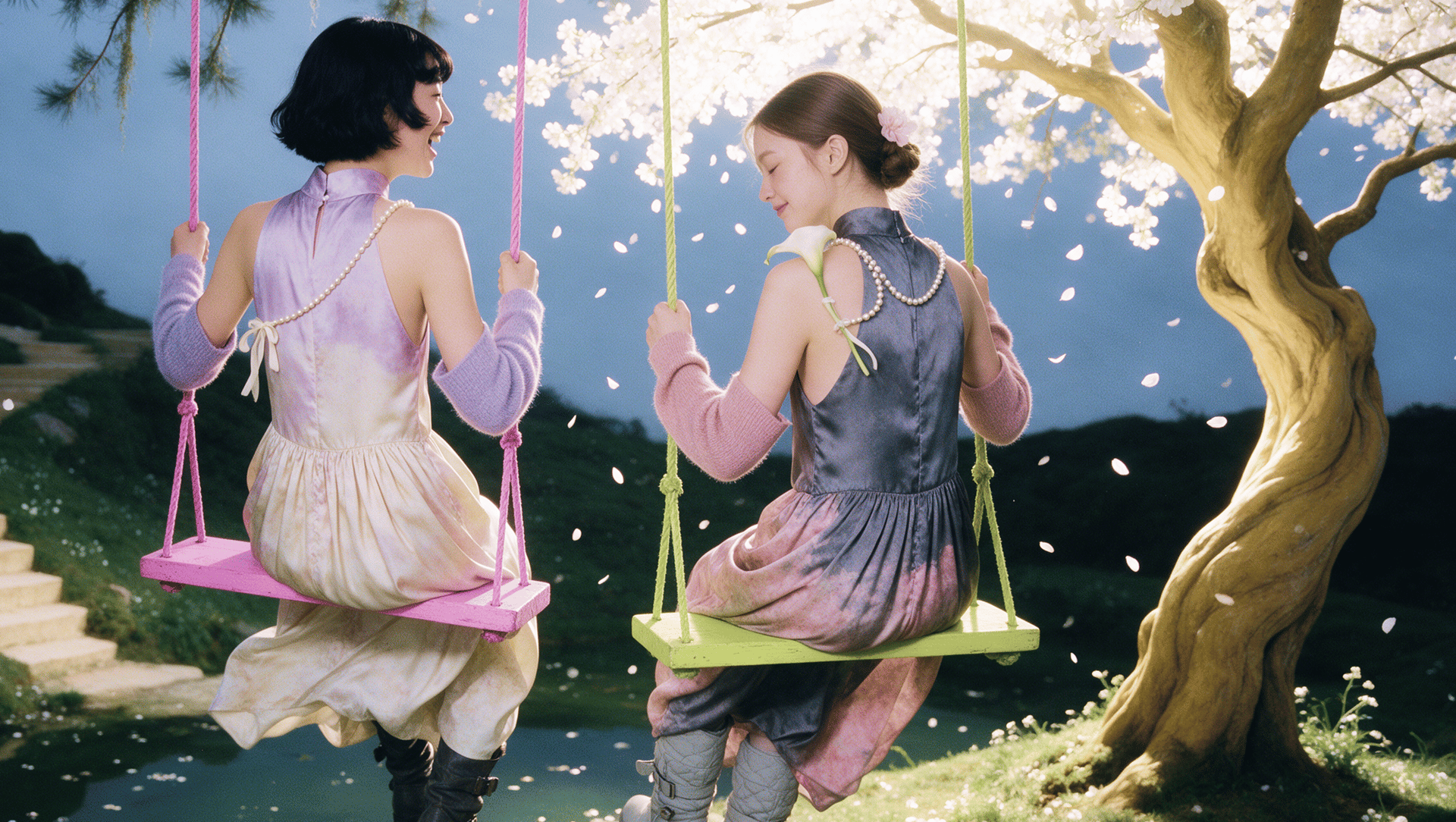
Images, Clips, and Audio Together
Combine up to 9 images, 3 video clips, and 3 audio tracks to guide a scene, with sound generated alongside the video.
MIXED REFERENCES
Images, Clips, and Audio Together
Combine up to 9 images, 3 video clips, and 3 audio tracks to guide a scene, with sound generated alongside the video.
LEGIBLE TEXT IN 2K VIDEO
Text and Interfaces
Add subtitles, credits, packaging labels, or brand marks to a 2K video. MiniMax H3 can also animate product pages, game menus, HUDs, and motion posters.
LEGIBLE TEXT IN 2K VIDEO
Text and Interfaces
Add subtitles, credits, packaging labels, or brand marks to a 2K video. MiniMax H3 can also animate product pages, game menus, HUDs, and motion posters.
HAILUO MOTION
Physics-Aware Movement
From flowing fabric and breaking water to independently moving crowds, MiniMax H3 brings weight and momentum to a scene, including its camera movement.
Start Now!HAILUO MOTION
Physics-Aware Movement
From flowing fabric and breaking water to independently moving crowds, MiniMax H3 brings weight and momentum to a scene, including its camera movement.
Start Now!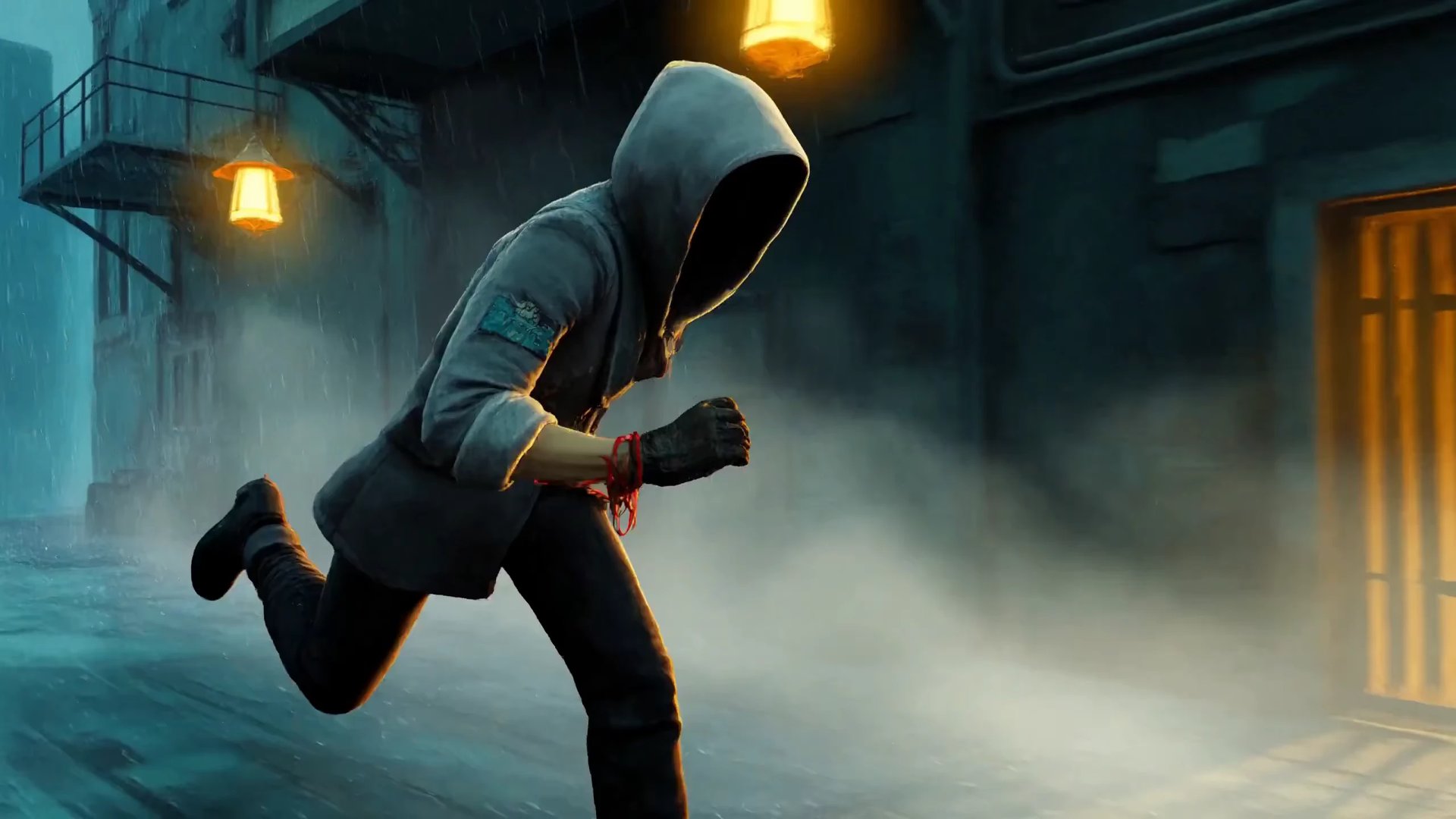
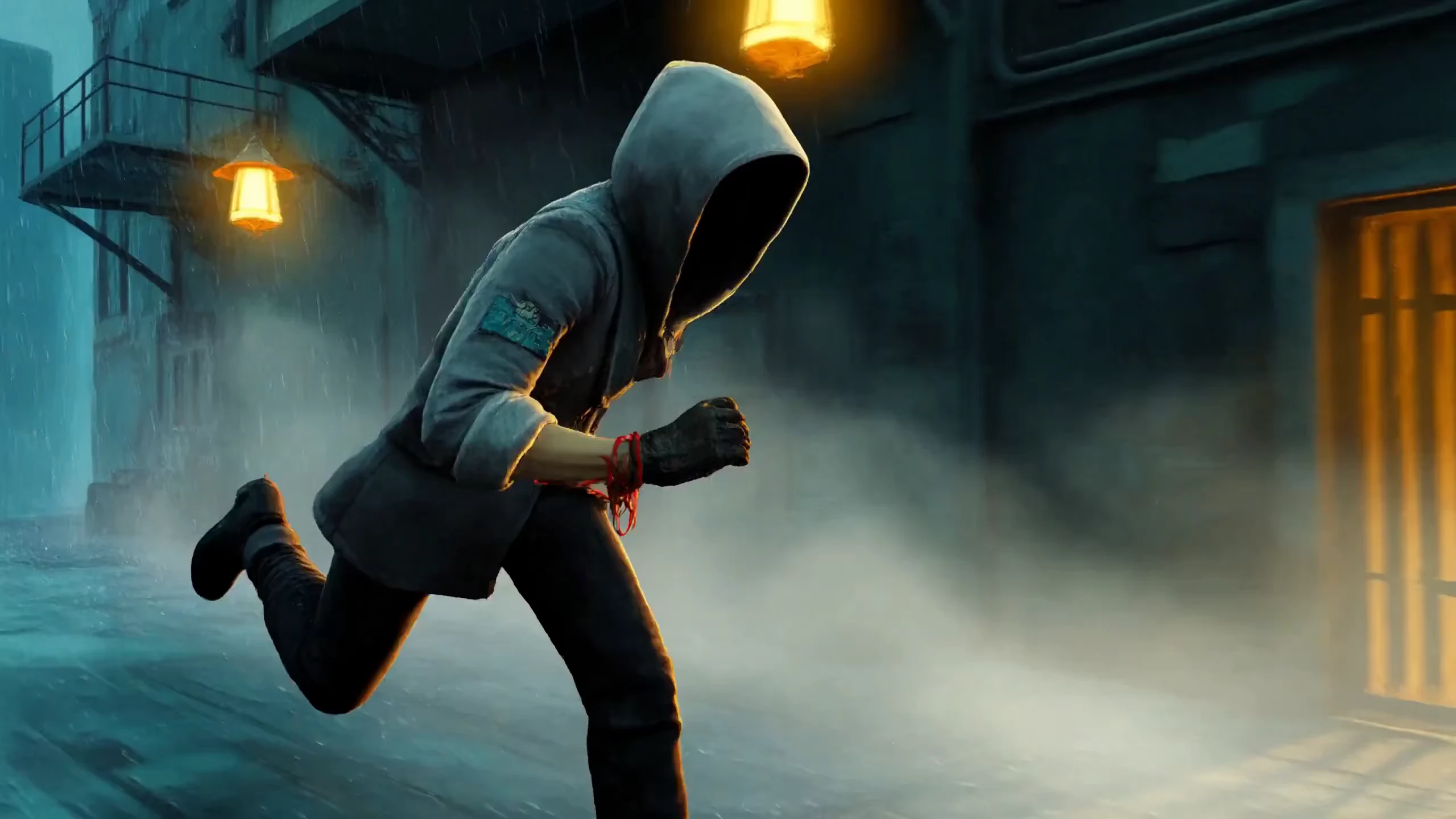
Built for creators
who mean business
Whether you're a solo creator, an agency, or a brand - MiniMax H3 adapts to how you work
Trusted by 40M+ users worldwide
Join a global creative network where people generate AI images, share ideas, and inspire each other every day.

Trusted by 40M+ users worldwide
 on higgsfield
Generate Your Next MiniMax H3 Video
Combine image, video, and audio references to shape a 2K video with native stereo audio.
Start GeneratingStill have questions?
We’ve answered the most frequently asked questions
What is MiniMax H3?
MiniMax H3 is MiniMax's AI video generator, also known as Hailuo 3 and the successor to Hailuo 2.3. It turns text, images, video clips, and audio references into 2K video with native stereo audio.
Is MiniMax H3 the same as Hailuo 3?
Yes. Hailuo is MiniMax's video model family, and H3 is its third generation, also called Hailuo 3, Hailuo 3.0, or Hailuo H3.
What resolution and length does MiniMax H3 support?
MiniMax H3 makes 2K video, with clips from 5 to 15 seconds. MiniMax H3 Max offers 480p or 768p.
What aspect ratios can I generate?
You can choose 21:9, 16:9, 4:3, 1:1, 3:4, or 9:16, or leave the ratio on Auto.
How many references can I use in one generation?
MiniMax H3 accepts up to 9 images and reference elements combined, plus up to 3 video clips and 3 audio tracks. MiniMax H3 Max accepts up to 12 references in total across images, clips, audio tracks, and elements. Pair audio with an image, video, or reference element.
Does MiniMax H3 generate audio?
Yes. MiniMax H3 generates a stereo soundtrack alongside the visuals, from dialogue and music to sound effects and ambience.
Can MiniMax H3 edit video I already have?
Yes. MiniMax H3 supports instruction-based editing on a finished clip, so you can change a detail without regenerating the whole video from the original prompt.
Is MiniMax H3 open source?
MiniMax publishes the H3 model weights. On Higgsfield, you submit your prompt in the browser. The video is generated remotely, so you don't need to download the weights or set up a GPU.
How is MiniMax H3 different from Kling and Seedance?
MiniMax H3 supports mixed references, native stereo audio, and up to 2K output. Seedance 2.5 suits longer stories and offers separate editing tools, while Kling 4.0 supports longer scenes with keyframe control.
How many credits does a generation cost?
Each generation shows its credit cost before you run it, so you know what a render will use.
Can I use a first and a last frame?
Yes. In the Frames tab, add a start frame first. You can then add an end frame to guide the final shot.
What makes a good MiniMax H3 prompt?
Describe the action, camera movement, lighting, and sound you want. A clear prompt helps MiniMax H3 bring your references together in a cohesive video.
Explore more AI features
AI Video GeneratorSeedance 2.5Seedance 2.0Kling 4.0Kling 3.0Veo 3.1Magi-2Wan 2.6Grok Imagine 1.5Gemini Omni FlashImage to Video AIMiniMaxGrok ImagineWan AI VideoWan Animate AI VideoSeedanceClaude AI Video GeneratorCinematic Video GeneratorCamera ControlsEffectsTransitionsBullet Time SceneChameleon3D RotationCloud SurfMukbangTrending TemplatesRecastAI Image GeneratorGPT Image 2Nano Banana Pro IntroText to Video AI