


Powered bySeedream 5.0

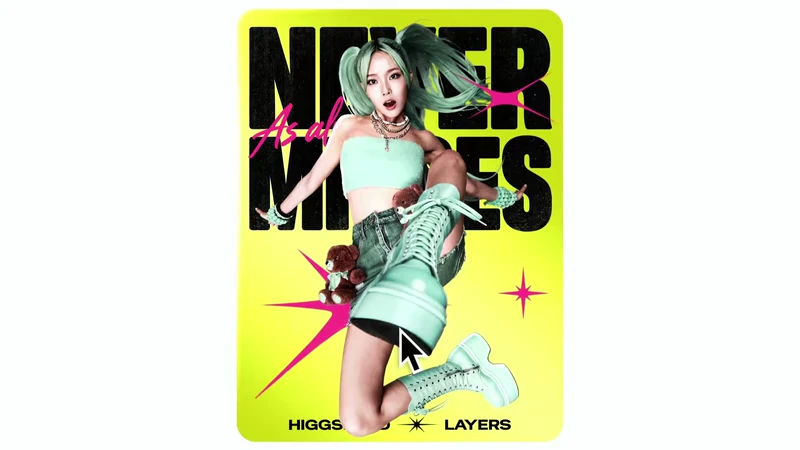
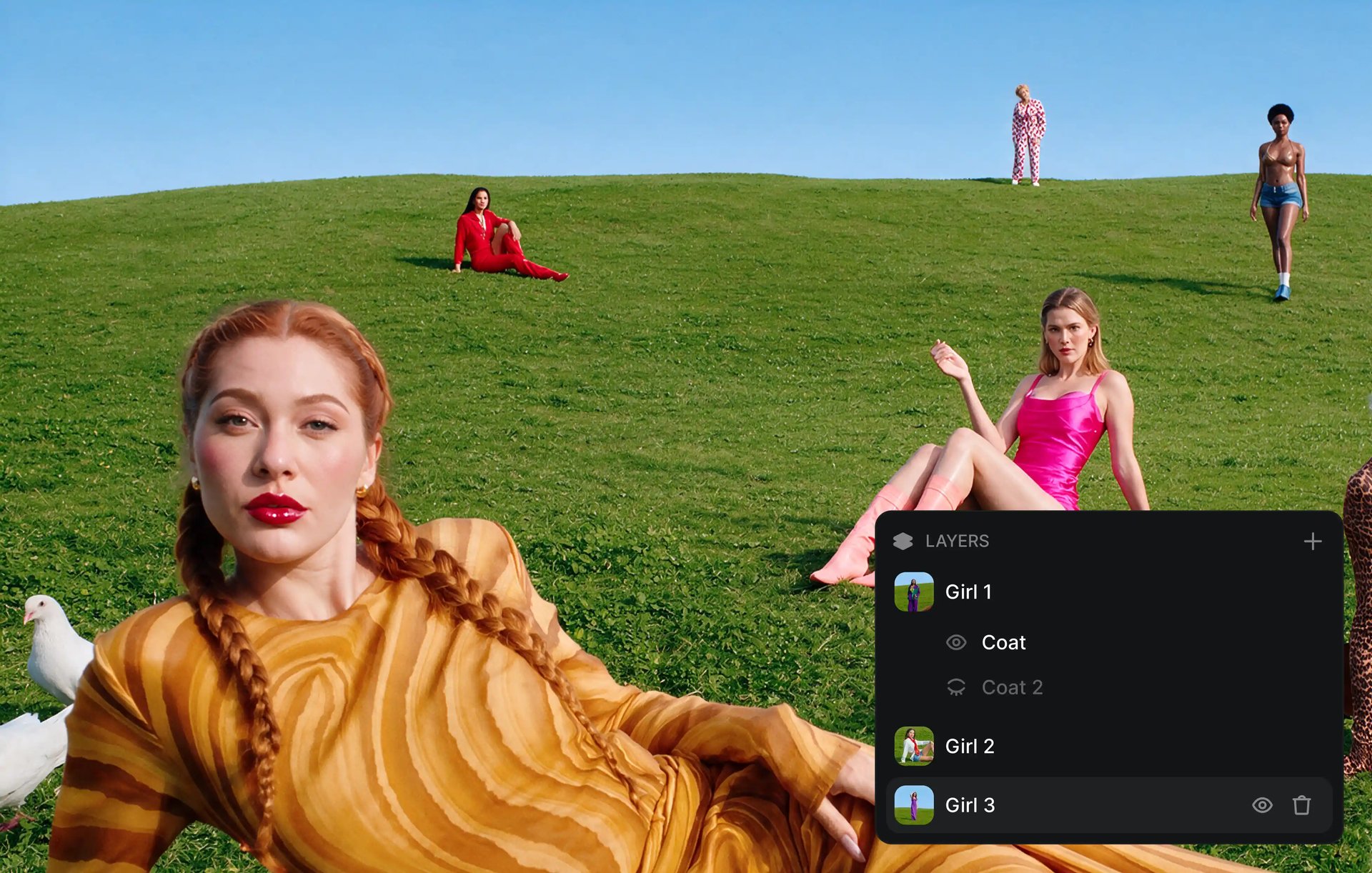
HIGGSFIELD LAYERS

Turn any flat image into editable layers - move, retype, relight, upscale

Edit it now

Features

Breakthrough capabilities

AI image editor separating a composition into editable layers

Toolkit

More tools in the kit

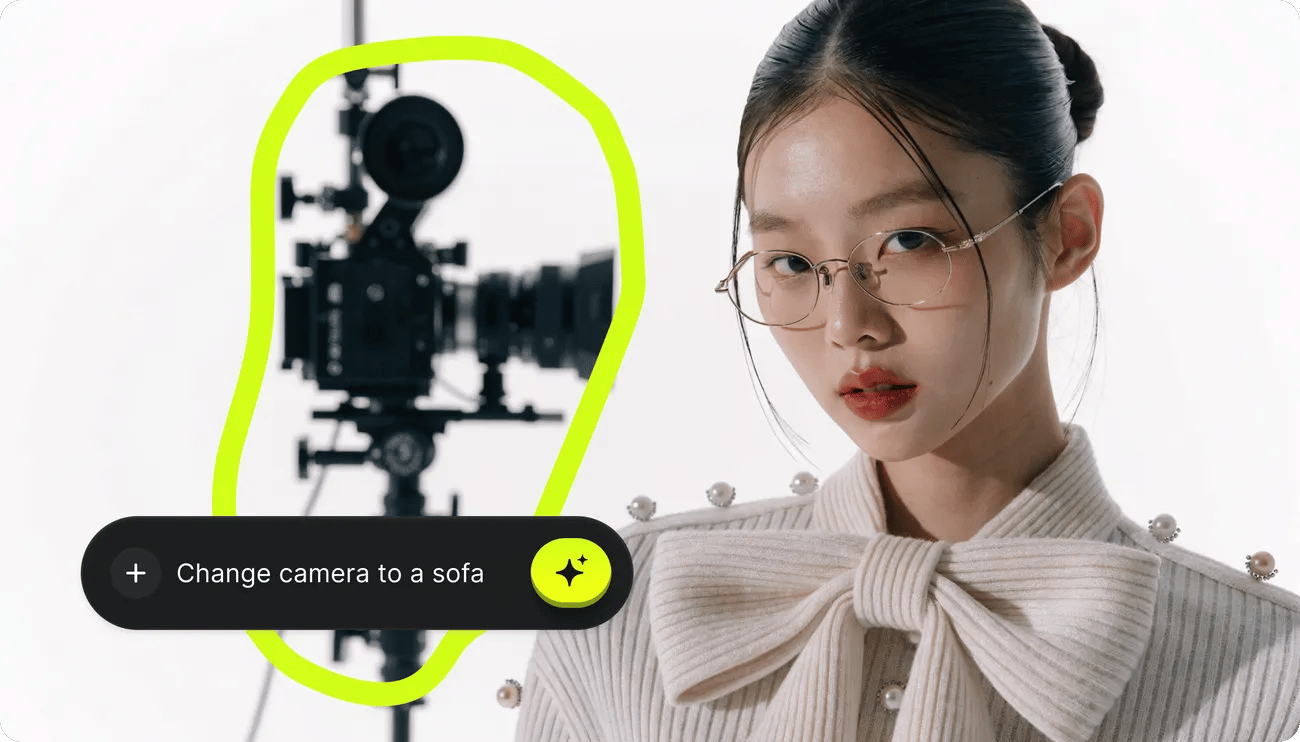
Draw to Edit

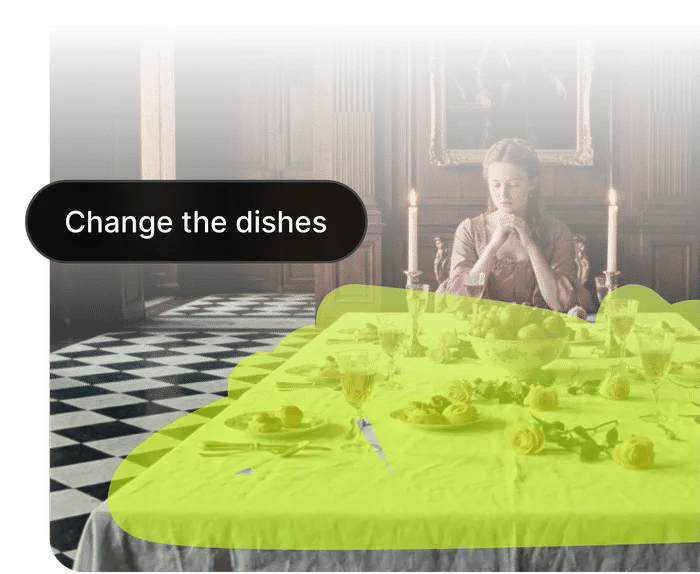
Sketch directly on the frame to tell Higgsfield what to change. Remove unwanted objects, add new elements, or replace entire areas with a single brush stroke - inpainting that just works.

Draw to Edit

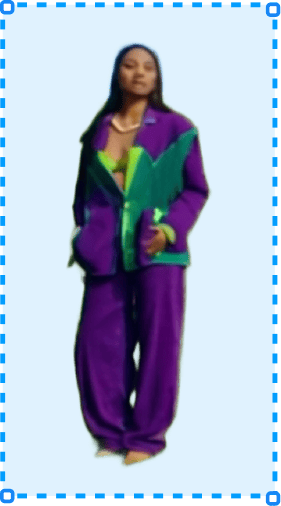
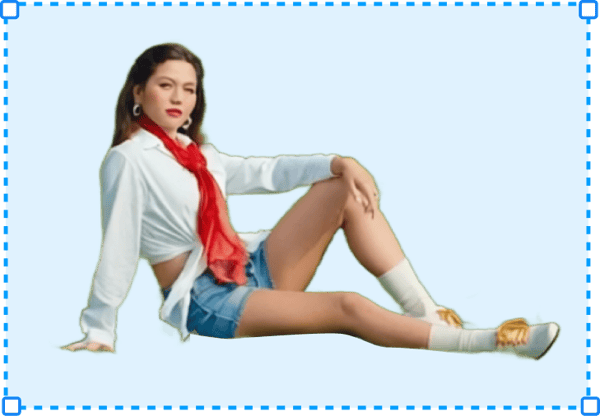
Remove Background

Cut the subject out of any image with pixel-level edges - clean hair detail, transparent alpha, ready to composite. No manual masking, no round-trip to another app

Remove Background
Remove Background after

Upscale

Boost any clip up to 4K with real detail recovery, not just pixel stretching. Restore archive footage, salvage low-res sources, and deliver crisp modern quality from yesterday's masters

Upscale
Upscale after

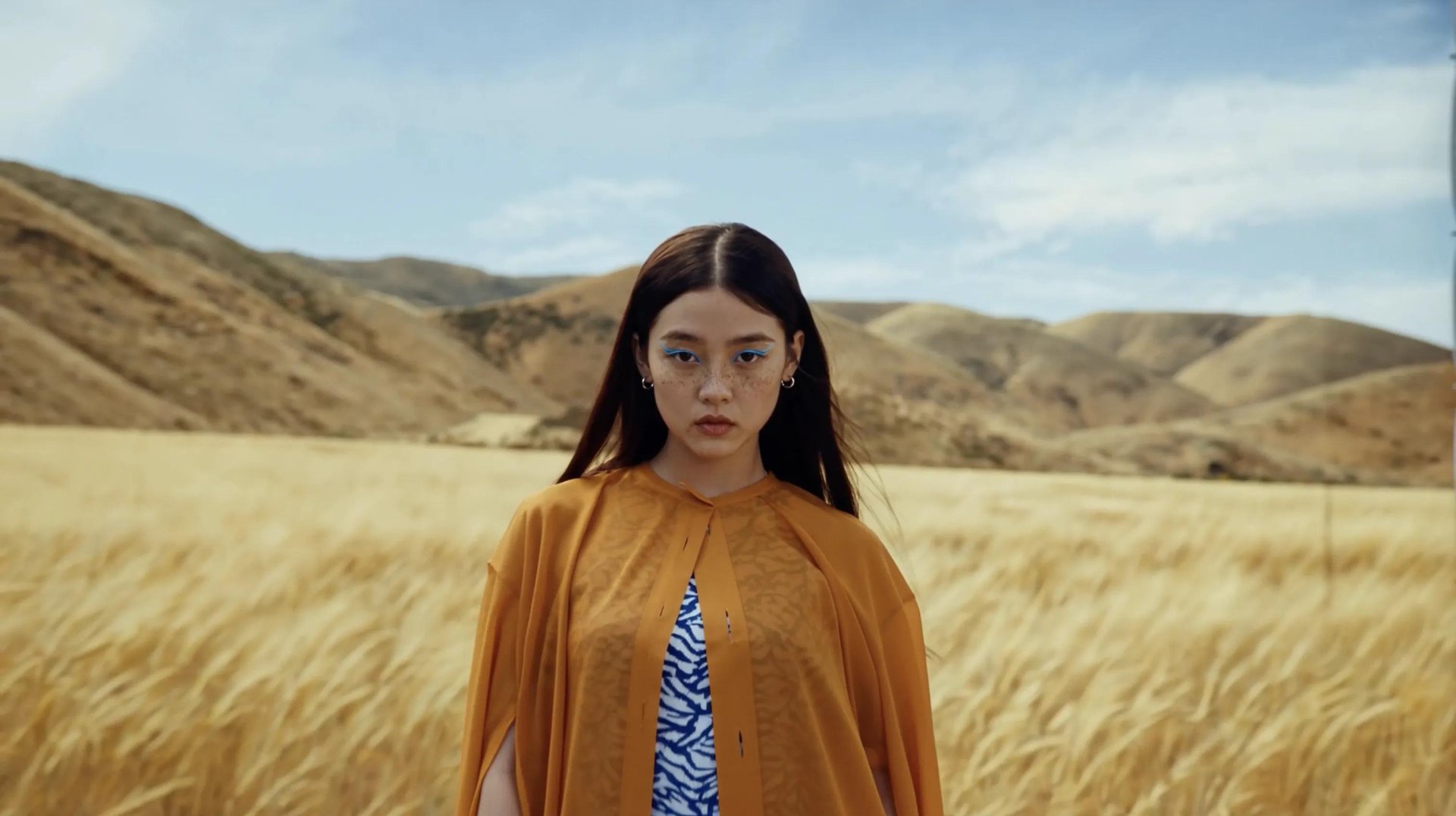
Relight

Change the lighting direction and tone of a shot after the fact - move the key light, warm it up, add drama. Make stock and AI images match your scene

Relight

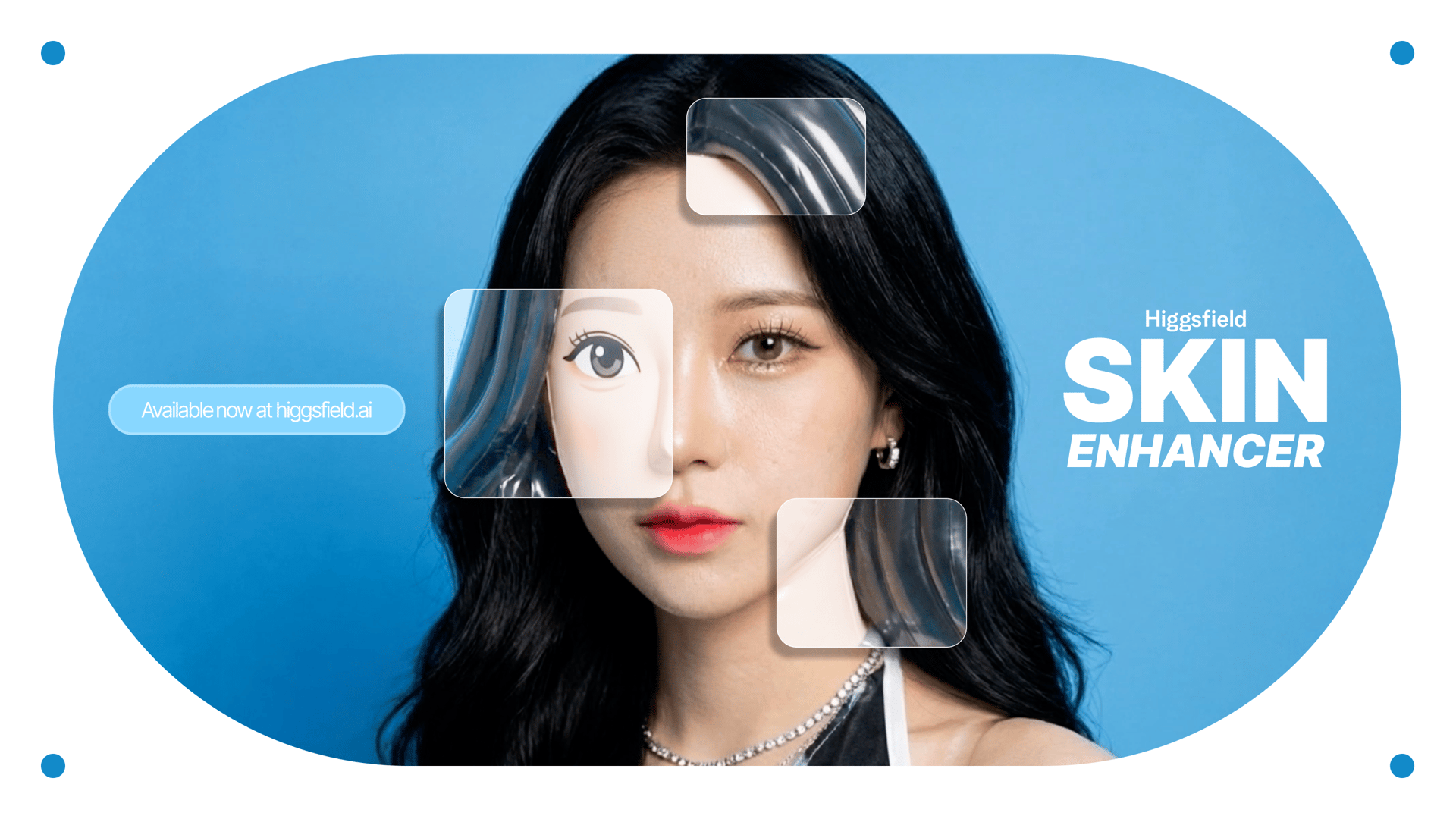
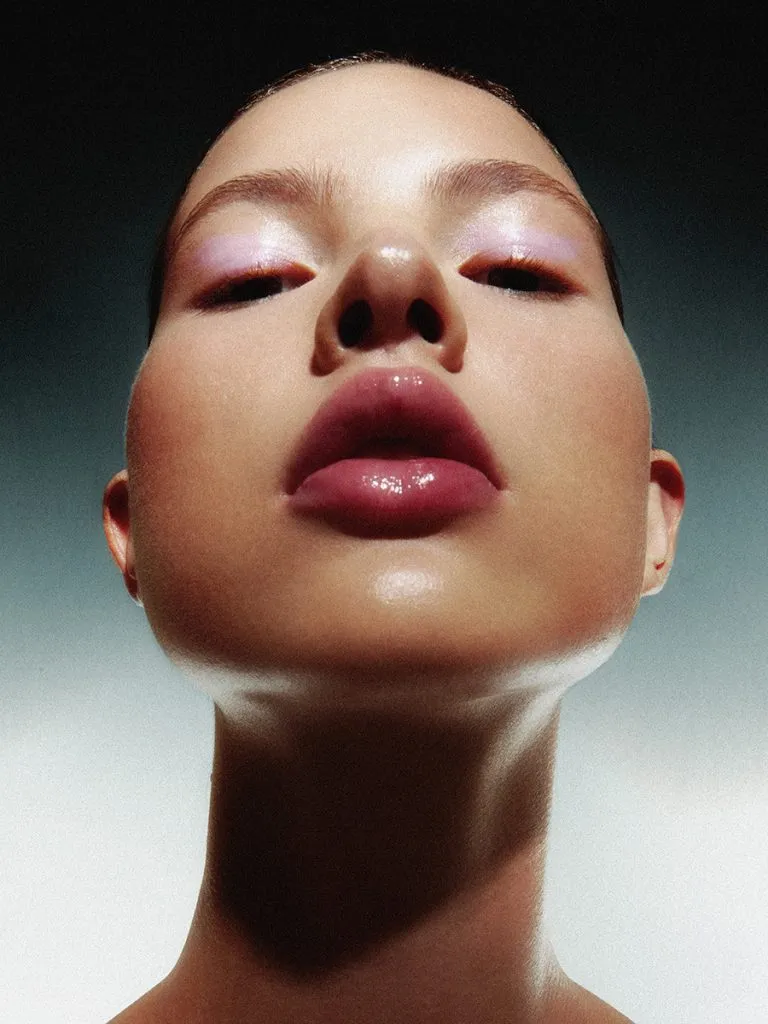
Skin enhancer

Cut the subject out of any image with pixel-level edges - clean hair detail, transparent alpha, ready to composite. No manual masking, no round-trip to another app

Skin enhancer
Skin enhancer after

How to generate

Three steps to get started

  1. Upload Image
    Upload Image
    1

    Upload Image

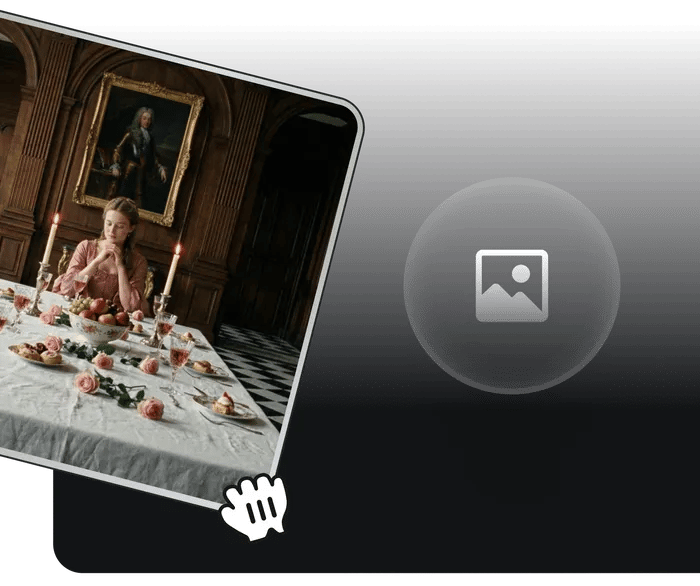
    Drop in any image - a photo, a render, a flat export from anywhere

  2. Describe your edit
    Describe your edit
    2

    Describe your edit

    Tell Image Studio what to change in natural language, or draw straight on the frame

  3. Generate and export
    Generate and export
    3

    Generate and export

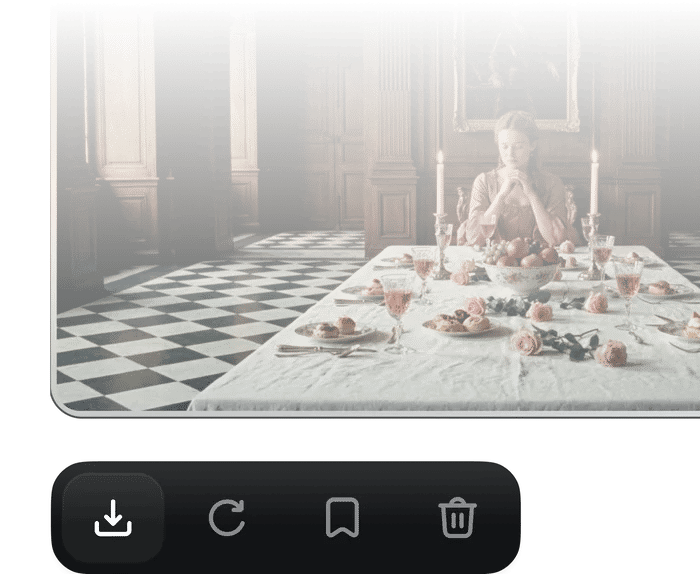
    Click “Generate” button and Receive high-fidelity video in seconds

Community over 25 MILLION USERS

Join a global creative network where people generate AI images, share ideas, and inspire each other every day.

I've been using Higgsfield for my...

I've been using Higgsfield for my creative work for a while now and, honestly, it's one of the best platforms out there - the tools are powerful and the results speak for themselves. But what made me write this was the support. I had a question about my credits, and Tim handled everything with a transparency and care you rarely see.
A
Alexandre

Im a new customer of Higgsfield and love it!

Im a new customer of Higgsfield and enjoying it! I'm making some cool videos. I look forward to the advances on the platform! Oh, the support service is excellent!

S
Spock

Higgsfield A.I

Higgsfield A.I. has been the best and most exciting tool I've used since I first started editing back in 2008! I still can't believe we live in a time where we can type a sentence; prompt, on one end and get a blockbuster video that comes out on the other end! The site can feel overwhelming at times, but in a good way.

R
Rha

I am an Indonesian content creator...

I am an Indonesian content creator based on my experience, I feel helped by the presence of this AI Agent higgsfield I say honestly and swear also thank you.. Because AI Agent Higgsfield has helped a lot, especially for creators in the form of our full support to create. In addition to this support, there are many other supports that are very helpful, especially the Higgsfield team

AS
Akun Suliman

A Creator-Focused Platform That Truly Empowers Visual Storytelling

What Higgsfield is doing really well is making high-quality AI creation feel smooth, fast, and inspiring. I also appreciate how the company supports its creative community and gives artists the freedom to experiment, grow, and push visual storytelling to the next level.

SJ
Shatanu Jachak

Highly Recommended! The Easiest and Most Advanced AI Tool

The user interface (UI) is highly intuitive and beginner-friendly. Additionally, the cloud rendering speed for generating both images and videos is exceptionally fast, and the AI tools menu is very well-organized. I have completed numerous projects using Higgsfield, and every single one of them turned out perfectly.

FM
Freissy Mediaart

I have been using Higgsfield and I will continue to do so.

For a long time, I have seen it as a useful and well-optimized tool, designed to help creators in the best possible way. I like that it constantly introduces updates and interesting features that improve the experience. That is why it has always been a platform that has caught my attention and that I have enjoyed using compared to others.

LE
Ls estúdios

Honestly one of the best AI creative...

Honestly one of the best AI creative platforms out there. The credit pricing is surprisingly affordable compared to similar platforms, and what impresses me most is how consistently they keep shipping new features. You can tell the team actually listens and keeps pushing the product forward.

RR
Rian Rizky Ananta

The Most Powerful AI Creative Platform for Creators

The Most Powerful AI Creative Platform for Creators. What impressed me the most is the level of support around the creator program. The team is helpful, professional, and always there when you need assistance or have questions. It really feels like they care about creators and want to help them grow.

DD
Deyo D
Reviewer avatar 1Reviewer avatar 2Reviewer avatar 3Reviewer avatar 4

Trusted by 5.000+ people worldwide

From flat imageto layers in one click

Higgsfield Layers - separate, relight, retype, upscale. All on one canvas

Try Image Studio

Got any questions left?

We’ve answered the most frequently asked questions

What is AI Inpainting and how does it work?
AI inpainting is a technology that reconstructs missing or damaged parts of an image. Unlike simple cloning tools, our AI image editor analyzes the context of your photo to generate new pixels that blend seamlessly.
How can I remove unwanted objects from my photo?
It's simple. Upload your image, select the "Remove Object" tool, and brush over the item you want to erase (like a tourist, watermark, or power line). Our AI object remover will automatically delete the item and intelligently fill the background so it looks like the object was never there.
Is the AI Photo Editor free to use?
Yes! We offer a free tier that gives you daily credits to use on our platform. You can use these credits for AI generations, object removals, or edits every single day at no cost. If you need more capacity for heavy workflows, we offer premium plans with expanded credit limits.
Can I use this tool to add new elements to an image?
Yes. With our Generative Fill feature, you can mask an area and type a text prompt (e.g., "add a vintage car" or "change to sunset"). The Nano Banana Pro engine will generate the new object with correct perspective and lighting to match your original scene.
What file formats do you support?
We support all major image formats, including JPG, PNG, and WebP. You can upload images up to 4K resolution for professional-quality editing and restoration.

Explore more ai features