Now Available

Higgsfield is nowinside
media
Premiere Pro

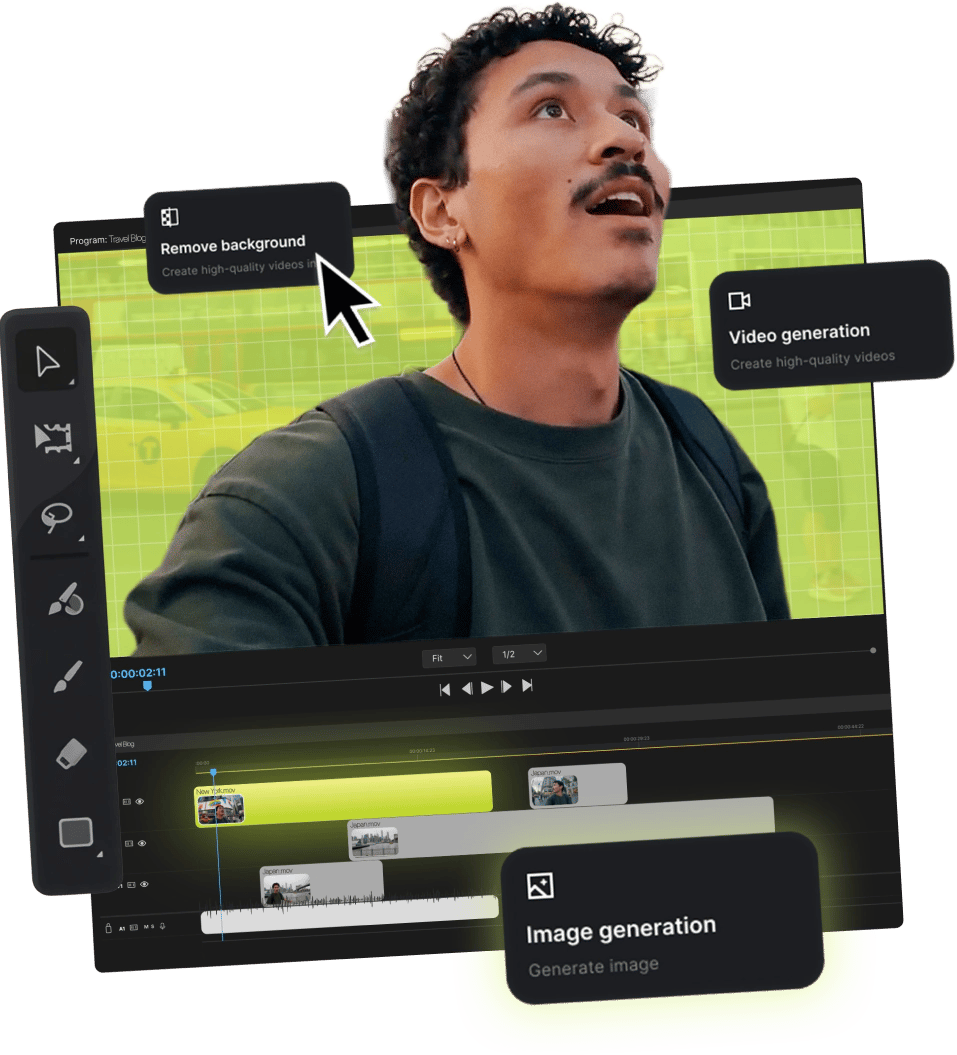
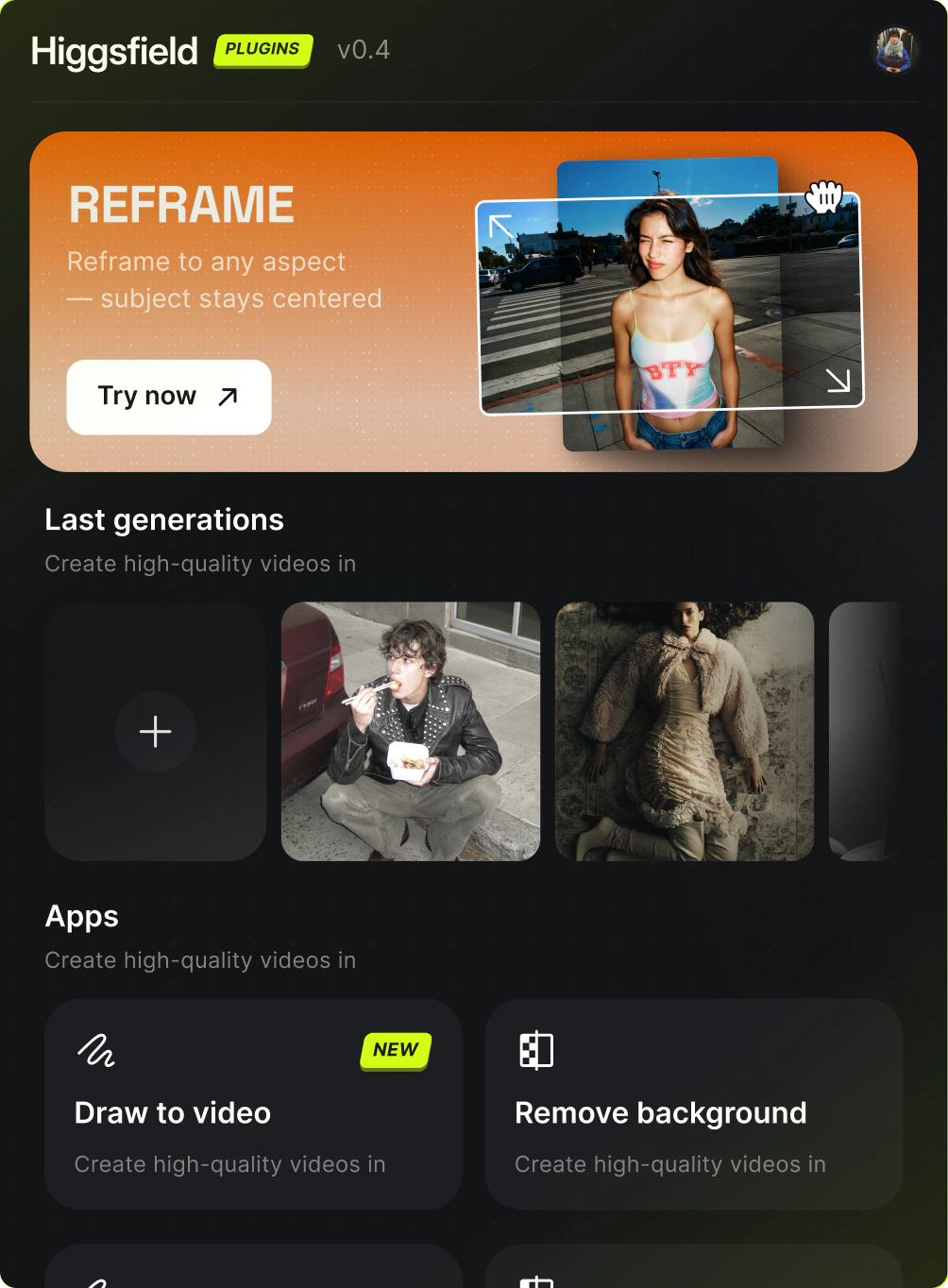
Premiere Pro now with Reframe, Remove BG, Upscale, Draw to edit, and Edit Video — five pro plugins, no exports, no switching

Three steps to get started

Download the .dmg preview
1

Download the .dmg

Click Download for macOS below. Our native installer works on both Apple Silicon and Intel - no helper app required.
Run the installer preview
2

Run the installer

Open the .dmg, drag Higgsfield to Applications, then double-click to launch the installer. It detects After Effects automatically
Open Adobe, find Higgsfield preview
3

Open Adobe, find Higgsfield

Launch After Effects, then go to Window > Extensions > Higgsfield. All five plugins are ready to use from the panel

Built for the work that actually ships

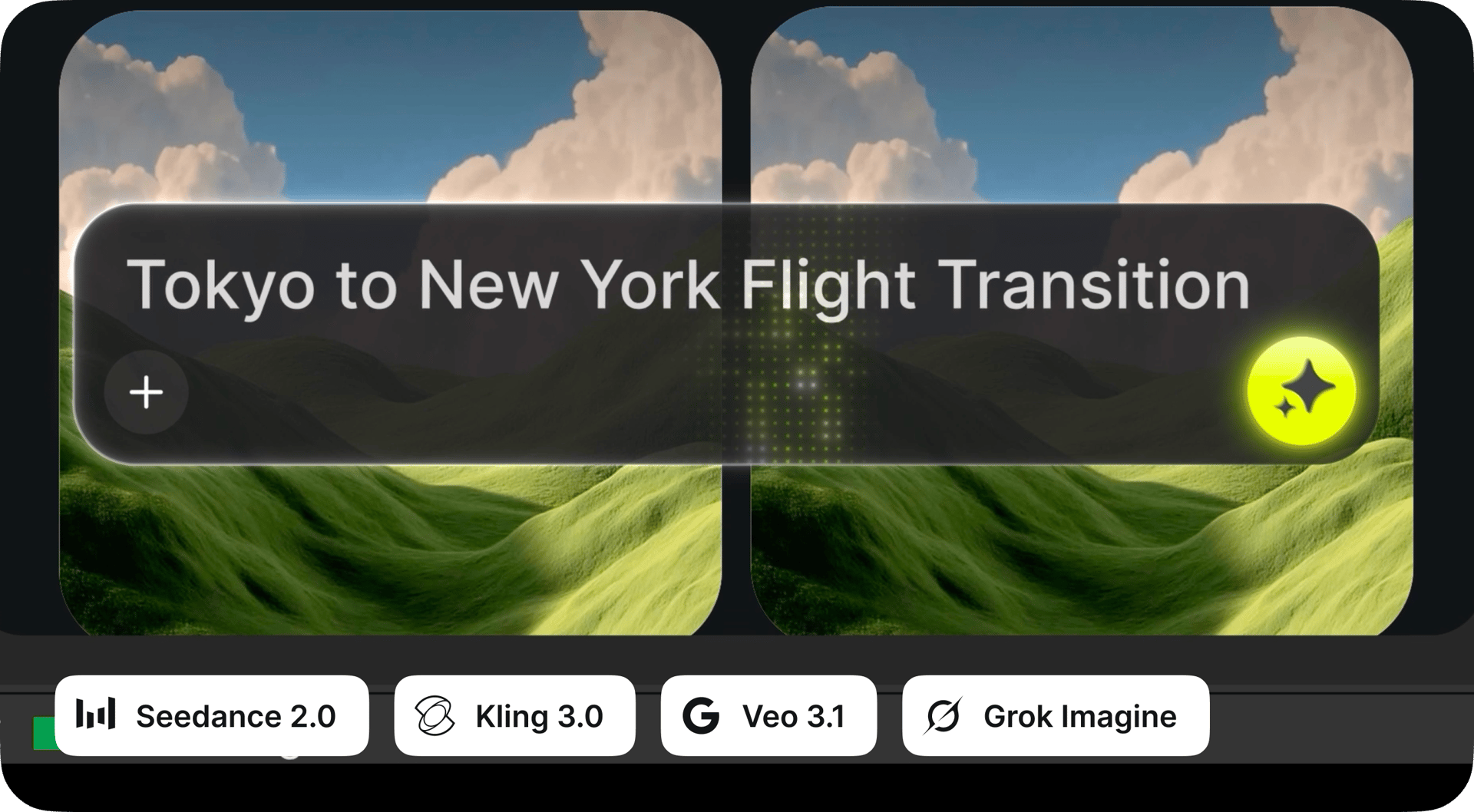
Generate AI Video

Create any clip with natural language. Create scenes, characters, B-roll, or camera moves - just describe what you want and Higgsfield drops the result straight into your Adobe timeline
Generate AI Video

Generate AI Image

Create any visual with natural language. Build backgrounds, overlays, title cards, or scene elements - just describe what you want and Higgsfield drops the result straight into your Adobe timeline
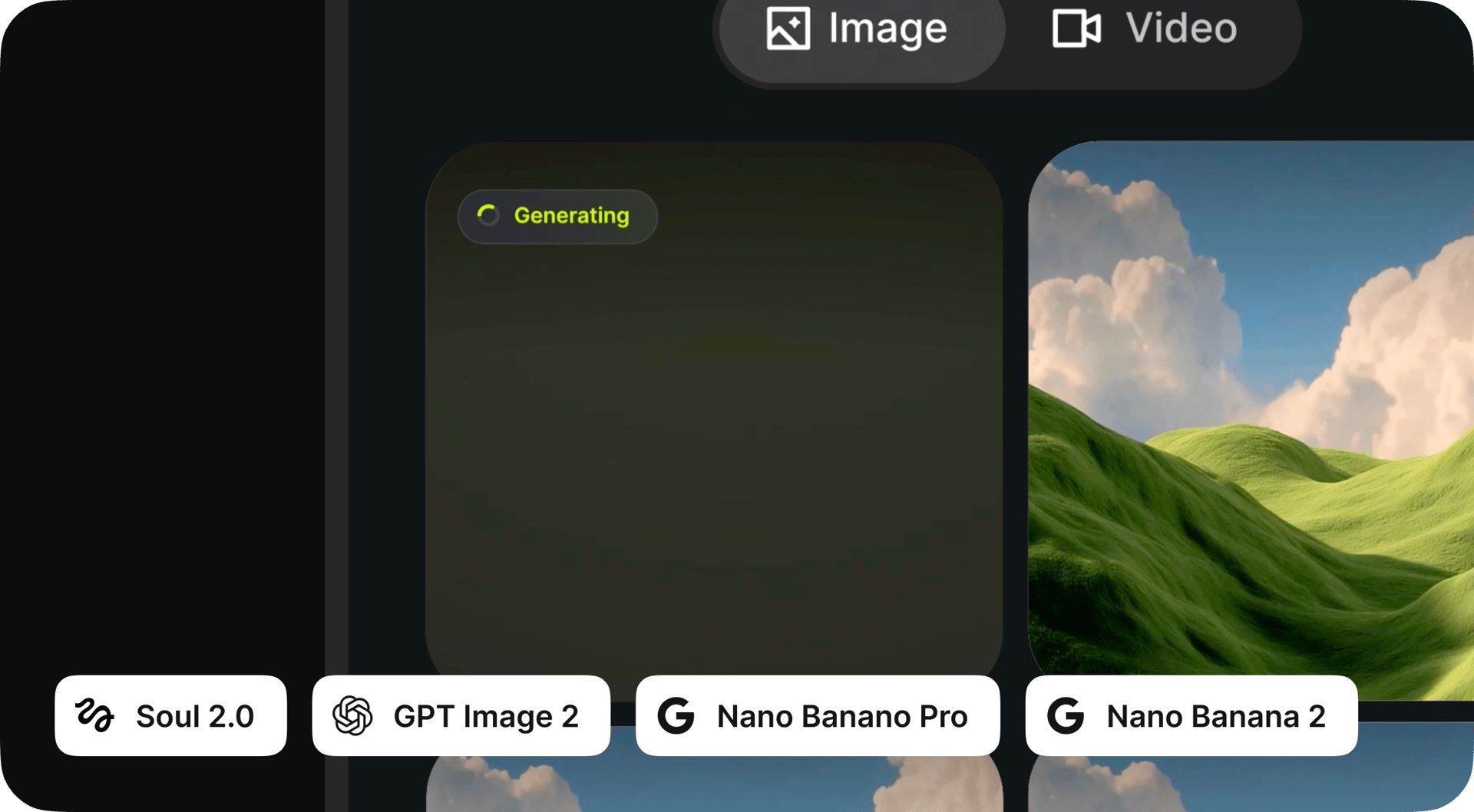
Generate AI Image

Reframe

Crop any clip to 9:16, 16:9, 4:3, 3:4, 21:9, or 1:1 with one click. Smart subject tracking keeps the focal point perfectly centered as the aspect ratio changes - no manual reframing, no awkward crops
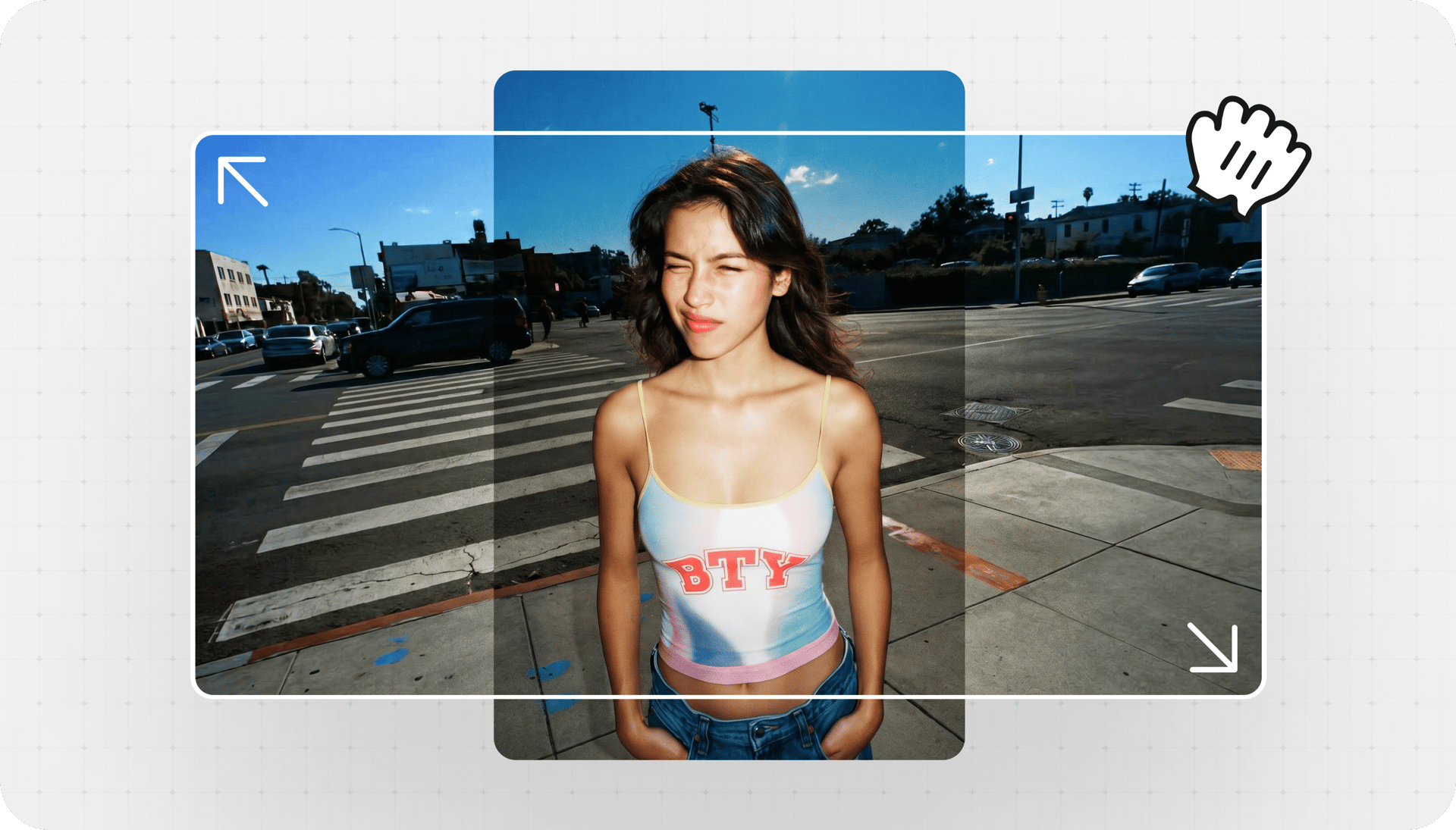
Reframe

Remove Background

Pull a clean key from any footage without a green screen. AI detects subjects with pixel-level precision - sharp edges, soft hair detail, and a pure alpha channel ready to drop into any composite


Remove Background before
Remove Background after

Draw to edit

Sketch directly on the frame to tell Higgsfield what to change. Remove unwanted objects, add new elements, or replace entire areas with a single brush stroke - inpainting that just works inside Adobe
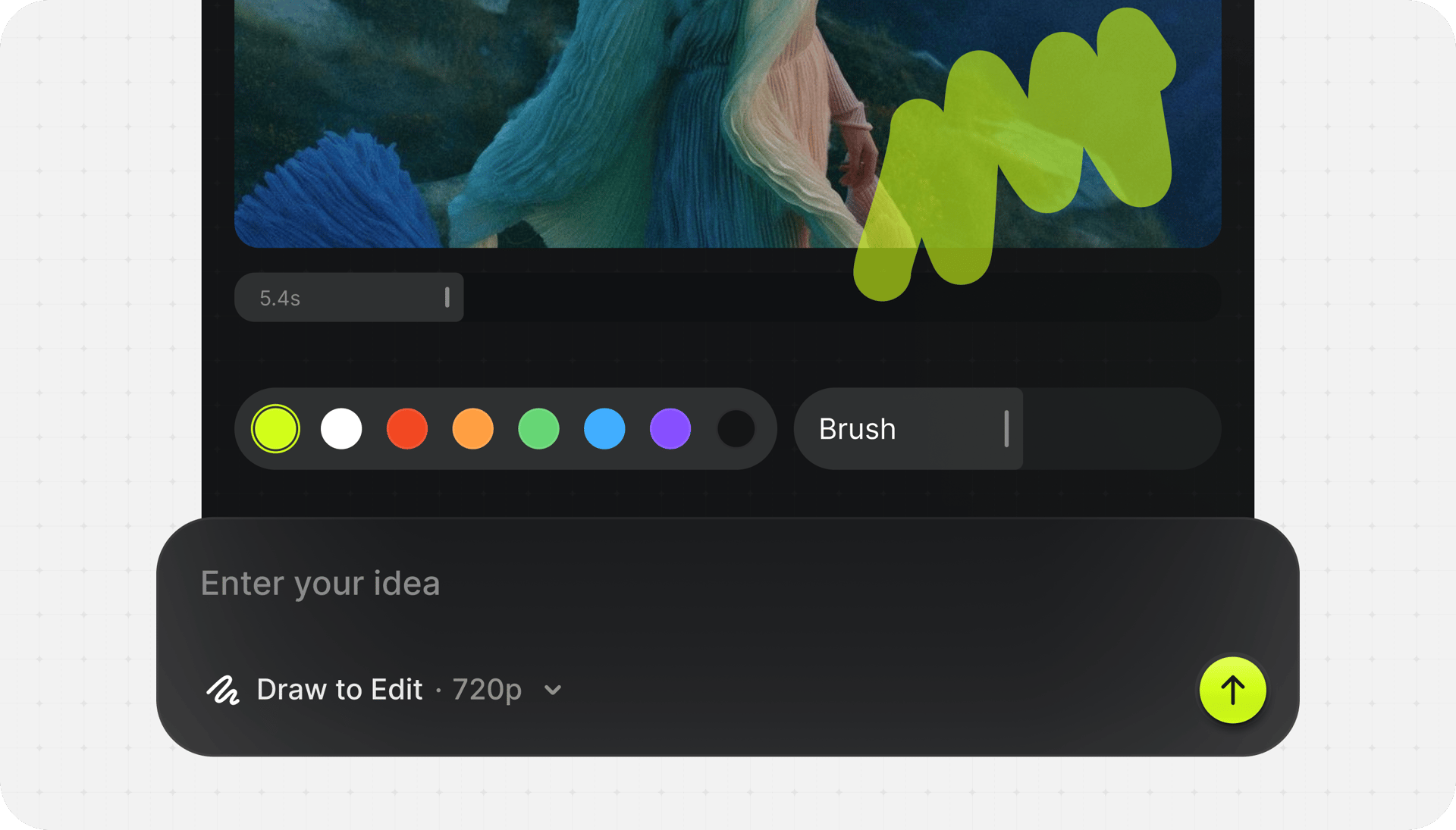
Draw to edit

Upscale

Boost any clip up to 4K or 8K with real detail recovery, not just pixel stretching. Restore archive footage, salvage low-res sources, and deliver crisp modern quality from yesterday's masters


Upscale before
Upscale after

MEET CINEMA STUDIO IN premier pro

Genre Action

Genre: Action

Style Orange Teal

Style: Orange Teal

Camera Studio Digital S35

Camera: Studio Digital S35

00:14:28

Cinematic Studio 3.5. The complete AI production studio. Shape every shot with precise control over camera, lens, and light.

Learn More
Download

One installer
for all plugins

PrAe

Adobe Premiere Pro 2024+ or After Effects 2024+

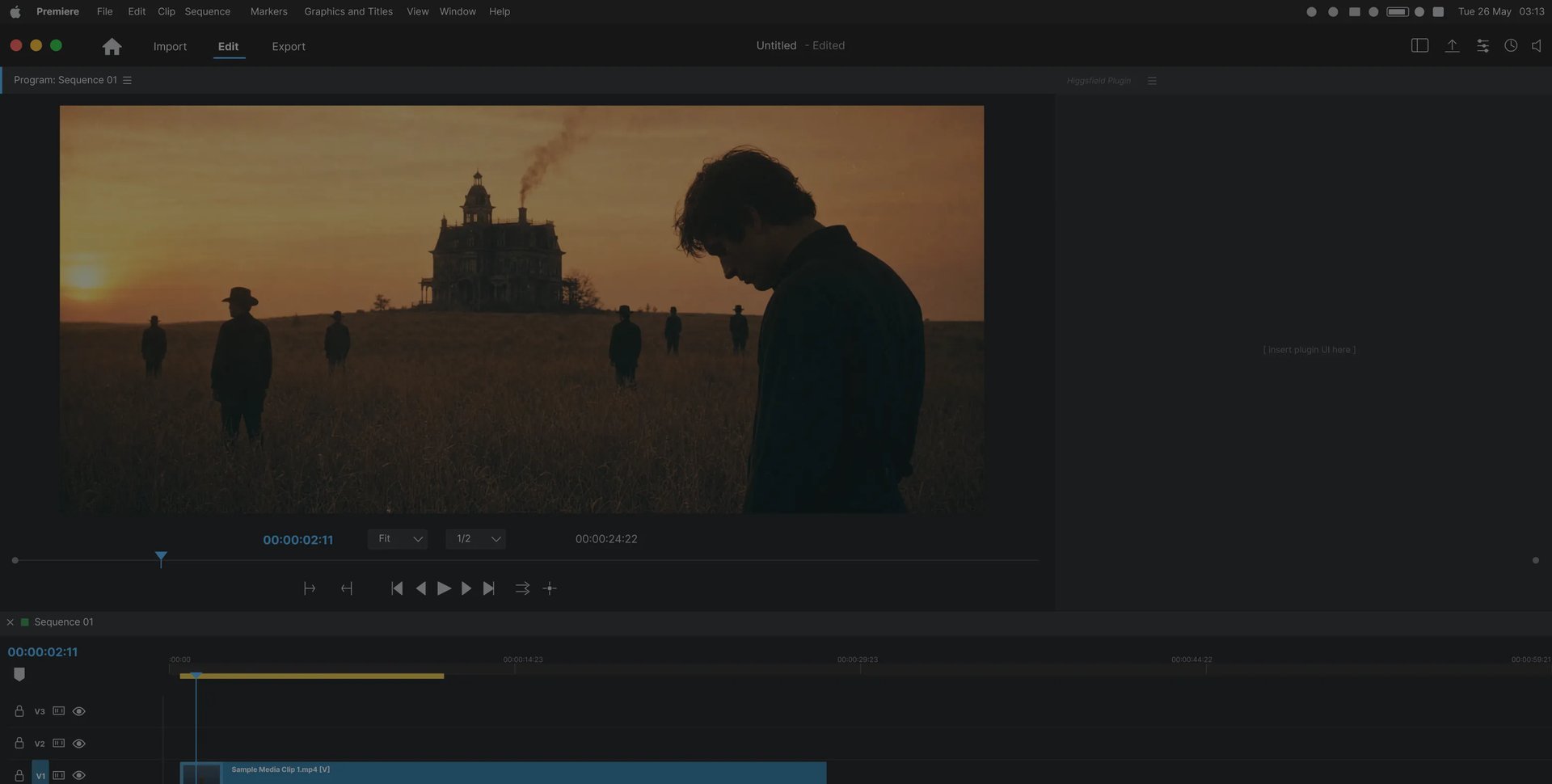
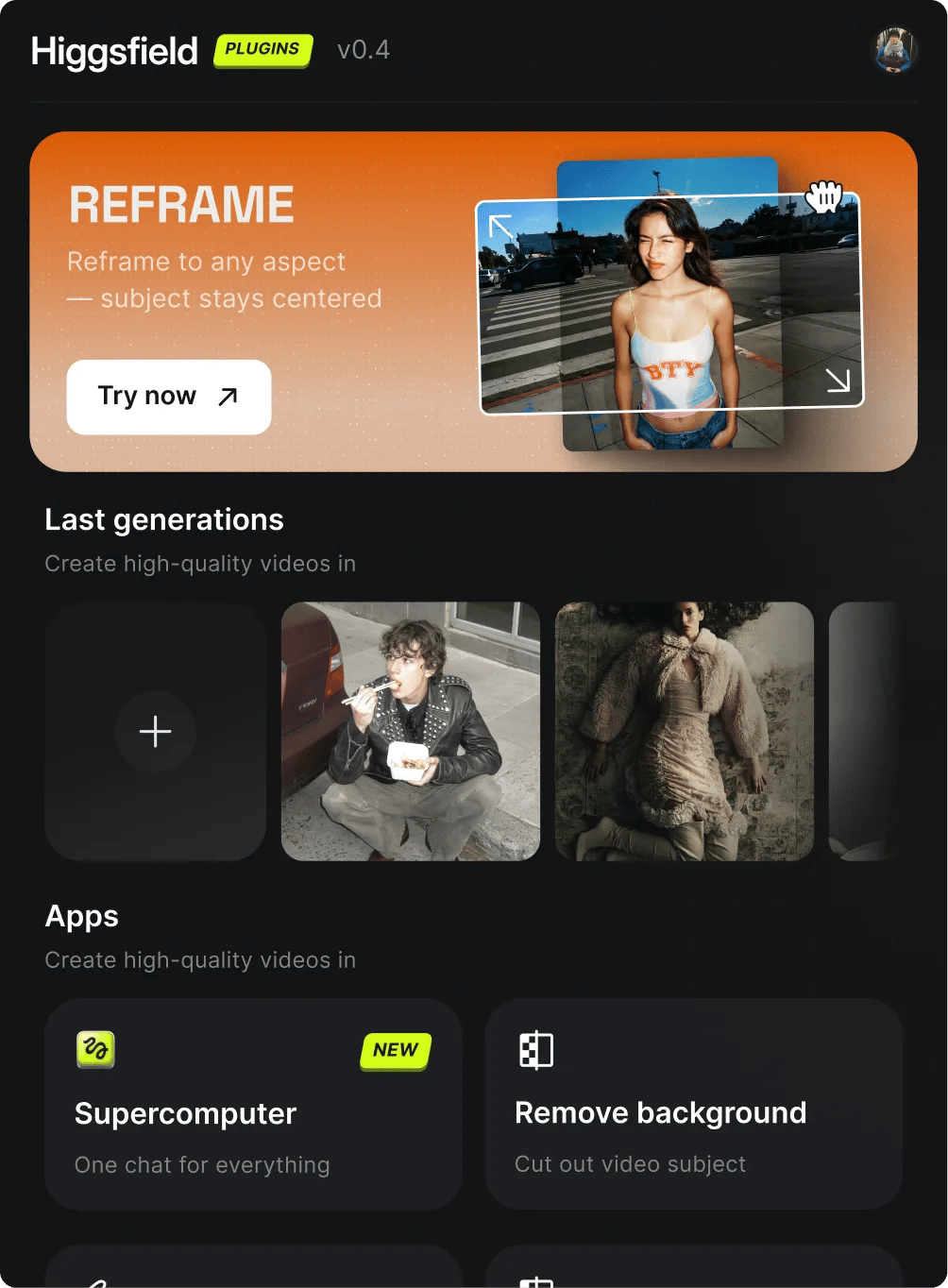
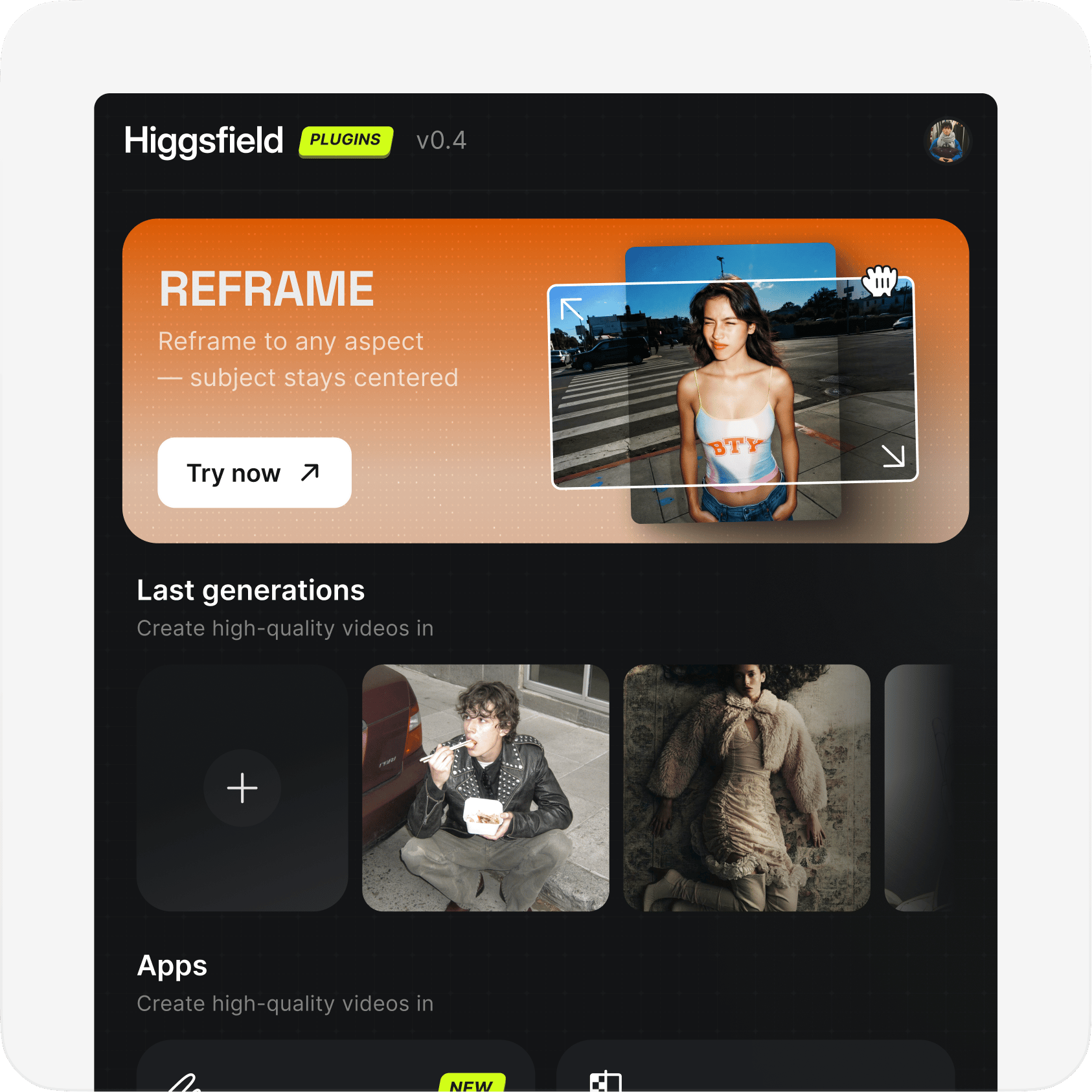
Higgsfield plugin panel inside Adobe

Community over 25 MILLION USERS

Join a global creative network where people generate AI images, share ideas, and inspire each other every day.
I've been using Higgsfield for my...

I've been using Higgsfield for my creative work for a while now and, honestly, it's one of the best platforms out there - the tools are powerful and the results speak for themselves. But what made me write this was the support. I had a question about my credits, and Tim handled everything with a transparency and care you rarely see.

A
Alexandre

Im a new customer of Higgsfield and love it!

Im a new customer of Higgsfield and enjoying it! I'm making some cool videos. I look forward to the advances on the platform! Oh, the support service is excellent!

S
Spock

Higgsfield A.I

Higgsfield A.I. has been the best and most exciting tool I've used since I first started editing back in 2008! I still can't believe we live in a time where we can type a sentence; prompt, on one end and get a blockbuster video that comes out on the other end! The site can feel overwhelming at times, but in a good way.

R
Rha

I am an Indonesian content creator...

I am an Indonesian content creator based on my experience, I feel helped by the presence of this AI Agent higgsfield I say honestly and swear also thank you.. Because AI Agent Higgsfield has helped a lot, especially for creators in the form of our full support to create. In addition to this support, there are many other supports that are very helpful, especially the Higgsfield team

AS
Akun Suliman

A Creator-Focused Platform That Truly Empowers Visual Storytelling

What Higgsfield is doing really well is making high-quality AI creation feel smooth, fast, and inspiring. I also appreciate how the company supports its creative community and gives artists the freedom to experiment, grow, and push visual storytelling to the next level.

SJ
Shatanu Jachak

Highly Recommended! The Easiest and Most Advanced AI Tool

The user interface (UI) is highly intuitive and beginner-friendly. Additionally, the cloud rendering speed for generating both images and videos is exceptionally fast, and the AI tools menu is very well-organized. I have completed numerous projects using Higgsfield, and every single one of them turned out perfectly.

FM
Freissy Mediaart

I have been using Higgsfield and I will continue to do so.

For a long time, I have seen it as a useful and well-optimized tool, designed to help creators in the best possible way. I like that it constantly introduces updates and interesting features that improve the experience. That is why it has always been a platform that has caught my attention and that I have enjoyed using compared to others.

LE
Ls estúdios

Honestly one of the best AI creative...

Honestly one of the best AI creative platforms out there. The credit pricing is surprisingly affordable compared to similar platforms, and what impresses me most is how consistently they keep shipping new features. You can tell the team actually listens and keeps pushing the product forward.

RR
Rian Rizky Ananta

The Most Powerful AI Creative Platform for Creators

The Most Powerful AI Creative Platform for Creators. What impressed me the most is the level of support around the creator program. The team is helpful, professional, and always there when you need assistance or have questions. It really feels like they care about creators and want to help them grow.

DD
Deyo D
Reviewer avatar 1Reviewer avatar 2Reviewer avatar 3Reviewer avatar 4

Trusted by 5.000+ people worldwide

Got any questions left?

We’ve answered the most frequently asked questions
How do I install Higgsfield Plugins on macOS?
Download the .dmg file from the Higgsfield site. Open it, drag Higgsfield.app to your Applications folder, then double-click to launch the installer. It detects Premiere Pro and After Effects automatically — no helper app required. After installation, open Premiere Pro or After Effects and find the panel under Window → Extensions → Higgsfield.
How do I install on Windows?
Windows requires the free ZXP Installer from aescripts — it's the standard tool for Adobe extensions on Windows. Three steps: • Download and install ZXP Installer (one minute, free) from aescripts.com/learn/zxp-installer • Download our .zxp file and drag it onto the open ZXP Installer window • Open Premiere Pro or After Effects → Window → Extensions → Higgsfield
The panel isn't showing up in Adobe. What now?
Most common fix: close Premiere Pro and After Effects completely, then run the installer again. Adobe must be fully quit during installation. If that doesn't help: • On Windows: run ZXP Installer as administrator • On macOS: open System Settings → Privacy & Security and click "Open Anyway" if blocked • Check that you're running Premiere Pro 2024+ or After Effects 2024+ • Look under Window → Extensions — the panel might be there but hidden
Do I need to restart Adobe after installing?
If Adobe apps were closed during installation (recommended), just launch them normally — the panel will be available right away. If Adobe was running, quit and reopen the app to load the new extension.
Which versions of Adobe are supported?
Higgsfield Plugins work with: • Adobe Premiere Pro — version 2024 (24.0) and newer • Adobe After Effects — version 2024 (24.0) and newer We don't currently support older versions of Adobe. If you're on an older release, you'll need to update via Creative Cloud first.
Does it work on both Apple Silicon and Intel Macs?
Yes — our macOS installer is a universal binary. It works natively on both Apple Silicon (M1, M2, M3, M4) and Intel Macs without any extra setup. On Windows, we support Windows 10 and 11 (64-bit only).
Do I need an internet connection to use the plugins?
Yes. Higgsfield Plugins run AI inference on our servers, so an active internet connection is required while generating. The processed result is sent back into your Adobe timeline. You'll also need to be signed in to your Higgsfield account from the panel.
Which plugins are included in the install?
One installer ships all five plugins together: • Reframe — crop to any aspect ratio without losing the subject • Remove Background — pull a clean alpha key from any clip • Upscale — boost footage up to 4K or 8K • Draw to edit — sketch your edit, get a video • Edit Video — prompt-based editing in natural language All five live inside the same panel — switch between them with one click.
Do I need a Higgsfield subscription to use the plugins?
Yes — the plugins run on the same Higgsfield credits as the web platform. You can sign in from the panel with your existing account, and generations consume credits the same way. If you don't have an account yet, you can sign up free at higgsfield.ai and try the plugins with starter credits.
Can I use the plugins for commercial projects?
Yes. Generations made through Higgsfield Plugins are covered by the same usage rights as Higgsfield's web platform — including commercial use on paid plans. For full details, see the Higgsfield Terms of Service.

Explore more ai features

Home

Community

Generate

Library

Profile