Nano Banana AI Image Generator and Editor on Higgsfield
Explore Nano Banana image creation and editing on Higgsfield. Create images from prompts, refine visuals with text-guided edits, and adjust settings to suit your project.
Showcase 1
Showcase 2
Showcase 3
Showcase 4
Showcase 5
Showcase 6
Showcase 7
Showcase 8
Explore The Latest Nano Banana Models on Higgsfield
Nano Banana brings several AI image models together, so you can choose the right fit for your image generation workflow. Compare them by speed, resolution, reasoning, and editing features, then open a model’s landing page to start creating.
Bring the image in your head into focus with Nano Banana AI on Higgsfield. Explore ideas, shape a visual direction, and turn early concepts into images ready to use in your next project.
Intelligent generations
Physics-Aware Reasoning
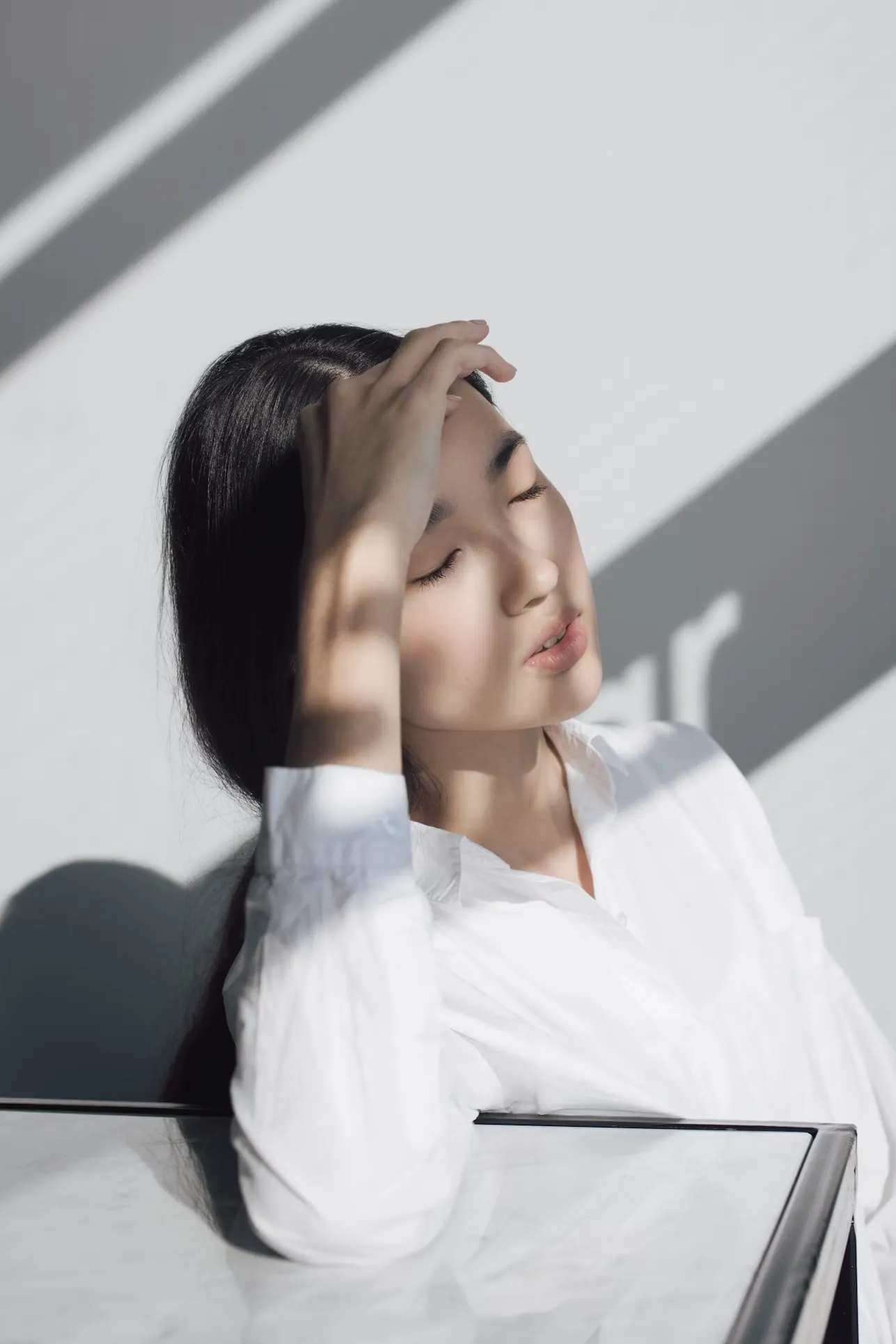
Create scenes with interacting objects, natural lighting, and complex spatial relationships. In supported workflows, Nano Banana can interpret how elements fit together to help you build a more coherent image from your prompt.
Arrange subjects and objects in a scene with clear relationships.
Describe lighting, materials, and environmental details.
Explore prompts with layered scenes or realistic interactions.
Advanced Assets Management
Data Visualization
DATA & UI VISUALIZATION
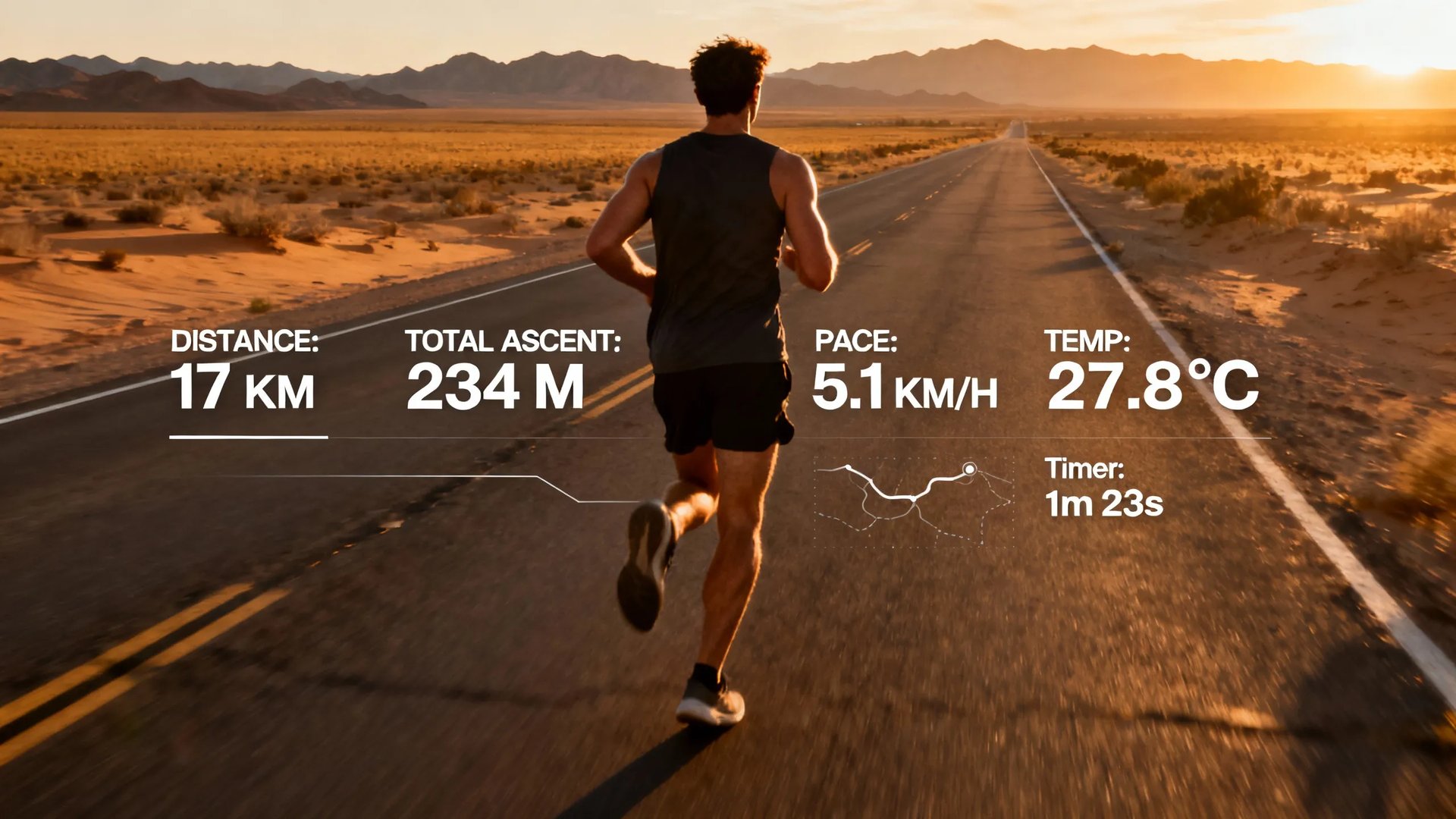
Generate accurate infographics, dashboard mockups, and presentation slides in seconds. Nano Banana 2's superior spatial understanding ensures labels align perfectly with data points.
Access Management
Data Visualization
DATA & UI VISUALIZATION
Generate accurate infographics, dashboard mockups, and presentation slides in seconds. Nano Banana 2's superior spatial understanding ensures labels align perfectly with data points.
Access Management
VISUAL LOCALIZATION
Multilingual Text in Images
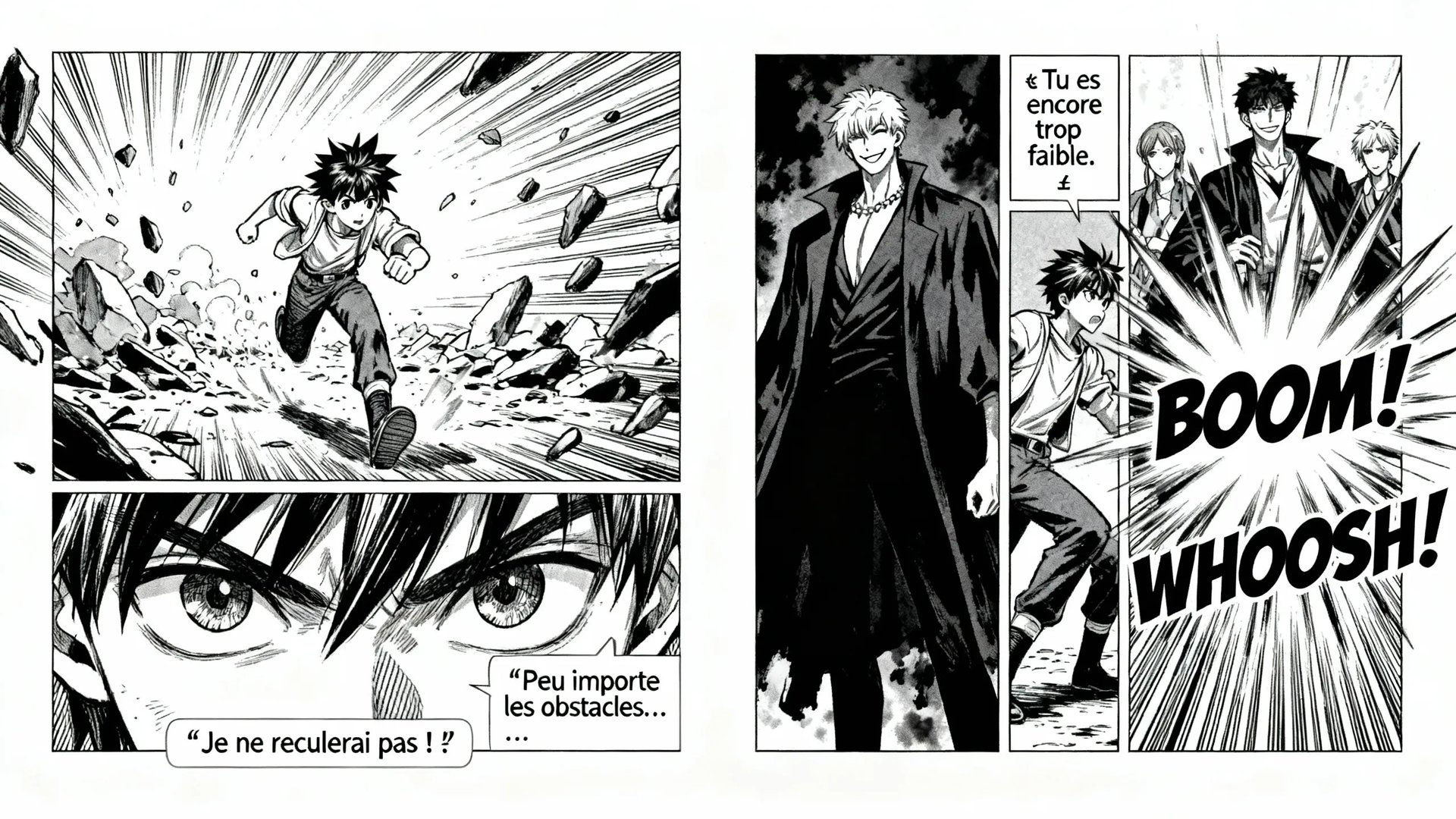
Create visuals with text in different languages for posters, product graphics, and localized campaigns. Include the wording and language in your prompt, then review the image to make sure the text appears as intended.
Add headlines, labels, or short phrases to image concepts.
Specify the language and wording in your prompt.
Review spelling, script, and layout in the generated result.
Join a global creative network where people generate AI images, share ideas, and inspire each other every day.
A
Alexandre
I've been using Higgsfield for my creative work for a while now and, honestly, it's one of the best platforms out there - the tools are powerful and the results speak for themselves. But what made me write this was the support. I had a question about my credits, and Tim handled everything with a transparency and care you rarely see.
S
Spock
Im a new customer of Higgsfield and enjoying it! I'm making some cool videos. I look forward to the advances on the platform! Oh, the support service is excellent!
R
Rha
Higgsfield A.I. has been the best and most exciting tool I've used since I first started editing back in 2008! I still can't believe we live in a time where we can type a sentence; prompt, on one end and get a blockbuster video that comes out on the other end! The site can feel overwhelming at times, but in a good way.
AS
Akun Suliman
I am an Indonesian content creator based on my experience, I feel helped by the presence of this AI Agent higgsfield I say honestly and swear also thank you.. Because AI Agent Higgsfield has helped a lot, especially for creators in the form of our full support to create. In addition to this support, there are many other supports that are very helpful, especially the Higgsfield team
SJ
Shatanu Jachak
What Higgsfield is doing really well is making high-quality AI creation feel smooth, fast, and inspiring. I also appreciate how the company supports its creative community and gives artists the freedom to experiment, grow, and push visual storytelling to the next level.
FM
Freissy Mediaart
The user interface (UI) is highly intuitive and beginner-friendly. Additionally, the cloud rendering speed for generating both images and videos is exceptionally fast, and the AI tools menu is very well-organized. I have completed numerous projects using Higgsfield, and every single one of them turned out perfectly.
LE
Ls estúdios
For a long time, I have seen it as a useful and well-optimized tool, designed to help creators in the best possible way. I like that it constantly introduces updates and interesting features that improve the experience. That is why it has always been a platform that has caught my attention and that I have enjoyed using compared to others.
RR
Rian Rizky Ananta
Honestly one of the best AI creative platforms out there. The credit pricing is surprisingly affordable compared to similar platforms, and what impresses me most is how consistently they keep shipping new features. You can tell the team actually listens and keeps pushing the product forward.
DD
Deyo D
The Most Powerful AI Creative Platform for Creators. What impressed me the most is the level of support around the creator program. The team is helpful, professional, and always there when you need assistance or have questions. It really feels like they care about creators and want to help them grow.
Trusted by 40M+ users worldwide
YOUR NEXT IDEA STARTS HERE
CREATE WITH NANO BANANA
Explore image generation and editing with Nano Banana on Higgsfield. Try different creative directions, shape your visuals, and see where your next idea takes you.
We’ve answered the most frequently asked questions
What is Nano Banana?
Nano Banana is Google’s family of AI image models available on Higgsfield. Use it to generate images from prompts or edit existing images in supported workflows. Some versions use Gemini Flash for faster image generation.
How do I use Nano Banana?
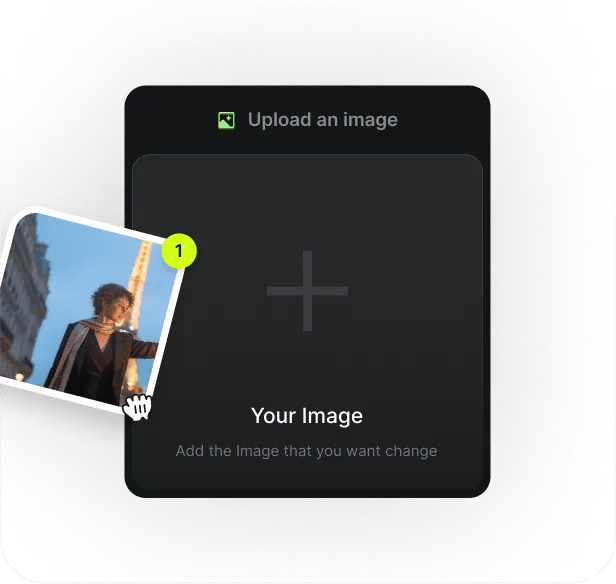
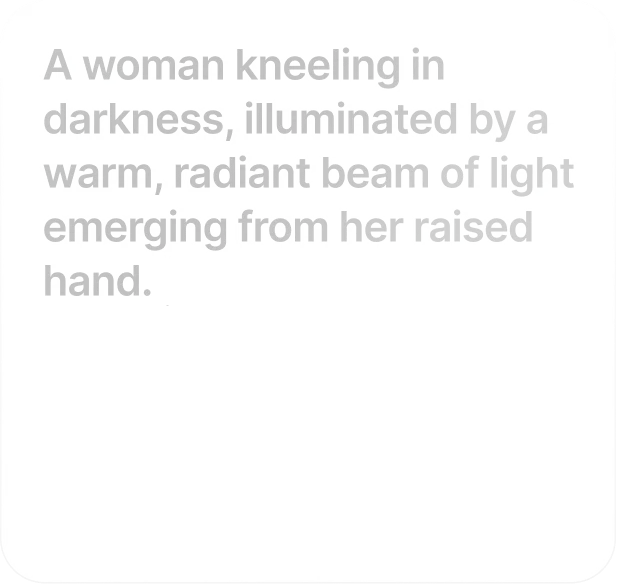
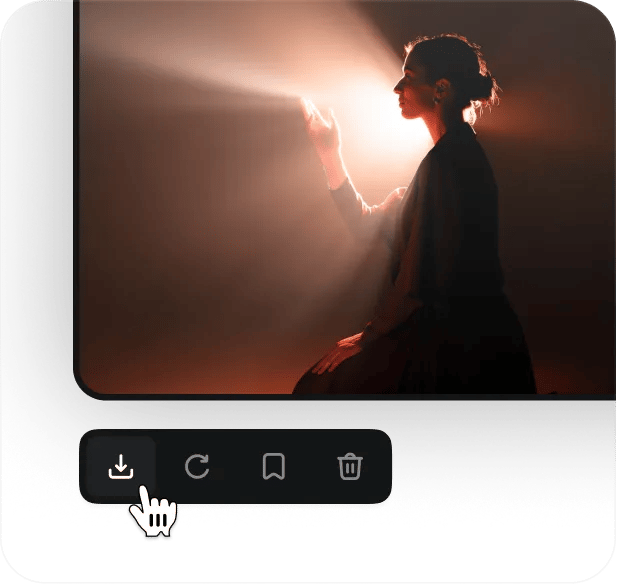
Describe the image you want in the prompt composer. Add image references or an Element where supported, choose an available model and settings, then click Generate.
Which model should I use?
Use Nano Banana 2 for rapid prototyping, batch generation, real-time editing, social content, and high-volume work — it’s significantly faster and cheaper, with quality very close to Pro in everyday use. Use Nano Banana Pro for hero images, packaging design, complex multi-element scenes, fine print typography, and any high-stakes deliverable where the quality ceiling matters more than speed. Many teams on Higgsfield run a tiered workflow: Banana 2 to explore, Pro to finalize.
What is Nano Banana Pro?
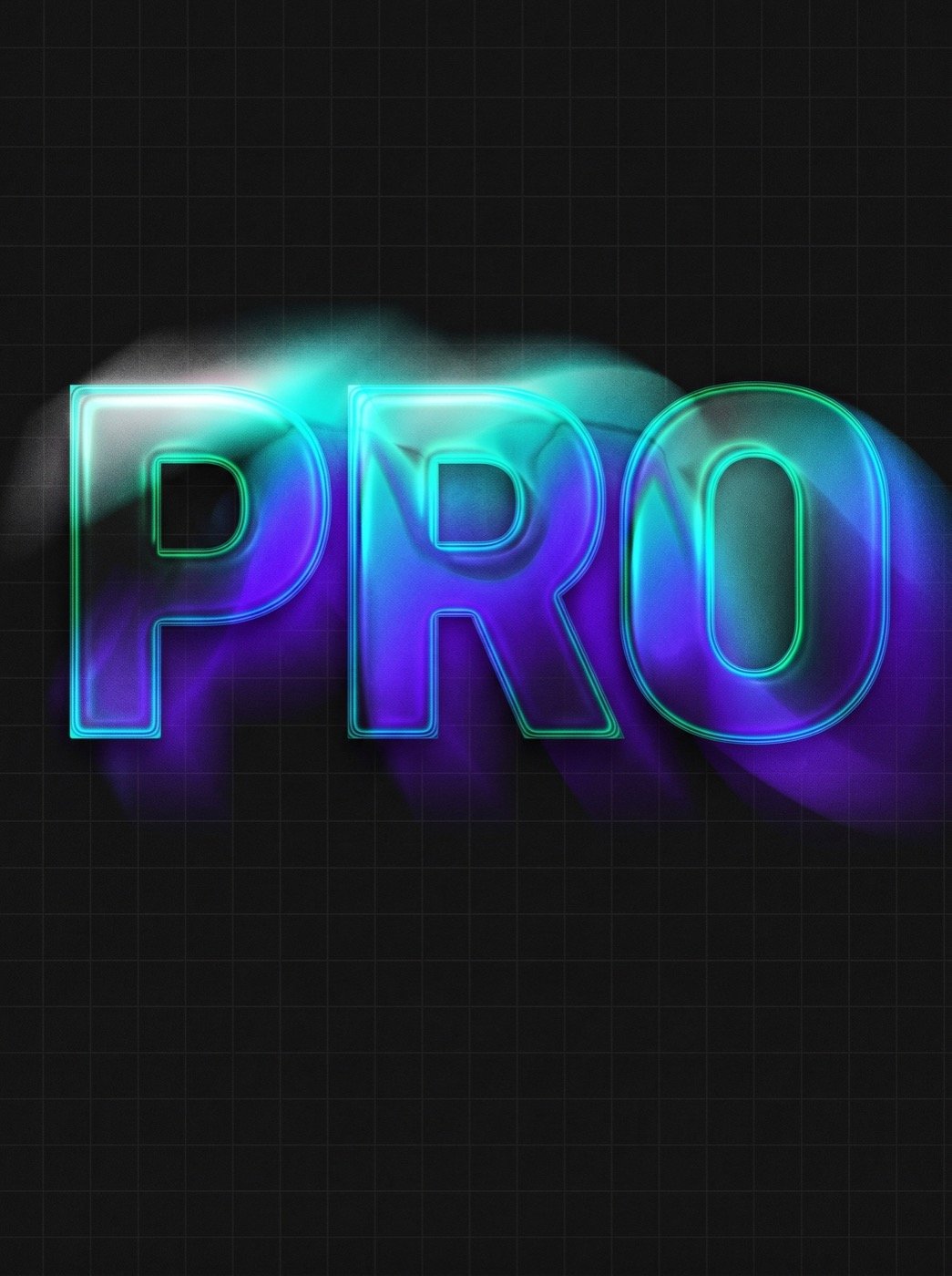
Nano Banana Pro is Google’s reasoning-first image generation model in the Nano Banana family. It’s suited to marketing and product images, complex compositions, and designs that include text.
How do I use Nano Banana Pro?
Select Nano Banana Pro in the model picker, enter your prompt, and add references if they’ll help guide the image. Choose the available settings and click Generate.
What is Nano Banana 2?
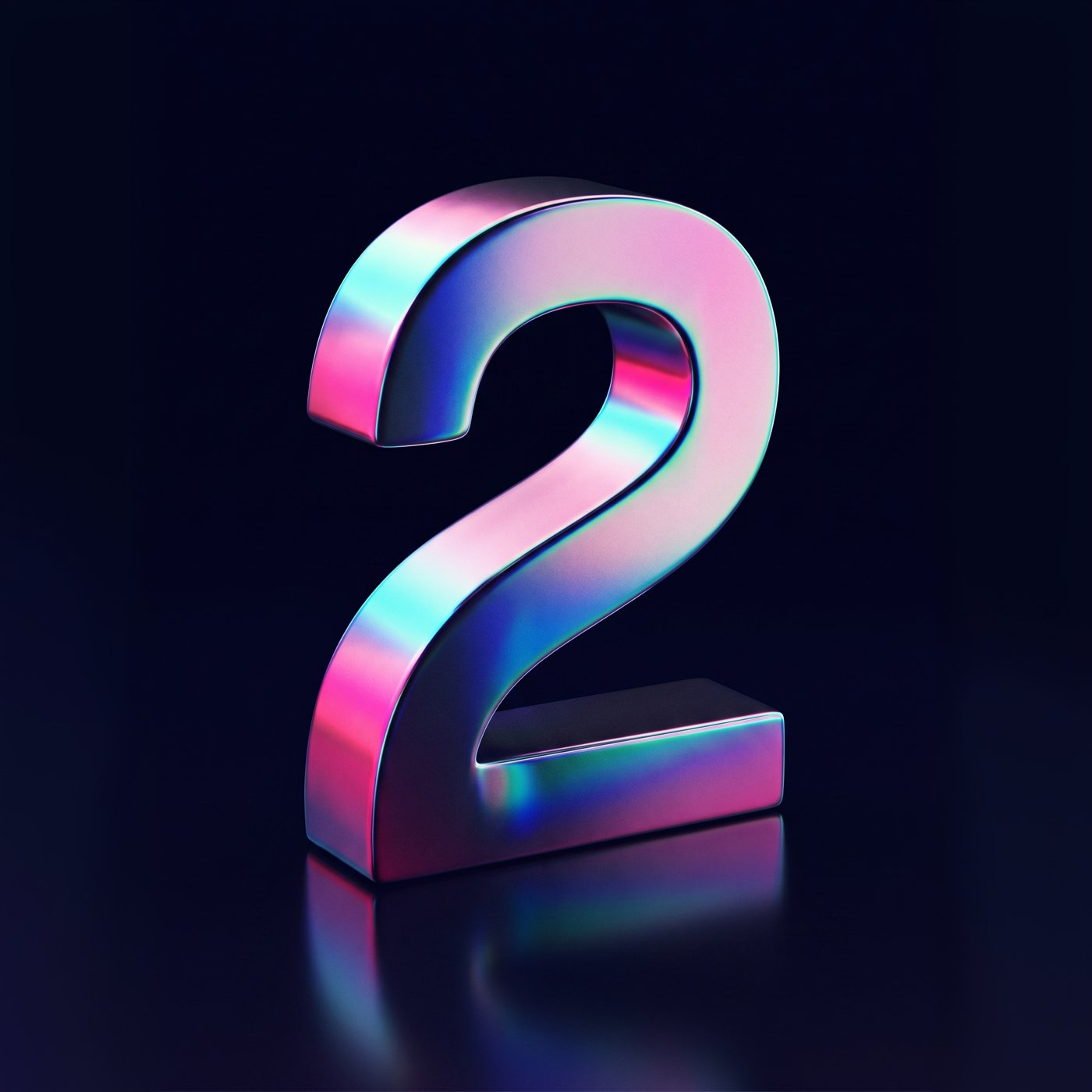
Nano Banana 2 uses Gemini Flash to bring Pro-level image quality to faster generation. It supports output up to 4K and can maintain consistency for up to five characters and 14 objects in a scene.
Is Nano Banana free on Higgsfield?
New accounts get 10 free credits once at sign-up; the cost of a generation depends on the version and is shown before you generate. For regular use, see the plans.
Is Nano Banana Pro free, and how much does it cost?
Nano Banana Pro uses Higgsfield credits, and its generation cost is shown before you create an image. New accounts receive 10 free credits at sign-up; for regular use, see the plans.
Can Nano Banana render readable text in images?
Nano Banana can create images with text, such as headlines, product labels, and poster copy. Text rendering and multilingual support vary by model, so review spelling and layout before using the image.
Can Nano Banana keep characters and objects consistent?
Reference images can help guide character and object consistency across generations. Reference limits vary by model. See each model’s page for details.
Can I edit existing images with these models?
Yes. On Higgsfield, both models power precise editing workflows including Banana Placement for product insertion, Nano Banana Pro Inpaint for structure-preserving local edits, and multi-reference composition. Brush over an area, describe the change or upload a reference, and the model handles seamless blending without disturbing the rest of the image.
Can Nano Banana make videos?
Nano Banana generates still images, not videos. You can use a generated image as a starting point in a separate Higgsfield image-to-video workflow.
How does Nano Banana fit into Higgsfield?
Use Nano Banana to create or refine still images, then bring an image into a separate Higgsfield workflow if you want to animate it or develop it into a larger creative project.
Get the insights you need. Our experts share actionable hacks, break down the hottest topics, and provide essential how-to guides to help you build, optimize, and scale.