To make a beauty video ad with AI, create your brand, product and a custom avatar in Higgsfield, save the product in Marketing Studio, then pick a UGC, Motion or TikTok template and generate. Before publishing, check the shade, texture and label look true to the product. This guide follows one fictional beauty brand from a first logo to three finished video ads.
Key Takeaways:
- In Higgsfield Marketing Studio, the UGC style suits reviews and showing a product on skin, the Motion style suits packaging reveals and texture, and the TikTok style suits short, casual direct-to-camera ads.
- Generate at 9:16 aspect ratio to cover TikTok, Reels and Shorts. UGC runs 15-30 seconds, Motion 5-15 seconds and TikTok 4-15 seconds.
- Save your product and custom avatar once in Higgsfield Marketing Studio: the product works in every style, and the avatar works in every UGC and TikTok ad.
- Keep on-screen text inside each platform’s safe zone. For Instagram Reels ads, leave the top 14%, the bottom 35% and 6% of each side clear of text and logos.
- A true shade, a readable label and natural-looking skin help beauty products seem more reliable.
- Label realistic AI content: TikTok and YouTube both require creators to disclose it.
How Do You Make a Beauty Video Ad with AI?
You make a beauty video ad with AI in five steps, from a blank page to a finished ad, without a shoot.
- Build the brand. Generate a name, logo, colors and product in Image on Higgsfield.
- Save the product and the avatar. Add the product shot to Marketing Studio as a reusable product, and choose or create an avatar for UGC and TikTok ads.
- Choose a style. Pick UGC, Motion or TikTok, then a template to optimize it.
- Set up and generate. Write a short prompt, choose the format and duration, and generate.
- Review and refine. Check the shade, texture and label, then change one thing at a time to make variations.
Each step is covered below, using one brand and one product all the way through.
Which Beauty Ad Styles Work Best?
Higgsfield Marketing Studio has three video styles, and the best one depends on what the product needs to show. UGC works best for reviews and showing a product on skin, Motion for packaging reveals and texture, and TikTok for short, casual direct-to-camera ads.
Style | What it makes | Best for in beauty | Duration |
|---|---|---|---|
UGC | A creator-style ad that looks shot on a phone | Reviews, routines, showing how a product feels on skin | 15-30 s |
Motion | A product-centered sequence, no presenter | Launches, packaging reveals, texture close-ups | 5-15 s |
TikTok | A vertical ad built to feel native to TikTok | Short, casual, direct-to-camera content | 4-15 s |
UGC works when the ad needs a person: someone applying a cream, reacting to a scent or explaining why they switched. Motion works when the product itself is the story, such as a new bottle design or the finish of a serum. TikTok sits between the two, with a presenter but a faster, more casual pace.
The main limit is realism. In beauty, the skin and the product are what the viewer judges, so an AI presenter or texture that looks artificial is risky. Review every result for natural skin and true color before you publish (see the checklist below).
What Do You Need Before You Start?
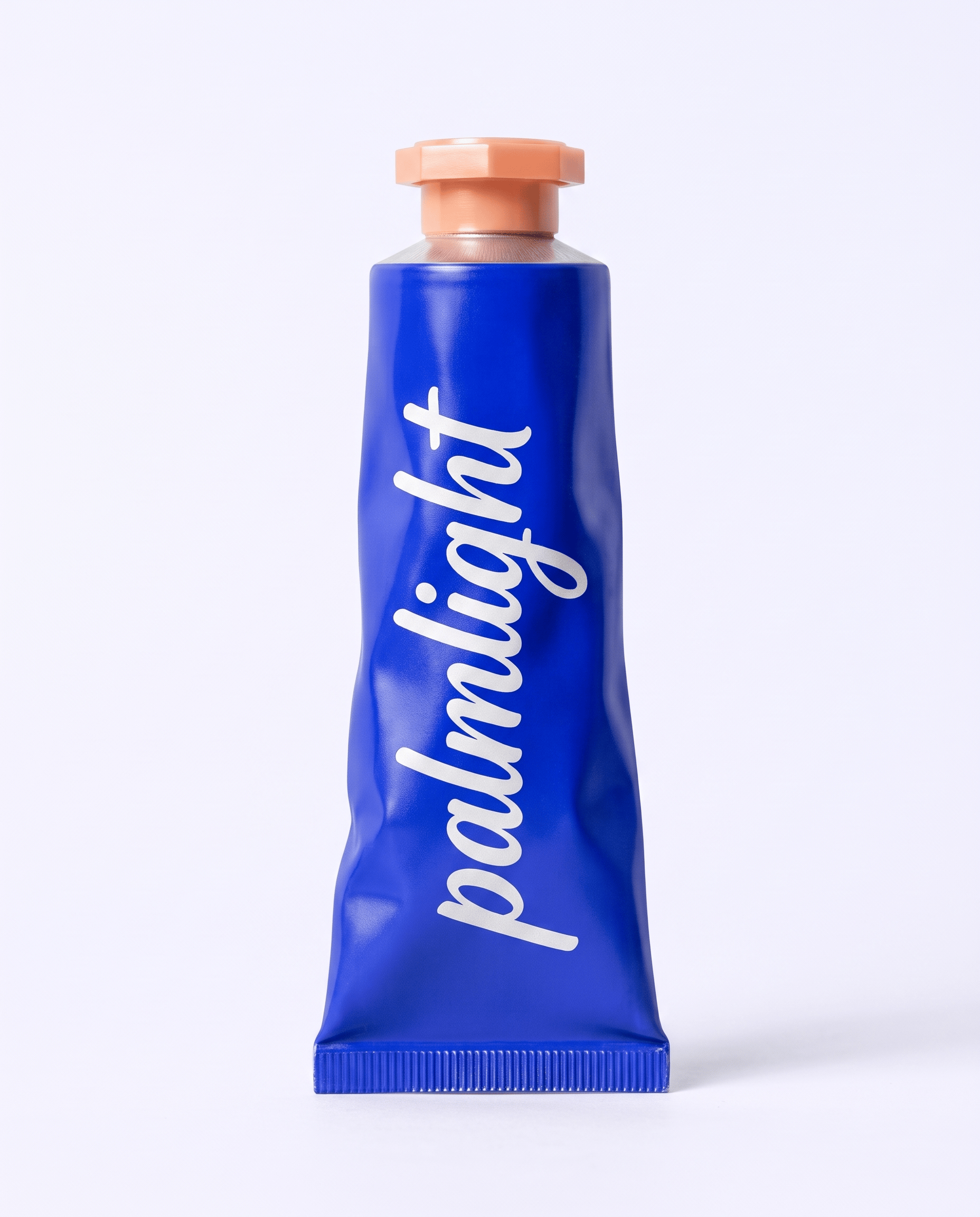
You need two assets before you start: a brand kit and a clear image of your product on a plain white background. you can make both in Image on Higgsfield. UGC and TikTok ads also use an avatar, which you choose or create in Marketing Studio. Start with a clear brand positioning: who the brand is for and how it should look and feel. If your brand kit and product photos already exits, skip to “How Do You Create Beauty Ads in Higgsfield Marketing Studio?”.
Create the Brand and a Mini Brand Kit
Open Image from the top menu. You don’t need a finished idea. A direction for the brand positioning and look is enough. Generate several versions and pick the best.
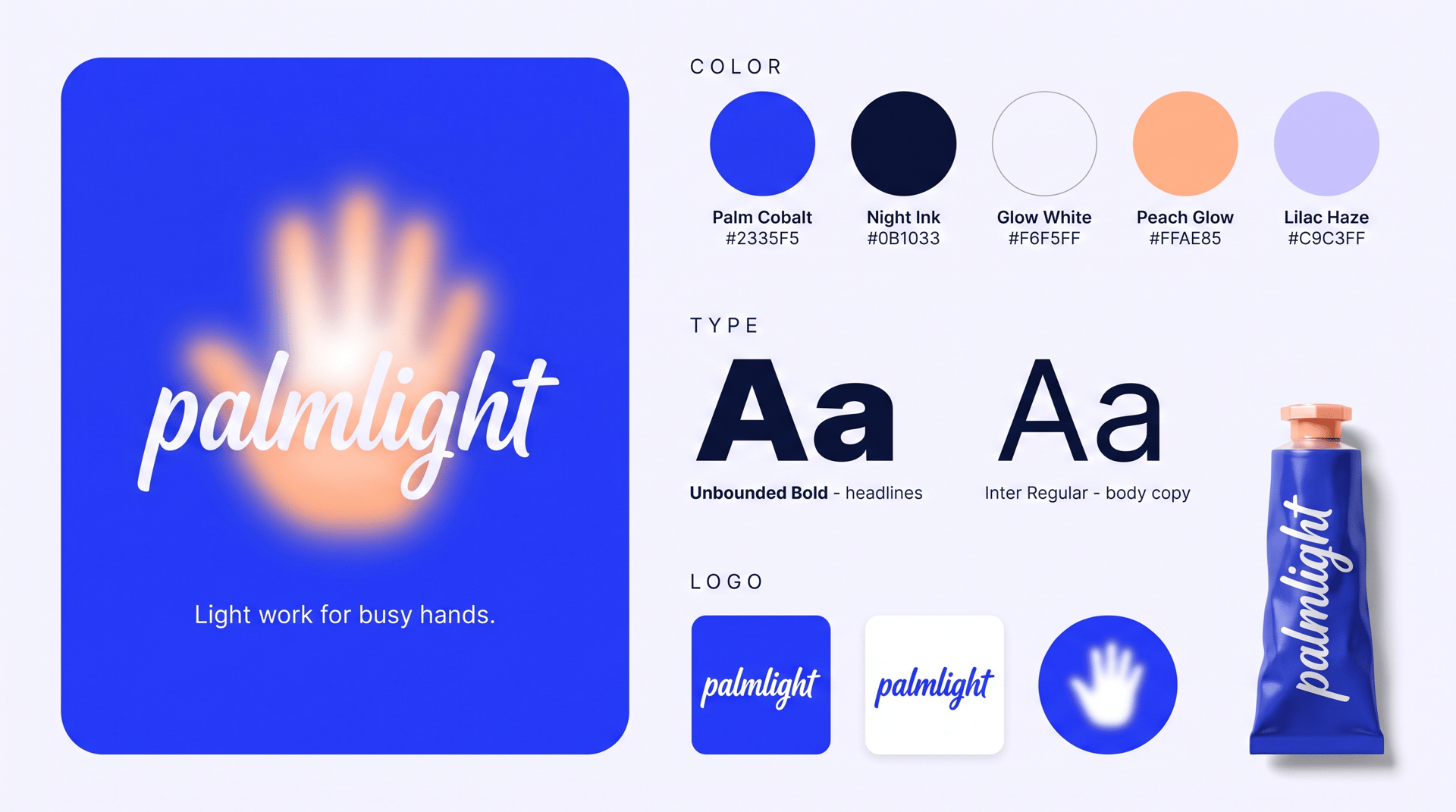
For this guide, we created Palmlight, a hand cream that soothes hands after a long day’s work. A hand cream was specifically chosen so the videos can show it being applied to skin.
What to Include in a Brand Kit
Include these five things in the brand kit you generate in Image:
- Logo variations: primary, secondary and monochrome versions
- Color palette: primary, secondary and accent colors, with HEX codes
- Typography: a headline font and a body font
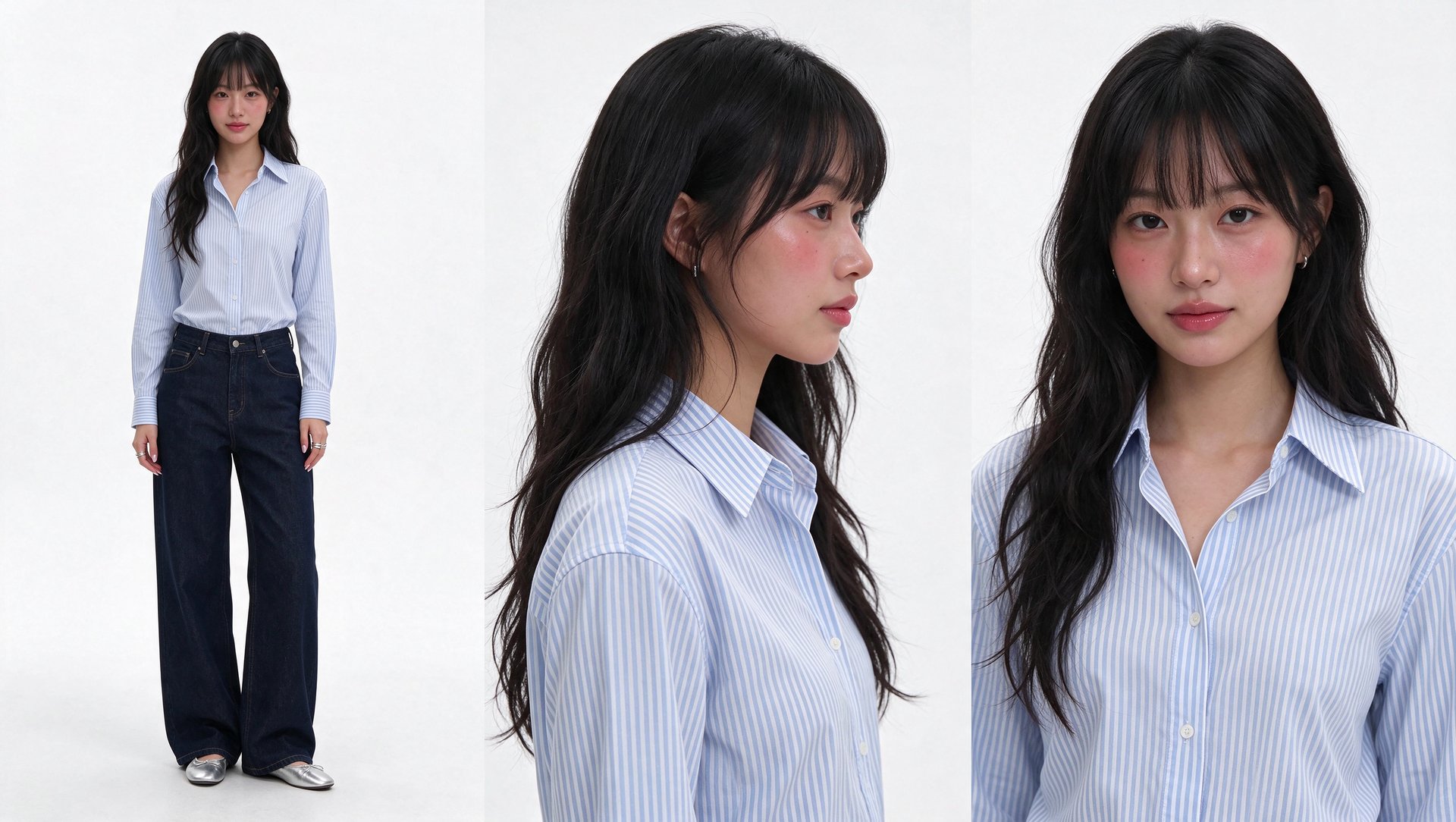
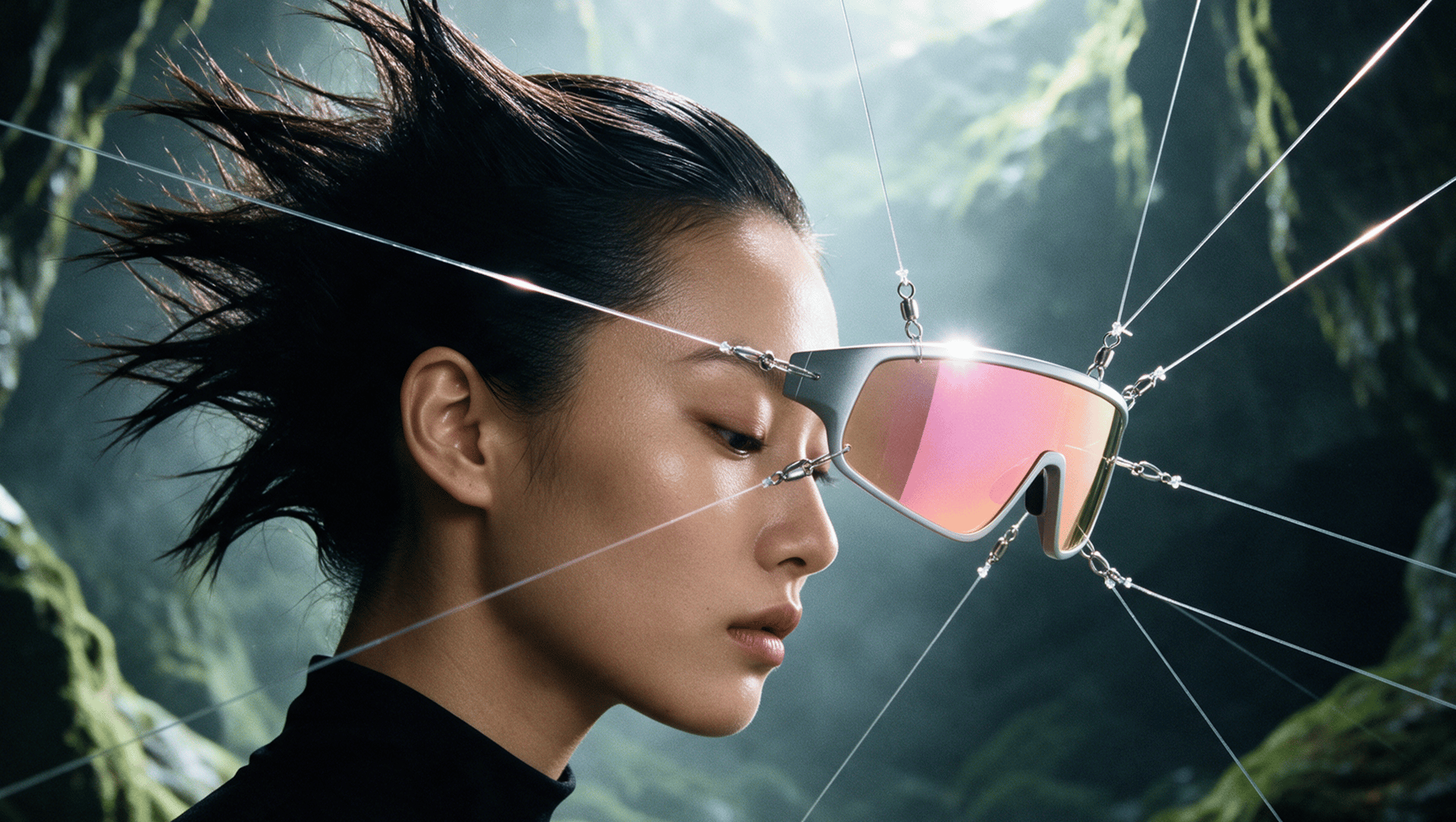
- Imagery style: lighting, texture and skin finish
- Tone of voice: how the brand speaks, plus a tagline