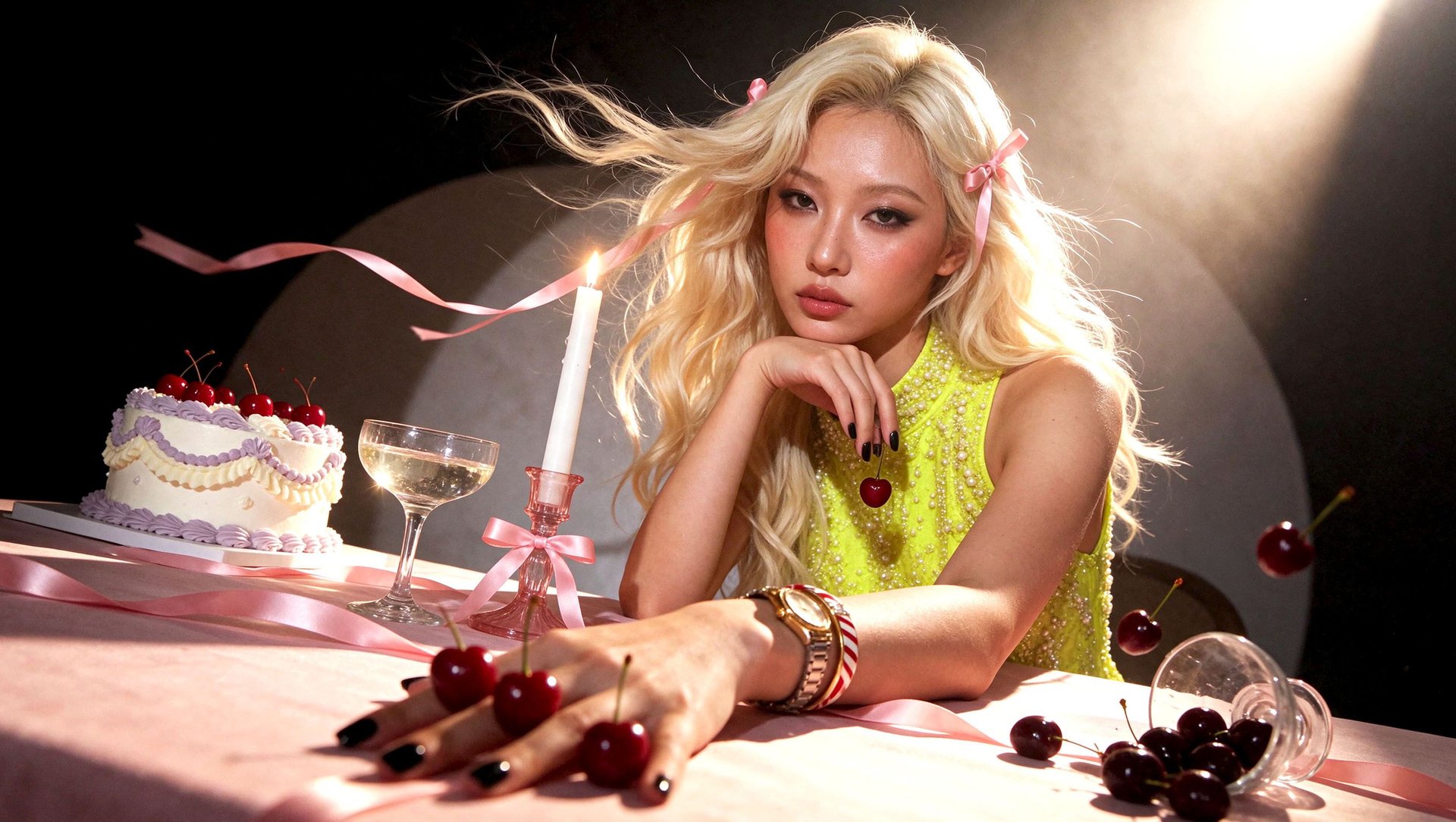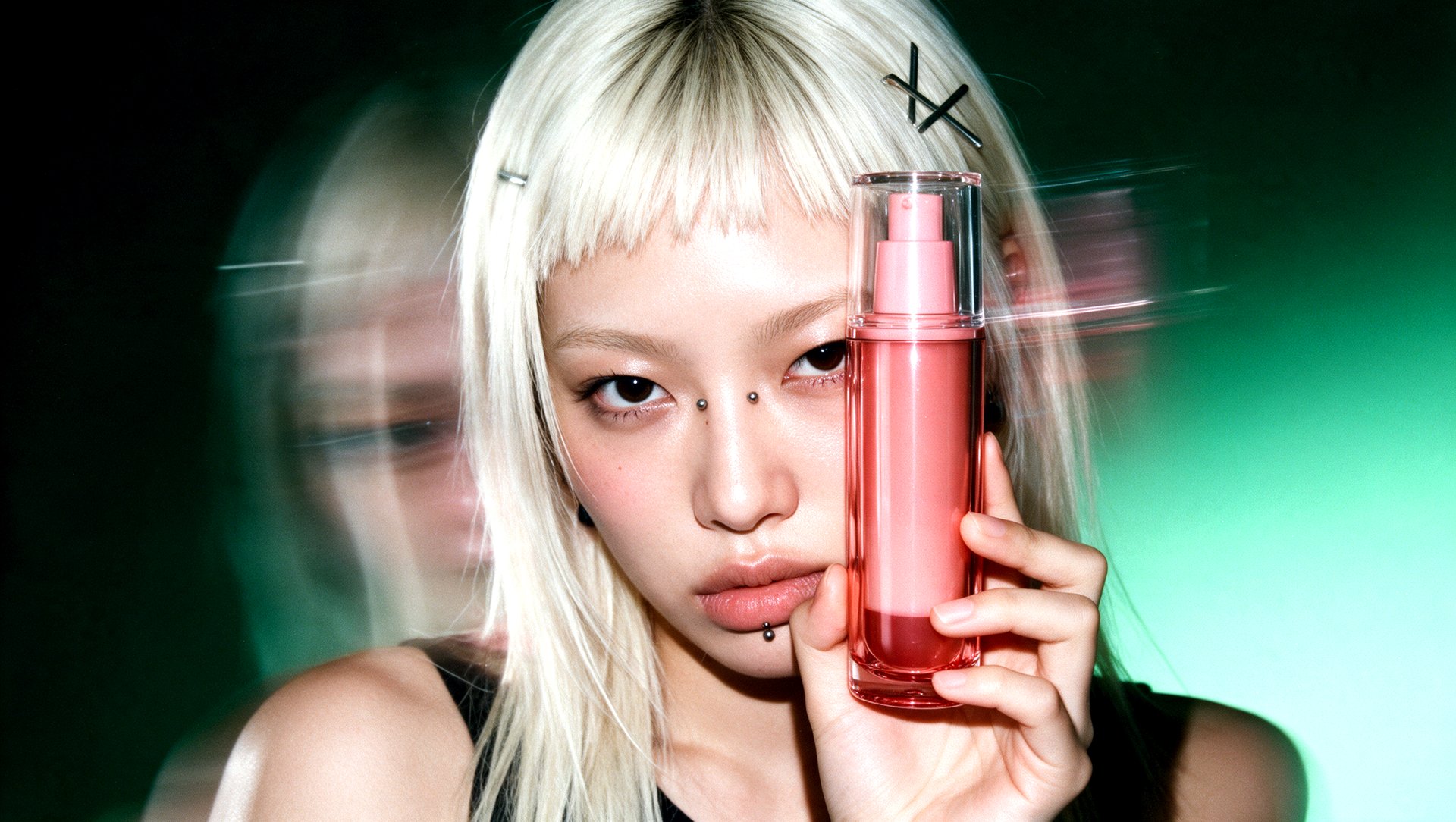
The 8 best AI tools for beauty ads each fit a different job: Photoroom for catalog images, Higgsfield for product videos and UGC-style ads, Canva for static ads with offers, Arcads, Creatify, and HeyGen for presenter-led video, and Google Pomelli and TikTok Symphony Creative Studio for a free start. Check how each tool uses your original product photo.
Key Takeaways
- Google’s Pomelli help center warns that AI can change fine product details such as colors, logos, and textures, and recommends reviewing every image before publishing.
- In Arcads, an actor holding your product starts as a new generated image, with your product photo uploaded as a reference, so the product in the final video is generated from that reference.
- Creatify lets you change text, captions, trims, media, and layout in an exported project for free; anything that reruns the AI uses credits.
- A platform’s entry price does not always cover the mode you need: Photoroom video starts at $34.99 a month and Higgsfield’s UGC builder at $49, above each platform’s cheapest paid plan.
What Are the Best AI Tools for Beauty Ads?
The best AI tool for a beauty ad depends on the format you need next. Here are five quick picks, each tied to one feature:
- Product videos: Higgsfield. Marketing Studio Motion and UGC templates take your product from a store link or uploaded photos.
- UGC-style ads with a presenter: Arcads. Talking actors present your product, and AI Unboxing turns one product image into unboxing footage.
- Static ads with an offer: Canva. The price, headline, and badge sit on separate layers from your product photo.
- Catalog photos: Photoroom. Background removal, retouching, and AI Product Fixer come with every paid plan at no credit cost.
- A free start: Google Pomelli or TikTok Symphony Creative Studio. Both are free to use.
Creatify fits ads built from a product link, and HeyGen fits presenter videos you plan to translate.
How Do These AI Tools Compare for Beauty Ads?
These tools differ in three ways: the job they fit, the formats they produce, and how they use your product image. The table puts those facts side by side.
Tool | Best For | Formats | How It Uses Your Product Image | Starting Monthly Price |
|---|---|---|---|---|
Photoroom | Catalog product photos | Static; video from the Max plan | Edits and stages your uploaded photo: background removal, AI backgrounds, retouching | $12.99 (video from $34.99) |
Higgsfield AI | Product videos and UGC-style ads | Video, static, UGC-style | Pulls the product from a store link or uploaded photos into a template | $15 (UGC builder from $49) |
Canva | Static ads with an offer | Static, video | Places your photo as a layer; Background Remover on Pro | $18 |
Arcads | UGC-style presenter ads | Video, UGC-style | Uses your photo as a reference to generate an actor holding the product | $110 |
Creatify | Ads built from a product link | Video, static, UGC-style | Uses uploaded product images and videos, or pulls them from a store link | $15 |
HeyGen | Presenter videos you plan to translate | Video, UGC-style | Generates combined images from your product photo and a chosen avatar | $29 (plan for Product Placement not documented) |
Google Pomelli | Branded campaign sets | Static, video | Turns product photos into studio and lifestyle images | Free |
TikTok Symphony Creative Studio | Video made for TikTok | Video, UGC-style | Generates clips of an avatar holding or showing your product from your upload | Free |
Prices checked on November 20, 2026. Prices and plan details may change. Starting Monthly Price is the regular price of the cheapest paid plan, billed monthly, without promotions.
Where Meta Advantage+ Creative Fits
Meta’s generative AI features adapt creative you upload to Ads Manager. Meta’s developer documentation lists background generation for product images in Advantage+ catalog ads on mobile feed, image expansion to fit more placements, and text generation. Meta says advertisers are responsible for previewing AI-generated creative before publishing.
How Did We Evaluate These AI Tools?
This comparison is based on official product documentation and pricing, checked on November 20, 2026. We did not run a hands-on product-fidelity test.
For each tool, we compared its documented product-image and ad-creation workflows using the same five questions:
- Which feature makes the ad.
- Whether the tool uses your original product photo or generates the product from a reference.
- What the result includes: a visual, a clip, or an ad with text, sound, and an offer.
- Which parts you can change separately: product, background, price, text, or presenter.
- Which plan includes that mode.
Where documentation does not answer a question, we say it is not documented. We did not score realism, label accuracy, or shade matching, and we did not compare ad performance.
Which Tools Can Turn Your Existing Beauty Product Photo Into a Finished Ad?
Most tools in this comparison can turn a product photo into a video ad, but they assemble it differently. The table shows what each tool documents as its output.
Tool | What Comes Out |
|---|---|
Higgsfield AI | Product shots, ad images, and marketplace images; UGC, Motion, and TikTok videos with audio |
Photoroom | Video ads with actors, music, and voiceover for Meta, TikTok, and YouTube (Max plan and up) |
Arcads | Talking-actor videos and unboxing footage |
Creatify | Video ads with AI actors and image ads |
HeyGen | A presenter video featuring the product and scripted speech, in 720p or 1080p |
TikTok Symphony Creative Studio | Short clips of an avatar holding or showing your product |
Canva | Designs with your layers, plus Canva Grow image ads; video avatar ads use Ultra AI |
Google Pomelli | Campaign images, product photoshoots, and animations |
Video length differs too. Higgsfield Marketing Studio videos run up to 15 seconds in Motion styles such as Hypermotion and 15 to 30 seconds in UGC styles such as Review. Creatify videos run up to 2 minutes on Standard and up to 10 minutes on Pro.
What Can You Edit Without Regenerating the Product Image?
The reviewed documentation describes layout edits in Canva, Creatify, Symphony, Pomelli, and Higgsfield’s image workflows, such as text, price, or crop, that do not create a new product image. Changes in the New Generation column create new AI output. When product imagery is regenerated, compare it with your original packshot.
We reviewed what each tool documents about label text, packaging, and product color. Uploading a reference photo does not by itself guarantee that these stay the same.
Tool | Reviewed Workflow | Layout Edits | AI-Assisted Processing | New Generation | Confirmed About the Product Image |
|---|---|---|---|---|---|
Photoroom | Photo editing and AI Backgrounds | Not established | Background removal, AI Shadows presets, retouching, and AI Product Fixer | AI Backgrounds and Edit with AI | Not documented |
Higgsfield AI | Marketing Studio images and videos | Image results: text and crop, after generation | Image results: background and lighting, after generation | Any change to a video result | Not documented |
Canva | Design editor | Headline, price, badges, and layout on separate layers | Background Remover and Magic Layers | Canva Grow image ads and video avatar ads | Not documented |
Arcads | Actor image, then talking actor | Not established | Not established | A new actor image, Replace Actor, and each new clip | The product is generated from your photo as a reference |
Creatify | Product-link and uploaded-asset ads | Text, captions, trims, media swaps, and layout, free and unlimited | Not established | Regenerating the video, avatar, voice, or script | Not documented |
HeyGen | Product Placement | Not established | Not established | The combined images and the video | Not documented |
TikTok Symphony Creative Studio | Product avatar | Text, effects, captions, and music | Not established | The avatar-and-product clip | Not documented |
Google Pomelli | Campaigns and Photoshoots | Header, description, call-to-action, and typography in the Campaign editor | Not established | Images generated from your product photos | Google warns that colors, logos, and textures can change |
In the final column, “Not documented” means the reviewed documentation does not establish that label text, packaging, or shade stay unchanged. In the other columns, “Not established” means the documentation does not describe that kind of edit.
Tools are ordered by the use cases covered in this comparison, not by output quality.
When Should a Beauty Brand Choose Photoroom for Catalog Photos?
Choose Photoroom when you need clean catalog and listing images from photos you already have. Its core tools, Background Remover, Retouch, AI Product Fixer, AI Shadows presets, AI Fill, and AI Expand, come with every paid plan at no credit cost.
Take a serum bottle shot on a kitchen counter. Photoroom removes the counter, adds a shadow, and places the bottle on white for your store, or stages it in a new setting with AI Backgrounds, which use credits.
Video Ad Maker turns product photos into video ads with actors, music, and voiceover; it needs the Max plan ($34.99 a month) or higher. For many SKUs, Batch applies the same edits to thousands of images at once.
When Should a Beauty Brand Choose Higgsfield for Product Videos and UGC-Style Ads?
Choose Higgsfield when one product needs several ad formats, from a product video to a creator-style clip. Higgsfield is a generative platform for creative production, with 35+ frontier models for generating images and turning them into video scenes.
Marketing Studio templates work from the same product input.
For a serum bottle, you add the store link or photos once, then use the product in a Motion template for a product videoand a UGC template with a presenter. Image results can be edited after generation in My generations; a video result is changed by generating it again.
Videos run up to 15 seconds in Motion styles such as Hypermotion and 15 to 30 seconds in UGC styles such as Review. UGC builder is included from $49 a month.
When Should a Beauty Brand Choose Canva for Static Ads With an Offer?
Choose Canva when the ad is mostly layout: the product photo, a price, an offer, and your brand fonts. Your photo sits on its own layer, so you change the headline or badge without touching the product.
Take a moisturizer jar with a “20% off” badge. You build one design and resize it for Feed and Stories; resize, translate, and Background Remover are part of Canva Pro.
Canva Grow creates image ads and video avatar ads from your business details and product photos; video avatar ads use Ultra AI. Canva Grow’s generative features draw on a shared monthly AI allowance that varies by plan, and Canva Free has limited Standard and Premium AI access.
When Should a Beauty Brand Choose Arcads for UGC-Style Presenter Ads?
Choose Arcads when the ad needs a person talking to camera about your product. Arcads builds that clip in two stages, an image and then a talking actor.
For a lip oil, you first generate an image of an actor holding it: you upload the product photo as a reference and describe the actor. That image then becomes a talking-actor video with a voice from the library or a cloned voice. Clone only a voice you have permission to use.
Because the product in that image is generated from your reference photo, every new clip needs a label and shade check. Arcads also offers AI Unboxing, which turns one product image into unboxing footage, and Replace Actor, which swaps the actor in an existing video for a new character image.
Starter costs $110 a month for 8,000 credits, and Arcads’ FAQ says rates and plan sizes can differ by account.
When Should a Beauty Brand Choose Creatify for Ads Built From a Product Link?
Choose Creatify when your product already has a store page. Creatify supports Amazon, Shopify, App Store, and Google Play links, and also takes uploaded images, videos, and text.
From a Shopify page for a vitamin C serum, Creatify pulls the product assets and builds video ads with AI actors, plus image ads. Standard includes 300 AI actors and 200+ ad templates.
Creatify’s edit rule matters for product accuracy: manual edits to an exported project, such as text, captions, trims, media swaps, and layout, are free and unlimited. Regenerating the video, avatar, voice, or script counts as a new generation and uses credits.
On Standard, 55 monthly credits make 11 fifteen-second Aurora avatar videos at 720p, one generation runs at a time, and unused credits roll over for one extra month.
When Should a Beauty Brand Choose HeyGen for Presenter Videos in Several Languages?
Choose HeyGen when one presenter video needs versions for several markets. HeyGen’s Product Placement tool combines a product image, an avatar, and a script.
For a hand cream, Product Placement first generates combined images of the avatar with the product. You pick one, add a script, and generate the video in 720p or 1080p.
HeyGen’s AI Video Translator translates videos into 175+ languages with lip sync, so the same hand cream video can run in other languages with the same presenter.
The reviewed documentation does not establish which plans include Product Placement or how many credits it uses, and access to lip-sync translation varies by plan.
When Should a Beauty Brand Choose Google Pomelli for a Free Branded Campaign?
Choose Pomelli when you want a free set of on-brand campaign ideas built from your website. Pomelli is a Google Labs experiment, free to use with several hundred image and video generations.
For a skincare brand, Pomelli reads the website, then creates campaigns and product photoshoots that turn simple product photos into studio and lifestyle images. You can download creatives for use on Instagram, TikTok, Facebook, YouTube, LinkedIn, and other platforms.
Google’s own help center warns that generated images may alter small product details such as color, logo, and texture, and advises checking each image before it goes live. You can also turn on a watermark that marks exported images as AI-generated.
Pomelli works only in supported countries and territories, and websites with captchas or other bot blocking may not work with it. Google says usage caps may change.
When Should a Beauty Brand Choose TikTok Symphony Creative Studio for TikTok Video?
Choose Symphony Creative Studio when the ad is going to TikTok. Symphony Creative Studio is free with a TikTok for Business account, after you accept the Creative GenAI Terms.
Product avatar takes an image of your product and returns video clips of an avatar holding, showing, or modeling it. For a lipstick, that clip can open a TikTok ad.
Symphony also generates videos from text, images, or reference files. Video generation draws on a weekly allocation of Symphony credits that depends on your linked ad account’s spend, while avatar videos do not need credits.
Exported Symphony videos are labeled “AI-generated,” and content goes through moderation before it can be published. Product avatar does not support clothing accessories such as shoes, hats, or sunglasses.
Which Tool Is Right for Your Beauty Brand?
The right tool follows from what you already have, your budget, and the format you need next. Match your situation to a row:
Your Situation | Choose | Why It Fits | What to Confirm |
|---|---|---|---|
One product, and you need a product video and a creator-style clip | Higgsfield AI | One product input goes into Motion, UGC, and TikTok templates | The label and shade in each generated clip |
A store page and a need for many video versions | Creatify | Builds ads from a product link; manual edits are free | Which changes rerun the AI and use credits |
A performance team testing presenters and hooks | Arcads | Talking actors, AI Unboxing, and Replace Actor | Credit costs on your account |
Sales in several countries | HeyGen | Product Placement plus video translation with lip sync | Which plan includes Product Placement |
A static ad with a price or offer and no designer | Canva | Your photo stays on its own layer under the offer | How much of the monthly AI allowance your plan has |
Many SKUs that need matching catalog images | Photoroom | Core photo tools at no credit cost on every paid plan | Video ads need the Max plan or higher |
No budget yet | Google Pomelli or TikTok Symphony Creative Studio | Both are free to use | Pomelli’s supported countries; Symphony’s automatic AI label |
Choose by the format you need and the material you already have. Whatever you pick, compare every AI-generated version with your original packshot for label, packaging, and shade before it goes live.