Now Available

Reframe
anything

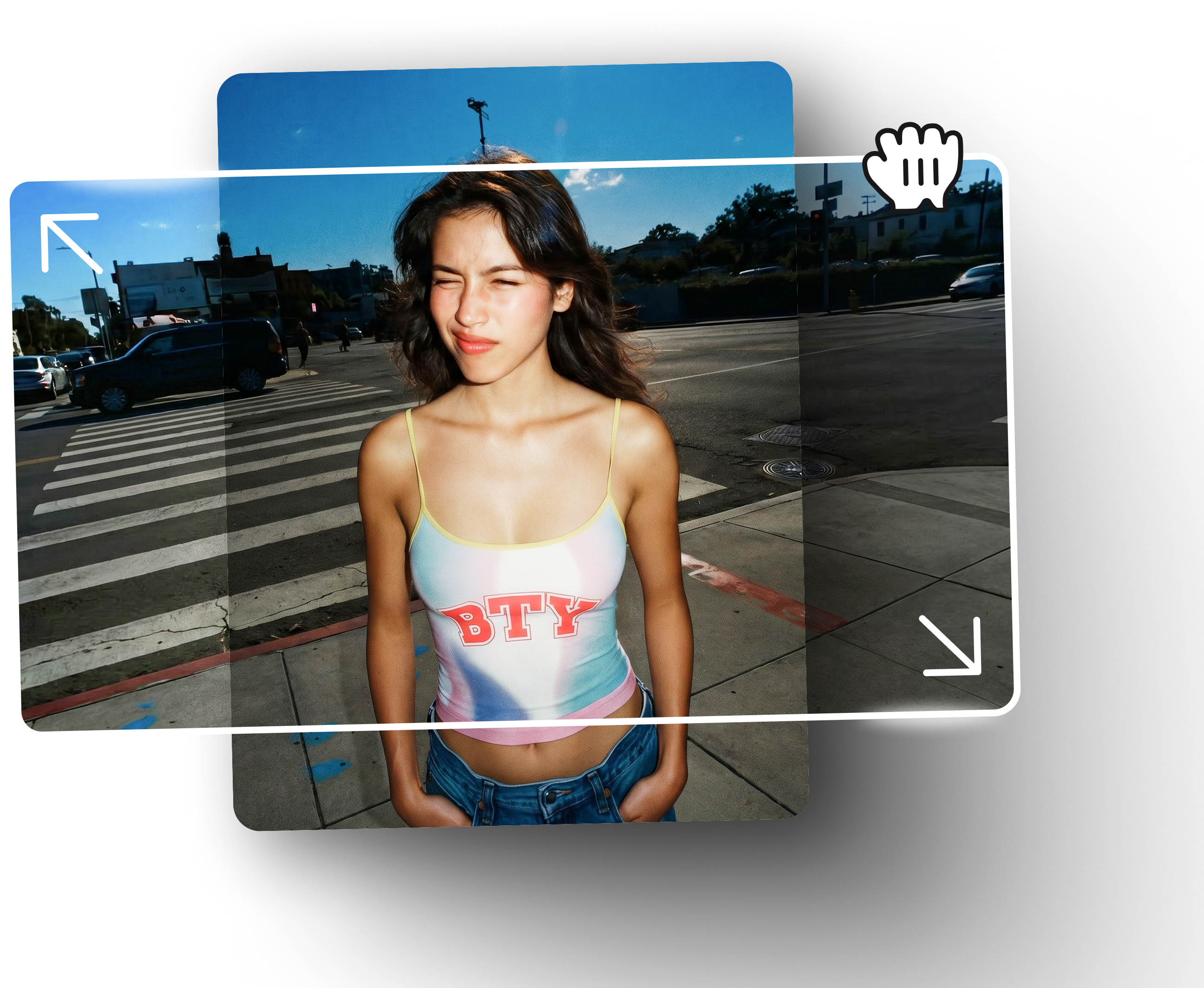
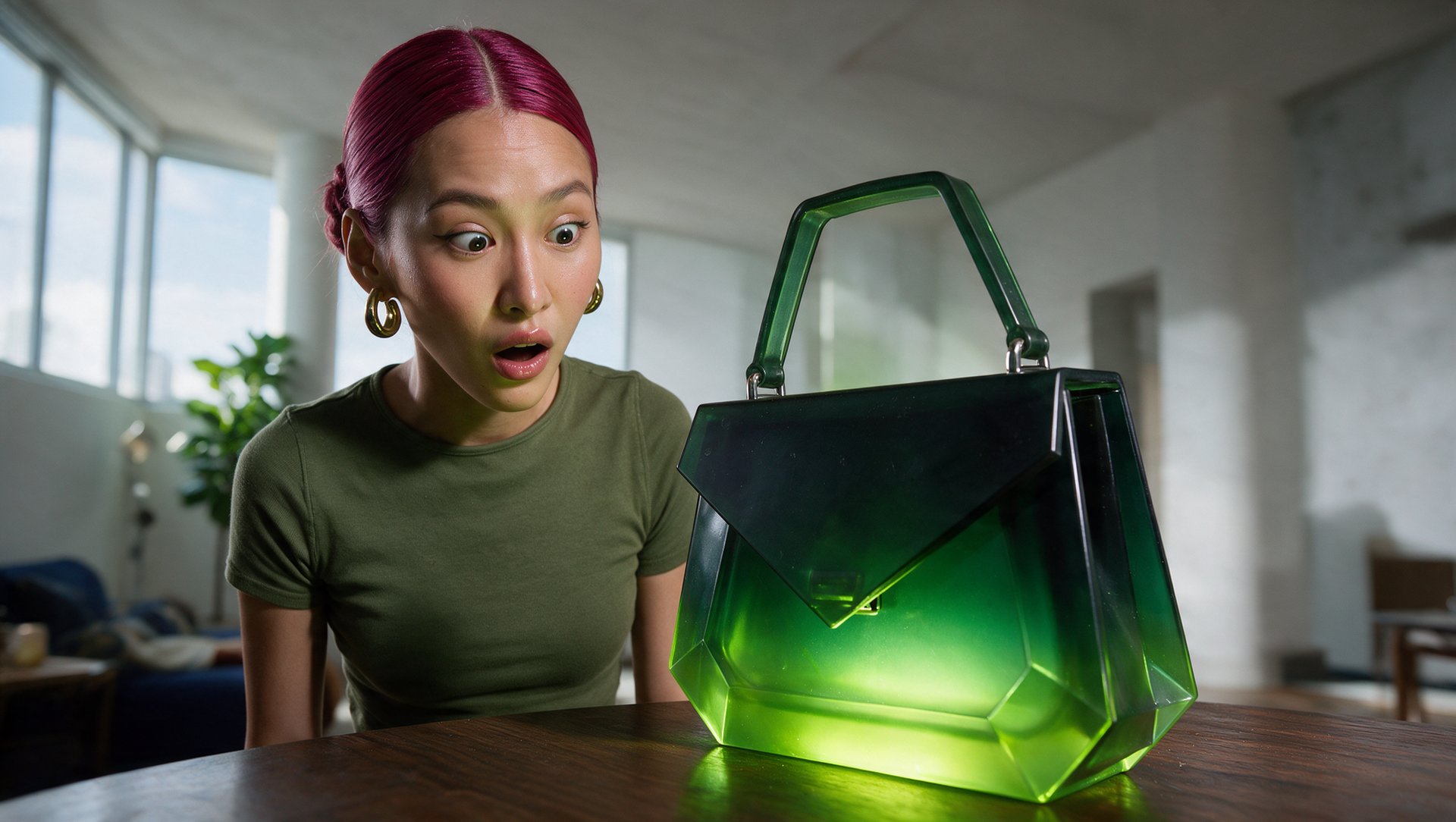
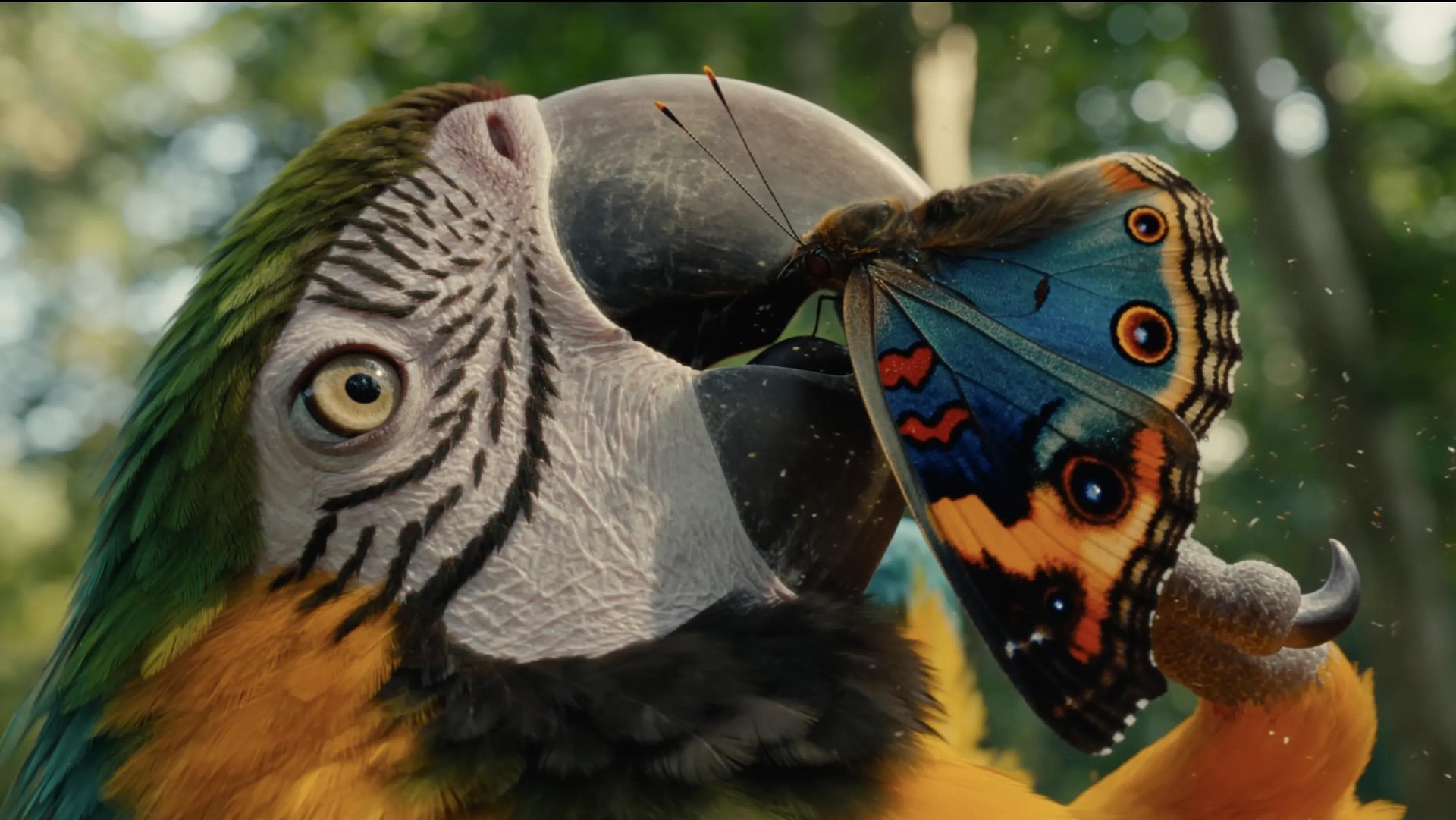
Adapt any video to any aspect ratio without cutting people off. AI regenerates the missing area instead of cropping — your subjects stay in frame

AI video reframer expands a vertical crop into a wider frame

No one gets cropped out

Most reframing tools just crop — and that means losing whoever's on the sides. Reframe regenerates the missing area so multi-person scenes stay intact, even when going from 16:9 all the way to 9:16

  1. 1

    Multi-person scenes

    Keeps everyone in frame, even when going from widescreen to vertical

  2. 2

    Up to 4 reference images

    Upload references so regenerated areas match your look and style

  3. 3

    AI-generated extension

    Regenerates background instead of stretching, blurring, or cropping
Loading the media file...

Three steps

Upload your clip preview

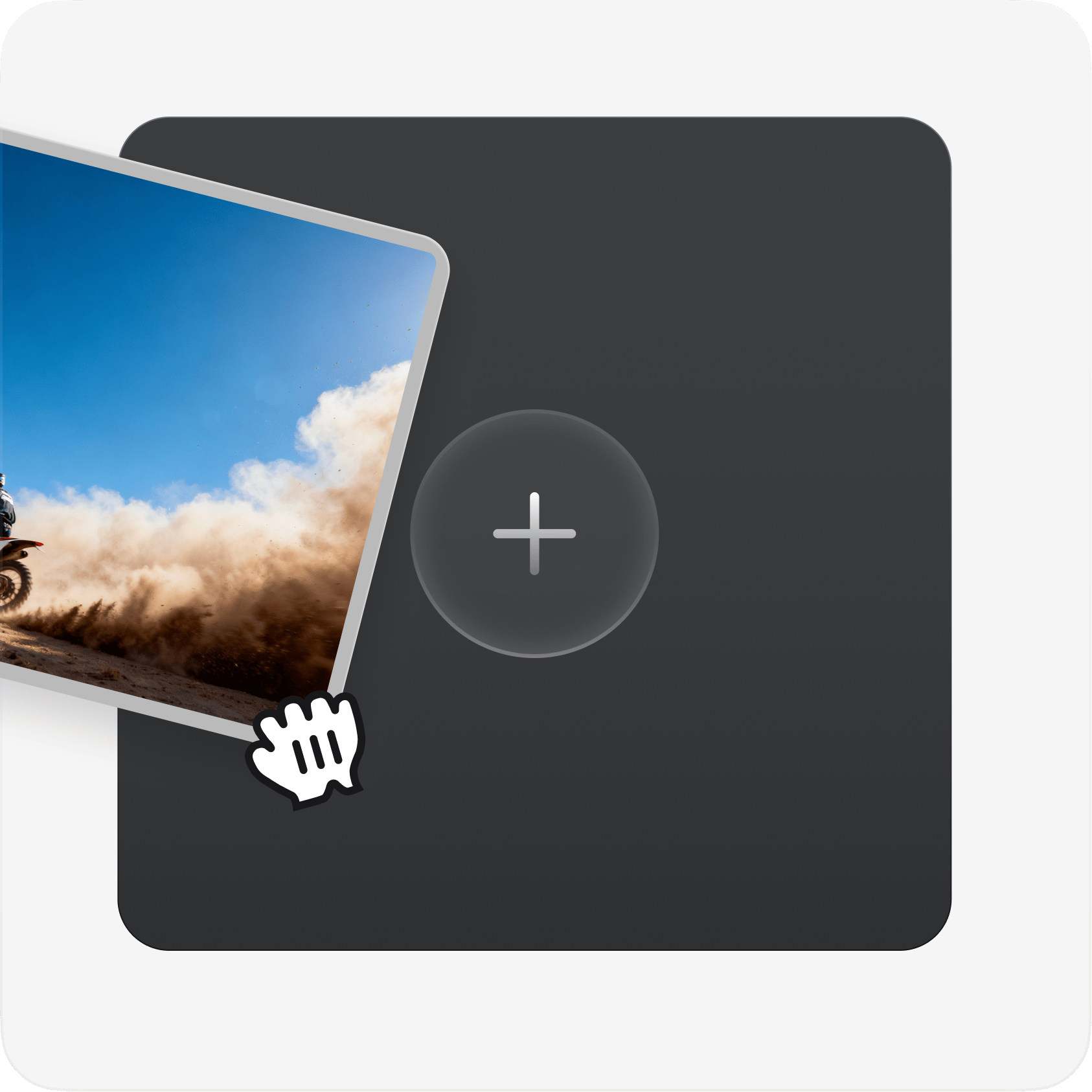
Upload your clip

Drop in any video file. Reframe works with any resolution and length. Optionally upload up to 4 reference images for style consistency
Pick an aspect ratio preview

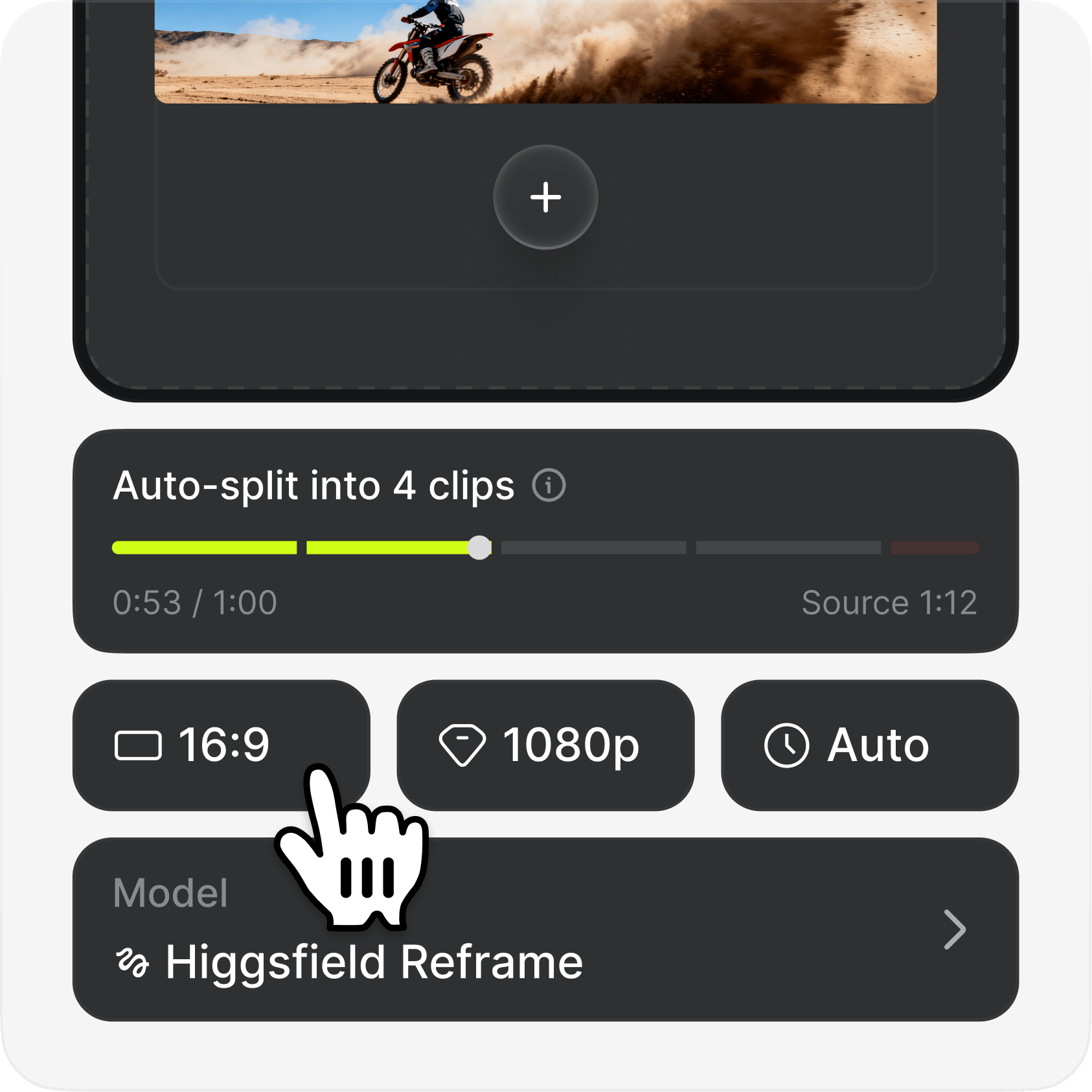
Pick an aspect ratio

Choose from 9:16, 16:9, 4:3, 3:4, 21:9, or 1:1. Reframe analyzes your scene and locks onto the subjects automatically

Generate & export preview

Generate & export

AI regenerates the missing areas to fit the new ratio. Download your reframed video — ready to publish anywhere

Built for every format

From commercials to vlogs to anime — Reframe adapts your content to wherever it needs to live

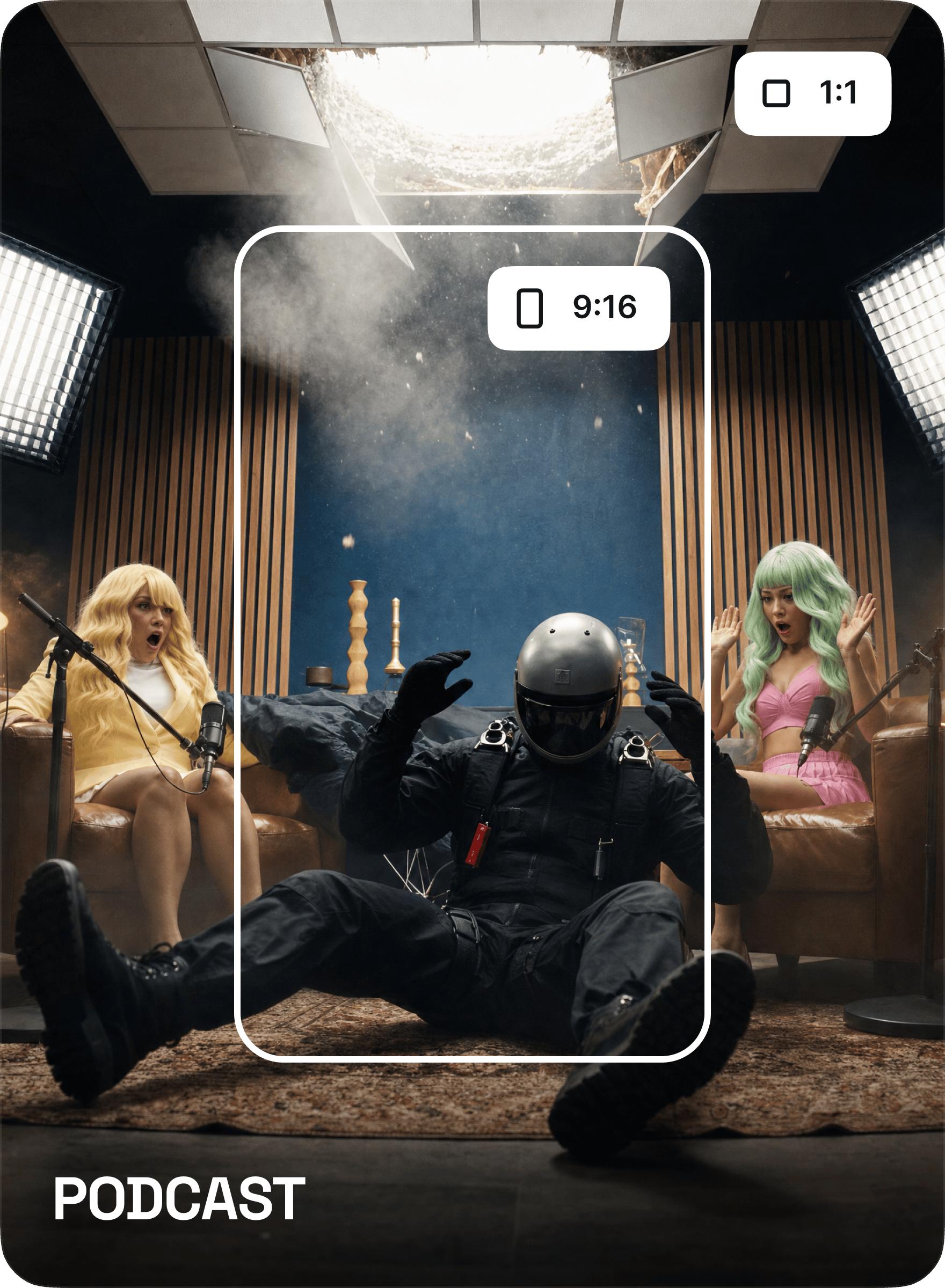
Podcast video reframed into 9:16 and 1:1 layouts
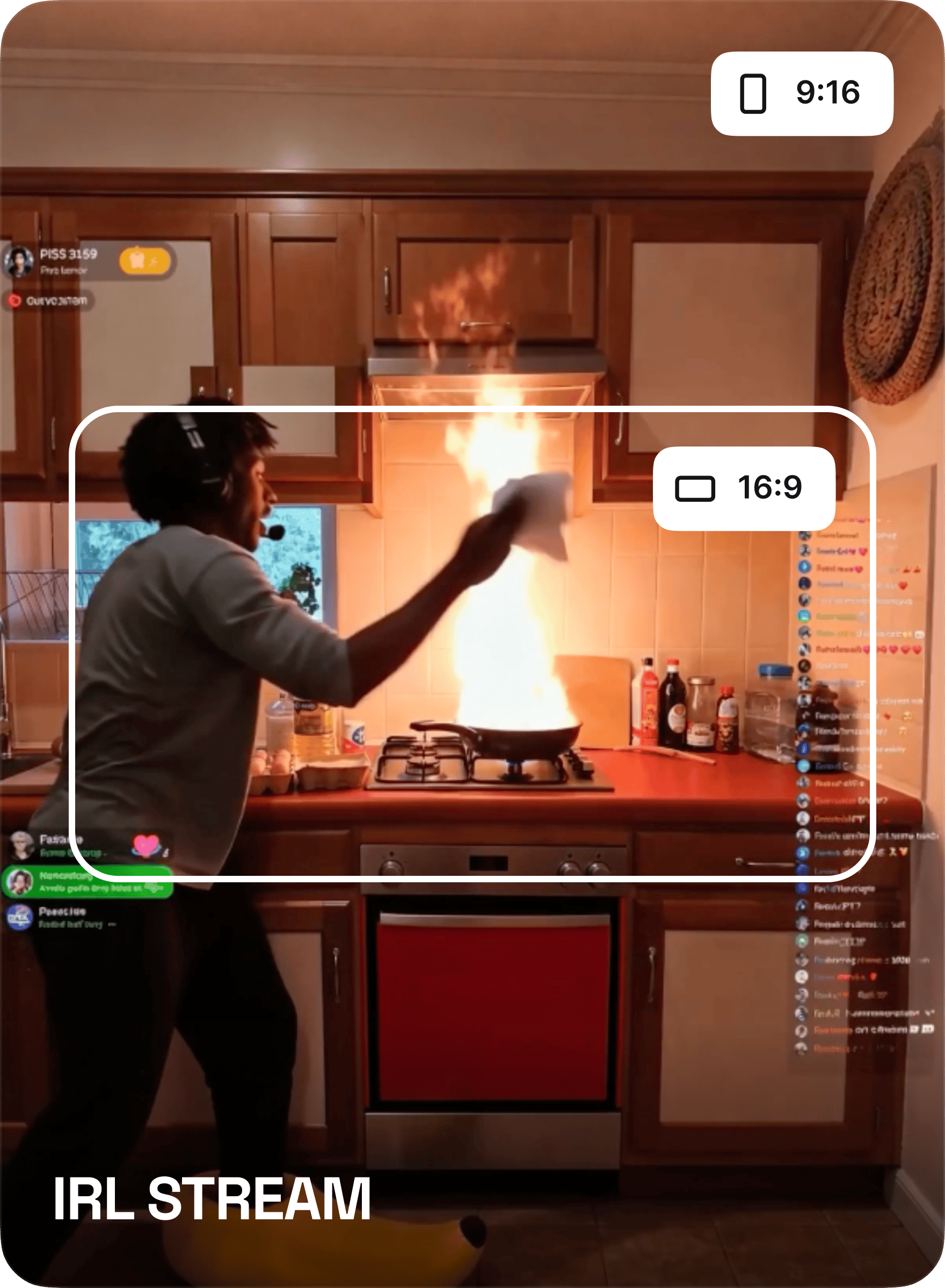
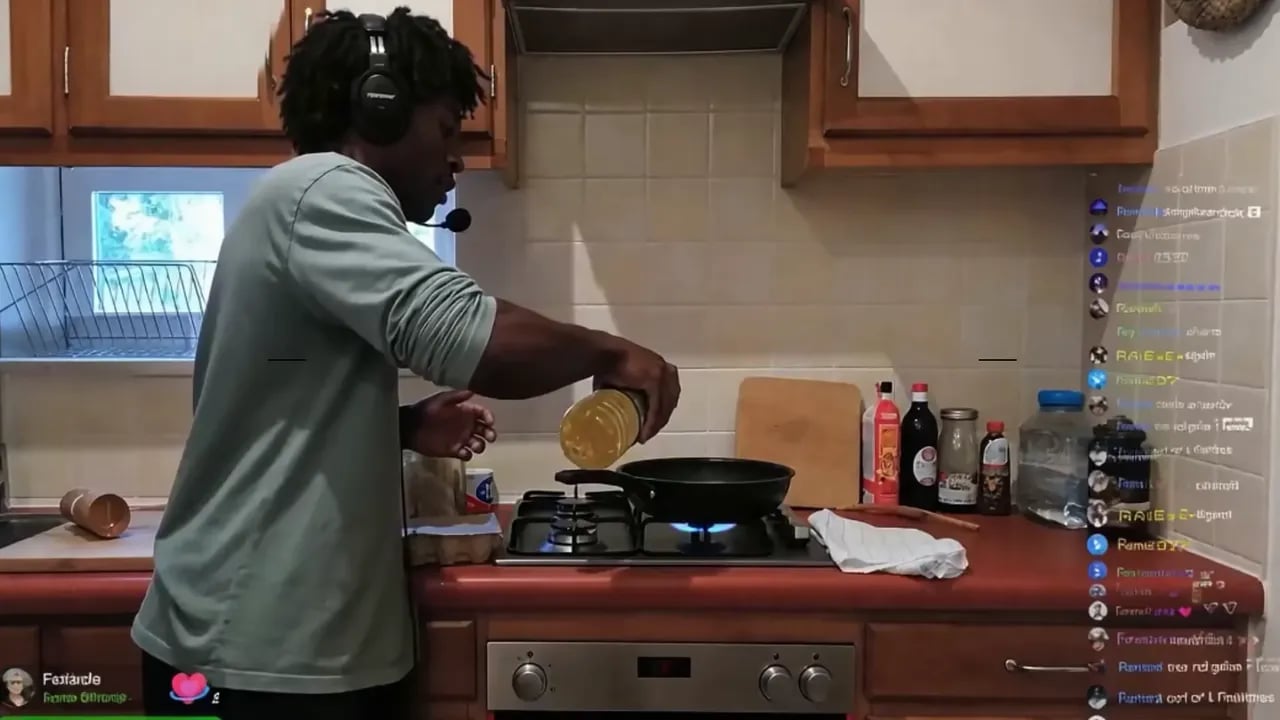
IRL stream reframed into 16:9 and 9:16 layouts
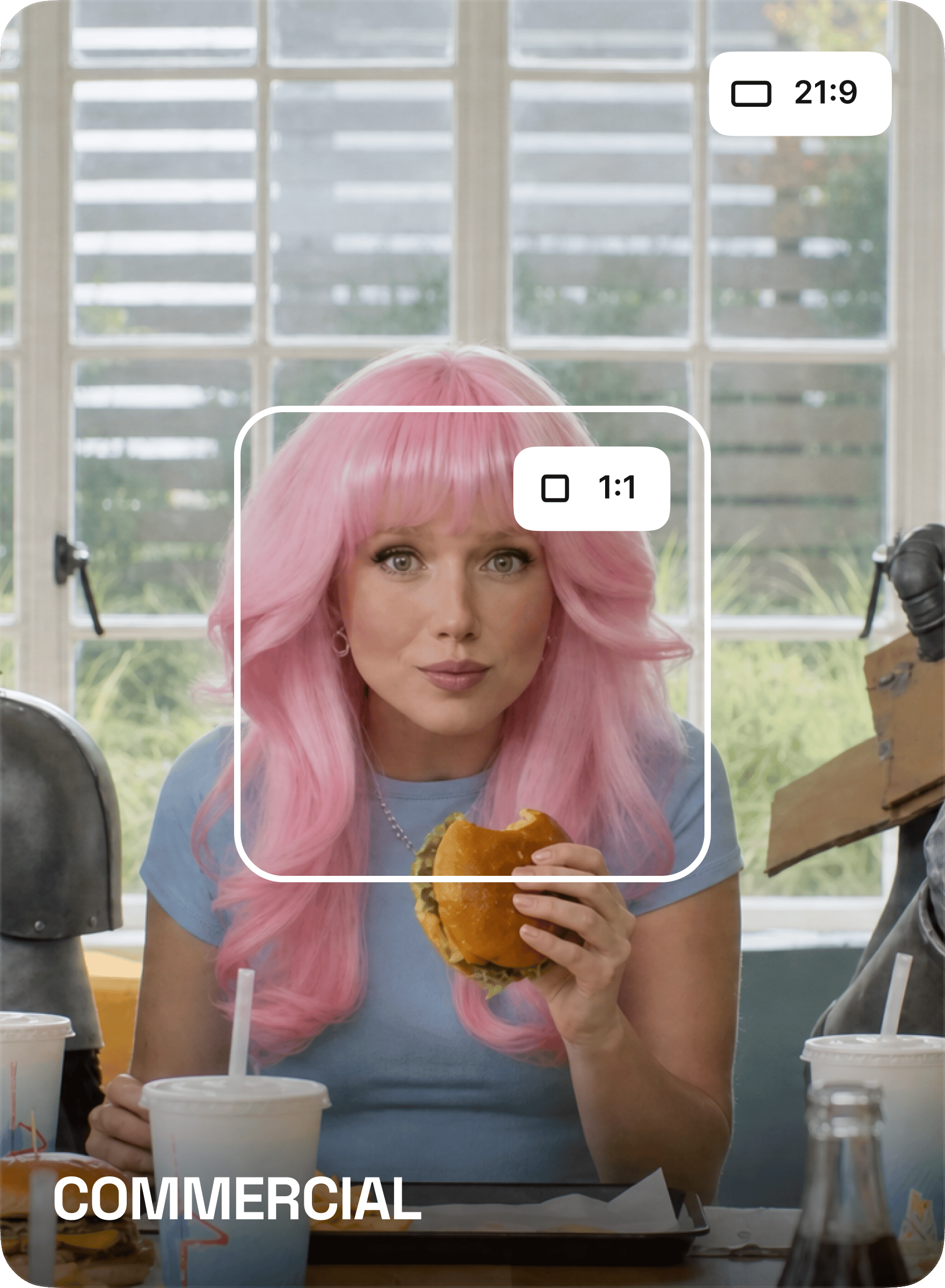
Commercial video reframed into 21:9 and 1:1 layouts
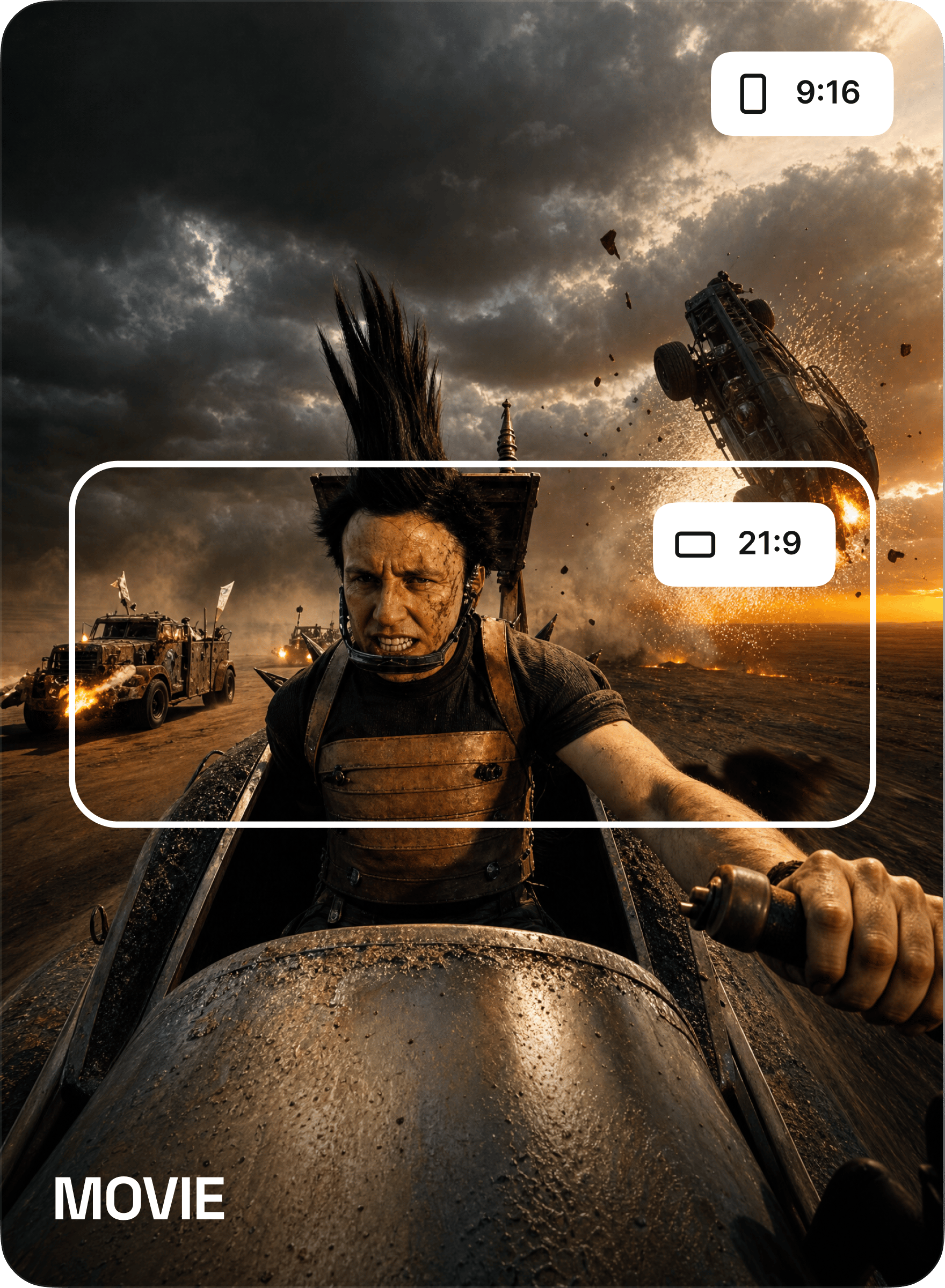
Movie clip reframed into 21:9 and 9:16 layouts
JOIN THE REVOLUTION

Start reframing today

Infinite characters. Infinite content. The smartest, fastest way to grow on social media starts here. No technical skills required

Get started

Community over 25 MILLION USERS

Join a global creative network where people generate AI images, share ideas, and inspire each other every day.

It's gone from a side tool to something I rely on daily

I've been using Higgsfield for a few months now and it honestly changed how I approach projects. The speed is insane, and the quality is more than enough for professional work. It's gone from a side tool to something I rely on daily.

JM
Jessica Moore

Delivered a project two days early thanks to Higgsfield

I was blown away by how intuitive it is. We were tasked with creating a detailed sales narrative for a confusing menu — you just throw ideas at it. We delivered a client project two days early thanks to Higgsfield, and they were impressed by the visuals.

DH
Daniel Harris

It's become my go-to for quick creative work

The platform is really, really solid. Sometimes, I need to knock out more advanced concepts, but the trade-off is speed. For quick creative requests and even serious work, it's become my go-to.

OB
Olivia Bennett

Saved me a ton of time

I recently had to prepare a crucial pitch in a rush. Normally I'd stay up late, but with Higgsfield, I finished in just a couple of hours — and still had energy left for other work.

ST
Sophia Turner

Clients are shocked by the speed

One client even asked how long my team was. In reality, it was just me using Higgsfield — I delivered a project in three days instead of a week. It saved a creative department's worth of work for us.

EW
Ethan Wright

Just super and start working

I make tools where you have to spend hours training them. Now I see the opposite. I learned to just get straight to work. I sent my colleague 'ideas' for a new site, and we prototyped it so quickly.

LC
Liam Carter

Helped me grow professionally

I used to only take on small branding projects. With Higgsfield, I can take on big projects — and scale it. Now I'm confident accepting larger jobs because I know I can deliver on time.

AS
Amelia Scott

Both fast and high quality

I had a project with a ton of social media banners. You usually trade off either fast or slow to get quality. With Higgsfield, I got them done quickly and they still looked great.

NP
Noah Petersen

Can't imagine working without it

We integrated Higgsfield into our studio workflow, and now everything moves faster. Even the junior designers feel more confident — they don't waste days on simple tasks anymore.

CR
Chloe Ramirez
Reviewer avatar 1Reviewer avatar 2Reviewer avatar 3Reviewer avatar 4

Trusted by 5.000+ people worldwide

Got any questions left?

We’ve answered the most frequently asked questions
What is Reframe?
Reframe is an AI video reframer that adapts any video to a new aspect ratio without cropping people out. Instead of cutting off the edges, it regenerates the missing area around your subjects — so everyone stays fully in frame, in any format.
How is Reframe different from cropping or other reframing tools?
Most reframing tools just crop the edges, which means losing whoever's on the sides of the shot. Reframe regenerates the missing area with AI instead, so multi-person scenes stay intact even when you go from 16:9 all the way to 9:16 — no stretching, no blurring, no cut-off subjects.
Which aspect ratios does it support?
You can reframe to 9:16, 16:9, 4:3, 3:4, 21:9, or 1:1 — covering vertical, horizontal, square, and cinematic formats for every platform.
Can I turn a horizontal 16:9 video into a vertical 9:16 one without cutting people off?
Yes — that's exactly what Reframe is built for. It analyzes the scene, locks onto your subjects automatically, and regenerates the rest of the frame to fit the new ratio, so a wide shot becomes a clean vertical without losing anyone.
Does it work with multiple people in the frame?
Yes. Reframe keeps everyone in frame even on a hard widescreen-to-vertical conversion. Rather than following one person and cropping out the rest, it expands the canvas so the full scene fits the new format.
What are reference images for?
You can optionally upload up to 4 reference images so the regenerated areas match your look and style, keeping the extended background and surroundings consistent with your footage.
What kind of content is Reframe good for?
Anything that needs to live in more than one format — podcasts, IRL streams, commercials, movie and trailer edits, anime, and vlogs. If you shot it one way and need to publish it another, Reframe adapts it.
Will the regenerated parts look natural?
Reframe regenerates the background to match the new ratio instead of stretching, blurring, or letterboxing, so the result reads as a genuinely wider or taller shot rather than a distorted frame.
What videos can I upload?
You can upload any video up to 1 minute long, at any resolution. Just drop in your file and Reframe handles the rest.
How long does reframing take?
It depends on the length and resolution of your clip — regenerating the frame is much heavier than a simple crop, so higher-quality or longer videos can take a while. Your download is ready as soon as it finishes.
Is there a watermark on the output?
No. Your reframed videos export clean, with no watermark.
Do I need video editing experience?
No. It's three steps: upload your clip, pick an aspect ratio, and generate. The AI handles the reframing, and you download the result ready to publish anywhere.

Explore more ai features