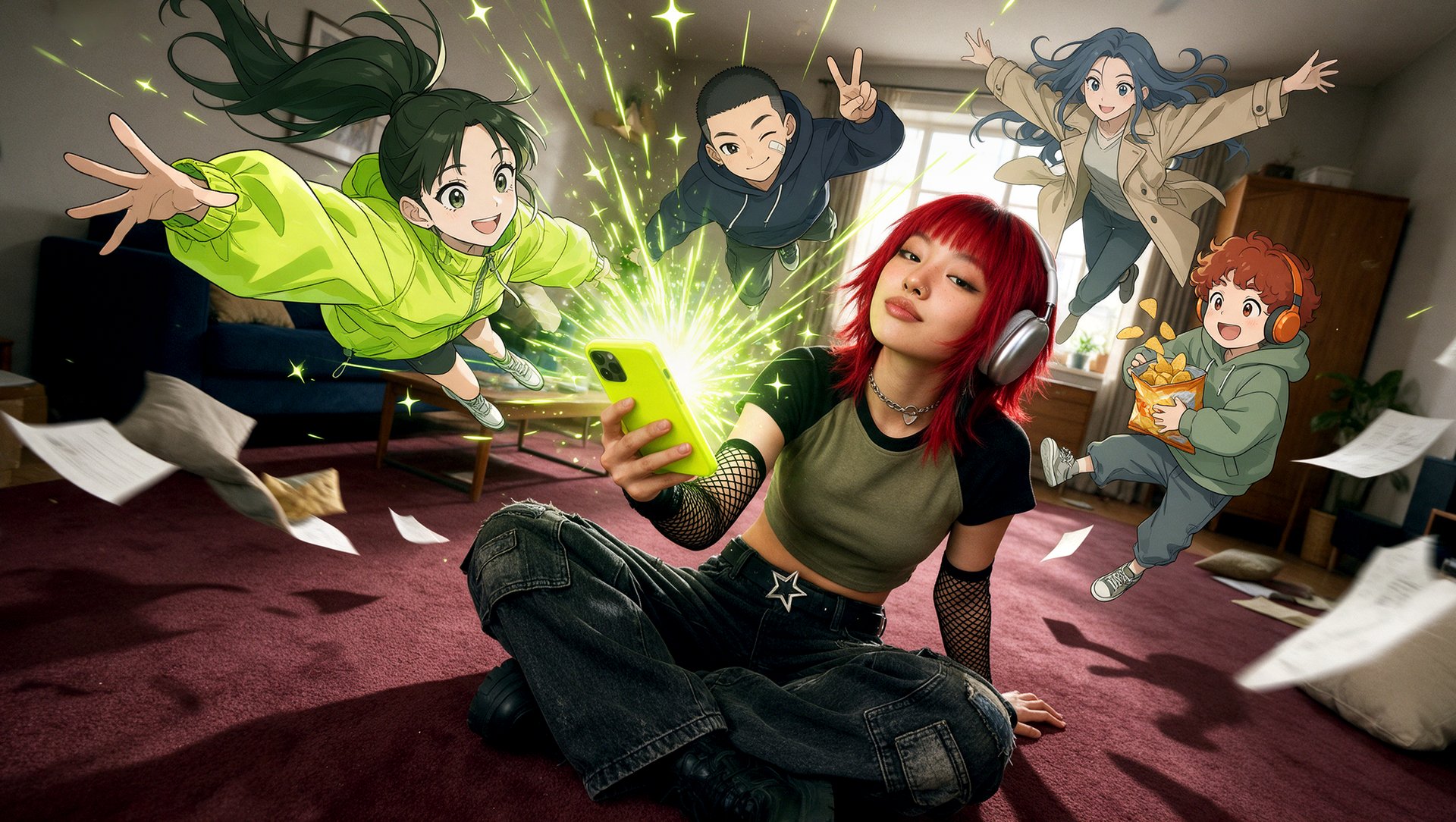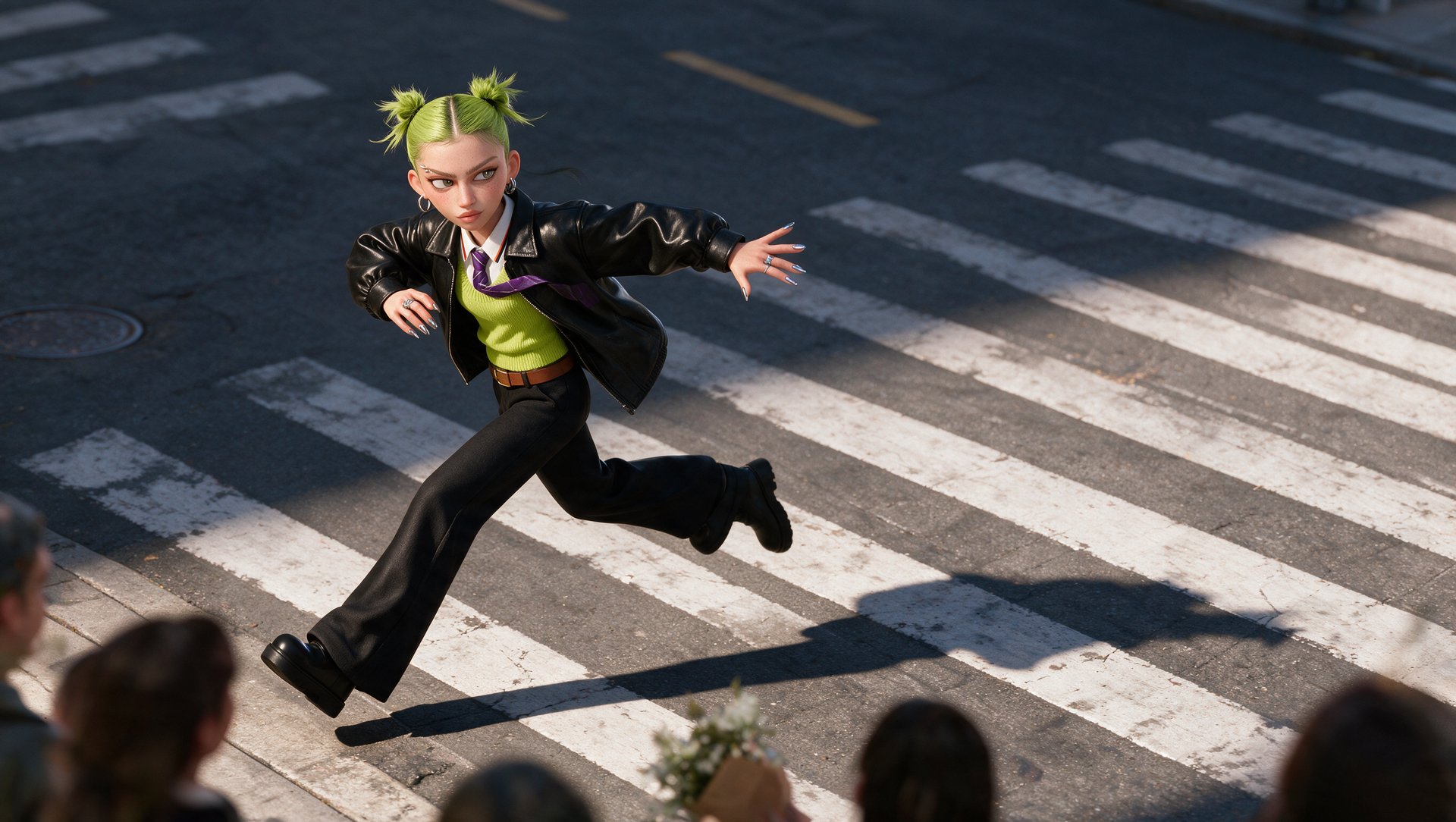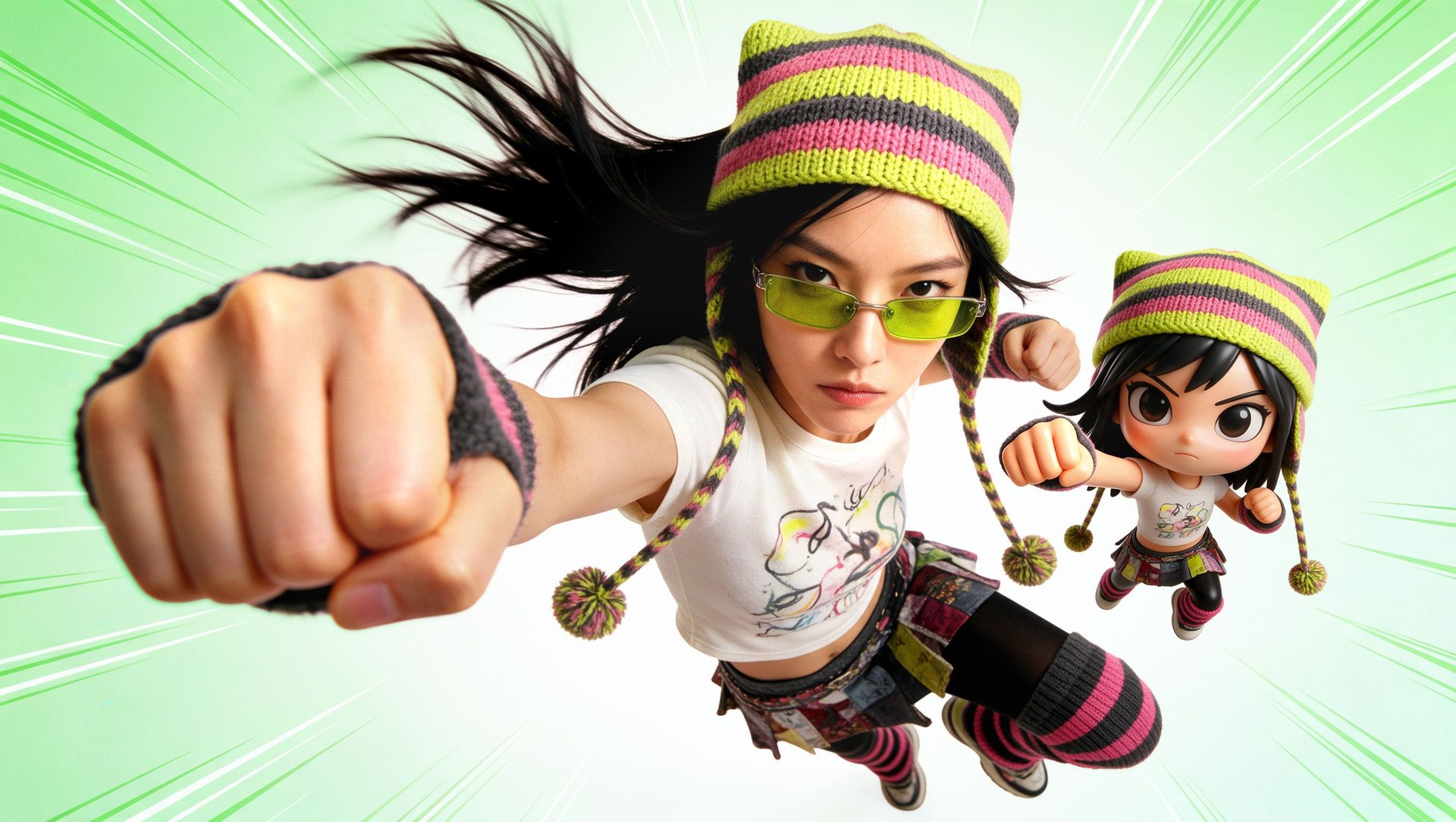
For stories with recurring characters, pick a platform with saved characters and scene tools: Higgsfield or OpenArt. For anime, pick Higgsfield or Dreamina. For keyframe animation of an illustration, try Pika. For single clips, use Kling AI, Runway, Google Flow, Hailuo AI or Dreamina. For editable explainers and puppets, use Vyond or Adobe Character Animator.
TL;DR:
Higgsfield and OpenArt combine saved characters, storyboards and multi-shot generation for multi-scene stories, and Pika adds keyframe control. Kling AI, Runway, Google Flow, Hailuo AI and Dreamina are built around their developers’ models, with clips of 4 to 30 seconds per generation in most modes. Paid plans for generative platforms start at $4.99 to $15 a month; Vyond and Adobe Pro cost about $100.
Prices in this article are regular monthly prices (month-to-month billing, no promotions), checked November 7, 2026. Prices and plan details may change.
What Is the Difference Between Generative and Editable AI Animation?
Generative platforms render animation as video: you describe or upload a character and get finished pixels. Editable tools build animation from characters, rigs and timelines you can change after the fact. A 3D-stylized clip from a video model looks 3D but is still a flat video, not a 3D scene you can open and re-pose.
Criteria | Generative animation | Editable animation |
|---|---|---|
What you get | A rendered video clip | A project with characters, scenes and a timeline |
How you change it | Regenerate, edit a region or restyle the clip | Move, re-time or replace any element |
Styles | Anime, cartoon, 3D-stylized, claymation and more, set by prompt or reference | The tool’s character library or your own artwork |
Examples here | Higgsfield AI, OpenArt, Pika, Kling AI, Runway, Google Flow, Hailuo AI, Dreamina | Vyond, Adobe Character Animator |
If you need an editable 3D scene, look for a 3D workspace with model export (GLB or FBX), not a video model with a 3D look.
How We Compared AI Animation Platforms
We compared official product pages, help centers and pricing pages November 7, 2026. We did not run a same-prompt test, so this article does not rank animation quality. It compares what each platform lets you control.
For each platform we checked:
- Styles: anime, cartoon and 3D-stylized animation, and how you set them.
- Your own images and characters: image-to-video, reference limits, saved characters.
- Motion control: keyframes, start and end frames, motion transfer from video, lip sync.
- Scenes: multi-shot generation, maximum clip length, storyboard or timeline tools.
- Price: the regular monthly price of a paid plan, with a link to the official page.
Platforms are grouped by how you work: multi-model platforms with character and scene tools first, then model developers’ own apps, then editable animation tools.
Higgsfield AI: Best for Anime and Animated Stories With Recurring Characters
Higgsfield is a generative platform for creative production, with 35+ frontier models for generating images and turning them into video scenes. For animation, it keeps character images, Elements and Cinema Studio 4.0 in one project, so characters carry from shot to shot.
Best for: anime and cartoon series, animated shorts and stories where the same characters appear in many scenes.
For characters, Soul 2.0 creates a character image you animate as a first frame or reference, and saved characters, locations and props become Elements you tag in a prompt. The AI animation generator covers 2D, 3D, anime, cartoon and claymation looks; the AI anime video generator adds shonen, shojo, chibi and retro styles. Motion Control transfers movement from a video onto stylized characters.
Beyond generation, Popcorn builds storyboards of up to 8 frames, and Cinema Studio 4.0 generates clips up to 30 seconds at up to 1080p with up to 50 reference images. For an editable 3D scene, 3D Jutsu has a timeline and exports GLB.
Each generation is a clip of up to 30 seconds, so a full film is assembled in a video editor.
Price: available from $15/mo for 200 credits; Seedance 2.5 from $49/mo for 1,000 credits.
OpenArt: Best for Multi-Shot Stories From One Prompt
OpenArt is a multi-model creative platform built around Director, which turns a written idea into a storyboard and then a multi-shot video. Its anime generator runs on Director and covers slice-of-life, shonen and retro looks.
Best for: creators who want a finished multi-shot story without editing on a timeline.
For characters, you can start from a description, a reference image or saved characters and worlds. Character Builder makes a reusable character from one reference photo, and the number of consistent characters depends on the plan: about 13 on Starter, 40 on Plus and 80 on Pro. Motion Sync transfers movement from a reference video onto your character, and Lip Sync animates a face to match an uploaded audio file.
Beyond generation, Director builds multi-shot videos up to five minutes, and you review the storyboard scene by scene. Models include Seedance 2.5, Kling 4.0, Veo 3.1 and Wan 2.7.
Each clip inside Director still follows the length limit of its model, and monthly credits reset without rollover. Commercial use rights are listed from the Plus plan ($34/mo). Director also has a Timeline view for precise edits.
Price: available from $14/mo for 4,000 credits.
Pika: Best for Keyframe Transitions and Stylized Short Scenes
Pika is a video platform with its own models, Pika 2.5, Pikaframes and Pika H3 Flex, plus third-party models such as Kling 4.0 and Seedance 2.5. It suits short animated moments where you set the start, middle and end of the motion.
Best for: animating an illustration through set poses, and short stylized scenes with dialogue.
For motion, Pikaframes turns two to five ordered images into a video, with one prompt guiding the motion between keyframes; each transition runs one to five seconds. Pika H3 Flex generates stylized multi-shot scenes with dialogue and native audio, using up to 9 images, 3 videos and 3 audio clips as references.
Beyond generation, Pika 2.5 makes 5-second clips from a prompt and 5 or 10 seconds from a photo, at 720p or 1080p. H3 Flex covers 5 to 15 seconds.
Pika 2.5 renders silent clips, and a five-keyframe sequence renders at 720p. All plans include all models, but Starter ($10/mo) has 600 credits, and a 5-second Seedance 2.5 clip at 720p costs 122.
Price: available from $10/mo for 600 credits.
Kling AI: Best for Character Motion and Multi-Shot Clips
Kling AI is Kuaishou’s own app for its Kling video models. Kling 4.0, launched on October 15, 2026, generates 3 to 30 second clips with multi-shot enabled by default, and Motion Control works on human, anime and 3D characters.
Best for: action and expressive character motion, and short multi-shot scenes from references.
For characters, Kling 4.0 accepts up to 10 images, 5 videos and 7 elements, up to 15 reference assets in total. Saved elements depend on the plan, from 50 on Standard to 150 on Pro. Keyframes mode takes up to 10 keyframes, and Motion Control copies movement from a reference video onto your character. For 2D anime looks, the Kling 4.0 user guide recommends naming the animation style and explicitly excluding photorealism in the prompt.
Beyond generation, Kling 4.0 supports first and last frames, lip sync and camera moves such as push-ins, pans and orbits. Credits for failed generations are returned.
Omni Reference and Keyframes cannot be combined in one generation, and Motion Control supports one primary subject. Kling 4.0 and Kling 3.0 are also available on Higgsfield, next to Seedance and Veo models in the same account.
Price: available from $10/mo for 660 credits.
Runway: Best for Animating a Character From a Performance
Runway is a video platform with its own Gen-4.5 model, which covers styles from photorealistic to stylized animation, plus third-party models such as Kling 4.0, Seedance 2.5 and Veo 3.1. Its strength for animation is performance transfer.
Best for: turning a recorded performance into a character animation, and editing finished clips.
For motion, the Add Performance app takes a 1 to 30 second driving performance and applies it to an image or video of any character; it requires the Standard plan or above. Add Dialogue lip-syncs a still image to audio. References keep characters and locations consistent across generations.
Beyond generation, Aleph 2.0 edits a whole clip to match a change you make to one frame, and Workflows chain several generations into longer sequences. A timeline in Runway Agent assembles multi-shot scenes.
Single generations are short clips. Gen-4.5 costs 60 credits per 5 seconds, so the 625 credits on Standard ($15/mo) cover about ten 5-second clips. Unused credits do not roll over on Standard or Pro, and Gen-4.5 is not available on the Free plan.
Price: available from $15/mo for 625 credits.
Google Flow: Best for Building Scenes From Short Veo Clips
Google Flow is Google’s filmmaking tool for Veo 3.1. Google’s Flow tips say it is not limited to realistic styles and mention stop motion and clay animation. Ingredients to Video keeps the same characters and objects from one clip to the next.
Best for: short stylized clips, and trying AI animation with daily free credits.
For characters, you reuse the same ingredient images across clips; Google says Veo 3.1 keeps characters looking the same as the setting changes. Frames to Video starts and ends a clip on images you choose, and Ingredients to Video supports native 9:16 for vertical animation.
Beyond generation, Scenebuilder arranges clips in a sequence, trims them and downloads the scene. Veo 3.1 Lite generates at 720p. Upscaling to 1080p needs a Google AI Plus, Pro or Ultra plan, and 4K needs Ultra.
Veo 3.1 clips run 4, 6 or 8 seconds. Omni Flash 1.2 clips run 3 to 10 seconds, or 3 to 15 seconds with a Google AI Plus, Pro or Ultra plan, so a scene takes several generations. Google retires Veo 3.1 Fast and Veo 3.1 Quality in Flow on December 5, 2026, and every video carries a SynthID watermark. Veo 3.1 is also available on Higgsfield, alongside Kling and Seedance models in one account.
Price: 50 free credits a day; Google AI Plus available from $4.99/mo for 200 credits.
Hailuo AI: Best for Mixing Image, Video and Audio References
Hailuo AI is MiniMax’s app for its Hailuo and H3 video models. H3 takes image, video and audio references in one generation and lists animation and stylized video among its outputs.
Best for: clips built from several kinds of references, such as a character image, a motion clip and a voice line.
For characters, H3 takes up to 12 references: 9 images, 3 videos and 3 audio clips, with audio used together with an image or video. It supports a first frame or first-and-last-frame workflow and can copy a performance or camera move from a reference video.
Beyond generation, H3 makes 4 to 15 second clips with native multi-shot, at up to 2K. MiniMax says Hailuo 2.3, which runs at 768p or 1080p, is optimized for anime and specialized art styles. Paid plans download without a watermark, and the Hailuo app also offers lip sync, music and audio generation tools.
Hailuo 2.3 has no first-and-last-frame mode, and Hailuo 2.3 Fast supports image-to-video only. On Standard ($14.99/mo), H3 at 768p costs 35 credits per 5 seconds. Hailuo models are also available on Higgsfield.
Price: available from $14.99/mo for 1,000 credits.
Dreamina: Best for Long Video Drafts
Dreamina is CapCut’s AI creation platform, powered by ByteDance’s Seedance models. Its animation generator covers 2D cartoons, anime, illustrated and 3D-style scenes, and Seedance 2.5 builds multi-shot stories inside one generation.
Best for: longer anime and cartoon sequences from one prompt and a set of references.
For characters, Seedance 2.0 uses up to 12 references (9 photos, 3 videos, 3 audio clips), and Dreamina lists up to 50 multimodal references for Seedance 2.5. A single-frame mode lets you set the first and last frames, and Seedance syncs lip movement to an audio reference.
Beyond generation, Seedance 2.5 makes continuous videos up to 30 seconds, and a Long Video mode in beta covers 5 to 180 seconds. Other models include Seedance 2.0, Veo 3.1 and Happy Horse 1.0.
The Basic plan ($15/mo) gives 1,575 credits. At 37 credits per second for Seedance 2.5 at 720p, that is about 42 seconds of video a month (calculated from Dreamina’s published rate). The 180-second mode is still in beta. Seedance 2.5 is also available on Higgsfield, including inside Cinema Studio 4.0.
Price: available from $15/mo for 1,575 credits.
Vyond: Best for Editable 2D Explainer Videos
Vyond is an animation studio for business video, with Business Friendly, Whiteboard, Contemporary and Storybook styles. Vyond Go turns a text prompt into a script and an animated draft you then edit in the studio.
Best for: training, onboarding and product explainers that you update over time.
For characters, the Character Creator builds custom characters, and you can create a Vyond character from a photo. Characters lip-sync automatically to dialogue. Vyond Go offers Conversation, Talking Head and Narration layouts and produces videos of around two minutes, depending on the prompt.
Beyond generation, every scene, character and prop stays editable on a timeline, so you can change a line of dialogue or swap a character without starting over. Exports include MP4 in 1080p, GIF and WebM, plus SCORM files for learning platforms on the Enterprise and Agency plans, which are billed annually only. AI avatars are included from the Starter plan.
Vyond’s four styles are built for business video, and none of them is anime. There is no free plan: the trial adds a watermark, allows up to 3 videos and does not include downloads.
Price: available from $99/mo.
Adobe Character Animator: Best for Editable 2D Puppets
Adobe Character Animator animates 2D puppets in real time from your webcam and microphone, with automatic lip sync and face and body tracking. You start from built-in puppet templates or your own artwork from Illustrator or Photoshop.
Best for: recurring 2D characters, such as a channel mascot or a streamed show host, driven by your own performance.
For characters, layered Illustrator or Photoshop artwork becomes a puppet, so the drawing style stays exactly yours. Motion comes from your face, voice and body, not from a prompt: you perform, and the puppet follows your head, expressions and mouth shapes as you record.
Beyond animation, you export H.264 video, a PNG sequence with WAV audio, or send the scene to After Effects and Premiere Pro through Dynamic Link.
There is no prompt-to-video: you need a puppet and a performance. Starter mode is free with an Adobe account but has fewer features. Pro mode comes with Creative Cloud Pro, $104.99/mo month-to-month, and a Pro project cannot be turned back into a Starter project.
Price: Starter mode free; Pro with Creative Cloud Pro at $104.99/mo.
How to Test an AI Animation Platform Before You Pay
Before you pay for a plan, run your own character through two or three short scenes on the platform. Check three things: how the character moves, whether the face, outfit and line style stay the same, and whether the character still looks right after a cut to a new scene.
What to check | How to test it | Warning sign |
|---|---|---|
Character motion | A walk, a turn and a hand gesture in one clip | Limbs bend wrongly, feet slide, hands merge |
Identity | The same character in close-up and wide shot | Face shape, hair or outfit details change |
Line and style | An anime or cartoon reference image as the first frame | Lines turn soft or the image drifts toward realism |
Multi-scene consistency | Two or three scenes with the same character in different locations | Proportions or colors shift between scenes |
Lip sync | A short line of dialogue | Mouth shapes do not match the audio |
Where a platform claims multi-scene work (Higgsfield Cinema Studio, OpenArt Director, Kling 4.0 multi-shot, Hailuo H3, Seedance 2.5 in Dreamina), test it on several scenes, not one. On a multi-model platform such as Higgsfield, you can run the same character through Kling, Seedance and Veo models in one account before choosing one. For a full process, see our guides on making an anime series with AI and making an animated short film with AI.
Which AI Animation Platform Should You Choose?
Choose by task: Higgsfield, Pika, Kling AI or Runway to bring an illustration to life; Higgsfield or Dreamina for anime; Higgsfield or OpenArt for stories with recurring characters; Vyond for explainer videos you will keep editing.
If you want to | Choose | Why |
|---|---|---|
Bring an illustration to life | Higgsfield AI, Pika, Kling AI or Runway | Motion Control on Higgsfield and Kling and performance transfer on Runway move your image from a video; Pikaframes interpolates 2 to 5 keyframes |
Compare several models on one character | Higgsfield AI | Kling, Seedance, Veo and Hailuo models in one account, using the same character image as a reference |
Make anime | Higgsfield AI or Dreamina | Anime styles and Cinema Studio on Higgsfield; Long Video mode in Dreamina for longer drafts |
Build a clip from image, video and audio references | Hailuo AI | H3 takes up to 9 images, 3 videos and 3 audio clips |
Tell a story with recurring characters | Higgsfield AI or OpenArt | Saved Elements and characters, storyboards and multi-shot scenes in one project |
Make explainer videos | Vyond | Editable characters, lip sync and timeline; SCORM export on Enterprise and Agency |
Drive a 2D character with your own performance | Adobe Character Animator | Webcam and microphone animation of your own artwork |
Try AI animation for free | Google Flow | 50 free credits a day for Veo 3.1 |
Get an editable 3D scene, not a 3D-looking clip | Higgsfield 3D Jutsu | Timeline and GLB export |
AI animation in 2026 splits into two kinds of tools. Generative platforms render anime, cartoon and 3D-stylized video from prompts and references; editable tools give you characters and timelines you can change later. We did not test output quality, so use the checklist above on your own character before choosing.