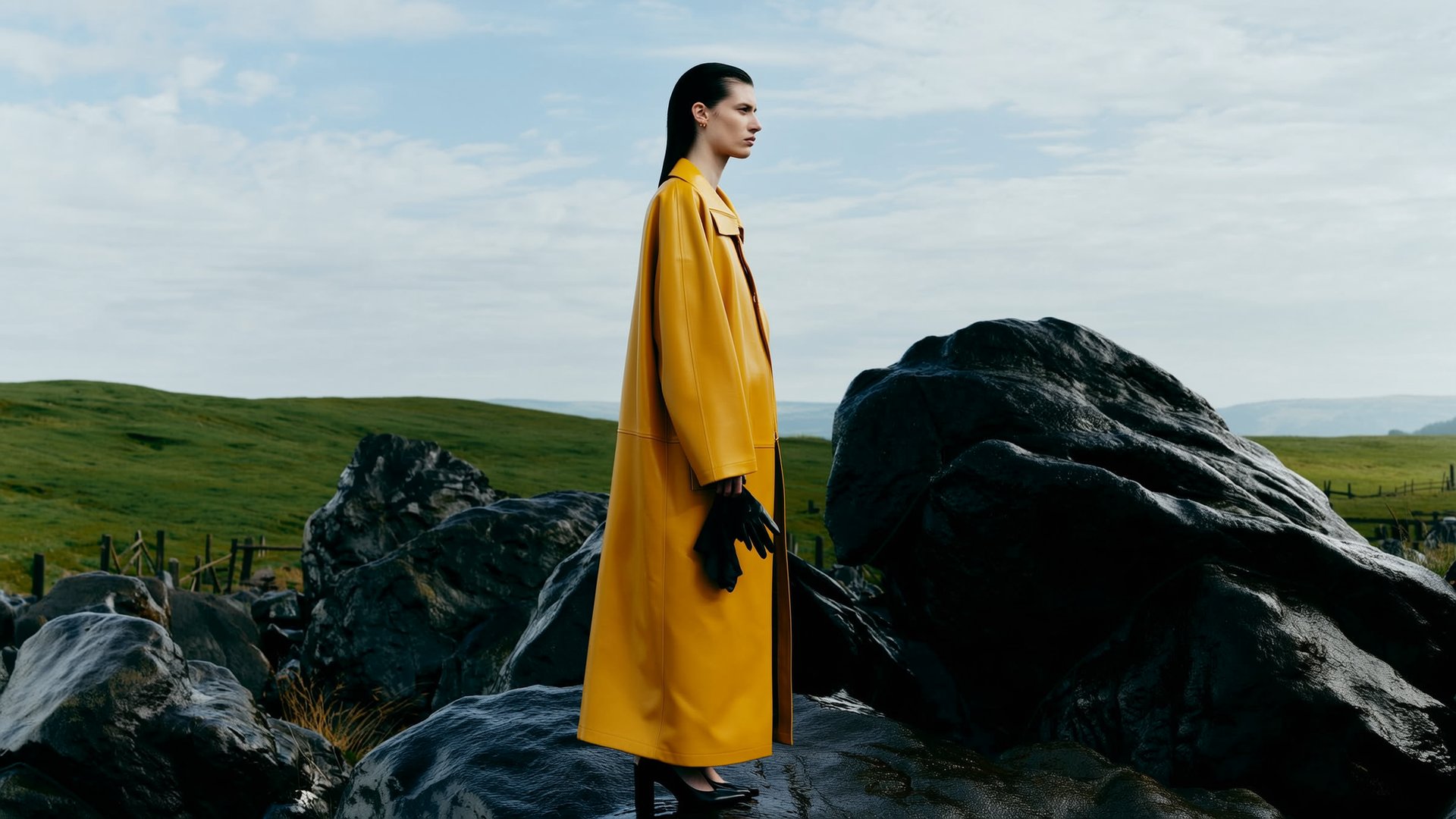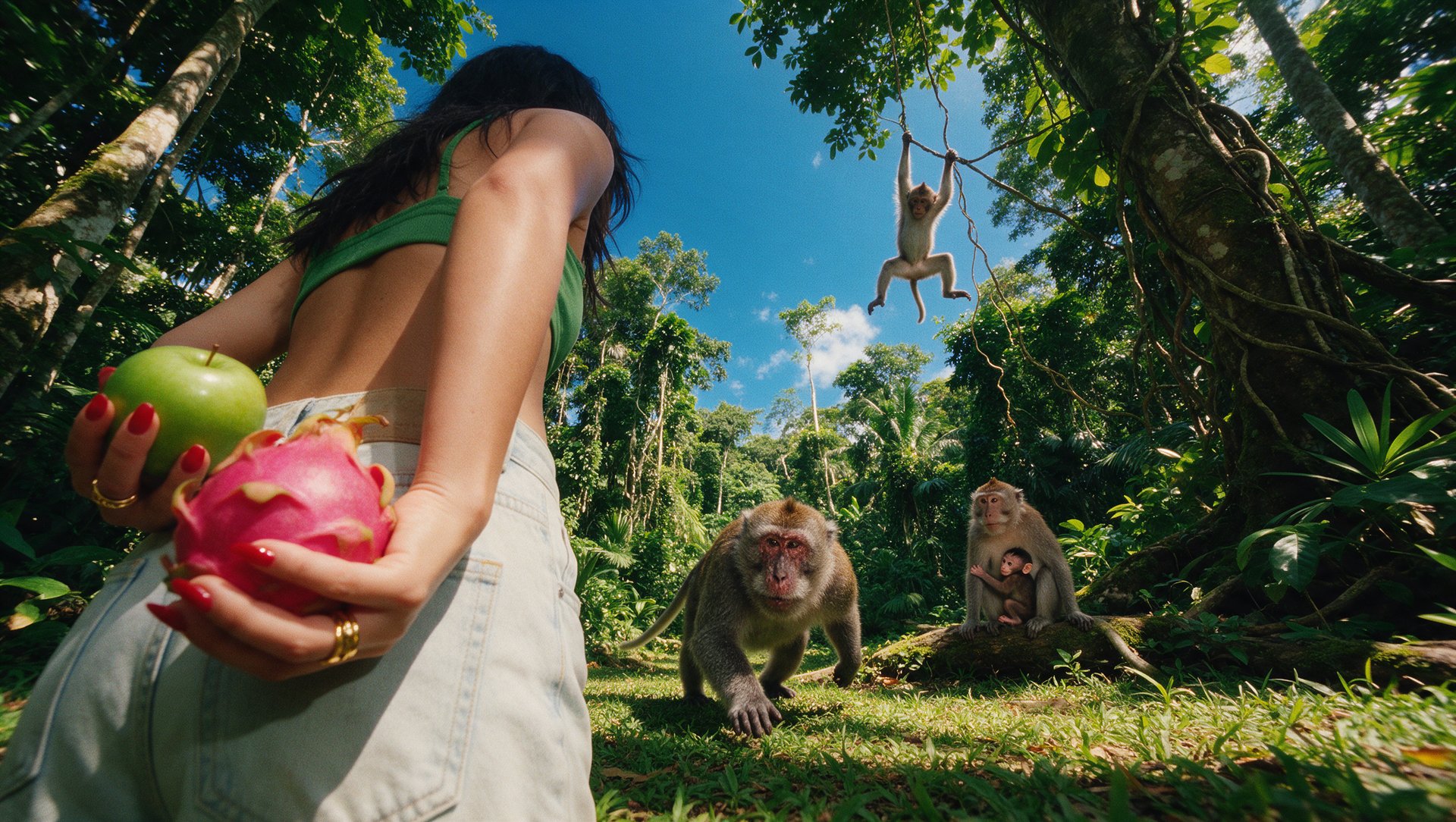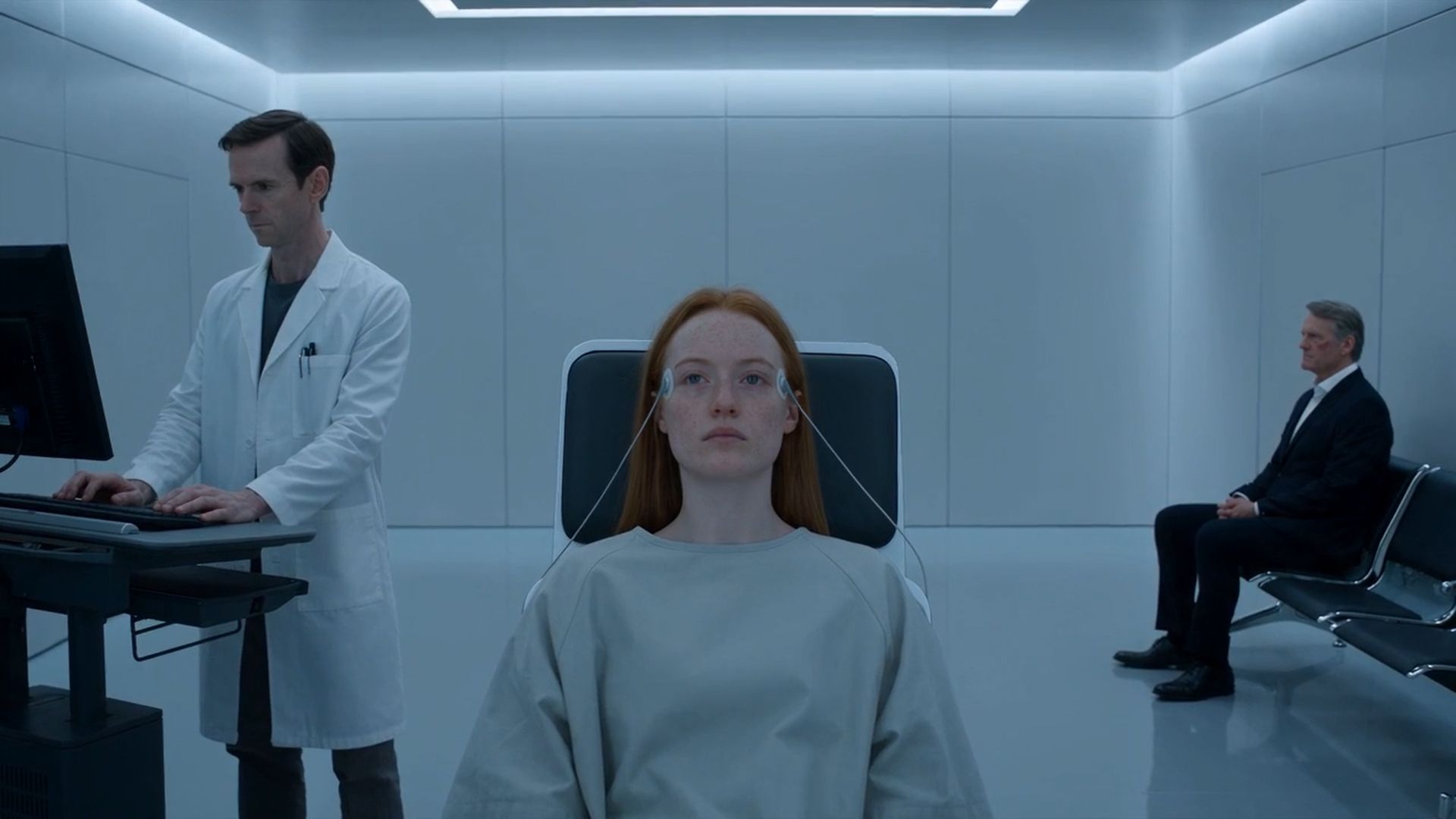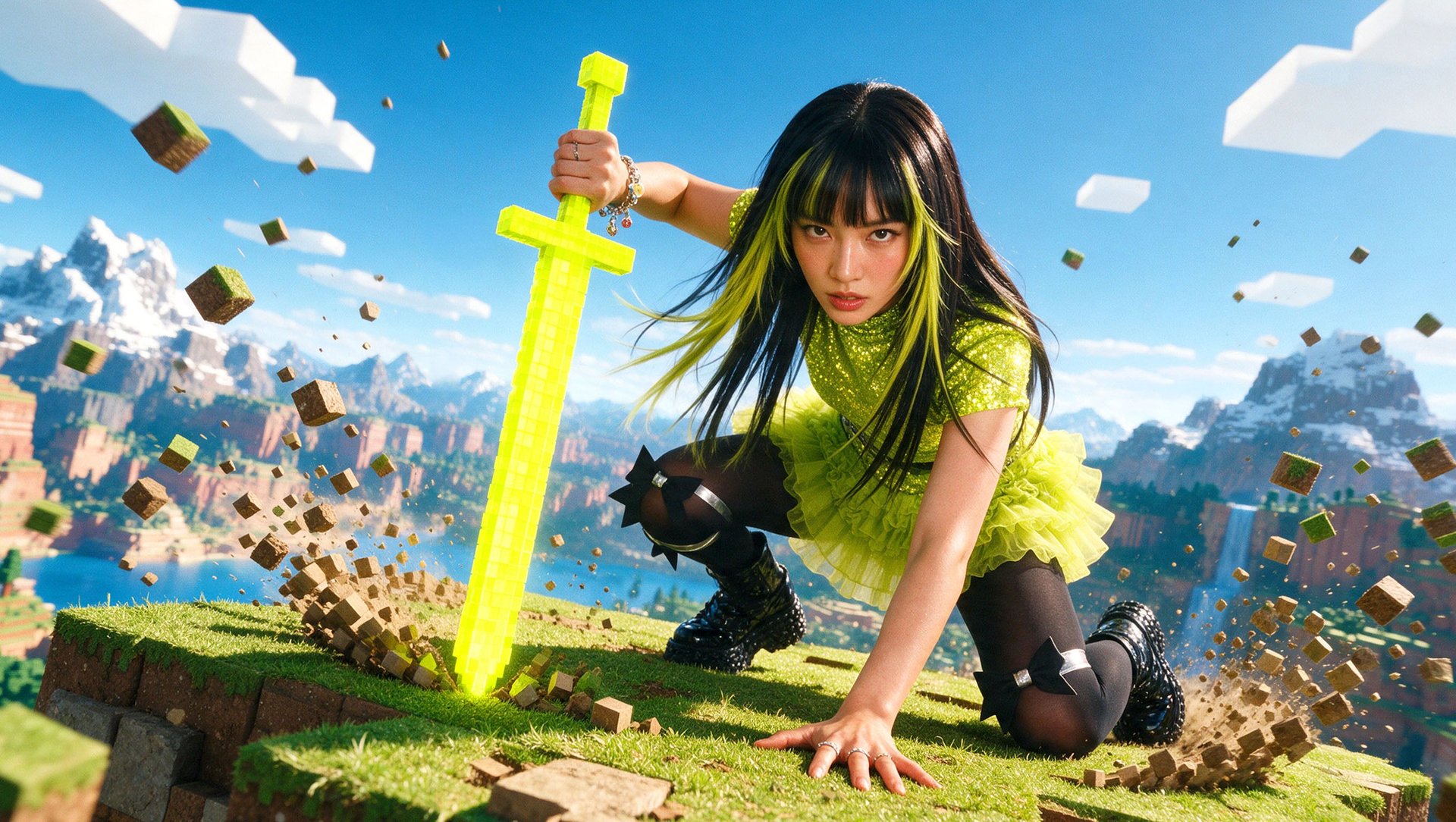
The best AI tools for game trailers are Runway, for directed cinematic shots, and Kling, for longer clips with keyframe and reference controls. For mobile game ads, Higgsfield fits UGC and ad variants, Layer fits studios producing high volumes in their own art style, and ElevenLabs covers voiceover and localization.
Key Takeaways
- Kling 4.0 generates clips of 3 to 30 seconds with up to 10 keyframes.
- Luma Ray3.2 makes native 5- or 10-second clips and exports native HDR and 16-bit EXR for grading and compositing.
- Higgsfield Marketing Studio turns an app URL into screen-demo UGC ads, and Higgsfield Playable Ads, on Enterprise plans, exports a playable for nine ad networks as one HTML or ZIP file under 5 MB.
- Layer starts at $10 a month for 300 Creative Units with no seat fees; Segwise costs $999 a month for teams spending up to $250K a month on ads, or $499 for startups under $50K.
- Valve recommends that the first trailer on a Steam store page primarily show gameplay, so studios use captured footage for mechanics and keep generated cinematics clearly apart from gameplay.
- Free access is not the same as commercial rights: Kling’s free tier and the ElevenLabs Free plan exclude commercial use.
What Are the Best AI Tools for Game Trailers and Mobile Game Ads?
Runway, Kling, Google Flow, and Luma generate trailer shots; Higgsfield and Layer produce ad creatives, Segwise informs the next creative brief with campaign data, and ElevenLabs voices and localizes. A studio can start with one trailer tool and one or two ad tools.
If you need | Best choice |
|---|---|
Directed cinematic shots for a trailer | Runway |
Longer clips with keyframes and references | Kling |
A free start on a trailer idea | Google Flow |
HDR trailer shots that go into post-production | Luma |
UGC ads and ad variants from one app | Higgsfield AI |
Ad volume in your game’s own art style | Layer |
Deciding which ads to make next | Segwise |
Voiceover and localization | ElevenLabs |
How Do These Tools Compare?
What you already have decides the shortlist: game art, a gameplay clip, an app URL, or live campaign data each point to a different tool. Kling and ElevenLabs offer free tiers without commercial use, and Luma’s pricing page lists paid plans from $30 a month.
Tool | Task | What you provide | What you get | Commercial rights | Free access |
|---|---|---|---|---|---|
Trailer: directed cinematic shots | A prompt, or game art as a first frame | Gen-4.5 clips in 720p in six aspect ratios | No non-commercial restrictions, per Runway’s usage-rights page | 125 one-time credits on a limited set of models, watermark; paid from $15/mo | |
Trailer: longer clips with keyframes and references | A prompt plus up to 10 keyframes or up to 15 reference assets | Kling 4.0 clips of 3 to 30 s with stereo audio | Paid plans | No commercial use without a paid plan; Kling 4.0 on paid plans from $10/mo | |
Trailer: animatics and short shots | A prompt, frames, or ingredient images | Omni Flash 1.2 clips of 3 to 10 s (3 to 15 s with a Google AI plan) and Veo 3.1 Lite clips of 4 to 8 s; SynthID in every file | Google doesn’t claim ownership; use is governed by Google’s Terms | 50 credits a day; Google AI Plus from $4.99/mo | |
Trailer: HDR shots for post-production | A prompt, an image with up to 16 keyframes, or existing video | Ray3.2 native clips of 5 or 10 s in up to 1080p; Modify Video up to 20 s; HDR and 16-bit EXR | Paid plans | Paid plans from $30/mo | |
Ads: UGC and ad variants; trailer: cinematic shots in Cinema Studio | An app URL or images, plus an avatar or project character | Video ads up to 15 s per generation; playable HTML or ZIP on Enterprise | Commercial use on paid plans | Free plan with access to selected models; paid plans from $15/mo | |
Ads: variants in your game’s art style | Game art for style training, plus a brief | Images, video, 3D, audio, and HTML5 playables in the trained style | Customer owns output for commercial use | Free account with starter units; subscriptions from $10/mo | |
Ads: campaign analysis and data-backed creatives | Connected ad network and MMP data | Creative tags, fatigue alerts, statics, storyboards, and UGC videos | Not stated on the pricing page | Free 7-day trial through Segwise’s team after a demo; from $499/mo | |
Ads and trailers: voiceover and localization | A script or a finished video | Voiceover, sound effects, music, and dubbed tracks in 90+ languages | Paid plans | 10,000 credits a month, no commercial license; paid from $6/mo |
Prices and plan details checked November 19, 2026, at monthly billing. Prices and plan details may change.
How Did We Choose These Tools?
We compared Runway, Kling, Google Flow, Luma, Higgsfield, Layer, Segwise, and ElevenLabs on the jobs a game studio has: a trailer, a stream of ad variants, UGC, localization, and playables. We did not run a same-prompt test on one game for this version of the article, so it makes no claims about output quality.
Each tool was checked against five criteria from its official pages:
- Task fit: does it make trailer shots, ad creatives, analysis, or audio?
- Inputs and output: which game materials it accepts, and the clip length, resolution, and export formats it returns.
- Commercial rights: what the plan or terms allow for ads and store pages.
- Free access: what you can try before paying.
- Entry price: the cheapest monthly plan that covers the task.
Can AI-Generated Scenes Replace Gameplay in a Game Trailer?
No. AI-generated scenes can make up a cinematic or teaser trailer, but they don’t show what players do in the game. Valve’s Steamworks guidance says: “We highly recommend that the first trailer you list on your store page is primarily gameplay,” and adds that visible HUD elements often help.
What the trailer needs to show | Material to use |
|---|---|
Mechanics and player actions | Footage captured from the game build |
Interface and HUD | Captured gameplay with the HUD visible |
World, mood, and story reveal | AI cinematics built from approved game art, presented as cinematics |
Valve describes cinematic trailers as a mix of pre-rendered video, logos, title screens, and accolades, sometimes with limited gameplay. Generated cinematics fit that format when they are clearly labeled and kept apart from gameplay. Steam lets you label each trailer as gameplay, cinematic, teaser, or a combination, and shows the first two trailers before any screenshots, so a labeled cinematic can sit second, after the gameplay trailer. Separately, Steam’s Content Survey asks developers to disclose AI-generated content that ships with the game and that players consume. Under the Steam Distribution Agreement, you also promise Valve that the game is consistent with its marketing materials.
The trailer workflow itself, from references to shot list, is covered step by step in How to Make a Game Trailer with AI.
Which AI Tools Work Best for Game Trailers?
Runway, Kling, Google Flow, and Luma are the four trailer-generation tools covered here. They differ in clip length, controls, and price: Kling runs clips up to 30 seconds, Luma exports HDR and EXR files for color grading, and Flow offers a free starting point with daily credits.
Runway: Best for Directed Cinematic Shots
Runway is a browser studio built around its own Gen-4.5 video model, with hosted third-party models such as Kling 4.0 and Seedance 2.5 in the same workspace. A trailer team can direct a shot from a prompt or from approved game art used as the first frame.
Best for: indie studios generating directed cinematic shots for a trailer they will assemble in a dedicated editor.
For volume, Runway’s Standard plan costs $15 a month for 625 credits, and Gen-4.5 uses 60 credits for a five-second clip, so Standard covers about 10 Gen-4.5 clips a month. Standard and Pro credits reset each month, and credits for generations that fail with an error are returned.
Beyond generation, Gen-4.5 renders in 16:9, 9:16, 1:1, 4:3, 3:4, and 21:9, so one shot list can cover a Steam trailer and its vertical versions. Runway’s usage-rights page says it places no non-commercial restrictions on what you create.
Gen-4.5 outputs 720p, so 1080p or 4K delivery needs upscaling. Runway’s Video Editor is no longer actively maintained, and Runway recommends a local editor for larger projects, so plan the trailer cut elsewhere. The Free plan gives 125 one-time credits on a limited, changing set of models, with a watermark.
Kling: Best for Longer Clips With Keyframe and Reference Controls
Kling AI is Kuaishou’s video platform and the official platform for Kling 4.0. Kling 4.0 generates clips of 3 to 30 seconds, with up to 10 keyframes in Keyframes mode or up to 15 reference assets in Omni Reference mode.
Best for: trailer clips that need long continuous shots, planned camera moves, and a consistent main character.
For volume, Kling AI’s membership page lists Kling 4.0 on every paid plan, from Standard at $10 a month for 660 credits to Pro at $37 for 3,000. Paid plans also add daily free credits for subscribers. Kling returns credits for failed generations.
Beyond generation, Kling 4.0 adds stereo audio, multi-shot generation, and Edit video for changing part of an existing clip. References can mix up to 10 images and up to 5 videos, so one generation can take both key art and a motion reference. Kling 4.0 outputs 720p, 1080p, or 4K, so a key shot that needs 4K delivery can stay in Kling 4.0.
The free tier doesn’t include commercial use, and Keyframes and Omni Reference can’t be combined in one generation.
Google Flow: Best for Starting a Trailer for Free
Google Flow is Google’s AI filmmaking tool. It generates clips from text, frames, or ingredient references with models including Omni Flash 1.2 and Veo 3.1 Lite, so a studio can sketch a trailer as an animatic, a rough timed sequence of shots, before paying for a plan.
Best for: testing trailer ideas and building an animatic at no cost.
For volume, Flow gives 50 credits a day without a subscription, and Veo 3.1 Lite costs 10 credits per generation on non-Ultra plans. Google AI Plus adds 200 monthly credits for $4.99 a month, and Google AI Pro gives 1,000 for $19.99. Credits for failed generations come back within an hour.
Beyond generation, Omni Flash 1.2 makes 3- to 10-second clips without a subscription and 3- to 15-second clips on Google AI Plus, Pro, or Ultra; subscribers also get Omni Extend and upscaling to 1080p. Every Flow output carries an invisible SynthID watermark, and Google says it won’t claim ownership of content you generate.
Veo 3.1 Lite clips run 4, 6, or 8 seconds in 720p. Google retires Veo 3.1 Fast, Veo 3.1 Quality, and Omni Flash 1.1 on December 5, 2026, so start new work on Omni Flash 1.2 or Veo 3.1 Lite.
Luma: Best for HDR Trailer Shots That Go Into Post-Production
Luma is a creative app built on its own Ray3.2 model, with Kling 4.0, Veo 3.1, and Seedance 2.5 in the same credit pool. Ray3.2 makes native 5- or 10-second clips from text or images, with up to 16 keyframes, and Modify Video transforms source footage up to 20 seconds, depending on frame rate. Native HDR and 16-bit EXR export are for color grading and compositing.
Best for: trailers that go to a colorist or compositor after generation.
For volume, Luma Plus costs $30 a month for 10,000 credits and includes commercial use. A Ray3.2 clip costs 100 credits for five seconds in 720p or 400 in 1080p; HDR doubles that and HDR with EXR triples it. A five-second 1080p HDR+EXR clip uses 1,200 credits, about 12% of the Plus allowance, and Luma adds 30 credits when no keyframes are set.
Beyond generation, Reframe changes a shot’s aspect ratio at 40 credits per second in 720p, which helps cut a 16:9 trailer into 9:16 store and social versions. Modify Video also transfers facial expressions for up to eight faces.
A 10-second 1080p clip costs 1,200 credits, or 2,400 with HDR, about a quarter of the Plus allowance. On Plus, reserve HDR for shots that need grading.
Which AI Tools Work Best for Mobile Game Ads?
Higgsfield, Layer, Segwise, and ElevenLabs cover creative production, campaign analysis, and localization: Higgsfield and Layer produce creatives, Segwise informs the next creative brief using campaign data, and ElevenLabs voices and localizes. A UA team can start with one production tool plus analytics or audio rather than all four.
Higgsfield AI: Best for UGC and Ad Variants From One App
Higgsfield is a generative platform for creative production, with 35+ frontier models for generating images and turning them into video scenes. For game ads, Marketing Studio turns a product or app URL into ad videos, including screen-demo UGC, with templates for product shots, UGC videos, ads, marketplace images, posters, and motion graphics.
Best for: UGC ads and ad variants that reuse the same presenter, character, or style.
For volume, Higgsfield paid plans start at $15 a month for 200 credits, charged per generation. Most failed generations return their credits automatically; completed generations are charged as usual.
Beyond generation, Audio translates and re-voices the script, and Lipsync Studio then syncs the presenter’s mouth to the localized audio. Playable Ads, on Enterprise plans, exports a self-contained HTML or ZIP file under 5 MB in the format each of nine ad networks expects. Playable Games is open on all plans. Cinema Studio 4.0 controls the camera, lighting, color, and acting in every shot, and the character and location files built there for a trailer can go straight into Marketing Studio for ad variants.
Marketing Studio generates up to 15 seconds per clip, so longer ads are assembled from several clips. Marketing Studio video is not available through the Higgsfield API; only Marketing Studio Image is.
Layer: Best for Ad Volume in Your Game’s Own Art Style
Layer is an AI platform for game studios that brings image, video, 3D, and audio models into one workspace. Studios train custom styles on their own game art, then generate UA creatives, LiveOps art, and video in that style, with node-based Workflows for repeat batches.
Best for: UA teams producing many ad variants in the style of their existing game art.
For volume, Layer subscriptions start at $10 a month for 300 Creative Units and rise by $60 per 1,000 units; 10% of units roll over. There are no seat fees, so the whole team shares one pool, and a free account comes with a one-off grant of Creative Units.
Beyond generation, Layer’s Creative Agent reads connected ad network data, analyzes trending UA creatives (Trends, in beta) and remixes them with project assets. Playable Generation builds playable ads from a brief, a gameplay video, a store link, or reference assets and exports MRAID-compliant HTML5 for networks including AppLovin, Meta, TikTok, Google UAC, Unity, and ironSource. Layer’s terms give the customer ownership of generated content for commercial use.
Each model costs a different number of units, so monthly spend depends on model choice, and a model’s own license can add restrictions.
Segwise: Best for Deciding Which Ads to Make Next
Segwise is an AI creative analytics and generation platform for mobile game and app UA teams. It connects 15+ ad networks and the main MMPs, tags every creative element with AI, tracks fatigue, and generates new statics, storyboards, and UGC videos from patterns in your winning ads.
Best for: UA teams with live campaigns that need data on which hooks to produce next.
For volume, Segwise Growth costs $999 a month for up to $250K in monthly ad spend, and teams spending under $50K can apply for the Startup plan at $499. Both include 200 tokens a month, enough for 40 statics or 8 videos, and spend above $250K moves to custom pricing. Segwise sets up a free 7-day trial through its team after a demo.
Beyond generation, Segwise integrates Meta, Google, TikTok, Unity, Axon, Mintegral, and ironSource, plus AppsFlyer, Adjust, Singular, and Kochava. A Creative Strategy Agent answers performance questions in chat, and competitor insights come on every plan.
Pricing is tied to ad spend, so Segwise suits studios with running campaigns more than a pre-launch team. Only image and video generation uses tokens, and tagging is unlimited. Segwise is built for ad analytics and ad creative rather than trailer production.
ElevenLabs: Best for Voiceover and Localization
ElevenLabs is an AI audio platform for voiceover, sound effects, music, and dubbing, and it also offers video generation on paid plans. In this comparison, its role is trailer narration and ad localization: it dubs finished ads into other languages while keeping each speaker’s tone, pace, and timing.
Best for: trailer voiceover and ad localization into many markets.
For volume, the ElevenLabs Free plan gives 10,000 credits a month without a commercial license. Starter, at $6 a month for 30,000 credits, is the cheapest plan with a commercial license and adds Dubbing Studio and Instant Voice Cloning.
Beyond generation, Dubbing v2 supports 90+ languages, up to 32 speakers per file, and source video up to 4K, uploaded directly or linked from sources such as YouTube and TikTok. Human-verified dubs are available through ElevenLabs Productions.
Dubbed video is a preview, most commonly output at 1080p, so for the final version ElevenLabs recommendsdownloading the dubbed audio and replacing the track on your original video. The older Dubbing Studio editor is in maintenance mode, and transcript editing for Dubbing v2 through the API is available on Enterprise plans only.
For lip-synced localized video, Higgsfield Audio and Lipsync Studio cover the same job on the video side.
Which Tool Is Right for Your Studio?
Each goal below has one or two starting tools, chosen by the materials your studio already has.
Your goal | Materials you already have | Start with | Plan for |
|---|---|---|---|
Steam launch trailer | Gameplay capture and approved key art | Runway or Kling for the cinematic shots gameplay can’t show | Editing, sound, and title cards; gameplay first, per Valve |
HDR key shots | Key art and an approved concept | Luma Ray3.2 | Grading the EXR files in post |
Regular ad versions | Game art and an approved concept | Higgsfield Marketing Studio for templates, or Layer for style-trained variants | Review and each network’s specs |
UGC-style ad | A script, a gameplay clip, and an app URL | Higgsfield Marketing Studio | Linking the hook to real gameplay |
Localization | An approved video | ElevenLabs Dubbing; Higgsfield Audio and Lipsync Studio for lip-synced video | Language review and on-screen text |
Playable ad | A mechanic and game assets | Higgsfield Playable Ads (Enterprise) or Layer Playable Generation | Testing the interaction and the network export |
Next ads to make | Live campaign data | Segwise | Pricing tied to monthly ad spend |
For playables in more depth, see Higgsfield Playable Ads and Games. For ad tools outside gaming, see Best AI Ad Generators.
What Is the Best Starting Setup for Your Studio?
Start with one tool for each job your team can’t cover yet, not all eight. Three setups to start from:
- Indie launch: captured gameplay for the first Steam trailer, Google Flow for a free animatic, then Runway or Kling for the cinematic shots, finished in an editor.
- Mobile UA production: Higgsfield Marketing Studio or Layer for weekly ad variants and UGC; add Segwise once campaigns produce data.
- Localization: the approved video, ElevenLabs dubbing or Higgsfield Audio with Lipsync Studio, then a language review of voice and on-screen text.