PROMPT
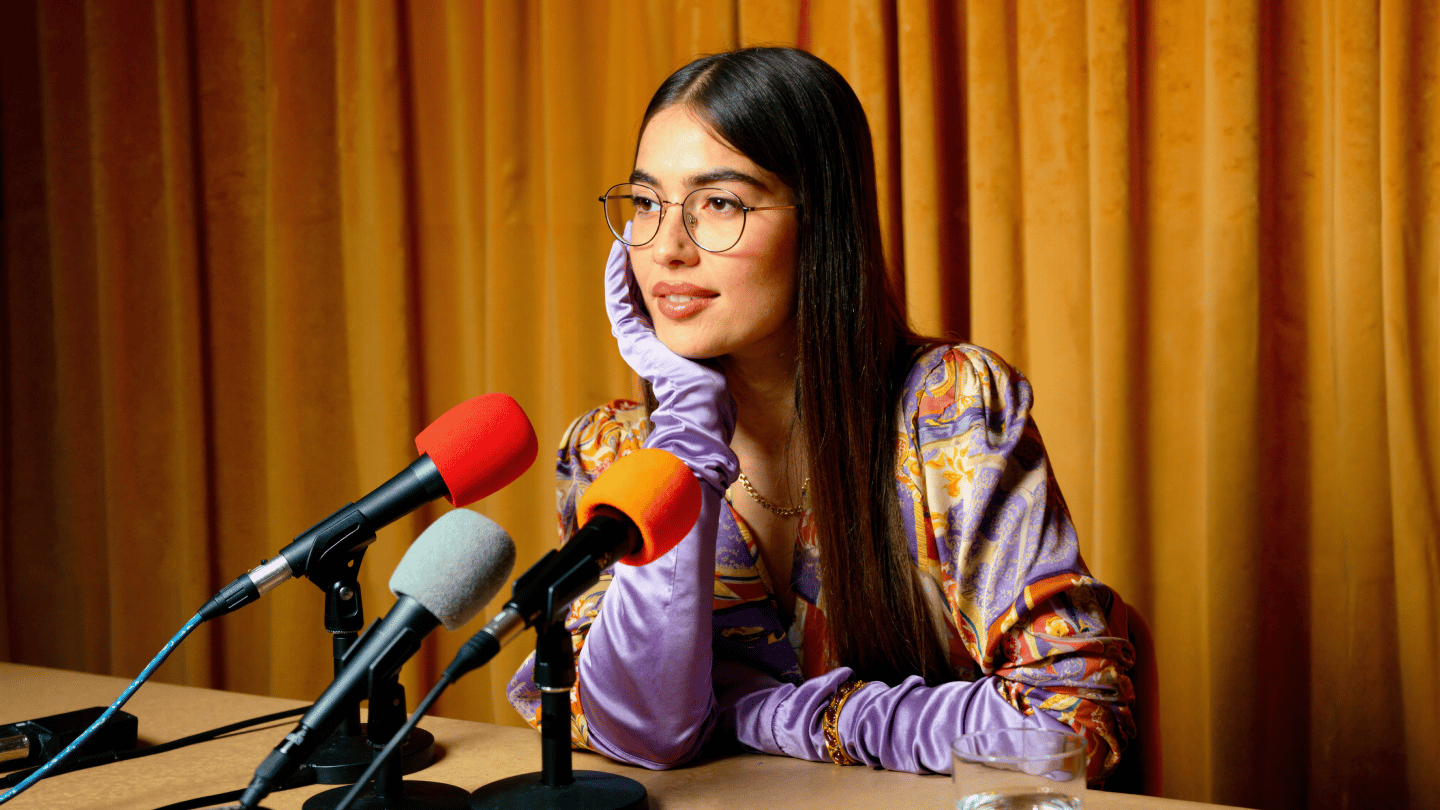
Avatar-led onboarding video: a friendly presenter welcomes a new hire, clean studio set, lower-third captions, calm corporate palette, lip sync locked to AI voiceover.
:no_upscale())
Make presenter-led business videos with Higgsfield AI Business Video Maker. Describe your message, and an AI avatar presents it on camera, for example a product demo for your customers. Then localize it for English, Spanish, and French audiences. Start free.
Partnering with global industry leaders to power your creativity output







Open Supercomputer, the Higgsfield AI agent, and describe your message, audience, and format, or paste the lines you want said. With the UGC Videos skill, AI Business Video Maker gives you an avatar presenter talking to camera: a product demo, a testimonial, or a problem-solution video. Ask for more variations in the same chat.
Open SupercomputerOpen Supercomputer, the Higgsfield AI agent, and describe your message, audience, and format, or paste the lines you want said. With the UGC Videos skill, AI Business Video Maker gives you an avatar presenter talking to camera: a product demo, a testimonial, or a problem-solution video. Ask for more variations in the same chat.
Open SupercomputerIn Marketing Studio, AI Business Video Maker lets you pick a presenter from 100+ avatars. For a product video, upload a product photo or paste a link to your website or social page, and the product is imported automatically. Set up a brand kit with your logo, colors, fonts, and tone. The avatar presents it on camera, so you get a demo or ad without a shoot.
Choose a PresenterIn Marketing Studio, AI Business Video Maker lets you pick a presenter from 100+ avatars. For a product video, upload a product photo or paste a link to your website or social page, and the product is imported automatically. Set up a brand kit with your logo, colors, fonts, and tone. The avatar presents it on camera, so you get a demo or ad without a shoot.
Choose a PresenterMade a video for one market? The Localization skill in Supercomputer adapts it for English, Spanish, and French viewers and keeps the speaker's voice. Need another language? Dubbing translates the speech into 18 languages with a synthesized voice and synced lips.
Localize Your VideoMade a video for one market? The Localization skill in Supercomputer adapts it for English, Spanish, and French viewers and keeps the speaker's voice. Need another language? Dubbing translates the speech into 18 languages with a synthesized voice and synced lips.
Localize Your VideoPresenter videos, explainers, infographics, and localization in one place. Ask the Supercomputer agent in chat or start from a product in Marketing Studio. No crew, no studio.
Tell the Supercomputer agent what the video is for and who will watch it.
A presenter talks to camera and delivers your message. 100+ avatars in Marketing Studio.
Synthesize or clone voices in Higgsfield Audio. Set emotion and dialect in plain words with Qwen Audio 3.0 TTS.
English, Spanish, and French versions with the same voice. Dubbing covers 18 languages with lip sync.
Multi-scene narrated explainers with subtitles, no presenter on screen.
A presenter shows and explains your product, from a photo or a link.
Turn numbers and key points into animated infographic videos.
Shorts Maker turns one idea into a short explainer video.
Animated typography, graphic transitions, and product shots.
Paste a website or social link and Marketing Studio imports the product.
Ask the agent for a TV commercial for your product or service.
One chat picks the right skill: presenter video, explainer, infographic, or localization.
:no_upscale())
Open Supercomputer and say what you need: the message, the audience, and the format, such as a product demo, an announcement, or a short explainer. Paste your script if you have one.
:no_upscale())
Go with an avatar presenter talking to camera, or a narrated explainer, animated infographic, or motion design video. For a product video, add a product photo or link.
:no_upscale())
Review the result and ask for changes in the chat. Localize it for English, Spanish, or French, or dub it into 18 languages, reframe it for any platform with Reframe, then download the video and share it wherever your team or customers watch.
Generate professional business videos with every major AI model in one place. Switch between every model per generation, all under one subscription, with new releases added as they launch.
:no_upscale())

Use Soul to design an ultra realistic, on brand presenter look as a still image.
Generate:no_upscale())

Explore Seedance 2.5 for business clips with native sound.
Generate:no_upscale())

Use Veo for precision video with synchronized voice and lifelike detail.
Generate:no_upscale())

Use Kling for clean motion and polished presenter delivery.
Generate:no_upscale())
Use Seedance 2.0 for business clips with native sound, up to 4K.
Generate:no_upscale())

Use Hailuo for short business b-roll clips.
GenerateHiggsfield AI Business Video Maker puts AI presenters, explainers, animated infographics, and localization in one subscription. Describe the video to the Supercomputer agent or start from your product in Marketing Studio, and get a presenter-led video without a camera, studio, or crew.
Create short videos for new hires and learners: a presenter welcomes the team, explains a process, or walks through a key rule, and an animated infographic sums up the numbers. Localize for Spanish- or French-speaking staff, download the file, and add it to your LMS or wiki yourself.
Turn a written update into a presenter video for HR, internal comms, and leadership: policy changes, launches, and team news. The avatar delivers the message on camera, so you skip the recording session.
Make product demos, testimonial-style videos, and problem-solution ads with an AI presenter. Start from a product photo or a link to your site in Marketing Studio, try several variations, and keep the one that works.
Explain a feature, a plan, or a how-to in a short narrated video with subtitles, or have a presenter walk customers through it. Use the videos in your help center, emails, and social posts.
Join a global creative network where people generate AI images, share insights, and inspire each other every day.
We’ve answered the most frequently asked questions



:no_upscale())

:no_upscale())
