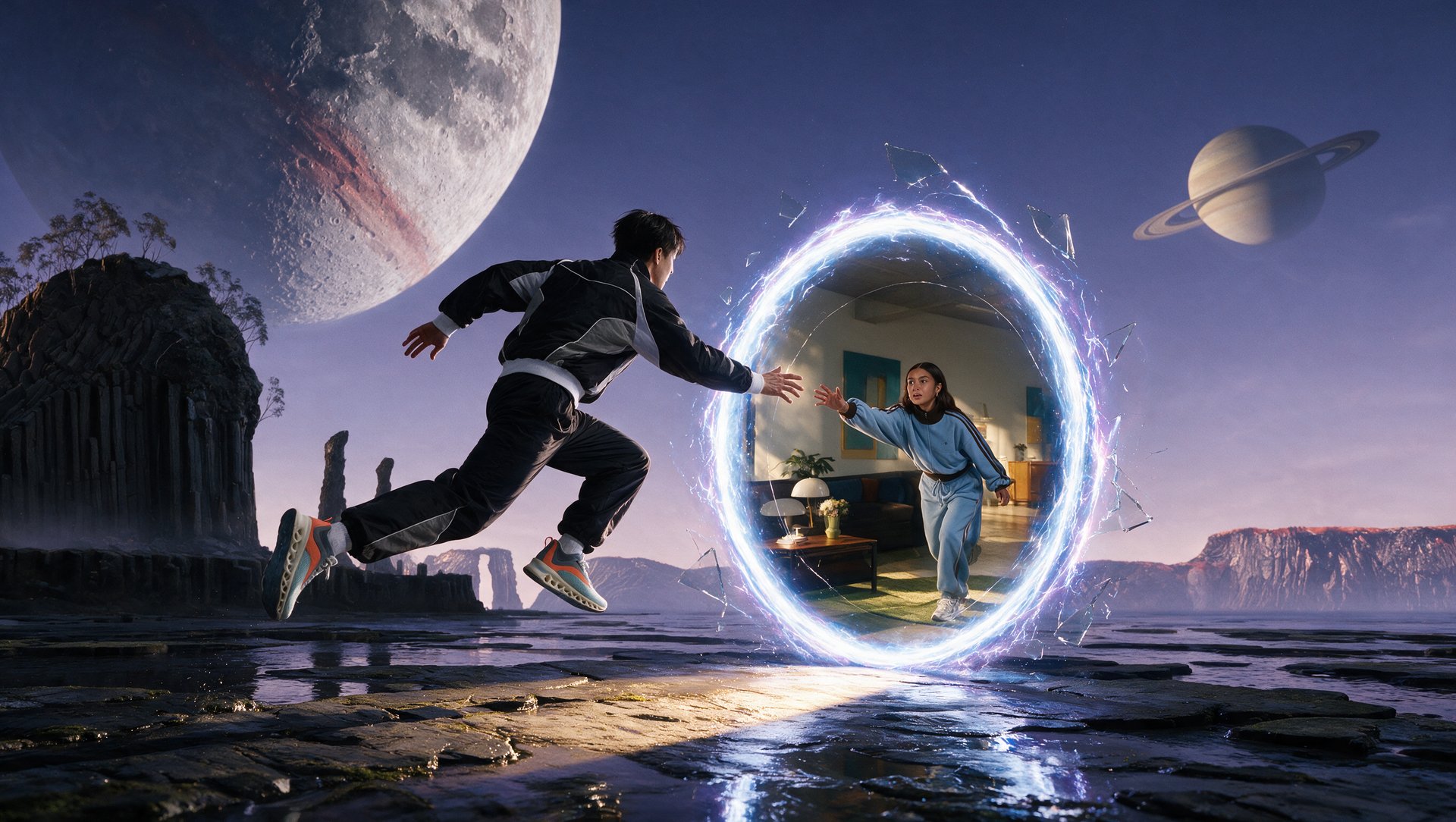

AI VIDEO GENERATOR.
STUDIO-GRADE RESULTS.
From prompt to cinematic video in seconds. Every top model, one workspace. Bring impossible shots to life.
AI VIDEO GENERATOR.
STUDIO-GRADE RESULTS.
From prompt to cinematic video in seconds. Every top model, one workspace. Bring impossible shots to life.
How to Make AI Videos with Higgsfield
Turn a prompt, image, or existing clip into an AI-generated video in a few simple steps. Higgsfield provides access to leading AI video models, so you can choose the right model and creative controls for each idea.
1. Choose How You Want to Start
Begin with a text prompt, upload an image you want to animate, or use an existing video as a motion or editing reference. The available input options depend on the AI video model you select.
2. Select an AI Video Model
Create AI videos with the latest versions of models like Kling, Seedance, and Wan on Higgsfield. Each model handles motion, realism, audio, speed, and creative control differently, giving you the flexibility to match the model to the video you want to create.
3. Enter a Prompt and Add References
Describe the video you want to generate. For better results, include the subject and action, setting and lighting, camera movement, and intended mood or visual style.
4. Adjust the Available Settings
Choose from the settings supported by your selected model or feature. These may include:
- Video duration
- Aspect ratio
- Resolution
- Reference frames
- Camera or motion controls
- Audio options
The exact controls vary between models.
5. Generate Your Video
Check the credit cost on the Generate button, then start the generation. Once complete, your video will be saved in Assets, where you can review it and create another version if needed.
AI Video Creation with You in Control
Take your AI videos beyond the first prompt. Guide camera movement, shape the action, and fine-tune the visual style with tools designed for more control over your creative process.


Guide the First Frame to the Final Shot
Set your opening and closing images to guide how the scene unfolds. Create deliberate transitions and give your AI-generated video a clear destination.
Guide the First Frame to the Final Shot
Set your opening and closing images to guide how the scene unfolds. Create deliberate transitions and give your AI-generated video a clear destination.

Transform Footage Without Reshooting
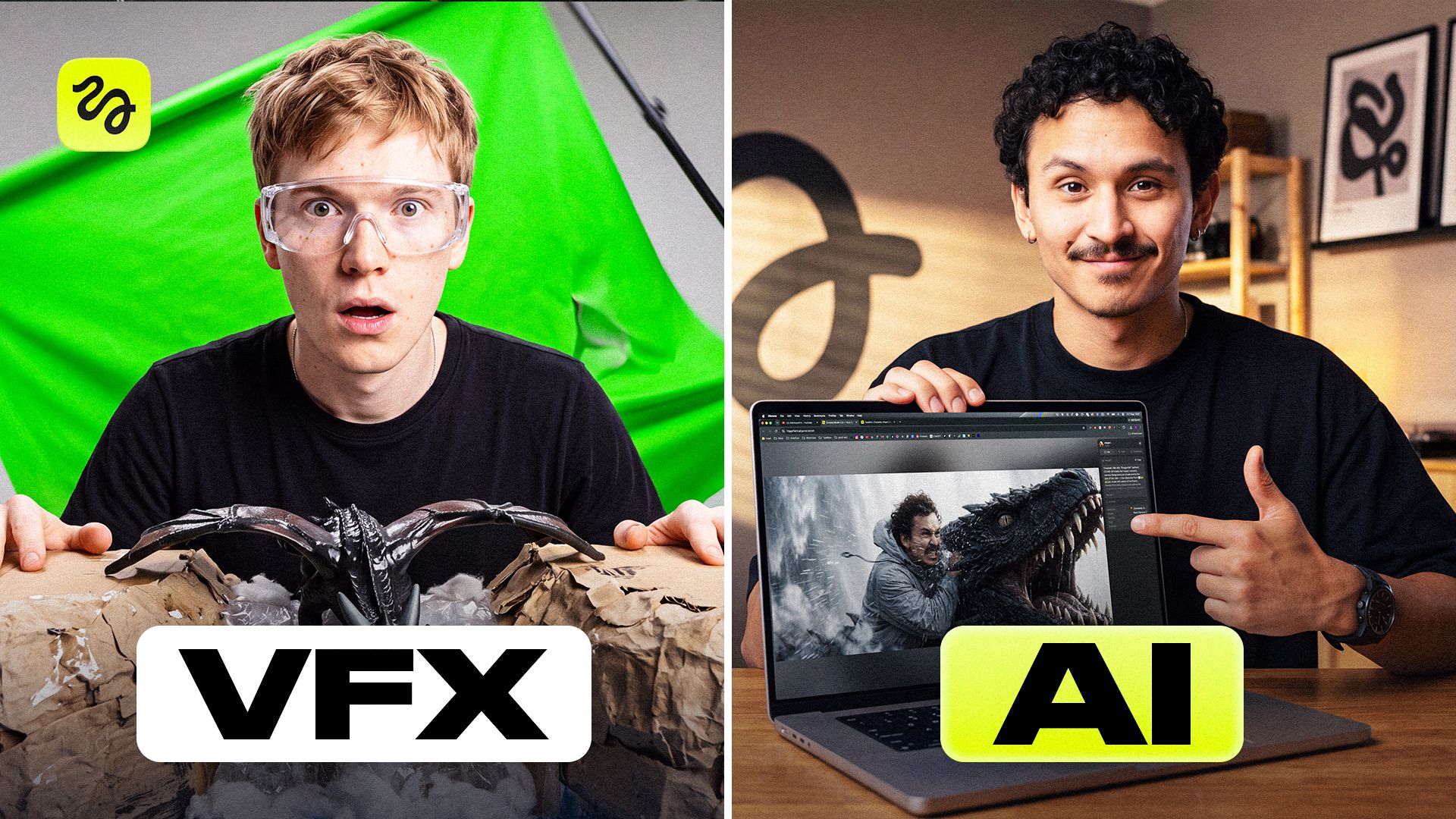
Use Higgsfield Genjutsu to replace a character, product, or setting in existing footage while keeping the original motion and timing. Create new variations without filming another take.

Turn Real Movement into Character Performance
Pair a character image with a reference video to transfer movement, timing, and expression. Bring choreography, athletic action, or your own performance into AI video creation.
Cinema studio
Cinema Studio by Higgsfield brings AI video generation into a filmmaking workspace, helping you develop connected scenes with reusable characters, locations, and props. Build a coherent visual story across shots, with creative decisions that carry through the project.
Try Cinema StudioFROM SCRIPT TO SCREEN

CameraModular 8K Digital
LensClassic Anamorphic
Focal Length35mm
Get access to new models on the day they're released
Explore Leading AI Video Models on Higgsfield
Create AI videos with leading models like Kling, Veo, Seedance, and Wan on Higgsfield. Explore different approaches to motion, cinematic storytelling, and AI video creation.
Get access to new models on the day they're released
Explore Leading AI Video Models on Higgsfield
Create AI videos with leading models like Kling, Veo, Seedance, and Wan on Higgsfield. Explore different approaches to motion, cinematic storytelling, and AI video creation.
Whether you’re directing a film, growing a brand, or creating daily content, Higgsfield gives you the tools to make AI videos that bring your vision to life and keep production moving.
Frequently Asked Questions
We’ve answered the most frequently asked questions
What is AI video generation?
AI video generation is the process of creating videos using artificial intelligence models. Instead of filming with a physical camera, you describe what you want (through text prompts, reference images, or both) and the AI produces a video clip. Modern AI video tools like Higgsfield go far beyond basic prompt-to-video by giving you control over camera movement, character consistency, optical style, and more.
What AI video models are available on Higgsfield?
Higgsfield provides access to multiple AI video model families, including Kling, Seedance, Veo, and Wan. Each supports different generation modes, references, durations, and creative controls. Available models and versions depend on your plan and the tool you use.
What is Cinema Studio?
Cinema Studio is Higgsfield’s workspace for cinematic video creation. It lets you choose camera and lens settings, guide camera movement, and adjust lighting and visual style. It includes a Director’s Panel and supports reusable character, location, and prop references to help maintain consistency across shots.
Do I need video editing experience to use Higgsfield?
No. Higgsfield is designed to be accessible to beginners while offering advanced controls for professionals. You can start with a simple text prompt and generate a video in minutes. As you get more comfortable, you can explore features like motion control, first/last frame references, and Cinema Studio for more precise results.
Can I use my own images or videos as input?
Yes. You can upload reference images to guide the style, subject, or composition of your generation. You can also upload existing video footage to edit it, swap styles, change objects, or refine details without reshooting. The first and last frame reference feature lets you lock the start and end points of your video for consistent output.
What can I use AI-generated videos for?
Higgsfield is used across a wide range of industries: filmmakers and directors use it for pre-visualization and short films, marketing and fashion teams create product ads and campaign videos, content creators produce social media clips at scale, and educators build training and explainer videos. Any use case that requires visual storytelling can benefit from AI video.
How is Higgsfield different from other AI video generators?
Higgsfield is the generative platform for creative production, combining multiple AI video models and specialized creative tools. Generate videos from text or images, direct cinematic scenes in Cinema Studio, and transform existing footage with Genjutsu. Supported workflows also offer reference-based generation, image animation, motion control, and synchronized audio.
What video quality and formats does Higgsfield support?
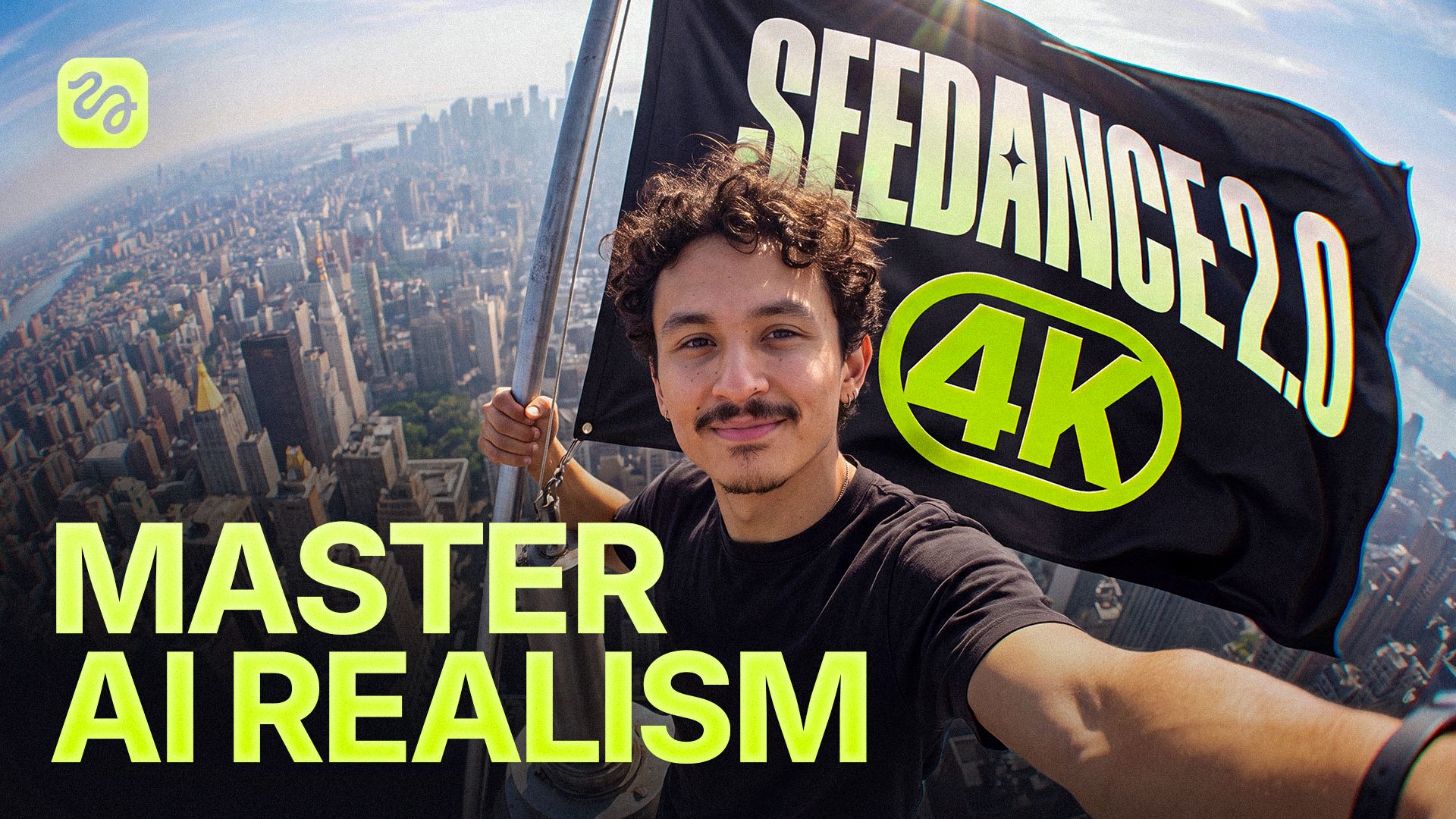
Video resolution, duration, and aspect ratio depend on the selected model and workflow. Options include 720p and 1080p, with selected models supporting generation up to 4K. Supported workflows offer vertical, square, and widescreen aspect ratios, so you can choose a format suited to your project.
Is Higgsfield free to use?
Yes. Higgsfield has a free plan, and new accounts get 10 free credits once at sign-up. For regular use, see the plans.
How much does it cost to generate an AI video on Higgsfield?
New accounts get 10 free credits once at sign-up; the cost of a video depends on the model and settings and is shown before you generate. For regular use, see the plans.
Can I use AI-generated videos commercially?
Yes. Higgsfield's Terms of Use do not restrict commercial use of your generated outputs, including ads, client work, and brand campaigns. You are responsible for ensuring that your content respects third-party rights and applicable terms. See the official commercial-use guidance.
Explore more AI features
Cinematic Video GeneratorKling 3.0Wan 2.6Grok ImagineWan AI VideoSeedanceVeo 3.1Seedance 2.0Seedance 2.5EffectsCamera ControlsMiniMaxClaude AI Video GeneratorTransitionsRecastAI Face SwapBullet Time Scene3D RotationCloud SurfMukbangVideo Background RemoverVideo EditingMixed Media IntroAI Image GeneratorNano Banana Pro IntroGPT Image 2AI Video EditorAI Video UpscalerAI Commercial GeneratorAI Brand Video GeneratorAI Product Video GeneratorAI Invitation Video MakerAI Car Video GeneratorAI Nature Video GeneratorAI Background Video GeneratorAI Anime Video GeneratorAI Animal Video GeneratorAI Human Video GeneratorAI Video ExtenderAI Prompt GeneratorAI Podcast GeneratorText to Video AIImage to Video AIVideo to Video AIAI Ad GeneratorAI Long Video GeneratorAI Movie MakerAI Voice GeneratorFaceless Studio