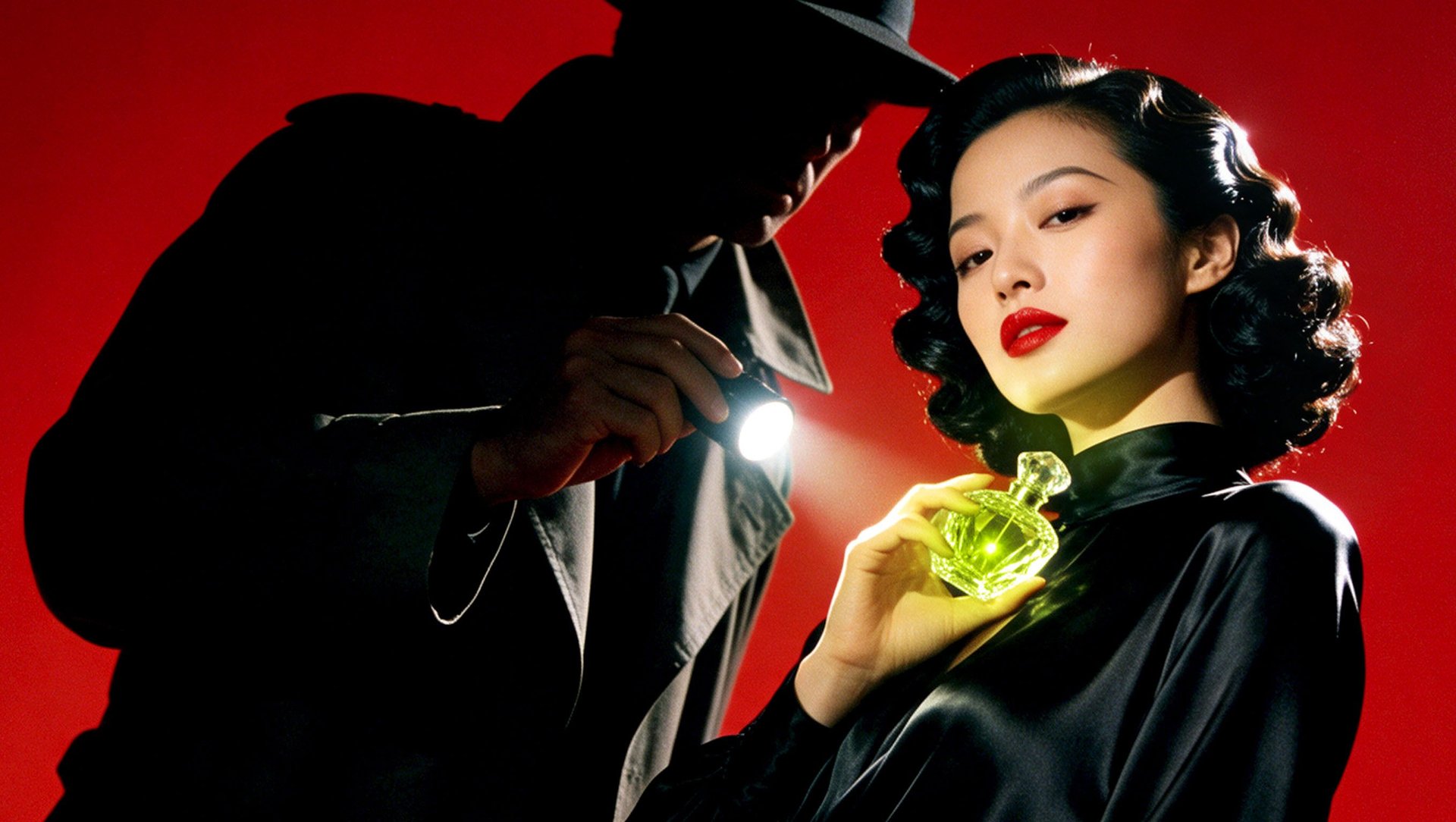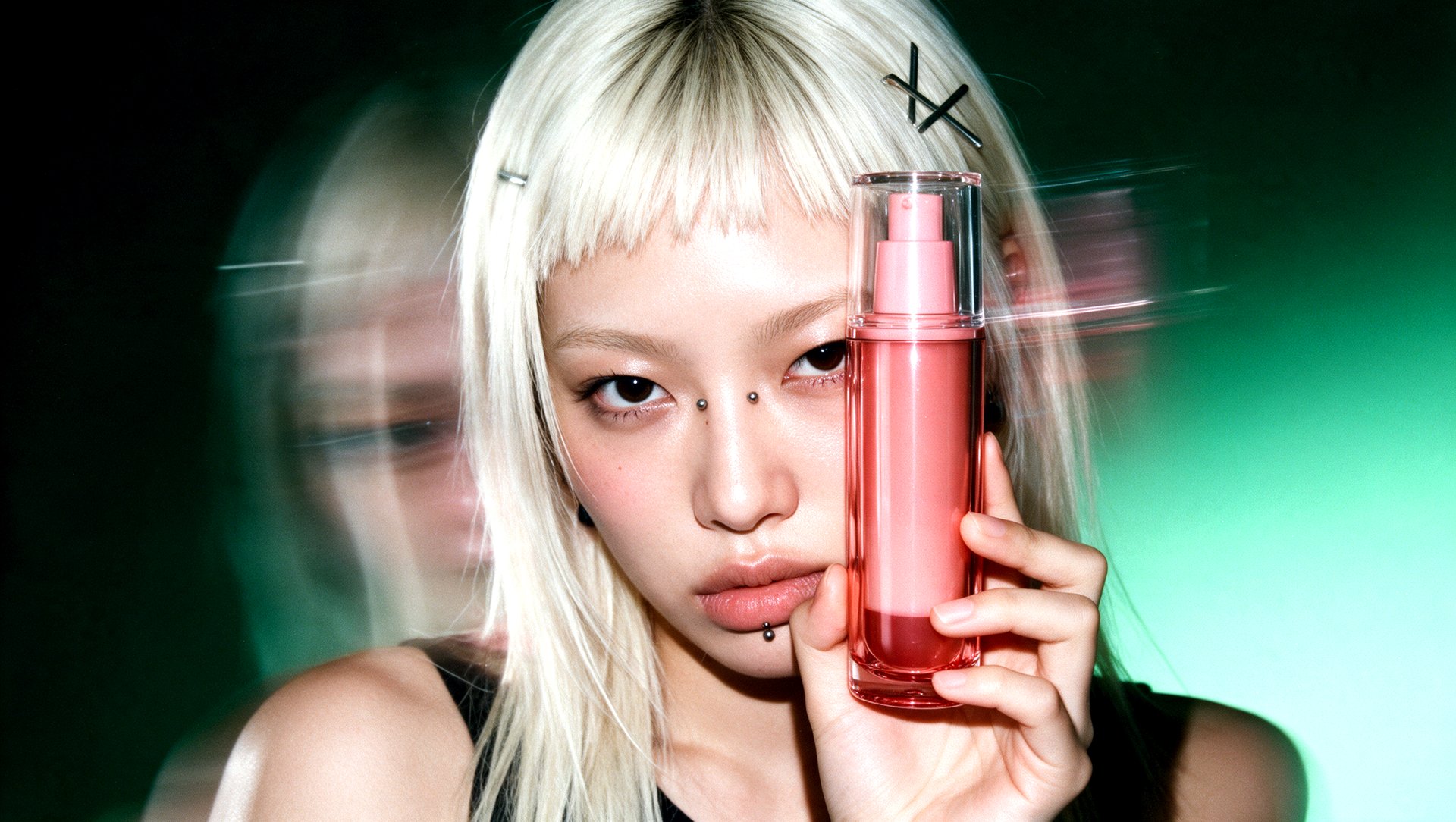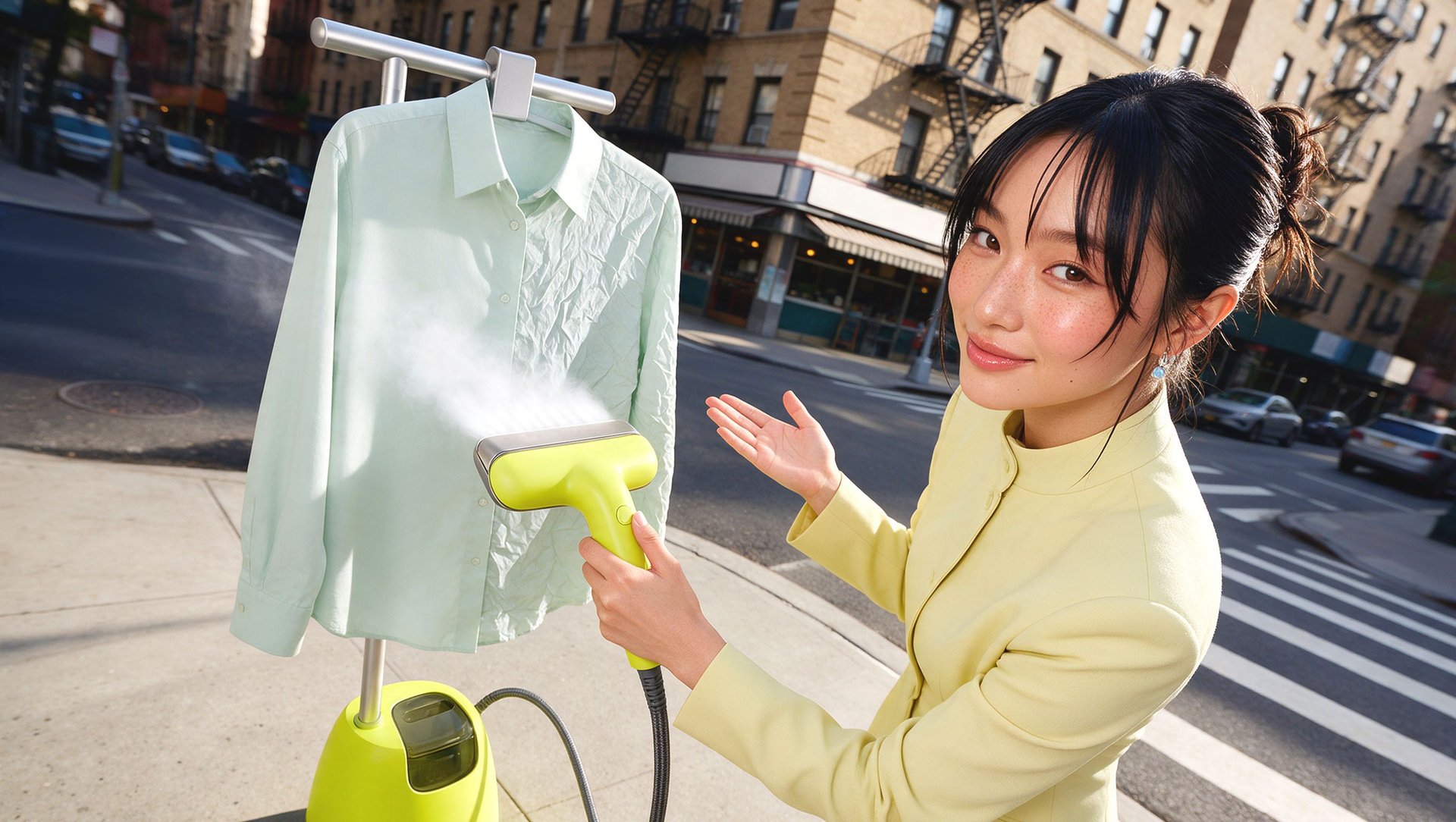
Higgsfield is the best AI product photography tool for ecommerce in 2026. It's the only tool on this list that turns one product photo into studio, lifestyle, and on-model shots, ad creative, and product videos from a single subscription. Photoroom is best for quick background removal and batch edits, Claid.ai is the pick for automating large catalogs through an API, and Nightjar is best for keeping a consistent brand look.
Key Takeaways
- Best overall: Higgsfield. It creates product photos, ad creative, and short videos under one credit balance, with batch generation for whole catalogs.
- Best for everyday listing edits: Photoroom. Core edits like background removal and resizing use no credits on any paid plan.
- Best for large catalogs: Claid.ai for API pipelines and Nightjar for consistent styling. Nightjar includes its API in every paid plan.
- Best for fashion and accessories: Photta, with dedicated studios for jewellery, eyewear, bags, shoes, and watches.
- Cost per image ranges from under a cent on Photoroom to about $2 on Selluna, which produces finished listing graphics.
- Before publishing any AI image, check that it shows the exact variant, doesn't exaggerate size or imply extras, and keeps its AI metadata for Google Shopping.
How Do You Do Product Photography with AI?
Start with a real photo of the exact SKU and use AI to change the scene around it. Keep original photos for details shoppers rely on, such as fabric texture, ingredient labels, or what comes in the box. Most tools specialize in one or two jobs, so pick by the job that takes most of your time:
- Studio, lifestyle, and on-model scenes: Higgsfield turns one product photo into all three, with batch generation for whole catalogs. Pebblely offers 40+ ready-made themes.
- Product video from stills: Higgsfield's Marketing Studio has a Video mode and Motion templates for product ads.
- White-background marketplace images: Photoroom's batch mode handles hundreds of images at once, and Pixelcut covers the same job for less.
- Consistent style across collections: Nightjar reuses a saved photography style so each drop matches the last.
- Automated catalog pipelines: Claid.ai runs background removal, lighting correction, and shadows through an API.
- Ghost mannequin and accessories: Photta covers ghost-mannequin images and on-model shots for jewellery, eyewear, shoes, and bags.
- Hero shots: Flair AI lets you arrange props, lighting, and composition by hand on a canvas.
- Full listing image sets: Selluna builds main images, infographics, and A+ content from a product link.
- Quick edits inside your store: Shopify's built-in editor changes backgrounds and lighting from the file editor.
Whichever tool you use, compare each output with the original photo for color, proportions, and label text before it goes live.
Comparison table
Tool | Best for | Size fit | Standout feature |
|---|---|---|---|
Higgsfield | Product photos, ad creative, and video in one subscription | Small → Growing | 35+ image and video models under one credit balance |
Photoroom | Everyday listing photos at any scale | Small → Large | Core edits (background removal, shadows, resizing) use no credits |
Claid.ai | Automated catalog pipelines | Growing → Large | 20+ API operations that can be combined in one request |
Nightjar | Consistent brand look across collections | Growing → Large | Failed images caught by built-in review are retried free |
Photta | Ghost mannequin, jewellery, and accessories | Small → Growing | Dedicated studios for jewellery, eyewear, bags, shoes, and watches |
Pixelcut | Low-cost background removal and batch edits | Small → Growing | Unlimited background removal and upscaling on paid plans |
Pebblely | Quick lifestyle scenes from templates | Small | Priced per image, not credits, with 40+ ready-made themes |
Flair AI | Art-directed hero shots | Small → Growing | Drag-and-drop canvas for props, lighting, and composition **** |
Shopify editor | Occasional edits inside your store | Small | Built into Shopify admin at no extra cost (for now) |
Selluna | Complete Amazon and marketplace listing sets | Growing | Builds a full listing image set from a product URL, plus an Amazon listing audit |
Pricing Comparison
Pricing checked on November 28, 2026. Prices and plan details may change.
Tool | Free start | Entry plan | Top self-serve plan | Cost per image | API |
|---|---|---|---|---|---|
Higgsfield | Free plan (no commercial use) | Starter: $19/mo (270 credits) | Ultra: $129/mo (3,000 credits) | ~$0.05–$0.20 per product shot (Plus) | Separate balance |
Photoroom | Free trial | Pro: $7.50/mo billed yearly (8,000 AI credits, 1,000 exports) | Ultra: $82.50/mo billed yearly (75,000 credits, 10,000 exports) | Under $0.01 per export (Pro) | Separate API plan |
Claid.ai | 50 credits | Essentials: $15/mo, or $9 billed yearly (500 credits) | Pro: $49/mo, or $35 billed yearly (2,000 credits) | ~$0.10 per AI Photoshoot (Pro, monthly) | Separate credit pool |
Nightjar | 6 images | Studio: $25/mo (150 credits) | Ultra: $100–$350/mo (800–2,800 credits) | $0.17 → $0.125 | Included in paid plans |
Photta | 20 credits | Starter: $19/mo (300 credits) | Brand: $119/mo (2,500 credits) | $0.32 per photo (Starter) → $0.24 per photo (Brand) | Developer API |
Pixelcut | Free plan (limited) | Pro: $10/mo, or $8 billed yearly (600 credits, 1,000 batch exports) | Business: $30/mo, or $24 billed yearly (3,600 credits, 2,000 batch exports) | Under $0.01 per batch export (Pro, monthly) | Separate API credits |
Pebblely | None | Lite: $9/mo (30 images) | Pro: $39/mo (500 images) | $0.30 → $0.078 | Not offered |
Flair AI | 5 images | Pro: $10/mo | Scale Tier 1: $55/mo (150 images) | ~$0.44 (Pro+) → ~$0.37 (Scale), both on monthly billing | Scale (early access) and Enterprise |
Shopify editor | Free on all plans (limited time) | n/a | n/a | $0 | No |
Selluna AI | 7-day free trial with 35 credits (11 Hyper or 17 Basic images). | Starter: $79/mo, or $63 billed yearly (75 credits) | Scale: $549/mo | ~$2 | Not listed |
How did we compare these?
We ranked these 10 AI product photography tools by how well each tool's published features and plans fit real ecommerce work. That covers everything from a single Shopify store to catalogs with thousands of SKUs. Features and prices were checked on each platform's official site on November 28, 2026.
The criteria, in order of weight:
- Product fidelity: the tool keeps your real product's shape, color, logo, and label text. Tools that invent the product from a text prompt alone were left out.
- Core image jobs: background removal, white-background marketplace images, lifestyle and on-model scenes, and product video.
- Consistency at scale: batch processing, saved styles, and the same look across a whole catalog.
- Workflow: API access and integrations with Shopify and the major marketplaces.
- Pricing: the entry plan, included credits, and the cost of one generated image.
- Size fit: how well the tool suits a small shop, a growing brand, or a large catalog.
- Commercial rights: clear terms for using the images in listings and ads.
Higgsfield: Best Overall for Photos, Ads, and Video
Higgsfield is the generative platform for creative production, with 35+ frontier models for image and video. Its AI Product Photography tool turns a single product photo into studio, lifestyle, and on-model shots while keeping the real product accurate. Batch generation produces a consistent catalog, and Marketing Studio adds Motion and Posters templates for ecommerce ads.
Best for: Higgsfield fits beauty, food, and DTC brands that need a hero shot, a lifestyle image, and a short video ad for each launch.
Higgsfield's cost per product shot depends on the model you choose, from 1 credit on FLUX.2 Pro to 4 on FLUX.2 Max. Plus and Ultra also include models that don't charge credits for 365 days, such as Seedream and GPT Image.
Limitations to know:
- Higgsfield's monthly credits don't roll over, and every completed generation is charged, even ones you discard.
- Higgsfield's API uses a separate balance, so subscription credits can't fund automated workflows.
Photoroom: Best for Everyday Listing Photos at Any Scale
Photoroom is an AI photo editor that turns raw photos into studio-quality product images. It combines background removal, generated product scenes, and batch edits, and it works on web, mobile, and Shopify. Alongside background removal, its toolkit includes AI Backgrounds, AI Fashion Models, ghost mannequin, flat lay, a product video generator, batch processing, and a separate API.
Best for: Photoroom fits resale and marketplace sellers who list many items a day. Brilliance, an online fine jewelry retailer, reports that it cut production costs by 80% against its earlier production methods. The imagery on Brilliance.com is now mostly generated on Higgsfield.
Core tools like background removal, shadow presets, and resizing don't use credits on any paid plan. Video and Shopify integration start on Max, and 4K images on Ultra.
Limitations to know:
- Photoroom pauses exports once you hit your monthly limit, until the next billing cycle or an upgrade.
- Photoroom's app plans include no API access, so automation needs a separate API subscription.
Claid.ai: Best for Automated Catalog Pipelines
Claid.ai is an AI product photography platform from Let's Enhance, Inc. that enhances, edits, and generates product images through a web app and an API built for high volumes. Its tools cover AI Photoshoot, AI Fashion, background removal, upscaling, light and color correction, shadows, generative resize, and image-to-video.
Best for: Claid.ai fits retailers and marketplaces that receive supplier photos of mixed quality, and apparel brands that want on-model shots.
The API is billed per operation, so the cost of each image depends on which edits it needs, such as background removal, AI backgrounds, shadows, or light correction.
Limitations to know:
- Claid.ai's batch processing and brand kits are only on the Pro and Business plans.
- Claid.ai's self-serve API is capped at 4 requests per second, and higher limits need an enterprise plan.
- Claid.ai lists SOC 2 certification as in progress, which may matter for enterprise security reviews.
Nightjar: Best for Keeping a Consistent Brand Look Across Collections
Nightjar is an AI product photography platform that generates on-brand product photos while preserving logos, text, textures, and shape. It works in a web app, a Shopify app, and an API. Its core tools are Photography Styles built from your reference photos, Recipes that repeat a look across products, on-model shots, Photoshoots, editing, and 4K upscaling.
Best for: Nightjar fits jewellery and skincare brands, or growing brands with seasonal launches that need every collection to match.
Every paid plan includes the API on the same credits, and one plan covers the whole team. A four-image Photoshoot uses only 2 credits, and retries are free when the built-in review catches a failed image.
Limitations to know:
- Nightjar cancels Shopify-billed plans and their remaining credits immediately, not at the end of the month.
- Nightjar generates new product photos rather than bulk-editing existing ones, so it's not built for white-background cutouts.
- Nightjar has 4 reviews on the Shopify App Store as of November 28, 2026, so public user feedback is limited.
Photta: Best for Ghost Mannequin, Jewellery, and Accessories
Photta is an AI product photography platform for fashion and accessories that It turns one product photo into studio, lifestyle, and on-model shots, ad creative, and product videos from a single subscription. It runs dedicated studios for jewellery, eyewear, bags, shoes, and watches, along with a developer API for try-on and ghost mannequin.
Best for: Photta fits jewellery, eyewear, and accessories shops that need each piece on a model, in a studio shot, and as a ghost-style image.
Background removal is unlimited on every plan, unused credits roll over for up to two months, and every plan is watermark-free.
Limitations to know:
- Photta's video, 4K images, and bulk shoots start on the Seller plan.
- Photta's bulk shoots handle at most 15 products per click, which is slow for very large catalogs.
- Photta adds an "AI Generated" tag to downloads, though paid plans can show your logo in it.
Pixelcut: Best for Low-Cost Background Removal and Batch Edits
Pixelcut is an AI photo editor for online sellers that removes backgrounds, upscales images, and generates AI product scenes across web, iOS, and Android. Paid plans include unlimited background removal and upscaling, AI Backgrounds, batch exports, and access to third-party image models through monthly credits. A separate API is available for developers.
Best for: Pixelcut fits Etsy and Shopify sellers who photograph products on a phone and clean them up in one batch.
Every paid plan includes unlimited background removal and upscaling, a commercial license, and a shared team: 3 people on Pro, 10 on Business.
Limitations to know:
- Pixelcut caps generative tools daily, with AI Backgrounds limited to 300 a day on Pro.
- Pixelcut's monthly batch export cap makes it a poor fit for catalogs with thousands of SKUs.
Pebblely: Best for Quick Lifestyle Scenes from Templates
Pebblely is an AI product photography tool that places a product photo into a generated lifestyle or studio scene, using 40+ background themes or your own prompts. It's built around ready-made themes rather than detailed controls, so a scene takes a few clicks and no prompt writing.
Best for: Pebblely fits candle, skincare, and home goods shops that want each product in a few everyday settings.
Pebblely prices by image count rather than credits, and bulk generation starts on the Basic plan.
Limitations to know:
- Pebblely's unused images expire at the end of each month instead of rolling over.
- Pebblely has no public plan above 500 images a month, which rules it out for large catalogs.
Flair AI: Best for Art-Directed Hero Shots and Campaign Visuals
Flair AI is an AI design tool for product photography. You stage a scene on a drag-and-drop canvas by placing props, setting lighting, and arranging the composition around your product. It also trains custom models on a product for more consistent results, generates short videos, and offers an API on higher tiers.
Best for: Flair AI fits DTC brands building a launch campaign around a few carefully composed images.
Companies get a commercial license from Pro+ upward, and images generated on a paid plan stay licensed even after you cancel.
Limitations to know:
- Flair AI charges instant image and ad generation at 4x the normal image quota.
- Flair AI's monthly image caps make it a poor fit for full catalog production.
Shopify's Built-In Editor: Best for Free, Occasional Edits Inside Your Store
Shopify's built-in media editor includes AI media generation, which lets merchants change product image backgrounds, scenes, and lighting directly in the Shopify admin. It can replace a background with a solid color or make it transparent, and it can change scenes and lighting from a short text prompt. It can also extend an image beyond its borders, though that feature is desktop-only.
Best for: Shopify's editor fits new Shopify stores editing their first products before paying for a dedicated tool.
Shopify doesn't claim ownership of images made with the editor, so merchants can use them for business inside and outside Shopify. Generated images carry an invisible watermark, which doesn't restrict commercial use.
Limitations to know:
- Shopify's editor outputs images at 1 megapixel by default, which limits zoom and detail shots.
- Shopify's editor works one scene at a time, with no batch processing.
- Shopify's editor deletes unsaved generated scenes when you close it.
Selluna: Best for Complete Amazon and Marketplace Listing Image Sets
Selluna is an AI product image generator for ecommerce sellers that builds a full set of listing images from a product link. It imports products from marketplaces like Amazon, eBay, Shopify, and Etsy, extracts the product details, and generates main images, A+ content, and lifestyle photos. Selluna's Spot Editing changes a single element, such as the background or lighting, without regenerating the whole image. Selluna also includes an Amazon listing audit that flags content issues.
Best for: Selluna fits Amazon brands that need main images, infographics, and A+ content for each new listing.
Selluna offers two quality levels, Basic and Hyper, and a Hyper image uses 50% more credits than a Basic one.
Limitations to know:
- Selluna has the highest cost per image on this list, so it only pays off when you need finished listing graphics.
- Selluna's Starter plan covers only 50 products and one brand.
- Selluna launched in 2025 and has few public reviews, so test it on your own products during the trial.
Which AI tool to pick for your store?
To choose the right tool, narrow the list by catalog size, then pick by the job you do most:
- Small shops (up to about 100 products, one person handling images): Higgsfield covers photos, ads, and video in one subscription. Photoroom and Pixelcut handle white backgrounds and batch edits, Pebblely adds template lifestyle scenes, and Shopify's built-in editor covers occasional edits for free.
- Growing brands (hundreds of products, a small team): Higgsfield keeps launch photos, ad creative, and video in one place, and Nightjar reuses a saved style across collections. Photta suits fashion and accessories, Flair AI fits art-directed hero shots, and Selluna builds Amazon listing sets.
- Large catalogs (thousands of SKUs): Claid.ai and Photoroom's Enterprise plan automate processing through an API, and Nightjar's API runs on the same credits as its web app.
Before committing, run the same three products through your top two picks: one with small label text, one reflective, and one fabric. Compare the results against the originals and work out the cost per image you'd actually publish.
What Should You Check Before Publishing AI Product Photos?
Check three things on every AI image before it goes live:
- The exact variant: Generators can turn brushed brass into polished gold or alter label text, so start from a real photo of each color or finish.
- Size, fit, and what's included: a generated room can make a side table look bigger, and a staged charger can look like part of the purchase. Keep a dimension shot or box-contents photo where it matters. US advertising guidance treats images that exaggerate size or imply extras as likely to mislead.
- The AI label in the file: Google Merchant Center requires AI-generated product images to carry an embedded AI metadata tag. Check the file served at your feed URL, since resizing or compression can strip it.