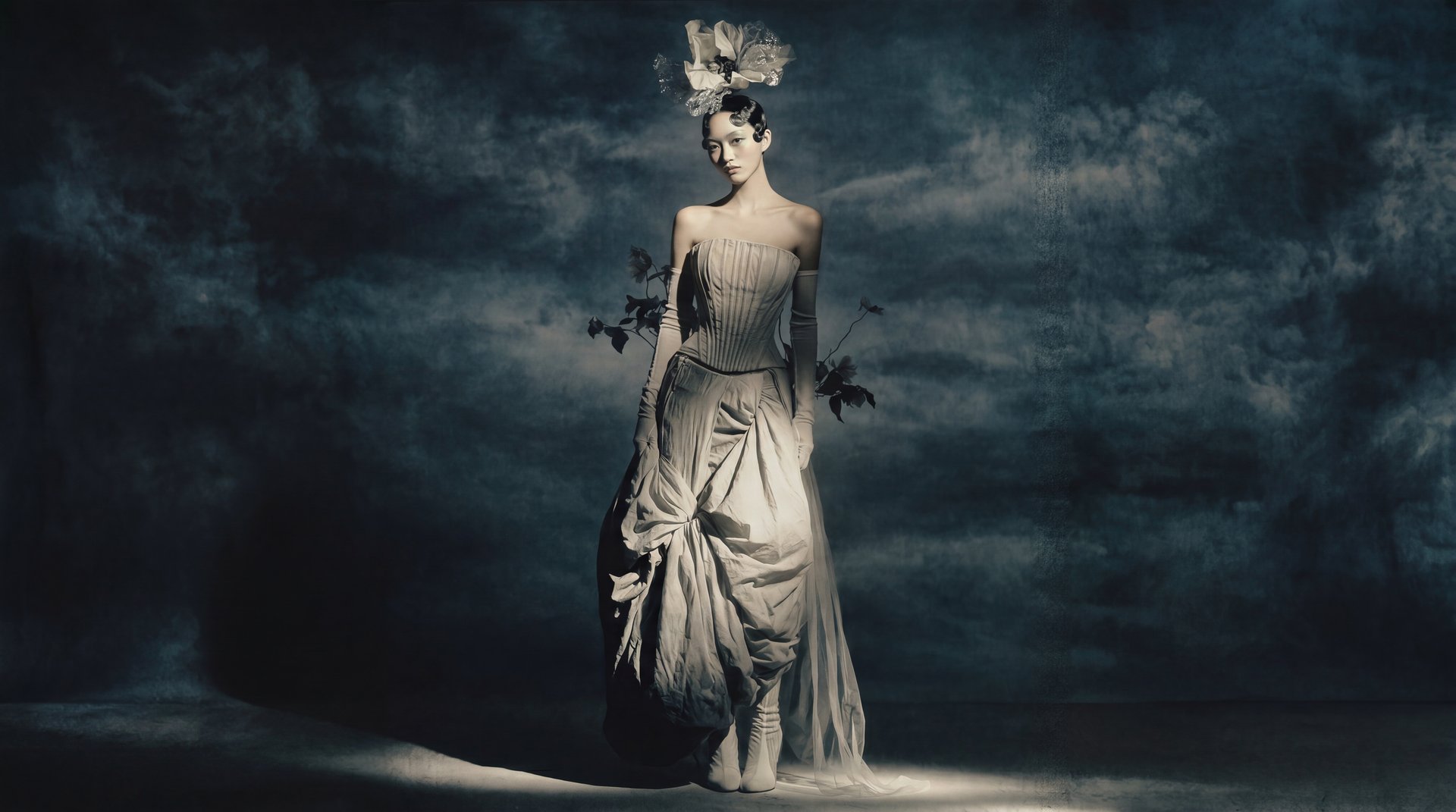
Choose Image or Video from the top navigation, select a model or feature, enter a prompt or upload a reference, and click Generate. Your result appears in the section where you generated it and in Assets.
How to create your first generation
- In the top navigation, choose Image or Video, depending on what you want to create.
- Select a model or feature. Each section shows what is available. Pick based on your goal, or start with the default.
- Enter a prompt describing what you want to create.
- Upload a reference image if the model supports it.
- Adjust any settings, such as duration, aspect ratio, or resolution.
- Click Generate.
Your generation appears in Assets when it's done.
Not sure which model to use? See Which AI model should I use?
What is a prompt?
A prompt is a text description of what you want the AI to create. The more specific, the better. For the full guide with examples, see How do I write a good prompt?
Example video prompt: