A prompt is how you tell the model what to create, and the single biggest thing you can do to get a better result is simple: be specific. A short, vague prompt leaves the model to guess, and it will guess differently every time. A detailed prompt that spells out the subject, the details, the setting, and the style gives you something much closer to what you pictured. How you prompt also depends on where you start: describing a scene from words works differently from animating an image you already have. This guide covers both. And if you'd rather not write a detailed prompt yourself, Supercomputer can take a rough idea and finish the job for you.
Can Supercomputer just do it for me?
Yes. If you have a loose idea and don't want to polish a prompt, describe it in plain language in Supercomputer, even something as vague as "make a TikTok for my sneakers." It fills in the details, checks the plan with you, and generates the result, routing each step to a suitable model automatically. It's the fastest path from idea to finished asset. See How do I use Supercomputer?
For everything else, writing your own prompt gives you more control. Start here.
Why does being specific matter so much?
The difference between a weak result and a strong one is usually detail. Think of a detailed prompt in layers: subject (who or what is in the frame), details (appearance, clothing, expression), environment (where it happens), and style (photorealistic, cinematic, and so on). For video, add camera and mood.
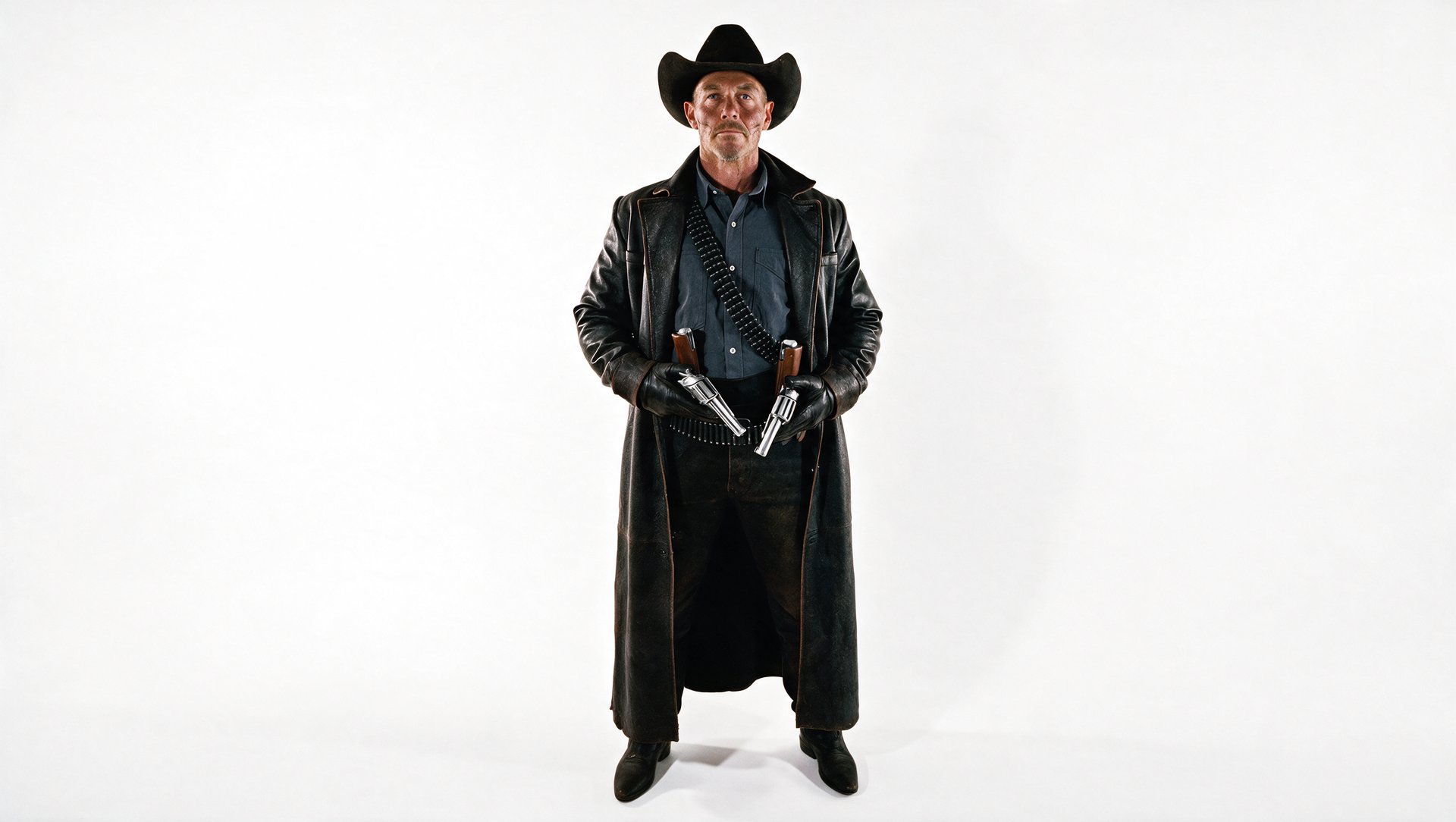
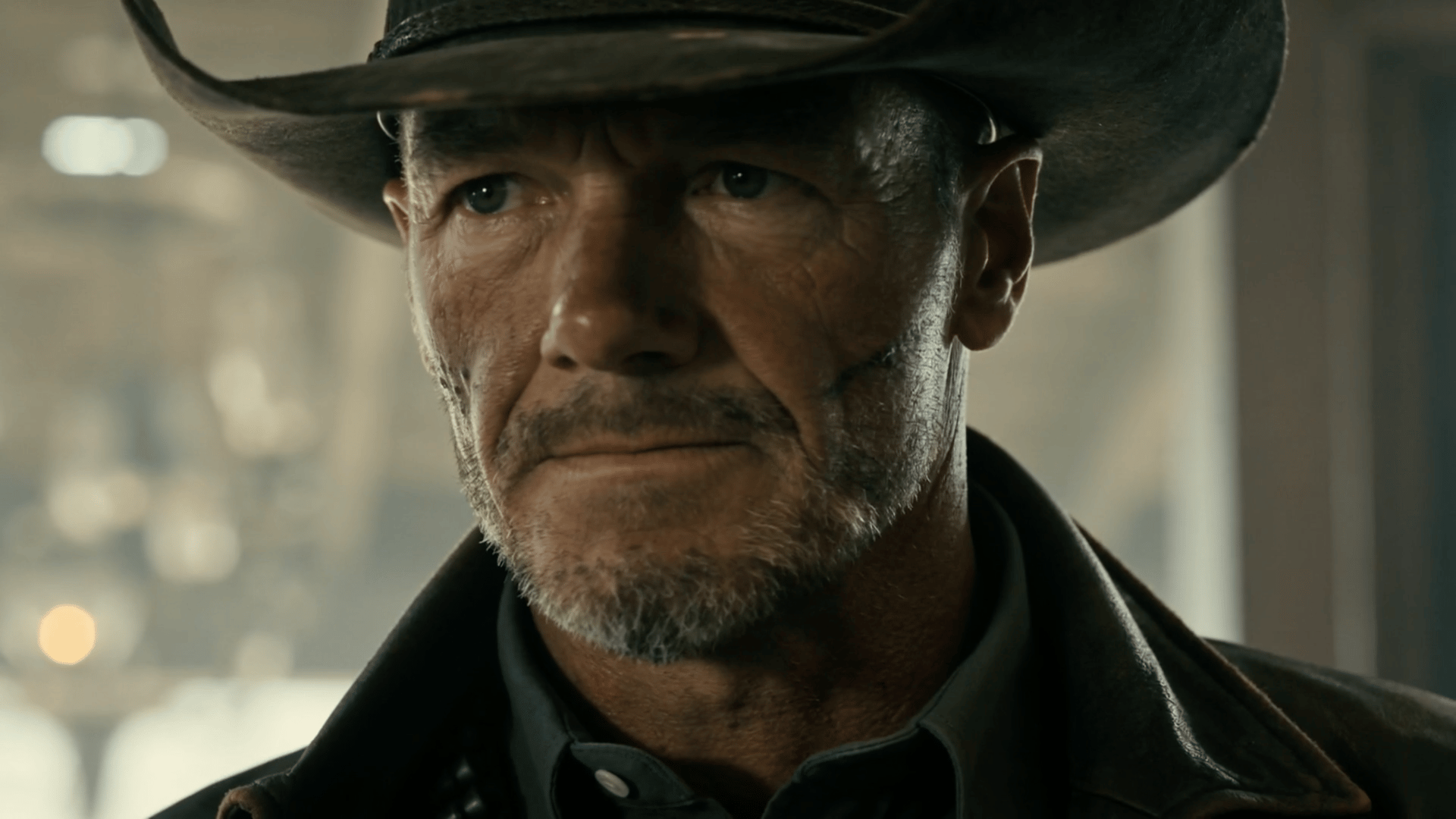
You don't have to fill every layer every time, but the more precisely you describe what matters, the more control you have. The best way to see this is to follow one character through a full workflow.
Step 1: Build a base character
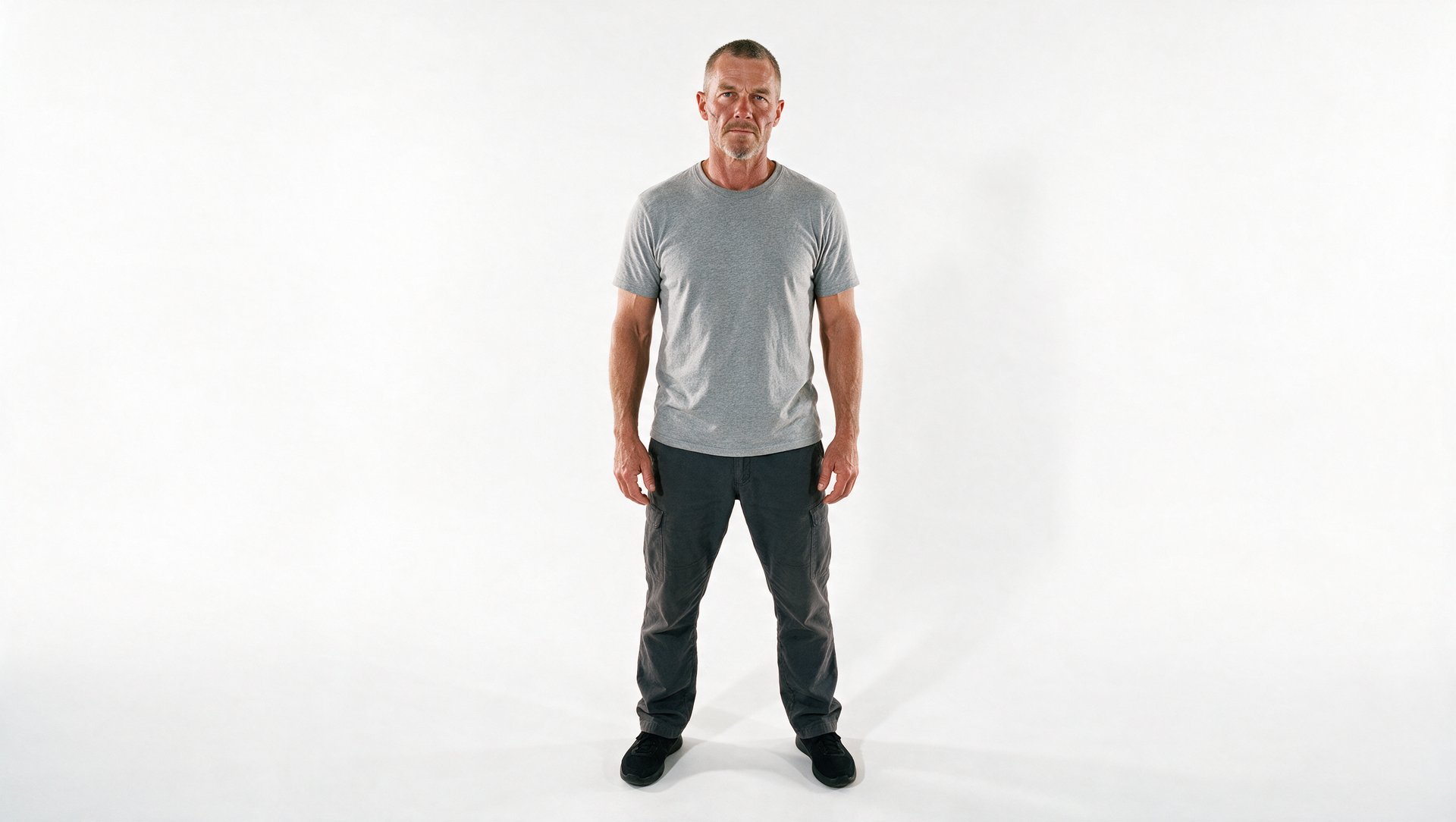
Start with a clean, detailed description of who your character is. A neutral studio shot with a plain background gives you a clear base you can restyle later.