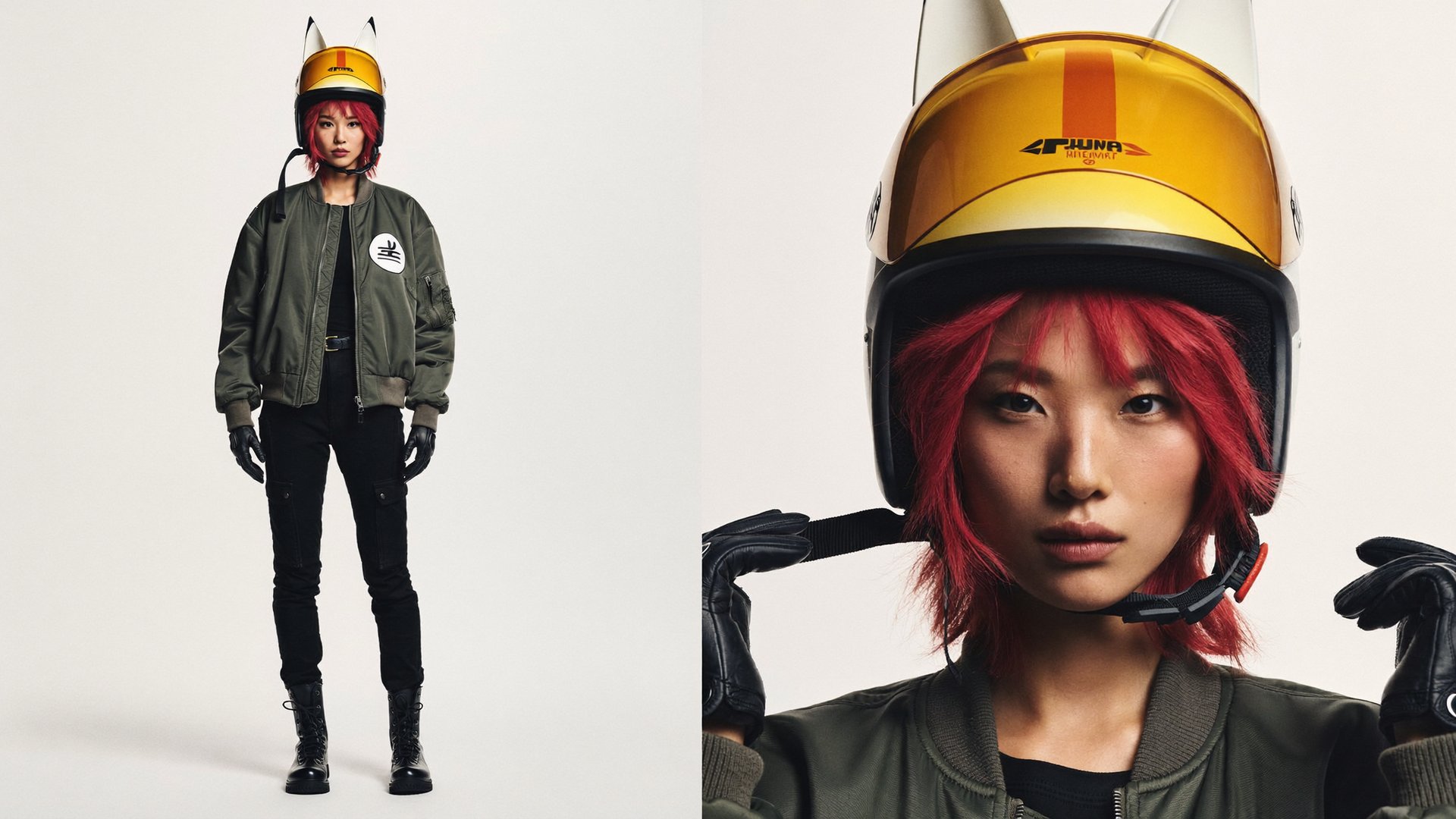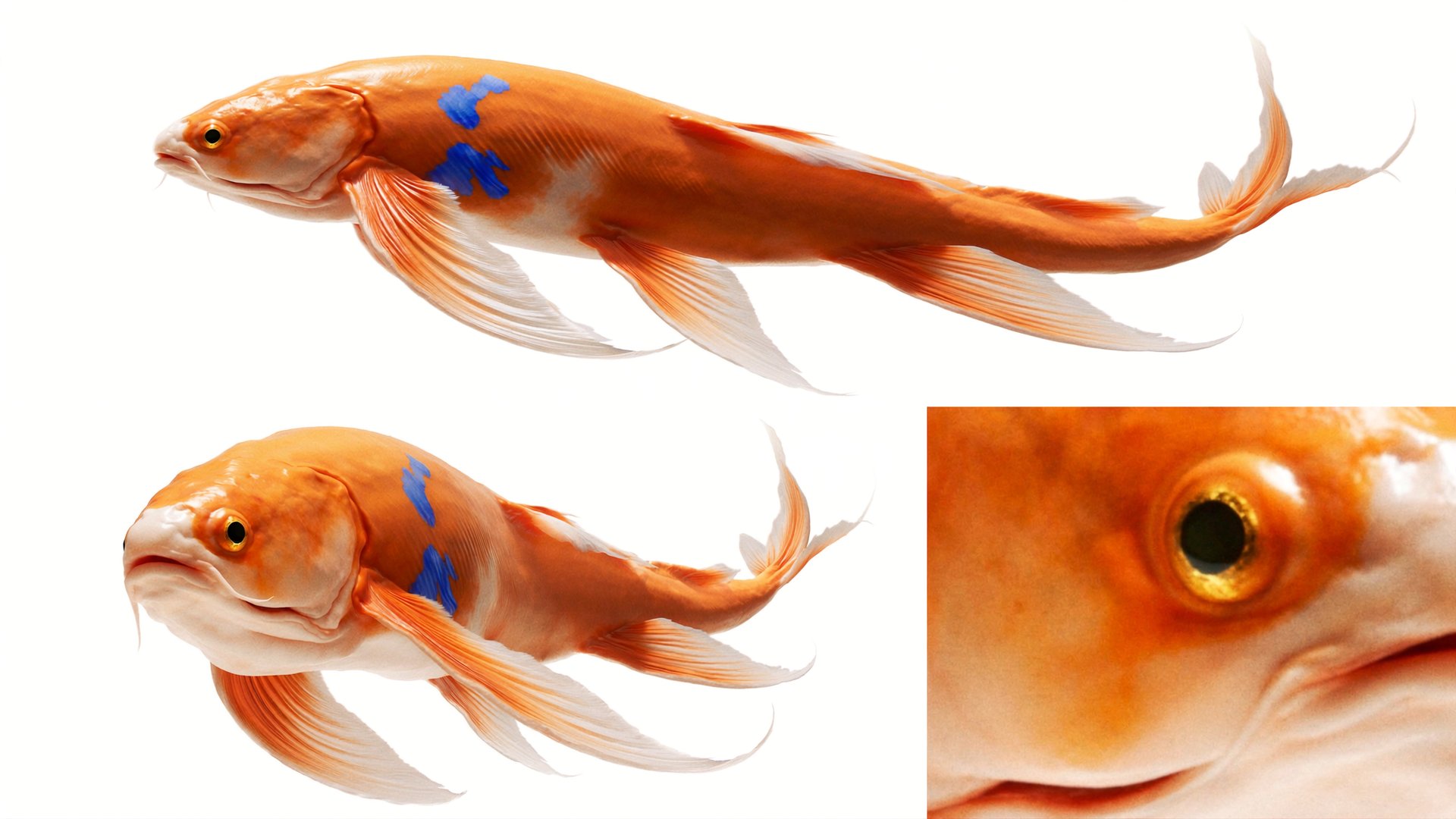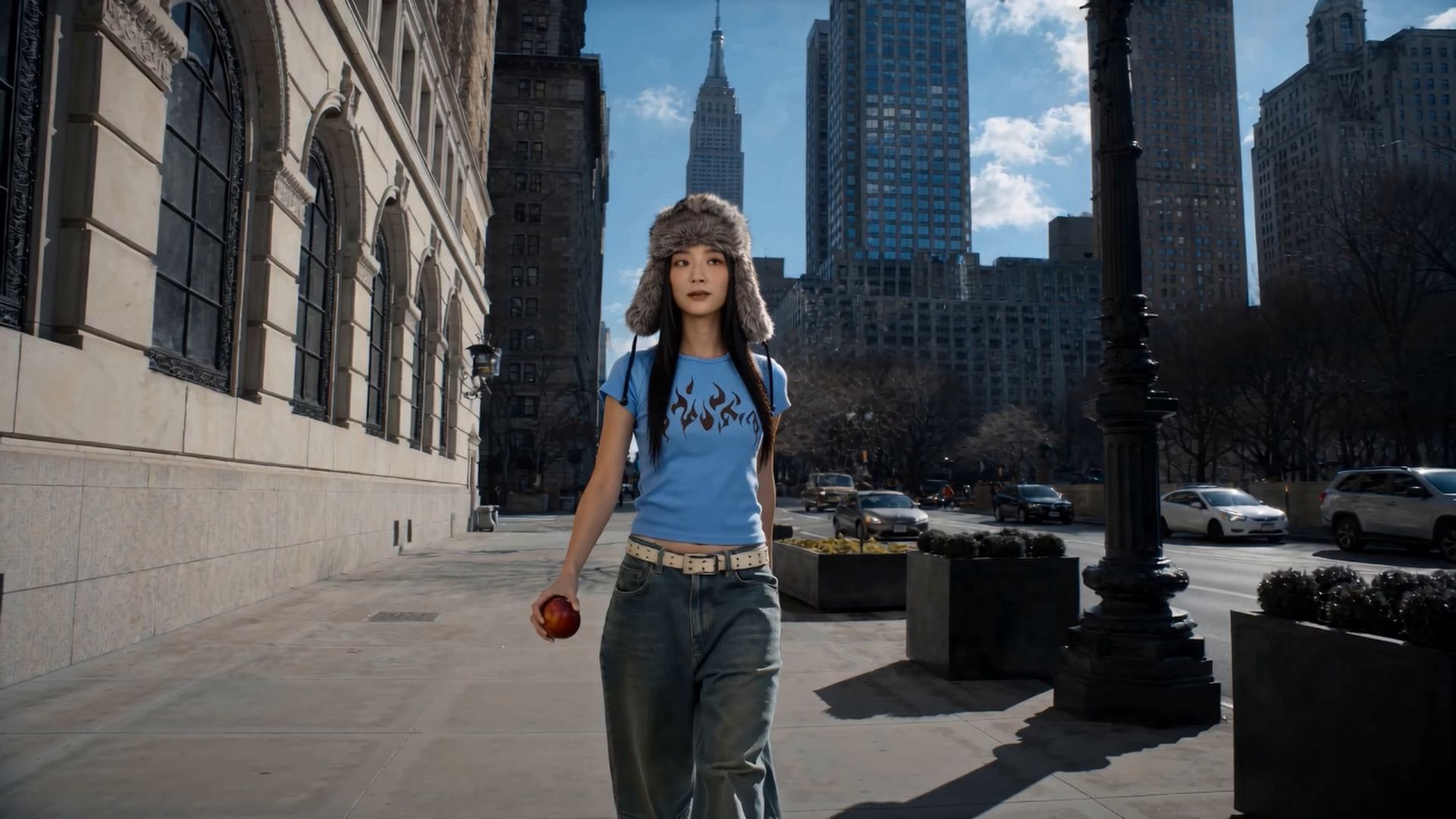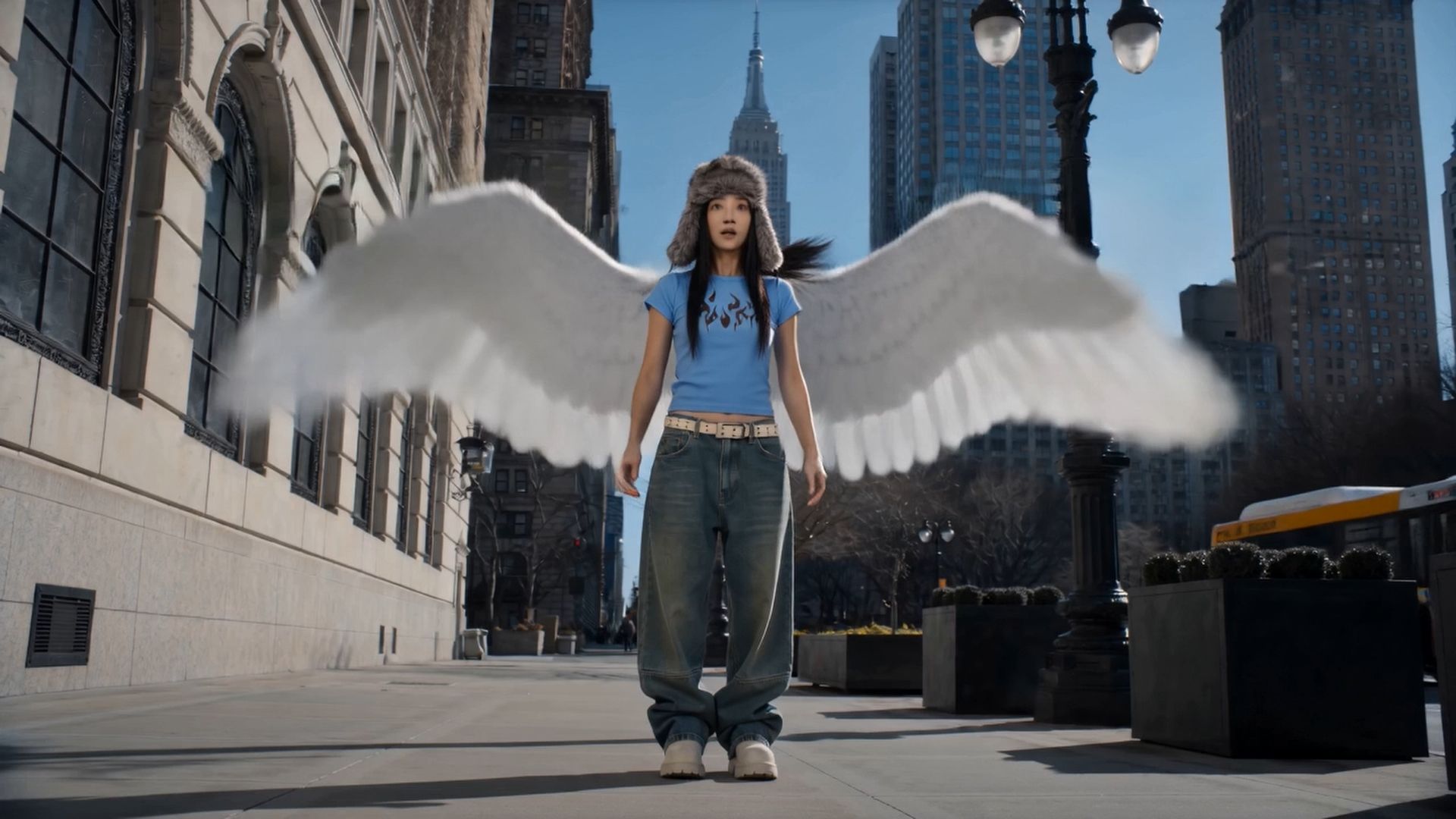
Kling 4.0 and Kling 3.0 are both available on Higgsfield, and they suit different tasks. Kling 4.0 generates videos up to 30 seconds in a single generation, with up to 10 keyframes, automatic multi-shot and video editing. Kling 3.0 is built for clips up to 15 seconds, with up to 5 shots, Elements for consistent characters and native audio. This guide shows how to write prompts for both models, which settings to choose, and 10 prompts with results you can copy.
TL;DR
- Use Kling 4.0 for scenes longer than 15 seconds, for exact moments set with keyframes, and for changes in a finished clip. Use Kling 3.0 for multi-shot clips up to 15 seconds with native audio.
- Start with the subject, action and camera. For complex scenes, add timing, references, lighting, audio and locks.
- For Kling 4.0, test at 720p before the final version. For Kling 3.0, use Turbo for faster drafts.
Kling 4.0 or Kling 3.0: Which One Should You Use?
Kling 4.0 is the newer model: longer clips, keyframes and video editing. Kling 3.0 is still a good choice for short multi-shot clips with sound.
Criteria | Kling 3.0 | Kling 4.0 |
|---|---|---|
Duration | 3 to 15 seconds | 3 to 30 seconds |
Frames | Start frame, end frame, or both | Up to 10 keyframes |
Multi-shot | Up to 5 shots, Auto or Custom | Automatic, guided by the prompt |
References | Elements with @ tags | Up to 15 in total: up to 10 images, up to 5 videos, Elements and voice references |
Edit a finished clip | In a separate model, Kling 3.0 Omni Edit | In the Edit video tab |
Resolution | 720p, 1080p, 4K | 720p, 1080p |
Aspect ratio | 16:9, 9:16, 1:1 | From 21:9 to 9:16 |
Audio | Native audio, on or off | Stereo audio, voice in 9 languages |
Fast version for drafts | Kling 3.0 Turbo | — |
In References mode, you tag added assets with @ in the prompt. In Frames mode, you upload keyframe images at points on the timeline instead.
For a full overview of Kling 4.0 features, see Kling 4.0 on Higgsfield: Features, Settings, and Pricing.
How Do You Write a Prompt for Kling?
Start by describing the subject, action and camera movement. For more complex scenes, add timing, references, lighting, audio and what should stay consistent. You don’t need every block for a simple shot.
Block | What to write |
|---|---|
Scene | What happens and how long the clip is, in one or two sentences |
References | Who or what comes from a reference, tagged with @, and what must match it |
Camera | Lens, distance, one camera move per shot |
Action timing | What happens at each second, for example 0–2s, 2–4.5s |
Physics | How bodies, cloth, hair and objects should move |
Lighting | Light source, direction and palette |
Audio | What we should hear, or “No music, no dialogue” |
Locks | What must not happen: no logos, no text, no extra people |
For Kling 3.0:
- Keep each shot focused on one main action and camera move. If you need three events, split them into shots in Custom mode.
- Tag the same element in every shot where it appears, and describe only its action: its look comes from the element.
- With an end frame, describe motion that can arrive at that frame.
For Kling 4.0:
Choose the Kling 4.0 mode based on what you want to control:
- Frames: keyframe images set specific moments in the video.
- References: images, videos, Elements and voice references guide characters, movement and style.
- Edit video: upload an existing clip and describe what should change.
Then:
- With keyframes, let the keyframes set the key moments, and use the prompt to describe the action and the camera between them.
- If something doesn’t look right, change one thing at a time: the prompt, a reference or the duration.
- In Edit video, describe what should change and say what should stay the same, such as the character, background, movement or lighting.
Which Settings Work Best?
Choose the model and the mode by the task.
Task | Model and mode | Settings |
|---|---|---|
Test a camera move or framing | Kling 4.0 at 720p, or Kling 3.0 Turbo for Kling 3.0 | Short duration |
A short social clip with sound | Kling 3.0 | Up to 15 seconds, audio on |
A short story with several shots and one character | Kling 3.0, Multi-shot with Elements | Up to 5 shots within 15 seconds |
Longer scenes or multi-shot sequences | Kling 4.0 | Up to 30 seconds per generation |
Exact poses or product angles at set moments | Kling 4.0, Frames | Up to 10 keyframes |
A new character, product, background or angle in a finished clip | Kling 4.0, Edit video | Upload the clip and describe the change |
Recreate the pacing or camera movement of an existing video | Kling 4.0, References | Add a video reference and say what to keep and what to replace |
Dialogue in another language | Kling 4.0 | Voice in 9 languages |
10 Kling Prompts That Work
Each prompt below was used on Higgsfield. Copy it, change the subject and the setting, and keep the structure.
Prompts 1 to 5 show Kling 4.0: dialogue in two languages, references, a 30-second generation, keyframes and video editing. Prompts 6 to 10 show Kling 3.0: a start frame with a camera orbit, multi-shot with Elements, a start-frame continuation, a one-take shot with references and a macro shot with audio.
In the prompts below, <<<image_1>>>, <<<image_2>>> and so on mark the references. When you paste a prompt into Kling 4.0, they turn into @ tags for the references you added.
Kling 4.0
1. Dialogue in two languages: a French and English street scene
Twelve seconds and five shots, with three references and two characters who speak different languages.