Start in 4 steps
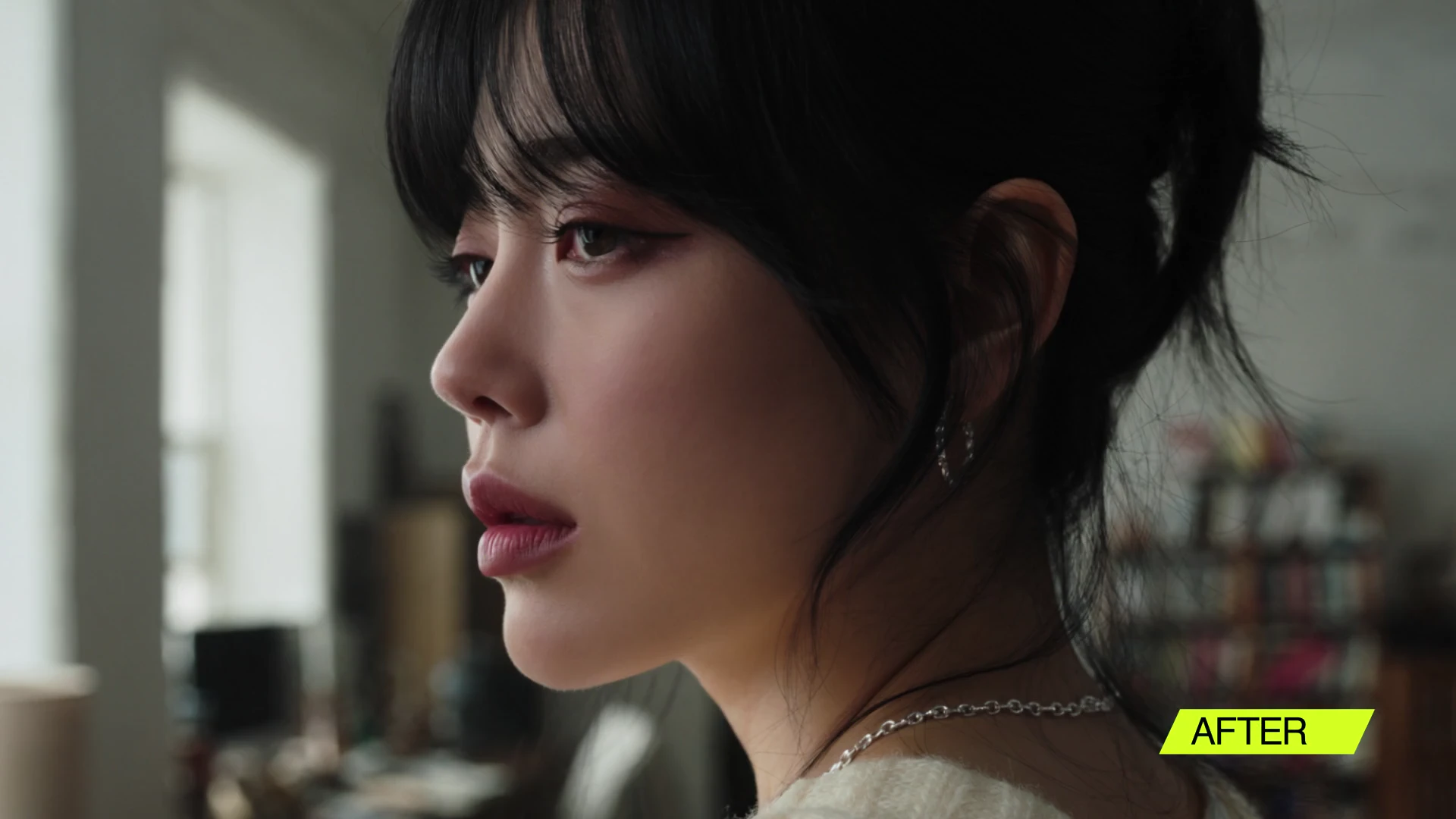
Direct the cleanup of a generated location: specify objects to remove, surfaces to repair, and the lighting you want. Combine targeted edits with selective masks and retouching to preserve useful detail.
Open your CLI agent
Use your CLI agent on the same computer as Adobe Photoshop.
 Connect Higgsfield
Enable Higgsfield in your CLI agent and check that its tools are available.
Install Adobe Photoshop
Install Adobe Photoshop on the same computer.
Start your first workflow
Copy the prompt into your CLI agent, then add your brief and source assets.
Behind the animation
See the image fixer workflow in Adobe Photoshop.