Start in 4 steps
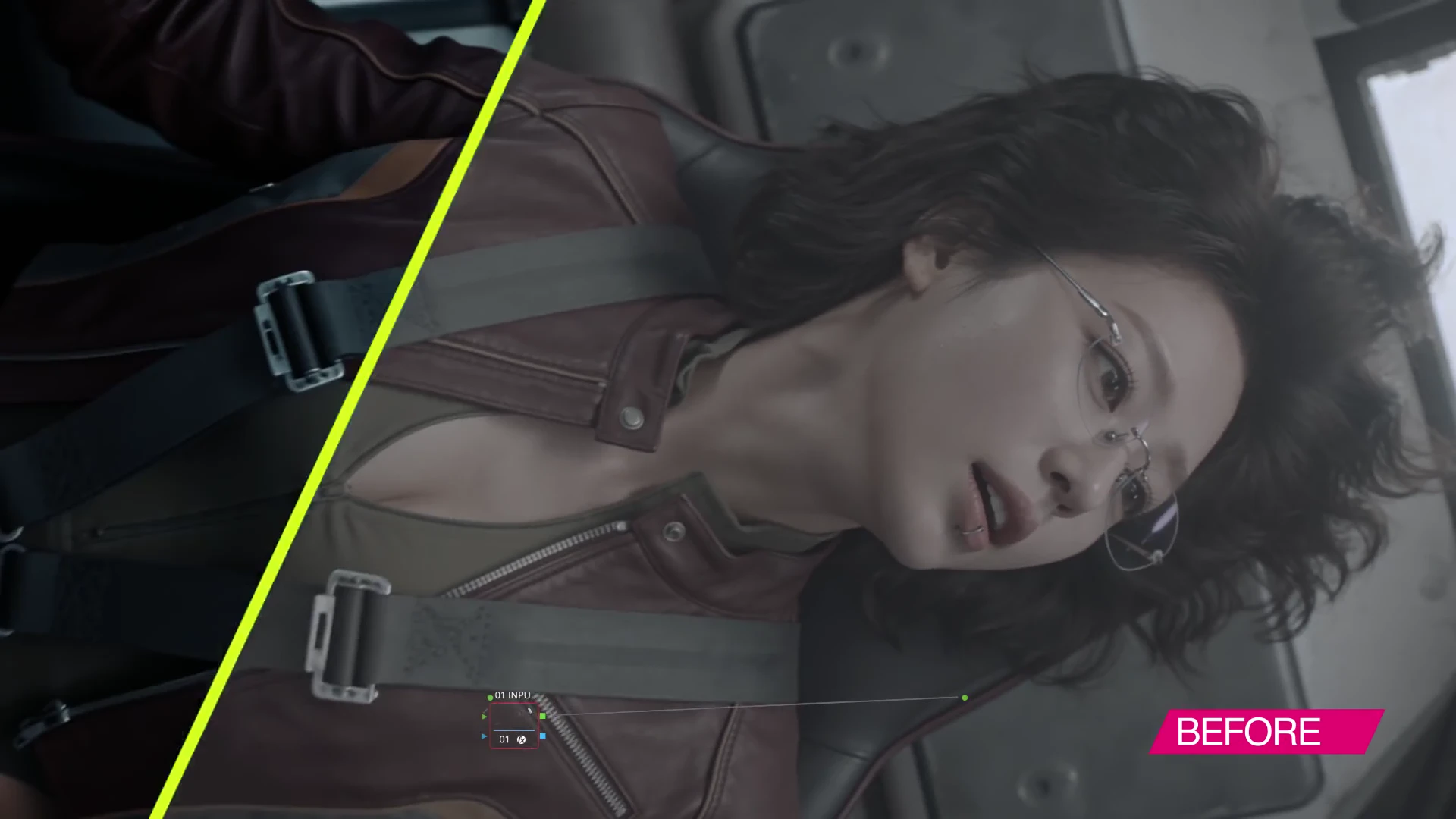
Balance exposure, white balance, contrast, and saturation before shaping a look around your references. Match shots, protect skin tones, and preserve the original grade in a separate version.
Open your CLI agent
Use your CLI agent on the same computer as DaVinci Resolve Studio.
 Connect Higgsfield
Enable Higgsfield in your CLI agent and check that its tools are available.
Install DaVinci Resolve Studio
Install DaVinci Resolve Studio on the same computer.
Start your first workflow
Copy the prompt into your CLI agent, then add your brief and source assets.
Behind the animation
See the color-grading workflow in DaVinci Resolve Studio.