Introducing Higgsfield SOUL 2.0.
Our photo model is built for the creative, fashion-aware, culture-native generation – designed for aesthetics, with taste built into every image.
Higgsfield SOUL 2.0 is our proprietary in-house model built for the ultimate creative direction. It was designed with creatives, art directors, and stylists to deliver culturally aware, editorial-quality visuals with strong character consistency and aesthetic precision.
Create!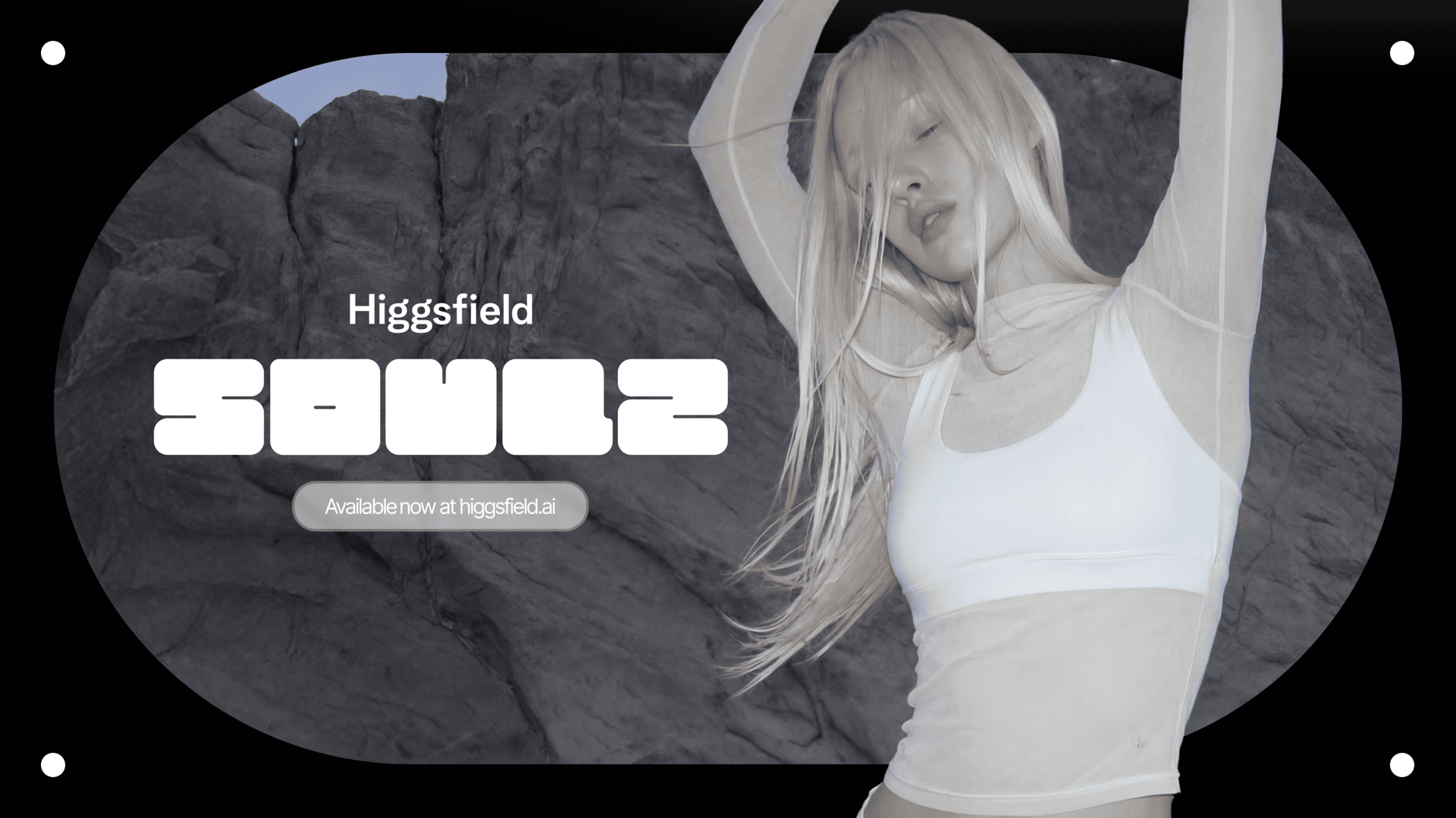
Introducing Higgsfield SOUL 2.0.
Our photo model is built for the creative, fashion-aware, culture-native generation – designed for aesthetics, with taste built into every image.

SOUL 2.0 is Higgsfield’s own foundation AI image generation model, built in-house in collaboration with creative professionals. SOUL 2.0 is made specifically for fashion-aware, culture-native, realistic image generation.
SOUL 2.0 operates through three core systems:
The core image generation model. This is where artistic AI photos are created from text prompts, optimized for fashion, editorial, campaign-style, and niche aesthetics.
A guided image generation mode that allows you to upload a reference image. Soul analyzes composition, lighting, styling cues, pose, and overall mood from your input and generates its variations. This turns your original image into a starting point for creative expansion.
A personalization layer designed for character consistency. SOUL ID allows creators to build recurring visual identities, digital personas, or campaign characters with improved coherence across generations. For best results, reference images from the same time period are recommended to maintain stylistic consistency.
SOUL 2.0 is designed around visual intelligence and taste.
It understands fashion references, subcultural cues, editorial framing, and native language in a way that feels intentional. When prompted with niche aesthetic terms, the outputs reflect nuance rather than costume-like exaggeration. The model is designed to generate images that feel styled and precisely directed.
These key points position SOUL 2.0 as:
An AI portrait generator with cultural awareness
An AI image generator for fashion
A hyper realistic AI photo generator
A photorealistic AI art generator
SOUL 2.0 optimizes for creative coherence.
SOUL 2.0 launches with 20+ curated presets designed as aesthetic starting points. These presets function as visual anchors, helping creators establish mood, texture, and stylistic positioning immediately.
Instead of relying entirely on complex prompt construction workflows, creators can begin with a preset aligned to their intended vibe and refine from there. This makes SOUL 2.0 a structured AI image generator with presets that supports creative workflow by providing latest ideas and aesthetics to creators.

List of presets curated in the most up-to-date aesthetics:
- Warm ambient
- Retro BW
- Y2K street
- Subtle flash
- Y2K studio
- Street photography
- Theatrical light
- Asian nostalgia
- Editorial street style
- Surreal solarization
- Flash editorial
- Digital camera
- Siren
- Swag era
- Mystique city
- Candy pop
- 2000s band
- Frutiger aero
- Drain
- Old smartphone
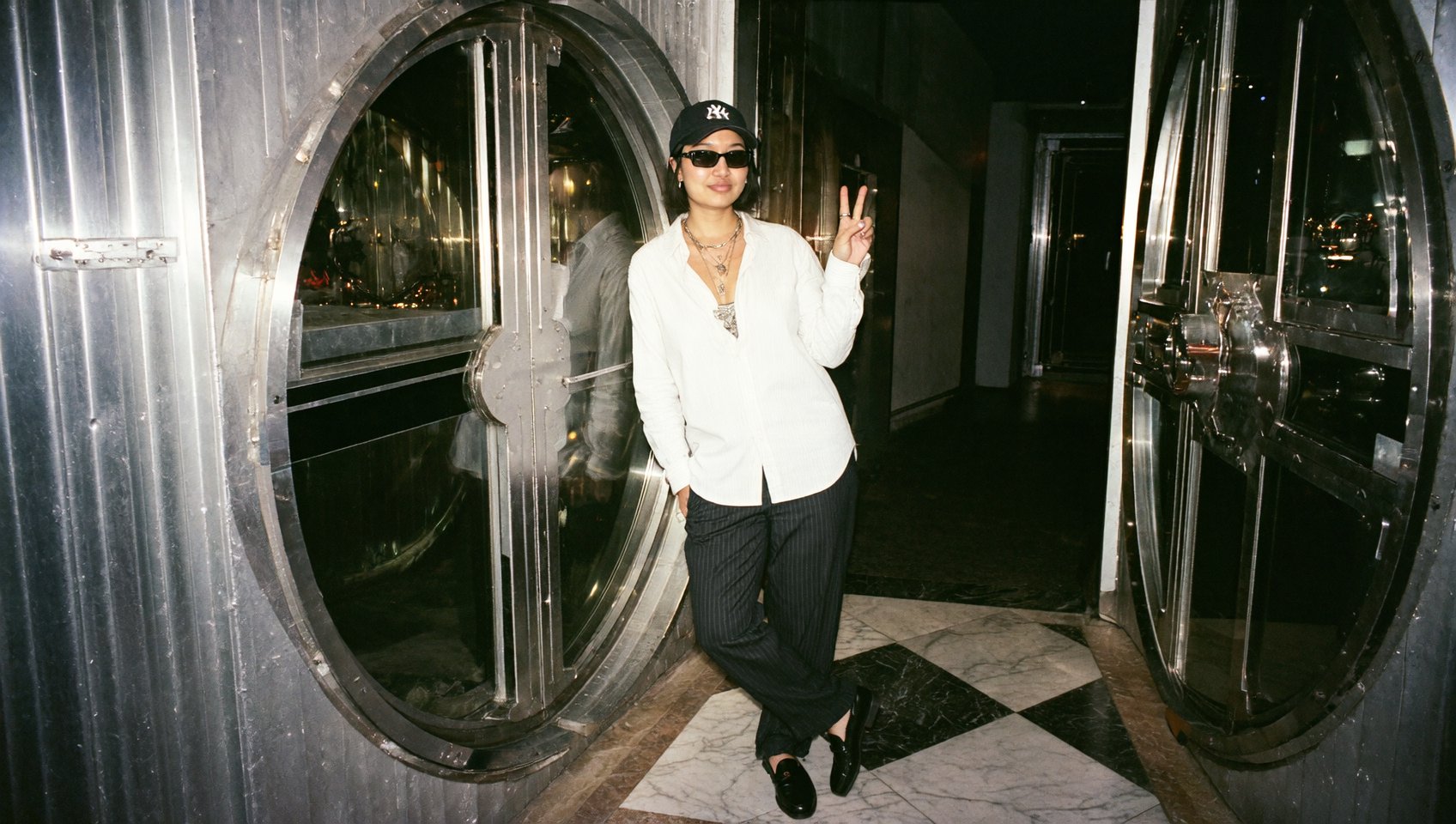
SOUL 2.0 generates images that feel photographed: it responds to references such as phone flash, disposable cameras, and digital cinema aesthetics with believable texture, grain behavior, and lighting logic.
It also understands online slang, subcultural language, and niche aesthetic cues directly inside prompts, allowing creators to reference specific vibes, fashion micro-trends, and online communities without over-explaining them.

SOUL ID enables the strongest character consistency across generations as creators can build recurring visual identities. This is especially useful for fashion campaigns, digital brand ambassadors, and narrative visual systems.
Consistency improves significantly when reference images are drawn from the same time period and lighting context, helping the model maintain continuity in tone and structure.

Approach your prompt like a creative brief – define the mood, references, and visual intent so the model understands exactly what world you want to build.
Presets act as creative anchors. If you already know the vibe you want, select a preset such as Y2K studio, Street photography, or Flash editorial.
This instantly structures lighting, texture, and tone. From there, your prompt refines rather than builds from scratch.
Presets are especially useful for:
Fashion campaigns
Social-media-ready content
Concept editorials
Moodboard exploration
Rapid idea generation
If you're exploring creative directions, try generating the same prompt across multiple presets to compare stylistic interpretation.

SOUL REFERENCE allows you to recreate the idea you liked, while preserving it and adding alternative directions you might not have considered yourself.
It’s especially useful when:
Exploring variations of a campaign concept
Expanding a visual idea into multiple creative directions
Pushing creativity beyond the initial reference without losing structure
Instead of copying your reference, Soul analyzes its visual logic and then expands it into new creative territory.
Simply insert the REFERENCE image you liked into the panel, then click "Generate" and enjoy Soul's creative output.

If you are building recurring characters, digital models, or visual identities, use SOUL ID.
Upload character references from the same time period and lighting environment. This improves:
Facial stability
Styling coherence
Texture continuity
Campaign-level consistency
SOUL ID transforms Soul 2.0 into a character consistency tool that works across multiple generations, making it ideal for fashion storytelling and brand development.

Once your character is uploaded into SOUL ID, you can place them inside any of the curated presets to explore different visual worlds without losing identity coherence.
Select a preset that matches your intended aesthetic – for example Flash Editorial, Y2K Studio, or Street Photography – and then refine the scene with a prompt that defines mood, styling, or narrative context.
This allows you to keep the same character while shifting environments, lighting logic, camera feel, and cultural references. Your persona remains stable, while the aesthetic
SOUL ID keeps the identity grounded, presets shape the visual tone, and your prompt directs the creative intent.
When working with SOUL ID, it’s important to understand that the model actively analyzes facial structure, proportions, body shape, and visual identity patterns in order to maintain character consistency across generations.
For best results, upload your recent photos, ideally from the same time period. This allows the model to lock in current features such as hairstyle, face shape, styling choices, and overall silhouette without blending outdated variations.
Full-body images are strongly recommended. When the model can see posture, proportions, and movement tendencies, it produces far more stable and coherent results across multiple generations.
SOUL 2.0 was built by creators for creators.
It was curated in a way to understand fashion context, niche aesthetics, and the difference between something that looks generated and something that feels art-directed.
If you’re working in fashion, editorial, digital branding, or building your own creative universe, SOUL 2.0 becomes a creative system you can return to – refining, evolving, and scaling your ideas with consistency and visual intelligence.
It’s about giving creators a new visual instrument – one that speaks the language of culture as fluently as they do.
Explore Higgsfield SOUL 2.0 – our photo AI model designed for fashion creatives, art directors, and digital storytellers. Generate artistic AI photos, maintain character consistency with SOUL ID, and create editorial visuals in minutes.