Write the prompt.Watch it render.

Cursor writes the logic. Higgsfield generates the visuals. Together, they build your full creative — while you stay in flow.

Try it in Cursor

How to start

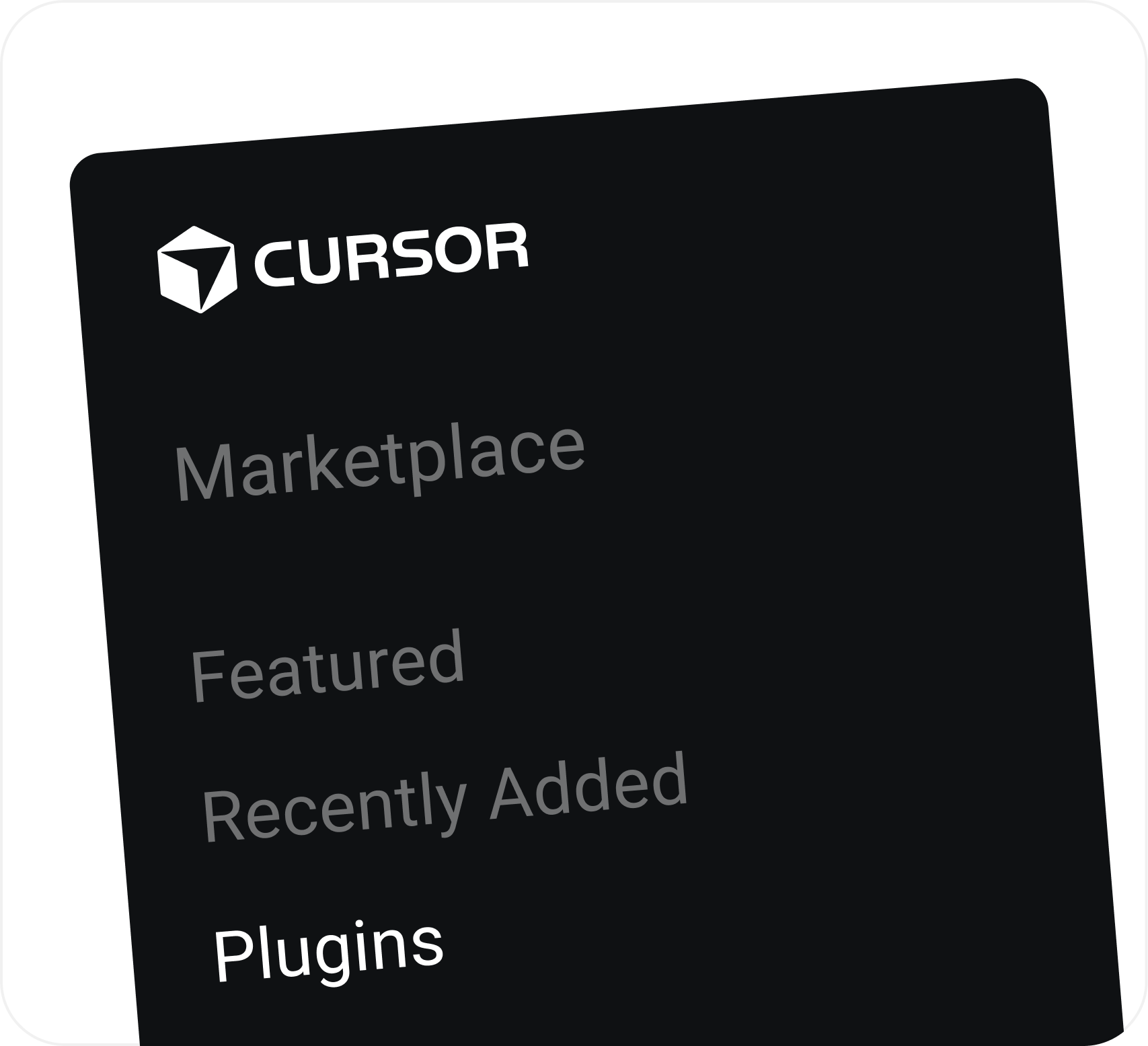
Go to the Plugins tab

Inside any Cursor workspace, open the Plugins menu from the sidebar — that's where all your connectors live.
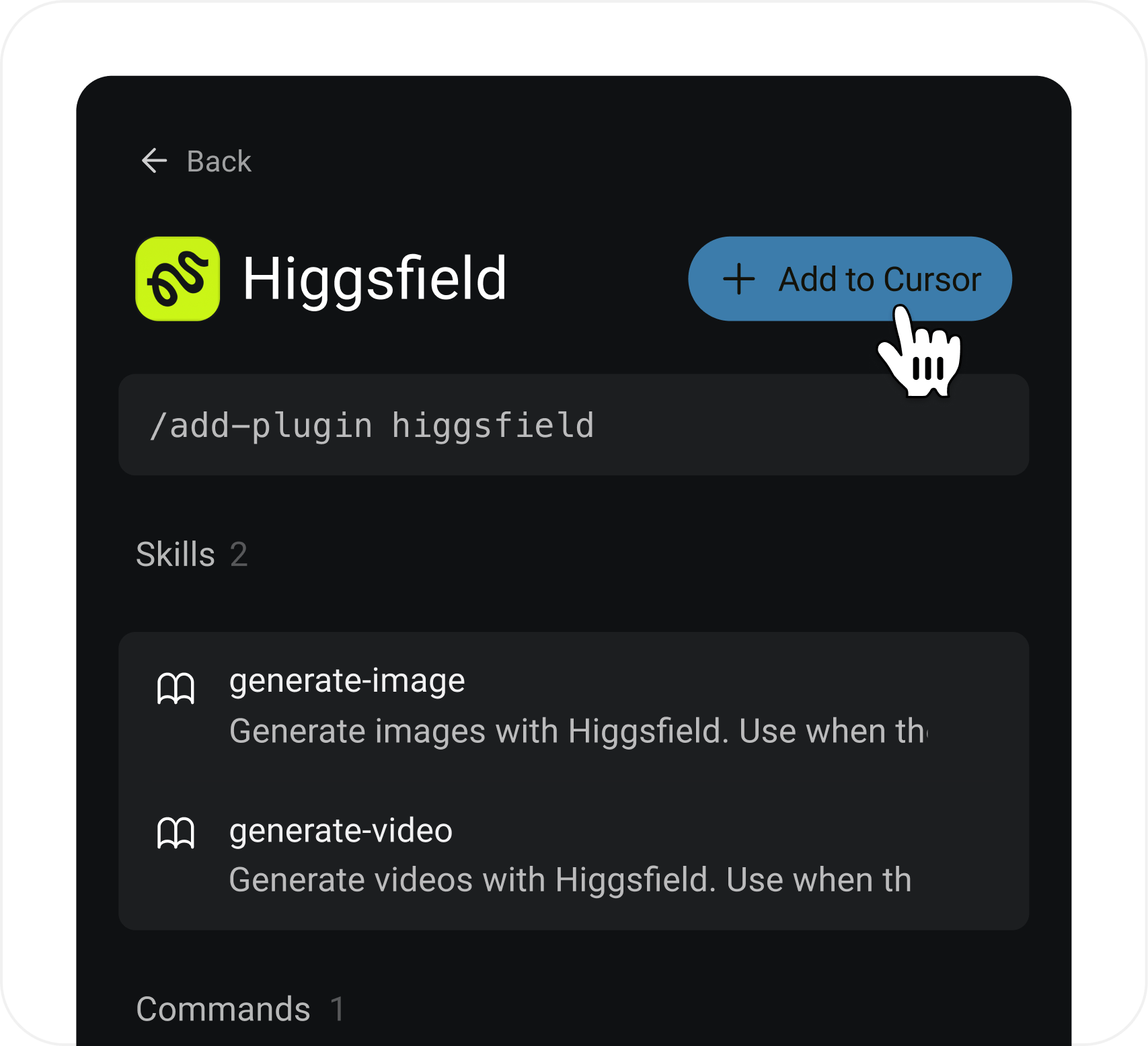
Hit Connect

Search "Higgsfield" or scroll to it in the directory. Tap Connect and approve the sign-in — one click.
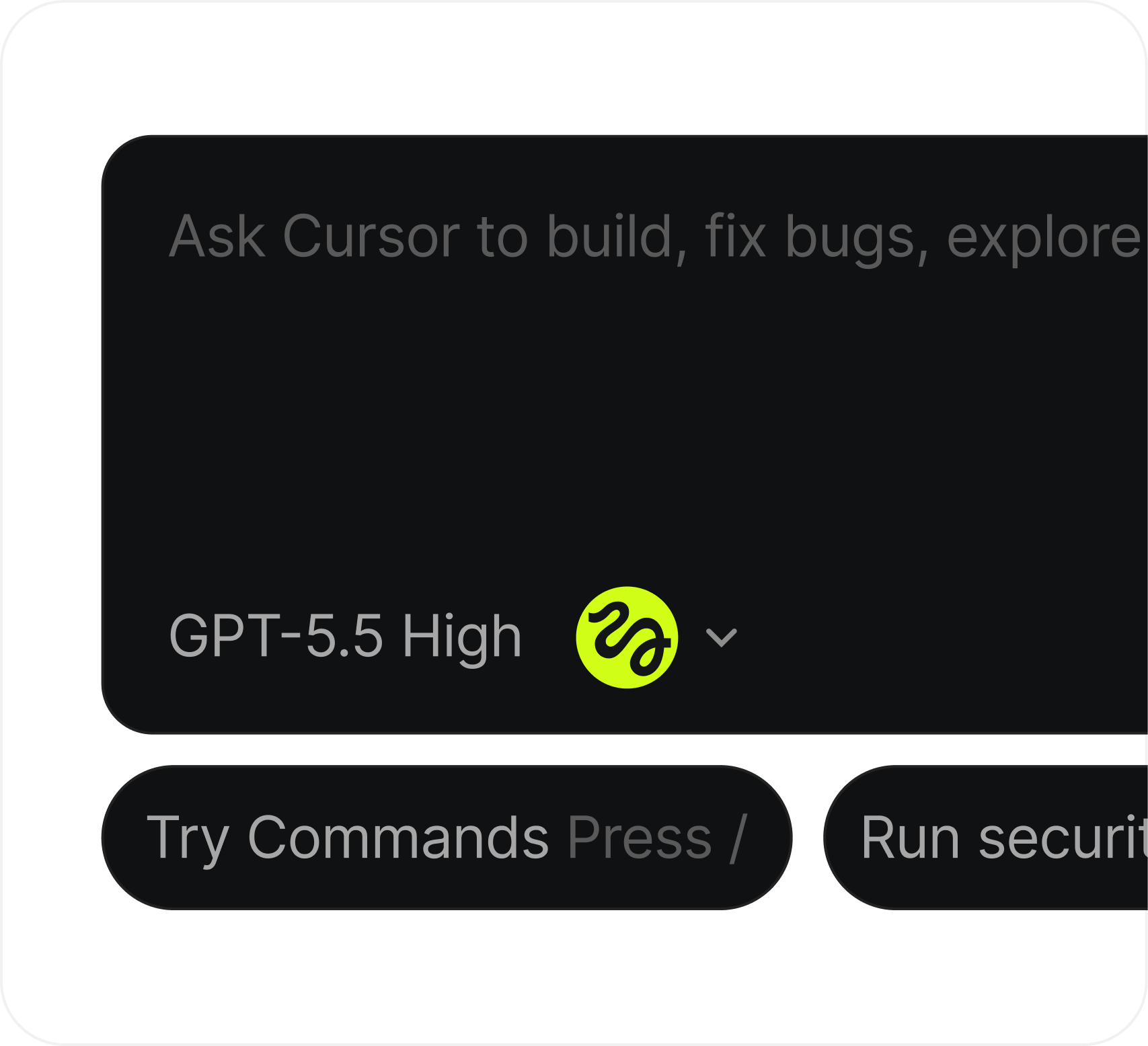
Cursor picks it up

Ask Cursor to generate a video. It calls Higgsfield automatically — no need to specify the tool.

From prompt to cinematic.

  1. 1
  2. 2
  3. 3
  4. 4

Drop your product in the chat

A photo of your jar, your URL, or a one-line description. Tell Manus what you want - usually some version of "sell this."

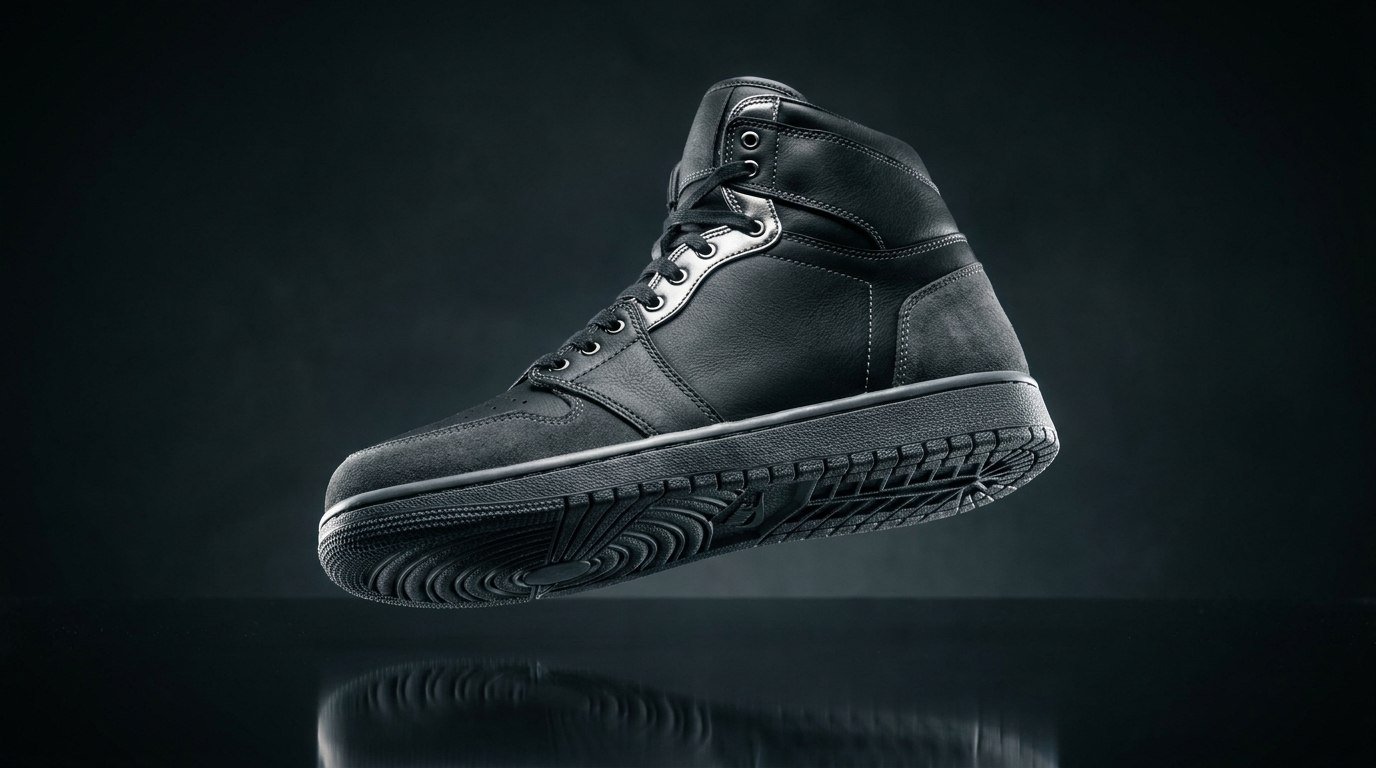
Create a 10s ad for my sneaker. Dark aesthetic, slow-motion reveal, cinematic.
GPT-5.5 High
Run security auditExplore Marketsplace

AVAILABLE IN CURSOR

The IDE that renders.

Connect Higgsfield to Cursor once. From here, every prompt can become a cinematic visual — no switching tabs, no extra tools.

Open in Cursor

Got any questions left?

We’ve answered the most frequently asked questions

Do I need a Higgsfield account to use this?
Yes — you'll need an active Higgsfield account. Connect it once via the Cursor Plugins tab, and you're good to go. No separate app, no extra setup.
Does it work in any Cursor workspace?
Yes. Once you've connected Higgsfield, the plugin is available across all your workspaces. Just open a chat and ask.
What can I actually generate from Cursor?
Images, cinematic videos, product ads, and motion clips — anything Higgsfield supports. You describe it in natural language and Cursor handles the rest.
Will Cursor call Higgsfield automatically, or do I have to trigger it?
Automatically. Cursor recognizes when your prompt requires a visual and routes it to Higgsfield without you having to specify the tool.
How long does generation take?
Most outputs render in 20–40 seconds depending on length and complexity. You stay in Cursor the whole time — no switching tabs.
Does generated content go through my codebase?
No. Higgsfield outputs are returned directly in chat and can be saved wherever you point Cursor. Your codebase stays untouched unless you explicitly ask to insert the asset.
Is my data shared between Cursor and Higgsfield?
Only your generation prompt is sent to Higgsfield. No code, no files, no workspace context — unless you explicitly include it in the prompt.

Explore more ai features