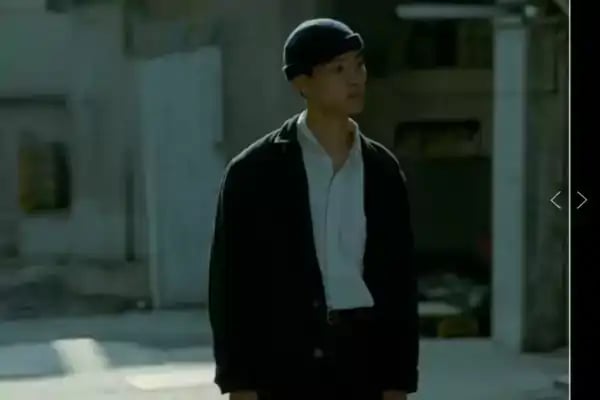
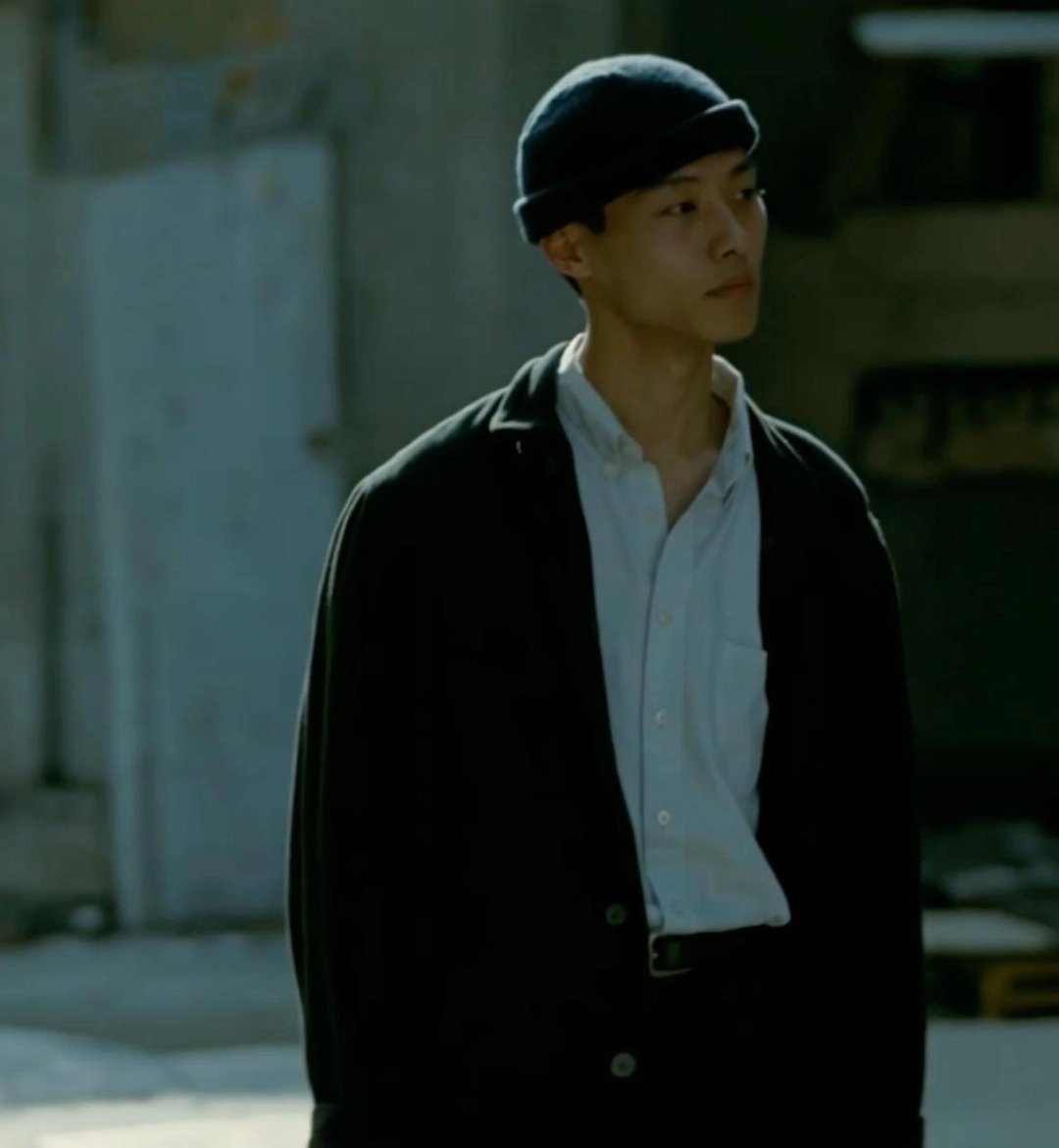
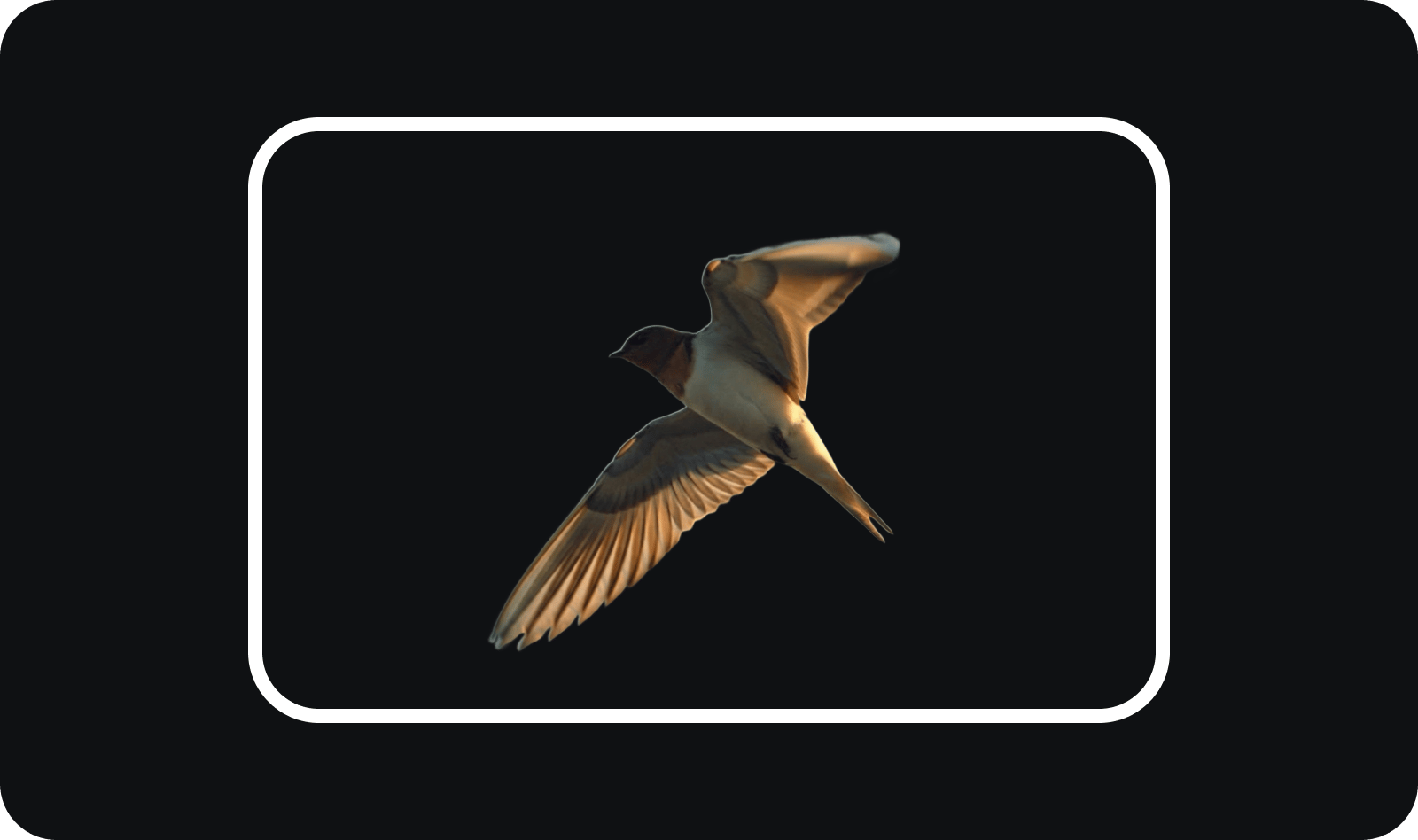
Explore our video background remover to track people and objects frame by frame. Create cutouts designed to retain fine edge details.
Frame-by-Frame Tracking
Track your subject through movement and turns, with AI designed to preserve natural-looking edges across frames.
Consistent Cutouts
The background remover is designed to keep the cutout steady, with consistent-looking edges from the first frame to the last.
One-Click Processing
Upload your clip and click Generate Video to remove the background automatically, without manually drawing masks around each frame.
Pick your plan
Get access to more generations and priority access to new features
Trusted by 40M+ users worldwide
Join a global creative network where people generate AI images, share insights, and inspire each other every day.
JM
Jessica Moore
I've been using Higgsfield for a few months now and it honestly changed how I approach projects. The speed is insane, and the quality is more than enough for professional work. It's gone from a side tool to something I rely on daily.
DH
Daniel Harris
I was blown away by how intuitive it is. We were tasked with creating a detailed sales narrative for a confusing menu — you just throw ideas at it. We delivered a client project two days early thanks to Higgsfield, and they were impressed by the visuals.
OB
Olivia Bennett
The platform is really, really solid. Sometimes, I need to knock out more advanced concepts, but the trade-off is speed. For quick creative requests and even serious work, it's become my go-to.
ST
Sophia Turner
I recently had to prepare a crucial pitch in a rush. Normally I'd stay up late, but with Higgsfield, I finished in just a couple of hours — and still had energy left for other work.
EW
Ethan Wright
One client even asked how long my team was. In reality, it was just me using Higgsfield — I delivered a project in three days instead of a week. It saved a creative department's worth of work for us.
LC
Liam Carter
I make tools where you have to spend hours training them. Now I see the opposite. I learned to just get straight to work. I sent my colleague 'ideas' for a new site, and we prototyped it so quickly.
AS
Amelia Scott
I used to only take on small branding projects. With Higgsfield, I can take on big projects — and scale it. Now I'm confident accepting larger jobs because I know I can deliver on time.
NP
Noah Petersen
I had a project with a ton of social media banners. You usually trade off either fast or slow to get quality. With Higgsfield, I got them done quickly and they still looked great.
CR
Chloe Ramirez
We integrated Higgsfield into our studio workflow, and now everything moves faster. Even the junior designers feel more confident — they don't waste days on simple tasks anymore.
Still have questions?
We’ve answered the most frequently asked questions
What is AI Video Background Remover?
AI Video Background Remover isolates the main subject in an uploaded video and exports an MP4 with a black background, without requiring a green screen.
How does AI Video Background Remover work?
The AI video background remover analyzes each frame, tracks the subject through movement, and separates it from the background without manual masking or prompts.
How do I remove the background from a video?
Upload an MP4 or MOV, press Generate Video, and download the result. That's how to remove BG from video on Higgsfield.
Can I remove background from video for free?
Yes. New accounts get 10 free credits once at sign-up, so you can try Higgsfield's free video background remover and make your first cutout.
Will my original subject be altered?
The tool is designed to preserve your subject while removing the background, but fine details such as hair and edges may change.
What can I use the result for?
Use the cutout in social clips, product demos, or presentations, or composite it over a new background in your editor.
What video formats can I upload?
You can remove background from MP4 or MOV files.
How large can my video be?
Upload one video per run, up to 50 MB. There's no separate limit on video length or resolution.
Can I add a new background?
Yes. To change video background, use a compatible editor to replace the black backdrop. The exported MP4 isn't transparent, so additional editing may be needed.
Do I need to write a prompt?
No. Upload your video and the AI will detect and track the main subject.
Is the output video transparent?
No. The result is an MP4 with a black background, not a transparent video.