
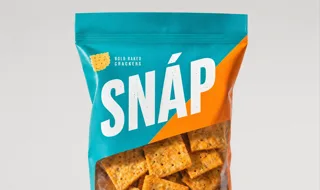
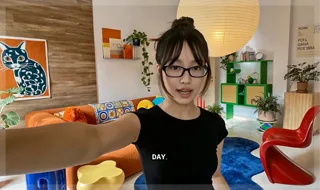

1
Copy the Higgsfield connector URL
 Higgsfield connector URL
You’ll paste this URL into Claude in the next step

Create a complete Product review UGC for my product
I’ll shape the product benefit into a natural creator concept, write a concise script, and carry the same avatar through the final vertical video.
The concept and script are ready. Now I’ll generate the creator performance with consistent product details and native captions.
Your UGC flow is complete — concept, script, creator performance, product close-up, captions, and a social-ready vertical cut.
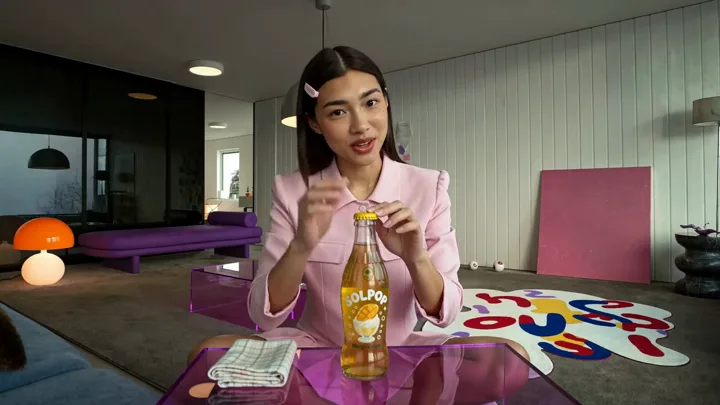

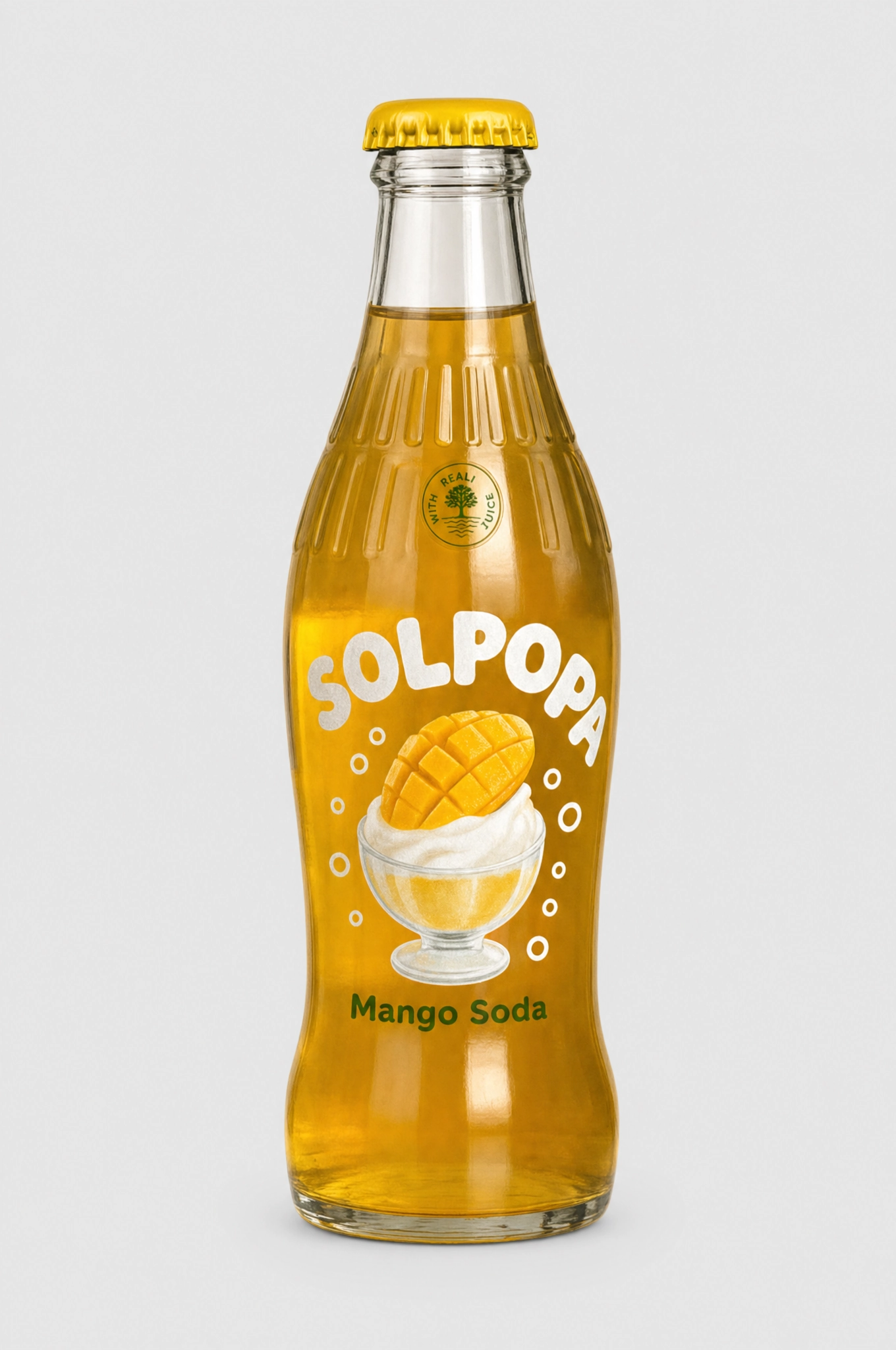
Create a complete Product review UGC for my product
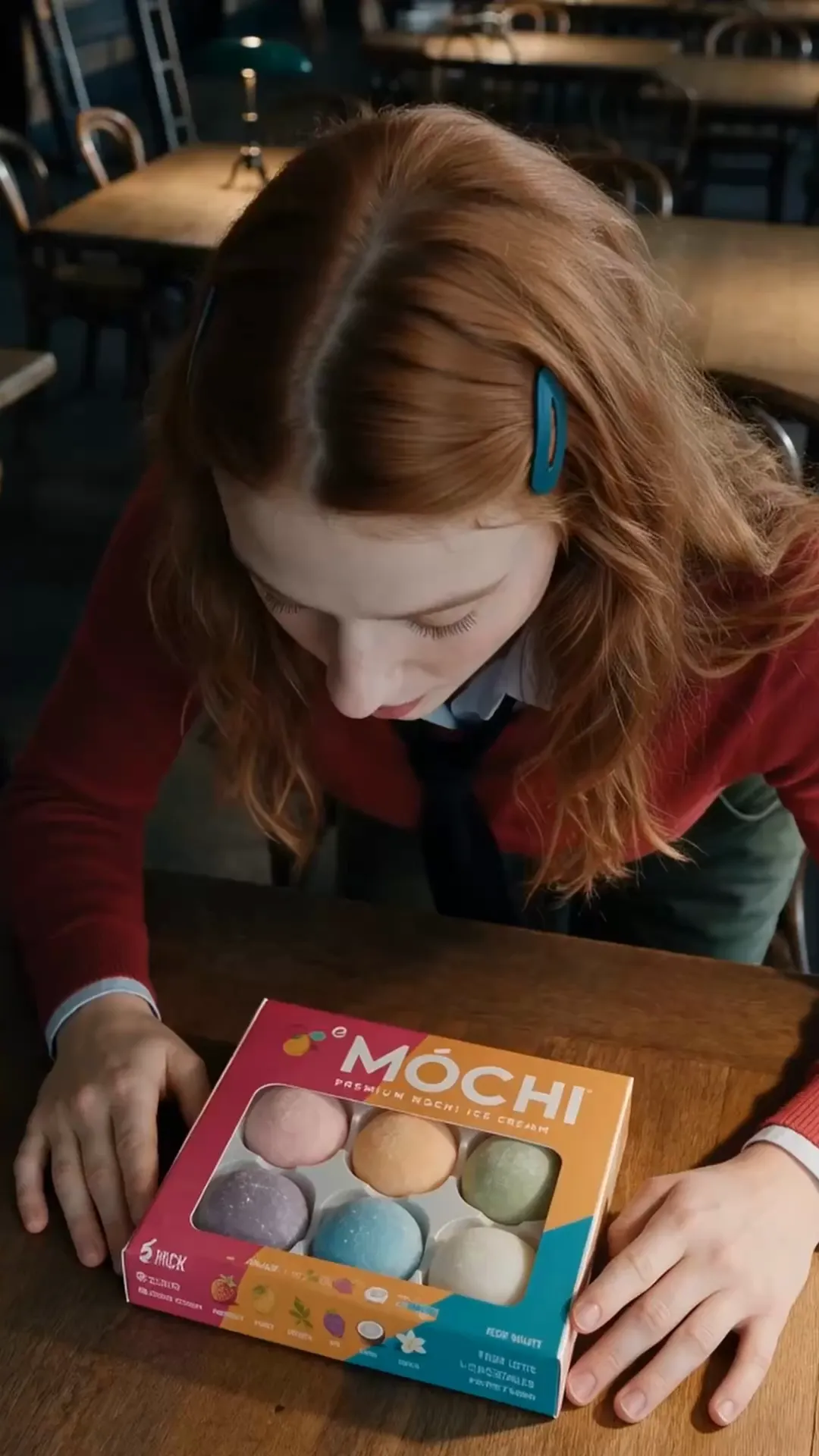
Create an unboxing UGC video for a lifestyle product with a clear reveal, close-up details, natural creator reactions, and a simple call to action
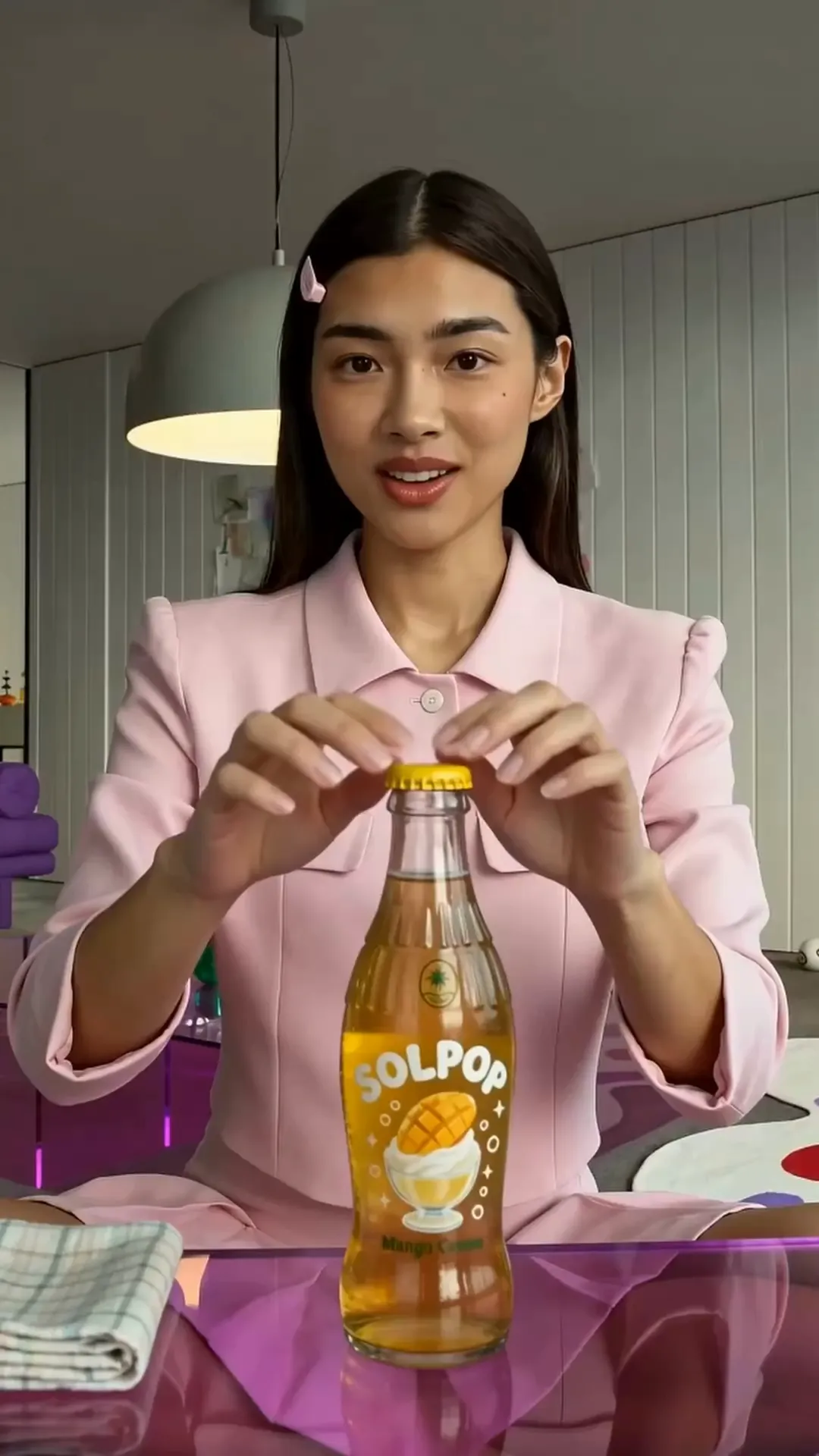
Create a complete UGC flow for this tumbler using the attached creator, from concept and script to a finished 9:16 video


WebsiteCreate a UGC ad video for this chips with this girl, showing its store page on screen


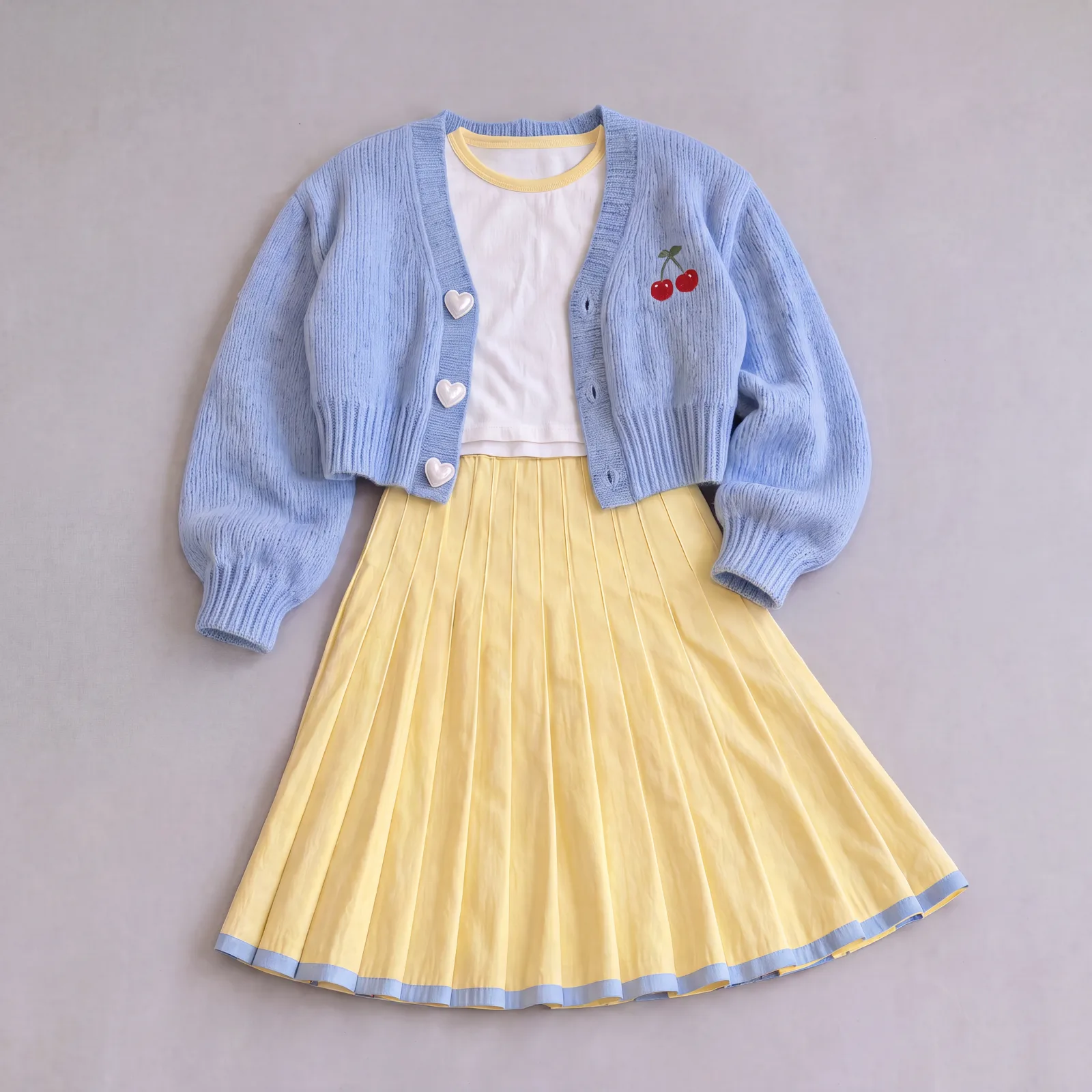
Create a try-on UGC video showing the product before and after, fit details, styling moments, and a confident creator reaction
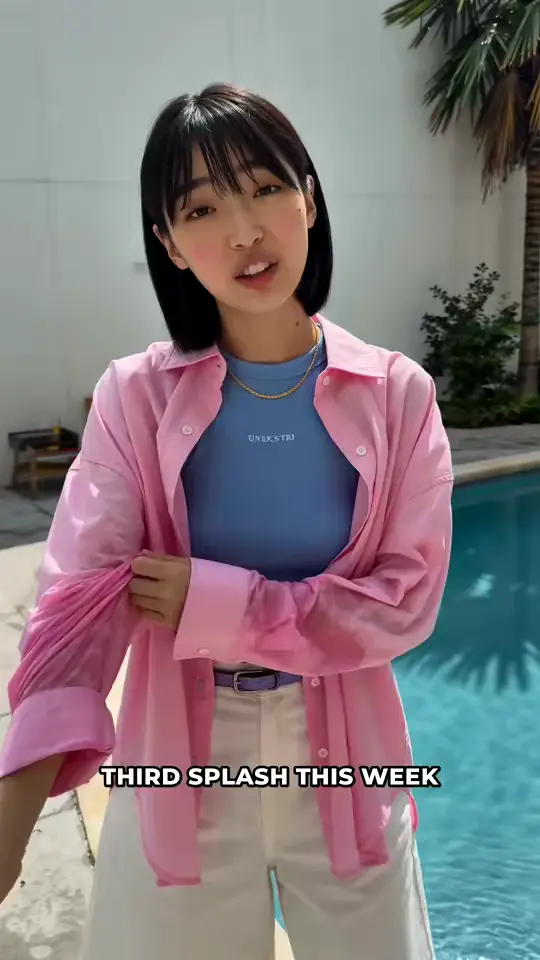


Create a UGC tutorial video with this girl showing how to use this water gun
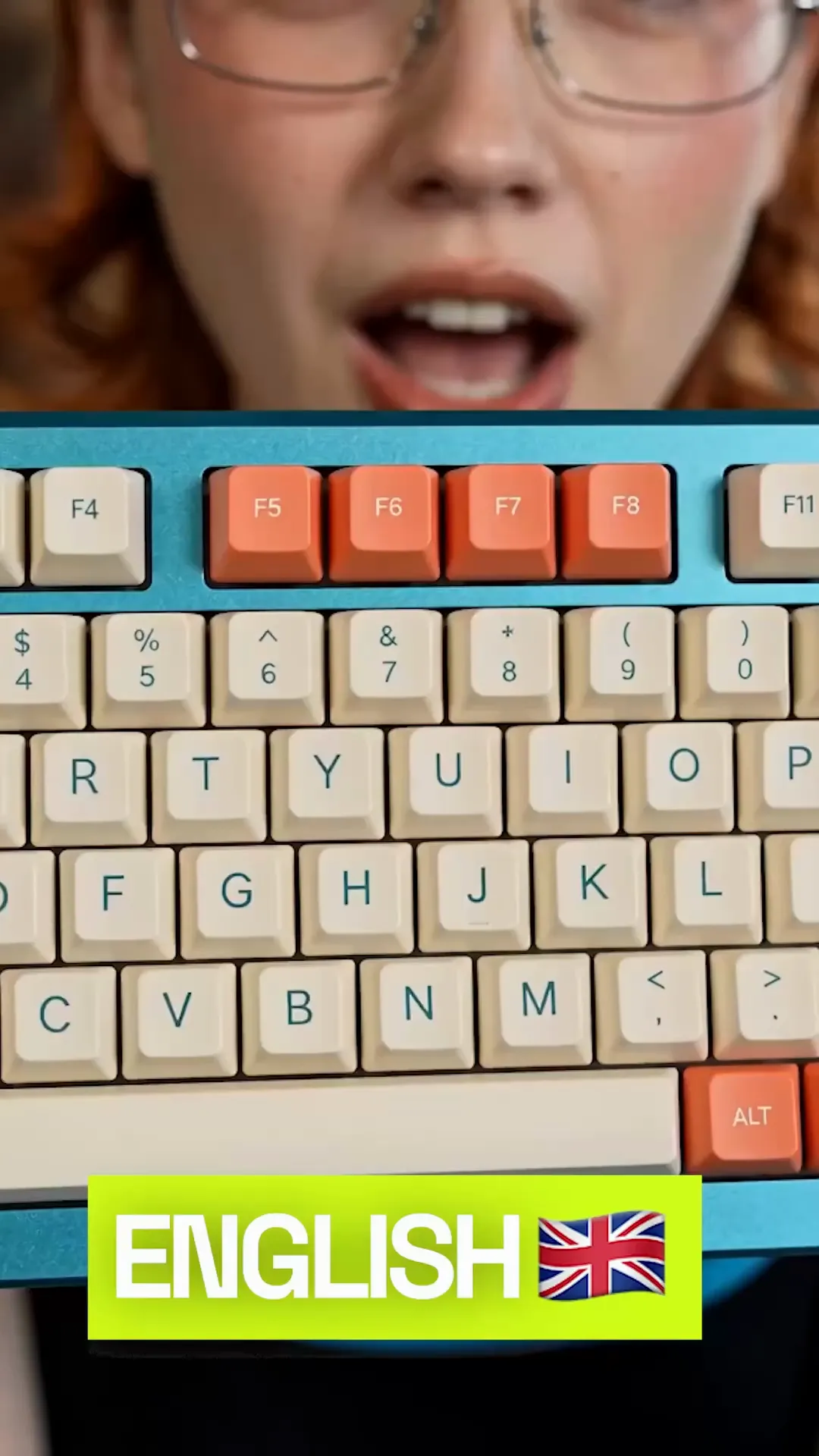
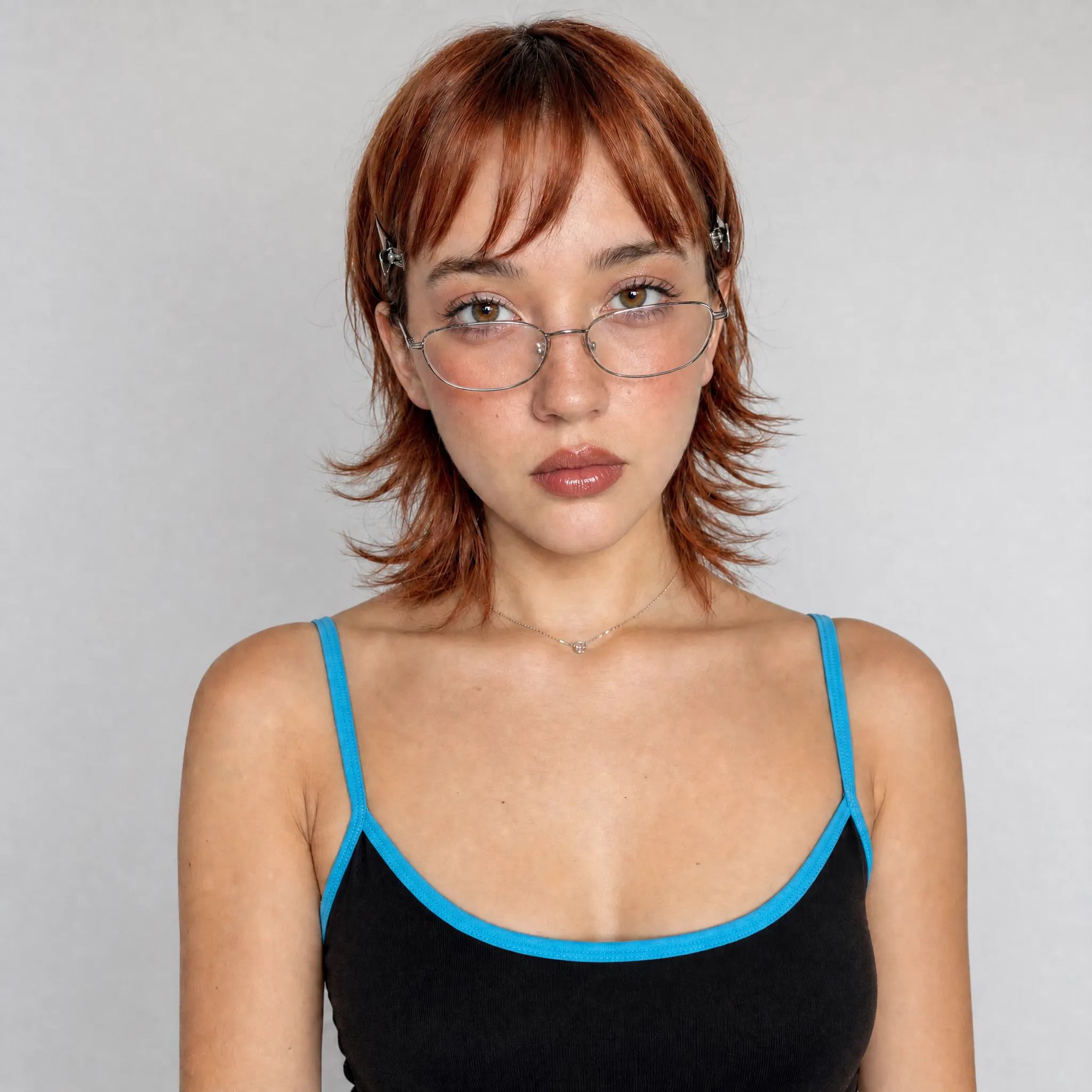
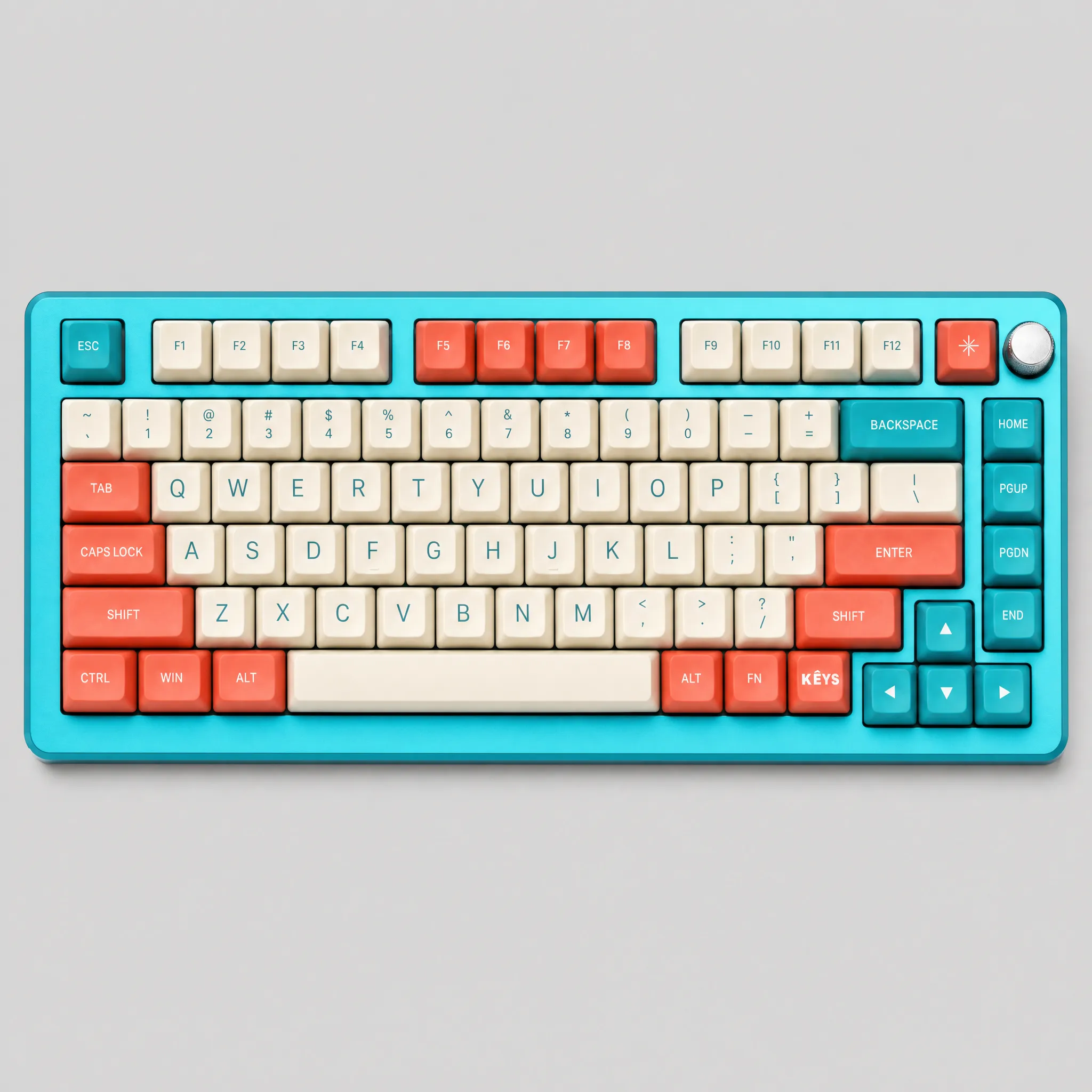
Localize this UGC video for English, Spanish, and French audiences while preserving the creator’s voice, timing, and visual performance

This Gadget Saved Me: a Y2K creator on a volcano ledge is rescued from the heat by a pastel-pink mini fan

This Gadget Saved Me: caught in city rain, a creator's lavender tote unfolds into a full umbrella
Connect Higgsfield to your preferred AI assistant to use UGC factory skill
Describe your topic in Claude, ChatGPT or Supercomputer. Higgsfield creates the script, scenes, voiceover and final video