I've been using Higgsfield for my creative work for a while now and, honestly, it's one of the best platforms out there - the tools are powerful and the results speak for themselves. But what made me write this was the support. I had a question about my credits, and Tim handled everything with a transparency and care you rarely see.
Your story.
Your style
Choose the look and tone that fits your story.
short
drama
studio
YOUR DRAMA STUDIO
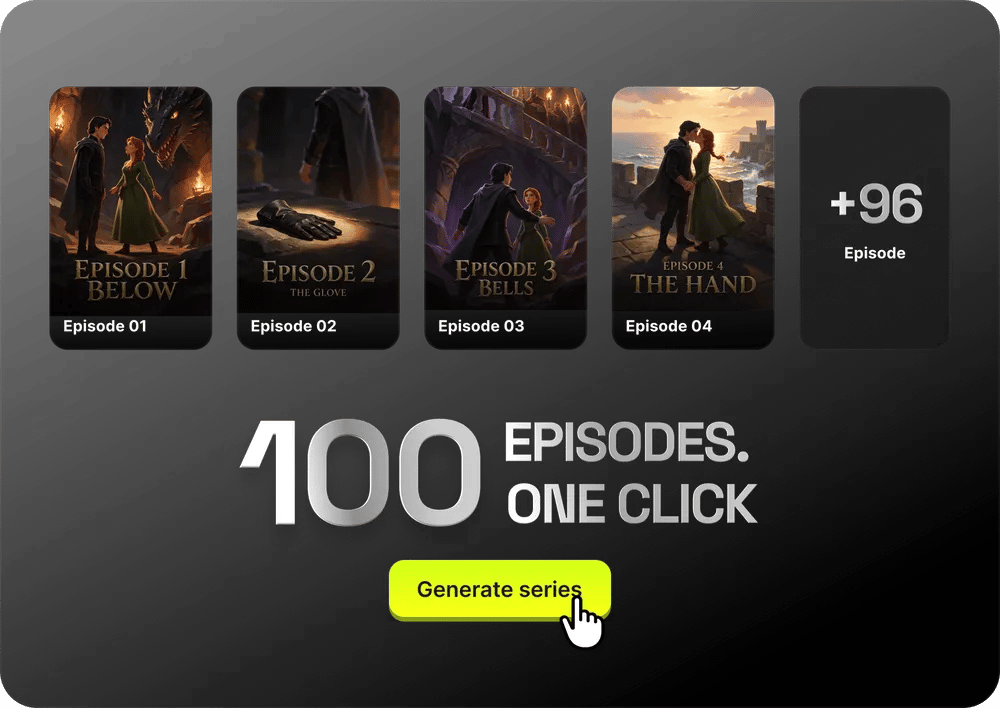
From your script to finished episodes
Start with
your script
Upload your script as TXT, Markdown, DOCX, or PDF. Review and approve any suggested edits.
Find your
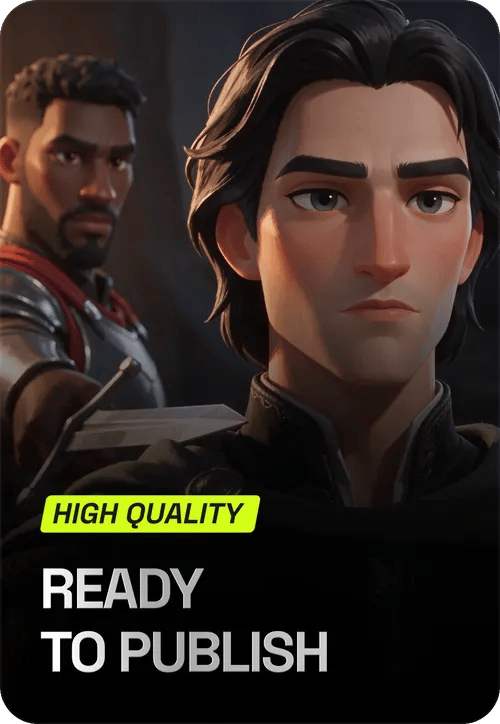
perfect cast.
Explore the cast and choose the right face for every role in your story.
Start in draft.
Finish in 1080p.
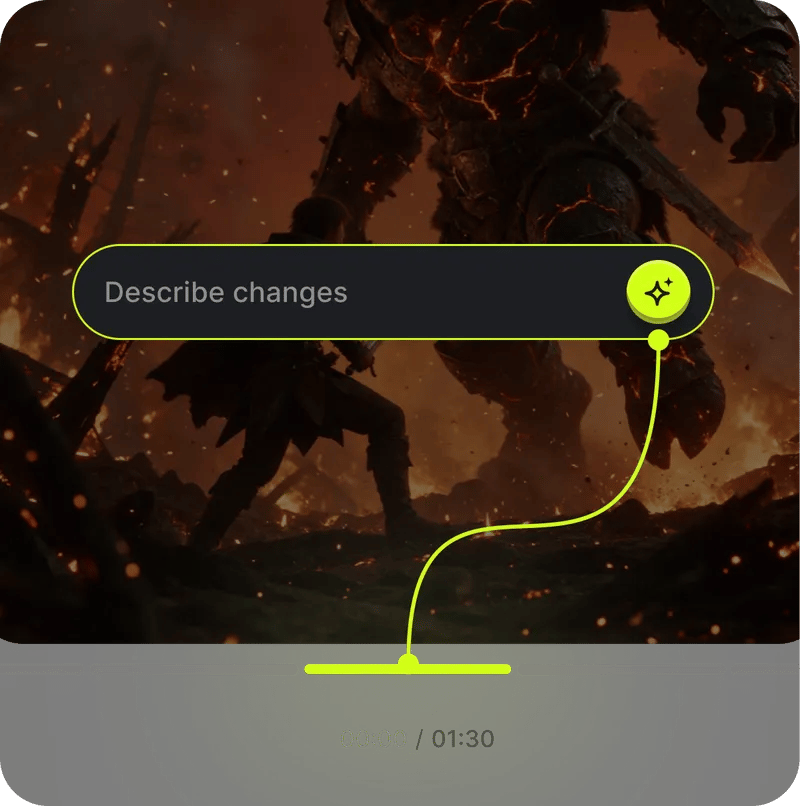
Generate 1–4 drafts per clip. Pick your favorite, then finish it in 1080p.
Your entire studio. One workflow.
Everything you need to create premium short dramas, at any scale.


Everything your series needs

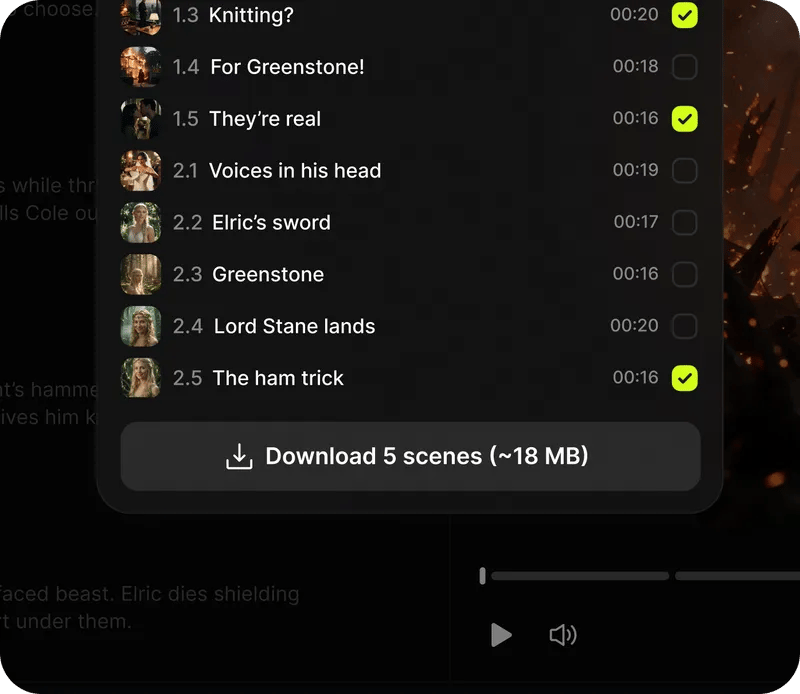
Your finished episode. Clips in order, voiceover and balanced audio. Download the assembled 1080p video. 
Your call. Every step. Review each result, see the cost upfront and approve before generation. 
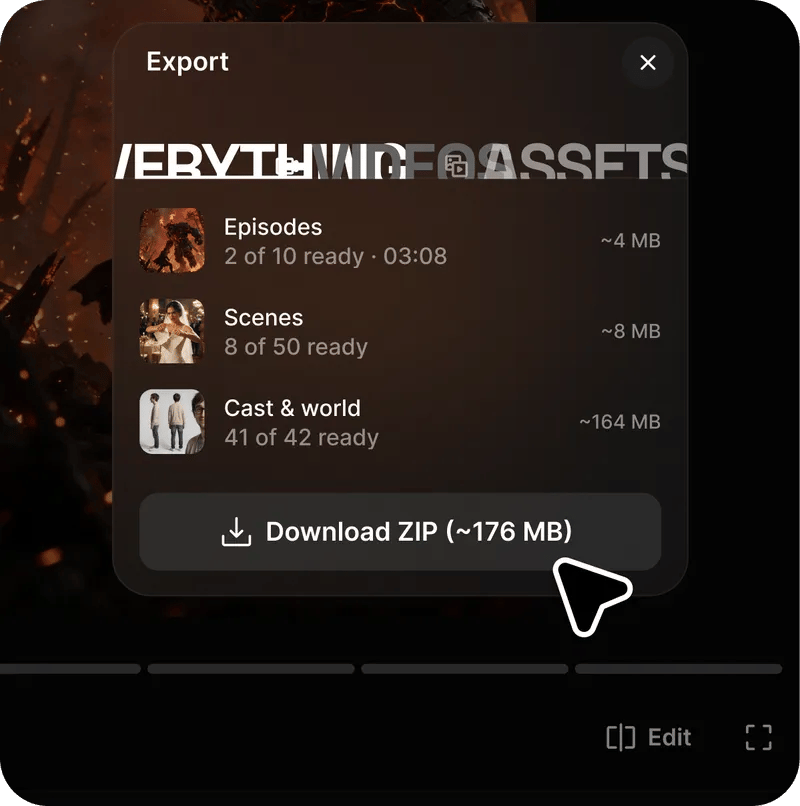
Ready for your editor. Your script, episode notes and final clips in one package.
Community over 40 MILLION USERS
Join a global creative network where people generate AI images, share ideas, and inspire each other every day.


Trusted by 40M+ users worldwide
Still have questions?
We’ve answered the most frequently asked questions
What is Short Drama?
Short Drama turns your script into a complete series, from casting and scene planning to voiced clips and finished 1080p episodes. You review and approve the key decisions along the way.
How can I use Short Drama?
Use Short Drama on the web, or access it through Claude via MCP. Choose “Try on Web” or “Try now in Claude MCP” to get started.
What do I need to get started?
A finished script in TXT, Markdown, DOCX or PDF. Start with one episode or a full series, then review the suggested breakdown. You don’t need filmmaking experience to follow the guided workflow.
Can I choose the visual style and aspect ratio?
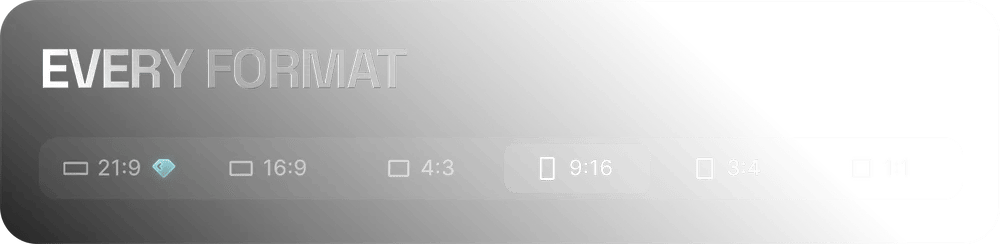
Yes. Choose a visual style and a 9:16, 1:1, 16:9 or 21:9 aspect ratio. Your chosen style guides the look of the entire series.
How do I choose my cast?
Explore the cast and choose the right face for each role. Review your selections before moving on to scene planning and video generation.
Will my characters stay consistent across episodes?
Approved character references help keep faces recognizable across scenes and episodes. Outfits and age can change with the story while preserving the character’s identity.
Can I review and change things along the way?
Yes. Review the episode structure, cast, scene plans and generated clips before moving forward. Script improvements are optional, and your original script is preserved.
How do drafts and the 1080p finish work?
Generate 1–4 drafts per clip and choose your favorite take. Then finish the selected clip in 1080p, preserving the take you approved.
Are voices and narration included?
Characters are assigned consistent voices, with a separate voice for the narrator. During episode assembly, clips are arranged in order and audio levels are balanced.
What can I download?
Download your assembled episode in 1080p or an editing package with your script, episode notes and final clips. You can add music, subtitles or further edits in a separate editor.
How do I control generation costs?
You see the cost before each paid generation step and approve it before it starts. Review drafts first, then choose which clips to finish in 1080p.
What is Short Drama Ads?
Short Drama Ads is a separate offering for Enterprise clients. Short Drama is for creating series; contact the team to learn more about access to Short Drama Ads.