Start in 4 steps
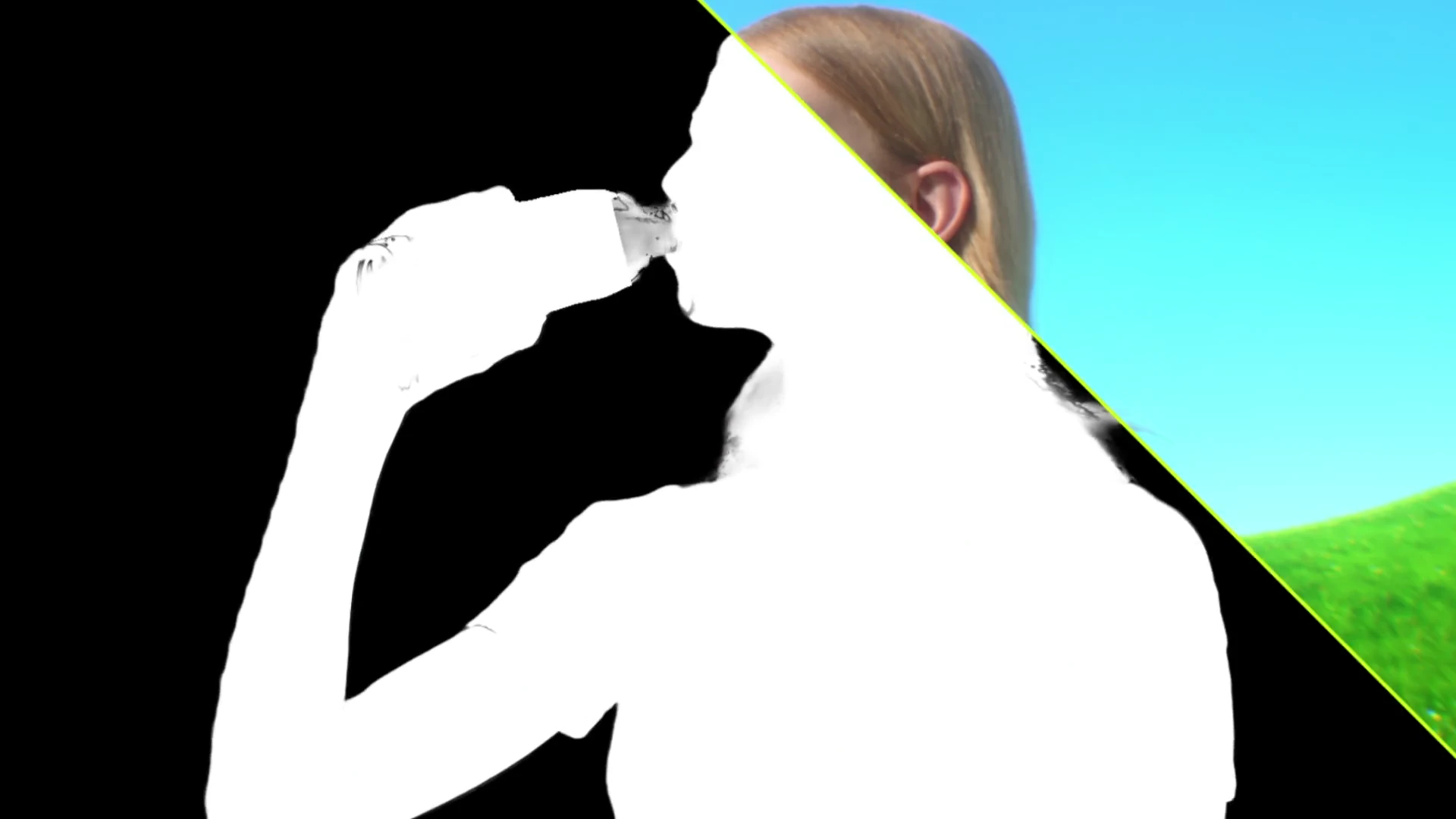
Build a cohesive shot from your footage, green screen, and reference layers. Refine keying, tracking, light, atmosphere, depth of field, motion blur, and grain, generating missing layers only when needed.
Open Codex
Use Codex on the same computer as Adobe After Effects.
 Connect Higgsfield
Enable Higgsfield in Codex and check that its tools are available.
 Install Adobe After Effects
Install Adobe After Effects on the same computer.
- Open in Codex
Start your first workflow
Use the Open in Codex button to start this workflow, then provide your brief and source assets.
Behind the animation
See the shot composer workflow in Adobe After Effects.