

I've been using Higgsfield for my creative work for a while now and, honestly, it's one of the best platforms out there - the tools are powerful and the results speak for themselves. But what made me write this was the support. I had a question about my credits, and Tim handled everything with a transparency and care you rarely see.
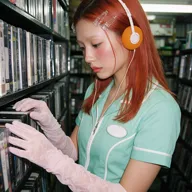
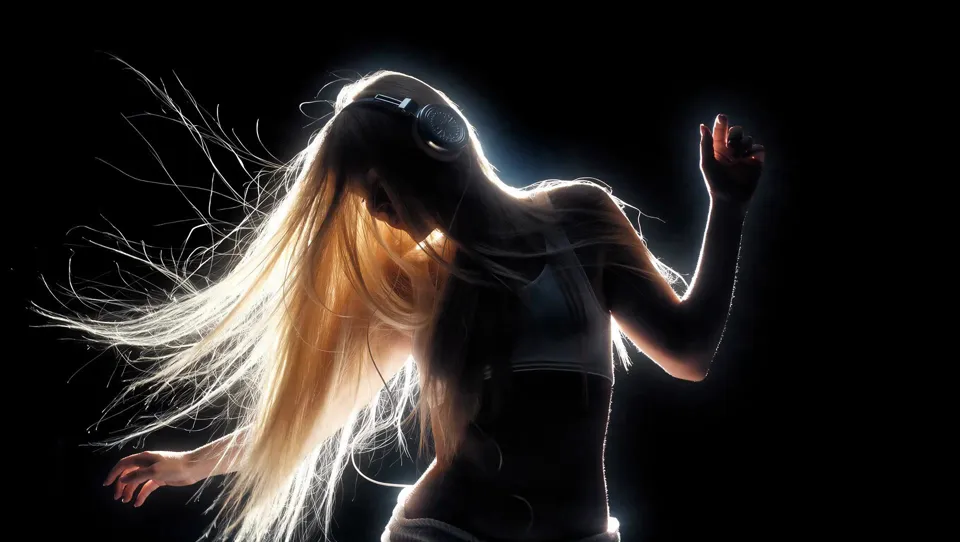
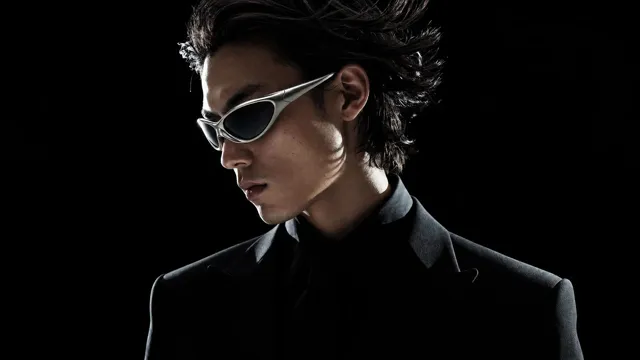
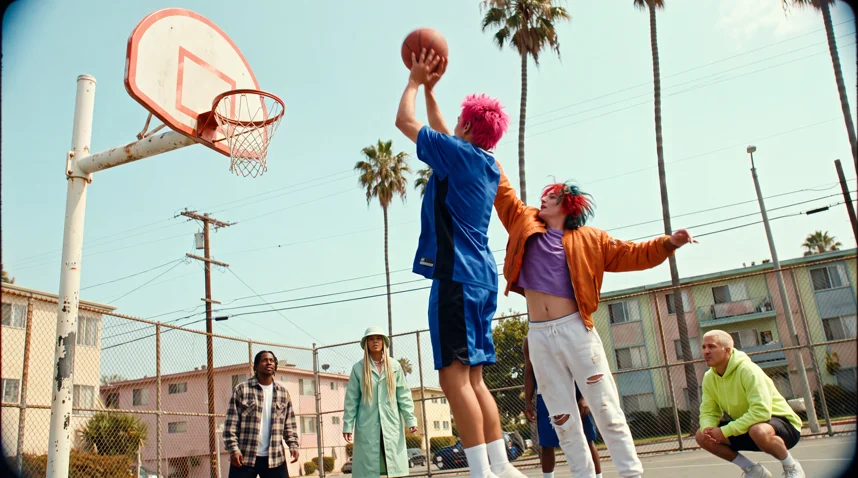
Ranked among the best video models
Made with MAGI-2
Slide 1 of 7
Features built for the scene
Cinematic quality,
frame by frame
Every character,
a method actor
Every shot, your way
Character consistency
20
references
Up to
30-second
scenes
480B

Complex scenes
Dialogue in sync
Trusted by 40M+ users worldwide
Join a global creative network where people generate AI images, share insights, and inspire each other every day.
MAGI-2 FAQ
We’ve answered the most frequently asked questions
What is MAGI-2?
MAGI-2 is Sand.ai’s 480B-parameter AI video model, available on Higgsfield. It generates video and sound together from a text prompt, and can be guided further with image, video, or audio references, or with start and end frames.
What does 480B mean?
It refers to the model’s 480 billion parameters, the learned values that shape what it generates. Only around 28 billion of them are active at once, which lets a model this large run efficiently.
What video lengths and formats does MAGI-2 support?
Clips run from 4 to 30 seconds in 1080p at 25 frames per second, with six aspect ratios to choose from.
What references can I use?
A single generation can take up to 10 images, 5 videos, and 5 audio clips. Use images to define how a character looks, video clips to show how something should move, and audio to set the sound.
Can I set the first and last frame?
Yes. Choose an image as the start frame to define how the video begins, and an end frame to decide where it finishes.
Can I direct camera movements and cuts?
Yes. Framing, camera movement, timing, and cuts between shots can all be described in the prompt. For the most consistent results, keep each clip to one or two actions and a single camera move.
What kinds of audio can MAGI-2 generate?
Lip-synced dialogue, sound effects, ambient sound, and music are all generated together with the video. For a silent clip, turn off the Sound toggle before generating.
Can I edit an existing video?
Yes. MAGI-2 can make targeted edits to existing footage. Upload the source clip and describe the change, for example: “Change the jacket from red to navy and keep the original camera movement.”
Can I run several MAGI-2 generations at once?
Yes. Depending on your plan, MAGI-2 runs from one to four generations at a time. Once you reach your limit, one needs to finish before the next can start. More parallel generations are available on the Enterprise plan.

