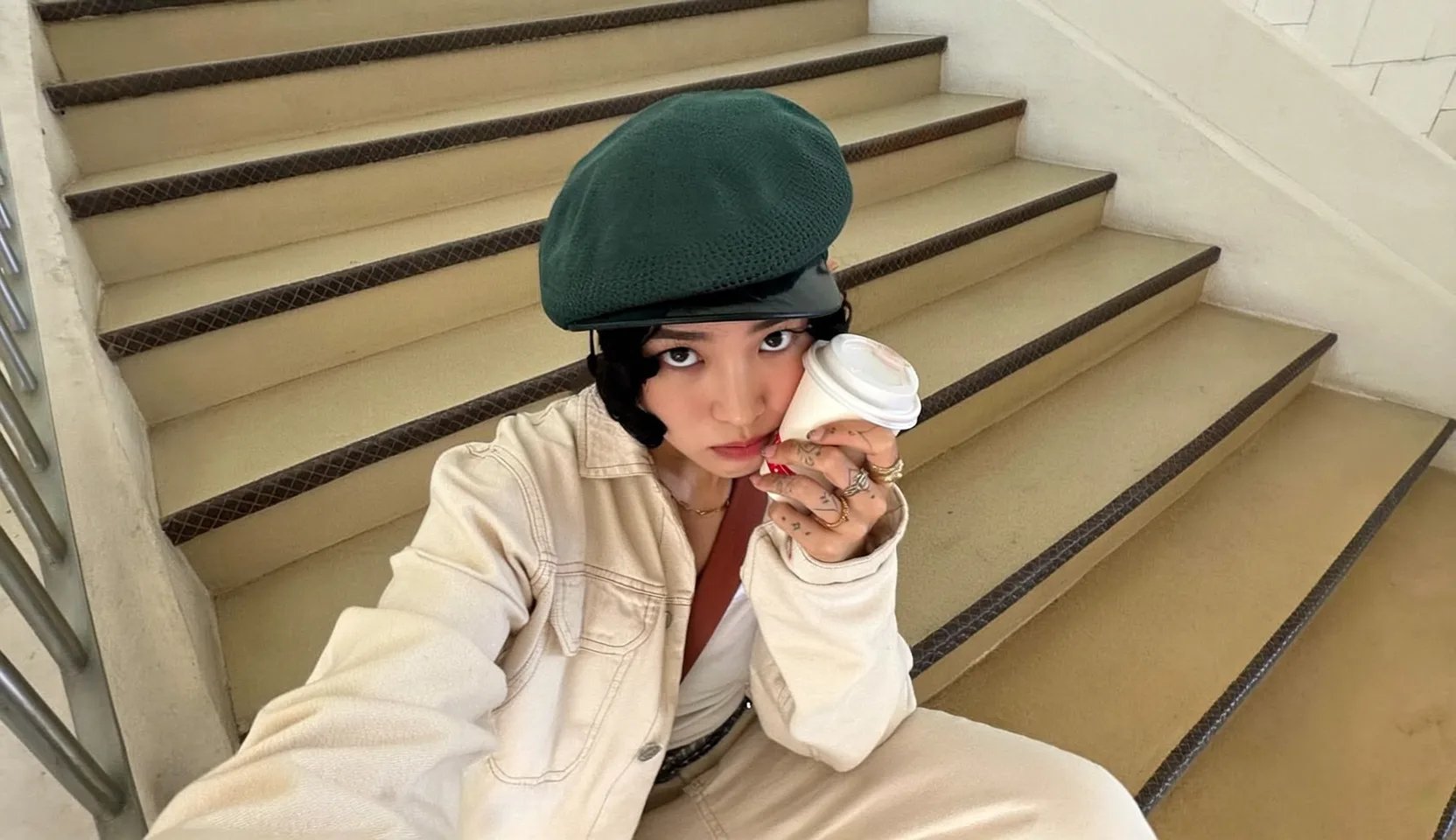
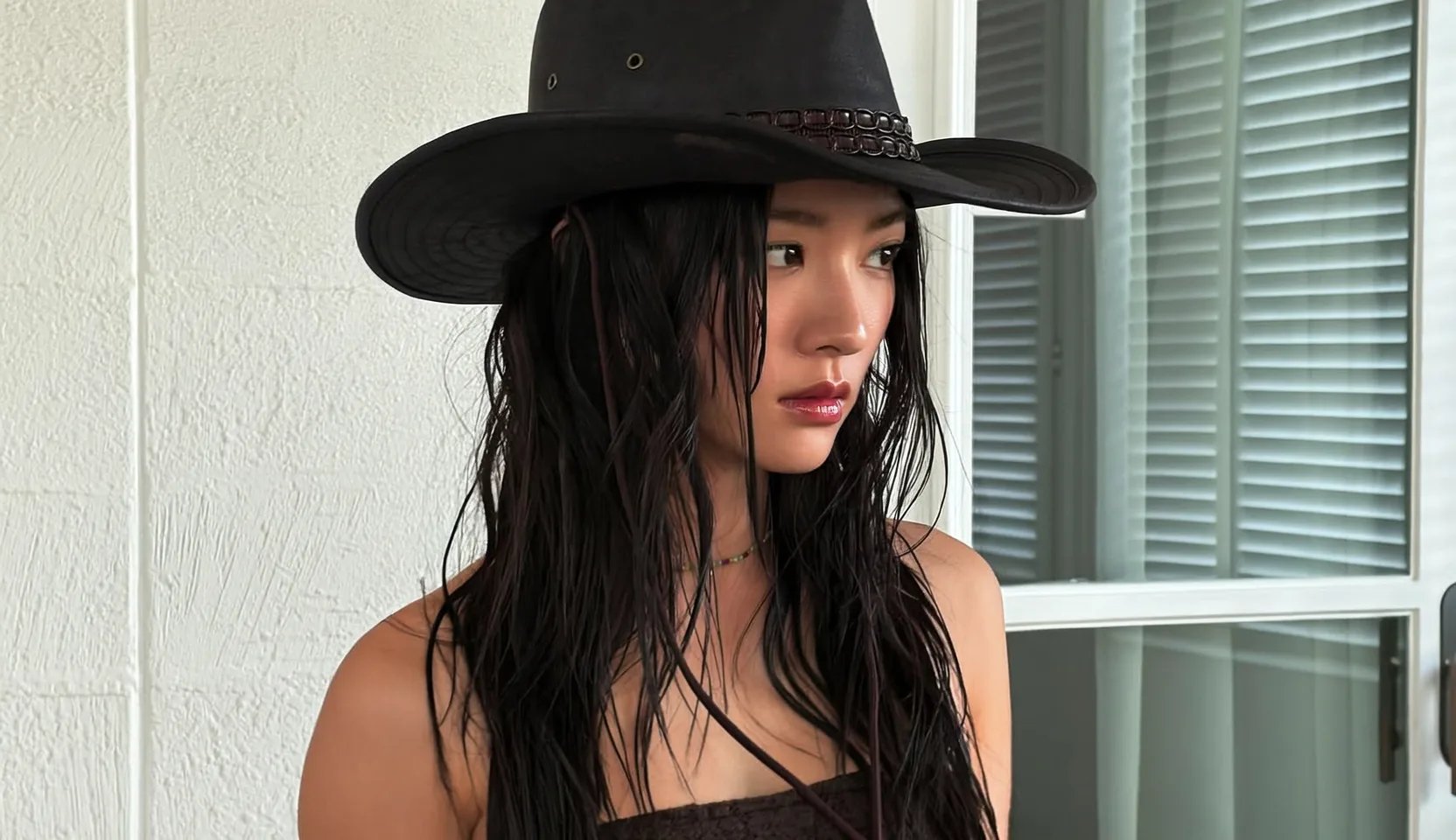
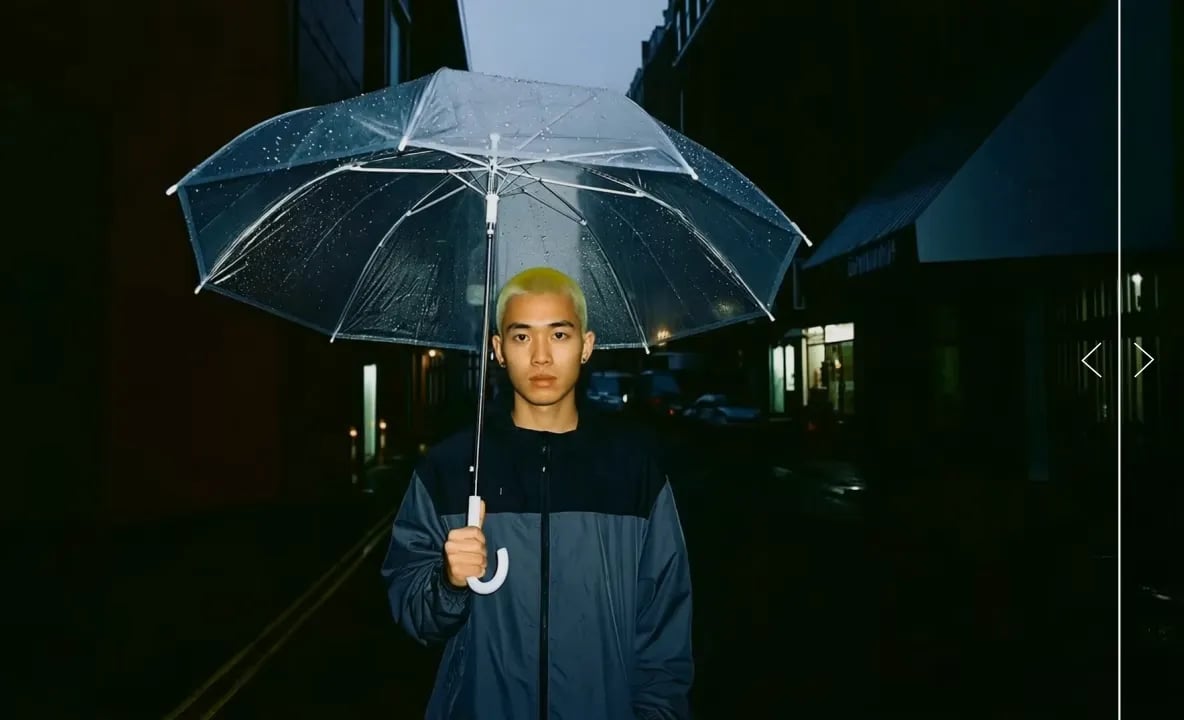
Free AI Face Swap for Photos and Videos

Swap faces in photos and videos with Higgsfield. Upload your image or clip and a clear photo of the face you want to use. The AI blends the new face into the scene, adapting to its lighting and expressions.

How to Swap Faces in a Photo or Video

Replace a face in your photo or video to create a new portrait, personalize a meme, or put yourself in a scene. Start with your own media and a clear face reference, with no manual editing required.

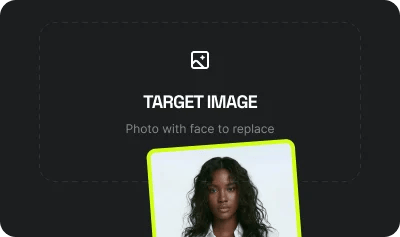
  1. Start with Your Photo or Video: A portrait, a meme, or a scene from your latest video can become the starting point for something new. Choose media with a clearly visible face to get started.

    Start with Your Photo or Video

    A portrait, a meme, or a scene from your latest video can become the starting point for something new. Choose media with a clearly visible face to get started.

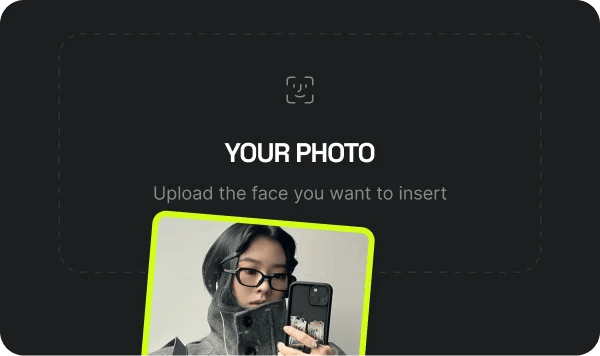
  2. Choose the Face for Your Swap: Use a reference photo of yourself or someone who has given permission. A clear, well-lit face gives the AI more detail to work with, helping create a more natural-looking result.

    Choose the Face for Your Swap

    Use a reference photo of yourself or someone who has given permission. A clear, well-lit face gives the AI more detail to work with, helping create a more natural-looking result.

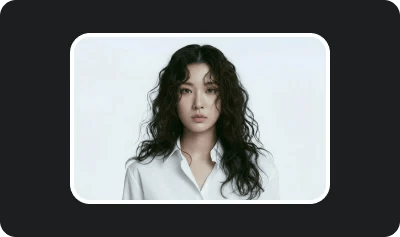
  3. Create Your Face Swap: Let AI handle the face replacement and blending without manual masking or complex editing. Review your finished photo or video, then download it for your next creative project.

    Create Your Face Swap

    Let AI handle the face replacement and blending without manual masking or complex editing. Review your finished photo or video, then download it for your next creative project.

See how it works

One Familiar Face. Different Creative Styles.

Explore new looks while keeping the face recognizable. From realistic portraits to animation and digital art, Higgsfield AI face swap tools bring your reference face into different visual styles, so you can experiment with the aesthetic while keeping the identity consistent.

  • media-0
  • media-1
  • media-2
  • media-3
  • media-4
  • media-5
  • media-6

Core Features

AI Face Swap Features for Photos and Videos

Give familiar photos and existing clips a new creative direction. Swap faces online with AI that handles replacement and blending, helping you move from a reference photo to a result you can use in your next project.

Generate with Higgsfield

See Video Face Swap in Action

Blend your reference face into the clip while keeping the original scene’s movement, lighting, and expressions.

Loading the media file...

Created with

Video Face Swap

Creative Ways to Use AI Face Swap

Explore how photo and video face swap can bring a familiar face into your next idea.

a platform trusted
by 25 million creators

Join a global creative network where people generate AI images, share insights, and inspire each other every day.

I've been using Higgsfield for a few months now and it honestly changed how I approach projects. The speed is insane, and the quality is more than enough for professional work. It's gone from a side tool to something I rely on daily.

I was blown away by how intuitive it is. We were tasked with creating a detailed sales narrative for a confusing menu — you just throw ideas at it. We delivered a client project two days early thanks to Higgsfield, and they were impressed by the visuals.

The platform is really, really solid. Sometimes, I need to knock out more advanced concepts, but the trade-off is speed. For quick creative requests and even serious work, it's become my go-to.

I recently had to prepare a crucial pitch in a rush. Normally I'd stay up late, but with Higgsfield, I finished in just a couple of hours — and still had energy left for other work.

One client even asked how long my team was. In reality, it was just me using Higgsfield — I delivered a project in three days instead of a week. It saved a creative department's worth of work for us.

I make tools where you have to spend hours training them. Now I see the opposite. I learned to just get straight to work. I sent my colleague 'ideas' for a new site, and we prototyped it so quickly.

I used to only take on small branding projects. With Higgsfield, I can take on big projects — and scale it. Now I'm confident accepting larger jobs because I know I can deliver on time.

I had a project with a ton of social media banners. You usually trade off either fast or slow to get quality. With Higgsfield, I got them done quickly and they still looked great.

We integrated Higgsfield into our studio workflow, and now everything moves faster. Even the junior designers feel more confident — they don't waste days on simple tasks anymore.

Create Your Perfect Face Swap

Join professionals and creators who use our platform to generate stunning, high-fidelity results for their projects.

Still have questions?

We’ve answered the most frequently asked questions

How does AI face swap work?
Upload a target photo or video, then add a clear source photo of the face you want to use. Our AI integrates the new face into the scene, replacing the original. No editing skills required.
Do I need any editing skills to use this?
Absolutely not. Whether you're swapping a face into a photo or a video, our AI handles the face replacement and blending. No editing software needed.
How long does it take to generate an AI face swap?
Generation typically takes around 30 seconds to 2 minutes, depending on your subscription and the processing queue. Video swaps generally take longer than photo swaps, and times may increase during busy periods.
Can I swap multiple faces at once?
Currently, our AI face swap processes one face per generation. The tool does not support swapping multiple faces within a single operation.
Is there a free plan?
Yes. You get 5 free image face swaps per day to test the core technology. Video face swaps are available on paid plans, which also unlock higher limits and faster processing.
Can I use face swaps for commercial purposes?
Yes. Higgsfield’s Terms of Use allow commercial use of generated outputs, including for marketing and advertising. You must have the necessary rights to uploaded media and permission to use other people’s likenesses.
Is AI face swap safe to use?
Higgsfield uses technical, organizational, and physical safeguards to protect personal information. Use your own face or a likeness you have permission to use, and review our Privacy Policy for details about how uploads and personal data are handled.
What is a "deepfake," and is this the same thing?
A deepfake is AI-generated or manipulated media that makes someone appear to say or do something they did not. Face swapping can create this type of content, including for creative and entertainment purposes. Higgsfield prohibits deceptive, harmful, and non-consensual intimate content.