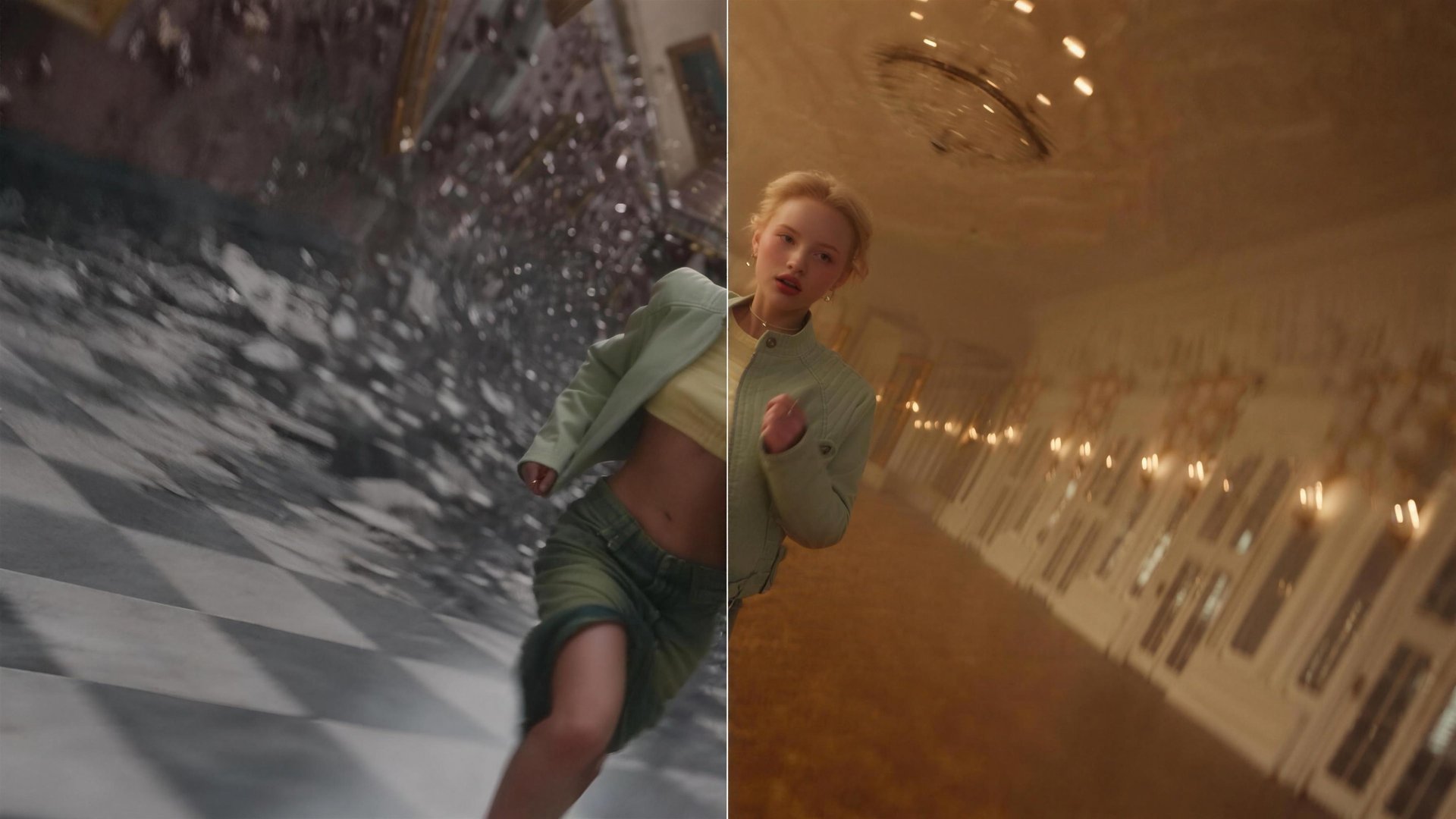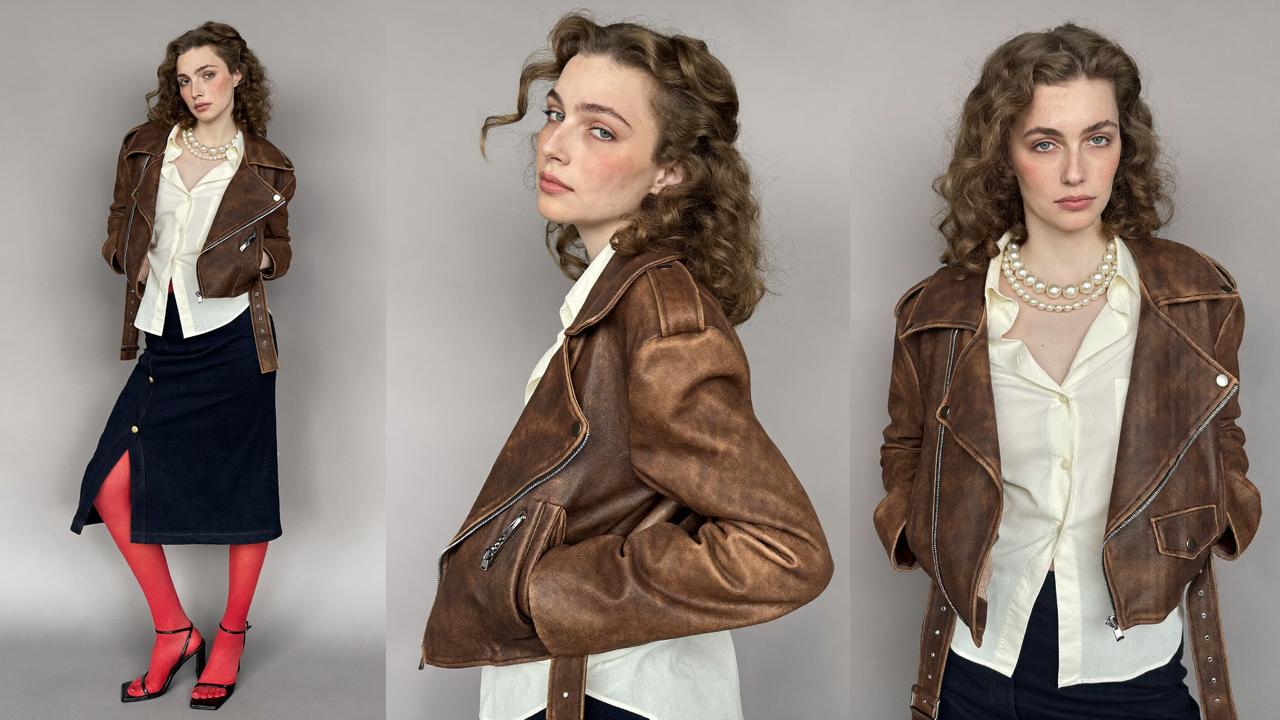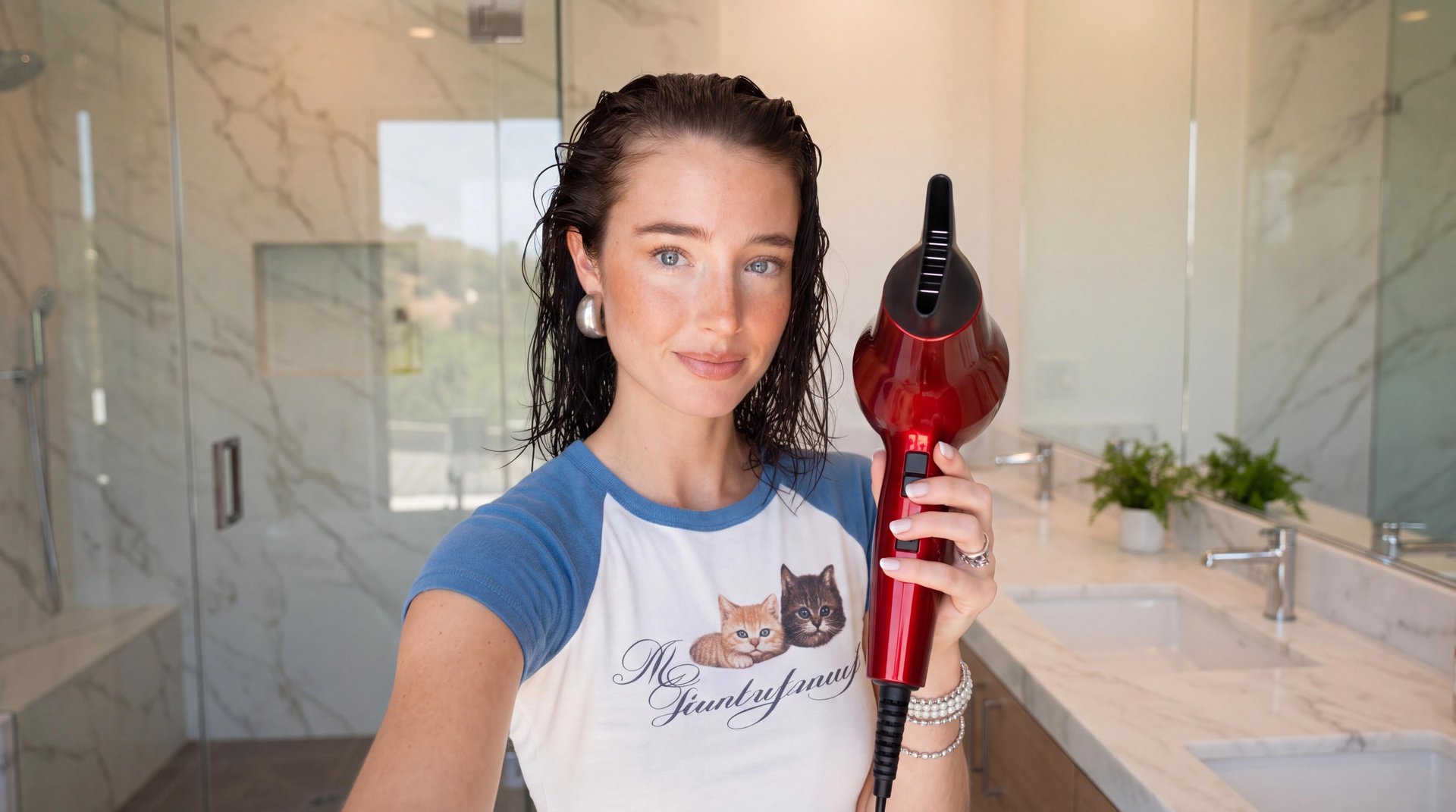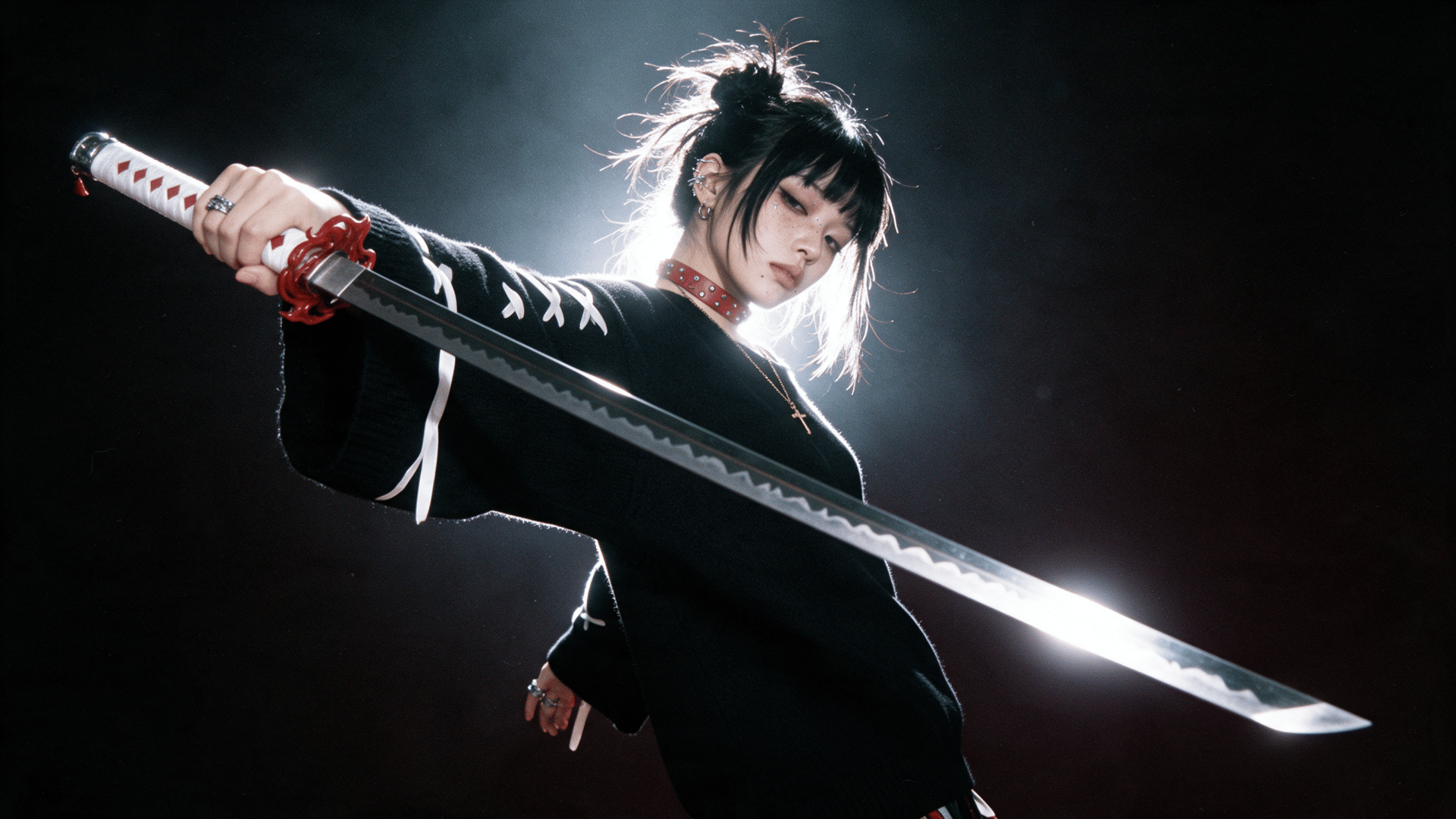
Katana is how Higgsfield handles editing inside Claude. It takes a reference edit, either a video you upload or a preset from the Katana library, plus up to five photos of your characters, products, or clothing, and rebuilds the video with your assets through Higgsfield MCP. The result appears in the chat and in your Higgsfield Assets.
What Katana Does
Katana is a Higgsfield skill for Claude that rebuilds video edits with your own characters, products, or clothing through the Higgsfield MCP connector. It runs on Higgsfield models, on the same account and the same credits as higgsfield.ai.
You give Katana | Katana returns |
|---|---|
A reference edit: your own video or a preset from the library | A new video that follows the reference’s shot structure, pacing, and overall edit |
Up to 5 photos of characters, products, or clothing | Your characters, products, or clothing placed in those shots |
Optional instructions on what to keep or change | A video that follows the reference’s format, in the chat and in Assets |
The reference guides the shot structure, pacing, and overall edit: the order of shots, their length, and the placement of cuts on the music. The photos define who and what appears. Instructions cover details the model should pay attention to, such as the product shot that matters most or an element that should stay unchanged.
Why the Edit Takes Longer Than the Generation
Generating the clips is only part of the work. Rebuilding a specific edit also means matching its shots, pacing, cuts, typography, and timing, then assembling everything with your own footage. The structure already exists; the time goes into reproducing it by hand. Each new version for another character or product repeats most of that work.
Katana moves that work into the Claude chat. The reference guides the structure and pacing; the photos supply the characters and products; Katana generates the shots it needs and returns the edit. A second version with a different character or product is another message in the same conversation, and corrections apply to the edit that already exists, so each iteration starts from the previous result.
The Workflow: Reference, Assets, Recreate
The workflow is simple: choose a reference, add your assets, generate the edit, then refine it in chat.
- Reference. The edit to recreate: a video of your own or a preset from the Katana library. Use a reference edit that you own or have permission to use, including any music, footage, characters, logos, or other protected material in it. Katana reads its shots, pacing, and audio.
- Assets. Up to five photos of the people, products, or clothing that should appear in the edit. Katana places them into the reference's shots.
- Recreate. Katana generates the edit and shows it in the chat. In our test, a reference clip came back with the same shot order, the same timing, and the same track, with our character in frame.
Corrections are sent as plain messages in Claude: ask to change a shot, swap a photo, or adjust a detail. In our test, only the affected shots were regenerated. If a change requires new generations, additional credits may apply.
Two notes on files. Images attached directly in the Claude chat are not passed to Higgsfield MCP as Katana reference files, so Katana opens a Higgsfield upload window inside the conversation; the file selected there uploads to your Higgsfield account. A direct link to a media file also works. Links to Instagram or TikTok profiles are not accepted; the reference has to be uploaded as a file.
Two Ways to Start With Katana
Katana has two entry points that lead to the same chat.
From the Katana page. The form on higgsfield.ai/katana has three fields: Add a reference video, for the edit to recreate; Add your characters, for reference photos and other details; and Instructions (optional), a toggle with a text field for anything the model should pay attention to. Send & Generate in Claude passes the brief to a Claude chat. The page also holds the preset library and an Install Higgsfield in Claude button for first-time setup.
From Claude directly. With the Higgsfield connector active, three forms of request work:
/katanaopens the preset catalog in the chat./katana/<preset-name>runs a specific preset.- A plain request, for example "make me an edit of this product using Higgsfield", starts Katana without a command.
Files attached together with the command are used as input: Katana either edits them according to the request or rebuilds the attached reference with your assets.
How to Connect Higgsfield in Claude
Katana runs through the Higgsfield MCP connector. It requires an active Higgsfield subscription and no API key. If the connector is already set up in Claude, this section can be skipped.
- Open claude.ai or Claude Desktop and go to Settings → Connectors.
- Click Add custom connector.
- Name it Higgsfield and paste the MCP server URL:
https://mcp.higgsfield.ai/mcp - Click Connect: a Higgsfield authorization window opens.
- Sign in to your Higgsfield account and authorize. If you're already logged in on higgsfield.ai, this step is automatic.
- Return to Claude: the Higgsfield connector appears in your active connectors list.
The full guide, including ChatGPT, Cursor, and CLI-based agents, is in the Help Center: How do I connect Higgsfield to Claude, ChatGPT, or another AI agent?
The Preset Library
A preset is a reference edit that has already been prepared: its motion, its style, and a prompt that describes how to place new assets into it. The library is available on the Katana page and in Claude and is organized along two axes.
Axis | Options |
|---|---|
Category | Personalized edits, Style transfer, Motion transfer |
Source | Higgsfield, Community |
Personalized edits place your characters or products into a finished edit. Style transfer carries the look of the reference onto your material. Motion transfer carries its movement.
Community presets are published from the Katana page. A shared preset requires a 3 to 30 second video for the motion, up to 40 images, and a prompt that mentions them with @. Shared presets go live right away and can be taken down after reports. The library changes as presets are added, so the categories and counts on the page may differ from this article.
What It Costs
Katana uses the credits of your existing Higgsfield plan. There is no separate billing for MCP and no markup for running Katana inside Claude. Before each generation, Claude shows a card with the exact credit cost, so the price is visible before confirmation. Credits are charged for generations. Additional generations or alternatives, including corrections that require new generations, may increase the cost. Plan tiers and credit allowances differ by region; check the pricing page for your country.
In our test, the output was an MP4 with the duration, aspect ratio, and frame rate of the reference; these parameters are not set separately in Claude. Every result appears in a widget in the chat with a preview and a download button and is saved to Assets on higgsfield.ai.
Who This Is For
Katana is built for creators who already know what the edit should look like because they have seen it work: a product video in a proven format, a fashion edit with a specific rhythm, an aura-farming clip, a motion-graphics intro. When the task is reproducing a known structure with new characters or products, Katana reduces it to a chat exchange. If you do not yet have a reference or know what the edit should look like, another Higgsfield tool is a better starting point.
Because Katana lives inside the Higgsfield MCP connection, it sits next to the other tools the connector exposes. Genjutsu, with Motion Transfer and Object Swap for video, is available in the same chat, and both read from and write to the same Assets. A clip transformed with Genjutsu can become a Katana reference, and a Katana edit can be taken further without leaving Claude. This is what the Higgsfield AI-native creative suite means in practice: the editing stage shares an account, a library, and a credit balance with the stages around it.