Learn from
top AI
filmmakers
They make the films. They teach you how.
7 lessons. 90 minutes. You’ll make your first video in the first lesson.

Join 100,000+ creators learning on Higgsfield
Same app, same prompt box. The difference is knowing what to type.
Turn your idea into a video.
Choose the shots, angles, and camera movement.
Change your prompt and improve the next version.
Everything you need to make your first AI images and videos.
Start from zero. We show you what to click and what to type, step by step.
Each lesson shows you which model and settings to use, so you can focus on creating.
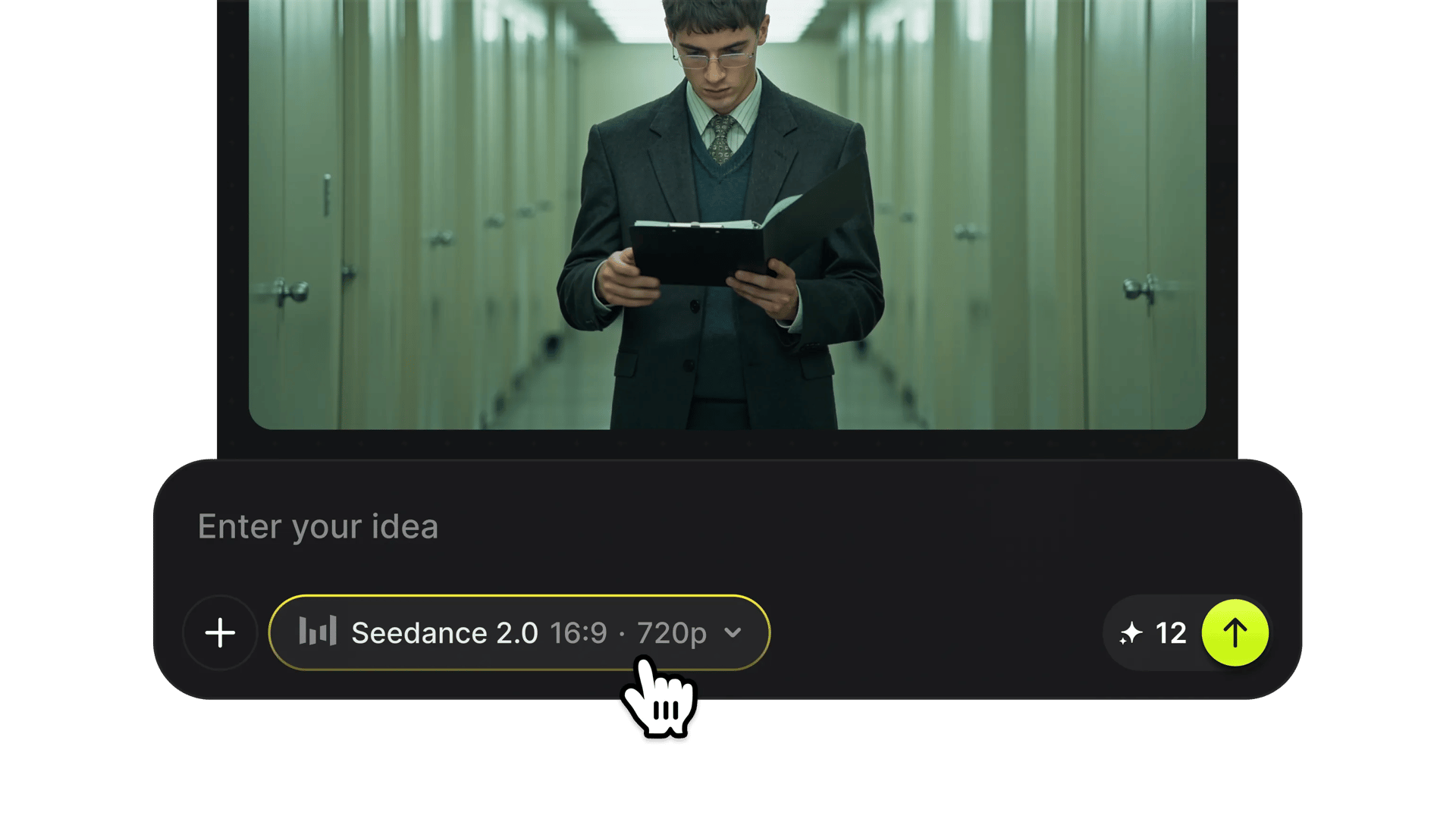
Learn how to write prompts, use references, and improve your results. Put these skills into practice with your own images and videos.
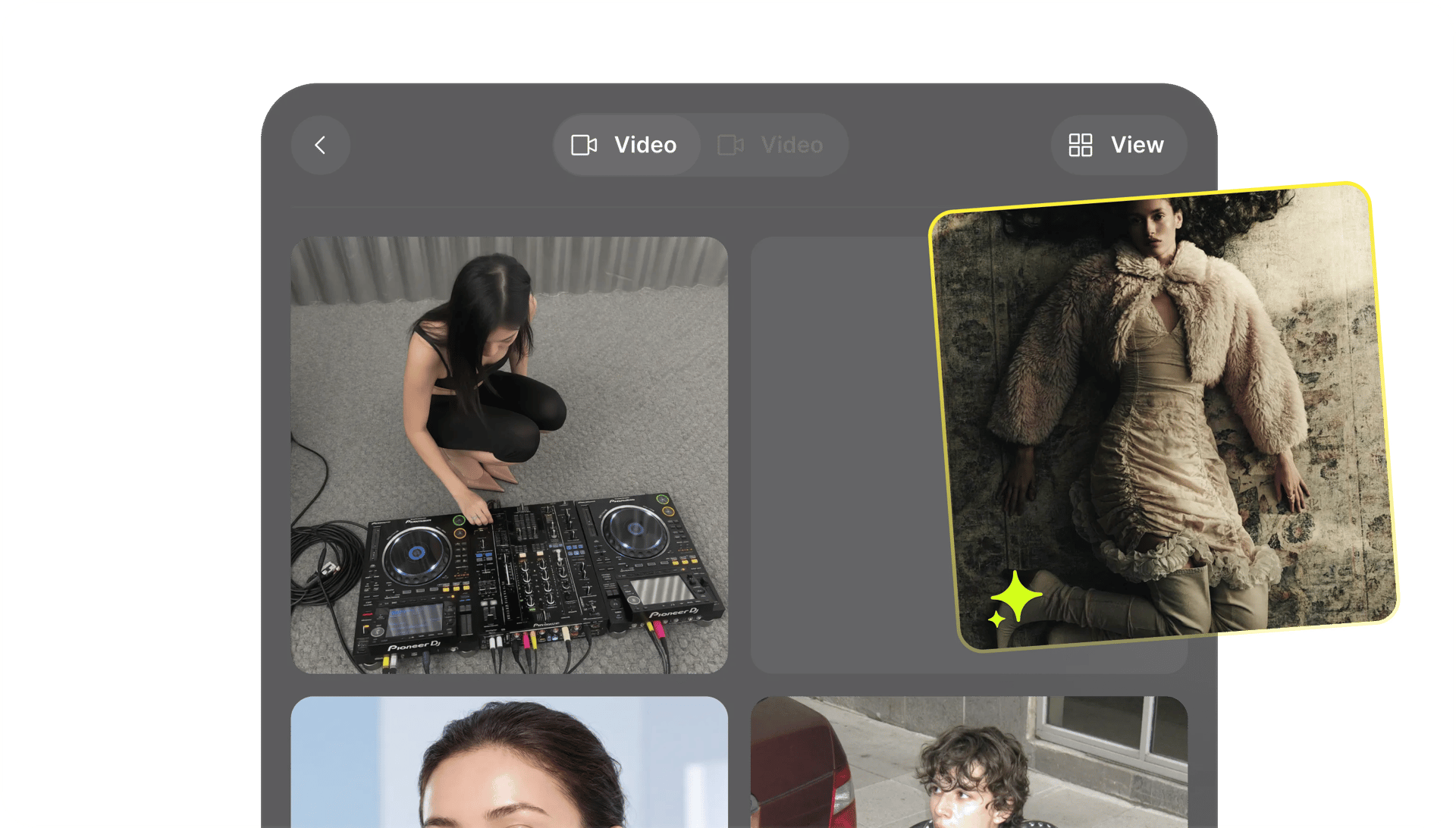
Everything you need is inside. Nothing to buy.
They make the films. They teach you how.

Your First Video
Lesson 1 of 7, 1 min
A small task to practice what you just learned.
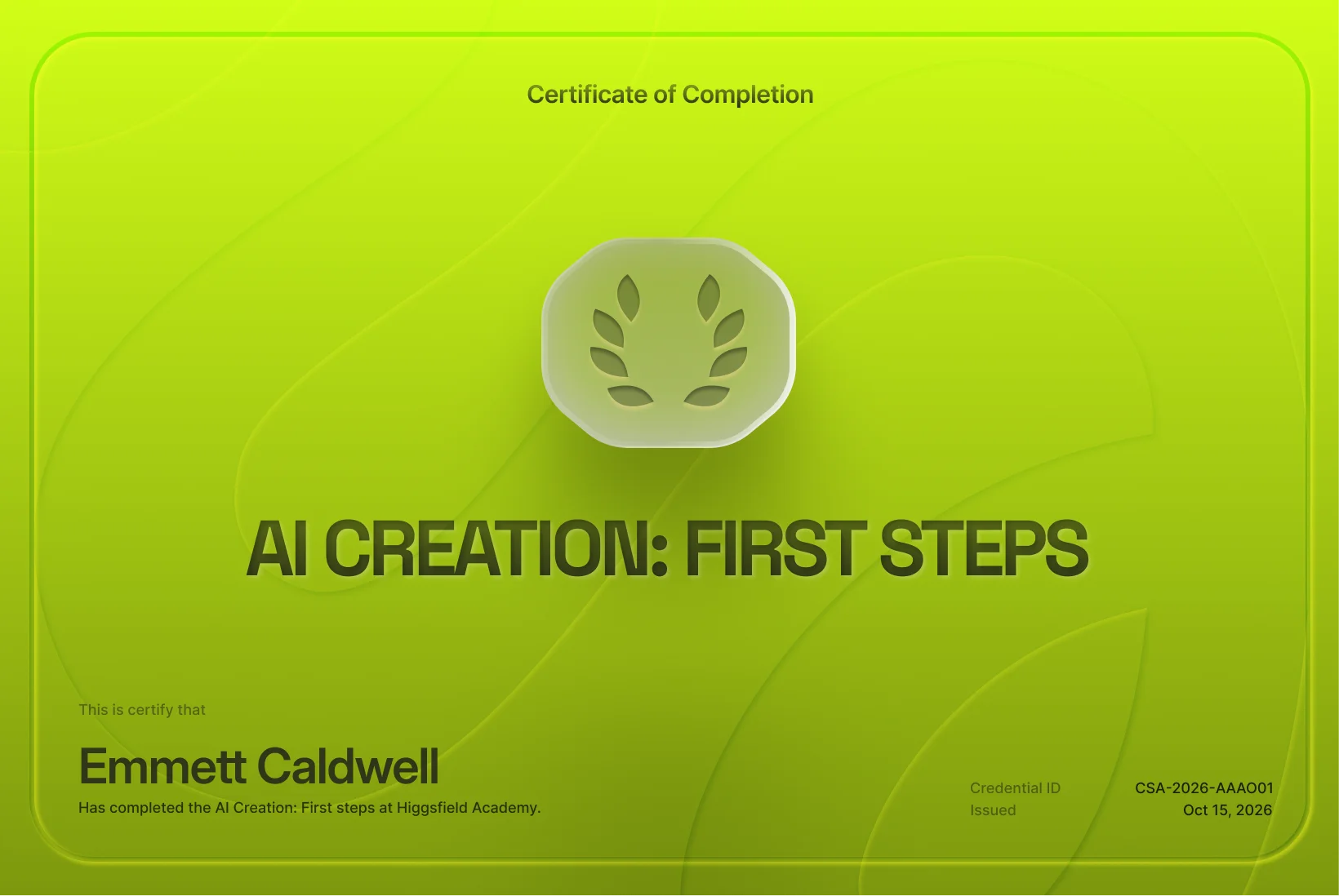
Post it in your stories when you finish.
Keep scrolling
Watch other people make AI videos, and keep wondering how
they did it.
Beginner course
Seven short lessons, from your first AI video to a finished scene.






A full Higgsfield plan renewed every month, credit support, tips and hands-on help growing your audience, and a direct line to Higgsfield.


Step-by-step guides, Help Center answers, and the latest updates in one place.



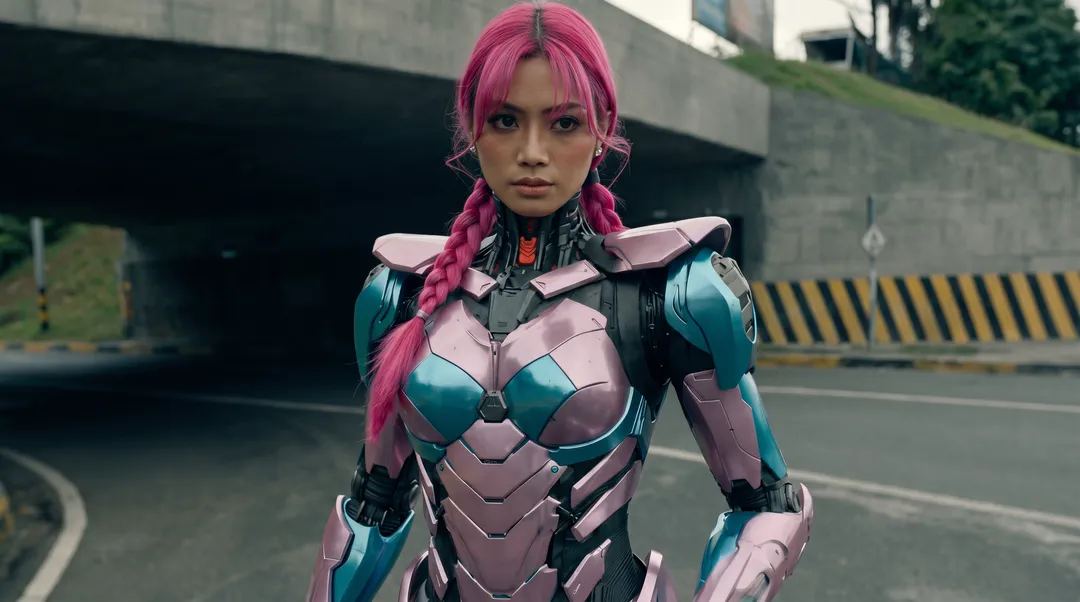

Share workflows, ask questions, and get feedback from fellow creators.

 community-events12
 prompt-discussion
 collaborations
 community-streams
 general-chat
 your-creations
 Community Stage
 Community Stage
 David
David

 Sharing their screenLive
 HiggsieSharing their screenLive
 Theo
Theo
Free videos on YouTube. They’re extras, not the course. Watch them after you finish.


We’ve answered the most frequently asked questions