
GPT image 2.6

The latest image model with 4K output, video-to-image and multi-turn editing — ready to use on Higgsfield, no setup needed

Try GPT Image 2.6

CHOOSE YOUR STARTING POINT

A FIRST IDEA, A FRESH PERSPECTIVE

  • Markup-guided edits, planning levels and transparent output for precise fixes and hero assets

  • The proven previous generation for high-volume production runs

  • The base model that brought reasoning to the line, for everyday concepts and drafts

what’s new

What’s new in GPT Image 2.6

Markup editing

Circle a face or sketch a new detail right on the image. Your marks guide the edit; the prompt explains the rest

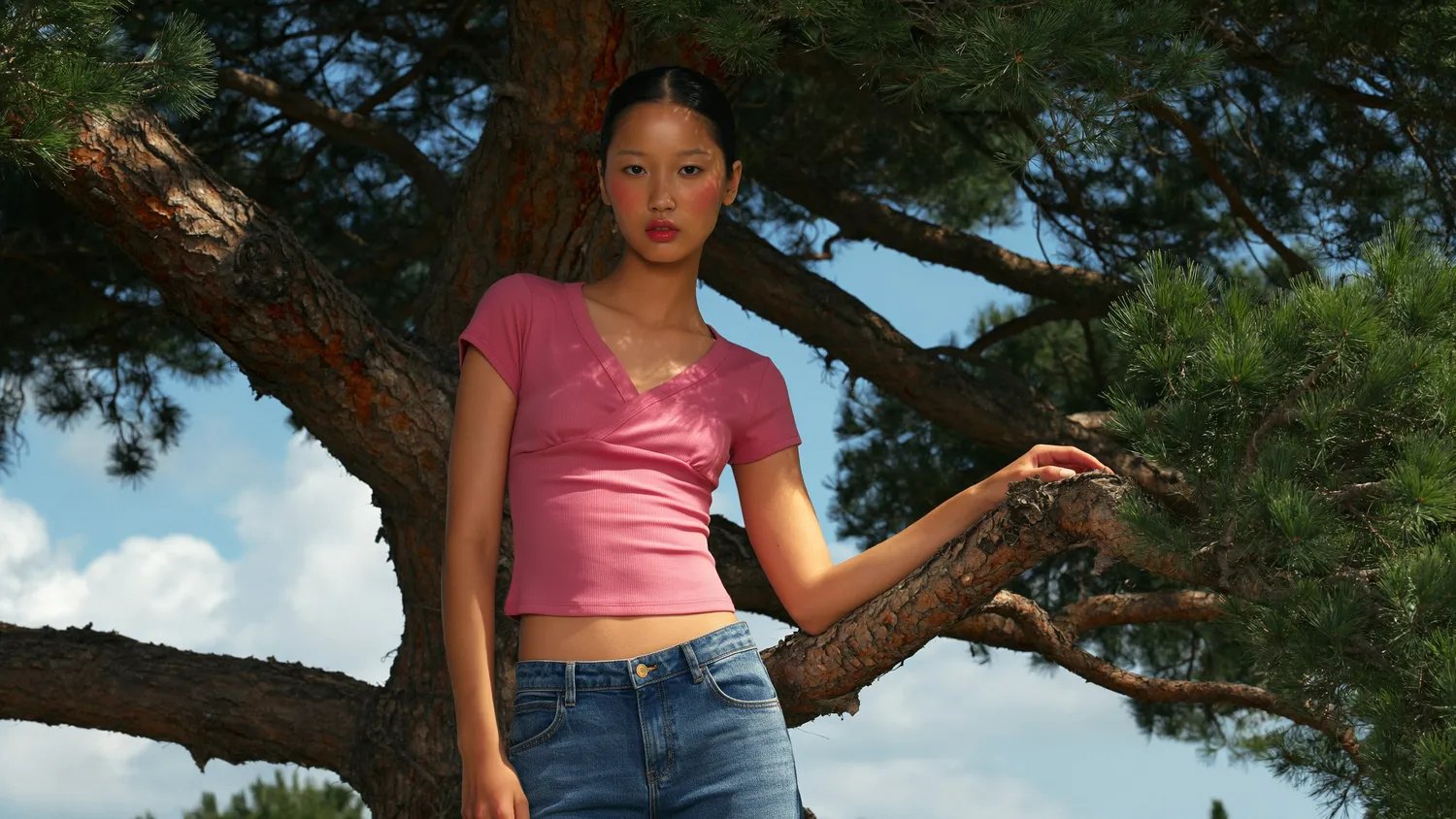
Model in a pink top standing among pine branches

Planning levels

Set how much the model thinks before it draws, from low to max. Low for quick drafts, high for layouts and busy scenes

Low planning level preview

Transparent backgrounds

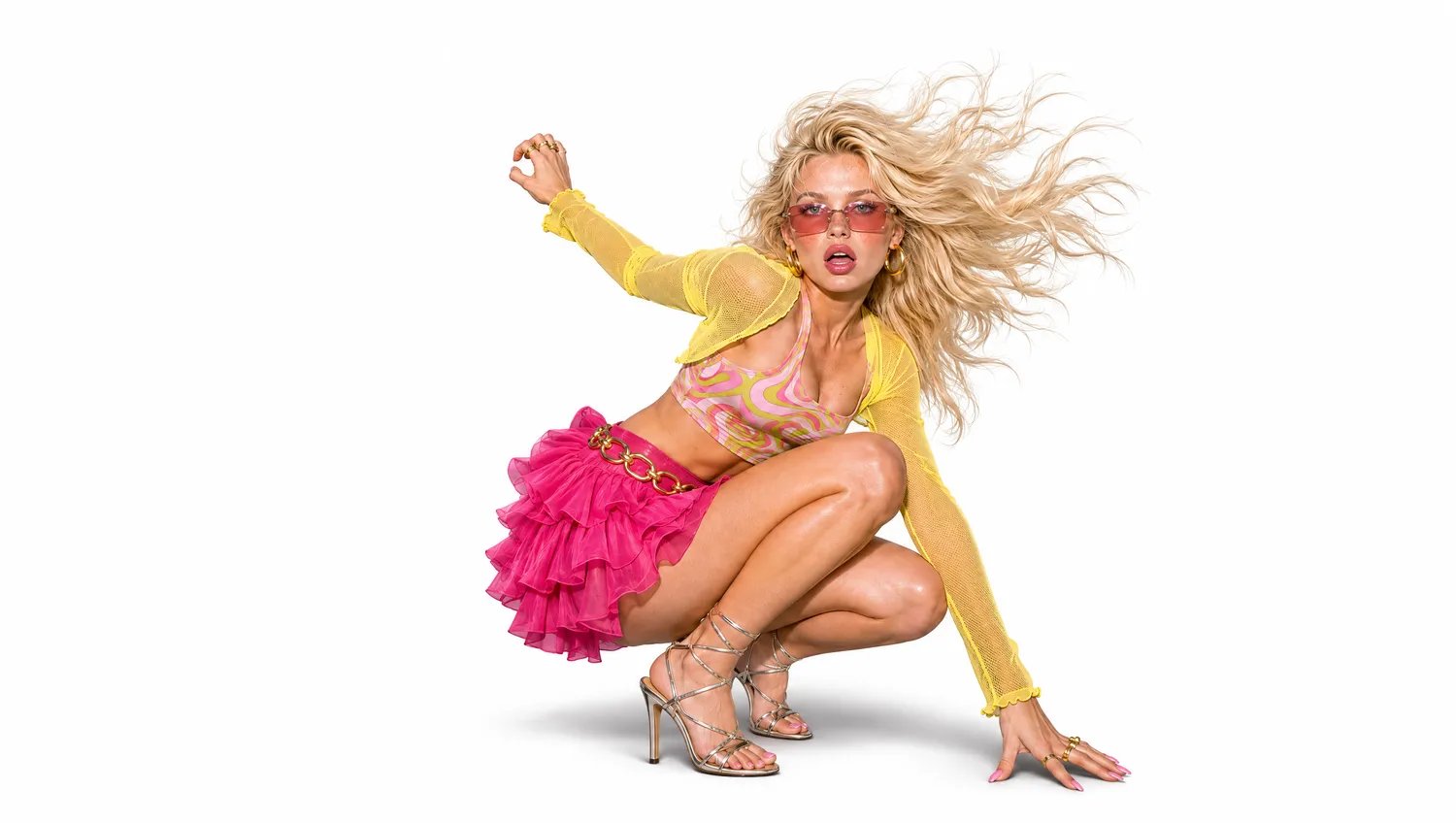
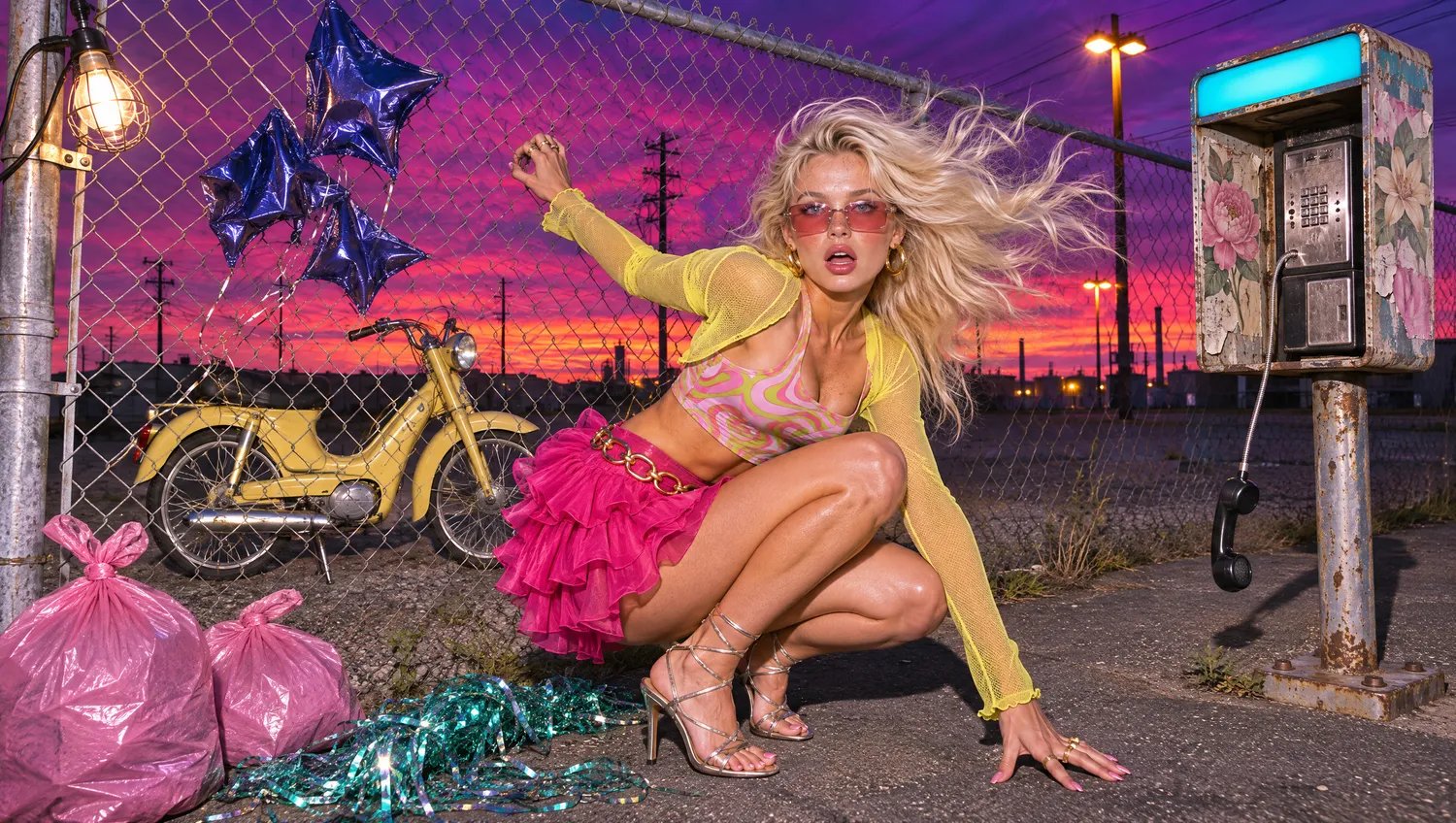
Get the subject alone with real alpha. Drop products and characters straight into decks, stores and video

Isolated model on a white background
Model against a colorful street background

Looping GIFs

Describe a scene, or start from a still, and say what should move. A wave, a blink, rising steam. You get a short seamless loop for stories, banners and chat

Create freely

Discover your next visual idea

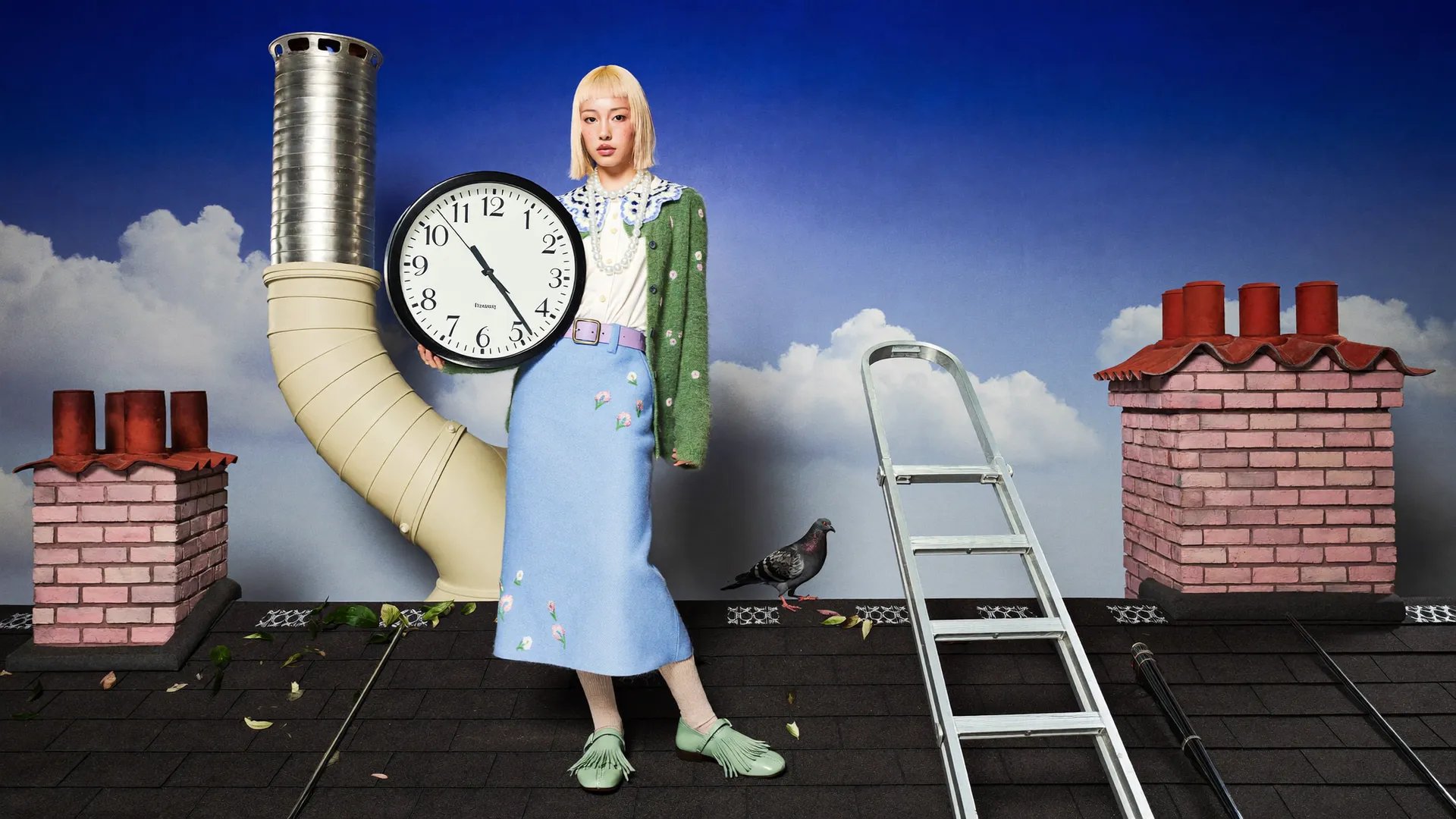
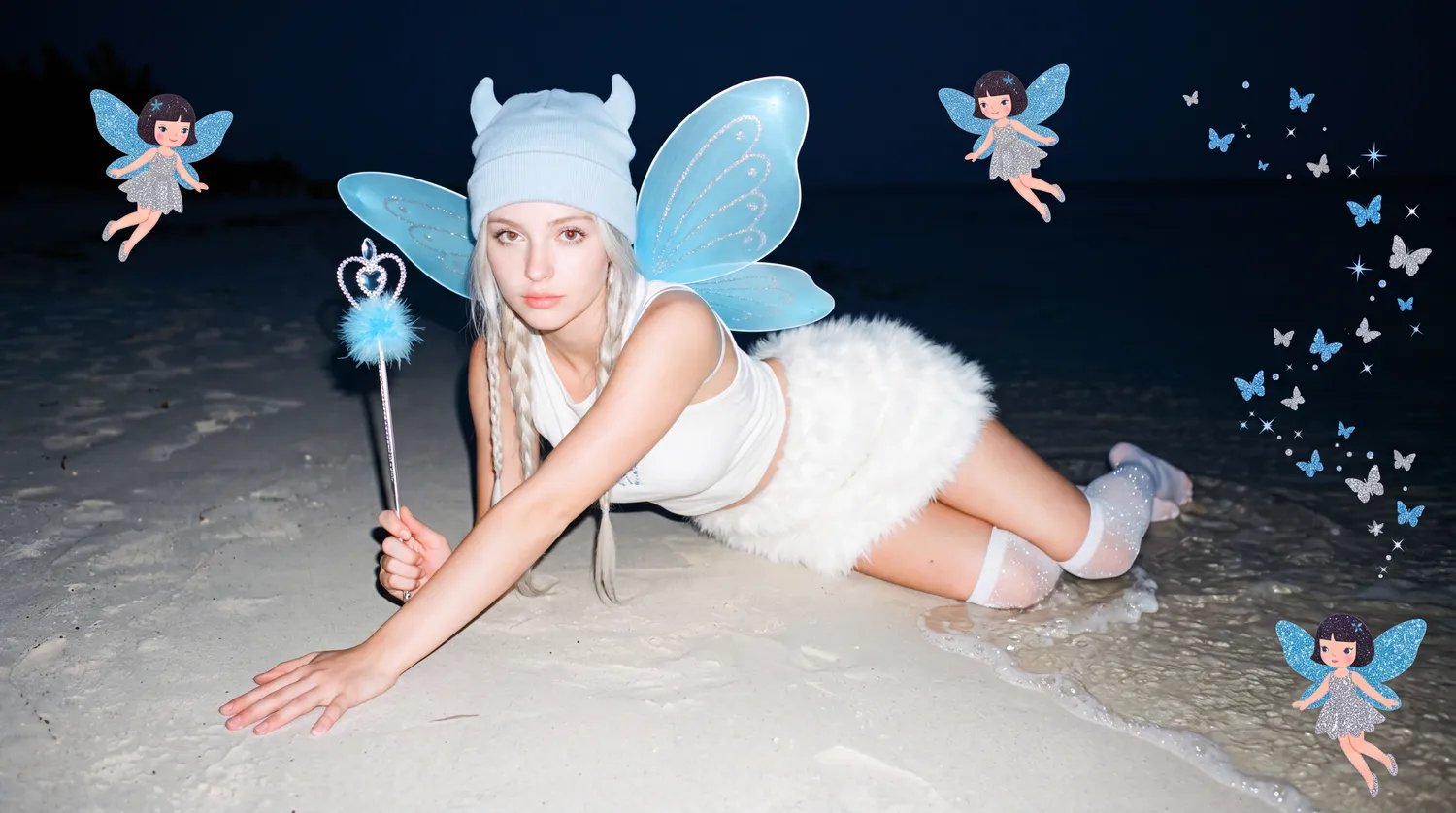
Rooftop fashion scene with an oversized clock

Slide 4 of 9

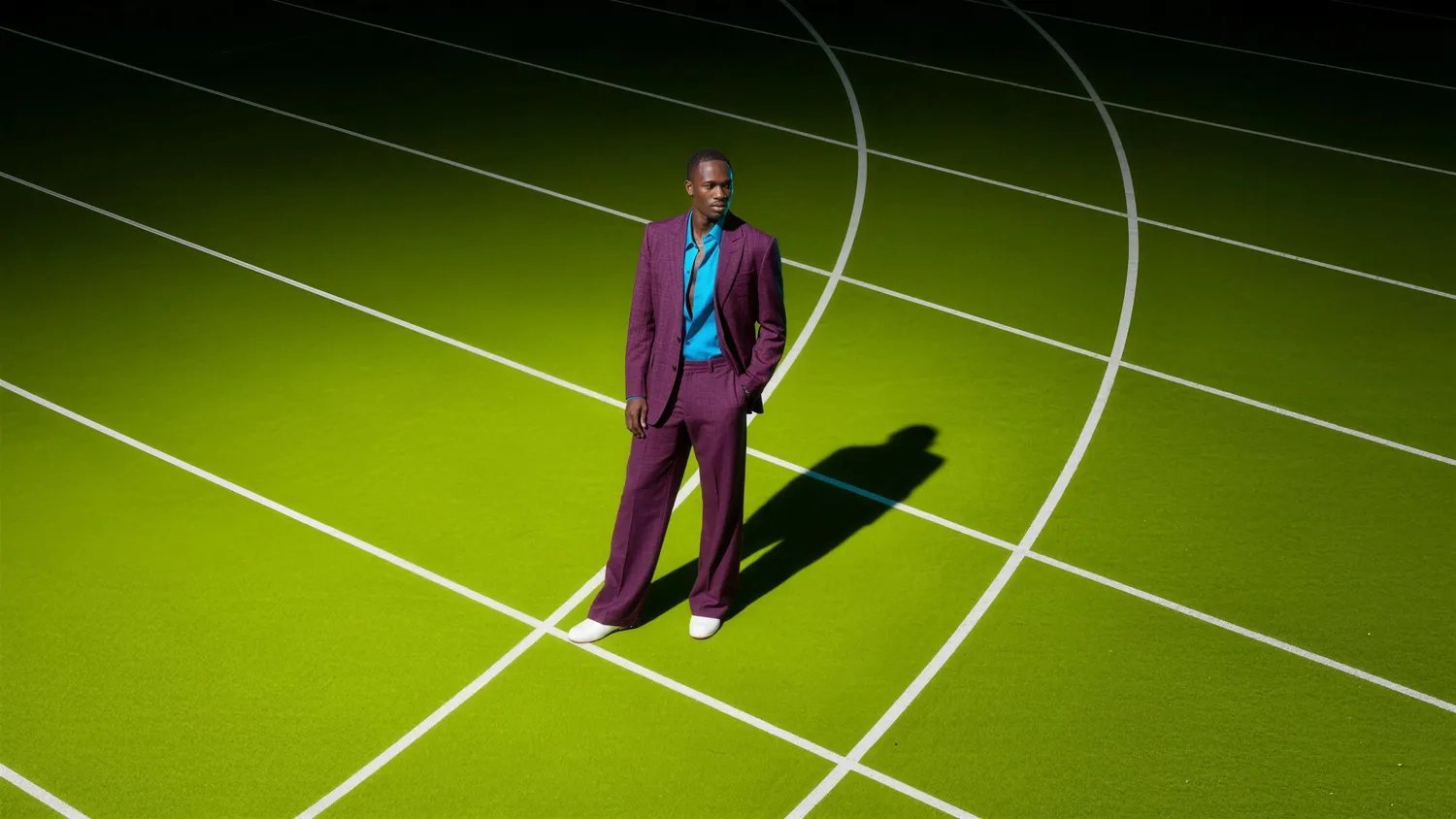
Playful fashion stories on imaginative sets

START WITH ACCESS

FROM PROMPT TO PICTURE

  1. 1

    Upload Image

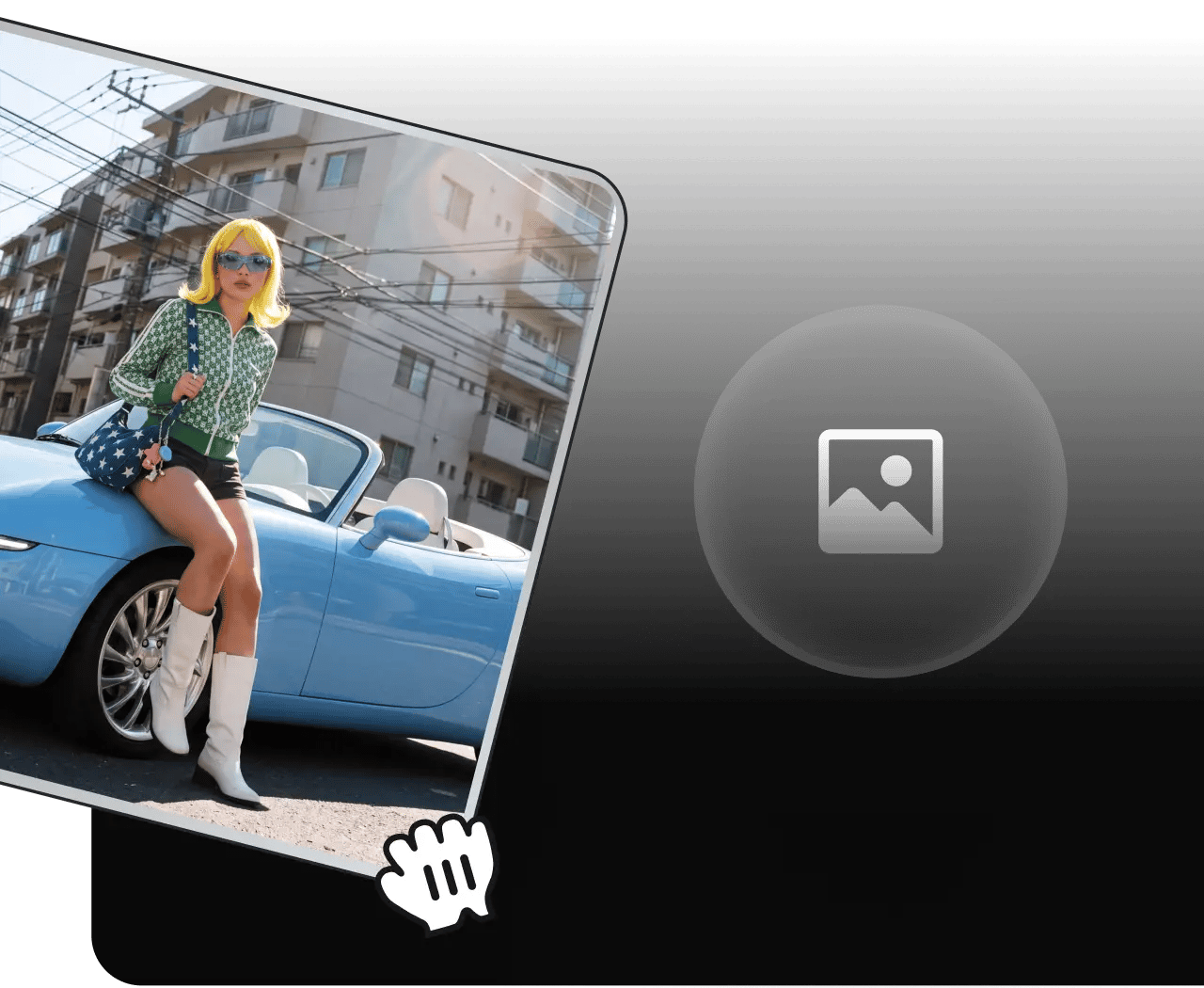
    Drop in any image - a photo, a render, a flat export from anywhere

  2. 2

    Mark it up and write the prompt

    Select GPT Image 2.6, set the planning level and sketch over the area you want changed

  3. 3

    Generate and export

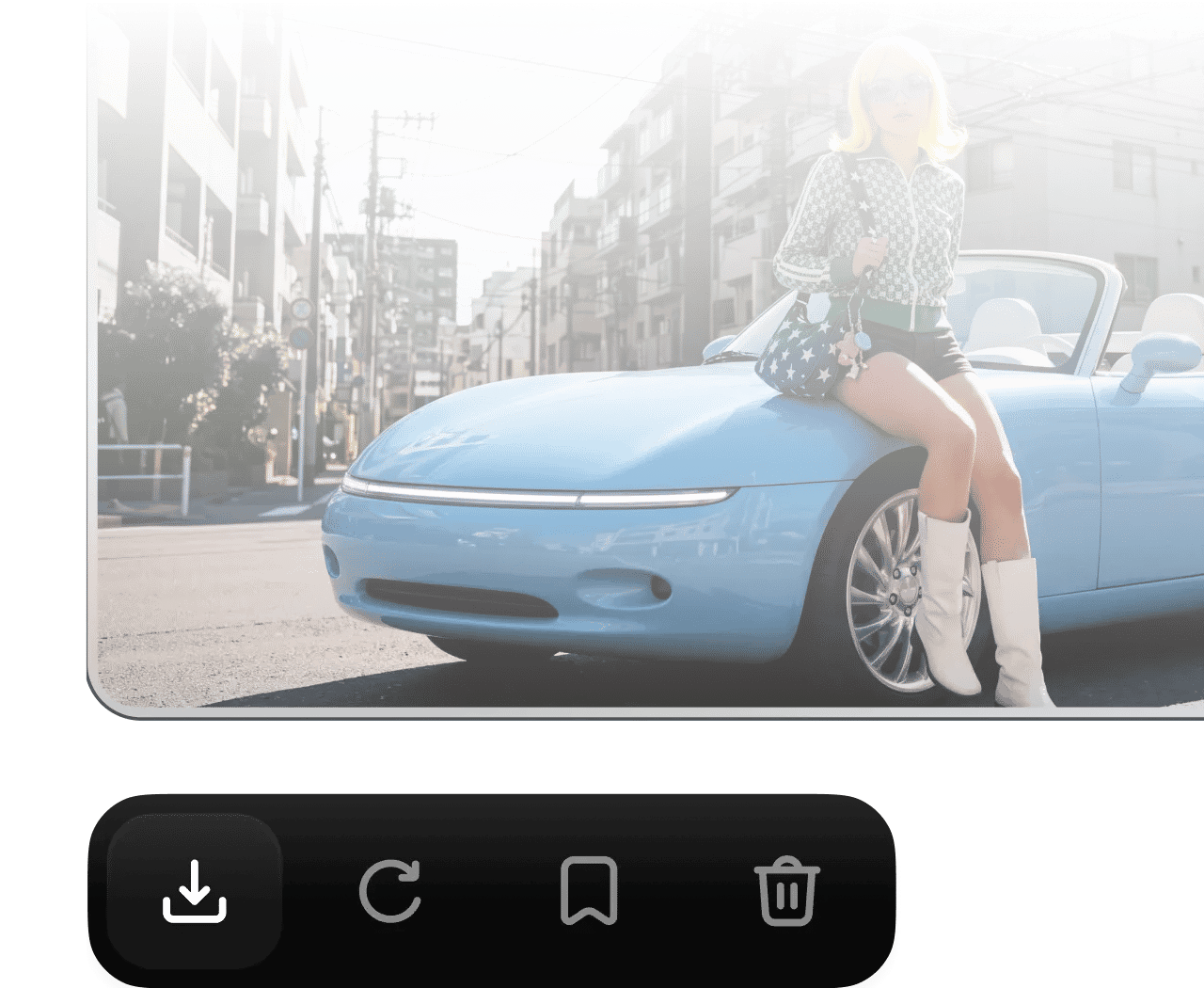
    Click “Generate” and download in full resolution, with transparency if needed

GOOD IDEAS START WITH A CLEAR VISION

Start with a thought, a photo, or a few words. Bring your idea to life with GPT Image 2.6 on Higgsfield

Community over 25 MILLION USERS

Join a global creative network where people generate AI images, share ideas, and inspire each other every day.

I've been using Higgsfield for my creative work for a while now and, honestly, it's one of the best platforms out there - the tools are powerful and the results speak for themselves. But what made me write this was the support. I had a question about my credits, and Tim handled everything with a transparency and care you rarely see.
Im a new customer of Higgsfield and enjoying it! I'm making some cool videos. I look forward to the advances on the platform! Oh, the support service is excellent!

Higgsfield A.I. has been the best and most exciting tool I've used since I first started editing back in 2008! I still can't believe we live in a time where we can type a sentence; prompt, on one end and get a blockbuster video that comes out on the other end! The site can feel overwhelming at times, but in a good way.

I am an Indonesian content creator based on my experience, I feel helped by the presence of this AI Agent higgsfield I say honestly and swear also thank you.. Because AI Agent Higgsfield has helped a lot, especially for creators in the form of our full support to create. In addition to this support, there are many other supports that are very helpful, especially the Higgsfield team

What Higgsfield is doing really well is making high-quality AI creation feel smooth, fast, and inspiring. I also appreciate how the company supports its creative community and gives artists the freedom to experiment, grow, and push visual storytelling to the next level.

The user interface (UI) is highly intuitive and beginner-friendly. Additionally, the cloud rendering speed for generating both images and videos is exceptionally fast, and the AI tools menu is very well-organized. I have completed numerous projects using Higgsfield, and every single one of them turned out perfectly.

For a long time, I have seen it as a useful and well-optimized tool, designed to help creators in the best possible way. I like that it constantly introduces updates and interesting features that improve the experience. That is why it has always been a platform that has caught my attention and that I have enjoyed using compared to others.

Honestly one of the best AI creative platforms out there. The credit pricing is surprisingly affordable compared to similar platforms, and what impresses me most is how consistently they keep shipping new features. You can tell the team actually listens and keeps pushing the product forward.

The Most Powerful AI Creative Platform for Creators. What impressed me the most is the level of support around the creator program. The team is helpful, professional, and always there when you need assistance or have questions. It really feels like they care about creators and want to help them grow.

Trusted by 5.000+ people worldwide

Still have questions?

We’ve answered the most frequently asked questions

What is GPT Image 2.6?
OpenAI’s latest image generation and editing model. It builds on the 2.5 line with markup-guided editing, adjustable planning depth and transparent output.
What’s new compared to GPT Image 2.5?
Markup lets you draw directly on the image to show where an edit goes instead of cutting a mask. Planning levels give you a dial for how much the model thinks before it draws, and transparent backgrounds come out of the model natively.
How does markup editing work?
Use the brush in the editor to circle, scribble or block in colour over the part of the image you want changed. Your marks become a transparent overlay that guides the model, and the prompt describes the outcome.
What do planning levels do?
They set how much reasoning the model does before generating, from low to max. Higher levels help with layouts, typography and scenes with many elements, and take a little longer.
Can it output transparent backgrounds?
Yes. Ask for a transparent background and you get a PNG with real alpha and only the subject in the file.
How is pricing structured?
GPT Image 2.6 runs on Higgsfield credits. Cost depends on resolution and planning level. See the pricing page for current rates.