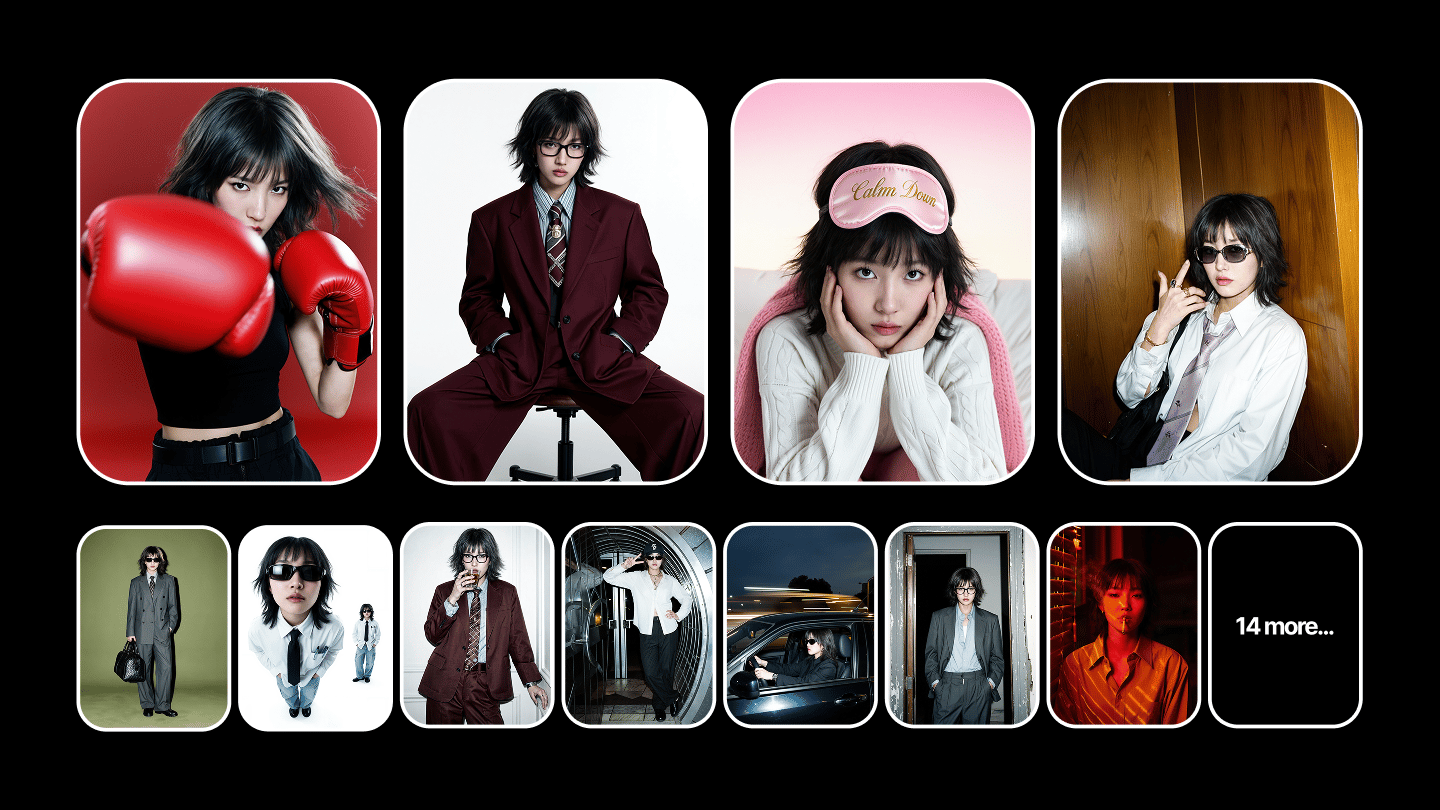
To make AI LipSync videos look realistic, use conversational scripts with emotion cues, generate expressive audio before animating the face, and choose a workflow that generates audio and facial animation together. The five problems that make most lip sync videos feel fake are fixable with input and workflow changes, not by switching models. LipSync Studio handles all of this in one place.
Lip sync accuracy is largely a solved problem in 2026. The harder part is everything around it: frozen expressions, voice tone that doesn't match the face, a character that looks different in clip 3 than clip 1. Those come from workflow and input decisions, not the lip sync model itself. LipSync Studio handles the model selection, Soul ID keeps the face consistent across clips, and Higgsfield Speak controls the voice before the face is generated.
Why Do AI LipSync Videos Still Look Fake?
When people watch someone speak, they process dozens of visual signals simultaneously: facial micro-expressions, eye contact patterns, head rhythm, posture shifts, and emotional timing. LipSync only addresses one of those signals. When the rest are missing or misaligned, viewers sense something is wrong even if they can't name what it is.
The five problems that account for most failed LipSync videos:
Problem | What it looks like | Root cause |
Frozen facial expressions | Face stays static except for the mouth | Voice and face generated separately; no expression layer applied |
Emotional mismatch | Excited voice, neutral face | Audio and visual generated in separate passes without alignment |
Unnatural eye behavior | Fixed stare, mechanical blink interval | Limited eye motion data in training; no gaze variation |
Repetitive gestures | Same head nod every 8 to 10 seconds | Small motion library recycled across longer clips |
Character drift | Different face across clips in a series | No persistent identity anchor between generations |
What Makes an AI Talking Video Feel Real?
A believable LipSync video coordinates six elements simultaneously:
Lip movement aligned to speech phonemes
Facial expressions that shift with emotional content
Eye movement: gaze shifts, natural blink intervals, focus changes
Subtle head motion that follows speech rhythm
Gestures that match meaning, not just fill screen time
Voice delivery with pacing, pauses, and tonal variation
Fixing the LipSync model while ignoring the other five produces marginal improvement. The biggest quality jumps come from the script, the source image, and the workflow type, not from switching between models.
Most tools only handle element 1. Google Veo 3 covers elements 1 to 4 in one pass: lip sync, expressions, head movement, and eye behavior together. Higgsfield Speak lets you shape pacing and tone before the face is generated, which is what drives element 6. Soul ID keeps the same face consistent across clips without re-uploading a reference each time. LipSync Studio has 10 models in total, each handling a different part of the workflow.
How Do You Fix the Most Common Problems?
Frozen facial expressions.
The cause is usually a source image with a neutral, flat expression. The model has nothing to animate from. Use an image where the subject has a light, natural expression, not a passport-photo neutral face. Adding emotion cues to the script also helps: words like [excited], [thoughtful], or [warm] in brackets give performance-based models a signal to animate from. In LipSync Studio, performance-based models read these cues directly, so the expression layer comes from the generation pass rather than a separate step.
Emotional mismatch.
This happens when the voice tone and the facial animation are generated in separate passes without a shared emotional reference. Performance-based workflows, where audio and facial animation are generated together, reduce this. If you are using a two-step workflow, match the emotional register of the voice before generating the face: calm audio for a calm face, energetic audio for an energetic one. This is why LipSync Studio pairs Higgsfield Speak for the voice with performance-based generation: the face is built from the same emotional reference as the audio, not animated to it afterward.
Unnatural eye behavior.
Most tools default to a fixed blink interval and minimal gaze variation. The fix depends on the tool. HeyGen's Avatar IV includes gaze variation on custom avatars. On tools without native eye behavior control, shorter clips (under 20 seconds) show the problem less than longer ones. Inside LipSync Studio, the performance-based models handle gaze and blink natively, so you get eye variation without per-tool workarounds.
Repetitive gestures.
Limited motion libraries produce the same head nod or shoulder movement every 8 to 10 seconds. On longer clips, this becomes obvious. The fix is clip length: keep individual generations under 30 seconds and cut between them. Gesture repetition accumulates in longer generations but resets on each new clip. This per-shot approach is how the LipSync Studio workflow is built, and Soul ID holds the same face across those cuts, so shorter clips don't cost you consistency.
Character drift.
The same person looking different across multiple clips is a persistent identity problem, not a LipSync problem. The fix is to use a trained identity layer rather than re-uploading the same photo each time. Soul ID on Higgsfield trains an identity model from reference photos that applies consistently across every generation. Without a trained identity, small variations in lighting, angle, or prompt shift the character's appearance between clips.
Where the model matters: Kling 2.6 Lipsync picks up emotion cues from the prompt and maps them into the animation pass. Google Veo 3 handles eye behavior and expressions natively. Higgsfield Speak gets the voice right before the face is generated. Soul ID keeps the same face across clips without re-uploading each time. All four are available in LipSync Studio.
Step-by-Step: How to Improve AI LipSync Quality
Step 1. Write for spoken delivery, not for reading.
Formal writing produces robotic delivery. Conversational language produces more natural facial animation because the model has more expressive cues to work from. Weak: "We are pleased to announce our latest product update." Stronger: "Today I want to show you something we've been working on for a while." Add emotion cues in brackets where the tone should shift: [excited], [calm], [direct]. Most performance-based models use these to vary facial animation parameters.
Step 2. Generate expressive audio first.
Voice is the input that drives facial animation. Monotone delivery reduces the range of facial motion the model generates. Use natural pacing, pauses at sentence breaks, and variation in emphasis before generating video. A flat audio track produces a flat face regardless of which model you use. Higgsfield Speak handles this voice-first step inside LipSync Studio, so the audio is shaped before the face is generated, not after.
Step 3. Use clean, front-facing source material.
For photo-to-video: sharp focus, even lighting, visible facial features, no heavy makeup or glasses obscuring the face geometry. Side-angle or partially obscured faces produce lower quality results across all tools. For video-to-video dubbing: stable footage with a clear, unobscured face and consistent head position. Footage with rapid head movement or extreme angles reduces LipSync accuracy.
Step 4. Choose the right workflow type.
Three distinct workflows exist, and using the wrong one for your goal is the most common source of poor results:
Talking avatar from a photo: upload a still image, add audio, get a speaking character. Best for AI presenters, brand characters, social content.
Persistent avatar platform: select or create a reusable avatar with consistent identity. Best for high-volume scripted content across many scripts.
Real footage dubbing: re-sync existing video to new audio. Best for localization, multilingual versions of recorded content.
LipSync Studio covers the photo-to-video and avatar workflows in one place, with Soul ID carrying identity across clips, so most of this happens without leaving Higgsfield.
Step 5. Review the full performance, not just the mouth.
Check: do the eyes move naturally? Do facial expressions shift with emotional content in the script? Does the head move with speech rhythm? Does the emotional tone of the face match the voice? A technically synced mouth on a frozen face is not a natural video.
Step 6. Iterate on one element at a time.
Change one variable per iteration: script first, then source image, then model, then workflow. Changing all three at once makes it impossible to identify what improved.
If you're running all of this in one place, LipSync Studio on Higgsfield covers the photo-to-video workflow end to end: audio generation before you animate, Veo 3 or Kling 2.6 for the generation itself, and Soul ID for identity across clips.
How Do These Tools Compare?
How Do These Tools Compare?Tool | Platform | Works well for | Approach | Main limitation |
LipSync Studio | Higgsfield | Multi-model lip sync, social and cinematic content | 10 models in one workspace; Soul ID integration | Output quality varies by model; no video-to-video dubbing |
Avatar IV | HeyGen | Photorealistic talking-head avatars, multilingual content | Persistent avatar identity; 175+ languages with lip sync | 20 credits/min; Creator plan ~10 min/mo; stiff on scripts over 60s |
Video Translation | HeyGen | Re-lip existing footage in a different language | Uploads any video, re-renders mouth to match translated audio | 30+ premium credits per video minute; gated on some plans |
Express-2 Avatars | Synthesia | Corporate training, onboarding, scripted presenter video | 240+ avatars with micro-expressions; included on all paid plans | 120 min/year on Starter; translation for non-Synthesia content is enterprise-only |
Video Lip Sync | Magic Hour | Re-syncing existing real footage to new audio | Video-to-video sync up to 60-90 seconds | No photo-to-video or avatar generation |
LipSync Studio is a multi-model workspace: 10 lip sync models in one place, from fast low-fidelity options to Veo 3 at 58 credits per 1080p clip. The model selection matters for output quality, and having access to multiple engines in one workflow means you can match the model to the shot rather than the other way around. Soul ID integration means the same trained face identity carries into spoken output without re-uploading a reference per clip, a step that other tools in this list require manually each time. Where it falls short: output quality varies significantly across models, and there is no video-to-video dubbing.
Avatar IV by HeyGen produces photorealistic talking-head output with the same avatar face and voice across unlimited scripts in 175+ languages. The credit structure is the main constraint: 20 premium credits per minute means the Creator plan for $29 per month (200 credits) covers about 10 minutes of Avatar IV.
Video Translation by HeyGen re-renders the speaker's mouth to match translated audio in 175+ languages, cloning the original voice in the target language. For localization of existing footage it is the most direct path. The cost, 30+ premium credits per video minute, makes longer content expensive on Creator plans, and it only works on footage you upload to HeyGen, not across other platforms or workflows.
Express-2 Avatars by Synthesia include micro-expressions on all paid plans with no additional credit cost, which is where they have an edge over HeyGen's credit-heavy Avatar IV. The format constraint is significant though: the Starter plan caps at 120 video minutes per year, and video translation for content not created inside Synthesia is limited to enterprise tiers. The whole workflow is self-contained: Synthesia avatars don't travel outside Synthesia.
Magic Hour Video Lip Sync handles the specific case of re-syncing existing real footage to new audio, up to 60 to 90 seconds with stable lip movement. For a brand that shot spokesperson video and needs a corrected voiceover or a localized version, it works without requiring an avatar or generated character. It doesn't generate avatars or animate still photos, which limits it to workflows where usable footage already exists.
What Does AI LipSync Generation Actually Cost?
LipSync Studio is not a separate product or add-on. It is part of the Higgsfield subscription alongside Soul ID, Cinema Studio, Marketing Studio, and access to 15+ video generation models. You pay for one plan and get all of them. The Starter plan at around $15 a month gives you 200 credits, enough for roughly 20 short Kling 2.6 LipSync clips. The Plus plan at $49 a month gives you 1,000 credits, which covers about 100 Kling 2.6 clips or around 15 to 20 clips using Veo 3.
Synthesia works differently: the Starter plan at $18 a month includes 10 minutes of video per month total, regardless of how many clips you make. That is enough for roughly 6 one-minute presenter videos. The Creator plan at $64 a month raises that to 30 minutes per month. HeyGen Creator at $29 a month gives you 200 premium credits, which at 20 credits per minute covers about 10 minutes of Avatar IV output. Magic Hour starts from $15 a month with a different usage-based model.
These figures are not directly comparable: Higgsfield prices per clip, while Synthesia and HeyGen price per minute of finished video. All prices verified June 2026, check each platform's pricing page before subscribing.
What Are the Limits of AI LipSync in 2026?
Multi-speaker scenes. Syncing two or more faces in the same shot with overlapping dialogue produces visible errors on every tool tested. Process each speaker separately and composite in post.
Emotional range. Tools can map happy, neutral, and serious to broad facial states reliably. Subtle emotions like skepticism, distraction, or irony don't transfer reliably from voice to face on any current tool.
Clips over 30 seconds. Gesture repetition and subtle expression cycling appear past 30 seconds on most models. Generate in shorter segments and cut between them.
Non-frontal source material. Side angles and partially obscured faces produce lower accuracy across all tools. Front-facing, well-lit source material is the floor requirement.
The Real Work Happens Before You Hit Generate
Most LipSync failures trace back to decisions made before the model runs: a flat script, a neutral source image, a monotone audio track, or a workflow that separates audio and face generation into unrelated passes. The model can only work with what it receives. Better inputs produce better output more reliably than switching between models.
The pattern that works consistently: write for delivery, not for reading. Generate audio with natural pacing and tonal variation before touching the video settings. Start from a sharp, well-lit, front-facing image with a natural expression. Pick a workflow matched to your use case, not the one with the most impressive demo. Then review the full performance: eyes, expression, head rhythm, and emotional alignment, before calling a clip done.