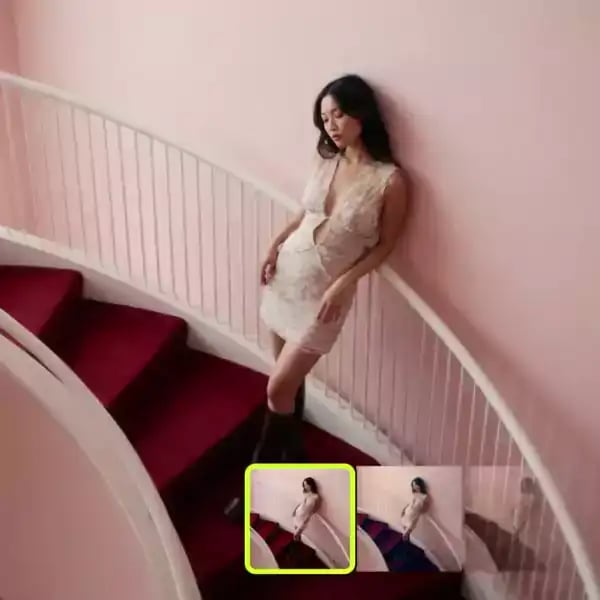
Video Background Remover
Upload any video and instantly remove the background with clean, frame-perfect results powered by AI

REMOVE VIDEO BACKGROUNDS IN 3 EASY STEPS

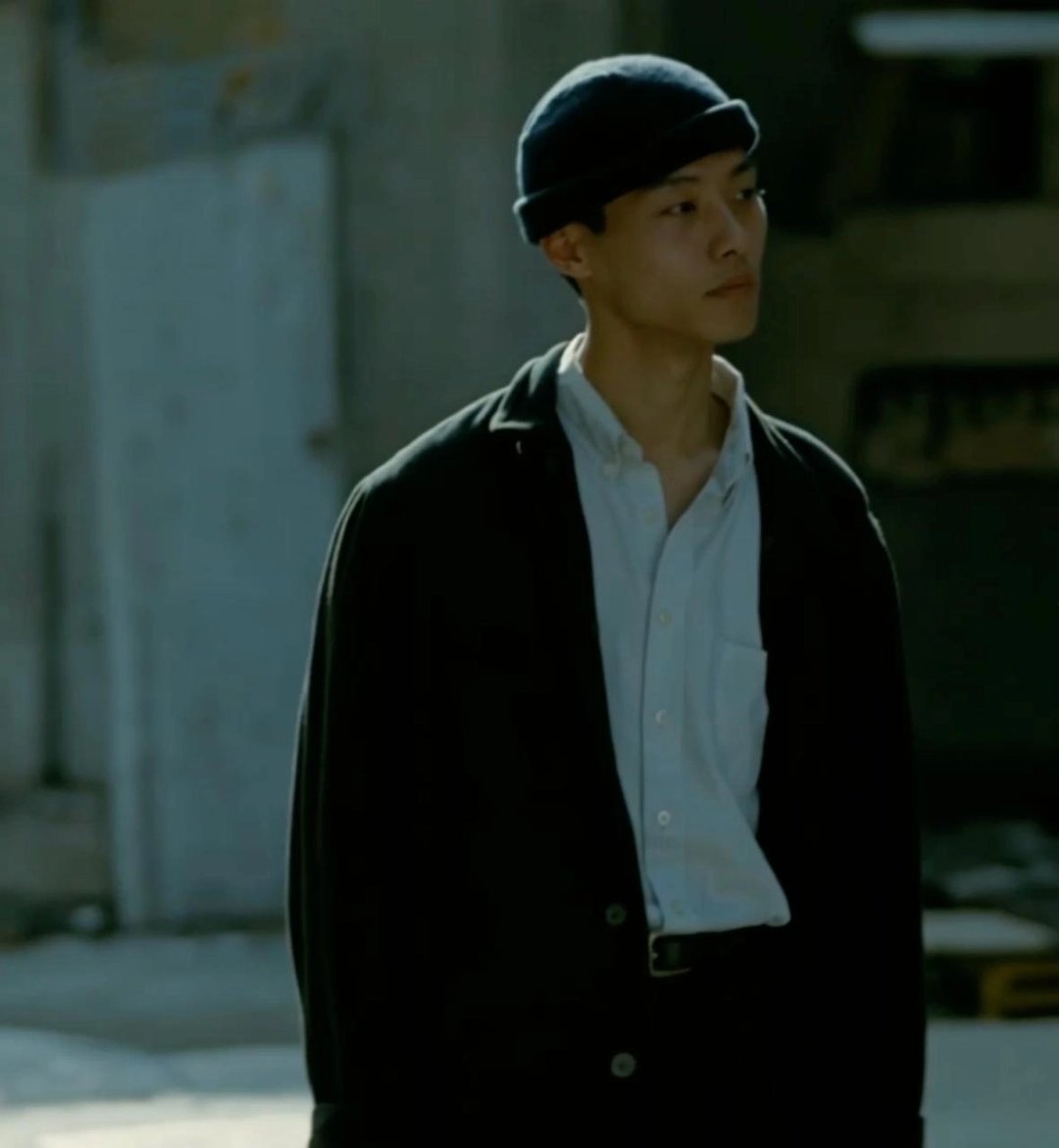
UPLOAD VIDEO UPLOAD VIDEO
MP4 or MOV — talking heads, product demos, vlogs. Our AI handles any subject in motion
LET AI DO THE WORK LET AI DO THE WORK
The model tracks your subject frame by frame and separates it from the background automatically
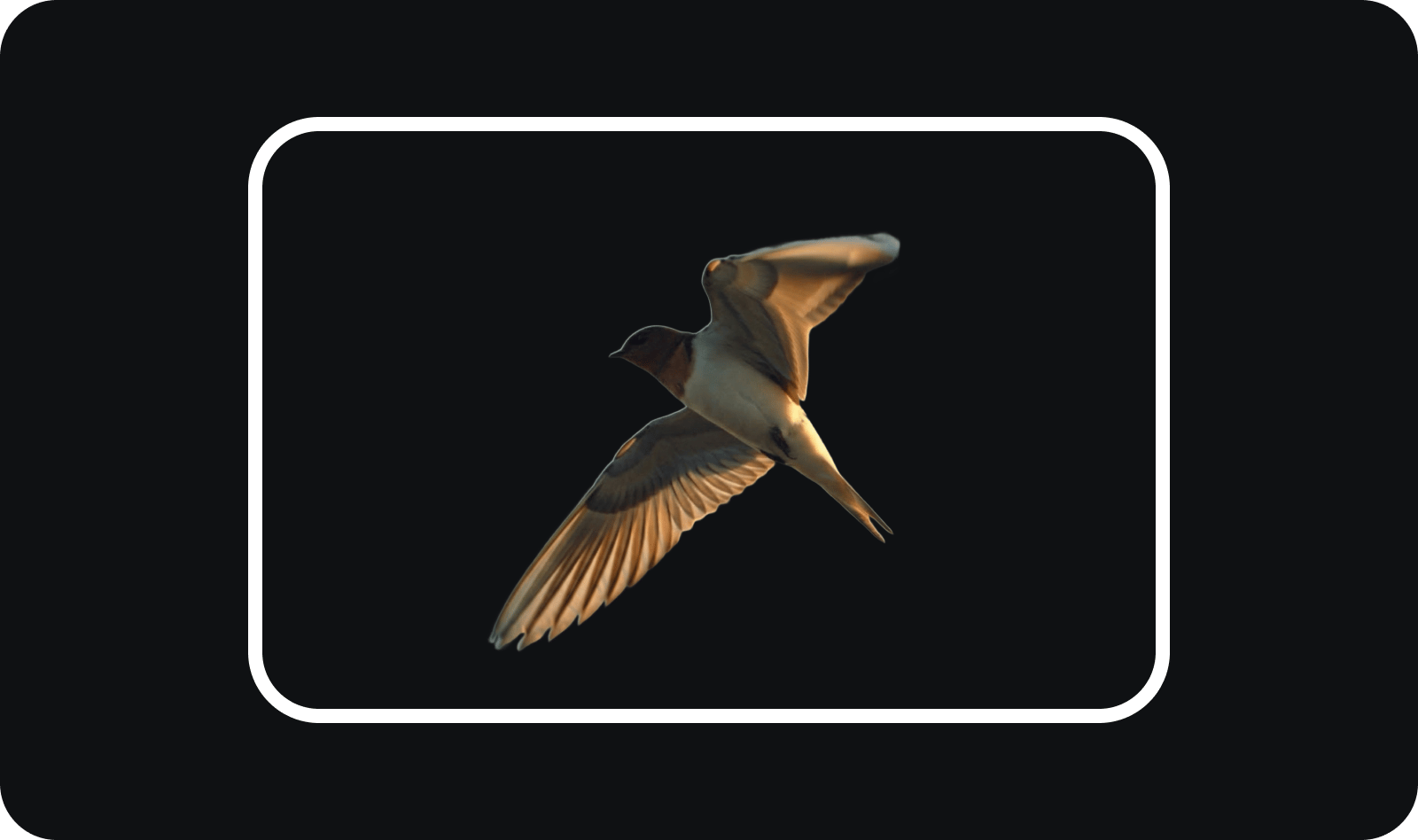
DOWNLOAD YOUR VIDEO DOWNLOAD YOUR VIDEO
Get a clean video with the background removed — ready for compositing, green screen replacement, or your next Higgsfield creation

Built for FRAME-PERFECT VIDEO CUTOUTS
Everything you need to isolate subjects in motion. AI Video Background Remover tracks subjects frame by frame, preserves fine details, and delivers clean results every time
Frame-by-Frame Tracking
The model follows your subject through every frame — handling motion, rotation, and occlusion while keeping edges crisp and natural
Temporal Consistency
No flickering, no jitter. The AI ensures smooth, stable cutouts across the entire video — edges stay consistent from first frame to last
One-Click Processing
No rotoscoping, no manual masks. Upload your video, hit Generate, and the background is gone — clean removal without hours of manual work
Pick your plan
Get access to more generations and priority access to new features
Still have questions?
We’ve answered the most frequently asked questions
What is AI Video Background Remover?
How does AI Video Background Remover work?
Will my original subject be altered?
What can I use the result for?
What video formats can I upload?
Do I need to write a prompt?
Explore More Apps
Discover more creative tools and effects across Higgsfield